How do I use the Dragon Energy Battle Anime Video template?
Edit the prompt in the box under the preview — the template's model and format are already selected — and press Generate. Your version appears right on this page.
An epic anime-style video prompt featuring two warriors summoning giant energy dragons for a spectacular battle inside an ancient temple.
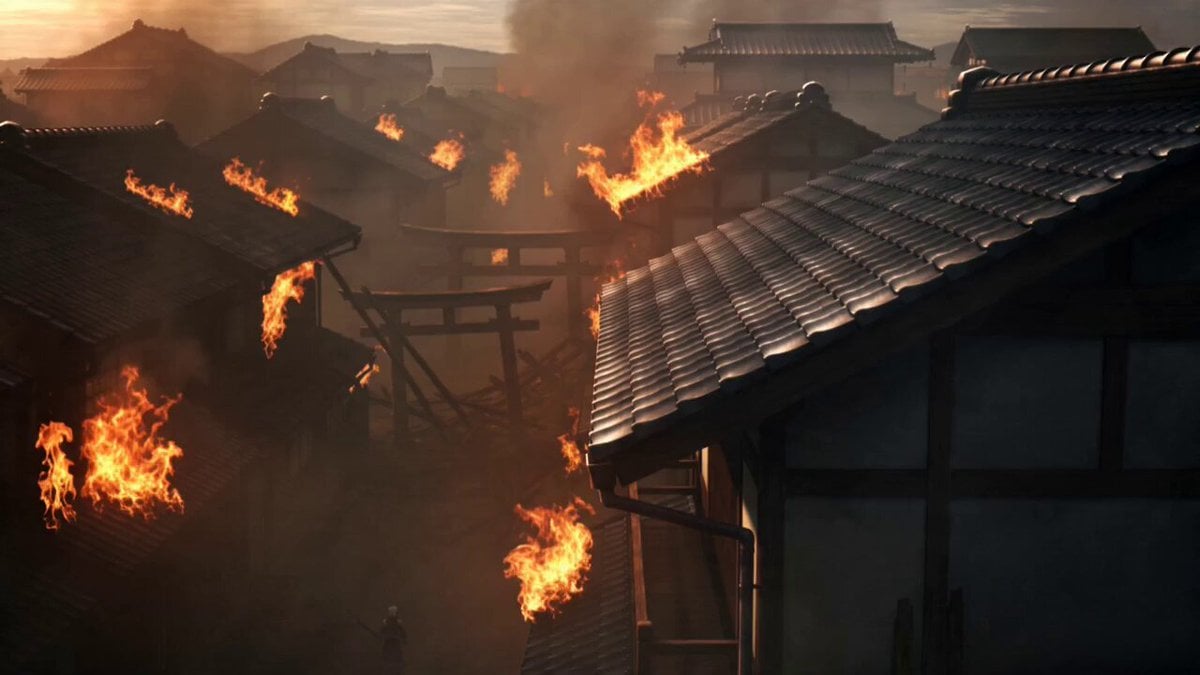
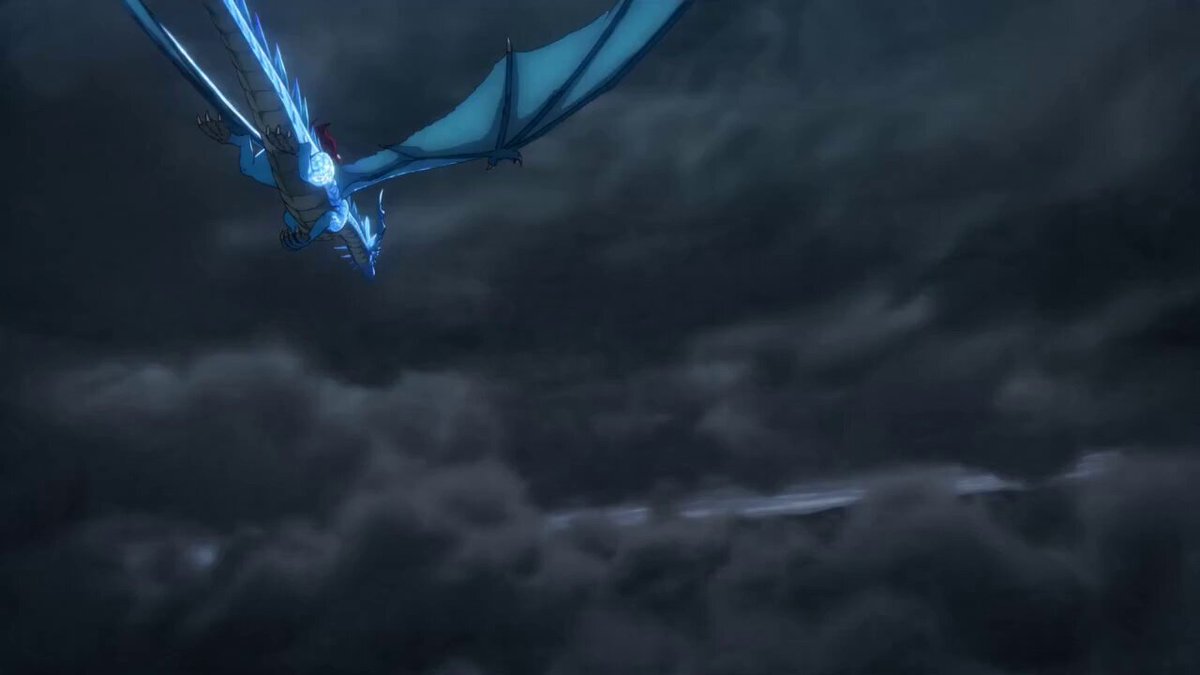
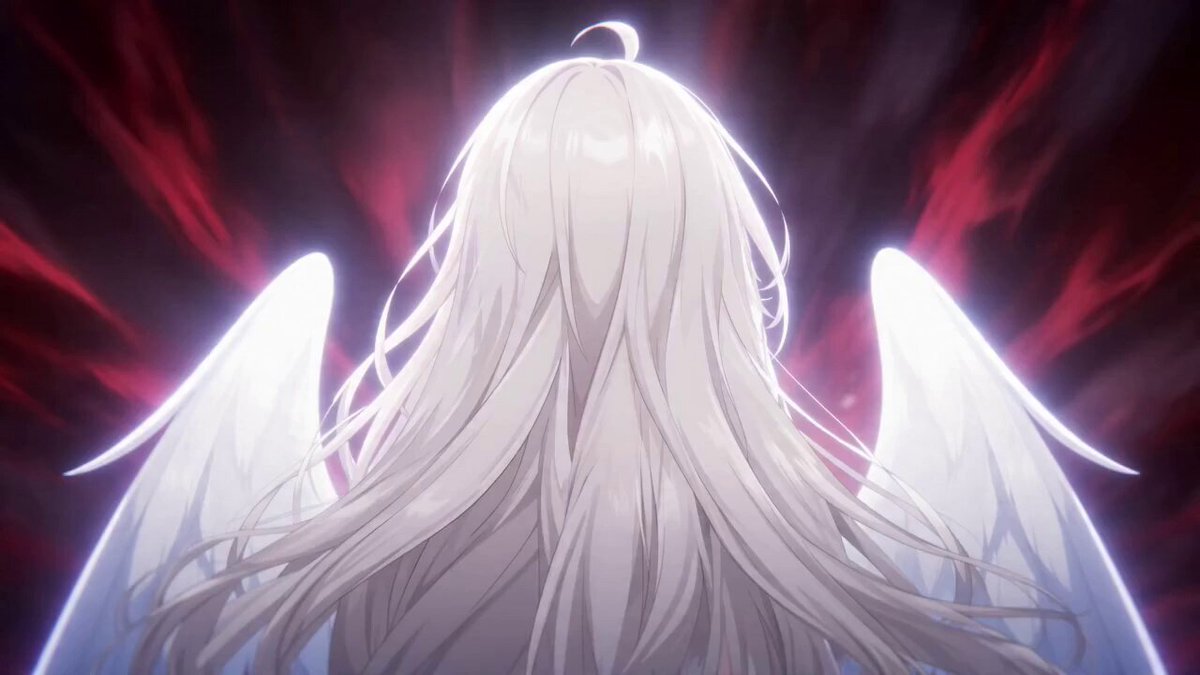
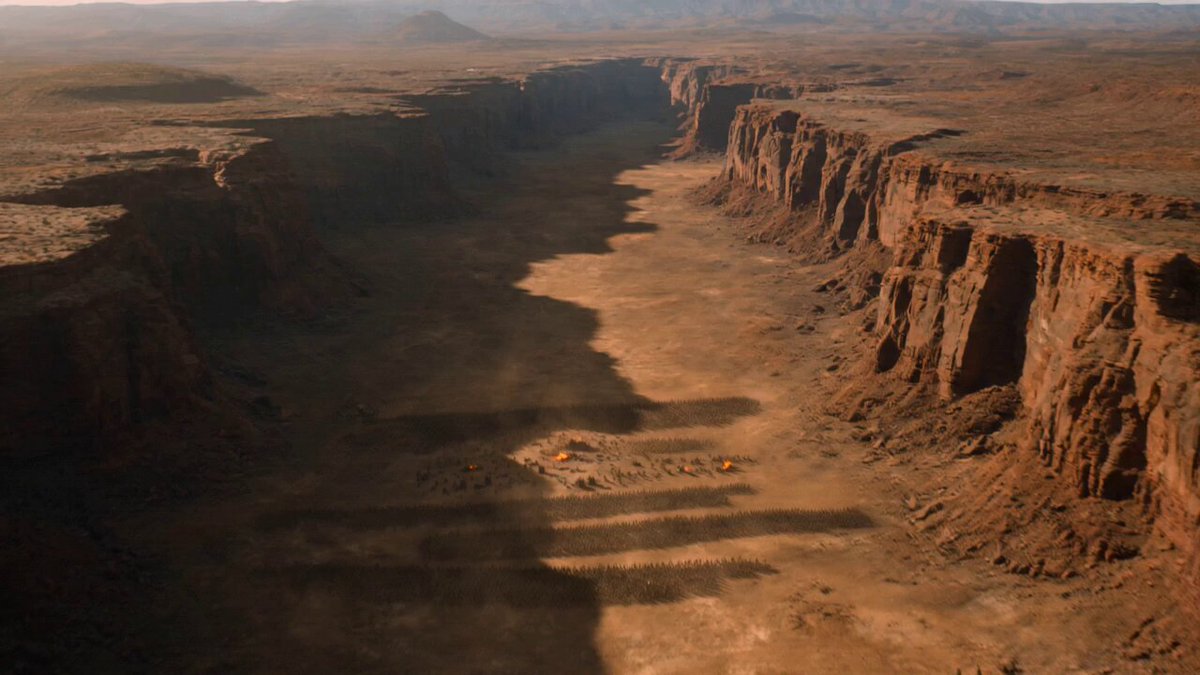
0–5s: Two anime warriors face each other inside an ancient ruined temple. One radiates golden fire while the other commands blue lightning. Giant dragon-shaped energy forms behind each fighter. 5–10s: The dragons charge together as the warriors engage in an intense martial arts battle. Every punch generates expanding shockwaves, glowing embers, lightning bolts, and flying stone debris. 10–15s: Both dragons collide above the temple in a spectacular explosion of fire, lightning, and glowing particles. The camera rises high above the battlefield to reveal the entire temple surrounded by the expanding energy wave. Style: Epic anime, cinematic composition, dynamic camera, fluid animation, realistic fire and lightning simulation, volumetric atmosphere, blockbuster visual effects, no text, no watermark.
0–5s: Two anime warriors face each other inside an ancient ruined temple. One radiates golden fire while the other commands blue lightning. Giant dragon-shaped energy forms behind each fighter. 5–10s: The dragons charge together as the warriors engage in an intense martial arts battle. Every punch generates expanding shockwaves, glowing embers, lightning bolts, and flying stone debris. 10–15s: Both dragons collide above the temple in a spectacular explosion of fire, lightning, and glowing particles. The camera rises high above the battlefield to reveal the entire temple surrounded by the expanding energy wave. Style: Epic anime, cinematic composition, dynamic camera, fluid animation, realistic fire and lightning simulation, volumetric atmosphere, blockbuster visual effects, no text, no watermark.
Edit the prompt in the box under the preview — the template's model and format are already selected — and press Generate. Your version appears right on this page.
Yes. You can change the subject, setting, lighting, mood, format, and available model controls before creating your video.
Opening and editing this template is free. Generating uses credits, shown on the Generate button when you are signed in.
Start with Seedance 2.0, which is the model associated with this template. You can compare another compatible model for a different finish.
Follow a topic to a crawlable collection of related PicX Studio templates.