
Amazon FPV Drone Chase — Seedance 2.0
15s unbroken FPV drone chase through Amazon rainforest, insectoid drone, Seedance 2.0
- Prompt included
- Model and format preset
- Free template
The prompt behind this video
Copy the exact prompt behind Amazon FPV Drone Chase — Seedance 2.0, or open it in the studio and make it yours.
Start high above a dense Amazonian rainforest canopy, an unbroken green ocean, as the camera drops in a vertical plunge through a gap in the trees. Below the canopy, a compact wasp-like reconnaissance drone tears through the mid-story at terrifying speed, dodging trunks and vines. Its design is insectoid and aggressive: iridescent dark green carapace, four articulated rotor-wings that fold and extend independently for impossible maneuvers, compound-lens camera eyes that glow amber, and a rear stinger antenna crackling with scanning pulses. Parrots explode from branches, leaves shred in its rotor wash, and spider webs snap like glass. Without a cut, the camera follows from wide canopy breach into an intimate chase through the green cathedral, revealing individual leaves slicing off vine stems, moisture misting off the rotors in spiral patterns, bark fragments spraying from near-miss tree trunks, and shafts of dappled sunlight strobing across the carapace. It darts ahead through a curtain of hanging moss for a dramatic reveal shot as the drone bursts through behind it, then spirals around a massive trunk alongside the drone in a synchronized helix. For the climax, the canopy ahead is choked by an enormous fallen tree draped in vines — a solid wall of vegetation. The drone folds all four rotor-wings flat against its body, becoming a dart, and fires its scanning pulse forward — the pulse illuminates a narrow gap in the debris. The drone threads the gap in a spinning corkscrew, vines whipping off its folded wings, and explodes out the other side into a hidden clearing where a massive waterfall cascades into a crystal pool. The camera spirals upward through the mist and rainbow spray for one final epic reveal — the secret paradise hidden within the endless green.
How to use Amazon FPV Drone Chase — Seedance 2.0 in 3 steps
- 1
Open
The prompt is already in the box next to the preview, with the template's model and format selected.
- 2…a portrait of your subject in softgolden-hour light, 85mm…
Personalize
Edit the subject and creative details for your destination.
- 3Generate
Generate
Press Generate — your video is created in PicX Studio, so you can compare it with the original and refine one variable at a time.
More like this
Templates with the same subject, style or setup. Open one to see its prompt.
Speeder Chase Across a Cliff City
Pearl Harbor Attack — Seedance 2.0 FPV
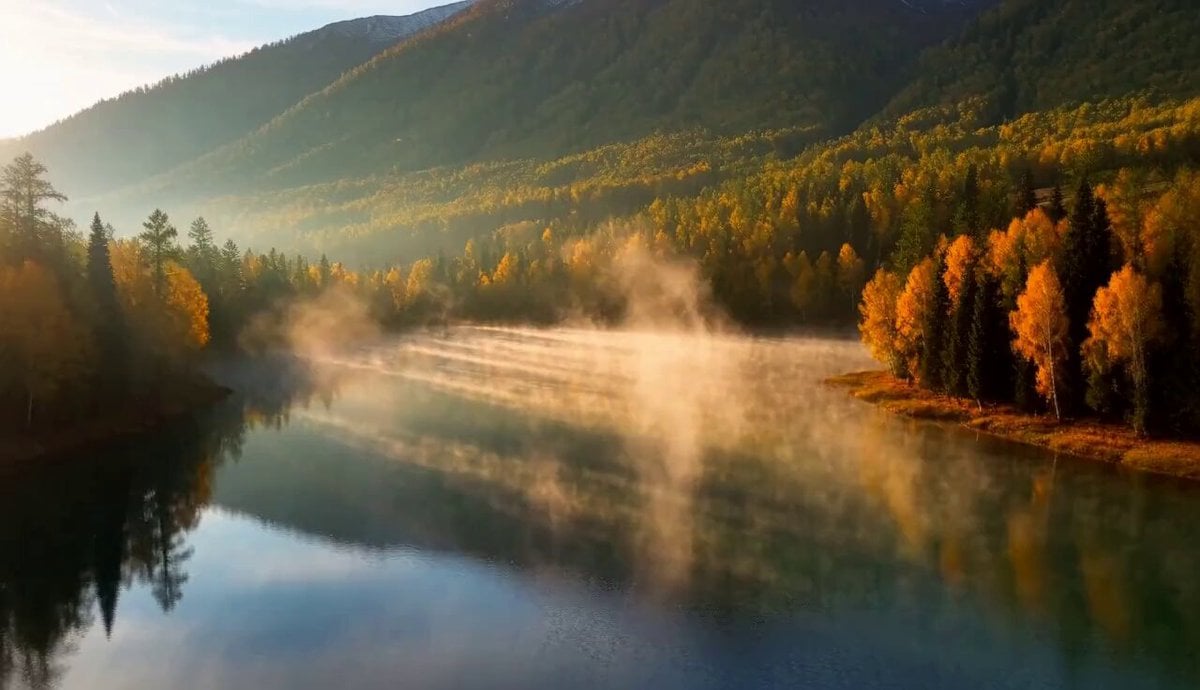
Cinematic Xinjiang Drone Landscapes - Seedance 2.5
Rainforest Thriller — Searching the Unseen
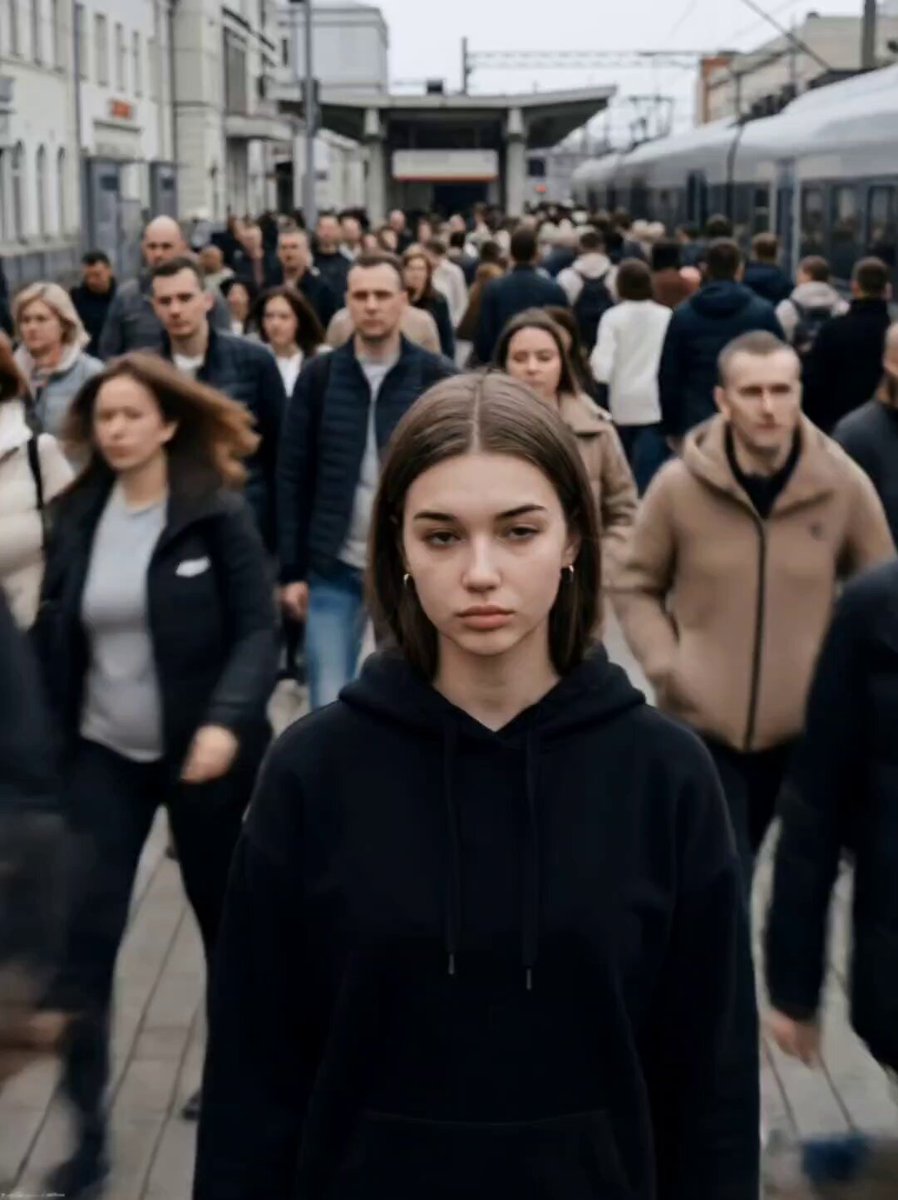
Cinematic Short Film Scene
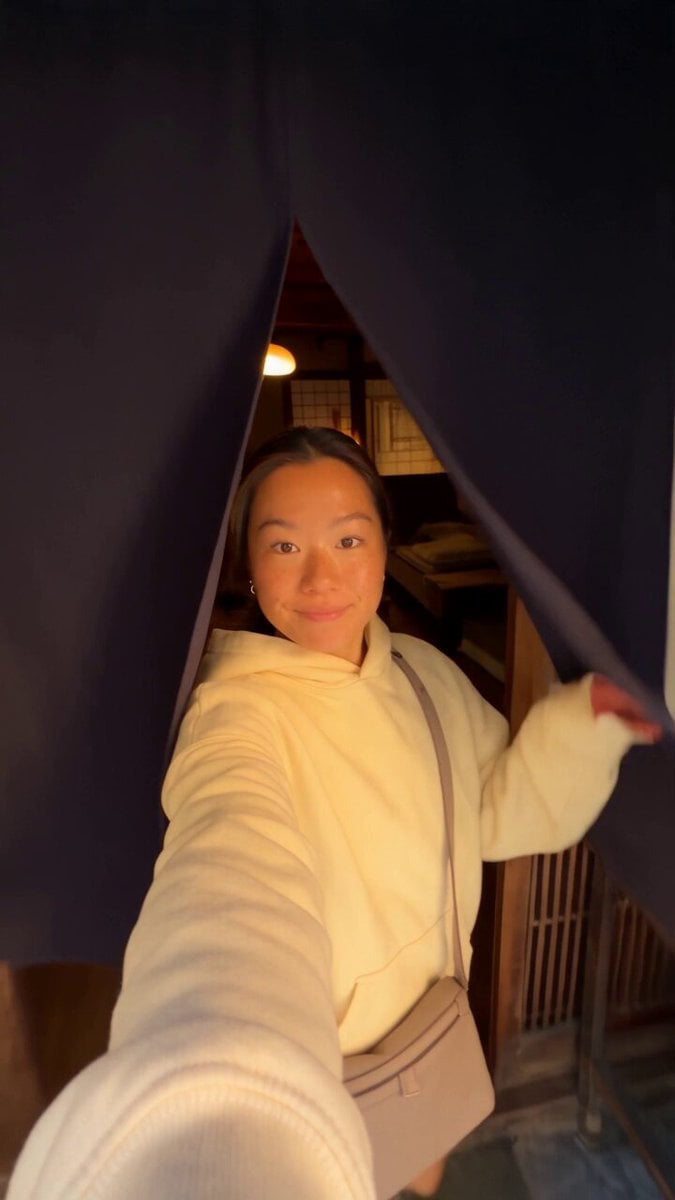
Kyoto Morning Selfie Vlog

Cartoon Donut Heist Bakery Chase
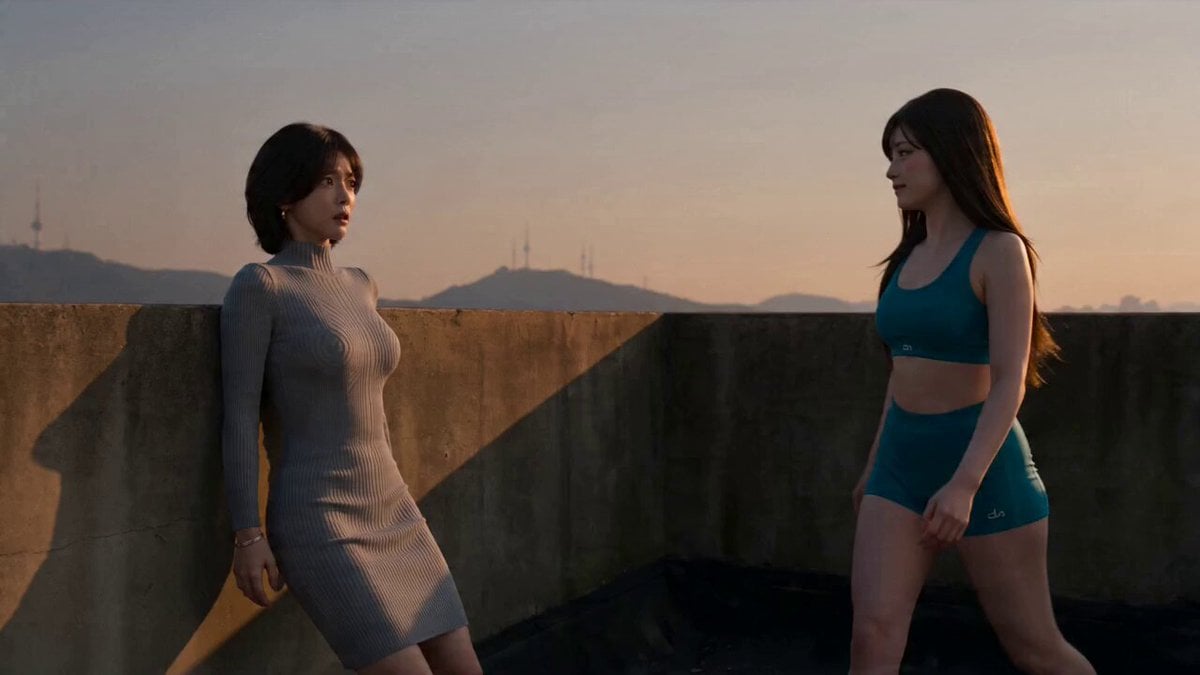
Seedance Seedance 20 Urban Romance Wall Pin Kiss
Time Stealer — Seedance 2.0
City Timelapse Growth — Seedance 2.0
Coward King — Seedance 2.0 Dark Fantasy
Out of Control — Seedance 2.0
Make it yours
Amazon FPV Drone Chase — Seedance 2.0 works as-is. These are the safest ways to change it without losing the look.
Change one field
Copy a single group, rewrite it, and generate again so you can see what that field is doing.
Keep the frame, change the subject
Hold the composition and light of Amazon FPV Drone Chase — Seedance 2.0, then swap wardrobe, props or the person for a new take.
| If the result… | Why | Fix |
|---|---|---|
| The result drifts from the preview | Too many fields changed at once. | Reuse Amazon FPV Drone Chase — Seedance 2.0 as-is first, then change one group — subject, light, or setting. |
| The model over-stylizes the scene | The prose prompt leaves finish and camera underspecified. | Add one camera or lighting sentence and stay on Video Seedance. |
More Video Seedance templates
Other prompts made for Video Seedance.
X Johnagi168 Work Seedance Video
X Johnagi168 This Is My Work Gpt Image 2 Seedance 2 0
X Chillaikalan Nano Banana Pro Seedance 20
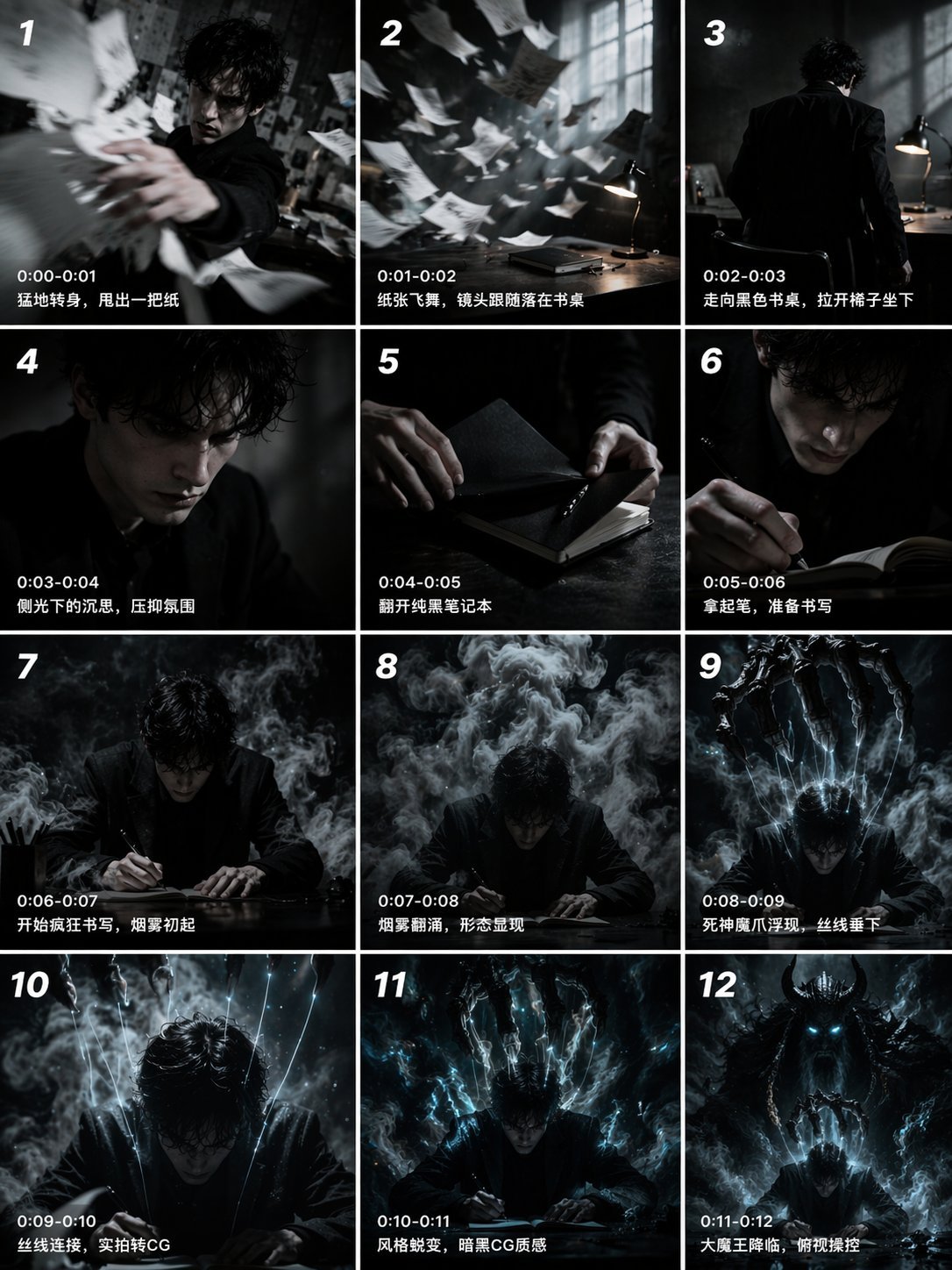
Gpt2 Gpt2 Seedance Storyboard to Video
Emily Seedance Pixel Horror Rpg
Mrdasonx Quantum Missile Bullet Time
Ai Gezgini Hiroshima Fpv
Olivio Sarikas Shrinking Girl Bee
Emily Seedance Tokusatsu Sisters
Alla Kling World Acceleration
More video prompts
Fresh picks from across the catalog.

Cyber Dragon Female Warrior Video
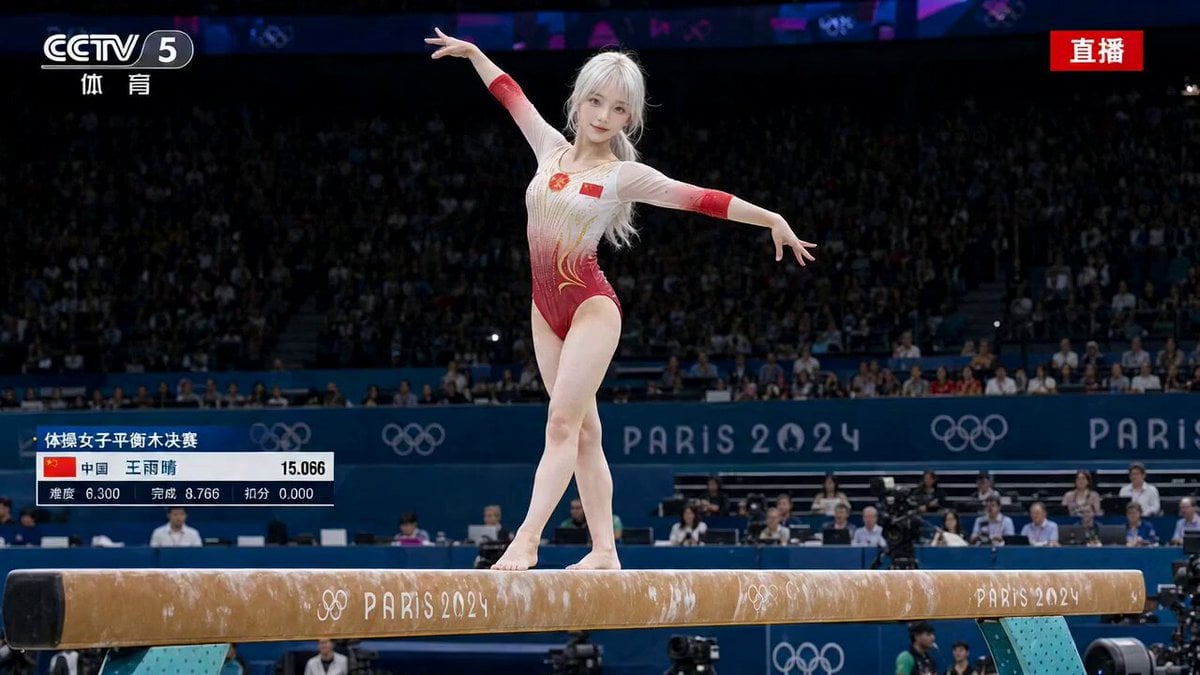
Olympic Gymnastics Balance Beam Sequence
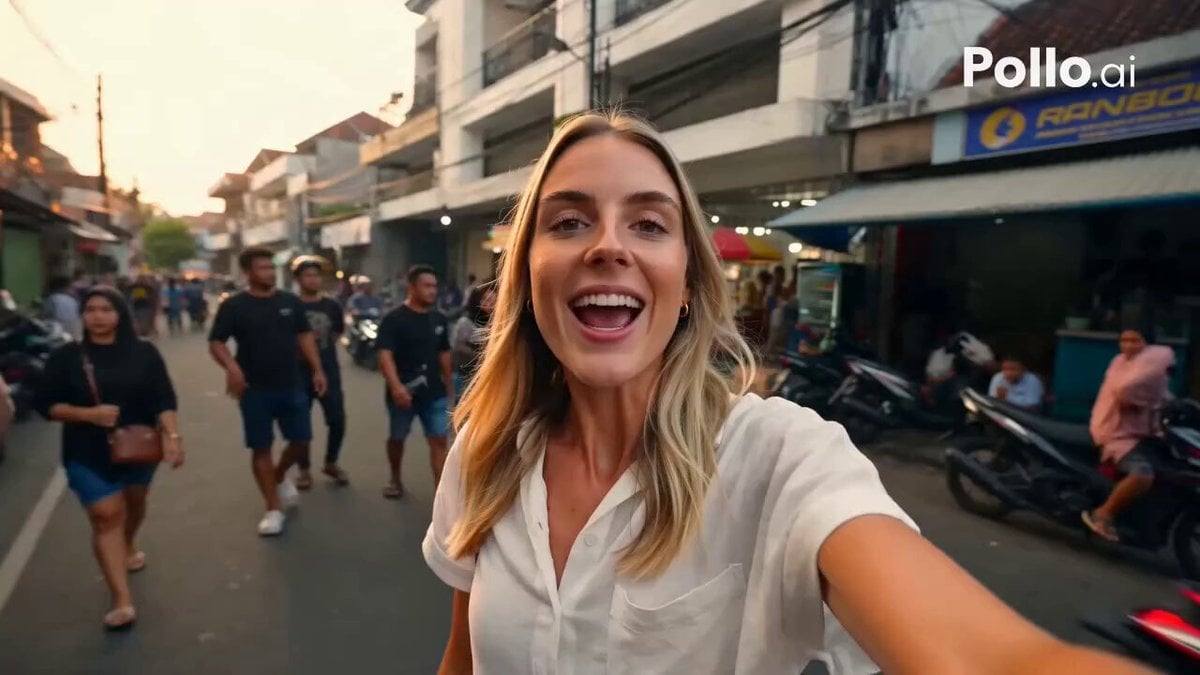
Yogyakarta Indonesia Street Food Vlog
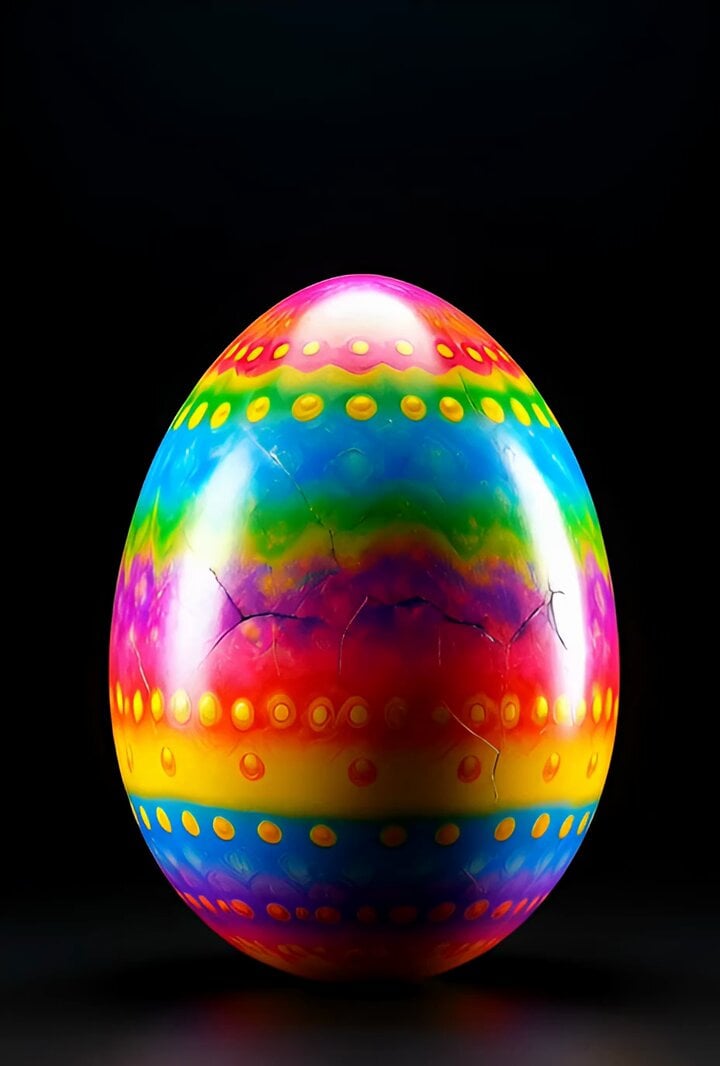
Surreal Easter egg bomb exploding with a rabbit emerging
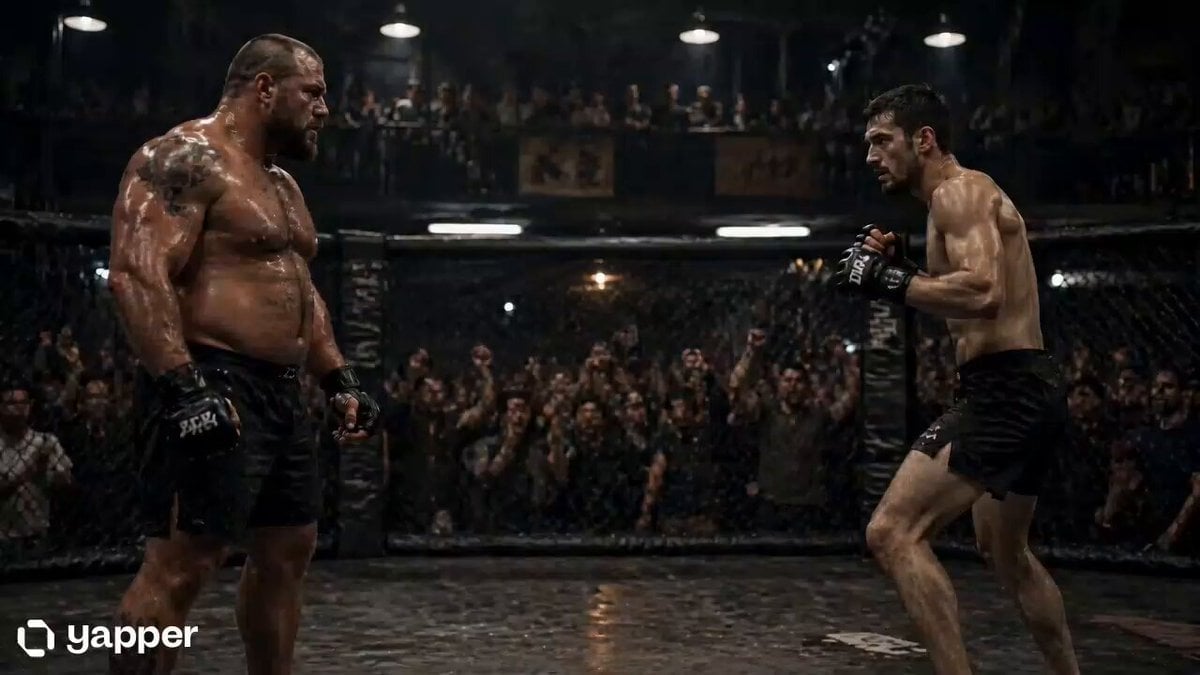
Underground Fight Club Sequence
High-Speed Rail Journey Cinematic Documentary
Model Climbing Slope Behind Grasses
Paper Towel Alien Transformation
Xianxia Rehearsal Meta Comedy
Forest Fantasy Girl Short Film
Browse template categories
Amazon FPV Drone Chase — Seedance 2.0 questions
How do I use the Amazon FPV Drone Chase — Seedance 2.0 template?
Add your photo if the template asks for one, edit the prompt if you like — the template's model and format are already selected — and press Generate. Your version opens in PicX Studio.
Can I customize the Amazon FPV Drone Chase — Seedance 2.0 template?
Yes. You can change the subject, setting, lighting, mood, format, and available model controls before creating your video.
Is the Amazon FPV Drone Chase — Seedance 2.0 template free?
Opening and editing this template is free. Generating uses credits, shown on the Generate button when you are signed in.
Which AI model should I use?
Start with Video Seedance, which is the model associated with this template. You can compare another compatible model for a different finish.
Looking for something else? Browse all templates.

Your photo, any look
Thousands of ready templates for every top image and video model, from one credit balance.