
Coward King — Seedance 2.0 Dark Fantasy
Dark fantasy: coward king watches army fall to undead, teal/orange moonlight, Seedance 2.0
- Prompt included
- Model and format preset
- Free template
The prompt behind this video
Copy the exact prompt behind Coward King — Seedance 2.0 Dark Fantasy, or open it in the studio and make it yours.
Hyper-realistic cinematic dark fantasy, dramatic raking light, shallow depth of field, night, smoky battlefield atmosphere. Close ups. Emotional. Teal moonlight. Single torch are the only light sources. Depth of field. Extreme close ups. Intense atmosphere. Teal and orange colors. 16:9, cinematic multi-shot scene. Characters: A coward king watching his army lose against the undead. A woman holding a child arguing with the king. Sound: No music. No subtitles. SFX: subtle fighting and screams in the background from the king's army who are losing. A cinematic scene: a dimly lit room. Only moonlight and a single torch in the background. The faces are almost all dark with high contrast. The king is looking out the window/hole with metal bars (no glass) looking of the castle tower overseeing the battlefield high in a tower. His men getting slaughtered by the undead army. They can hear distant screams. A woman behind him tells him that his men are losing and he should be there with them. She's desperate to save the lives of women and children. They know they will all die if they lose. But he turns to her. A moment of silence as he considers his words. He then argues that no one can win against the undead.
How to use Coward King — Seedance 2.0 Dark Fantasy in 3 steps
- 1
Open
The prompt is already in the box next to the preview, with the template's model and format selected.
- 2…a portrait of your subject in softgolden-hour light, 85mm…
Personalize
Edit the subject and creative details for your destination.
- 3Generate
Generate
Press Generate — your video is created in PicX Studio, so you can compare it with the original and refine one variable at a time.
More like this
Templates with the same subject, style or setup. Open one to see its prompt.
Dragon Rescue — Volcanic Kingdom Collapse (Seedance)

Cinematic Short Film Scene
Time Stealer — Seedance 2.0
Out of Control — Seedance 2.0

Nano Banana Seedance Time Control Streets

Cinematic Xinjiang Drone Landscapes - Seedance 2.5

Realistic City Street Story Cinematic Video - Seedance

Dragon Rider Cinematic Flight — Seedance 2.5

Sneaker Product Commercial

Cinematic Short Film Scene 2

Skincare Product Commercial 3

Blonde Woman Driving Green 1960s Mustang Golden Hour
Make it yours
Coward King — Seedance 2.0 Dark Fantasy works as-is. These are the safest ways to change it without losing the look.
Change one field
Copy a single group, rewrite it, and generate again so you can see what that field is doing.
Keep the frame, change the subject
Hold the composition and light of Coward King — Seedance 2.0 Dark Fantasy, then swap wardrobe, props or the person for a new take.
| If the result… | Why | Fix |
|---|---|---|
| The result drifts from the preview | Too many fields changed at once. | Reuse Coward King — Seedance 2.0 Dark Fantasy as-is first, then change one group — subject, light, or setting. |
| The model over-stylizes the scene | The prose prompt leaves finish and camera underspecified. | Add one camera or lighting sentence and stay on Video Seedance. |
More Video Seedance templates
Other prompts made for Video Seedance.
X Johnagi168 Work Seedance Video
X Johnagi168 This Is My Work Gpt Image 2 Seedance 2 0
X Chillaikalan Nano Banana Pro Seedance 20

Gpt2 Gpt2 Seedance Storyboard to Video
Seedance Seedance 20 Urban Romance Wall Pin Kiss
Emily Seedance Pixel Horror Rpg
Mrdasonx Quantum Missile Bullet Time
Ai Gezgini Hiroshima Fpv
Olivio Sarikas Shrinking Girl Bee
Emily Seedance Tokusatsu Sisters
More video prompts
Fresh picks from across the catalog.
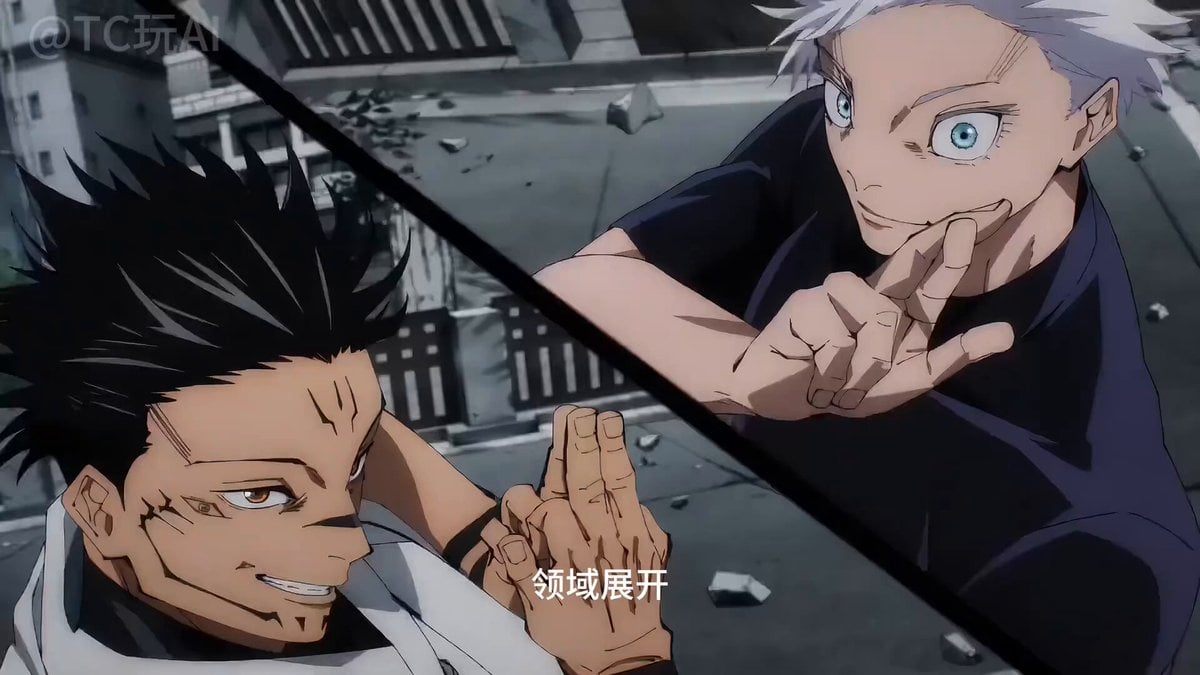
Gojo vs. Sukuna Animation with Seedance 2
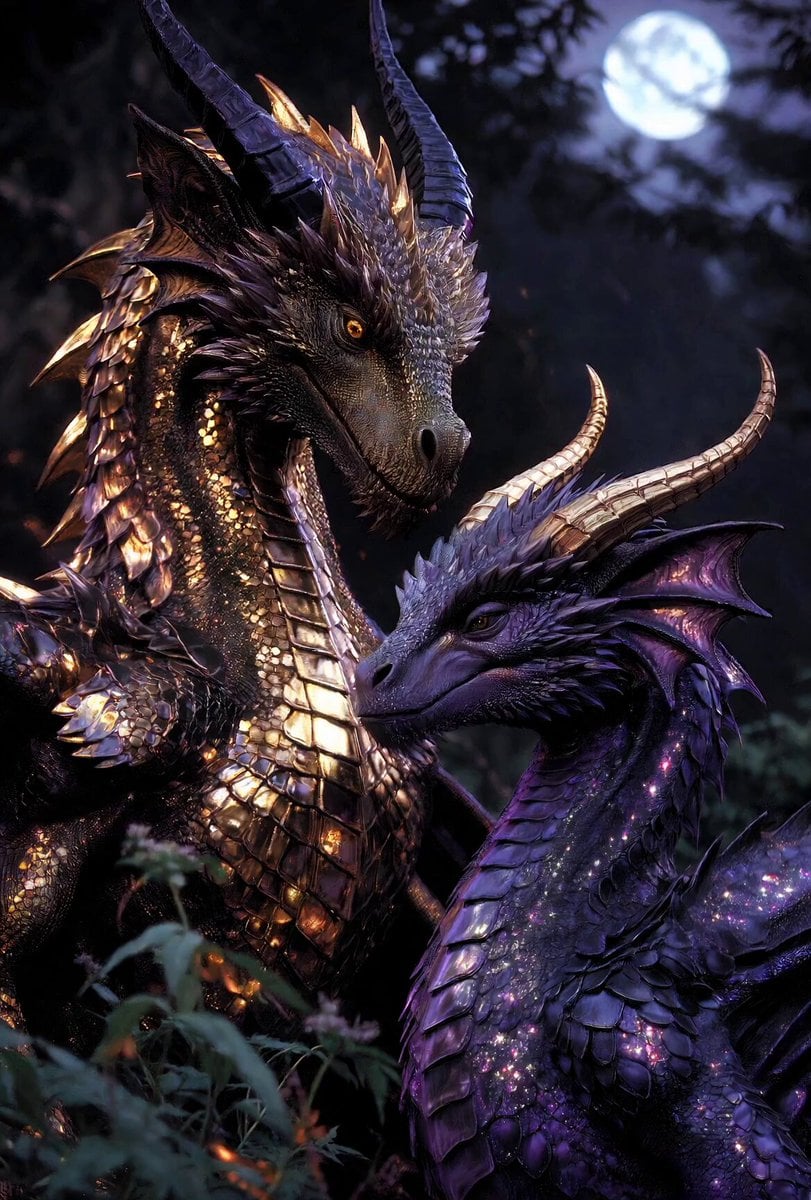
Cinematic Dragons in Moonlit Forest
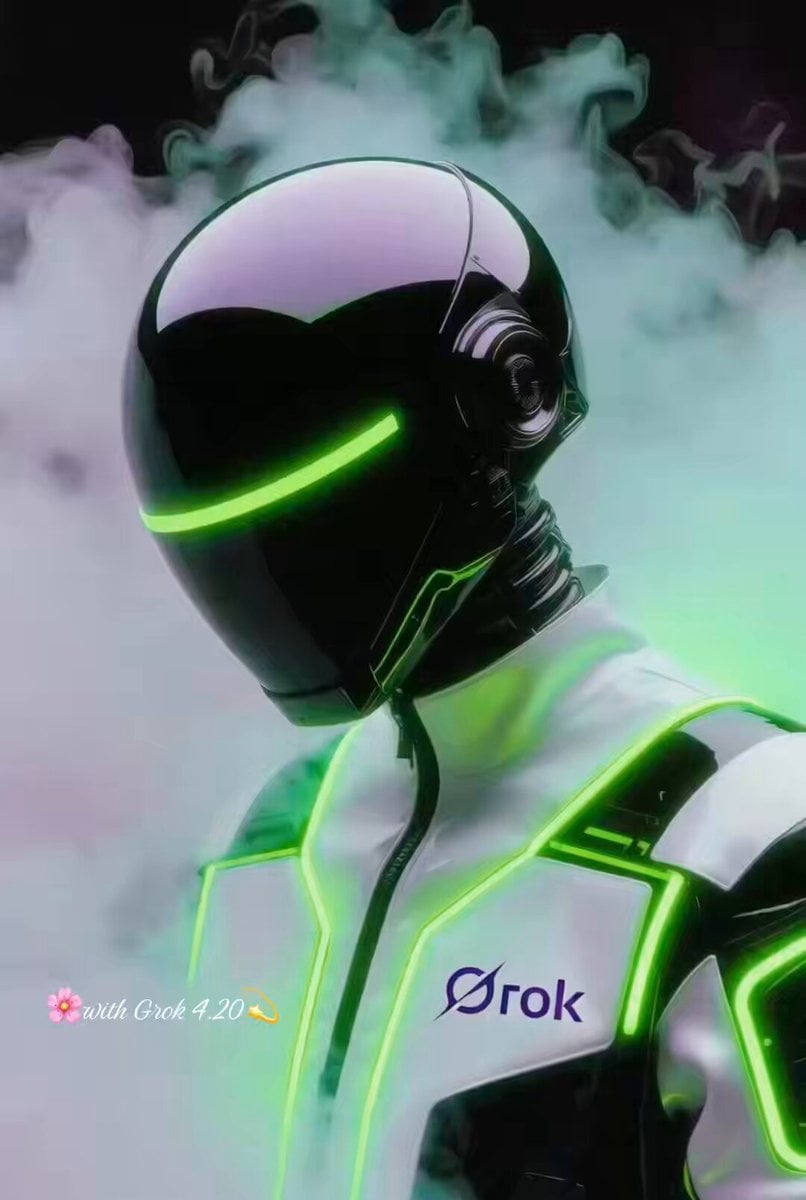
Grok Imagine Prompt: Futuristic Cyberpunk Humanoid with Neon Accents
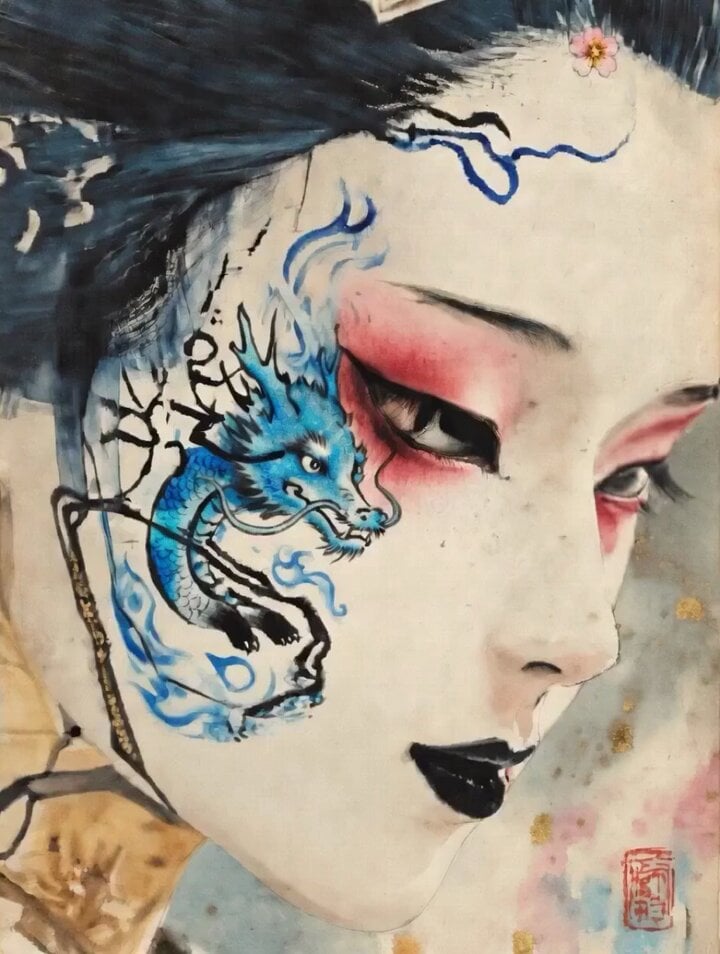
Dragon of Anger and Sorrow
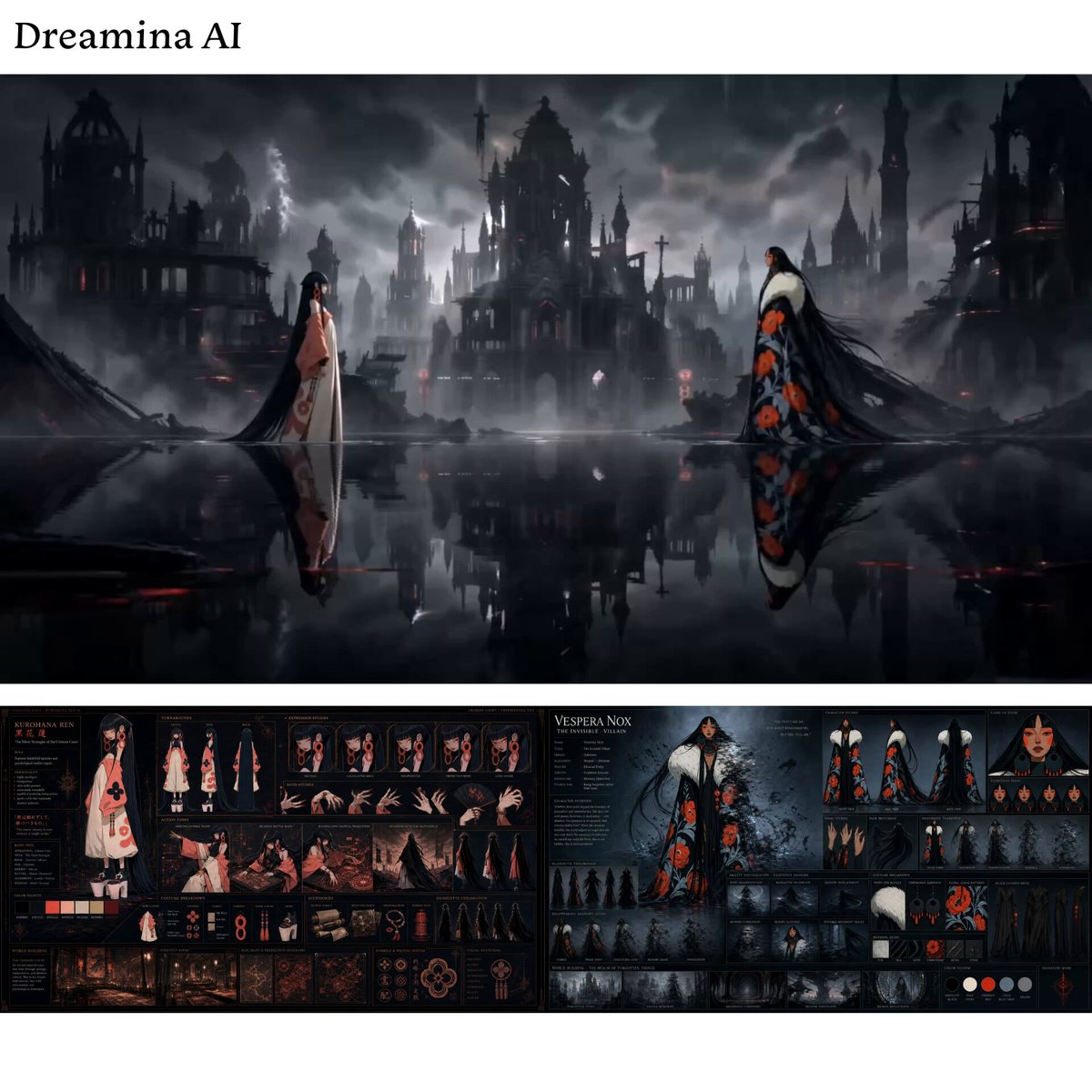
Mind Dominator vs Illusionist Battle
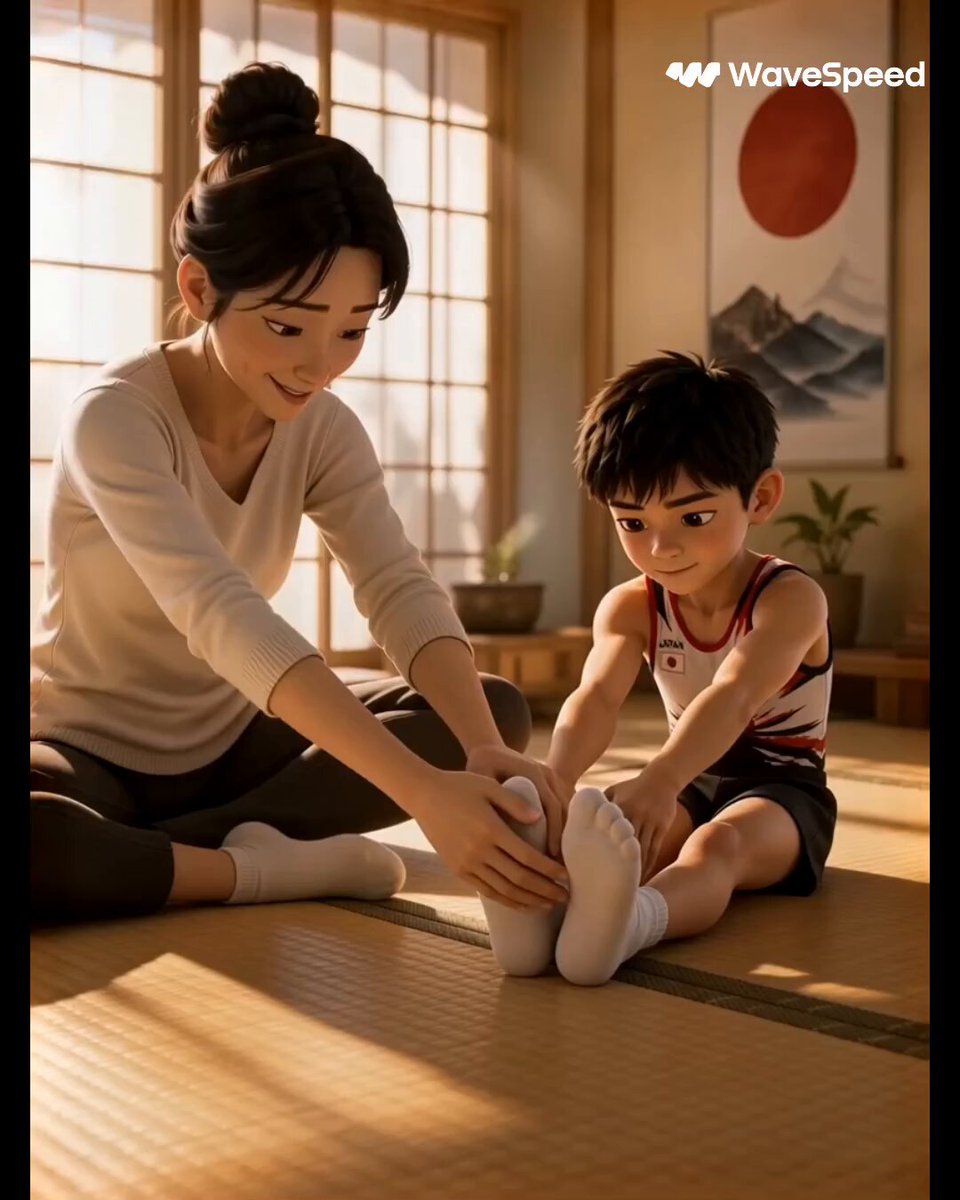
3D Animated Commercial from Storyboard

2007 Heisei Gal Documentary Style
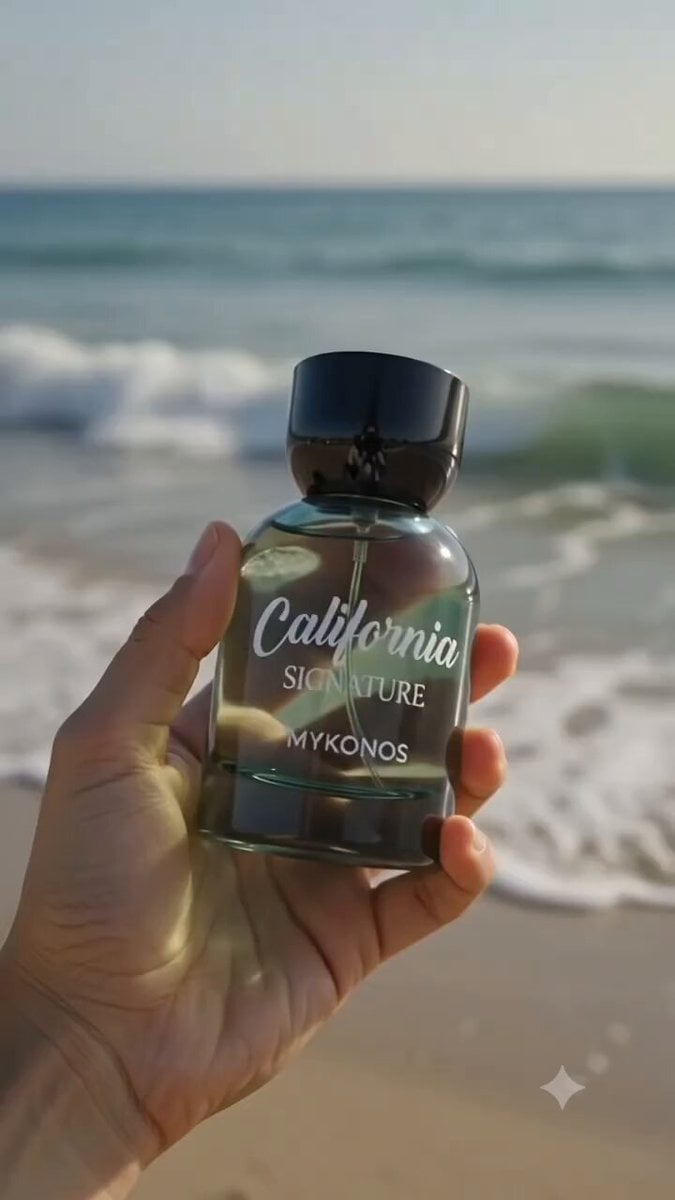
Luxury Perfume Commercial Sequence
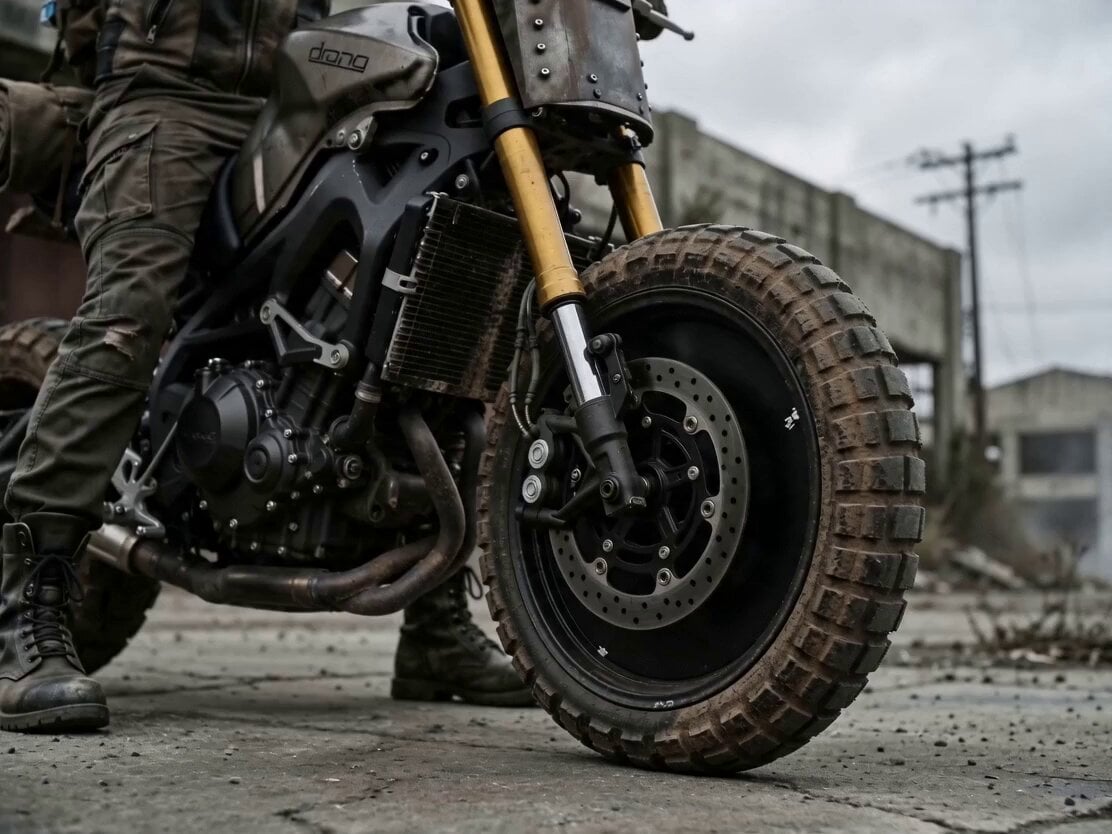
Cinematic Biker Sequence
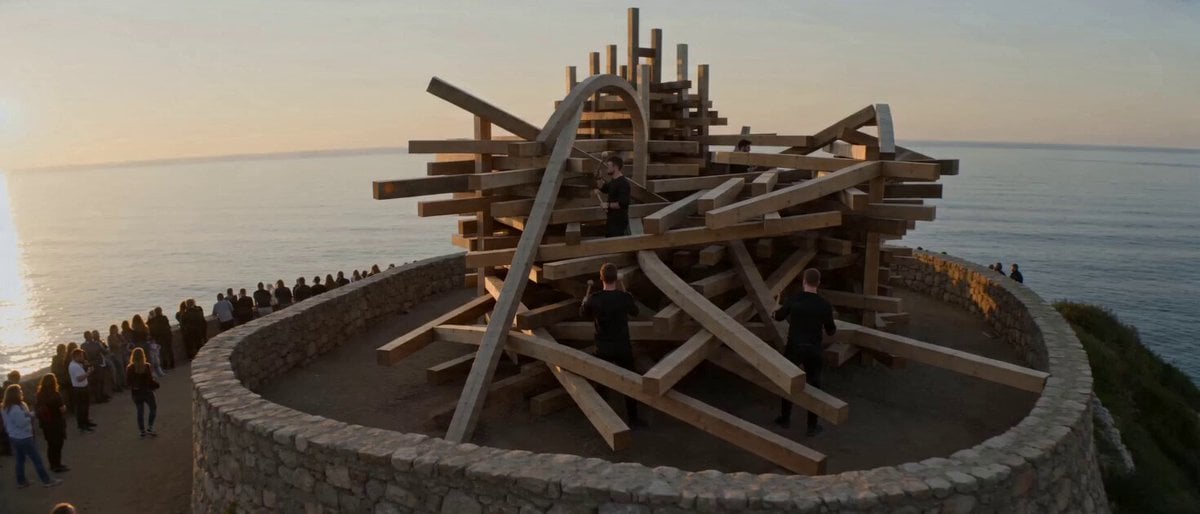
Surreal Musical Sculpture Animation
Browse template categories
Coward King — Seedance 2.0 Dark Fantasy questions
How do I use the Coward King — Seedance 2.0 Dark Fantasy template?
Add your photo if the template asks for one, edit the prompt if you like — the template's model and format are already selected — and press Generate. Your version opens in PicX Studio.
Can I customize the Coward King — Seedance 2.0 Dark Fantasy template?
Yes. You can change the subject, setting, lighting, mood, format, and available model controls before creating your video.
Is the Coward King — Seedance 2.0 Dark Fantasy template free?
Opening and editing this template is free. Generating uses credits, shown on the Generate button when you are signed in.
Which AI model should I use?
Start with Video Seedance, which is the model associated with this template. You can compare another compatible model for a different finish.
Looking for something else? Browse all templates.

Your photo, any look
Thousands of ready templates for every top image and video model, from one credit balance.