How do I use the Cinematic Biker Sequence template?
Edit the prompt in the box under the preview — the template's model and format are already selected — and press Generate. Your version appears right on this page.
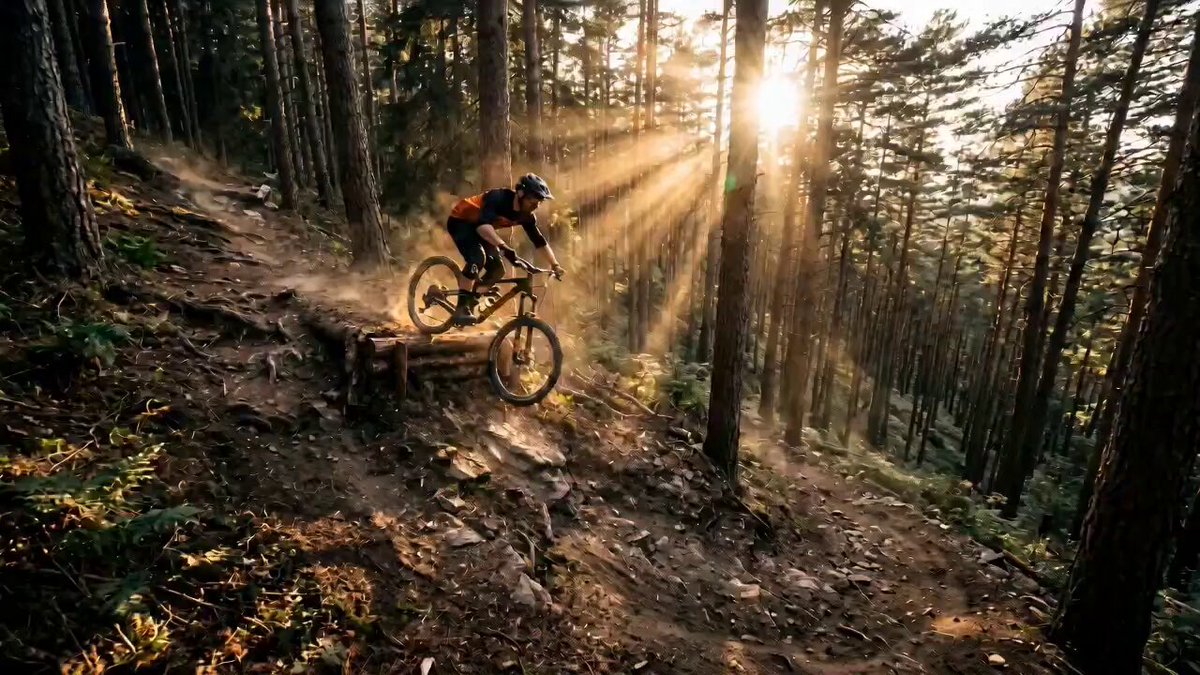
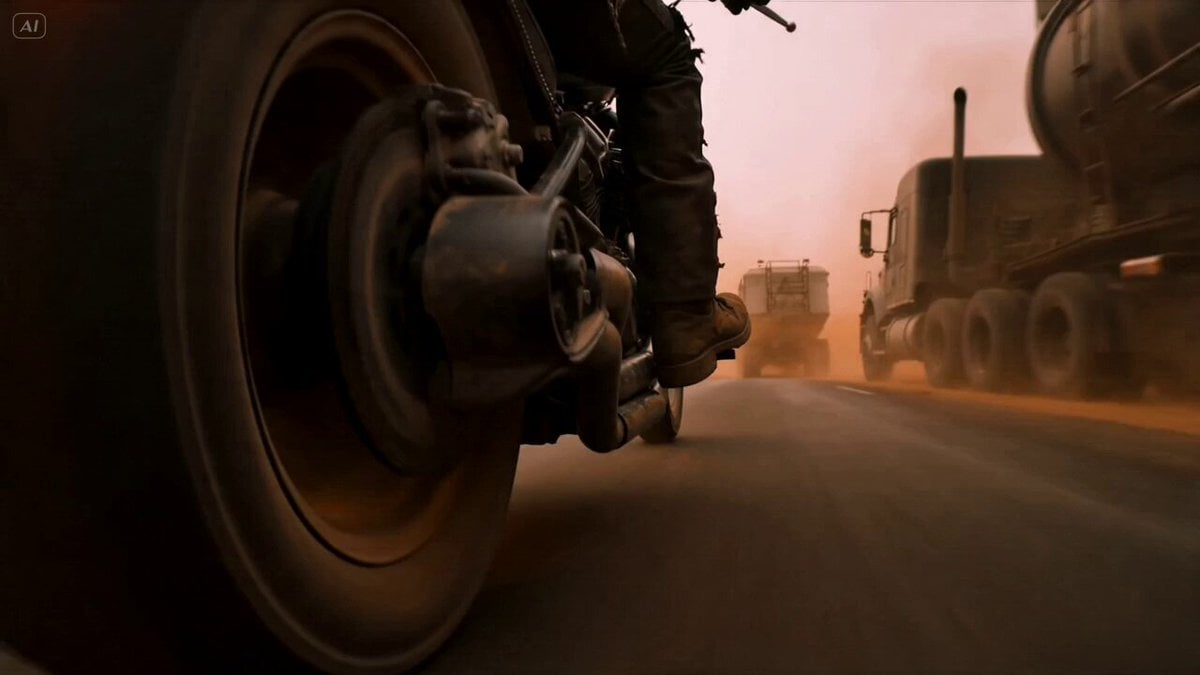
A detailed temporal prompt for a cinematic sequence featuring a biker, starting from a low wheel angle, performing a turn, and accelerating into a foggy distance.
0-2 sec: Camera starts low at the front wheel, slight handheld cinematic shake. Subtle engine vibration. The biker grips the handle tighter. No dust bursts, just grounded realism. 2–4 sec: He slowly turns his head over his shoulder, scanning behind him. The camera begins a smooth lateral slide to reveal more of his back and gear. Background stays soft and moody. 4–6 sec: He performs a sharp zero-cut turn of the bike in place, pivoting cleanly without doing a full circle. Tires grip the cracked ground with minimal dust, सिर्फ light debris shift. 6–8 sec: As soon as the bike aligns forward, he accelerates. Camera transitions into a tracking follow shot from behind, maintaining medium distance. Suspension compresses slightly as he gains speed. 8–10 sec: The biker rides straight into the abandoned road, camera smoothly following from behind. Environment blurs subtly, no exaggerated effects. Scene ends with him riding into the foggy distance.
0-2 sec: Camera starts low at the front wheel, slight handheld cinematic shake. Subtle engine vibration. The biker grips the handle tighter. No dust bursts, just grounded realism. 2–4 sec: He slowly turns his head over his shoulder, scanning behind him. The camera begins a smooth lateral slide to reveal more of his back and gear. Background stays soft and moody. 4–6 sec: He performs a sharp zero-cut turn of the bike in place, pivoting cleanly without doing a full circle. Tires grip the cracked ground with minimal dust, सिर्फ light debris shift. 6–8 sec: As soon as the bike aligns forward, he accelerates. Camera transitions into a tracking follow shot from behind, maintaining medium distance. Suspension compresses slightly as he gains speed. 8–10 sec: The biker rides straight into the abandoned road, camera smoothly following from behind. Environment blurs subtly, no exaggerated effects. Scene ends with him riding into the foggy distance.
Edit the prompt in the box under the preview — the template's model and format are already selected — and press Generate. Your version appears right on this page.
Yes. You can change the subject, setting, lighting, mood, format, and available model controls before creating your video.
Opening and editing this template is free. Generating uses credits, shown on the Generate button when you are signed in.
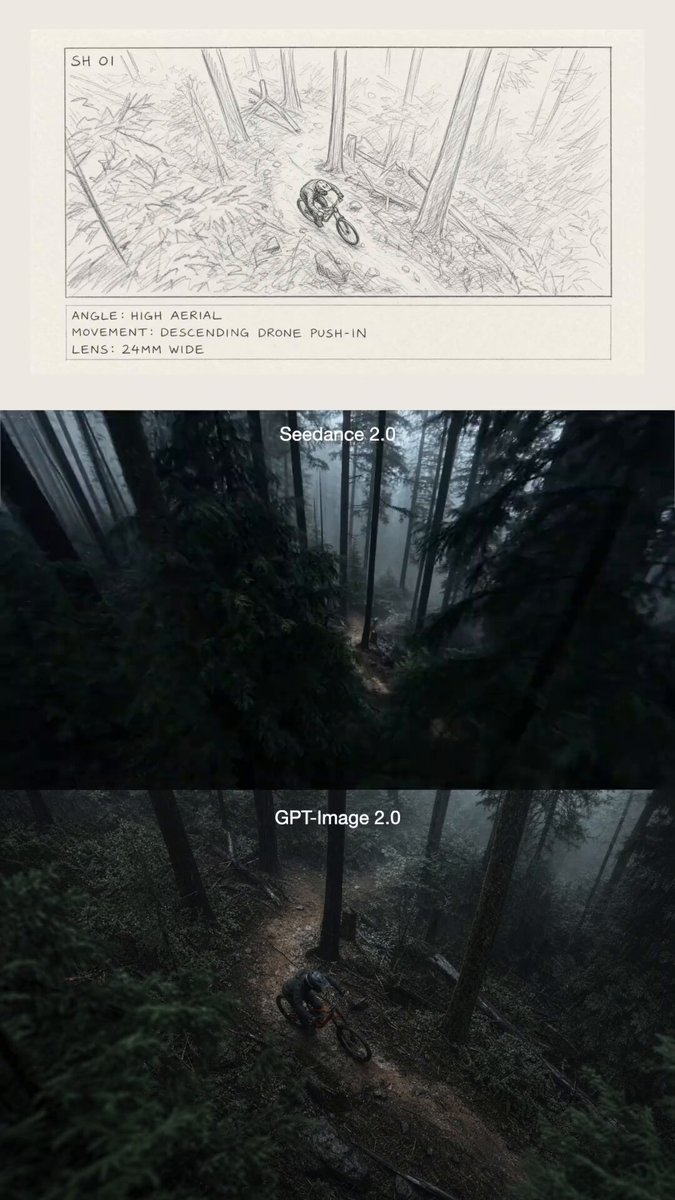
Start with Seedance 2.0, which is the model associated with this template. You can compare another compatible model for a different finish.
Follow a topic to a crawlable collection of related PicX Studio templates.