
3D RPG Game Quest Selection Scene
A video prompt for an RPG-style game cutscene where a character interacts with an on-screen menu to choose a dungeon quest.
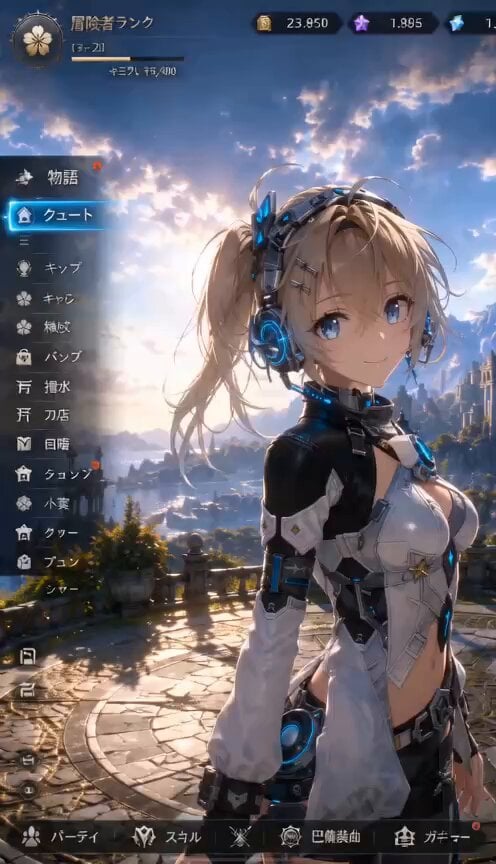
- Prompt included
- Model and format preset
- Free template
The prompt behind this video
Copy the exact prompt behind 3D RPG Game Quest Selection Scene, or open it in the studio and make it yours.
3Dゲームの画面。女性キャラクターが画面に向かって「今日はどうする?」と話しかける。クエストと書かれた部分が光り展開、「素材採取」「ダンジョン探索」という選択肢があらわれる。「ダンジョン探索」が光ると、選択肢が消える。女性キャラクターは「ダンジョン探索だね、よし、行こう!」と笑いながらかわいいガッツポーズと決めポーズ。女性キャラクターが奥の建物へと続く道を走っていく。画面は彼女を追従してゆく。
How to use 3D RPG Game Quest Selection Scene in 3 steps
- 1
Open
The prompt is already in the box next to the preview, with the template's model and format selected.
- 2…a portrait of your subject in softgolden-hour light, 85mm…
Personalize
Edit the subject and creative details for your destination.
- 3Generate
Generate
Press Generate — your video is created in PicX Studio, so you can compare it with the original and refine one variable at a time.
More like this
Templates with the same subject, style or setup. Open one to see its prompt.

Open-World RPG Grocery Store Quest Prompt
Chibi Cave Adventure — He Doesn't Know What's Coming
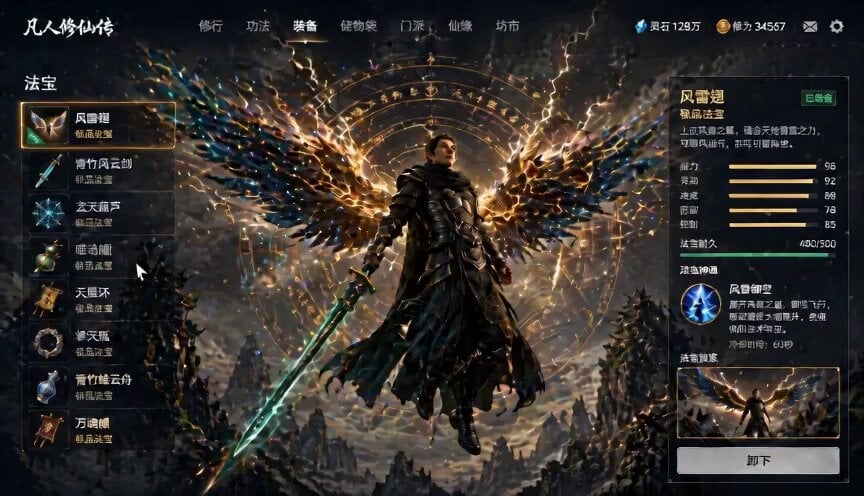
Game UI Skill Selection Animation
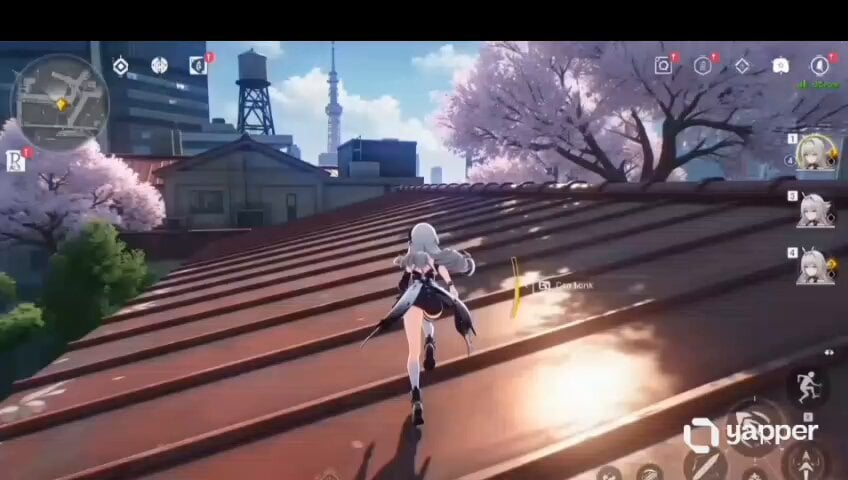
Anime RPG Gameplay Trailer Prompt
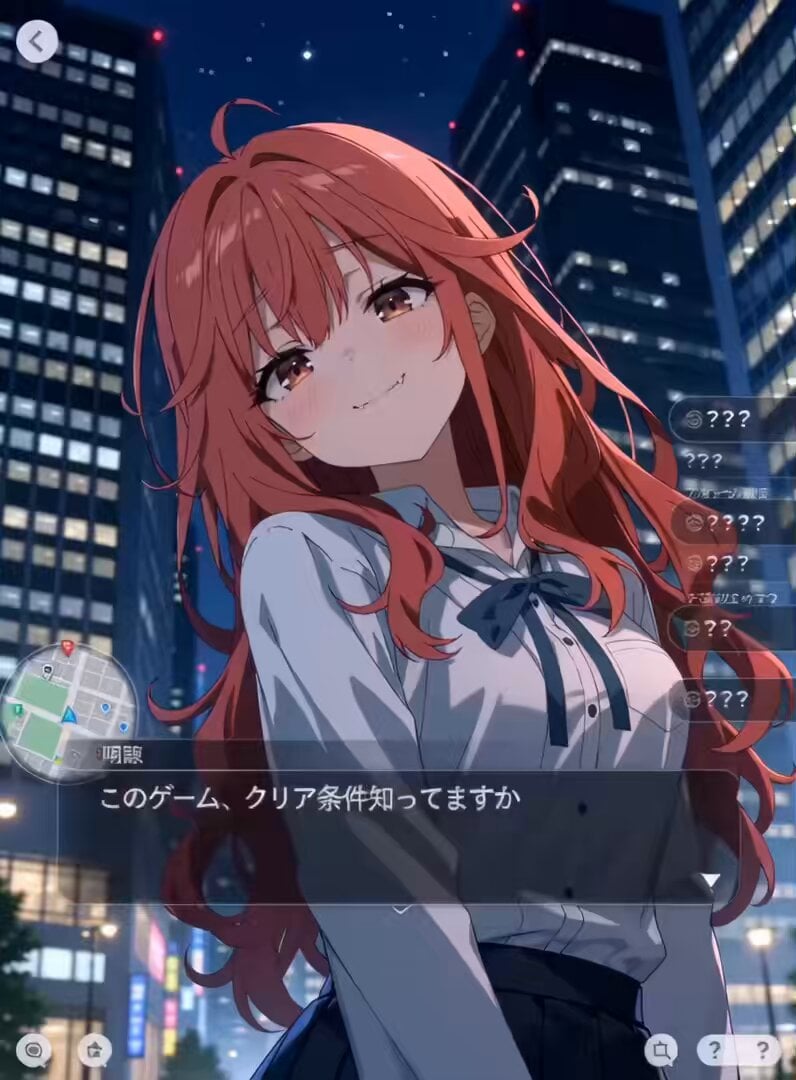
Urban RPG Gameplay Animation
Pixel Art Horror RPG Gameplay Scene

Cyberpunk RPG Anime Action
Skeleton Riding Ram Mountain Quest
Urban Fantasy RPG Car Chase
Urban Fantasy RPG Combat Animation
Urban Fantasy RPG Car Chase
3D Toon Fantasy RPG Action Sequence
Make it yours
3D RPG Game Quest Selection Scene works as-is. These are the safest ways to change it without losing the look.
Change one field
Copy a single group, rewrite it, and generate again so you can see what that field is doing.
Keep the frame, change the subject
Hold the composition and light of 3D RPG Game Quest Selection Scene, then swap wardrobe, props or the person for a new take.
| If the result… | Why | Fix |
|---|---|---|
| The result drifts from the preview | Too many fields changed at once. | Reuse 3D RPG Game Quest Selection Scene as-is first, then change one group — subject, light, or setting. |
| The model over-stylizes the scene | The prose prompt leaves finish and camera underspecified. | Add one camera or lighting sentence and stay on Seedance 2.0. |
More Seedance 2.0 templates
Other prompts made for Seedance 2.0.

Comical Martial Arts Punch Scene

Maglev Train Action Sequence

Martial Arts Fight Sequence

Wuxia Protection and Trust Script

Vintage Korean Arcade MiniDV Vlog

Mercedes 190 SL Luxury Ad

Rainy Night Supernatural Reverse Comedy Video Script

Amazon Civilization Discovery

Futuristic South Asian City Transformation

Cozy Luxury Cafe Commercial
More video prompts
Fresh picks from across the catalog.

High-Speed Motorcycle Action Sequence
Ultra Sharp Portrait of a Sorceress Wrapped in Flame Fabrics

Childhood Toys Conversation Prompt
Sci-Fi Explorer Hovercraft Adventure
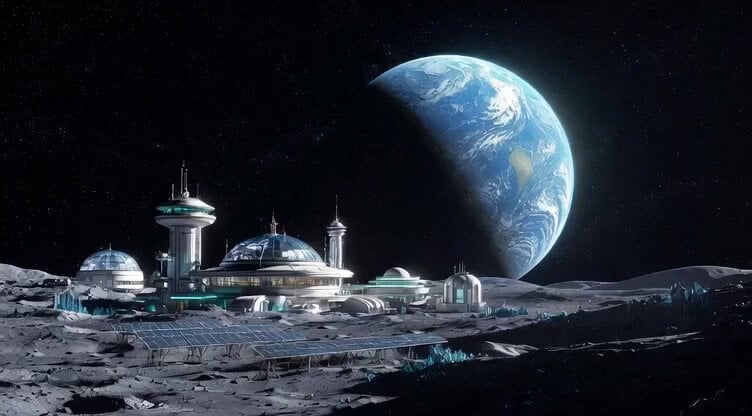
Botanical Garden Future Scenery

Pixar Style Whimsical Character
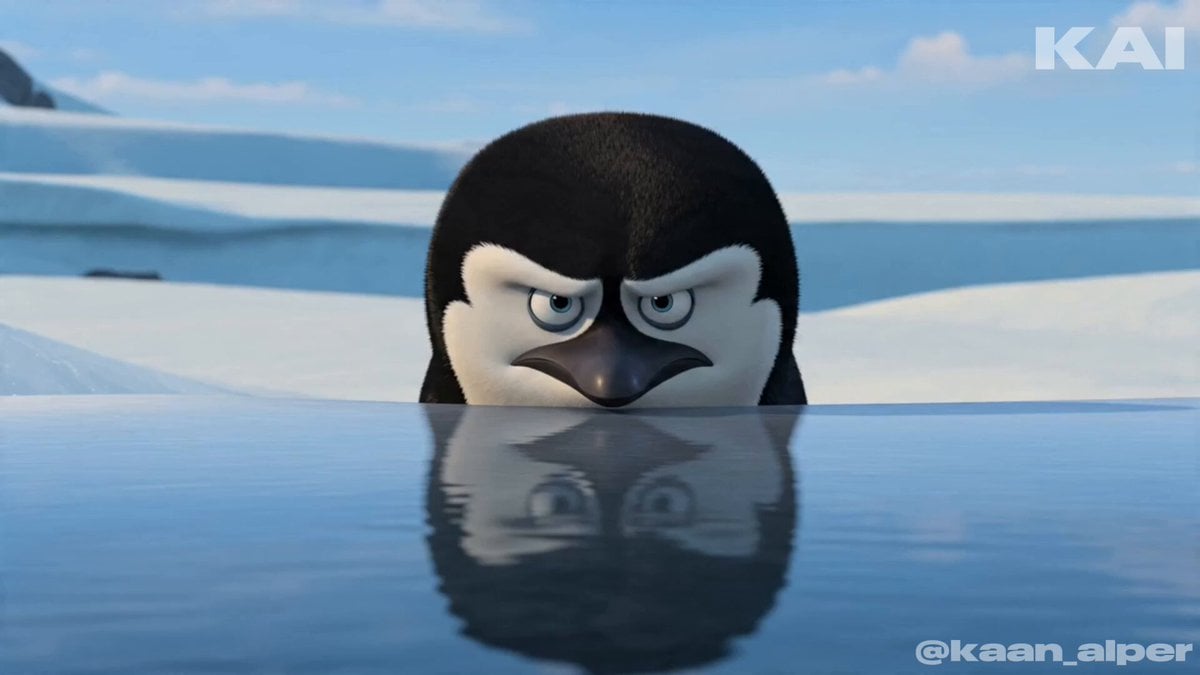
Animated Penguin Winter Slide Prompt
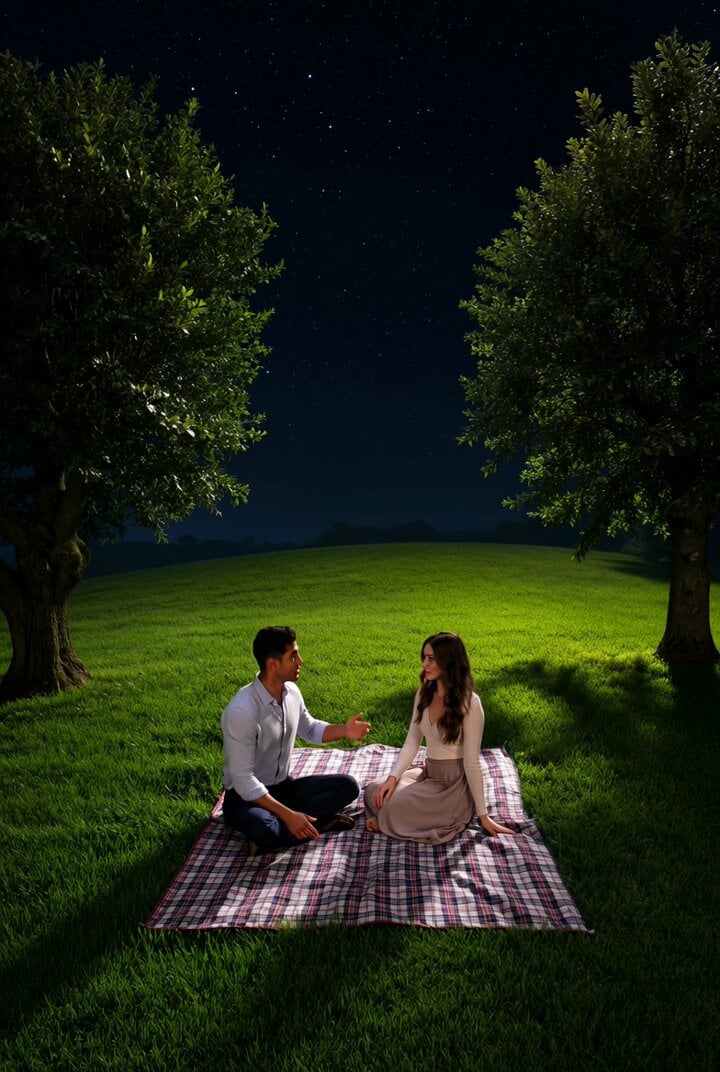
Couple watching shooting stars on a hill
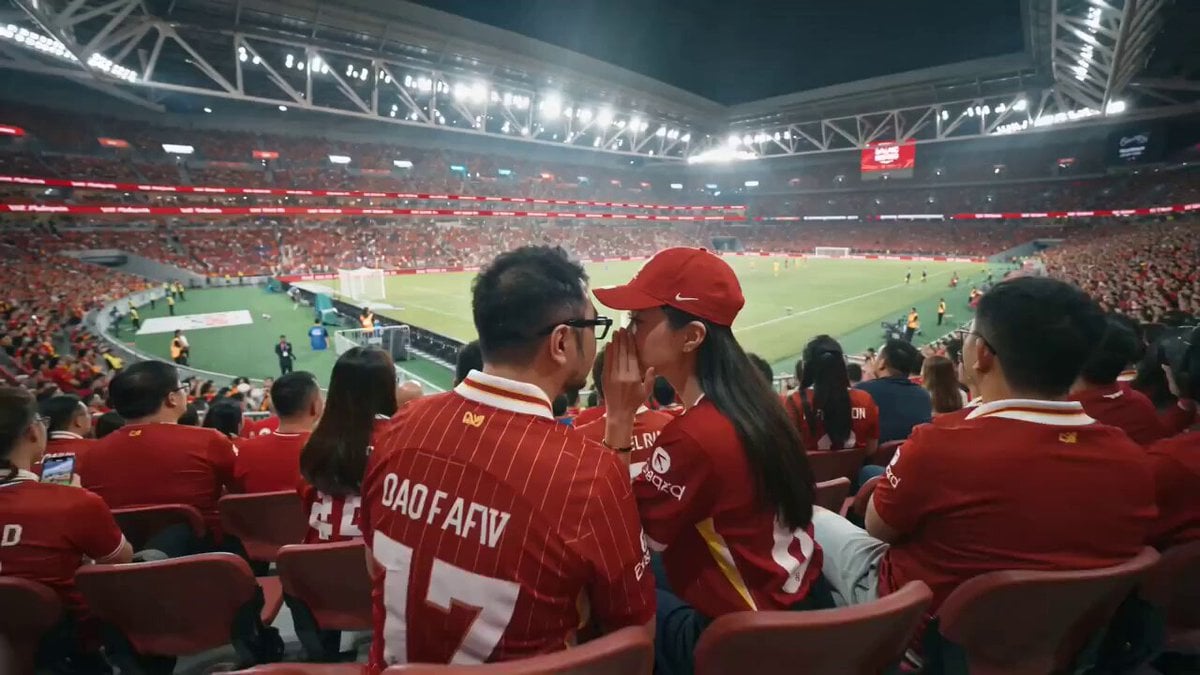
Movie Scene Prompt with Reference Images and Technical Specs
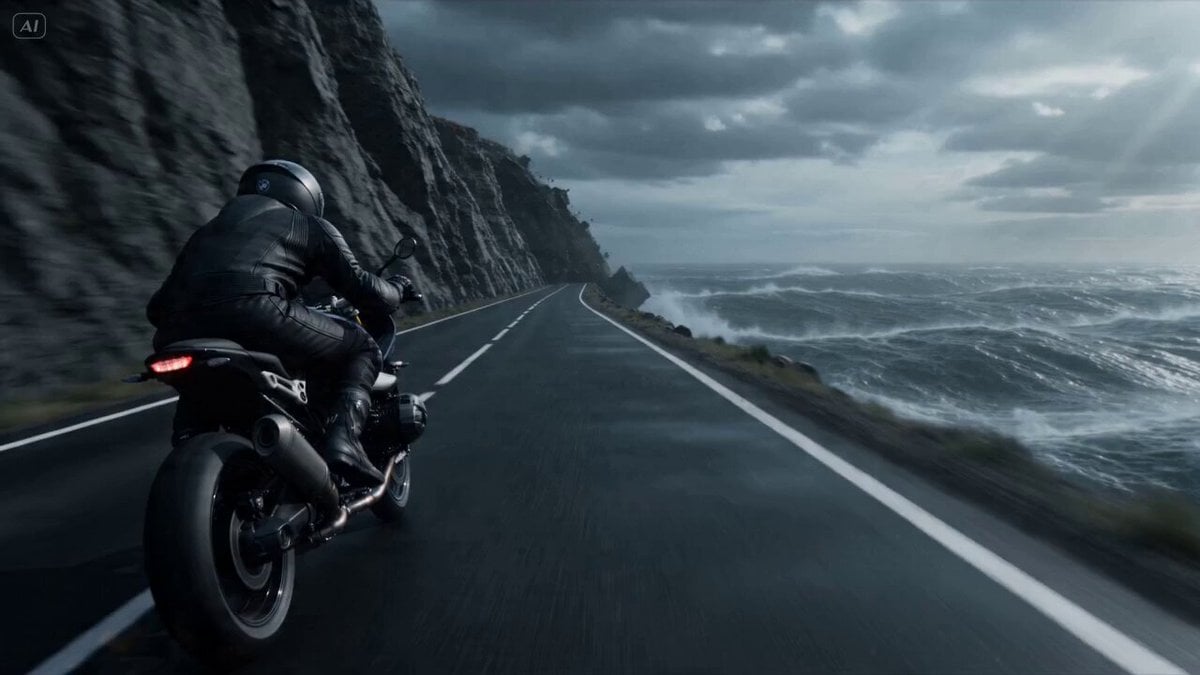
Cliffside Highway Coastal Disaster Video Prompt
Browse template categories
3D RPG Game Quest Selection Scene questions
How do I use the 3D RPG Game Quest Selection Scene template?
Add your photo if the template asks for one, edit the prompt if you like — the template's model and format are already selected — and press Generate. Your version opens in PicX Studio.
Can I customize the 3D RPG Game Quest Selection Scene template?
Yes. You can change the subject, setting, lighting, mood, format, and available model controls before creating your video.
Is the 3D RPG Game Quest Selection Scene template free?
Opening and editing this template is free. Generating uses credits, shown on the Generate button when you are signed in.
Which AI model should I use?
Start with Seedance 2.0, which is the model associated with this template. You can compare another compatible model for a different finish.
Looking for something else? Browse all templates.

Your photo, any look
Thousands of ready templates for every top image and video model, from one credit balance.