
Skiing Video Generation Prompt with Detailed Scene Breakdown
A highly detailed, scene-by-scene prompt for generating a 15-second skiing video using Seedance 2.0.

- Prompt included
- Model and format preset
- Free template
The prompt behind this video
Copy the exact prompt behind Skiing Video Generation Prompt with Detailed Scene Breakdown, or open it in the studio and make it yours.
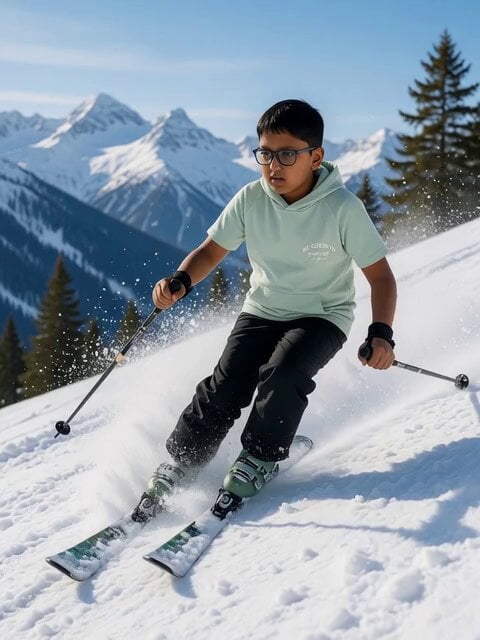
请基于提供的参考图生成一个滑雪视频,整体风格明亮、清爽、充满运动活力,画面流畅,镜头语言偏电影感。 时间轴与镜头设计如下: 0–3 秒 图片人物在雪地中微笑看向镜头。镜头轻微晃动,雪花飘落。背景风声逐渐增强,画面中出现快速掠过的风雪流动感。 3–5 秒 快速切镜头到图片人物脚下的大特写,滑雪板扣紧的瞬间,雪被踩碎。同时镜头抬升,画面衔接成陡峭雪坡的俯视视角,坡度明显,速度感即将爆发。 5–8 秒 图片人物从高处高速滑下。镜头一为侧前方中景跟拍,身体前倾、动作利落;镜头二切到俯视镜头,陡坡向下延伸,雪道线条飞快拉伸,速度感极强。 8–11 秒 连续快速切换镜头。 低角度贴地镜头,滑雪板掠过雪面,雪粉被高速抛起; 远景展示人物在陡坡上做出漂亮转弯动作,身体与雪线形成流畅曲线。 11–13 秒 镜头回到正前方跟拍,图片人物高速冲向镜头方向,滑行到近距离急转弯,雪被大幅掀起。 13–15 秒 大量雪粉直接溅到镜头上,画面被白色雪雾覆盖,镜头短暂失焦后定格,留下强烈动态余韵。 整体强调速度、切镜头节奏、真实运动感与青春活力,画面明亮、不沉重,突出滑雪的刺激与自由感。
How to use Skiing Video Generation Prompt with Detailed Scene Breakdown in 3 steps
- 1
Open
The prompt is already in the box next to the preview, with the template's model and format selected.
- 2…a portrait of your subject in softgolden-hour light, 85mm…
Personalize
Edit the subject and creative details for your destination.
- 3Generate
Generate
Press Generate — your video is created in PicX Studio, so you can compare it with the original and refine one variable at a time.
More like this
Templates with the same subject, style or setup. Open one to see its prompt.
Emotional Breakdown and Fabric Interaction - Seedance 2.5
Cinematic Skiing Video Generation
Cinematic Jet Ski Water Skiing Video

Emotional Breakdown Sequence

Field Hospital Medic Breakdown
Cinematic Skiing Sports Documentary
Nighttime Skiing with Australian Shepherd and Bunny Video Prompt
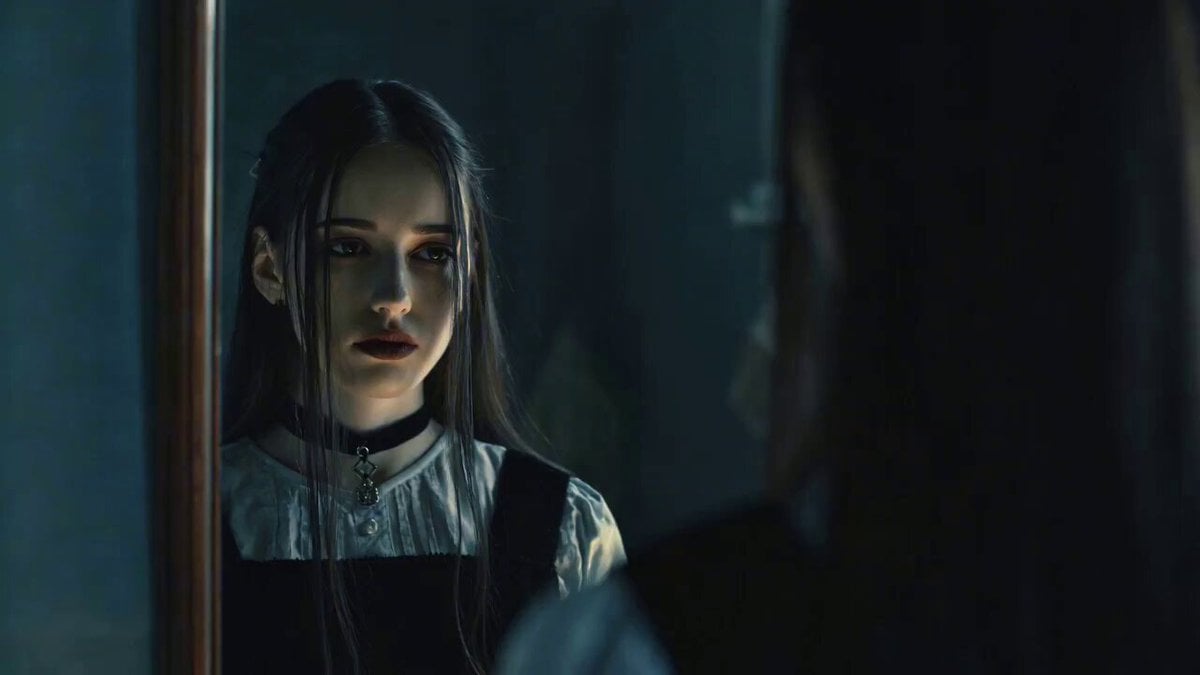
Emotional Breakdown Scene with Image and Video References

Drone shot of a skiing rabbit escaping an avalanche
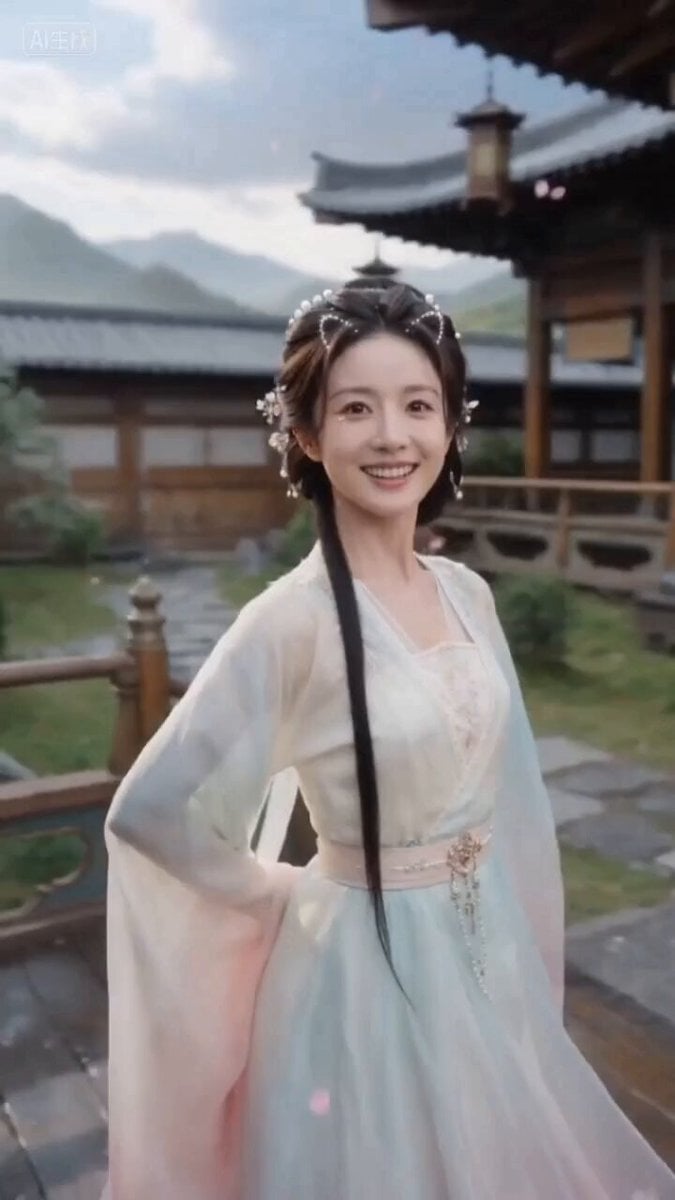
Ancient Style Fairy Sister Video Prompt for Seedance 2.0 (Detailed Scene Breakdown)
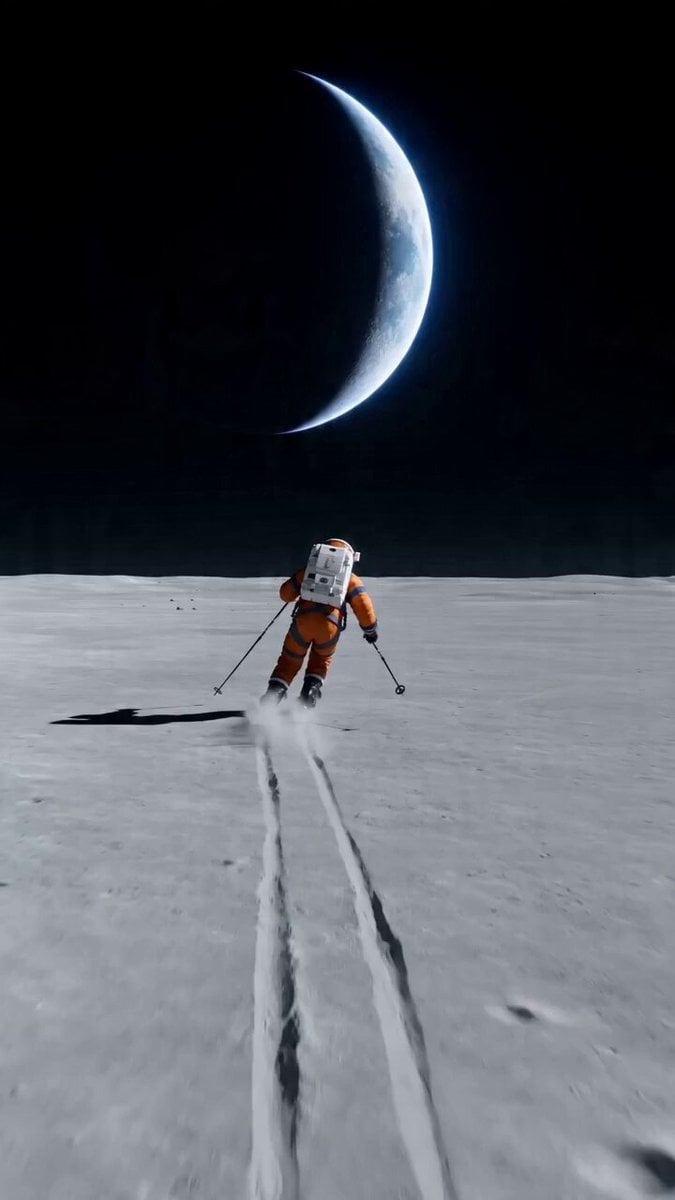
Wide shot of an astronaut skiing on a lunar plain
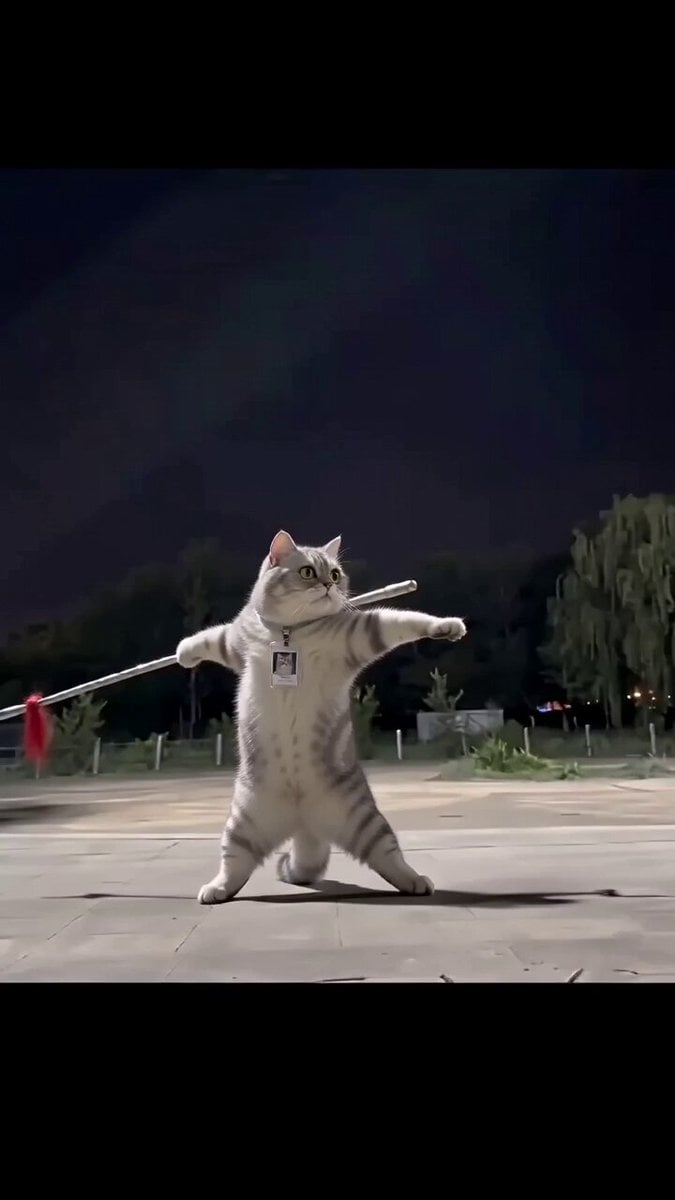
Real Animal Spear Dance Video Generation
Make it yours
Skiing Video Generation Prompt with Detailed Scene Breakdown works as-is. These are the safest ways to change it without losing the look.
Change one field
Copy a single group, rewrite it, and generate again so you can see what that field is doing.
Keep the frame, change the subject
Hold the composition and light of Skiing Video Generation Prompt with Detailed Scene Breakdown, then swap wardrobe, props or the person for a new take.
| If the result… | Why | Fix |
|---|---|---|
| The result drifts from the preview | Too many fields changed at once. | Reuse Skiing Video Generation Prompt with Detailed Scene Breakdown as-is first, then change one group — subject, light, or setting. |
| The model over-stylizes the scene | The prose prompt leaves finish and camera underspecified. | Add one camera or lighting sentence and stay on Seedance 2.0. |
More Seedance 2.0 templates
Other prompts made for Seedance 2.0.

Comical Martial Arts Punch Scene

Maglev Train Action Sequence

Martial Arts Fight Sequence

Wuxia Protection and Trust Script

Vintage Korean Arcade MiniDV Vlog

Mercedes 190 SL Luxury Ad

Rainy Night Supernatural Reverse Comedy Video Script

Amazon Civilization Discovery

Futuristic South Asian City Transformation

Cozy Luxury Cafe Commercial
More video prompts
Fresh picks from across the catalog.
Adventurer Path Creator - Seedance 2
Pixar Forest Chase Animation
Seedance 2.0 Cinematic Kitchen Comedy
Swans Tossing Rose on Lake

Blob Sucked Out Airplane
English Cinematic Whale in the Clouds Video Prompt

Luxury Fashion Store Commercial Ad
Snappy Anime Character Animation
Window Spider Greeting
Japanese Countryside Summer Memories
Browse template categories
Skiing Video Generation Prompt with Detailed Scene Breakdown questions
How do I use the Skiing Video Generation Prompt with Detailed Scene Breakdown template?
Add your photo if the template asks for one, edit the prompt if you like — the template's model and format are already selected — and press Generate. Your version opens in PicX Studio.
Can I customize the Skiing Video Generation Prompt with Detailed Scene Breakdown template?
Yes. You can change the subject, setting, lighting, mood, format, and available model controls before creating your video.
Is the Skiing Video Generation Prompt with Detailed Scene Breakdown template free?
Opening and editing this template is free. Generating uses credits, shown on the Generate button when you are signed in.
Which AI model should I use?
Start with Seedance 2.0, which is the model associated with this template. You can compare another compatible model for a different finish.
Looking for something else? Browse all templates.

Your photo, any look
Thousands of ready templates for every top image and video model, from one credit balance.