
Cinematic Jet Ski Water Skiing Video
A cinematic single-take video prompt featuring a fit woman with long black hair on a green jet ski, requiring specific character and vehicle reference images.
- Prompt included
- Model and format preset
- Free template
The prompt behind this video
Copy the exact prompt behind Cinematic Jet Ski Water Skiing Video, or open it in the studio and make it yours.
创作一段超级电影感的连续单镜头摩托艇滑水视频。严格参考提供的角色表来描绘这位女性【@图片1】:冷白色皮肤,明亮的黑眼睛,长直黑发,苗条健美身材,白色深V领连体泳衣,绿色水上摩托小艇【@图片2】(仅参照小艇,不参照上面的人)小艇前面是透明的玻璃。
How to use Cinematic Jet Ski Water Skiing Video in 3 steps
- 1
Open
The prompt is already in the box next to the preview, with the template's model and format selected.
- 2…a portrait of your subject in softgolden-hour light, 85mm…
Personalize
Edit the subject and creative details for your destination.
- 3Generate
Generate
Press Generate — your video is created in PicX Studio, so you can compare it with the original and refine one variable at a time.
More like this
Templates with the same subject, style or setup. Open one to see its prompt.
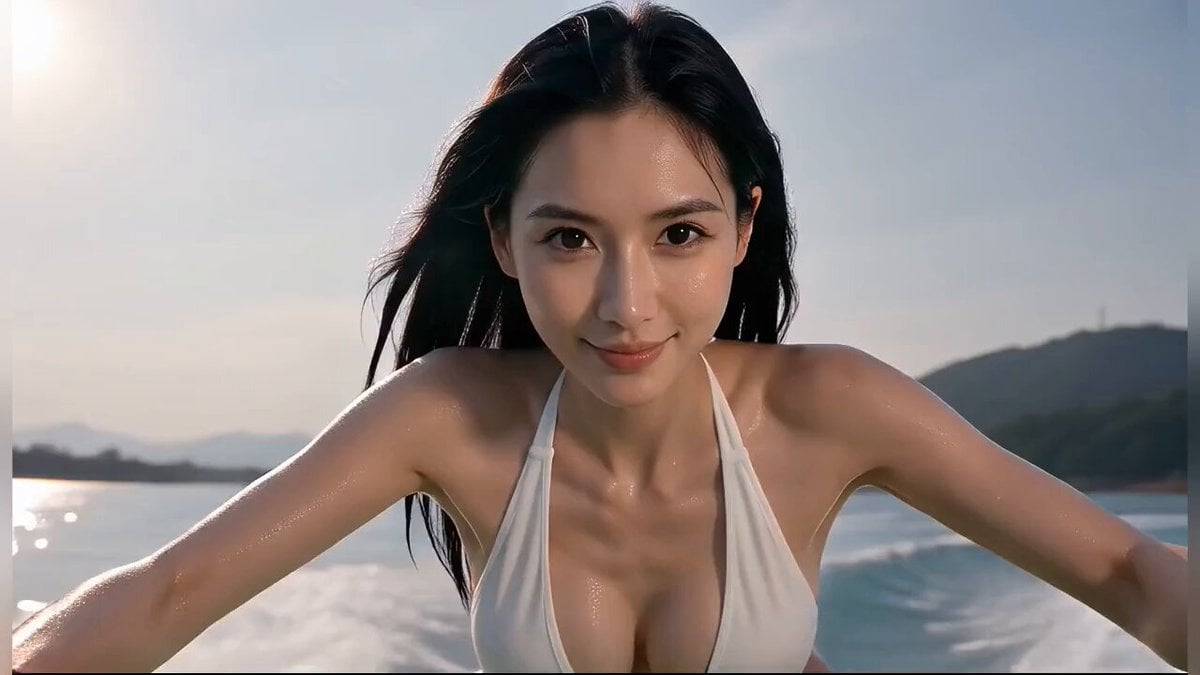
Cinematic Continuous Jet Ski Action
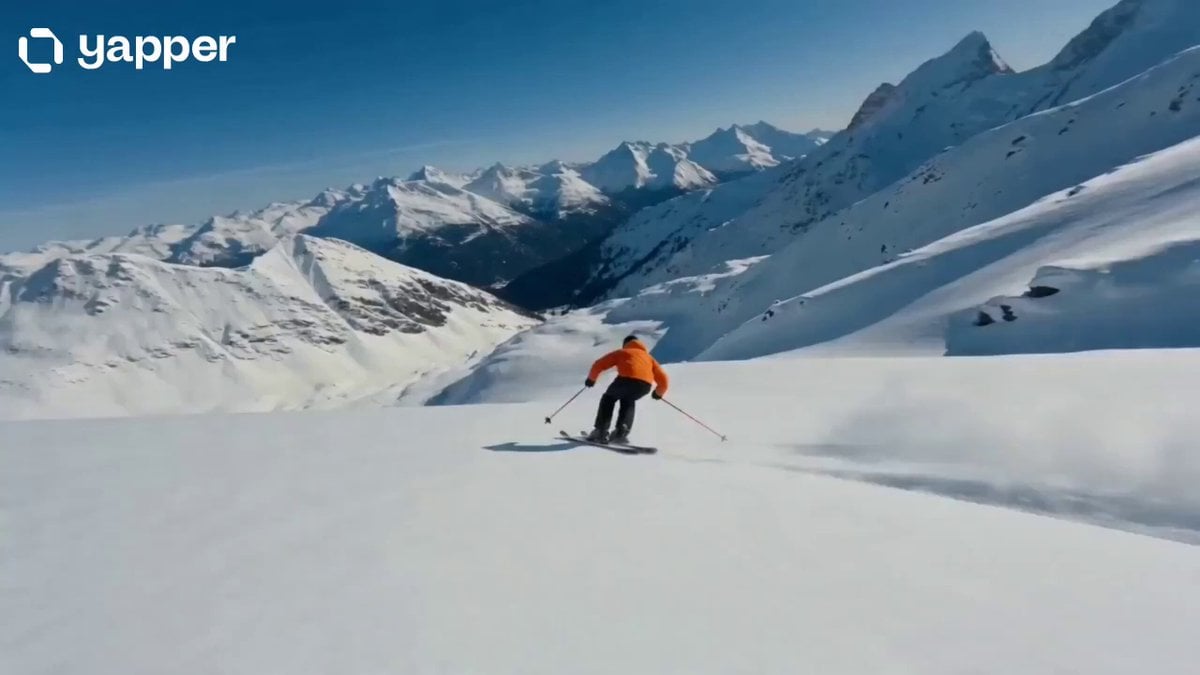
Cinematic Skiing Sports Documentary
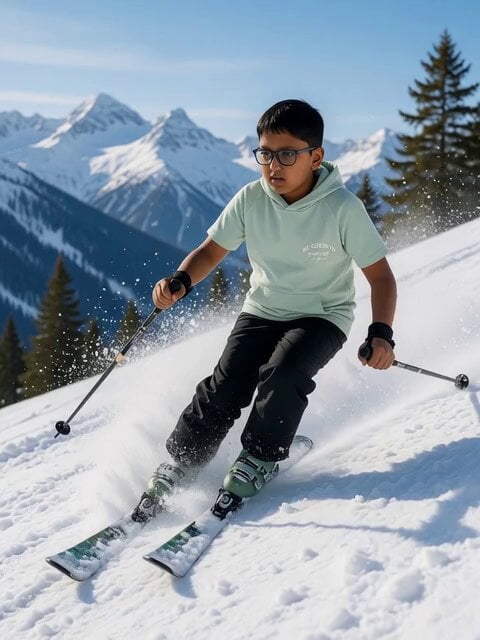
Nighttime Skiing with Australian Shepherd and Bunny Video Prompt

Skiing Video Generation Prompt with Detailed Scene Breakdown

Drone shot of a skiing rabbit escaping an avalanche
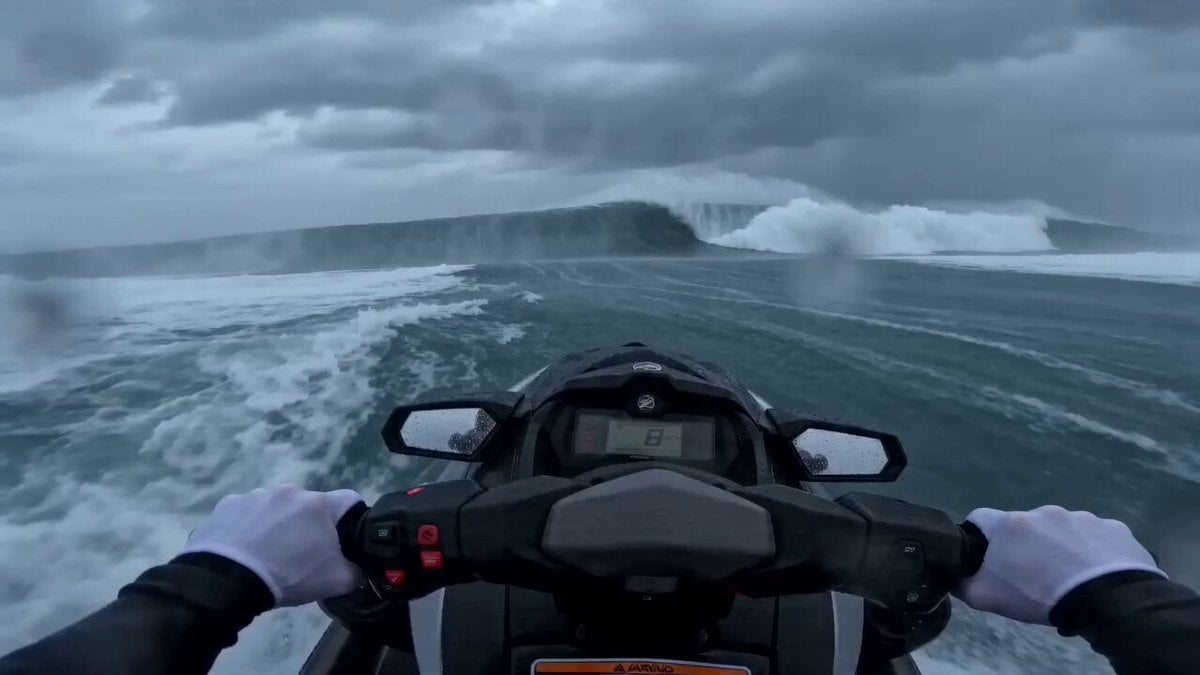
Seedance 2.0 Extreme POV Jet Ski Video Prompt
Cinematic Skiing Video Generation
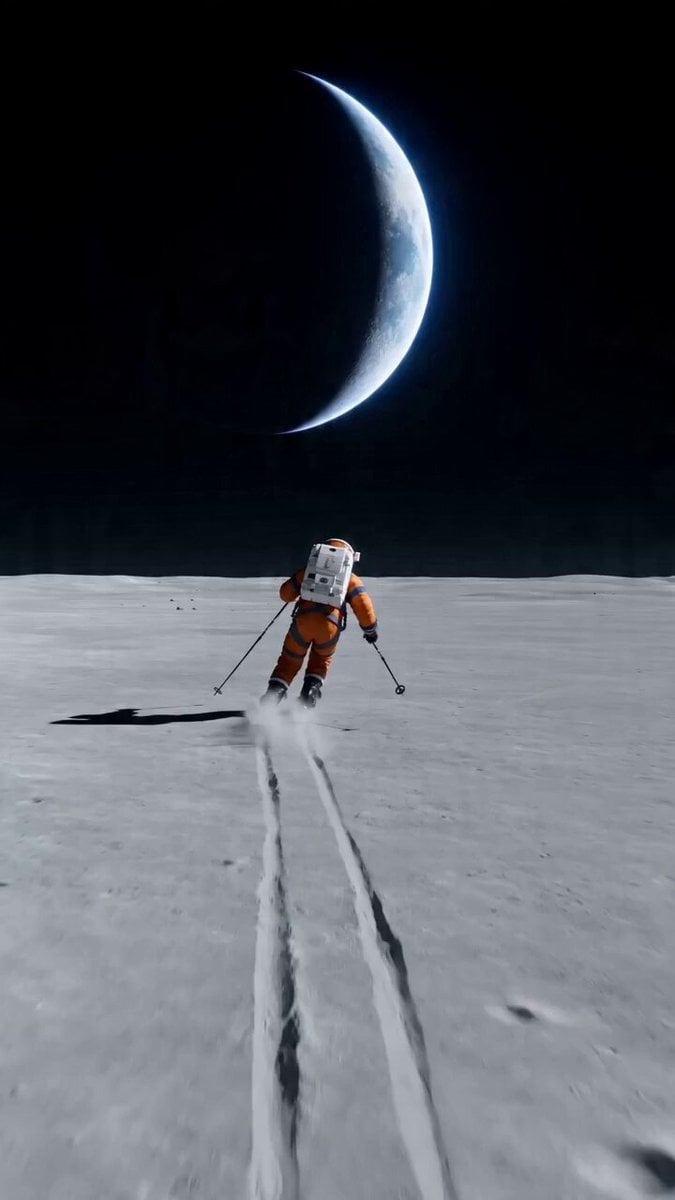
Wide shot of an astronaut skiing on a lunar plain
Ballerina Opera House — Seedance 2.0
Subway Flood — Epic Tunnel Chaos
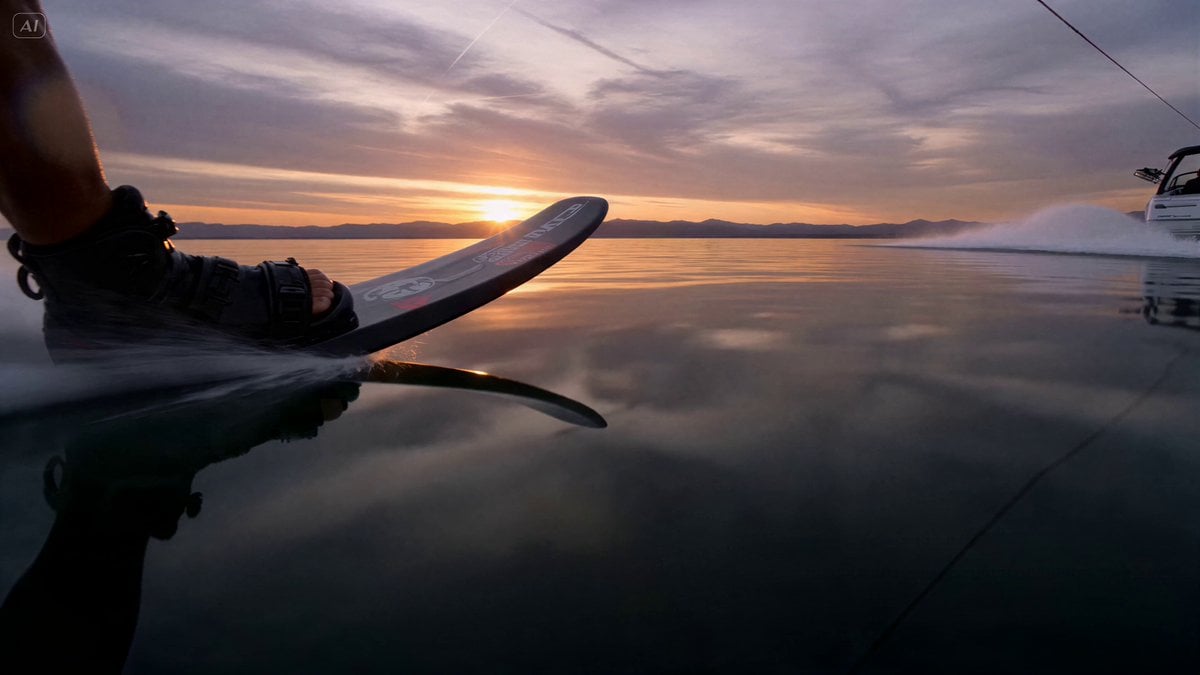
Water Skier Sunset Sequence
Stealth Fighter Jet Missile Evasion
Make it yours
Cinematic Jet Ski Water Skiing Video works as-is. These are the safest ways to change it without losing the look.
Change one field
Copy a single group, rewrite it, and generate again so you can see what that field is doing.
Keep the frame, change the subject
Hold the composition and light of Cinematic Jet Ski Water Skiing Video, then swap wardrobe, props or the person for a new take.
| If the result… | Why | Fix |
|---|---|---|
| The result drifts from the preview | Too many fields changed at once. | Reuse Cinematic Jet Ski Water Skiing Video as-is first, then change one group — subject, light, or setting. |
| The model over-stylizes the scene | The prose prompt leaves finish and camera underspecified. | Add one camera or lighting sentence and stay on Seedance 2.0. |
More Seedance 2.0 templates
Other prompts made for Seedance 2.0.

Comical Martial Arts Punch Scene

Maglev Train Action Sequence

Martial Arts Fight Sequence

Wuxia Protection and Trust Script

Vintage Korean Arcade MiniDV Vlog

Mercedes 190 SL Luxury Ad

Rainy Night Supernatural Reverse Comedy Video Script

Amazon Civilization Discovery

Futuristic South Asian City Transformation

Cozy Luxury Cafe Commercial
More video prompts
Fresh picks from across the catalog.
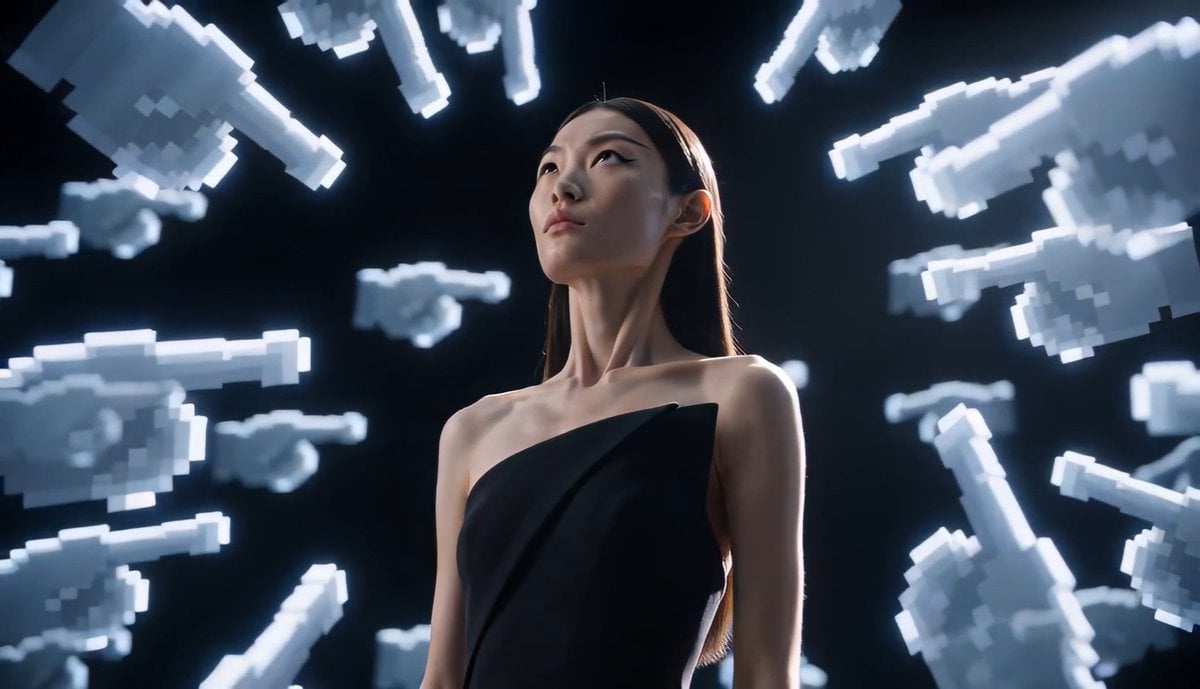
Avant-Garde Pixel Finger Portrait
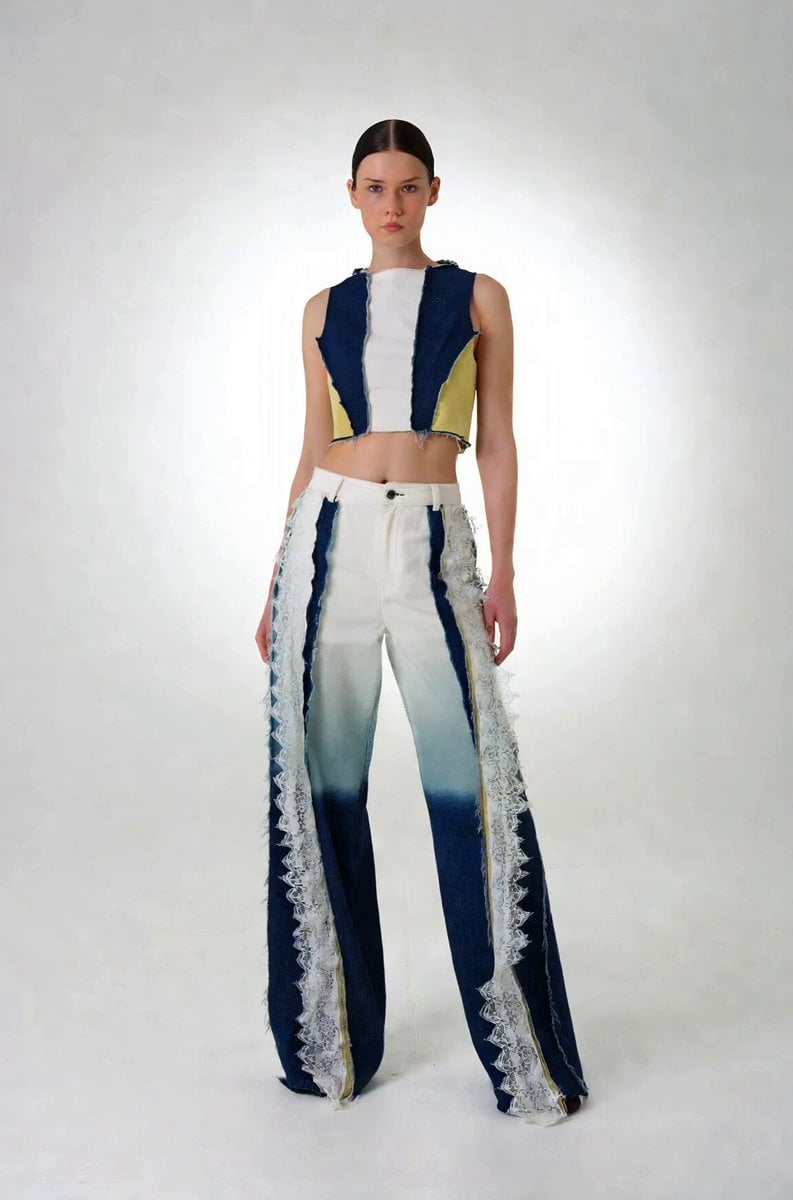
Precise Character Rotation Sequence
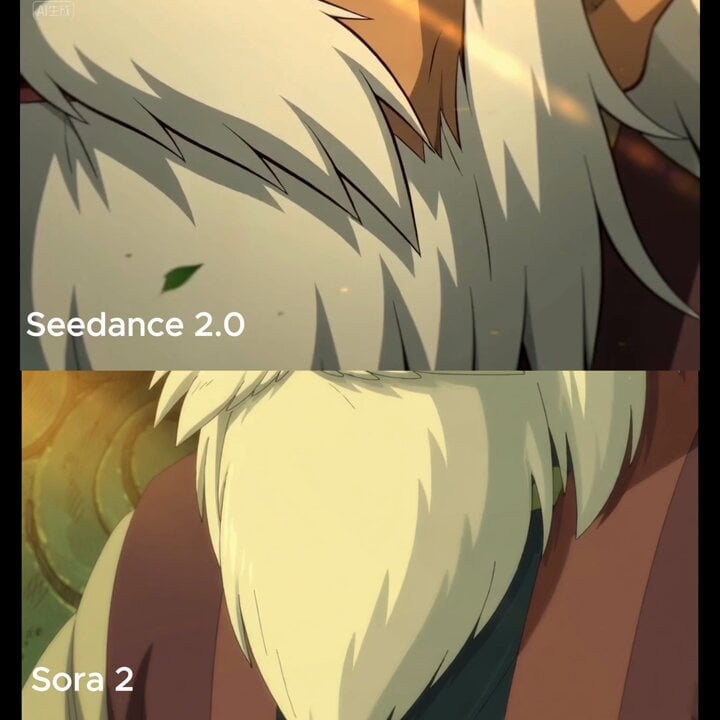
Close-up of beard and hair flowing in the wind
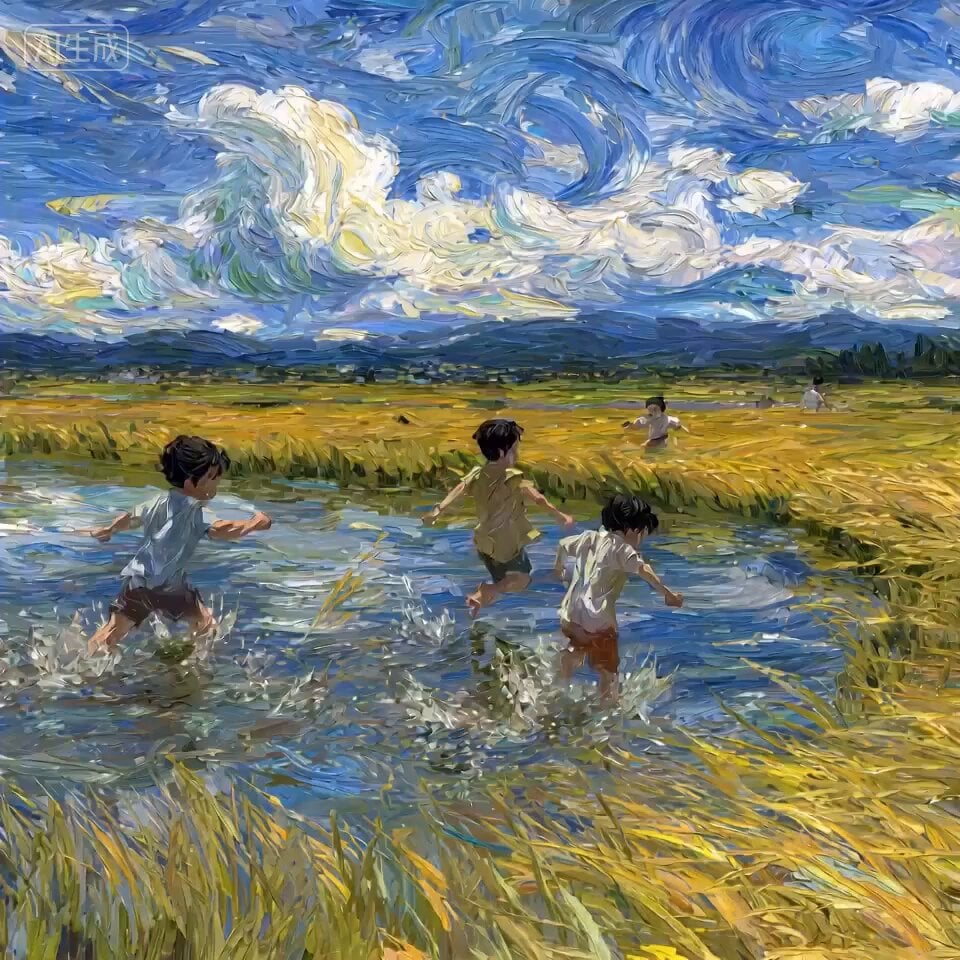
Nostalgic Childhood Memory Video Prompt for Seedance 2.0
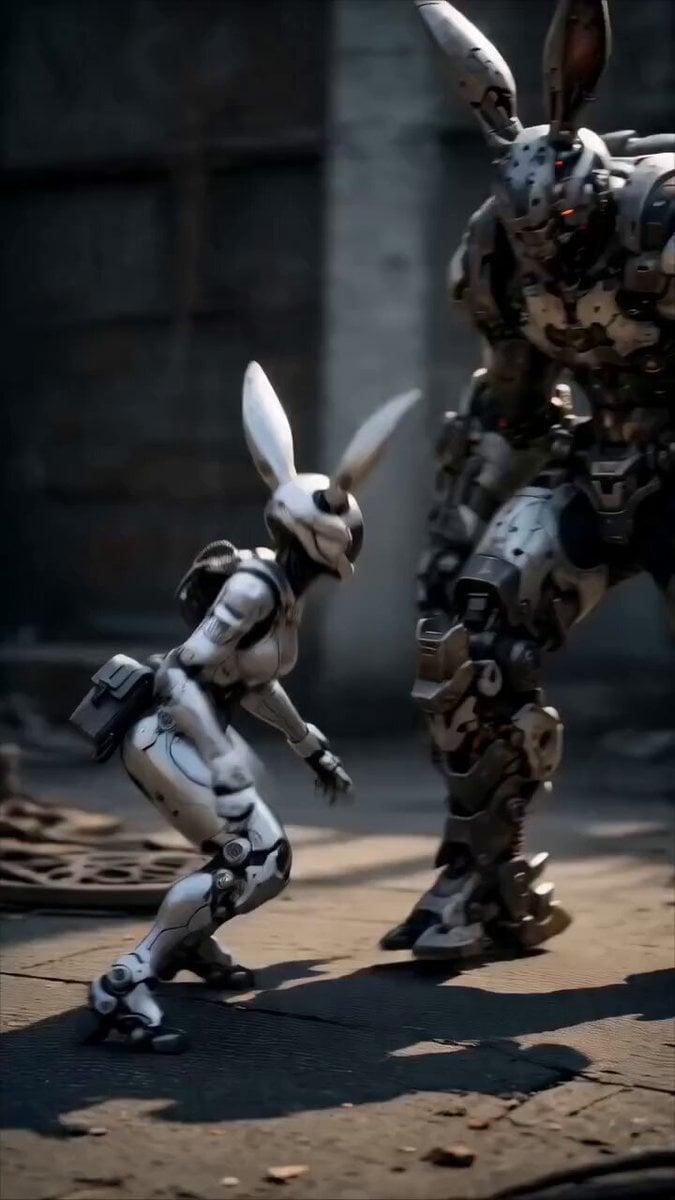
Epic Mecha Rabbit Battle
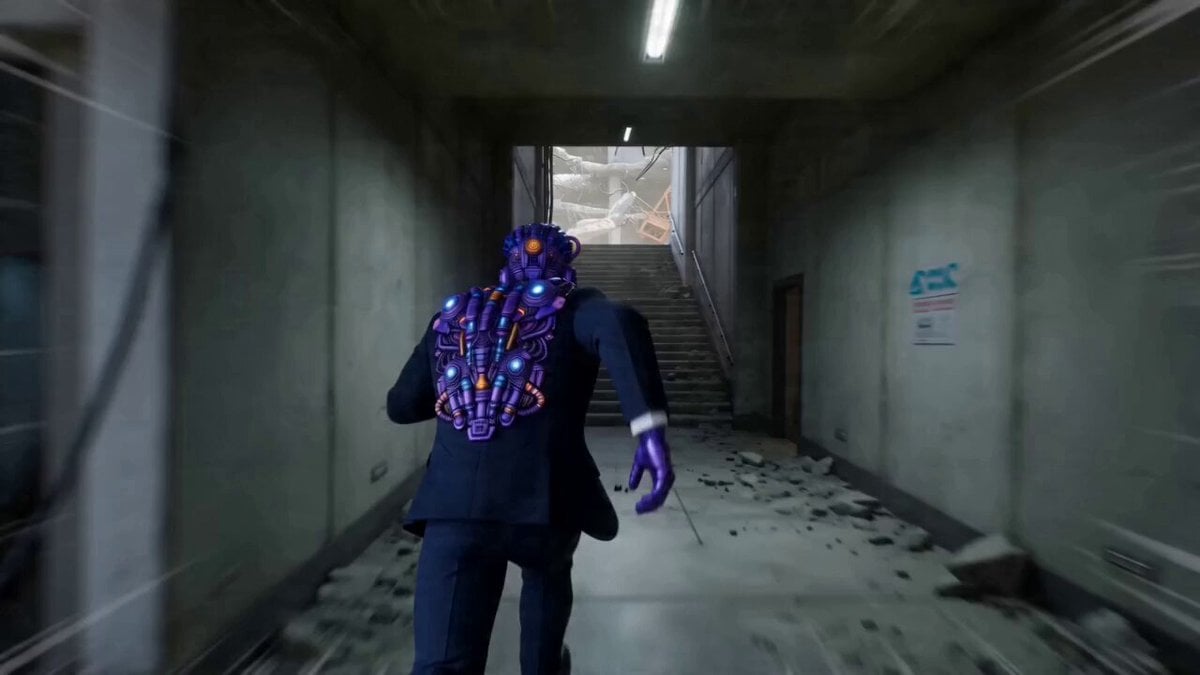
Photorealistic Kung-Fu Stuntman Video Prompt
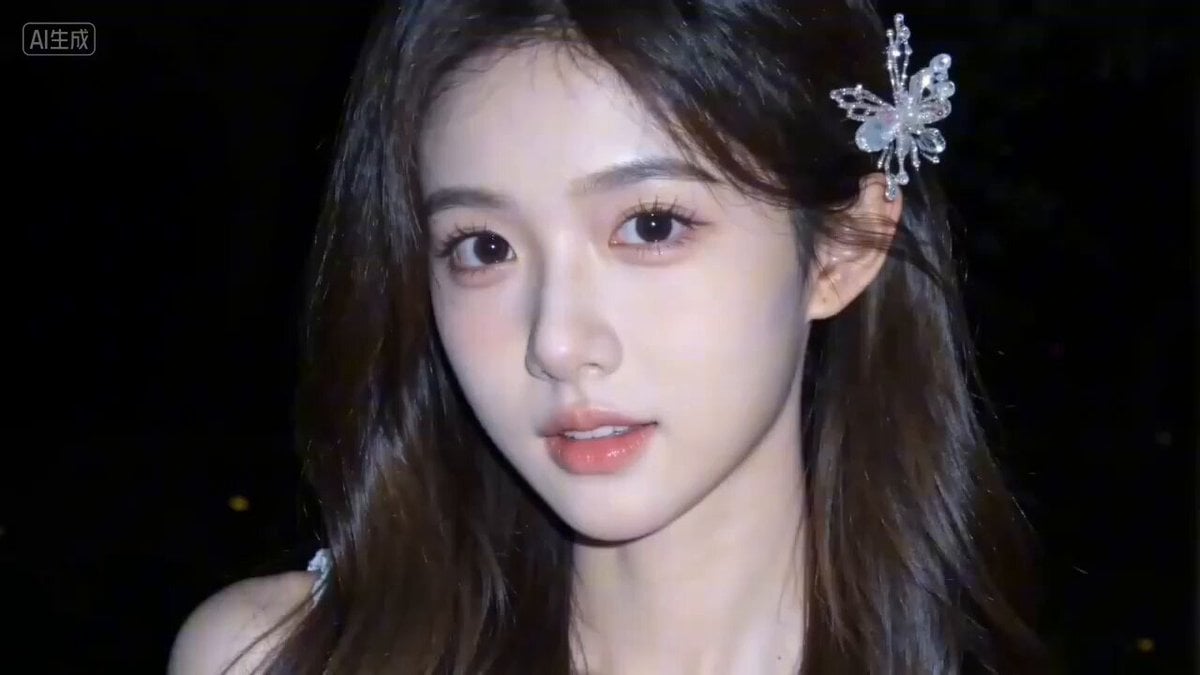
Seedance 2.0 Video Prompt: 'What are you looking at?'
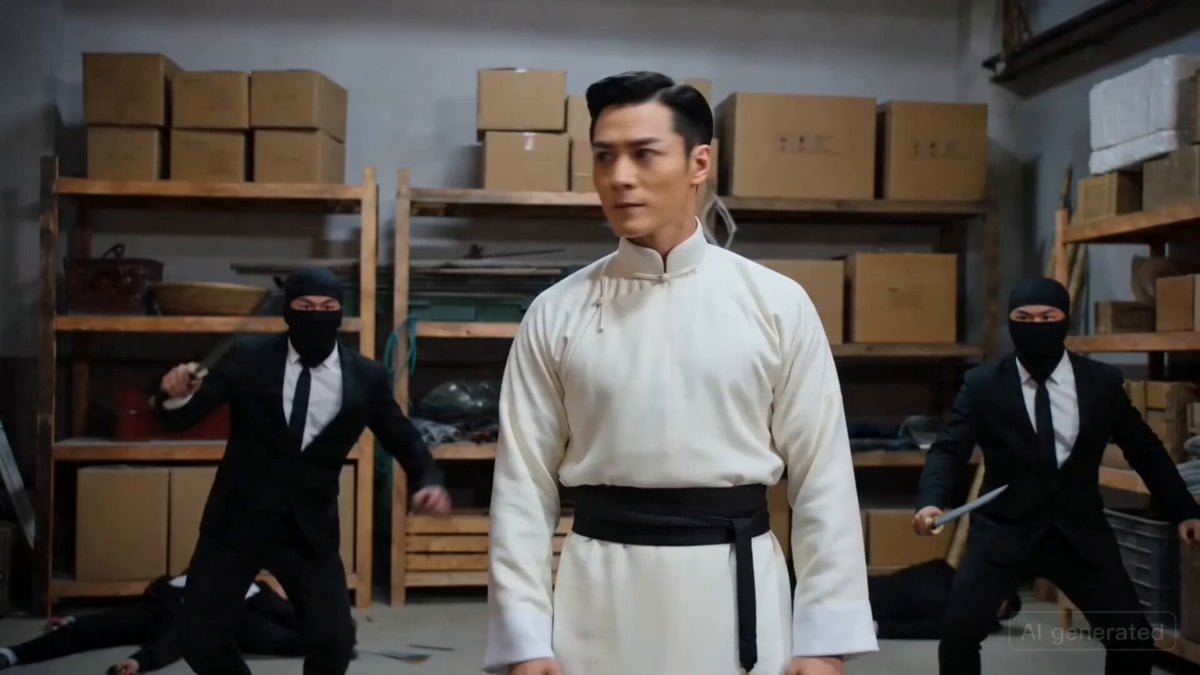
Warehouse Action Sequence Prompt
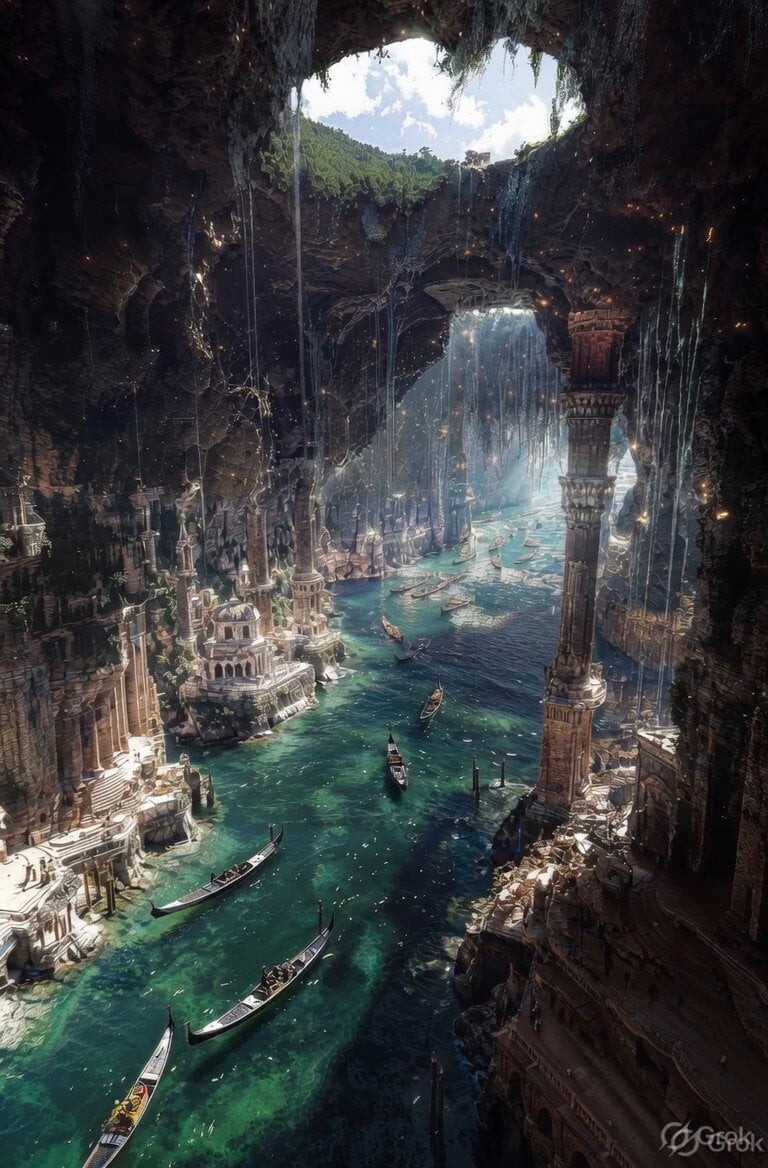
Ancient Ruined Cave City
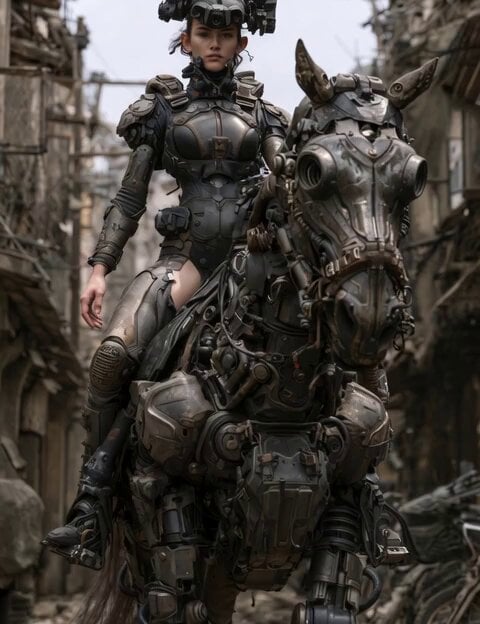
Cybernetic Power Armor Rider on Robotic Horse
Browse template categories
Cinematic Jet Ski Water Skiing Video questions
How do I use the Cinematic Jet Ski Water Skiing Video template?
Add your photo if the template asks for one, edit the prompt if you like — the template's model and format are already selected — and press Generate. Your version opens in PicX Studio.
Can I customize the Cinematic Jet Ski Water Skiing Video template?
Yes. You can change the subject, setting, lighting, mood, format, and available model controls before creating your video.
Is the Cinematic Jet Ski Water Skiing Video template free?
Opening and editing this template is free. Generating uses credits, shown on the Generate button when you are signed in.
Which AI model should I use?
Start with Seedance 2.0, which is the model associated with this template. You can compare another compatible model for a different finish.
Looking for something else? Browse all templates.

Your photo, any look
Thousands of ready templates for every top image and video model, from one credit balance.