
Cinematic Skiing Video Generation
A detailed, multi-shot prompt for generating a 15-second skiing video based on a reference image.
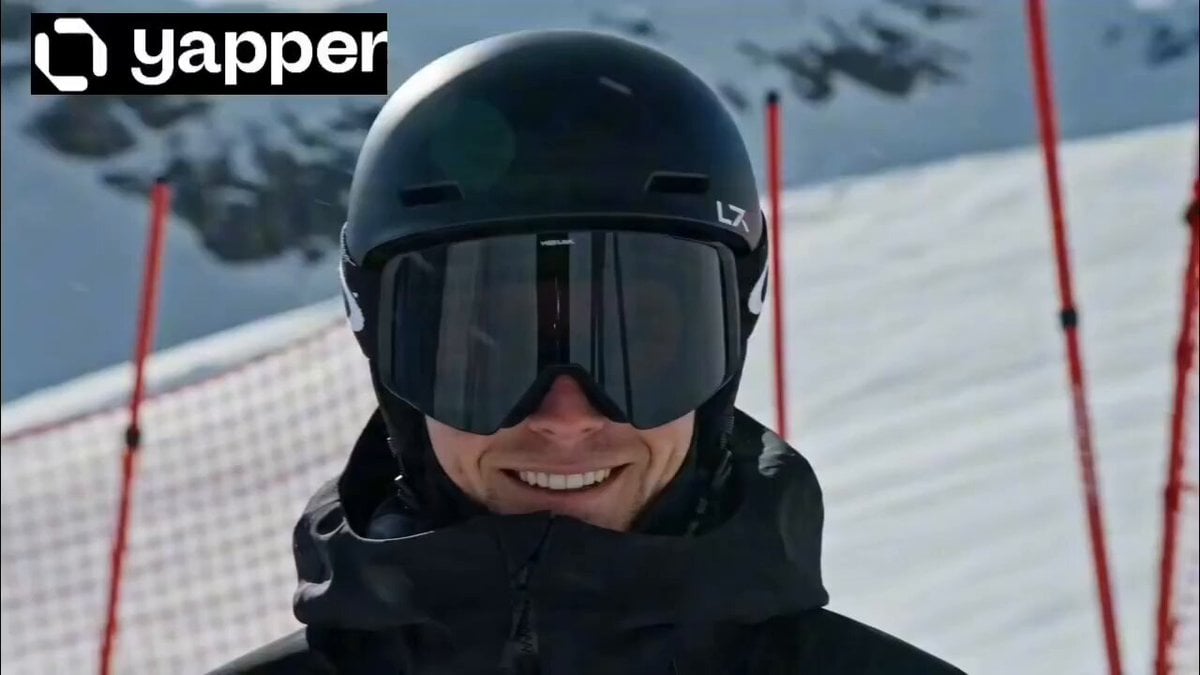
- Prompt included
- Model and format preset
- Premium template
The prompt behind this video
Copy the exact prompt behind Cinematic Skiing Video Generation, or open it in the studio and make it yours.
Please generate a skiing video based on the provided reference image. The overall style should be bright, crisp, full of athletic energy, with smooth motion and cinematic camera language. Timeline and shot design as follows: 0–3s: The character from the image smiles at the camera in the snow. Subtle camera shake with snowflakes falling. Background wind noise gradually increases, and a fast-moving flow of wind and snow appears in the frame. 3–5s: Fast cut to an extreme close-up of the character's feet as the ski bindings snap shut, crushing the snow. Simultaneously, the camera rises, transitioning to an overhead view of a steep snowy slope, showing a clear incline as the sense of speed is about to explode. 5–8s: The character slides down from a height at high speed. Shot 1 is a side-front medium follow shot, with the body leaning forward and movements being sharp; Shot 2 cuts to an overhead shot as the steep slope extends downward, with the snow track lines stretching rapidly, creating a strong sense of speed. 8–11s: A series of rapid camera cuts. A low-angle ground shot shows the skis skimming the snow surface as snow powder is kicked up at high speed; a wide shot shows the character making a beautiful turn on the steep slope, their body and the snow line forming a smooth curve. 11–13s: The camera returns to a front-view follow shot as the character charges toward the lens at high speed, performing a sharp turn at close range, sending a massive spray of snow into the air. 13–15s: A large amount of snow powder splashes directly onto the lens, covering the screen in a white snow mist. The camera briefly loses focus before freezing, leaving a strong dynamic afterimage. The overall emphasis is on speed, cutting rhythm, realistic motion, and youthful vitality, with a bright, non-heavy aesthetic that highlights the thrill and freedom of skiing.
How to use Cinematic Skiing Video Generation in 3 steps
- 1Upload ImagePNG, JPG or paste
Add your photo
Upload the photo the template builds on. The prompt, model and format are already set.
- 2…a portrait of your subject in softgolden-hour light, 85mm…
Personalize
Edit the subject and creative details for your destination.
- 3Generate
Generate
Press Generate — your video is created in PicX Studio, so you can compare it with the original and refine one variable at a time.
More like this
Templates with the same subject, style or setup. Open one to see its prompt.

Skiing Video Generation Prompt with Detailed Scene Breakdown
Cinematic Jet Ski Water Skiing Video
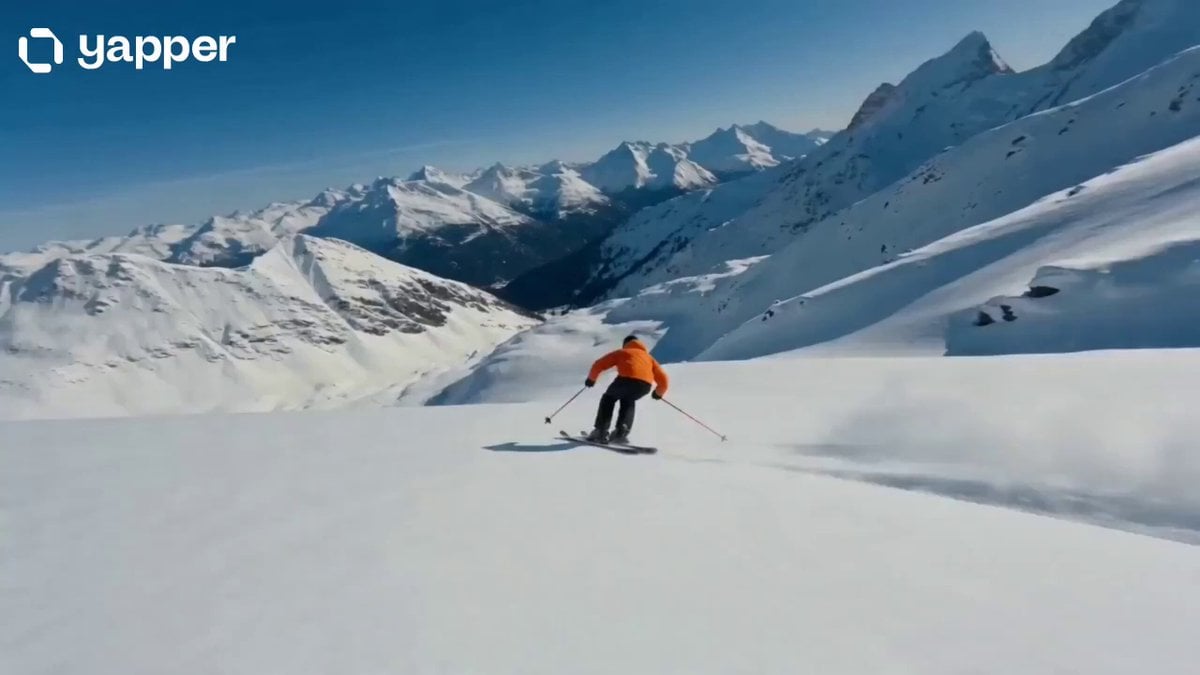
Cinematic Skiing Sports Documentary
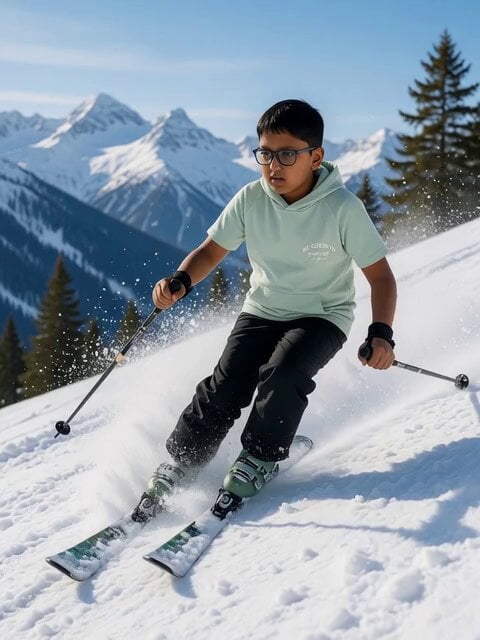
Nighttime Skiing with Australian Shepherd and Bunny Video Prompt

Drone shot of a skiing rabbit escaping an avalanche
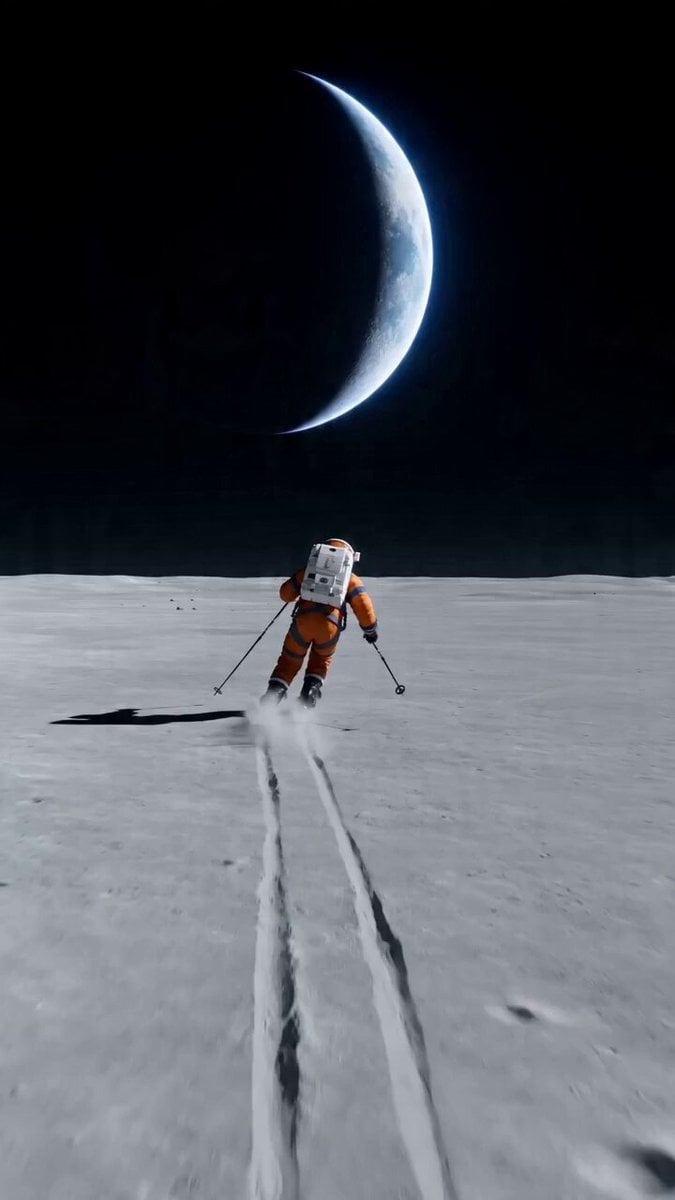
Wide shot of an astronaut skiing on a lunar plain
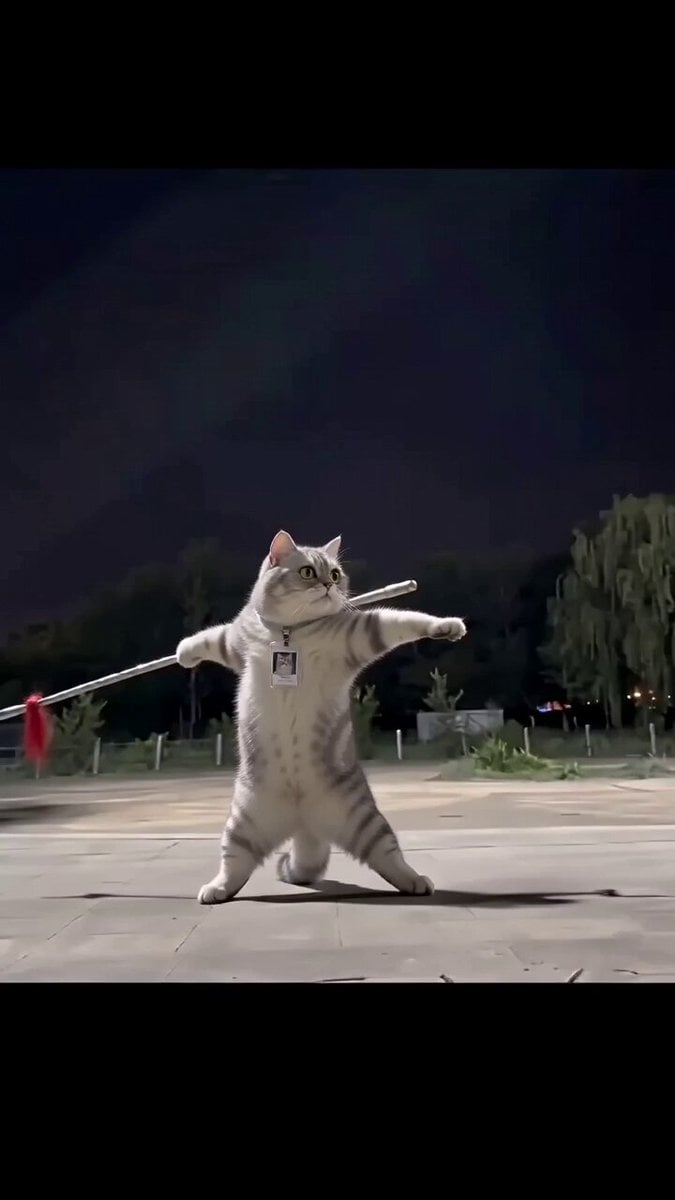
Real Animal Spear Dance Video Generation
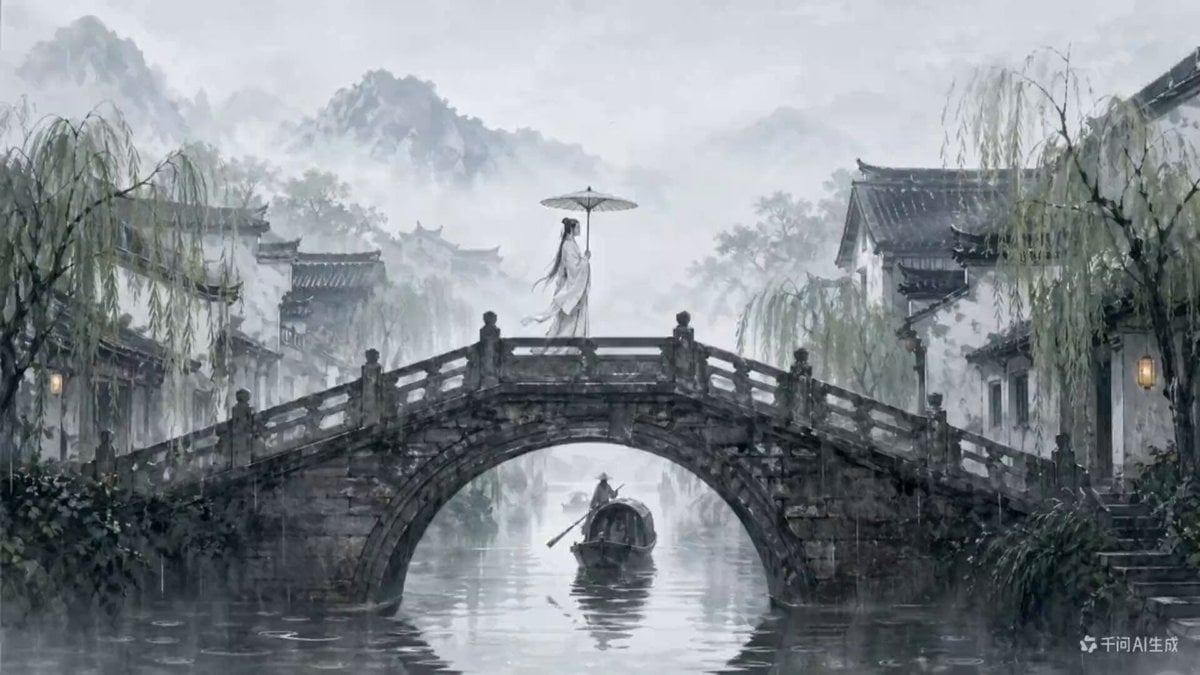
Traditional Chinese Ink Wash Video Generation
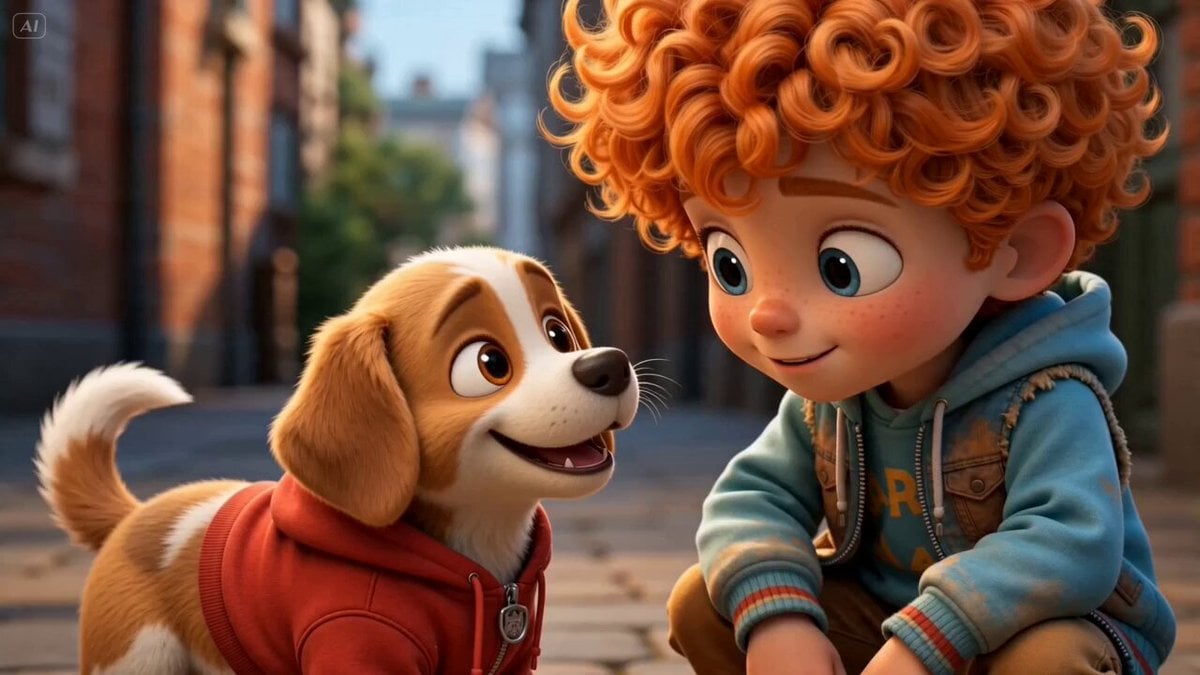
Storyboard to Scene Generation

Cyberpunk Guerrilla Girl Video Generation

Interior View Video Generation Prompt
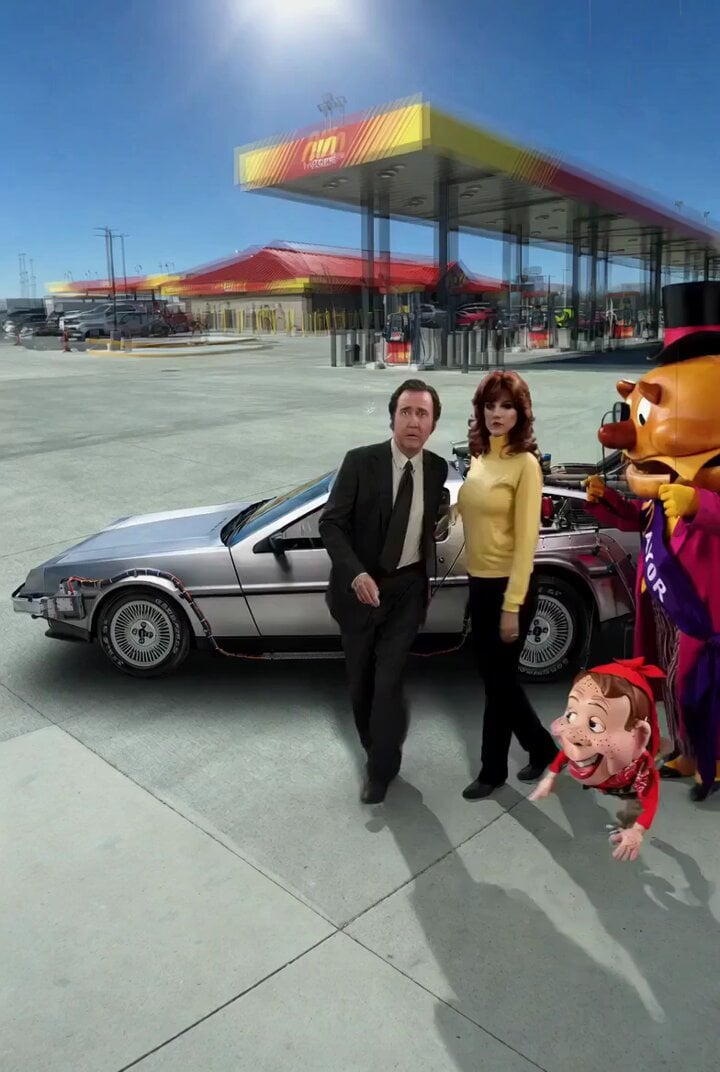
Back to the Future 4 R-rated Video Generation
Make it yours
Cinematic Skiing Video Generation works as-is. These are the safest ways to change it without losing the look.
Change one field
Copy a single group, rewrite it, and generate again so you can see what that field is doing.
Keep the frame, change the subject
Hold the composition and light of Cinematic Skiing Video Generation, then swap wardrobe, props or the person for a new take.
| If the result… | Why | Fix |
|---|---|---|
| The result drifts from the preview | Too many fields changed at once. | Reuse Cinematic Skiing Video Generation as-is first, then change one group — subject, light, or setting. |
| The model over-stylizes the scene | The prose prompt leaves finish and camera underspecified. | Add one camera or lighting sentence and stay on Seedance 2.0. |
More Seedance 2.0 templates
Other prompts made for Seedance 2.0.

Comical Martial Arts Punch Scene

Maglev Train Action Sequence

Martial Arts Fight Sequence

Wuxia Protection and Trust Script

Vintage Korean Arcade MiniDV Vlog

Mercedes 190 SL Luxury Ad

Rainy Night Supernatural Reverse Comedy Video Script

Amazon Civilization Discovery

Futuristic South Asian City Transformation

Cozy Luxury Cafe Commercial
More video prompts
Fresh picks from across the catalog.
Action Sequence: Character Launching First Attack
Luxury Fashion Elevator Commercial
Cinematic Cosmos Zoom In

Morning Skincare Routine Vlog Script

Macro Golden Morphing Animation
Seedance 2.0 Extreme POV Jet Ski Video Prompt

Realistic City Street Story Cinematic Video - Seedance
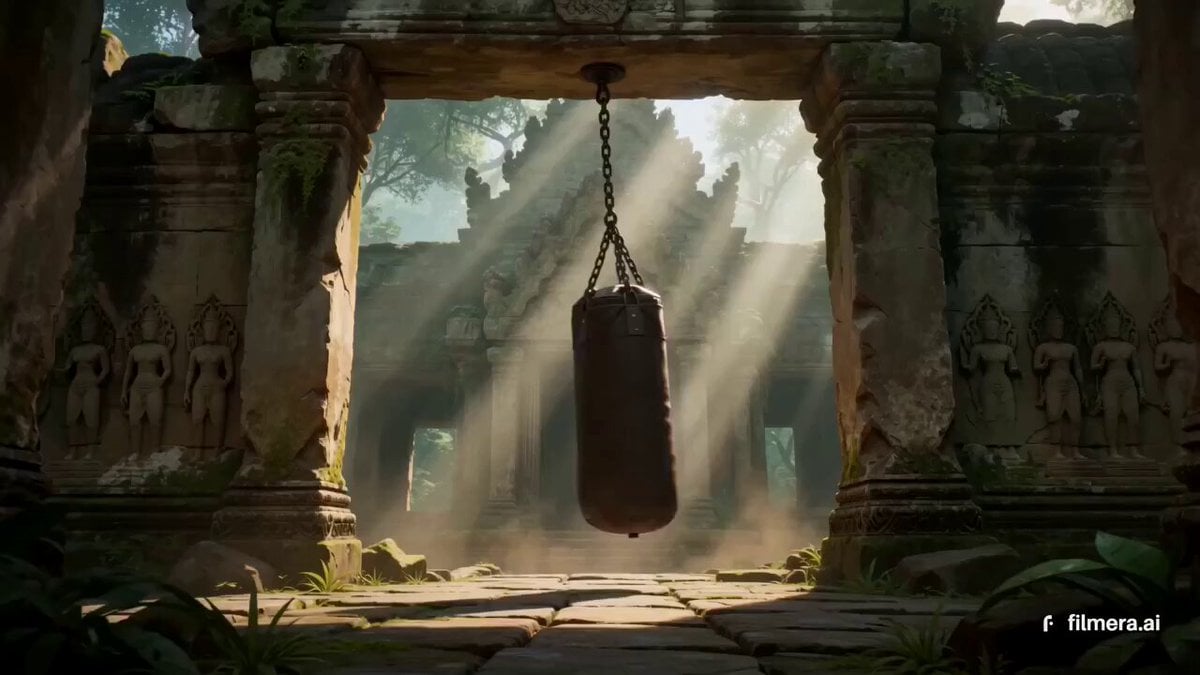
Thai Temple Cinematic Clip
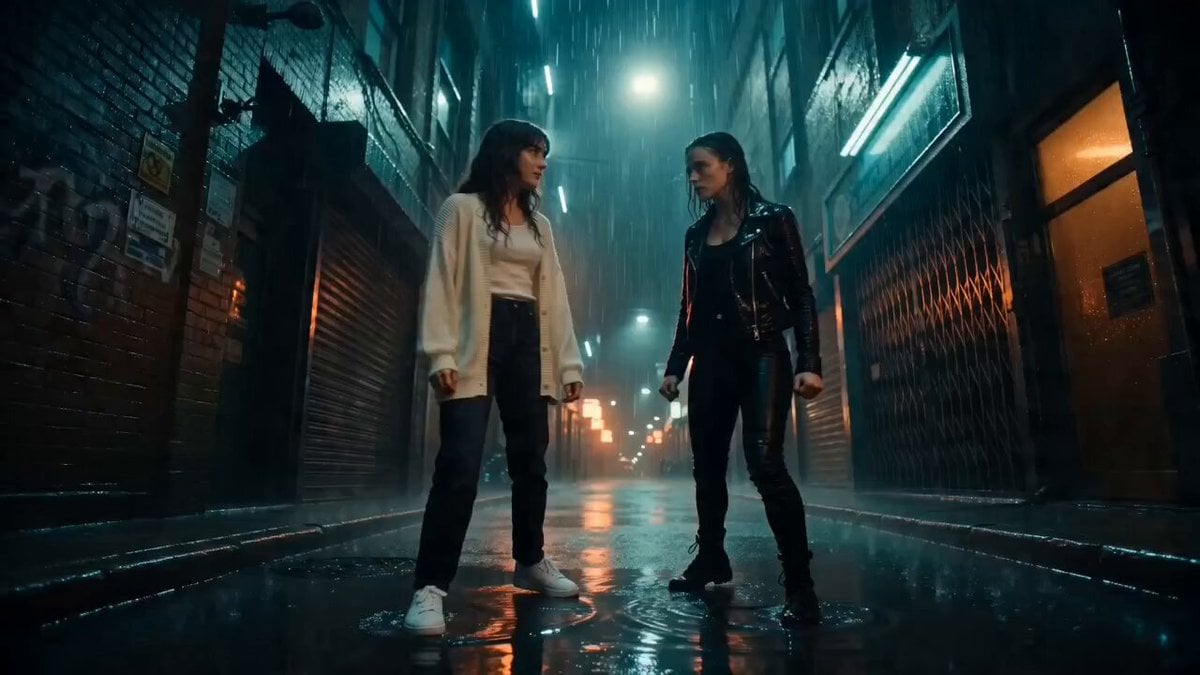
Neon Alley Fight Cinematic Prompt
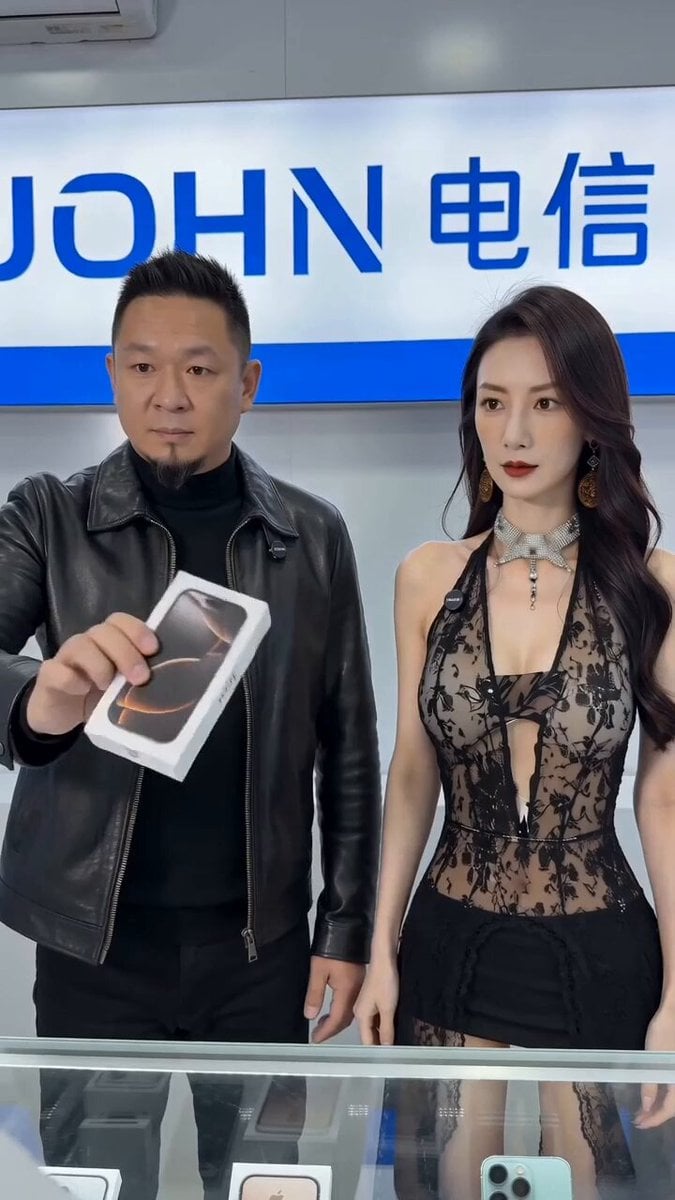
Phone Scam Comedy Skit
Browse template categories
Cinematic Skiing Video Generation questions
How do I use the Cinematic Skiing Video Generation template?
Add your photo if the template asks for one, edit the prompt if you like — the template's model and format are already selected — and press Generate. Your version opens in PicX Studio.
Can I customize the Cinematic Skiing Video Generation template?
Yes. You can change the subject, setting, lighting, mood, format, and available model controls before creating your video.
Is the Cinematic Skiing Video Generation template free?
Opening and editing this template is free. Generating uses credits, shown on the Generate button when you are signed in.
Which AI model should I use?
Start with Seedance 2.0, which is the model associated with this template. You can compare another compatible model for a different finish.
Looking for something else? Browse all templates.

Your photo, any look
Thousands of ready templates for every top image and video model, from one credit balance.