
Cinematic Cosmos Zoom In
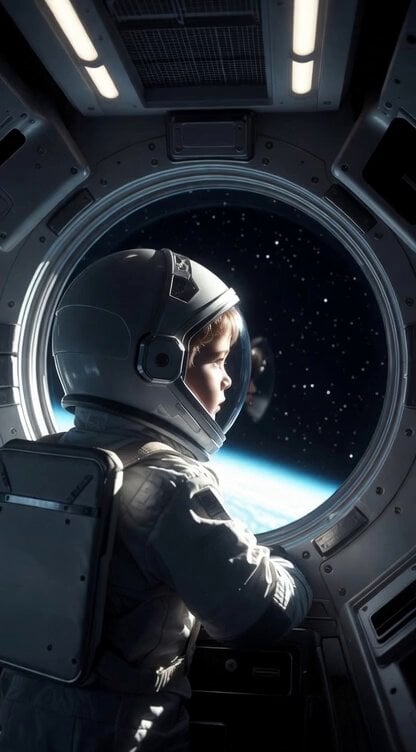
A video generation prompt for a slow, subtle cinematic camera zoom toward a subject gazing at the cosmos.
- Prompt included
- Model and format preset
- Free template
The prompt behind this video
Copy the exact prompt behind Cinematic Cosmos Zoom In, or open it in the studio and make it yours.
Slow subtle cinematic camera zooming in movement, subject is watching the cosmos Inspirational.
How to use Cinematic Cosmos Zoom In in 3 steps
- 1
Open
The prompt is already in the box next to the preview, with the template's model and format selected.
- 2…a portrait of your subject in softgolden-hour light, 85mm…
Personalize
Edit the subject and creative details for your destination.
- 3Generate
Generate
Press Generate — your video is created in PicX Studio, so you can compare it with the original and refine one variable at a time.
More like this
Templates with the same subject, style or setup. Open one to see its prompt.
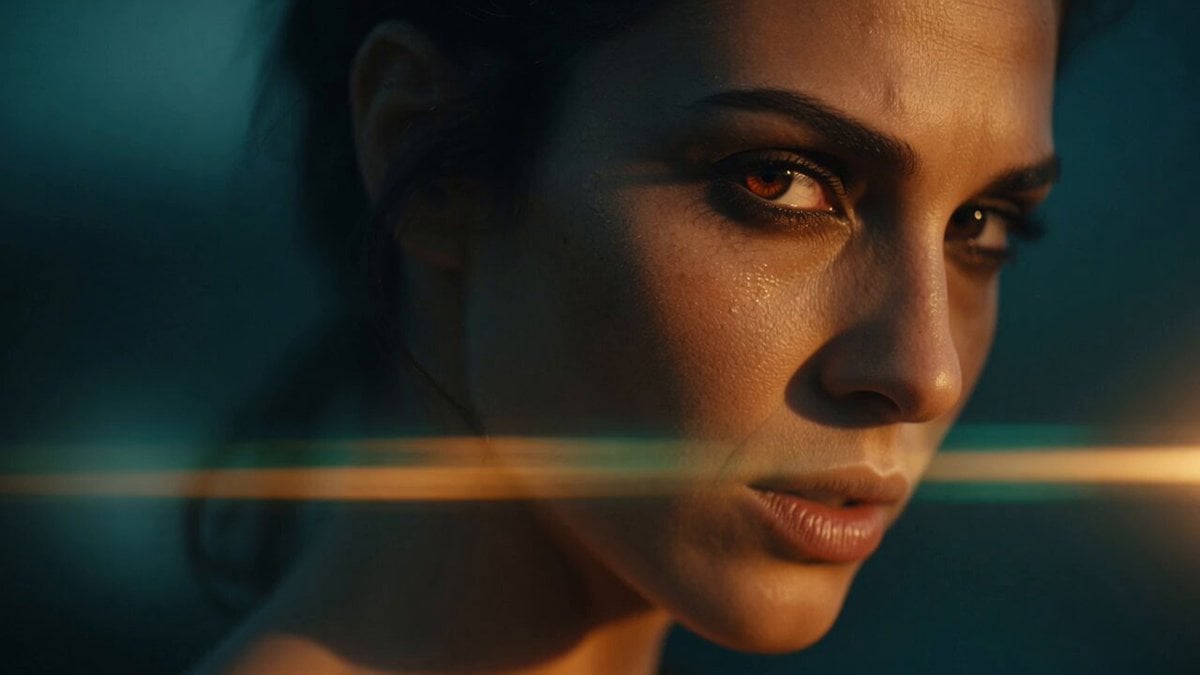
Neruda Poetry Cinematic Dolly Zoom
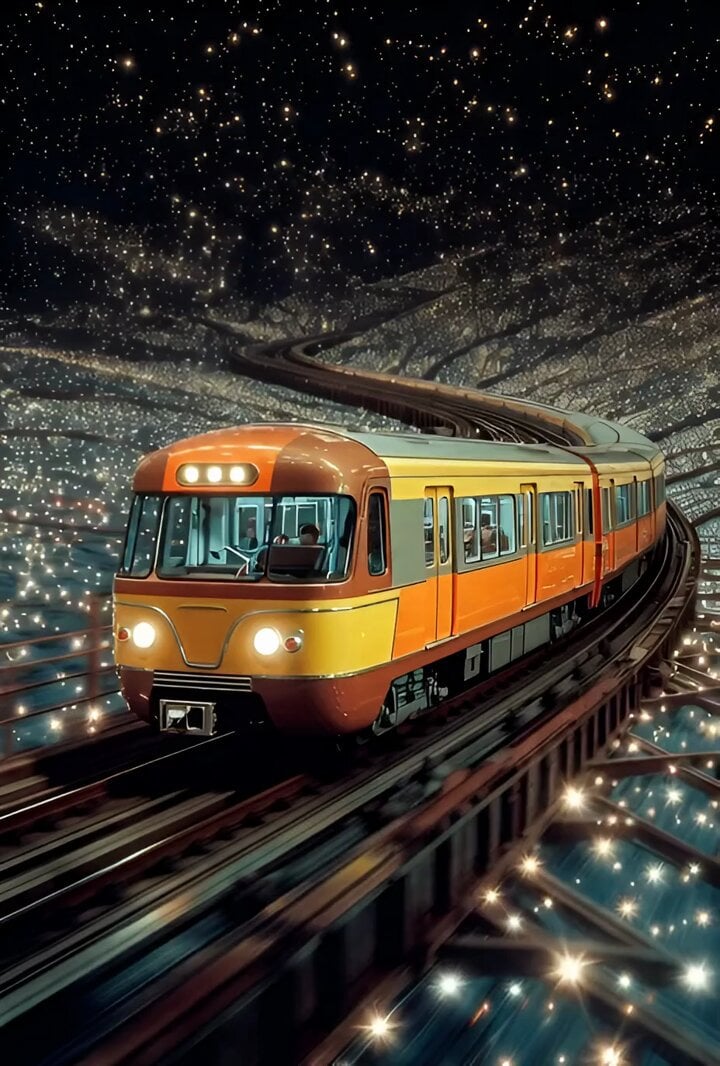
Train Zooming in Star Field Video Prompt
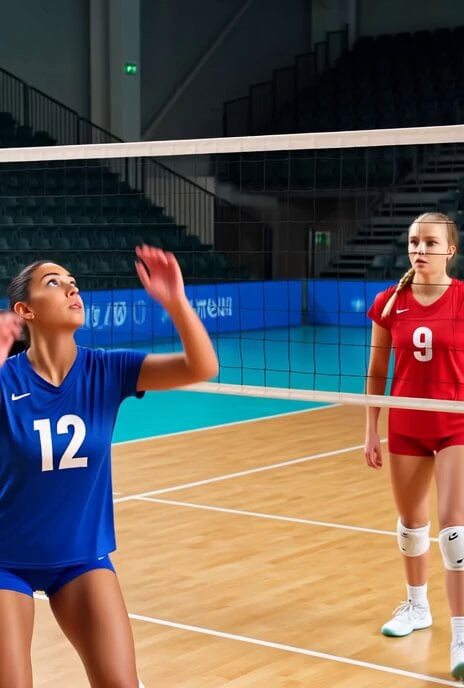
Volleyball Game Zoom Out to TV Screen
Video generation prompt for a cosmic zoom
Surreal Floating Mountains Eye Zoom Video Prompt
Zoom into Chrysler building window to see old man
Hyper-realistic radio studio zoom-in prompt
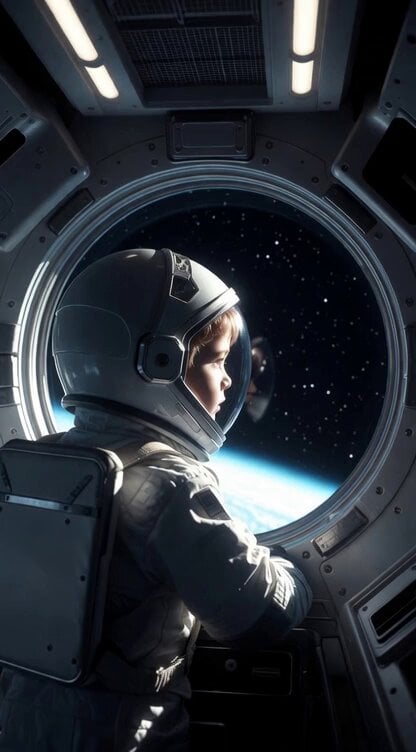
Slow Cinematic Zoom

Video prompt for a birthday scene with grandparents and a zoom effect
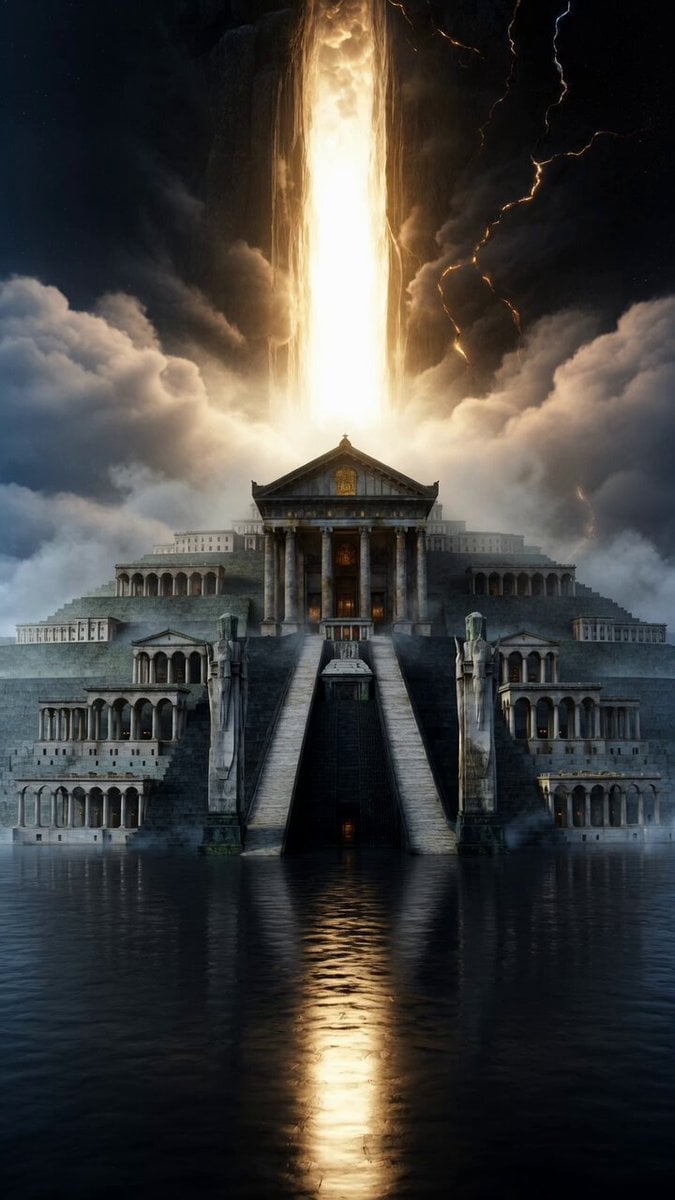
Grand Sacred Imperial Capital at the Edge of the Cosmos
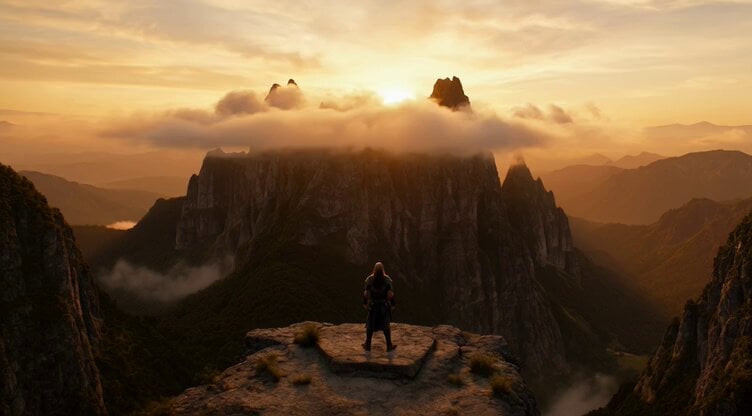
Dolly Zoom Celestial Dragon
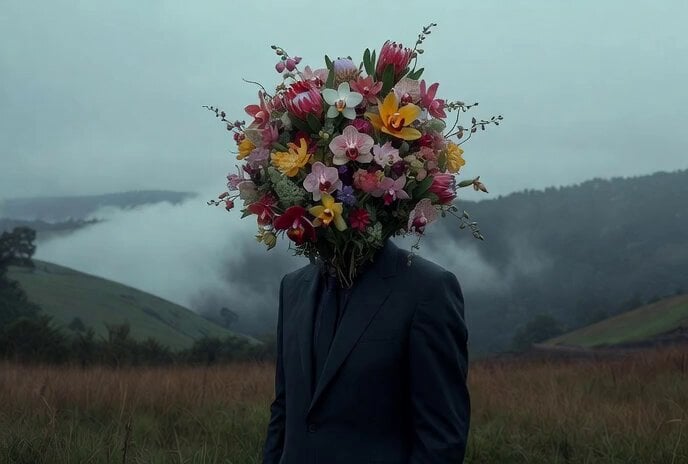
Man Walking to Camera and Zooming on Flowers
Make it yours
Cinematic Cosmos Zoom In works as-is. These are the safest ways to change it without losing the look.
Change one field
Copy a single group, rewrite it, and generate again so you can see what that field is doing.
Keep the frame, change the subject
Hold the composition and light of Cinematic Cosmos Zoom In, then swap wardrobe, props or the person for a new take.
| If the result… | Why | Fix |
|---|---|---|
| The result drifts from the preview | Too many fields changed at once. | Reuse Cinematic Cosmos Zoom In as-is first, then change one group — subject, light, or setting. |
| The model over-stylizes the scene | The prose prompt leaves finish and camera underspecified. | Add one camera or lighting sentence and stay on Grok Imagine. |
More Grok Imagine templates
Other prompts made for Grok Imagine.

Kaleidoscopic Cosmic Dolphin Video

Horror Daffy Duck Video Transition

America 250th Anniversary Celebration

Glowing Water Forest Night Prompt

Soft Pink Roses Dreamer Prompt

Ninja Wizard Levitation Jump

Coffee Cup Interaction Motion

Voice Controlled Water Animation

Pterodactyl Transformation Journey

Candle Mandala Mirror Video
More video prompts
Fresh picks from across the catalog.
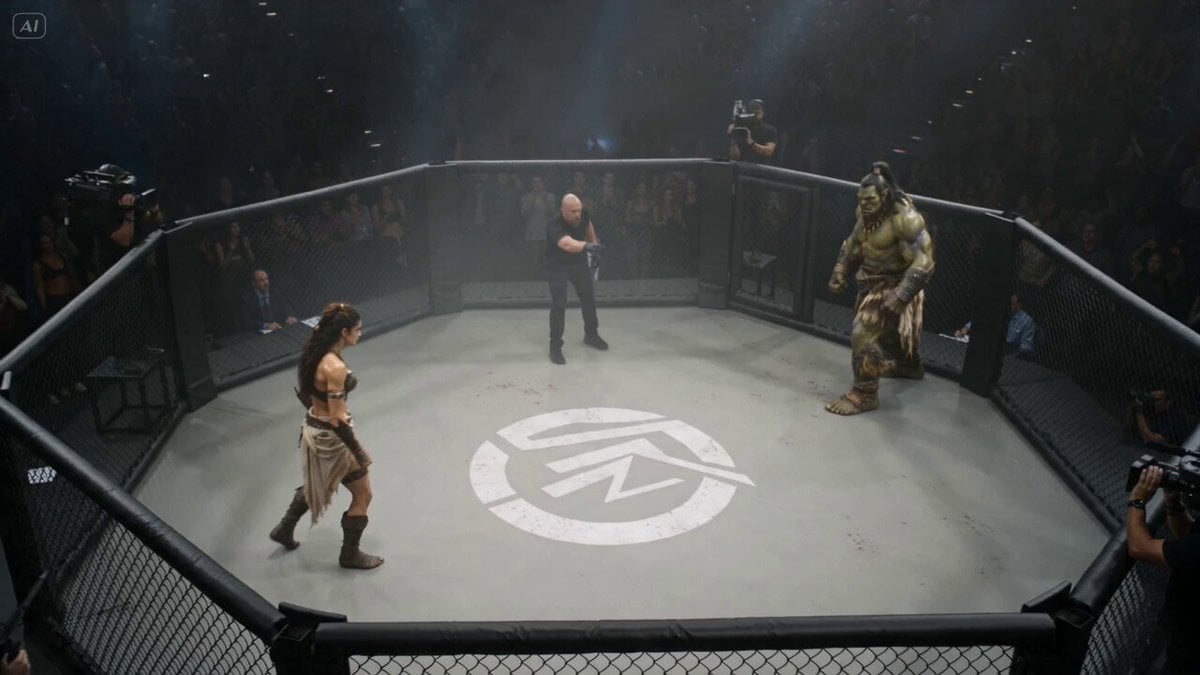
Hyperrealistic Orc vs Human UFC Fight
Tokyo Lifestyle Documentary Video Prompt

The Dawning of the Age of Aquarius
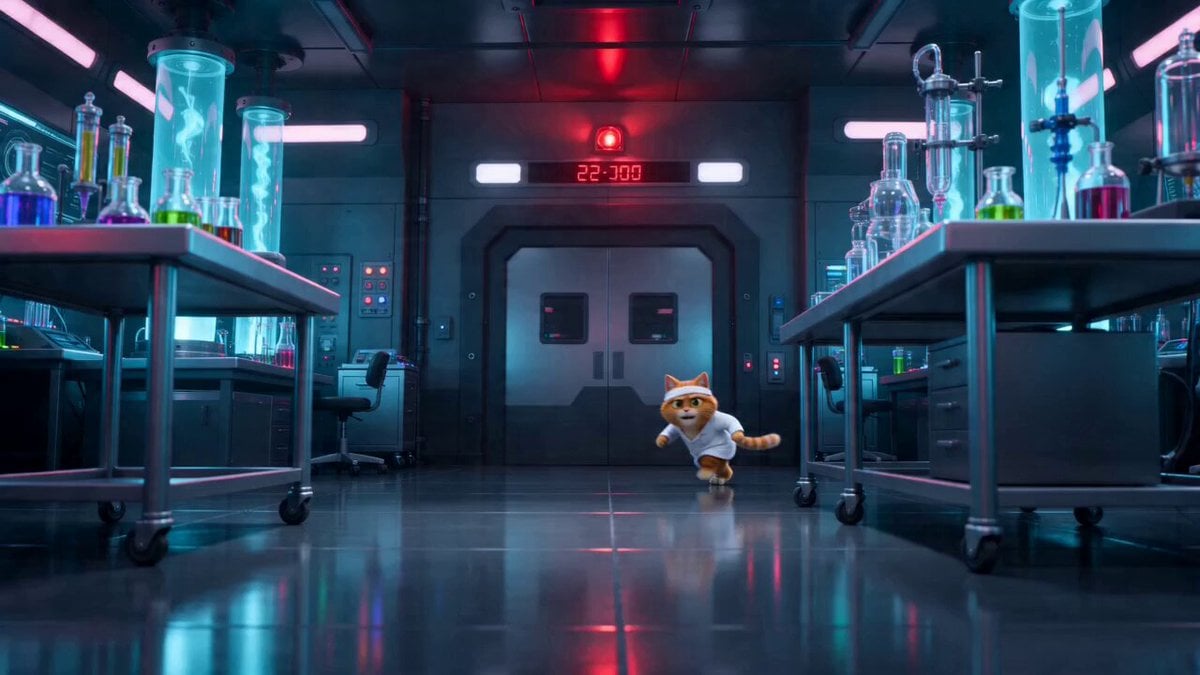
Sci-Fi Dark Comedy Chase Scene
Pixar Style Supermarket Comedy Animation
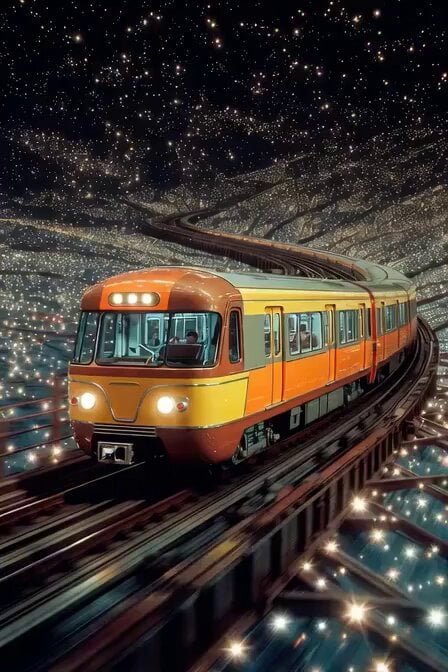
Prayer Revolution Video
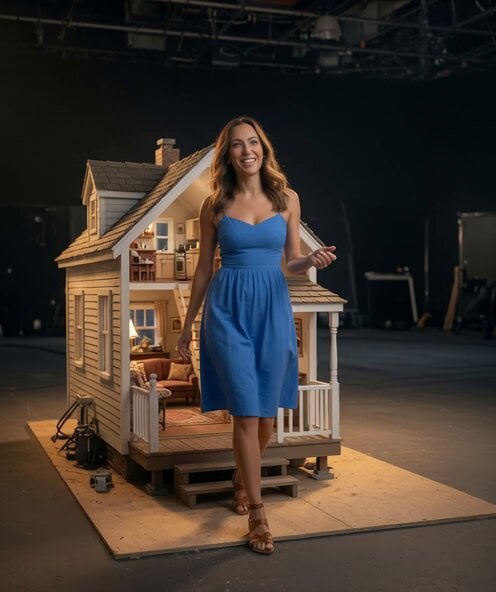
Miniature Dollhouse Walkthrough
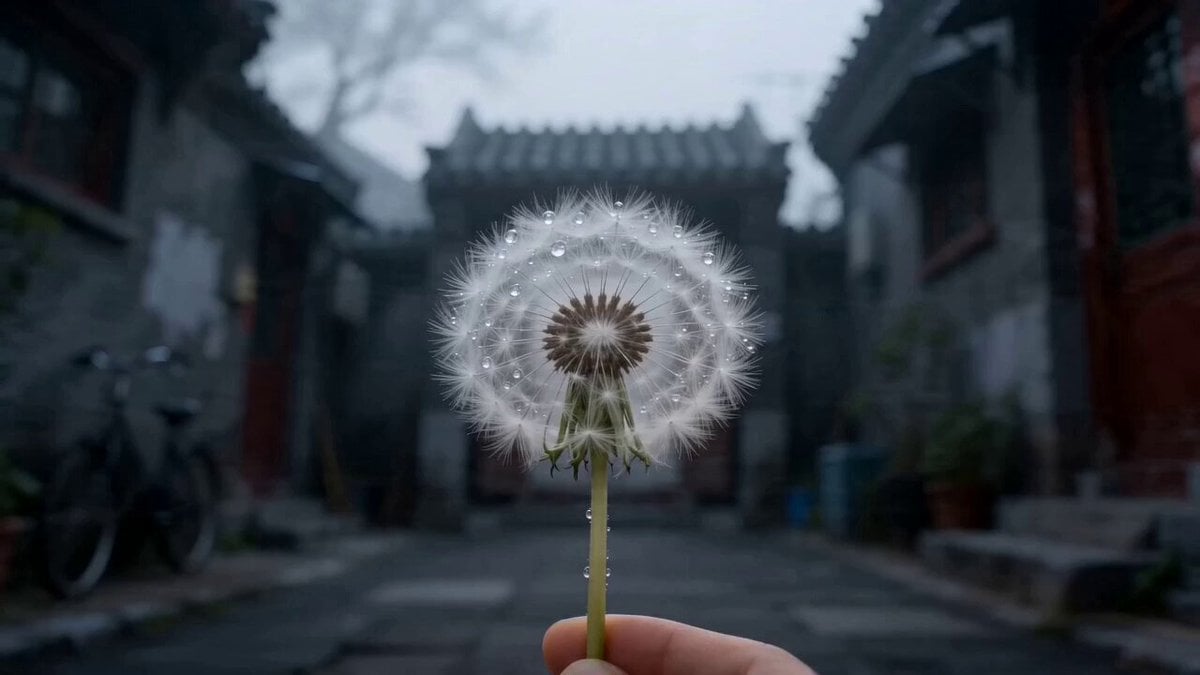
Cinematic Chinese Style City Culture Ad
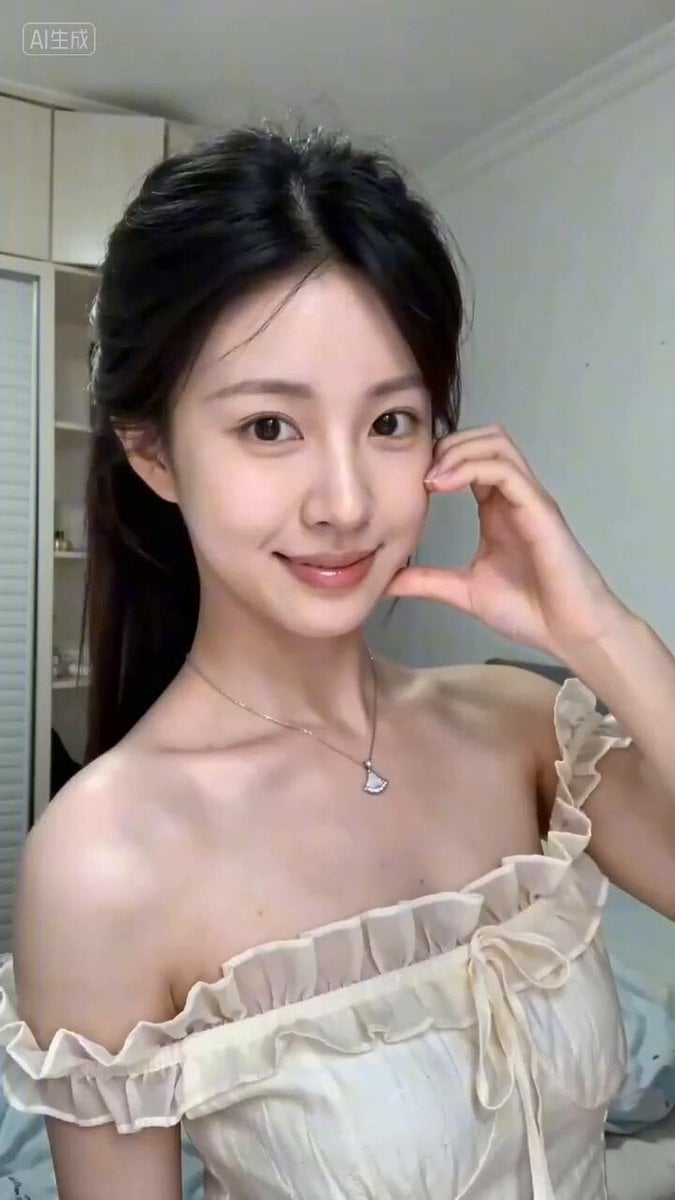
Seedance 2.0 Short Video Prompt Formula Example

POV Shark Attack
Browse template categories
Cinematic Cosmos Zoom In questions
How do I use the Cinematic Cosmos Zoom In template?
Add your photo if the template asks for one, edit the prompt if you like — the template's model and format are already selected — and press Generate. Your version opens in PicX Studio.
Can I customize the Cinematic Cosmos Zoom In template?
Yes. You can change the subject, setting, lighting, mood, format, and available model controls before creating your video.
Is the Cinematic Cosmos Zoom In template free?
Opening and editing this template is free. Generating uses credits, shown on the Generate button when you are signed in.
Which AI model should I use?
Start with Grok Imagine, which is the model associated with this template. You can compare another compatible model for a different finish.
Looking for something else? Browse all templates.

Your photo, any look
Thousands of ready templates for every top image and video model, from one credit balance.