
Pixar Style Supermarket Comedy Animation
A high-end Pixar/Disney style 3D animation prompt for a supermarket scene where a stern father melts emotionally over his toddler daughter's reaction to ice cream.
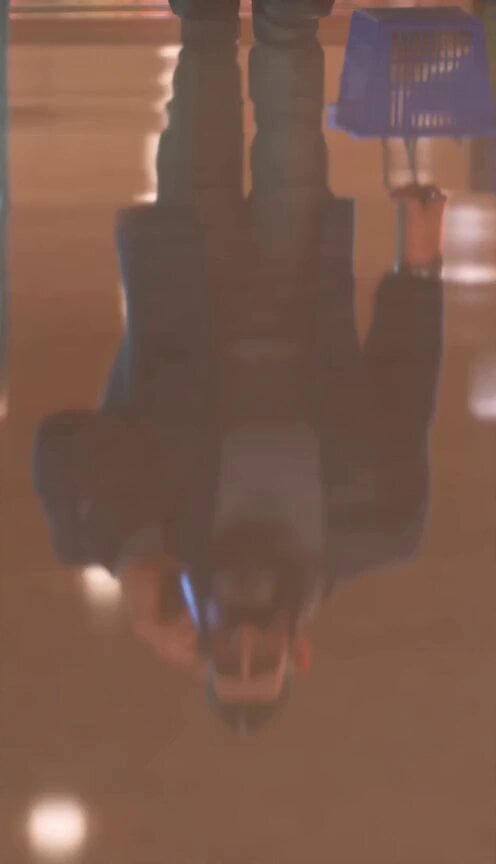
- Prompt included
- Model and format preset
- Free template
The prompt behind this video
Copy the exact prompt behind Pixar Style Supermarket Comedy Animation, or open it in the studio and make it yours.
Vertical 9:16, 15 seconds, high-end Pixar/Disney-style 3D animated supermarket comedy scene. Warm glossy cinematic look, soft amber supermarket lighting, cool teal freezer glow, reflective polished floor, realistic fabric, hair, glass and ice cream textures. No text, no subtitles, no logos, no watermarks. Characters: A large tall bearded father, broad-shouldered, heavy build, dark hair with grey temples, thick black beard, deep navy blazer, warm grey turtleneck, charcoal trousers, black shoes, silver watch. He walks with heavy confident steps, holding a phone to his right ear and a blue shopping basket in his left hand. A small red-haired toddler daughter with copper curly hair in two side bunches, big green eyes, freckles, bubblegum-pink dress, small pink shoulder bag, pink shoes. She moves with light bouncy steps, expressive and cute. Scene: Modern supermarket aisle with upright glass-door freezers glowing cool aqua, condensation on glass, shelves blurred in the background, polished reflective floor. TIMING AND SHOTS: 0.0–1.0 sec — Low opening shot from the glossy floor. Camera tilts up from the father’s black shoes and reflection, past his trousers, blue basket, navy blazer and silver watch, to his stern bearded face. He is walking and talking on the phone. 1.0–2.5 sec — Side wide shot. The father walks through the freezer aisle. His tiny daughter follows behind, dwarfed by him and the tall freezer cases. Her hair bunches bounce as she takes quick little steps. 2.5–4.0 sec — The girl stops at a freezer door, reaches up, opens it, cool mist and teal light spill out. She happily takes one waffle ice cream cone and holds it with both hands. The freezer door closes behind her. 4.0–5.2 sec — Front medium shot. The father walks toward camera, still on the phone. The girl trots beside him holding the ice cream and looking up hopefully. The father says firmly into the phone: “No.” He is answering the call, but the girl thinks he is refusing her ice cream. 5.2–8.0 sec — Extreme close-up of the girl’s face. Her smile disappears. Her lower lip trembles, eyebrows rise into a sad inverted-V, big green eyes fill with huge glossy tears. One large tear rolls down her freckled cheek, then another. She looks devastated and adorable. 8.0–10.5 sec — Over-the-shoulder shot from behind the father. He suddenly stops. His basket swings and settles. He lowers the phone from his ear and slowly turns over his left shoulder. His stern expression softens as he notices her crying. 10.5–11.5 sec — Hold on the father’s face as he completely melts emotionally. His brow relaxes, eyes soften, mouth loosens into a tender look of surrender. 11.5–15.0 sec — Final front wide payoff. The father now pushes a huge metal shopping cart absurdly overloaded with dozens of ice cream cones: cream, pink, mint soft-serve swirls, waffle cones stacked into a wobbling mountain. The girl walks beside him beaming, laughing, arms raised in victory, taking happy bouncy
How to use Pixar Style Supermarket Comedy Animation in 3 steps
- 1
Open
The prompt is already in the box next to the preview, with the template's model and format selected.
- 2…a portrait of your subject in softgolden-hour light, 85mm…
Personalize
Edit the subject and creative details for your destination.
- 3Generate
Generate
Press Generate — your video is created in PicX Studio, so you can compare it with the original and refine one variable at a time.
More like this
Templates with the same subject, style or setup. Open one to see its prompt.
Dim Sum Chase — Shrimp Dumpling Monster
Pixar Style Sleeping Girl Animation

Pixar Style 3D Animation Prompt

Pixar Style Beauty Routine Animation

Pigeon Nemesis Pixar Animation Storyboard
Viking in Modern America Comedy - Seedance 2.5

3D Glossy Fairy Animation - Seedance 2.5
Disney Pixar Skincare Animation
Comedy Coke Bottle Prank Reel — Kling 3.0 O3 Pro

Silk Road Pomegranate Folk Animation

Multilingual Creative Typography Loop
Pixar-Style Hairbun Transformation Animation
Make it yours
Pixar Style Supermarket Comedy Animation works as-is. These are the safest ways to change it without losing the look.
Change one field
Copy a single group, rewrite it, and generate again so you can see what that field is doing.
Keep the frame, change the subject
Hold the composition and light of Pixar Style Supermarket Comedy Animation, then swap wardrobe, props or the person for a new take.
| If the result… | Why | Fix |
|---|---|---|
| The result drifts from the preview | Too many fields changed at once. | Reuse Pixar Style Supermarket Comedy Animation as-is first, then change one group — subject, light, or setting. |
| The model over-stylizes the scene | The prose prompt leaves finish and camera underspecified. | Add one camera or lighting sentence and stay on Seedance 2.0. |
More Seedance 2.0 templates
Other prompts made for Seedance 2.0.

Comical Martial Arts Punch Scene

Maglev Train Action Sequence

Martial Arts Fight Sequence

Wuxia Protection and Trust Script

Vintage Korean Arcade MiniDV Vlog

Mercedes 190 SL Luxury Ad

Rainy Night Supernatural Reverse Comedy Video Script

Amazon Civilization Discovery

Futuristic South Asian City Transformation

Cozy Luxury Cafe Commercial
More video prompts
Fresh picks from across the catalog.
Emily Seedance Tokusatsu Sisters
Cinematic Fashion Mirror Selfie
Heartwarming Fox Rescue Story
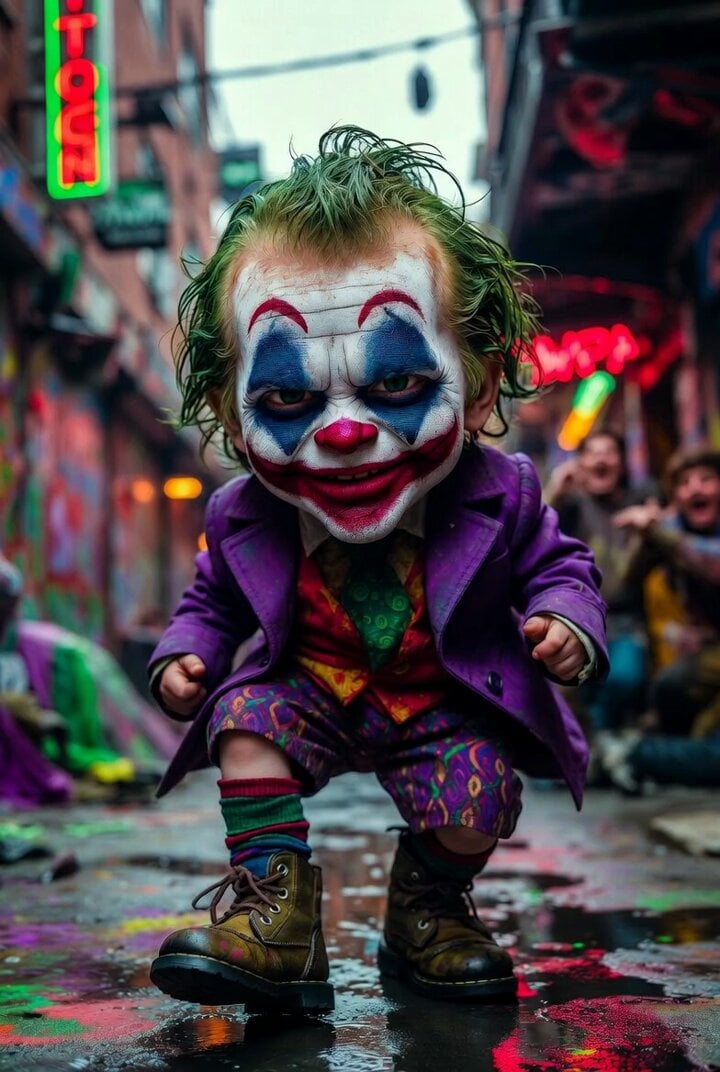
Grok Imagine prompt for Giant Baby Clown Villain Dancing
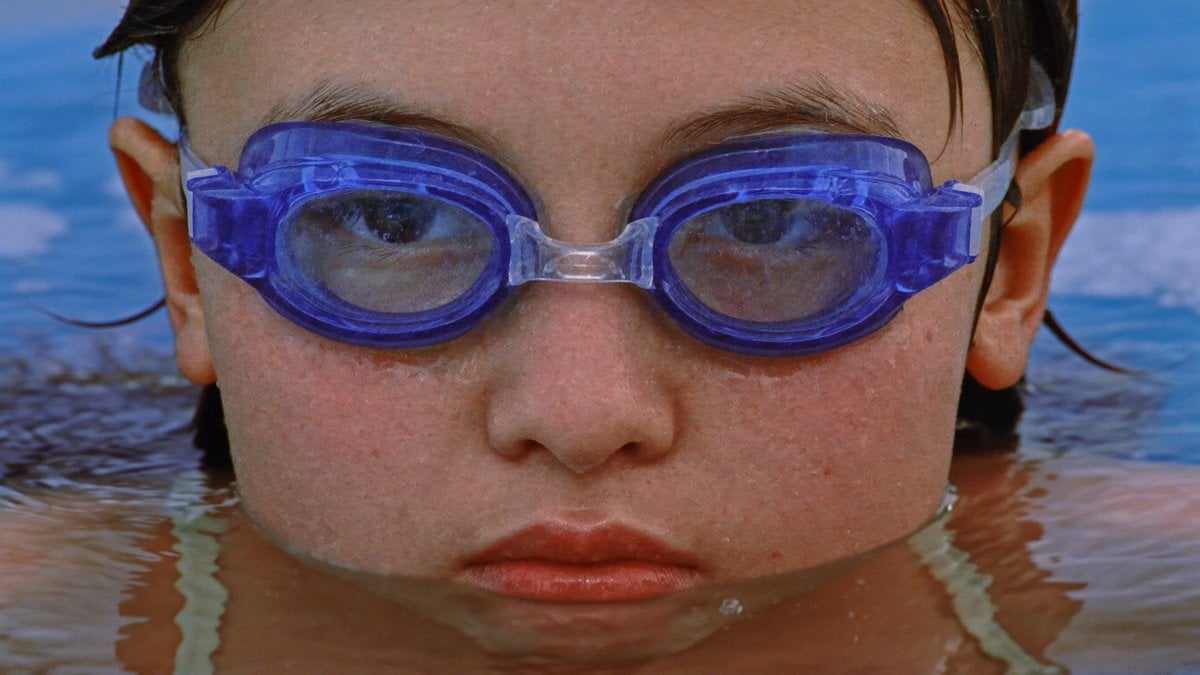
Flooded Office Surrealism Cinematic
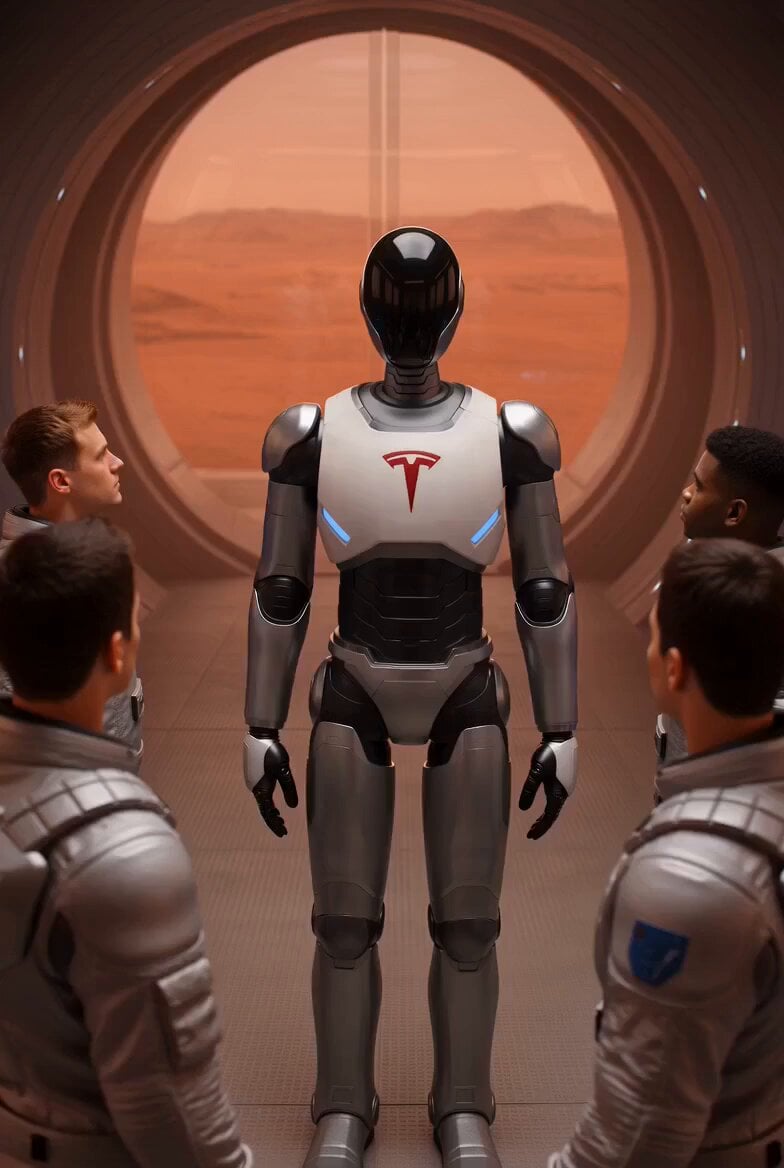
Tesla Optimus Robots Guiding Group
Grizzly Bear Salmon Hunt

High-Speed Female Swordswoman Battle Animation

Man on a seaboat attacked by a sea monster
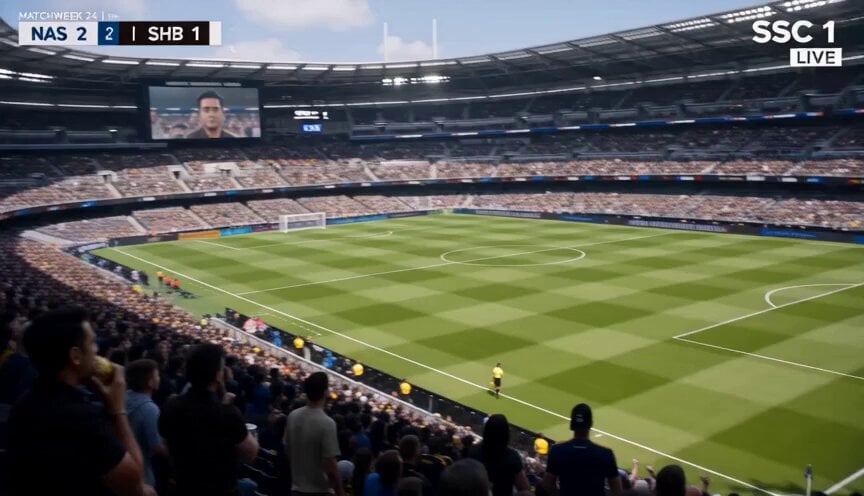
Football Broadcast Fan Goal Scenario
Browse template categories
Pixar Style Supermarket Comedy Animation questions
How do I use the Pixar Style Supermarket Comedy Animation template?
Add your photo if the template asks for one, edit the prompt if you like — the template's model and format are already selected — and press Generate. Your version opens in PicX Studio.
Can I customize the Pixar Style Supermarket Comedy Animation template?
Yes. You can change the subject, setting, lighting, mood, format, and available model controls before creating your video.
Is the Pixar Style Supermarket Comedy Animation template free?
Opening and editing this template is free. Generating uses credits, shown on the Generate button when you are signed in.
Which AI model should I use?
Start with Seedance 2.0, which is the model associated with this template. You can compare another compatible model for a different finish.
Looking for something else? Browse all templates.

Your photo, any look
Thousands of ready templates for every top image and video model, from one credit balance.