
Heartwarming Fox Rescue Story
A cinematic video prompt depicting a young girl rescuing an injured baby fox in a misty forest during golden hour.

- Prompt included
- Model and format preset
- Premium template
The prompt behind this video
Copy the exact prompt behind Heartwarming Fox Rescue Story, or open it in the studio and make it yours.
A heartwarming cinematic rescue story. A young girl walks through a misty forest at golden hour when she hears faint cries. She discovers a tiny injured baby fox trapped beneath fallen branches near a stream. Close-up shots of the frightened animal trembling as the girl gently clears the debris and carefully lifts it into her arms. Soft sunlight filters through the trees, highlighting dust particles and warm cinematic lens flares. The girl wraps the fox in her scarf and carries it through the forest. Emotional, ultra-realistic visuals, shallow depth of field, natural camera movement, detailed fur and facial expressions. The fox gradually regains strength and looks up at her with trust. Final scene: the recovered fox reunites with its family in a sunlit meadow while the girl smiles warmly. Hollywood wildlife documentary style, cinematic color grading, volumetric lighting, emotional storytelling, 4K, realistic motion, heartwarming atmosphere, Seedance 2.0.
How to use Heartwarming Fox Rescue Story in 3 steps
- 1
Open
The prompt is already in the box next to the preview, with the template's model and format selected.
- 2…a portrait of your subject in softgolden-hour light, 85mm…
Personalize
Edit the subject and creative details for your destination.
- 3Generate
Generate
Press Generate — your video is created in PicX Studio, so you can compare it with the original and refine one variable at a time.
More like this
Templates with the same subject, style or setup. Open one to see its prompt.

Wholesome Puppy and Kitten Story - Seedance 2.5

Realistic City Street Story Cinematic Video - Seedance

Live-Action Firefighter Rescue Night Scene

Monkey Family Sparrow Rescue Story

Adorable 3D Animated Kitten Rescue Story

Injured Kitten Rescue Story Video

Cinematic Rescue Montage Storyboard Prompt
Skybridge Rescue — Supertall Tower Collapse (Seedance)
Dragon Rescue — Volcanic Kingdom Collapse (Seedance)

Alligator Mutant Rescue Scene

Kind Yankee Boy Kitten Rescue Vlog

Pigeon Nemesis Pixar Animation Storyboard
Make it yours
Heartwarming Fox Rescue Story works as-is. These are the safest ways to change it without losing the look.
Change one field
Copy a single group, rewrite it, and generate again so you can see what that field is doing.
Keep the frame, change the subject
Hold the composition and light of Heartwarming Fox Rescue Story, then swap wardrobe, props or the person for a new take.
| If the result… | Why | Fix |
|---|---|---|
| The result drifts from the preview | Too many fields changed at once. | Reuse Heartwarming Fox Rescue Story as-is first, then change one group — subject, light, or setting. |
| The model over-stylizes the scene | The prose prompt leaves finish and camera underspecified. | Add one camera or lighting sentence and stay on Seedance 2.0. |
More Seedance 2.0 templates
Other prompts made for Seedance 2.0.

Comical Martial Arts Punch Scene

Maglev Train Action Sequence

Martial Arts Fight Sequence

Wuxia Protection and Trust Script

Vintage Korean Arcade MiniDV Vlog

Mercedes 190 SL Luxury Ad

Rainy Night Supernatural Reverse Comedy Video Script

Amazon Civilization Discovery

Futuristic South Asian City Transformation

Cozy Luxury Cafe Commercial
More video prompts
Fresh picks from across the catalog.

Fashion GRWM Smartphone Vlog

Monk Placing a Glowing Flame in Hieronymus Bosch Style
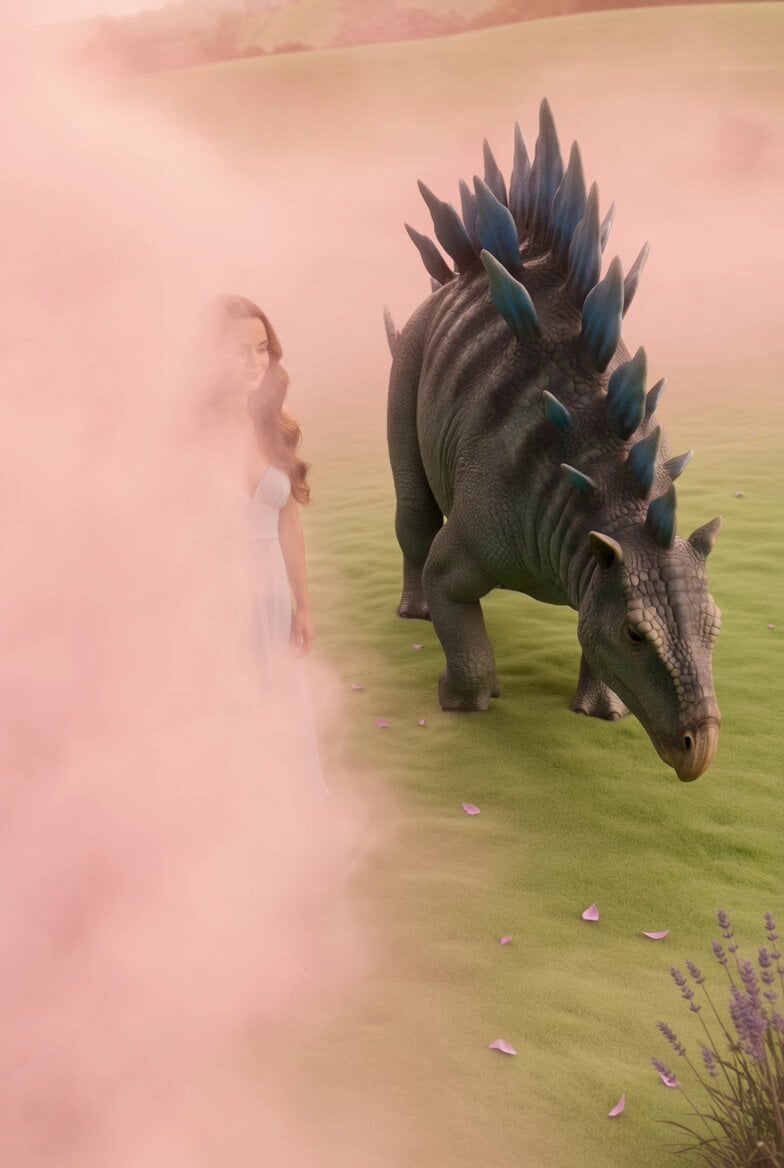
Woman in Pink Fog with Baby Blue Stegosaurus

Fractured Planet Industrial Destruction

FPV drone shot through Tokyo
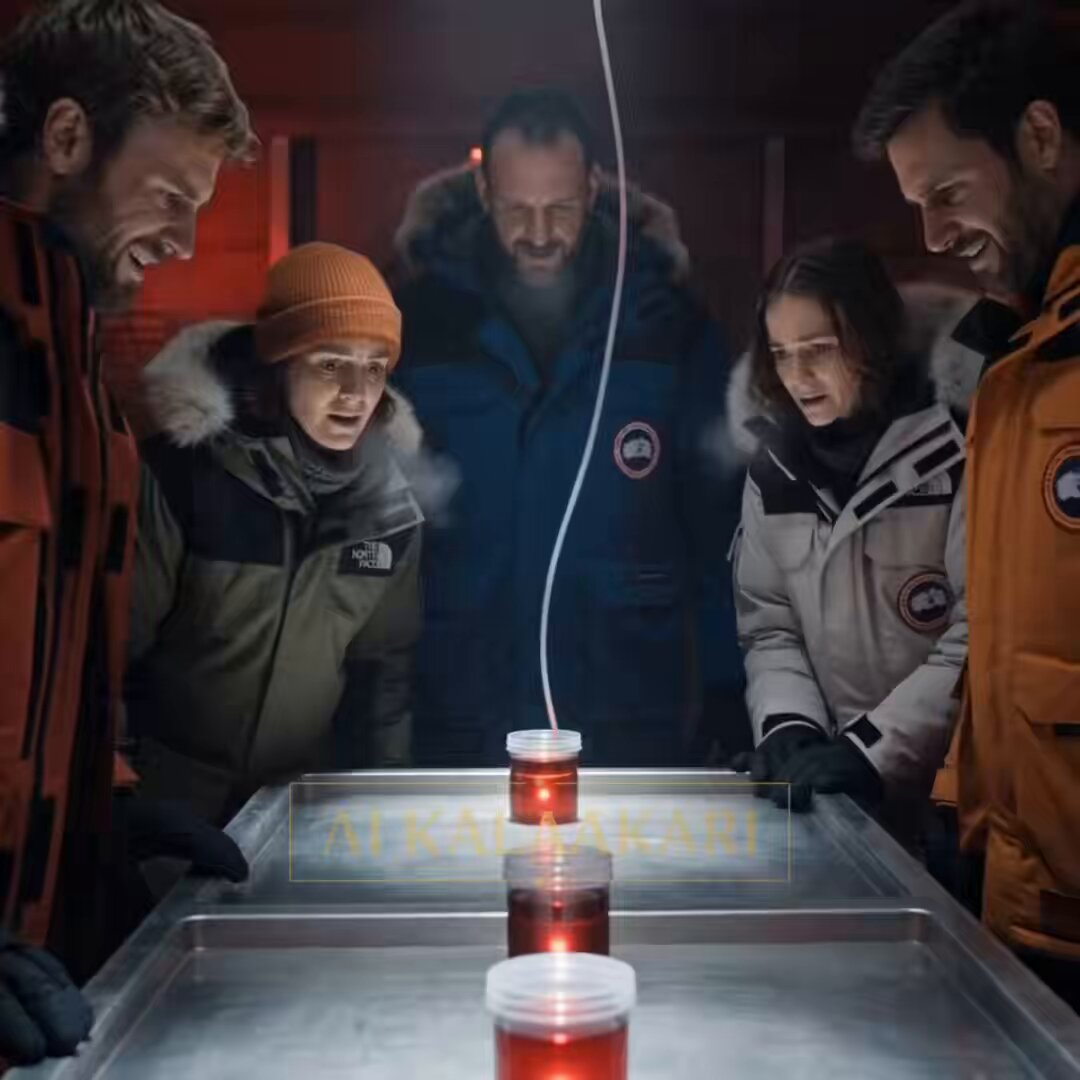
Antarctic Research Station Blood Test Horror

Futuristic Warrior Playing Grand Piano

Japanese Urban Parkour Commercial

Ethereal Wanderer in Fog-Shrouded Forest
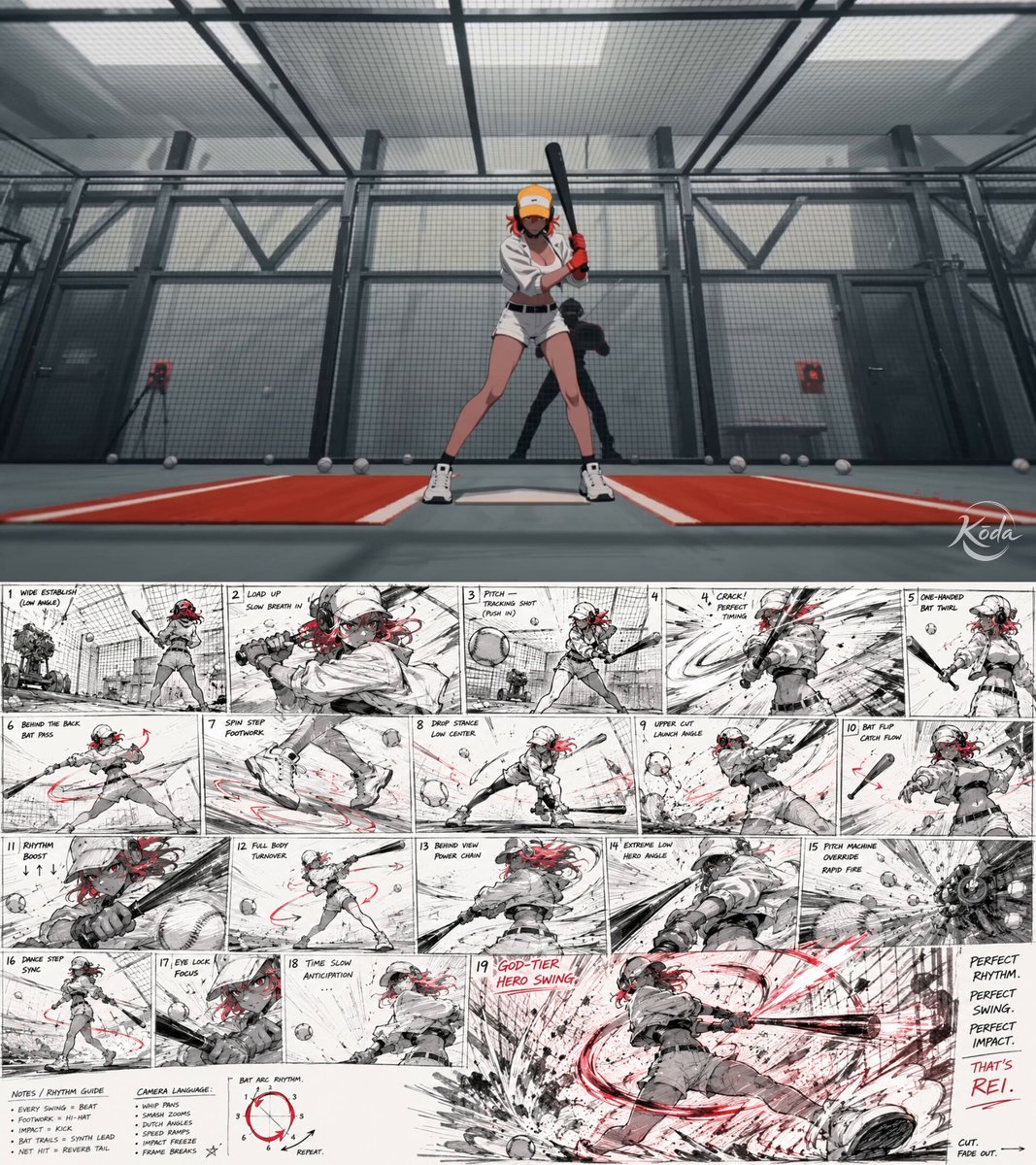
Storyboard Keyframe Video Reference
Browse template categories
Heartwarming Fox Rescue Story questions
How do I use the Heartwarming Fox Rescue Story template?
Add your photo if the template asks for one, edit the prompt if you like — the template's model and format are already selected — and press Generate. Your version opens in PicX Studio.
Can I customize the Heartwarming Fox Rescue Story template?
Yes. You can change the subject, setting, lighting, mood, format, and available model controls before creating your video.
Is the Heartwarming Fox Rescue Story template free?
Opening and editing this template is free. Generating uses credits, shown on the Generate button when you are signed in.
Which AI model should I use?
Start with Seedance 2.0, which is the model associated with this template. You can compare another compatible model for a different finish.
Looking for something else? Browse all templates.

Your photo, any look
Thousands of ready templates for every top image and video model, from one credit balance.