
Monkey Family Sparrow Rescue Story
A 15-second cinematic 3D CGI prompt depicting a heartwarming story of a golden monkey family rescuing and healing an injured sparrow.
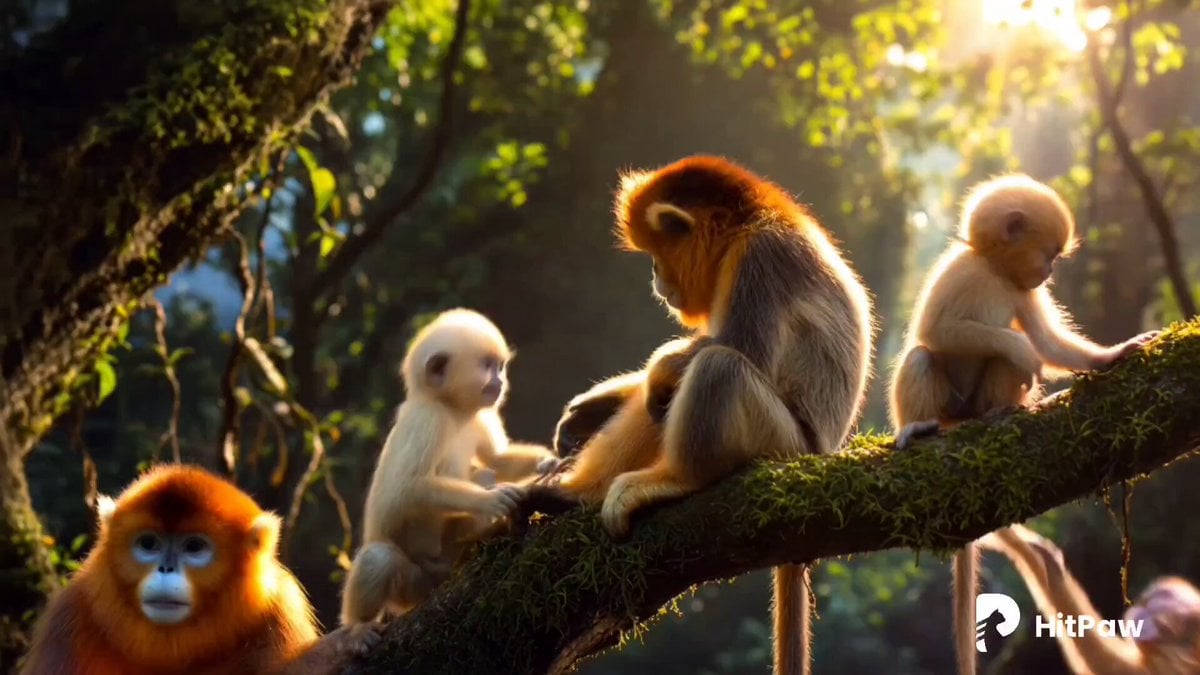
- Prompt included
- Model and format preset
- Free template
The prompt behind this video
Copy the exact prompt behind Monkey Family Sparrow Rescue Story, or open it in the studio and make it yours.
Hyper-realistic cinematic 3D CGI video, 15s, golden monkey family in lush tropical jungle at golden hour. Scene 1: Mother golden monkey with two playful babies; one baby sits alone on mossy branch, tearful, waiting for father. Slow orbit camera, extreme close-up on emotional eyes, detailed glowing golden fur, soft bloom, lens flares, shallow depth of field. Sad piano music, jungle ambience, soft monkey calls. Scene 2: Montage — family rescues injured sparrow. Babies bring water, mother feeds berries, monkeys keep it warm. Time-lapse healing; wing recovers. Sparrow flies, circles gratefully. Monkeys react joyfully. Warm honey-gold and emerald tones, uplifting piano. Scene 3: Baby still sad — father emerges from foliage. Emotional reunion, father embraces baby, family group hug, grooming and nuzzling. Close-ups of joyful tears. Golden backlight, slow orbit camera. Sparrow flies into sky. Swelling orchestral piano, happy vocalizations.
How to use Monkey Family Sparrow Rescue Story in 3 steps
- 1
Open
The prompt is already in the box next to the preview, with the template's model and format selected.
- 2…a portrait of your subject in softgolden-hour light, 85mm…
Personalize
Edit the subject and creative details for your destination.
- 3Generate
Generate
Press Generate — your video is created in PicX Studio, so you can compare it with the original and refine one variable at a time.
More like this
Templates with the same subject, style or setup. Open one to see its prompt.
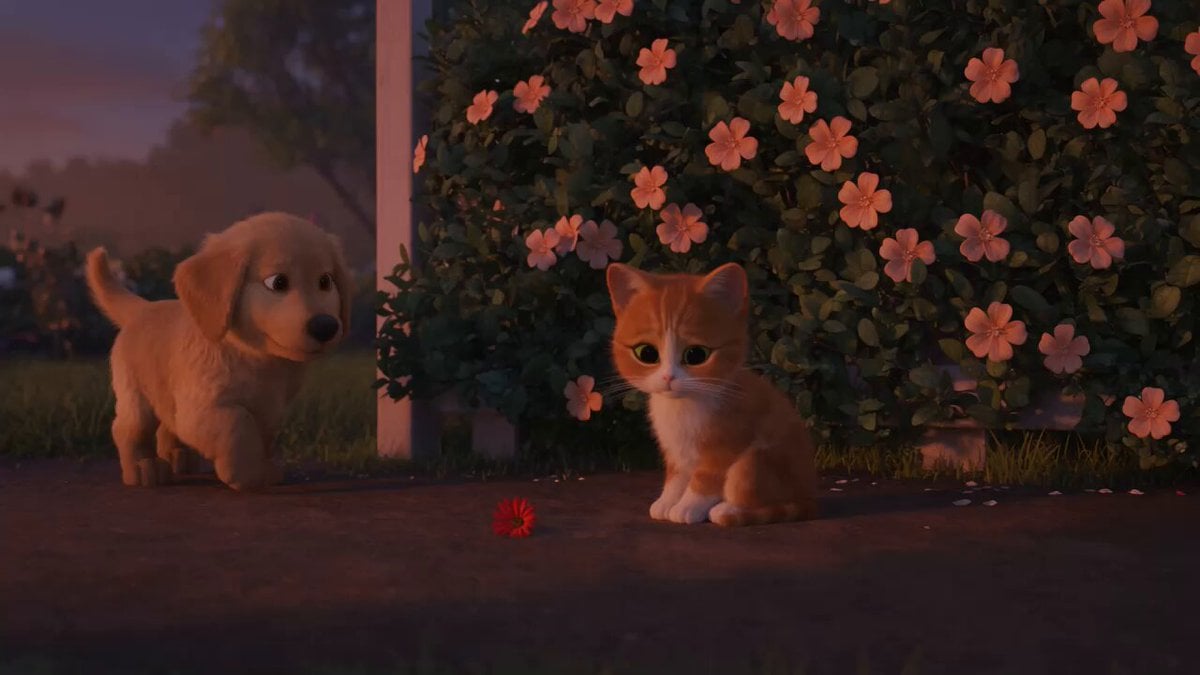
Wholesome Puppy and Kitten Story - Seedance 2.5

Realistic City Street Story Cinematic Video - Seedance
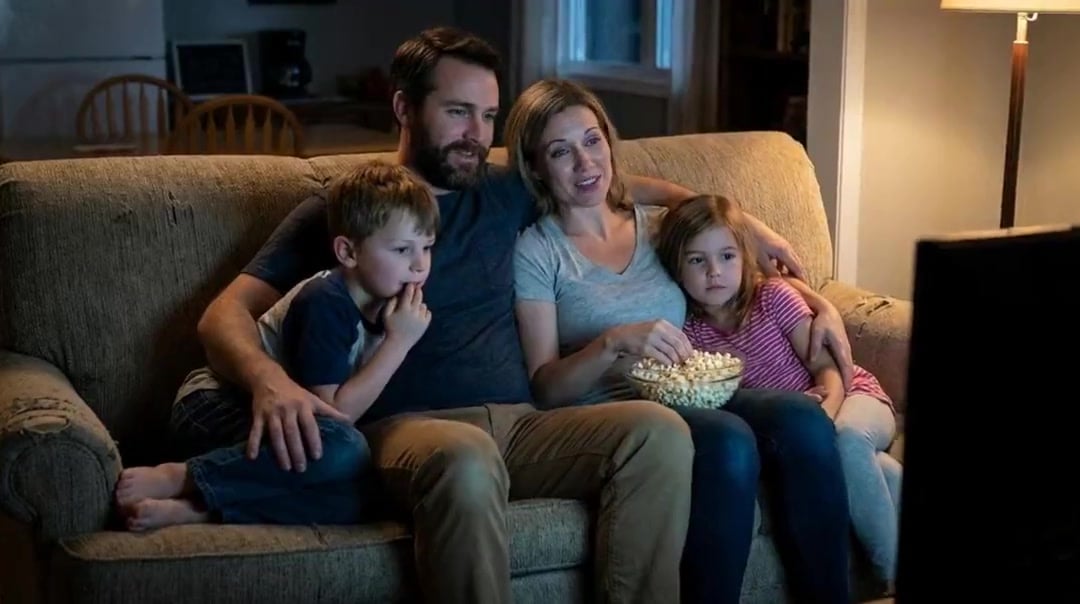
Family Dialogue 4 Characters — Kling 3.0 O3 Pro

Live-Action Firefighter Rescue Night Scene
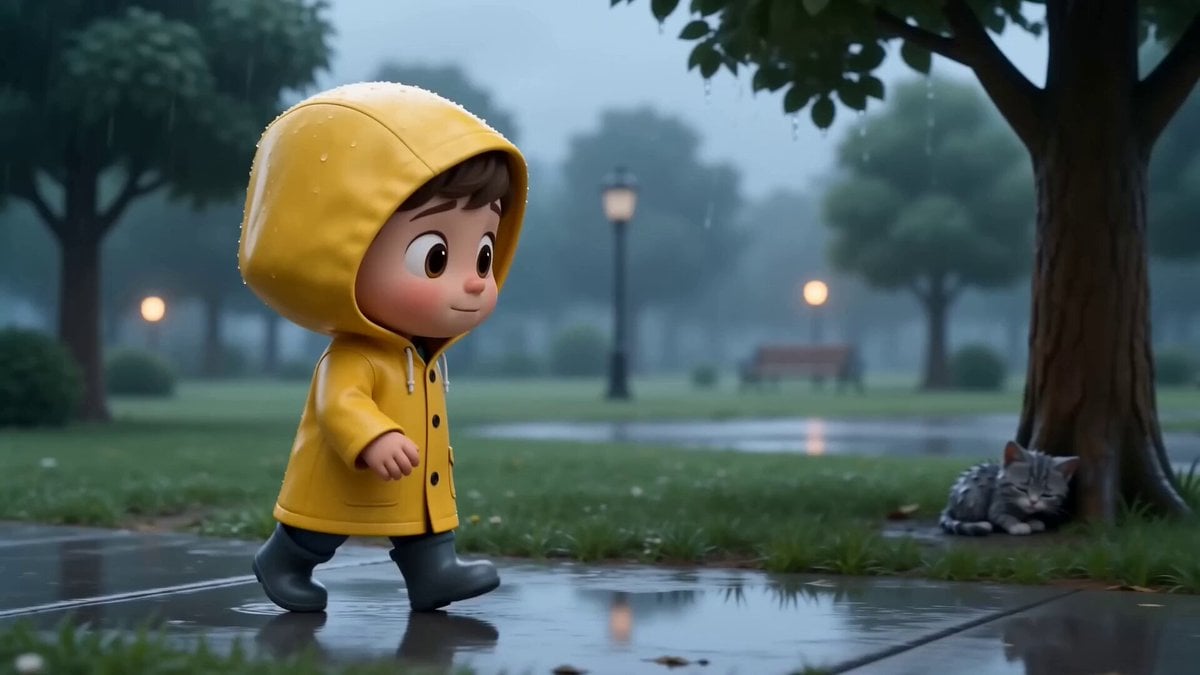
Adorable 3D Animated Kitten Rescue Story
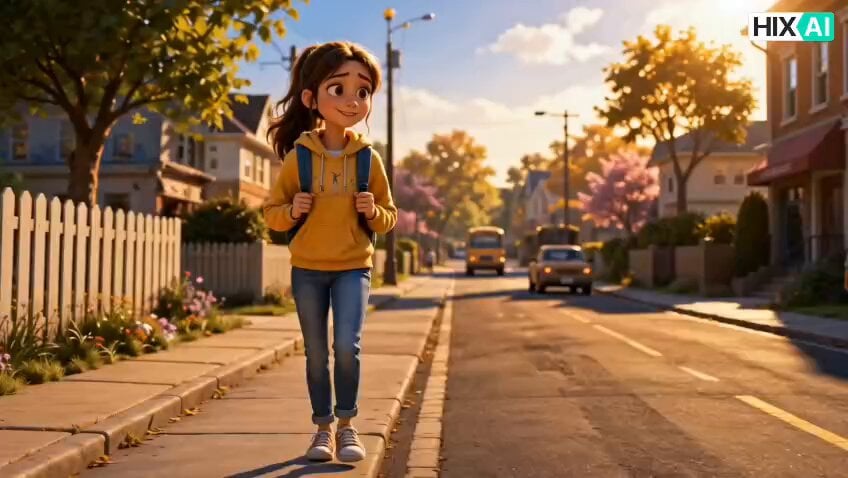
Injured Kitten Rescue Story Video
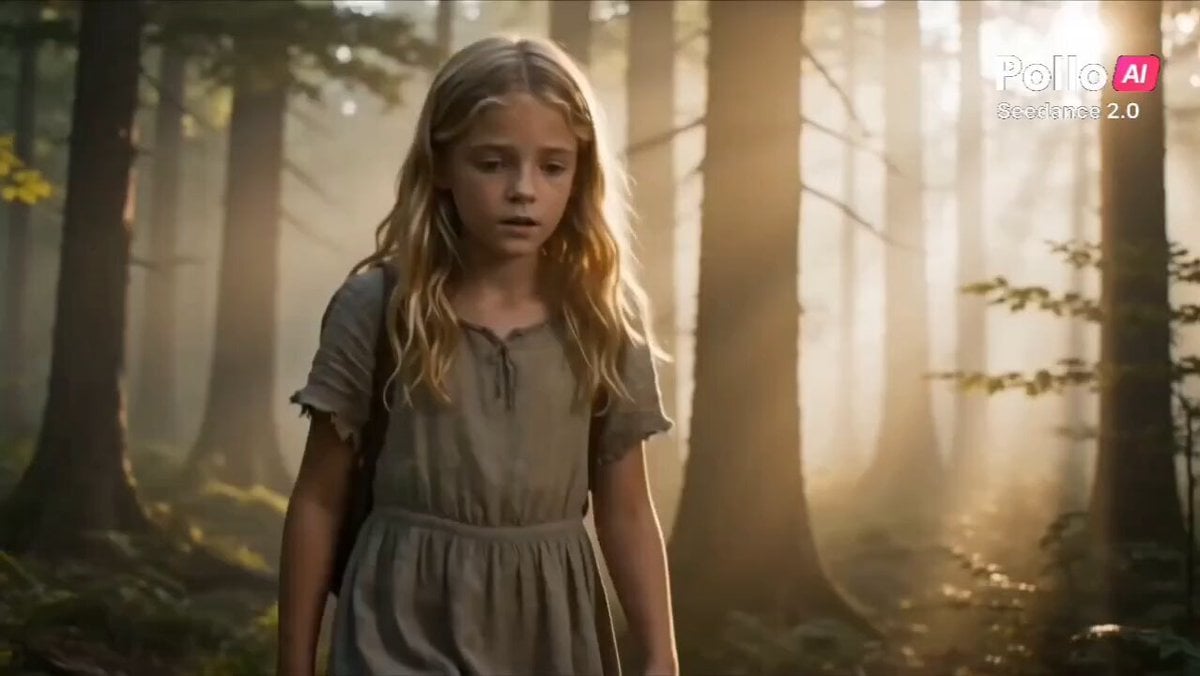
Heartwarming Fox Rescue Story
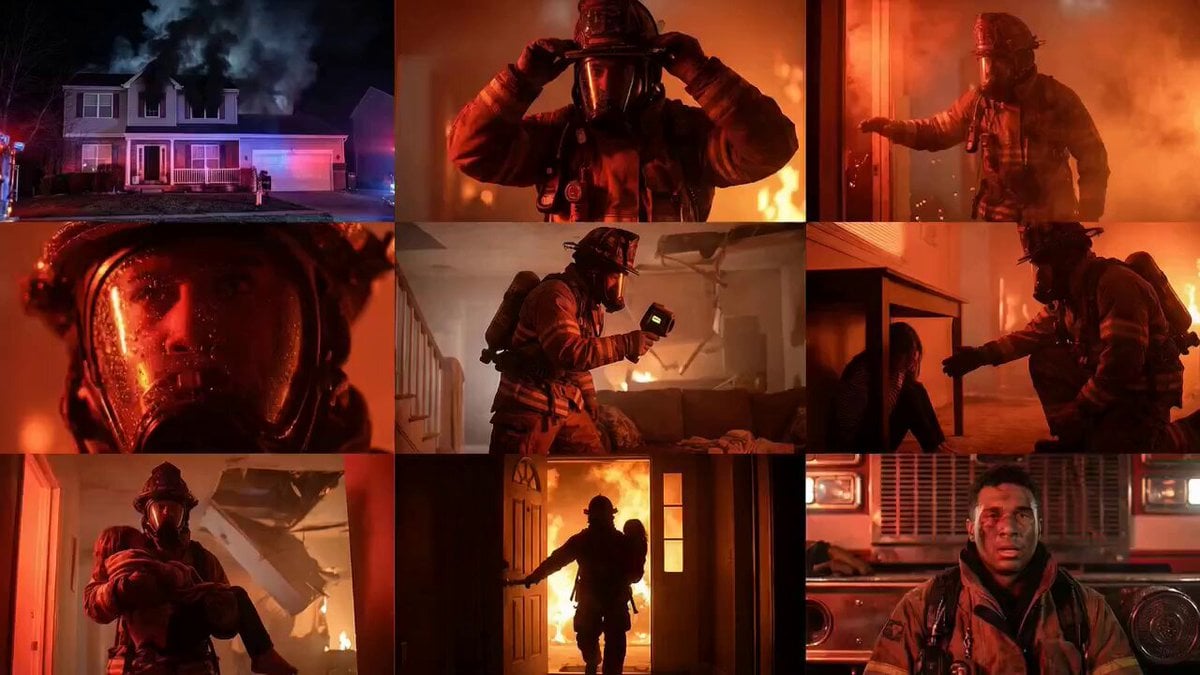
Cinematic Rescue Montage Storyboard Prompt
Skybridge Rescue — Supertall Tower Collapse (Seedance)
Dragon Rescue — Volcanic Kingdom Collapse (Seedance)
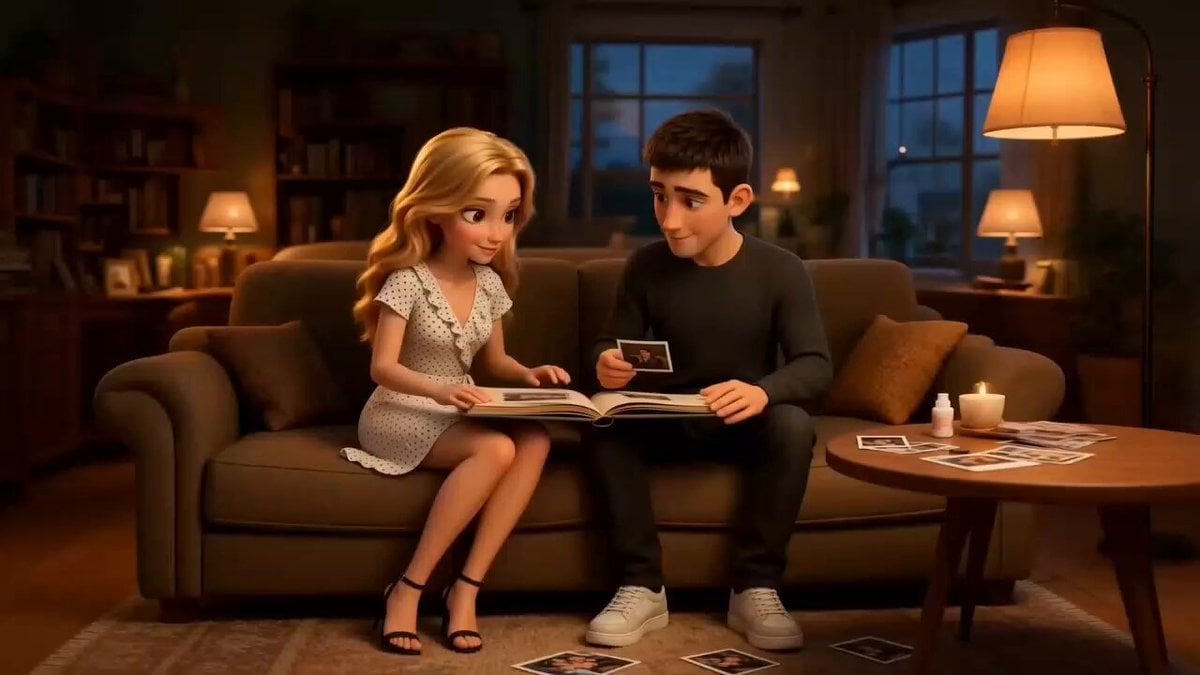
Family Scrapbook 3D Animation
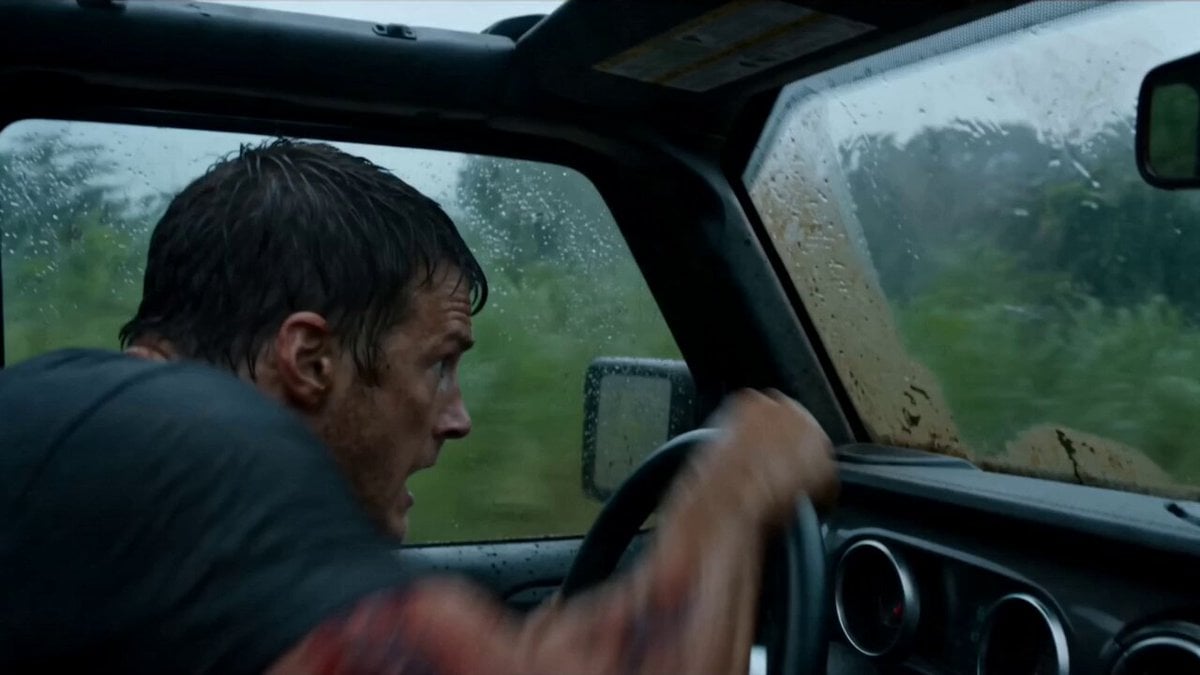
Alligator Mutant Rescue Scene
Make it yours
Monkey Family Sparrow Rescue Story works as-is. These are the safest ways to change it without losing the look.
Change one field
Copy a single group, rewrite it, and generate again so you can see what that field is doing.
Keep the frame, change the subject
Hold the composition and light of Monkey Family Sparrow Rescue Story, then swap wardrobe, props or the person for a new take.
| If the result… | Why | Fix |
|---|---|---|
| The result drifts from the preview | Too many fields changed at once. | Reuse Monkey Family Sparrow Rescue Story as-is first, then change one group — subject, light, or setting. |
| The model over-stylizes the scene | The prose prompt leaves finish and camera underspecified. | Add one camera or lighting sentence and stay on Seedance 2.0. |
More Seedance 2.0 templates
Other prompts made for Seedance 2.0.

Comical Martial Arts Punch Scene

Maglev Train Action Sequence

Martial Arts Fight Sequence

Wuxia Protection and Trust Script

Vintage Korean Arcade MiniDV Vlog

Mercedes 190 SL Luxury Ad

Rainy Night Supernatural Reverse Comedy Video Script

Amazon Civilization Discovery

Futuristic South Asian City Transformation

Cozy Luxury Cafe Commercial
More video prompts
Fresh picks from across the catalog.
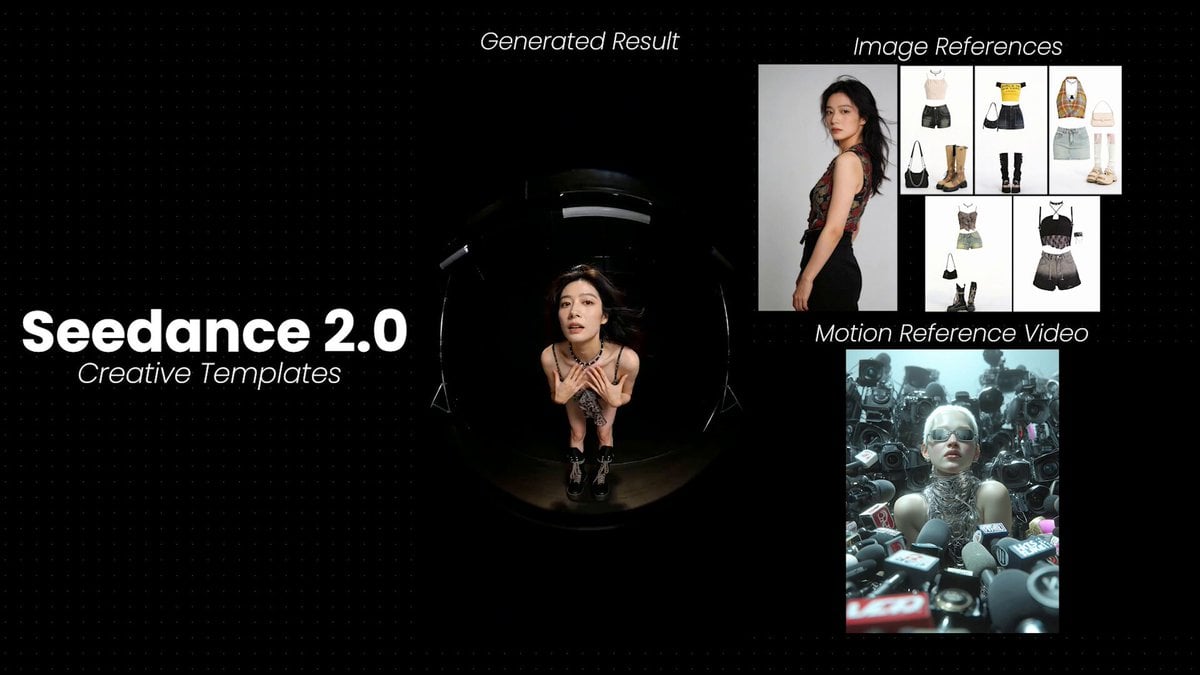
Model Posing with Multiple Outfits
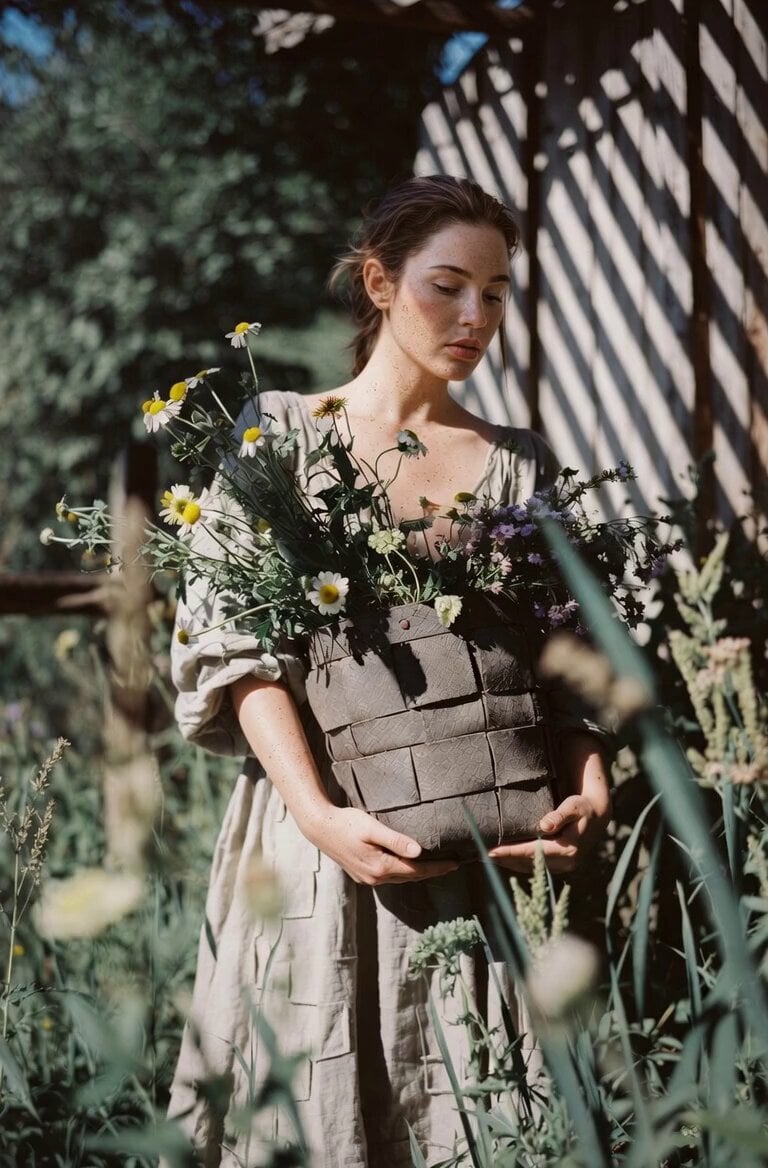
Soft Smile and Flower Kiss

Whimsical Fairy Sleeping in a Log
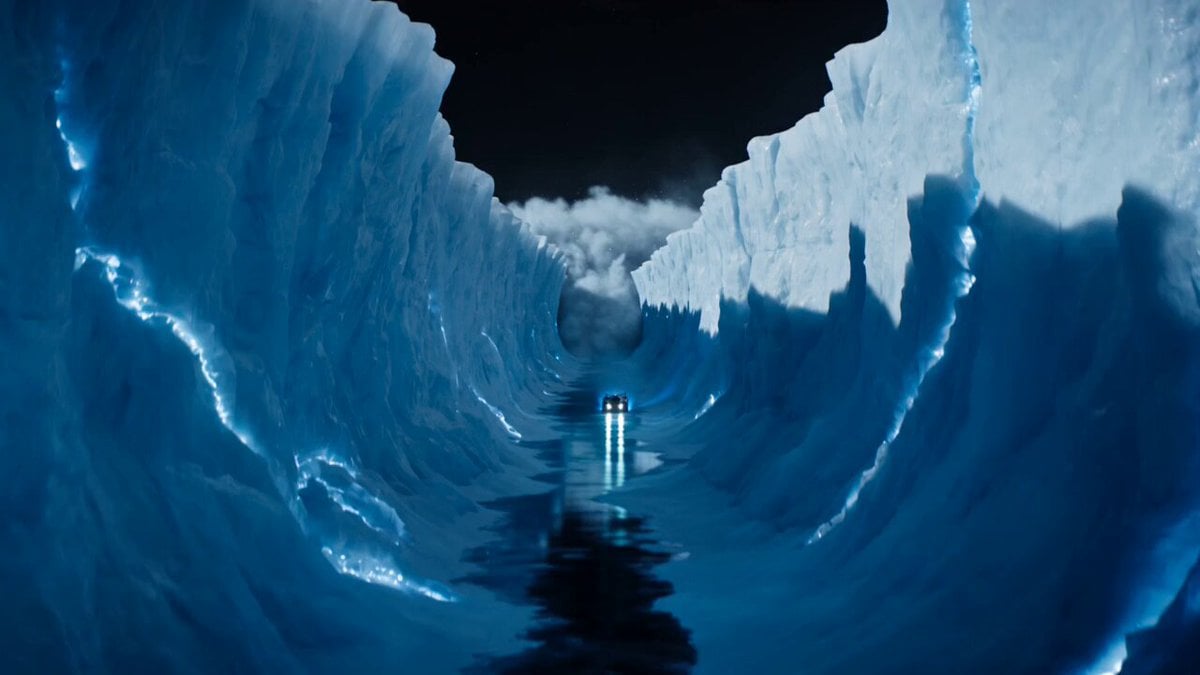
Futuristic Moon Ice Racer Action

Dogs having a cat slapping fight

Rogue Pilot Canyon Dogfight
Coffee Shop Life Montage
Avant-Garde Anime Girl Sequence
Grumpy Purple Dragon Video Prompt

Emotional Breakdown Sequence
Browse template categories
Monkey Family Sparrow Rescue Story questions
How do I use the Monkey Family Sparrow Rescue Story template?
Add your photo if the template asks for one, edit the prompt if you like — the template's model and format are already selected — and press Generate. Your version opens in PicX Studio.
Can I customize the Monkey Family Sparrow Rescue Story template?
Yes. You can change the subject, setting, lighting, mood, format, and available model controls before creating your video.
Is the Monkey Family Sparrow Rescue Story template free?
Opening and editing this template is free. Generating uses credits, shown on the Generate button when you are signed in.
Which AI model should I use?
Start with Seedance 2.0, which is the model associated with this template. You can compare another compatible model for a different finish.
Looking for something else? Browse all templates.

Your photo, any look
Thousands of ready templates for every top image and video model, from one credit balance.