
Coffee Shop Life Montage
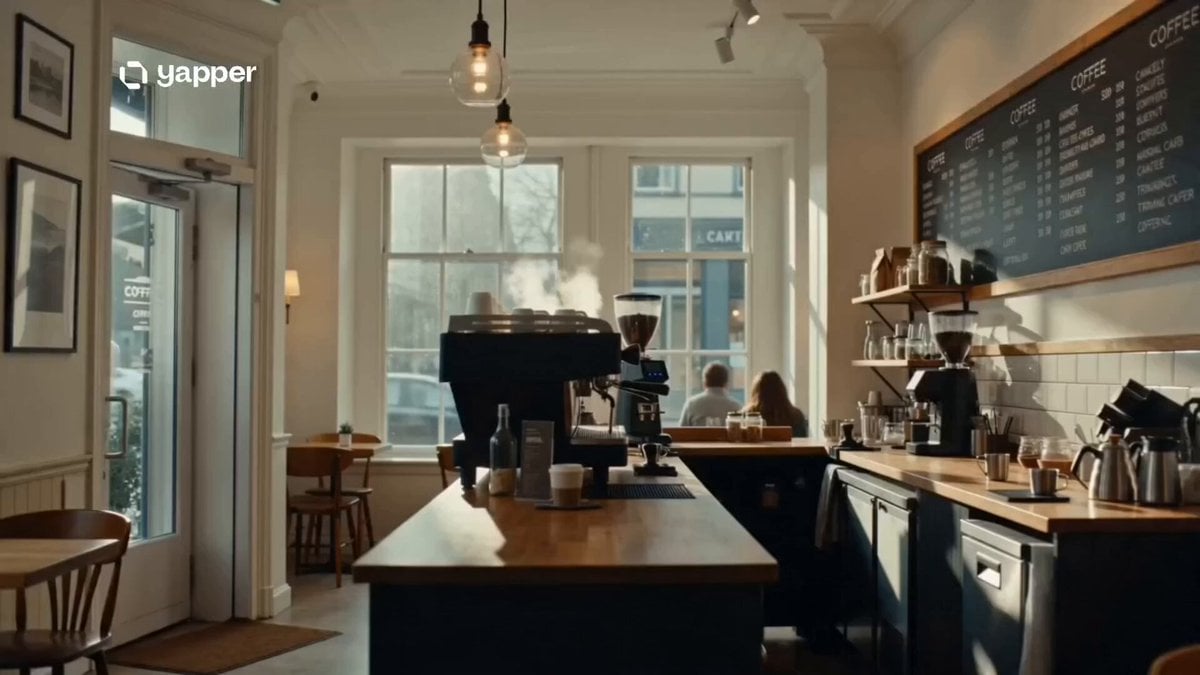
A cinematic slice-of-life montage capturing human emotions across different times of day in a single coffee shop.
- Prompt included
- Model and format preset
- Free template
The prompt behind this video
Copy the exact prompt behind Coffee Shop Life Montage, or open it in the studio and make it yours.
A cinematic slice-of-life montage showing different human emotions unfolding in the same coffee shop across time. 0–3s: Cozy coffee shop in early morning light. Steam rises from espresso machines. Soft jazz plays. A barista opens the doors as sunlight spills across empty wooden tables. 3–6s: Rapid montage begins — a student studying intensely with headphones on, a businessman stressed on a call, a writer staring at a blank page, a couple laughing over coffee. Same space, different emotions. 6–9s: Midday rush. The shop becomes alive — quick cuts of people entering and leaving, coffee being served, conversations overlapping, reflections in glass windows showing the city moving outside. 9–12s: Emotional shift — a lonely person sits by the window watching rain outside, while across the room a reunion happens with tears and laughter. The coffee shop becomes a silent witness to both sadness and joy. 12–15s: Final cinematic shot. Night falls. The shop is now calm and nearly empty. The barista wipes the counter as lights glow warmly. Camera pulls back to show the same space that held hundreds of untold stories in one day. Style: ultra cinematic realism, warm cozy aesthetic, soft natural lighting, shallow depth of field, emotional slice-of-life storytelling, smooth time-lapse editing, film-grade color grading, gentle ambient music atmosphere.
How to use Coffee Shop Life Montage in 3 steps
- 1
Open
The prompt is already in the box next to the preview, with the template's model and format selected.
- 2…a portrait of your subject in softgolden-hour light, 85mm…
Personalize
Edit the subject and creative details for your destination.
- 3Generate
Generate
Press Generate — your video is created in PicX Studio, so you can compare it with the original and refine one variable at a time.
More like this
Templates with the same subject, style or setup. Open one to see its prompt.

Everyday Grocery Shopping Lifestyle Vlog

Mediterranean Coffee Run Vlog - Seedance 2.5

Pixar Style Coffee Shop Kindness
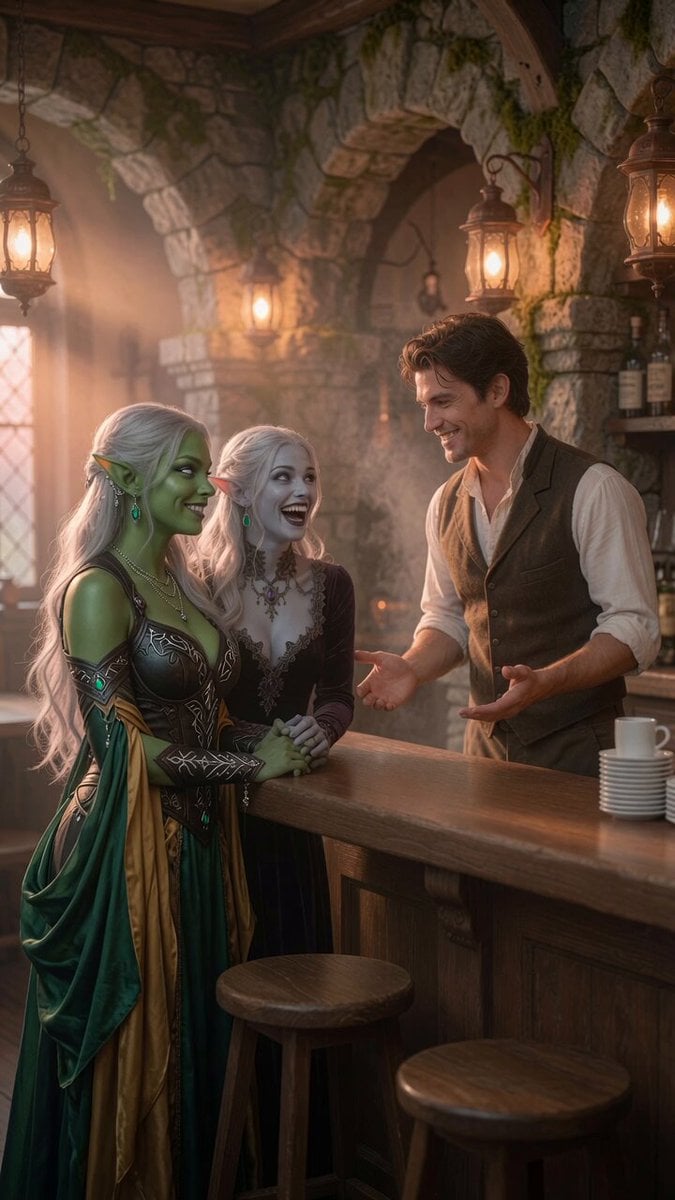
Coffee Shop Interaction Dialogue
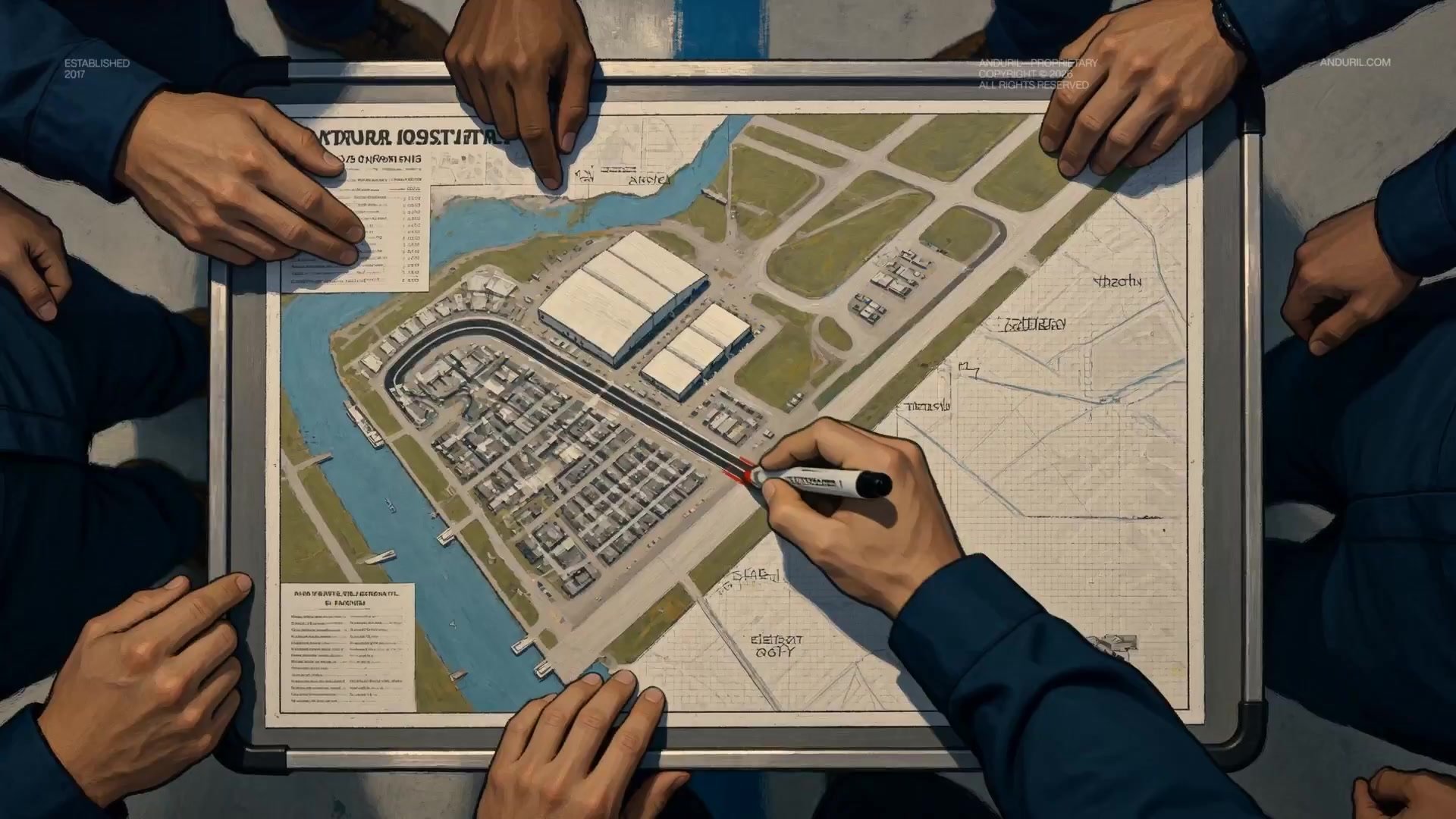
Fighter Jet Aerial Combat Montage — Seedance 2.5

Capsule Coffee Machine Tutorial
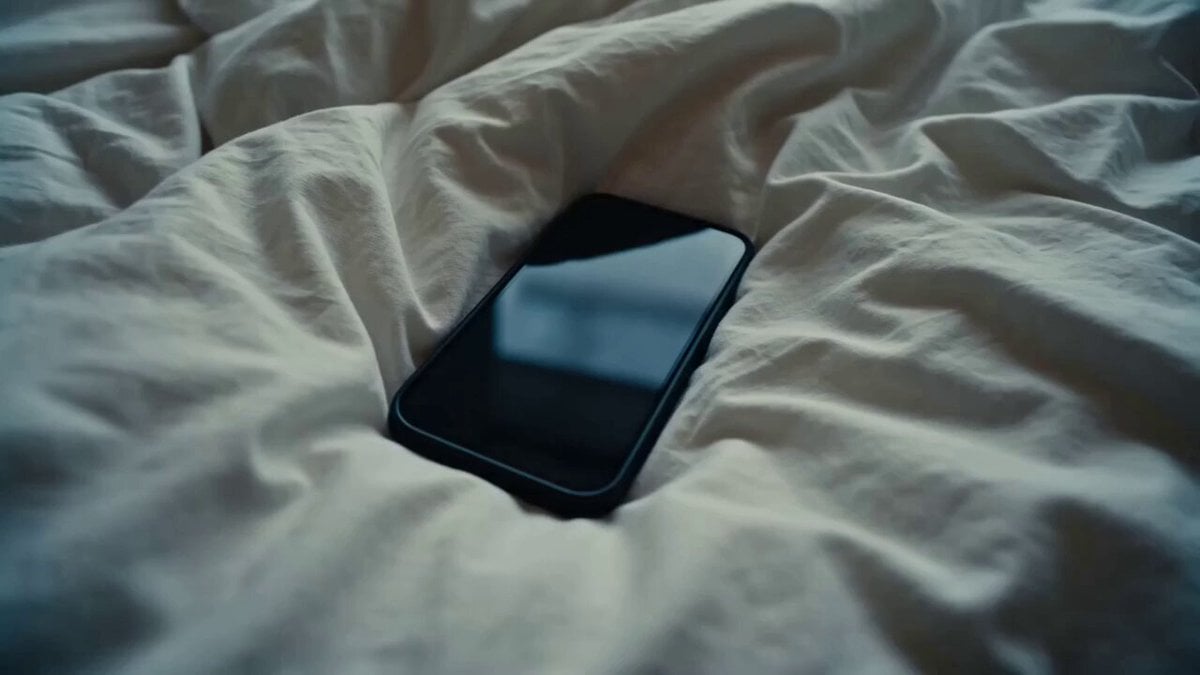
Rushed Morning Routine Montage
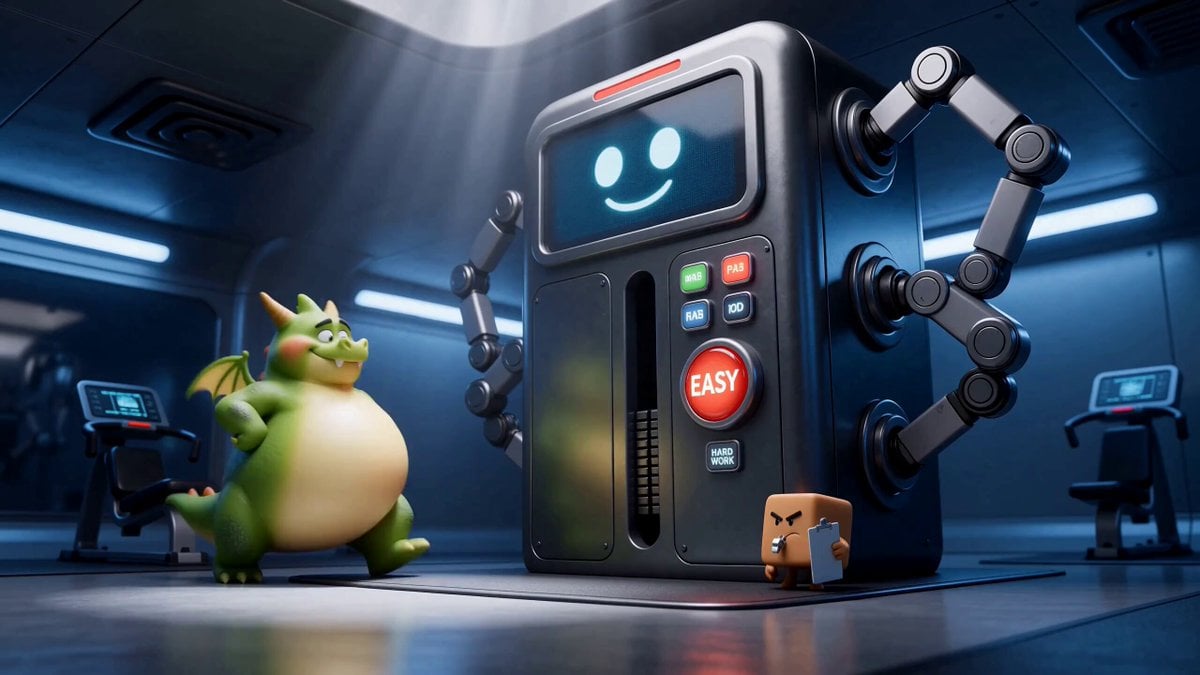
Green Dragon Training Short

Iced Coffee Dog Good-News Montage

DV Camcorder POV Gym Montage — Seedance 2.5
DV Camcorder POV Gym Montage — Seedance 2.5

1980s Retro Lifestyle Montage
Make it yours
Coffee Shop Life Montage works as-is. These are the safest ways to change it without losing the look.
Change one field
Copy a single group, rewrite it, and generate again so you can see what that field is doing.
Keep the frame, change the subject
Hold the composition and light of Coffee Shop Life Montage, then swap wardrobe, props or the person for a new take.
| If the result… | Why | Fix |
|---|---|---|
| The result drifts from the preview | Too many fields changed at once. | Reuse Coffee Shop Life Montage as-is first, then change one group — subject, light, or setting. |
| The model over-stylizes the scene | The prose prompt leaves finish and camera underspecified. | Add one camera or lighting sentence and stay on Seedance 2.0. |
More Seedance 2.0 templates
Other prompts made for Seedance 2.0.

Comical Martial Arts Punch Scene

Maglev Train Action Sequence

Martial Arts Fight Sequence

Wuxia Protection and Trust Script

Vintage Korean Arcade MiniDV Vlog

Mercedes 190 SL Luxury Ad

Rainy Night Supernatural Reverse Comedy Video Script

Amazon Civilization Discovery

Futuristic South Asian City Transformation

Cozy Luxury Cafe Commercial
More video prompts
Fresh picks from across the catalog.
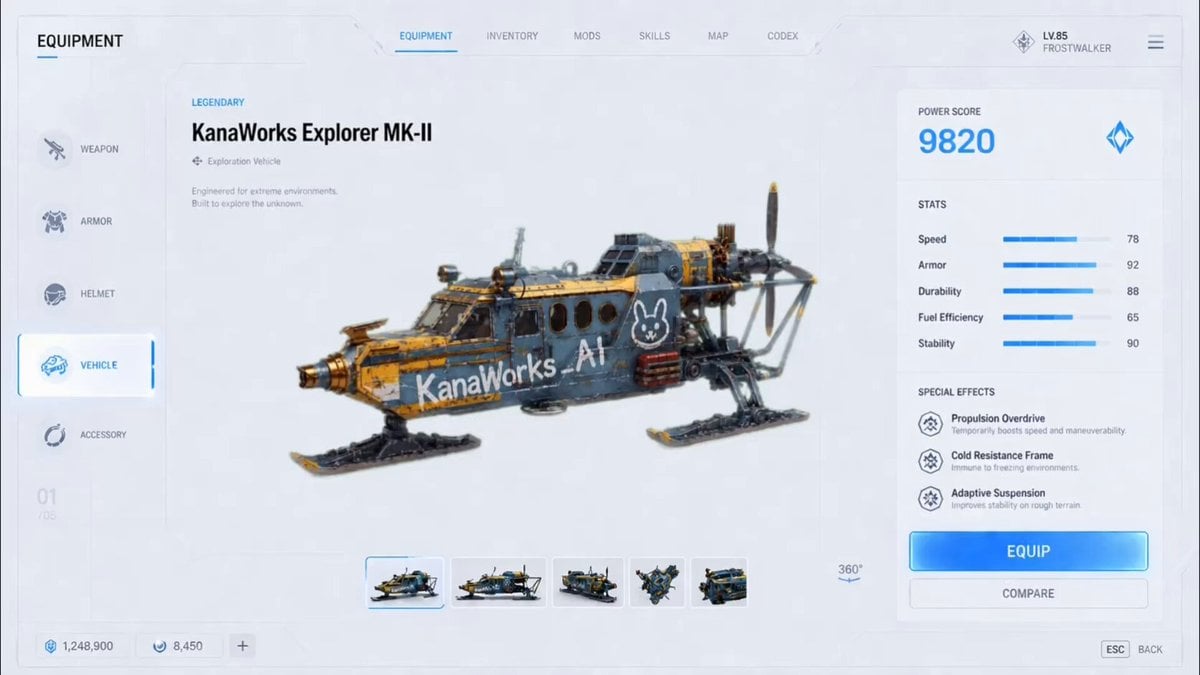
Futuristic Vehicle UI Cinematic Animation
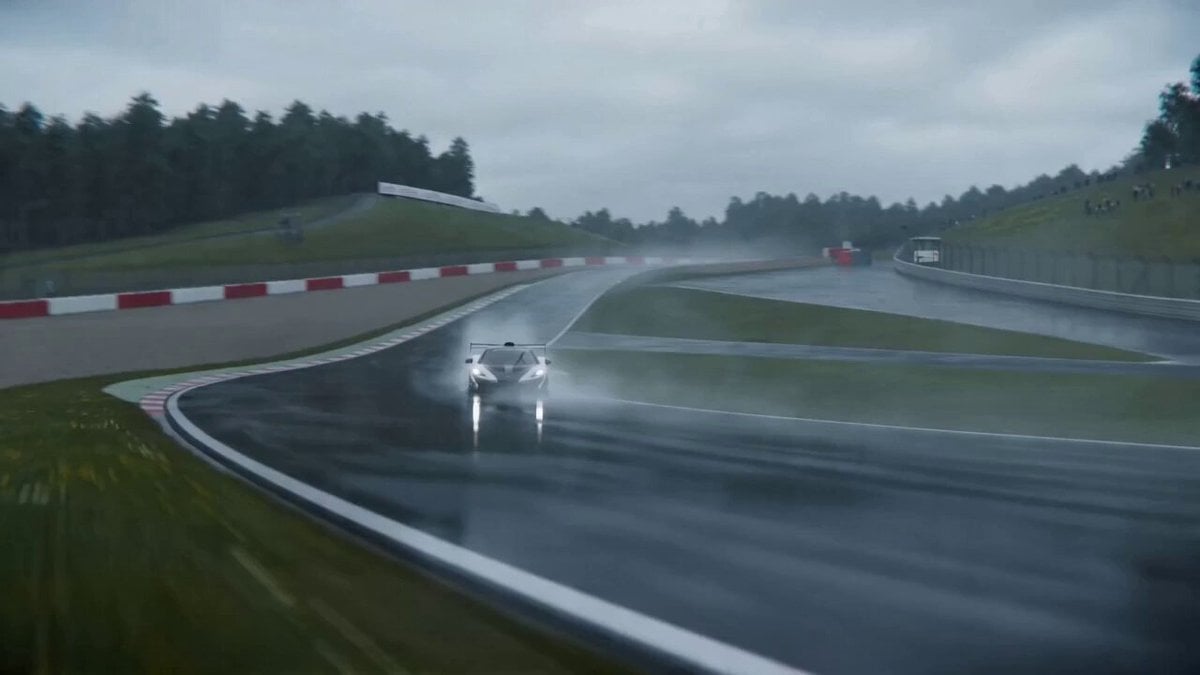
Cinematic VFX racing sequence with bullet-time rain effect
Optimus Prime Robot Interaction
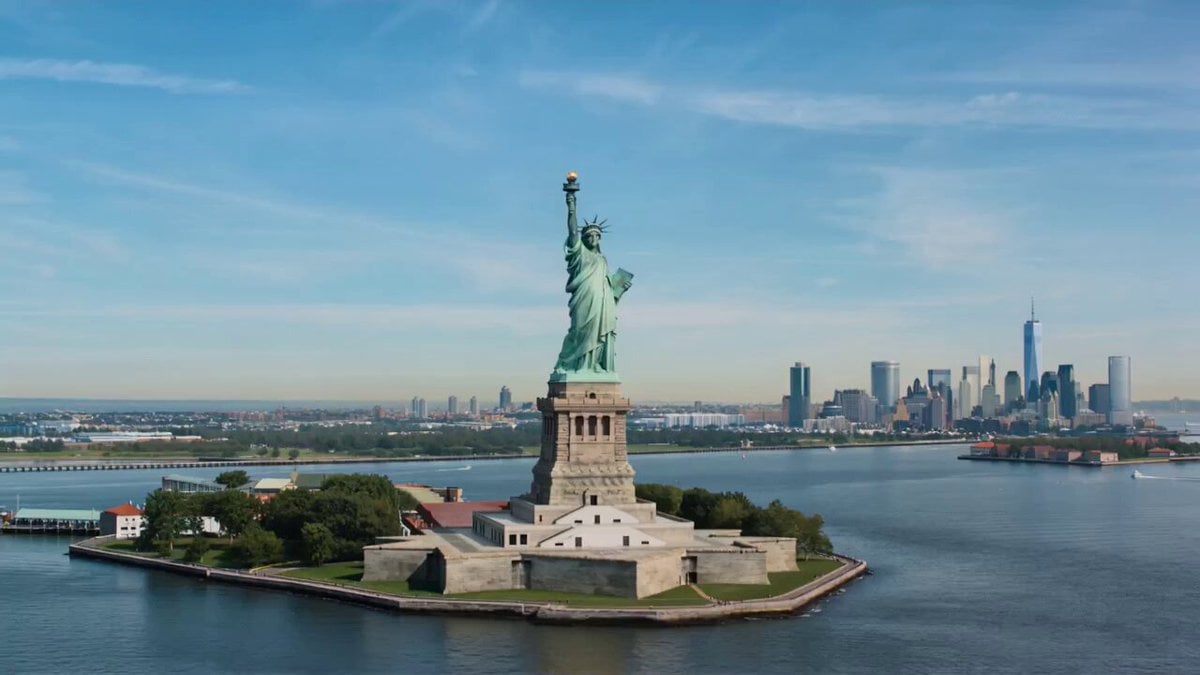
Wholesome Statue of Liberty family chat prompt
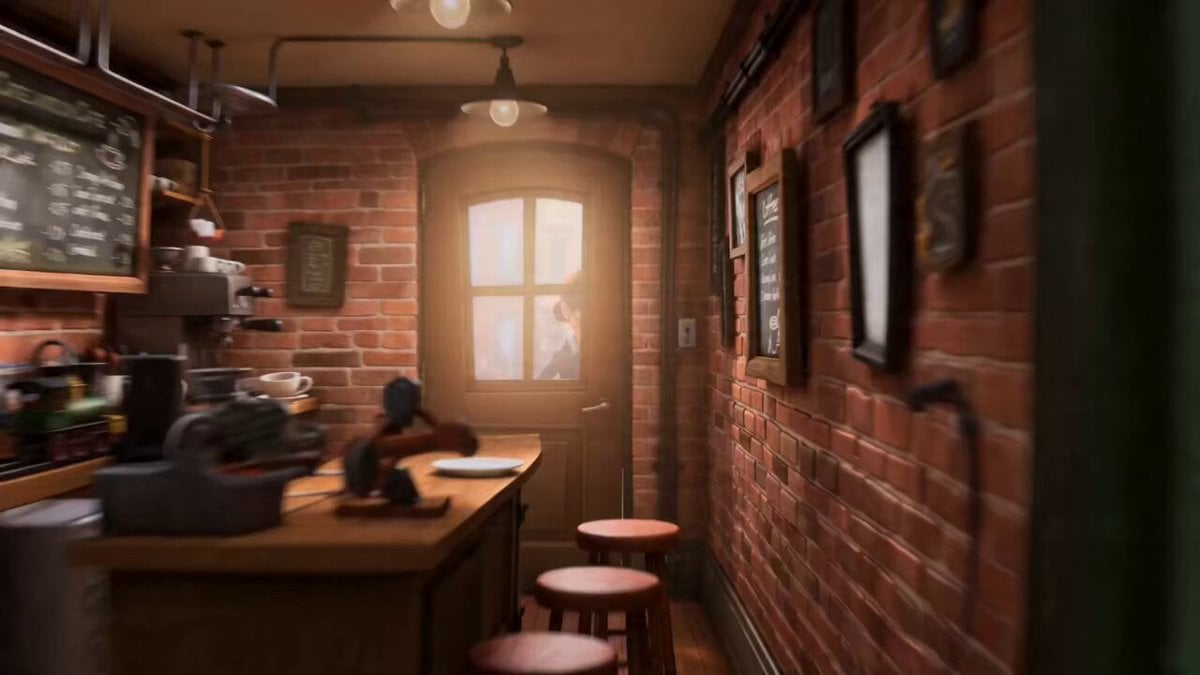
The Barista Rube Goldberg Machine
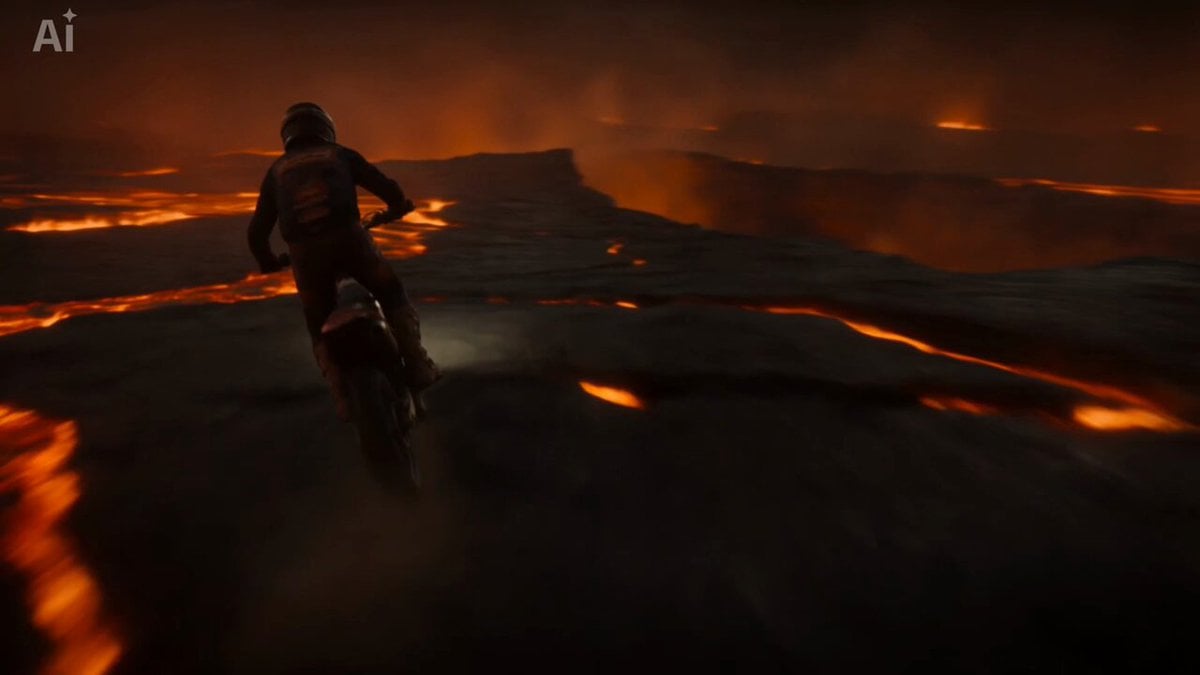
Volcanic Motocross Lava Jump
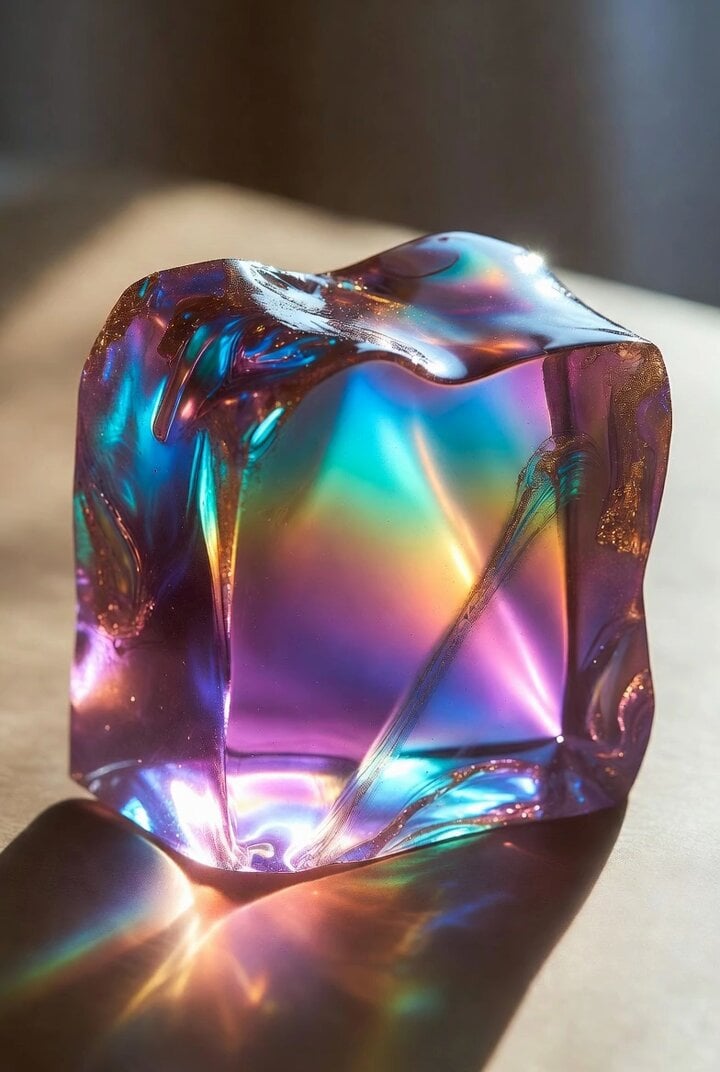
Grok Imagine prompt: ASMR spoon in gooey substance
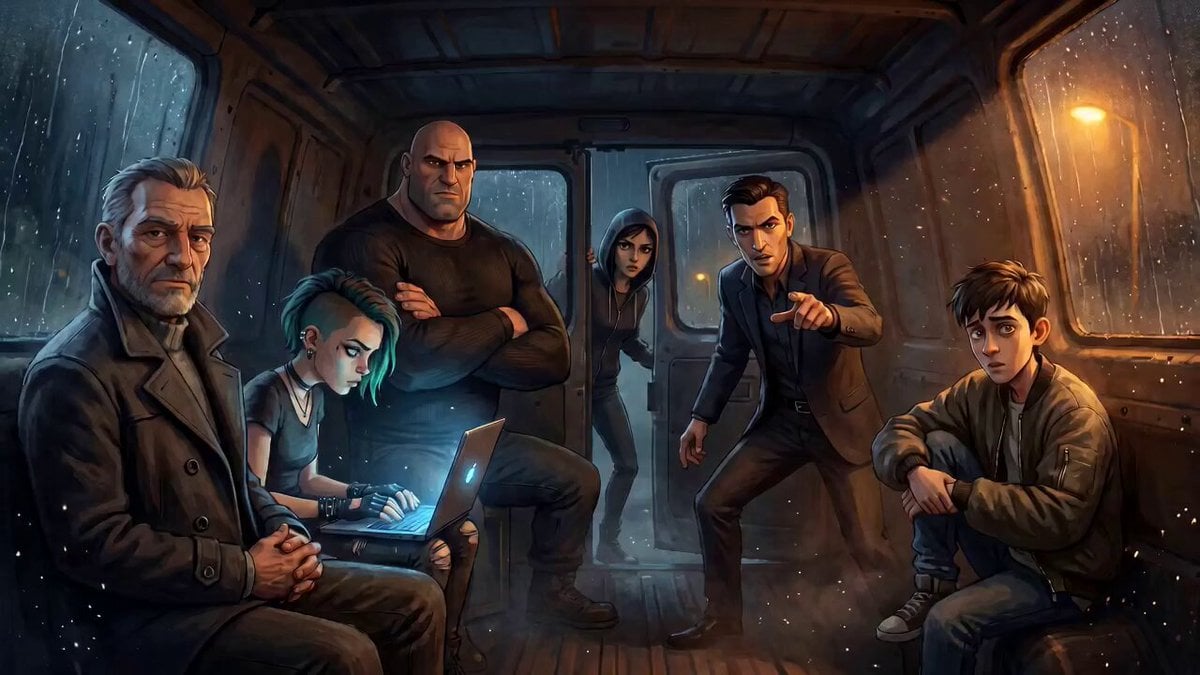
Tense Crime-Thriller Van Interior
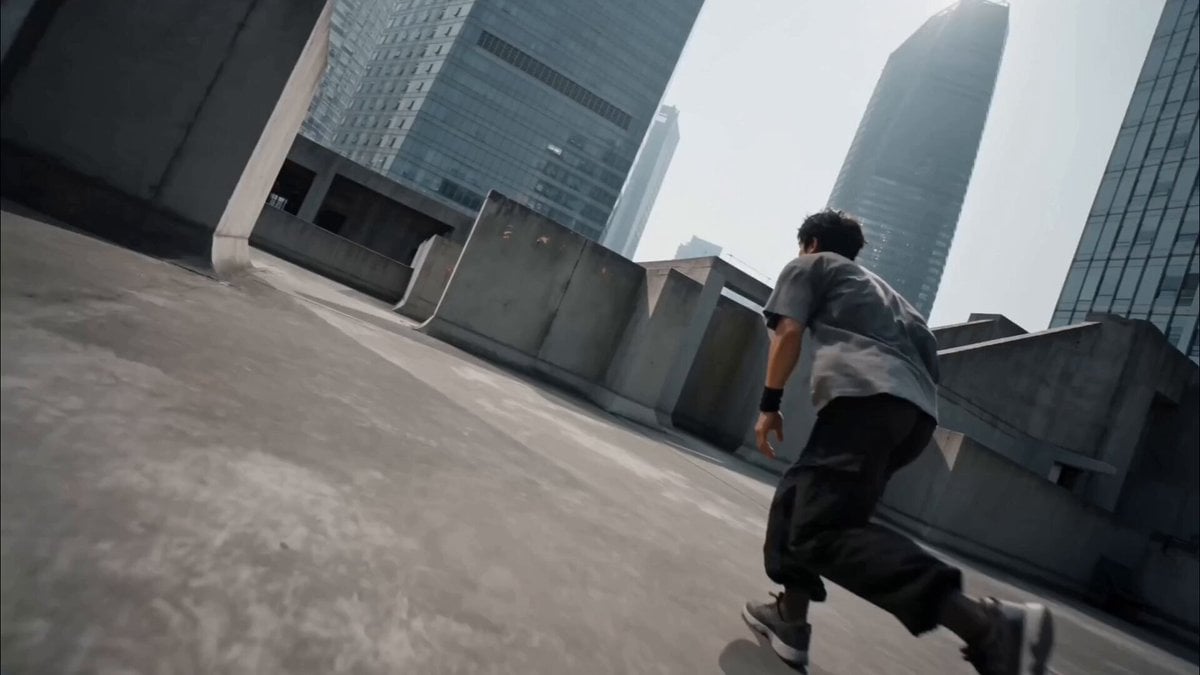
Cinematic Parkour Action Scene

Samurai vs Stone Giant Cinematic Battle
Browse template categories
Coffee Shop Life Montage questions
How do I use the Coffee Shop Life Montage template?
Add your photo if the template asks for one, edit the prompt if you like — the template's model and format are already selected — and press Generate. Your version opens in PicX Studio.
Can I customize the Coffee Shop Life Montage template?
Yes. You can change the subject, setting, lighting, mood, format, and available model controls before creating your video.
Is the Coffee Shop Life Montage template free?
Opening and editing this template is free. Generating uses credits, shown on the Generate button when you are signed in.
Which AI model should I use?
Start with Seedance 2.0, which is the model associated with this template. You can compare another compatible model for a different finish.
Looking for something else? Browse all templates.

Your photo, any look
Thousands of ready templates for every top image and video model, from one credit balance.