
Samurai vs Stone Giant Cinematic Battle
A cinematic action sequence featuring a lone samurai encountering a massive stone giant in a misty bamboo forest at dawn, utilizing dynamic camera movements and slow-motion effects.

- Prompt included
- Model and format preset
- Free template
The prompt behind this video
Copy the exact prompt behind Samurai vs Stone Giant Cinematic Battle, or open it in the studio and make it yours.
A misty bamboo forest at dawn. Cinematic tracking shot follows behind a lone samurai walking through dense fog. Soft golden sunlight pierces through towering bamboo. Suddenly the ground trembles and bamboo trees begin shaking violently. Birds burst into the sky. A colossal ancient stone giant slowly emerges from the mist, towering above the forest canopy. The camera tilts upward to reveal its immense scale. The samurai stops and draws his katana in a dramatic close-up as leaves swirl through the air. The giant roars and swings a massive stone arm. The samurai dashes forward at incredible speed. Dynamic low-angle camera, dramatic push-in, cinematic slow motion during the charge. Freeze frame at the exact moment before impact. Ultra cinematic action, volumetric fog, realistic motion, epic scale contrast, film quality VFX, anamorphic lens, dramatic lighting, blockbuster fantasy movie. write tittle
How to use Samurai vs Stone Giant Cinematic Battle in 3 steps
- 1
Open
The prompt is already in the box next to the preview, with the template's model and format selected.
- 2…a portrait of your subject in softgolden-hour light, 85mm…
Personalize
Edit the subject and creative details for your destination.
- 3Generate
Generate
Press Generate — your video is created in PicX Studio, so you can compare it with the original and refine one variable at a time.
More like this
Templates with the same subject, style or setup. Open one to see its prompt.
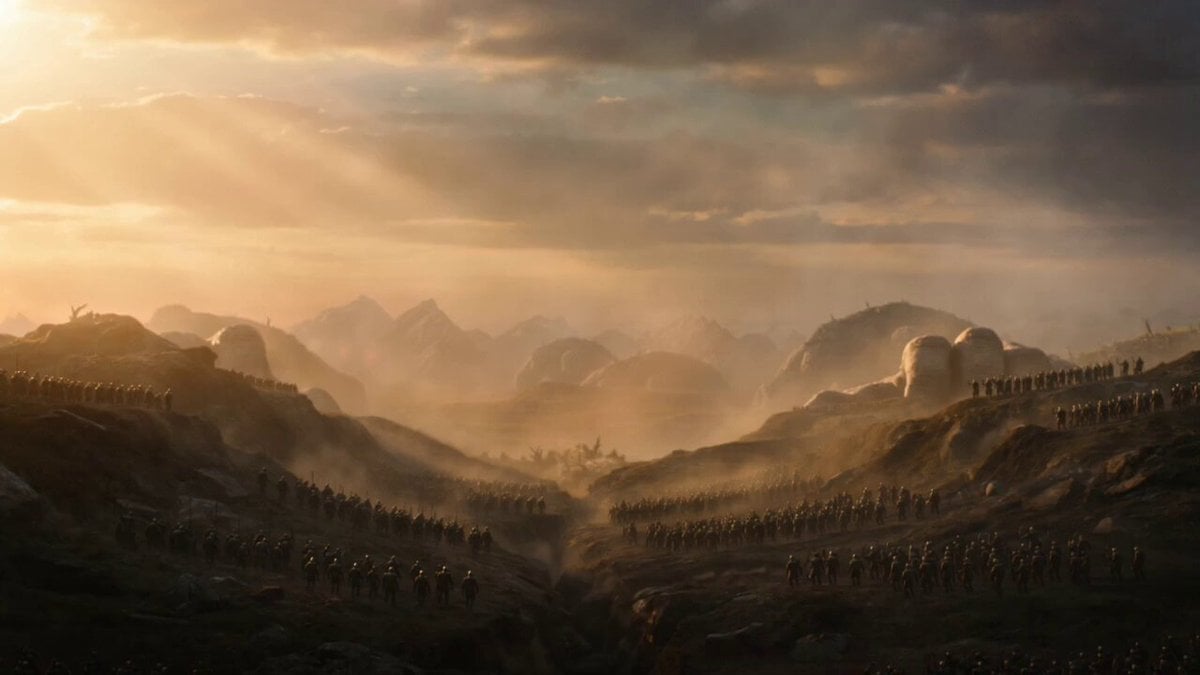
Cinematic Stone Giants Sunrise Video Prompt
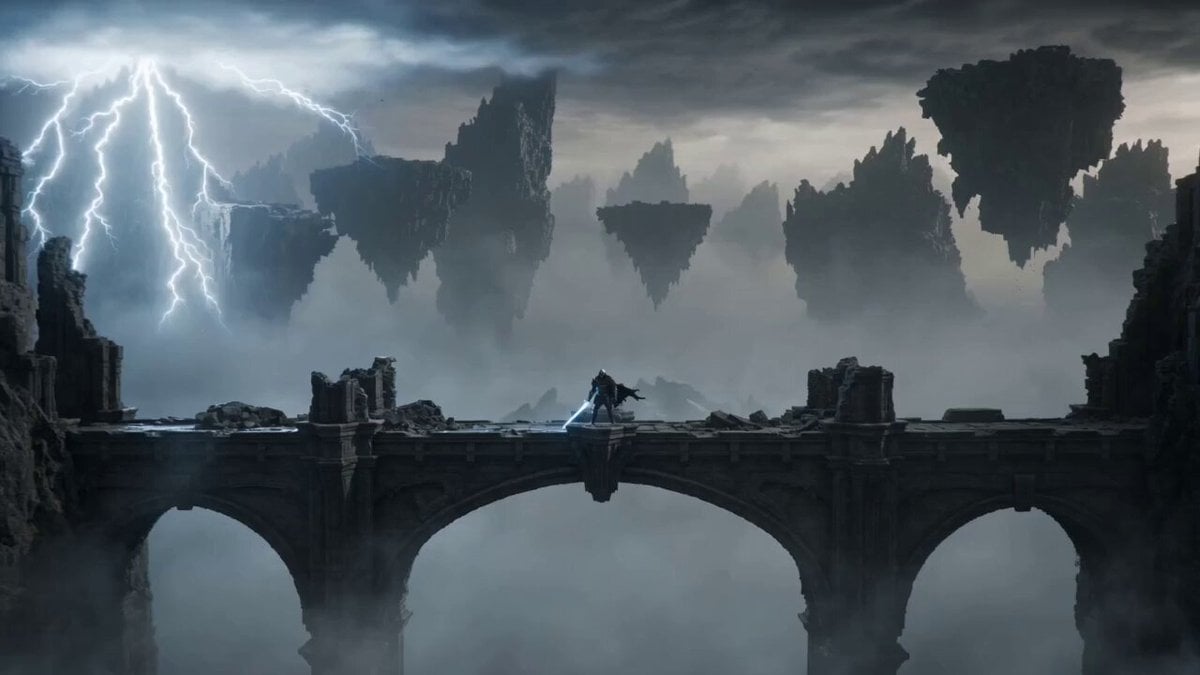
Knight vs Stone Titan Epic Battle
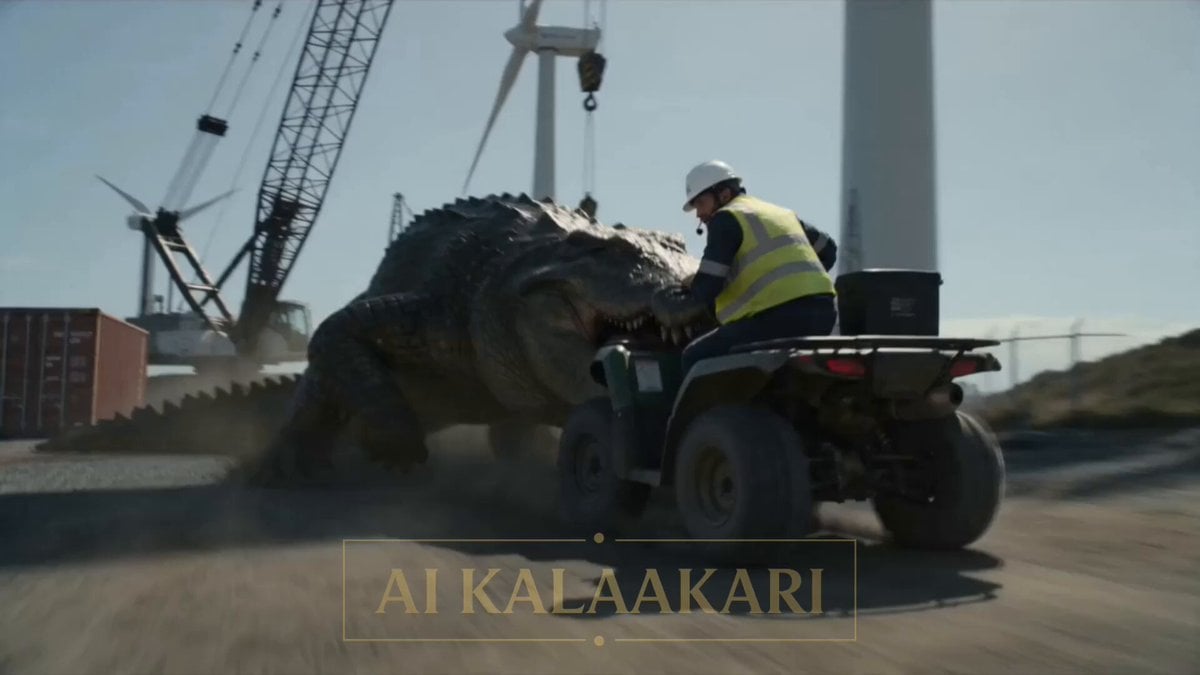
Mega Croc vs Giant Turbine Battle
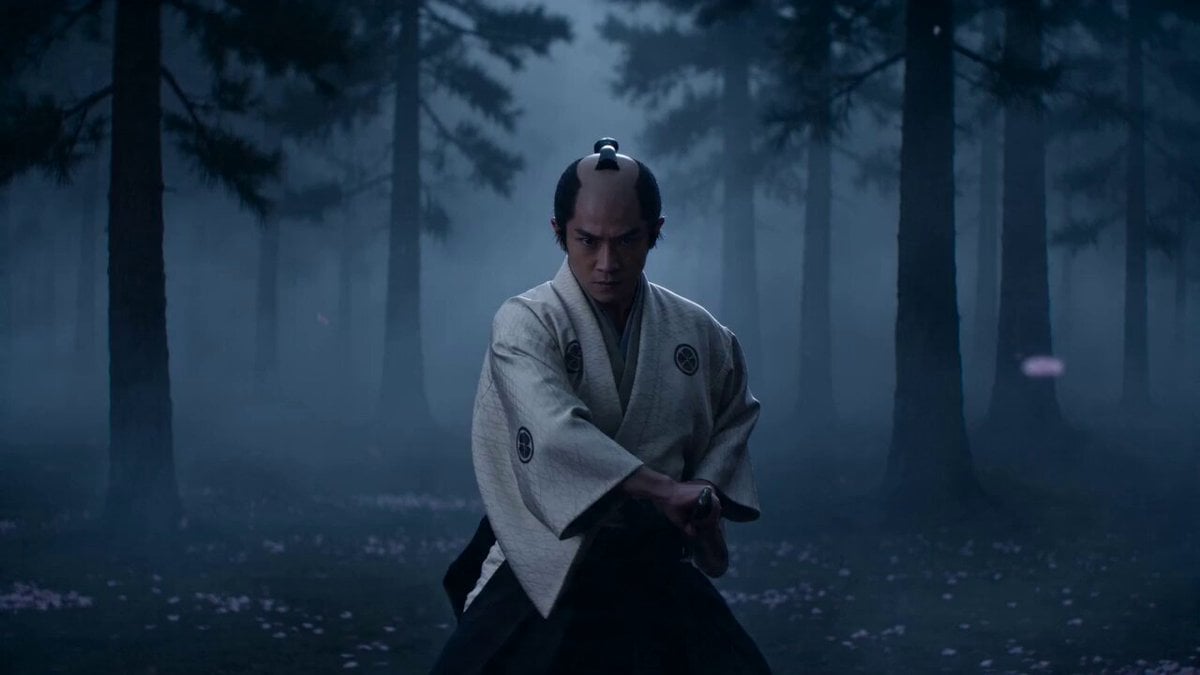
Cinematic Samurai VFX Battle
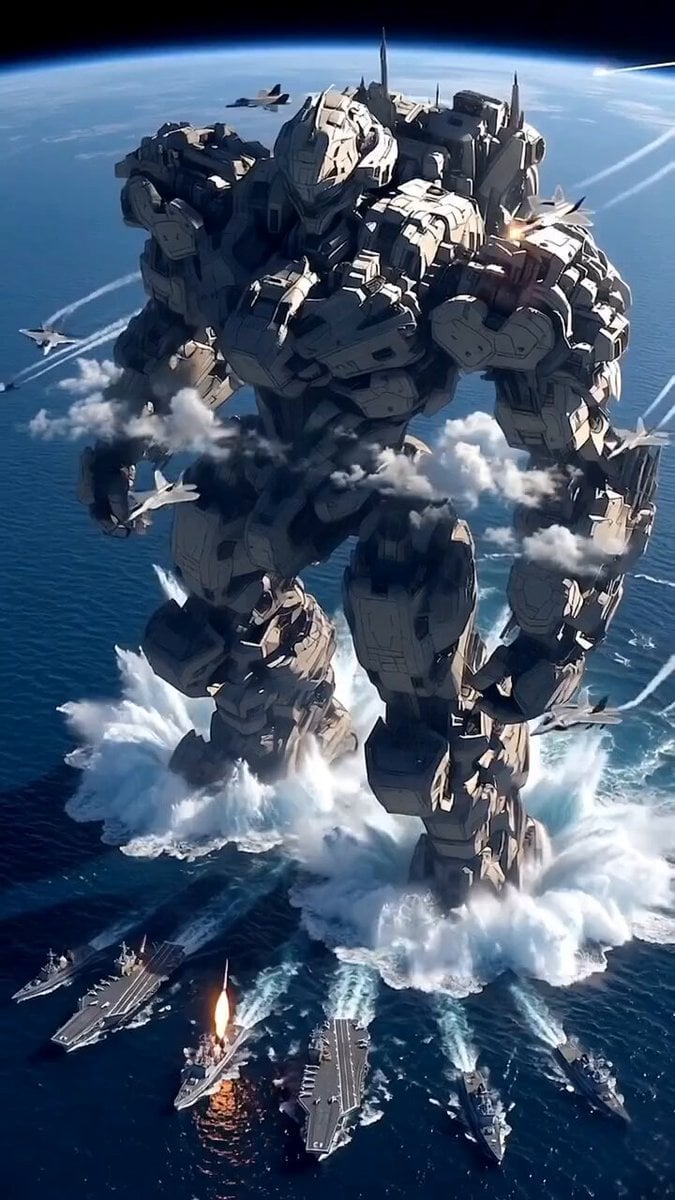
Giant Mecha Naval Battle
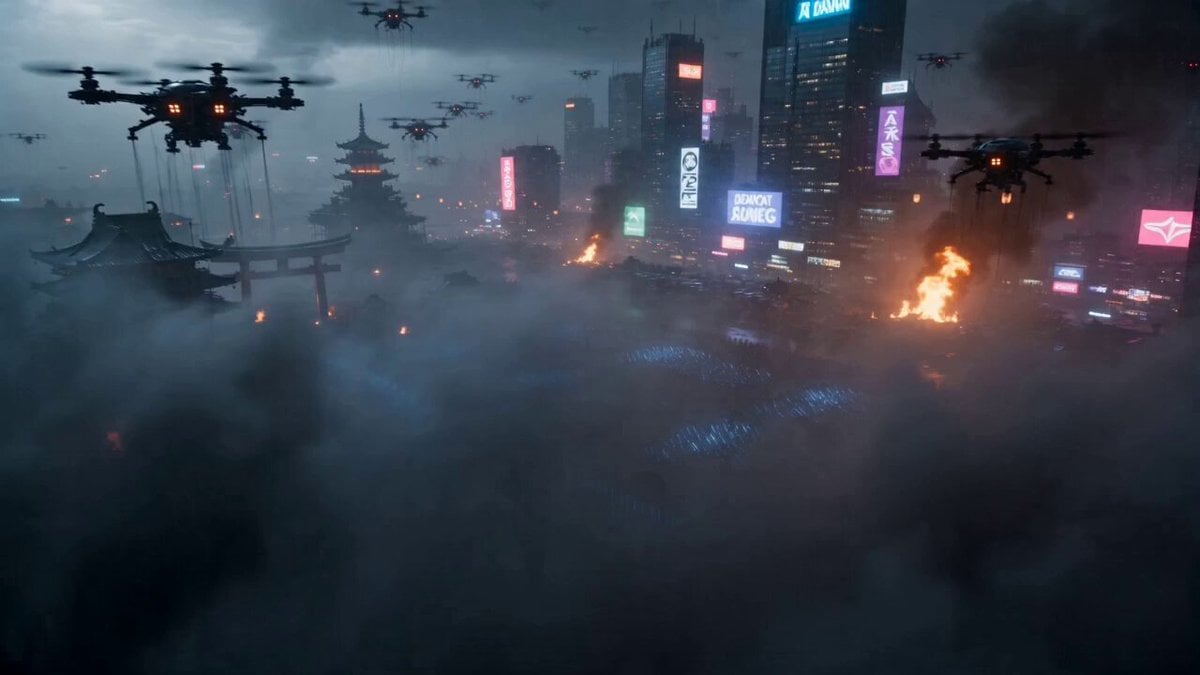
Cyberpunk Samurai Battle Video Prompt
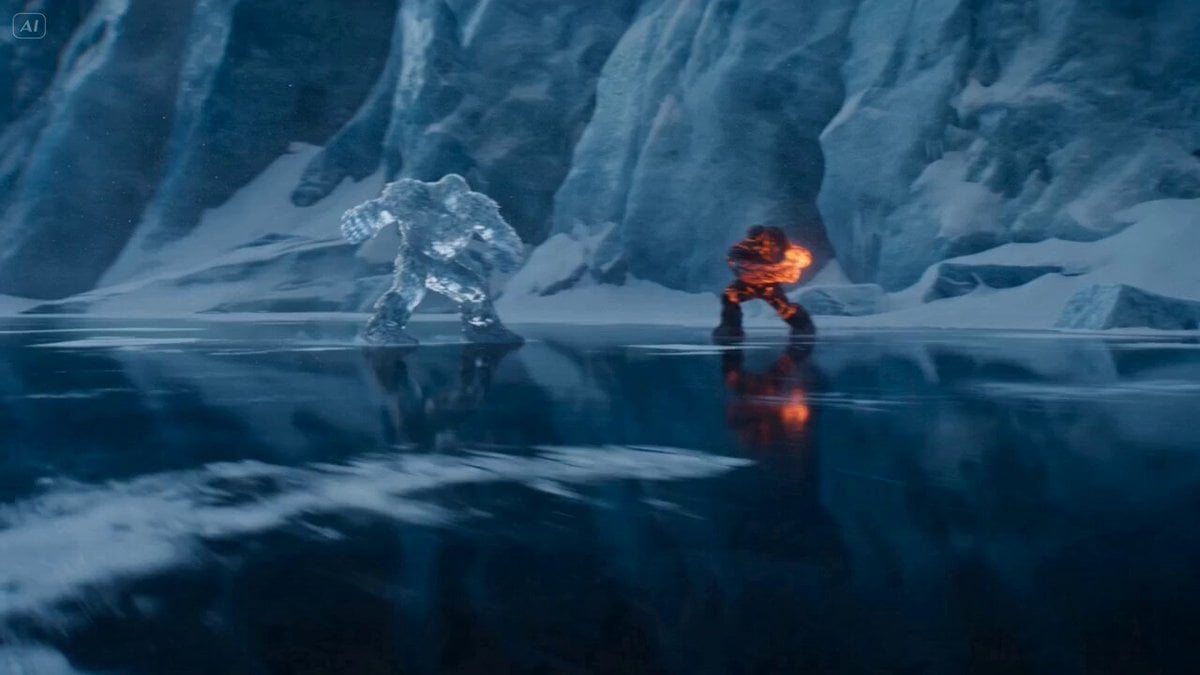
Ice Giant vs. Magma Titan Battle (Dreamina/Seedance 2)
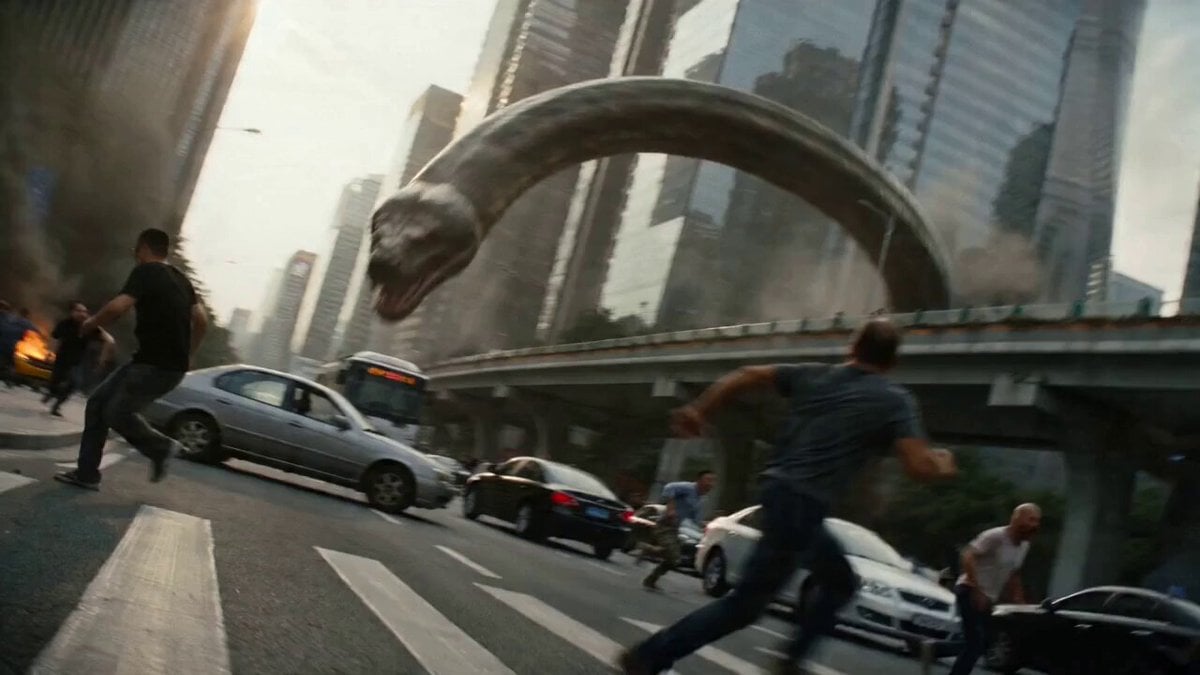
Epic Battle Between Giant Python and Chinese Dragon
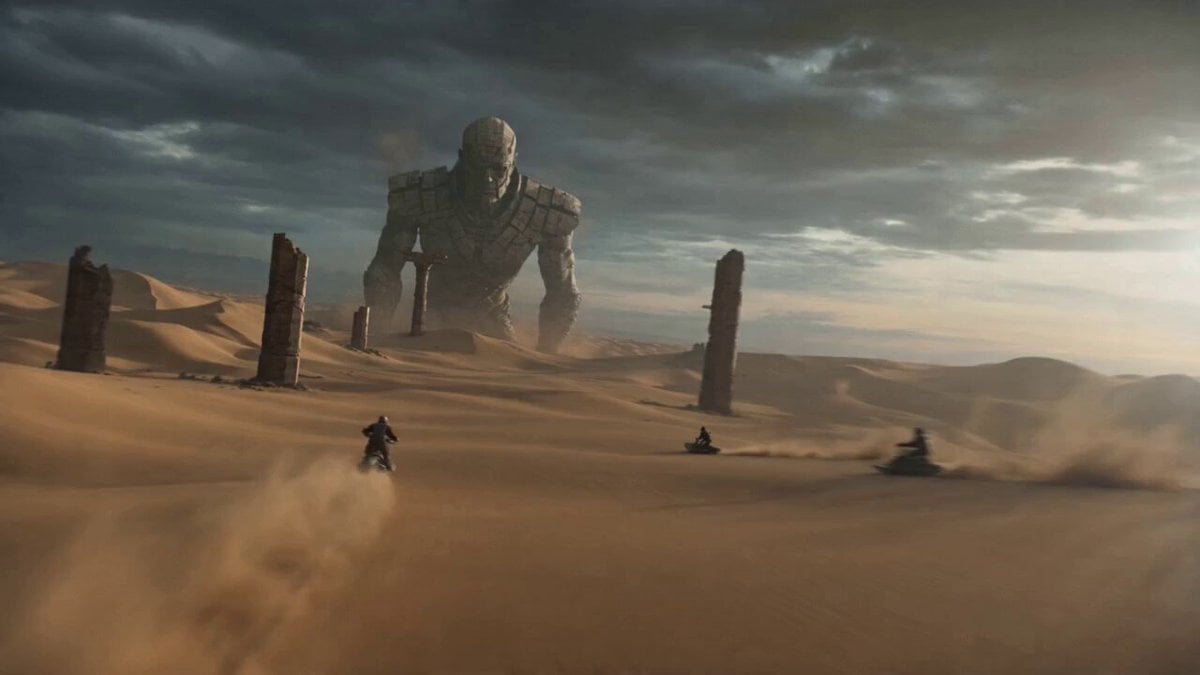
Stone Giant Desert Crossing
Swordsman vs Shadow Monster — Bamboo Forest Battle
Tiger vs Gorilla — Jungle Canyon Clash
Tiny Figure Climbing a Giant — Low Angle Seedance
Make it yours
Samurai vs Stone Giant Cinematic Battle works as-is. These are the safest ways to change it without losing the look.
Change one field
Copy a single group, rewrite it, and generate again so you can see what that field is doing.
Keep the frame, change the subject
Hold the composition and light of Samurai vs Stone Giant Cinematic Battle, then swap wardrobe, props or the person for a new take.
| If the result… | Why | Fix |
|---|---|---|
| The result drifts from the preview | Too many fields changed at once. | Reuse Samurai vs Stone Giant Cinematic Battle as-is first, then change one group — subject, light, or setting. |
| The model over-stylizes the scene | The prose prompt leaves finish and camera underspecified. | Add one camera or lighting sentence and stay on Seedance 2.0. |
More Seedance 2.0 templates
Other prompts made for Seedance 2.0.

Comical Martial Arts Punch Scene

Maglev Train Action Sequence

Martial Arts Fight Sequence

Wuxia Protection and Trust Script

Vintage Korean Arcade MiniDV Vlog

Mercedes 190 SL Luxury Ad

Rainy Night Supernatural Reverse Comedy Video Script

Amazon Civilization Discovery

Futuristic South Asian City Transformation

Cozy Luxury Cafe Commercial
More video prompts
Fresh picks from across the catalog.
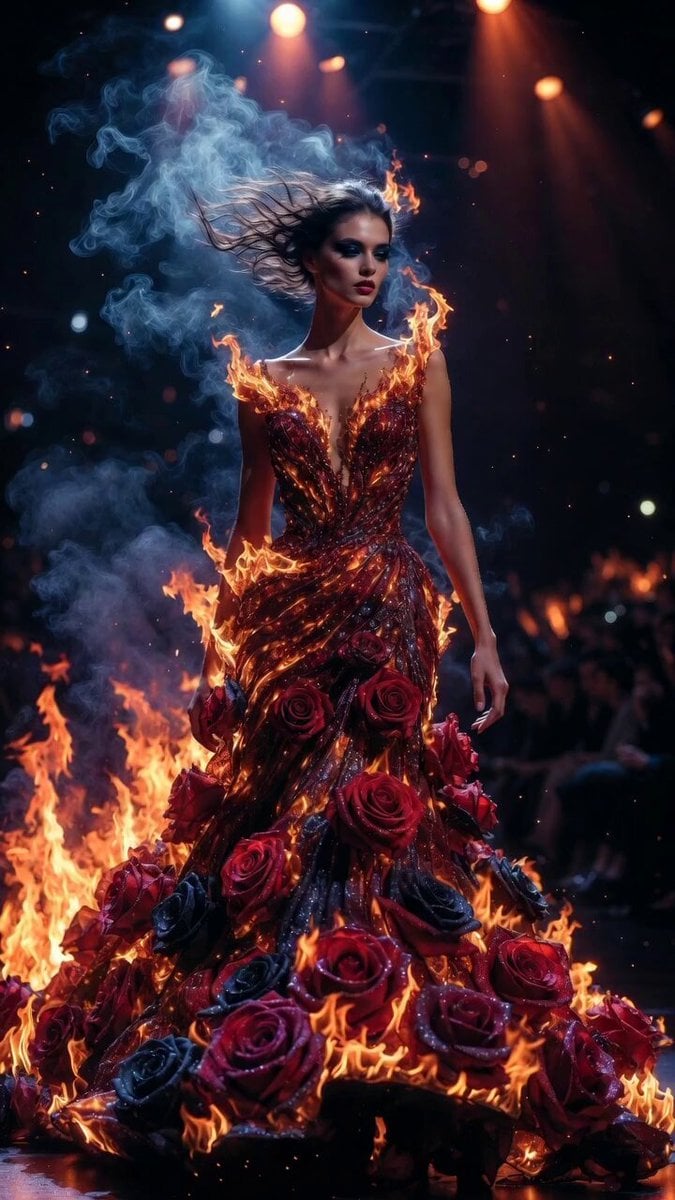
Flame and Rose Couture Catwalk
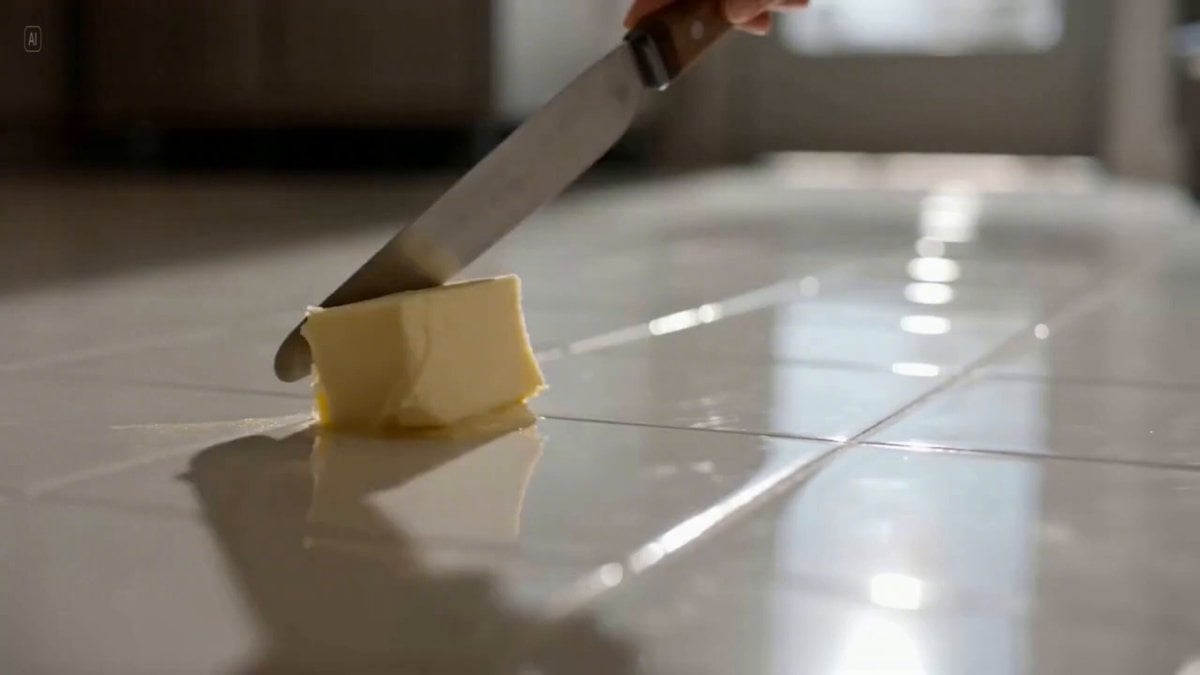
Three-Shot Video Sequence Prompt with Audio Cues

Pocari Sweat Sports Commercial Prompt
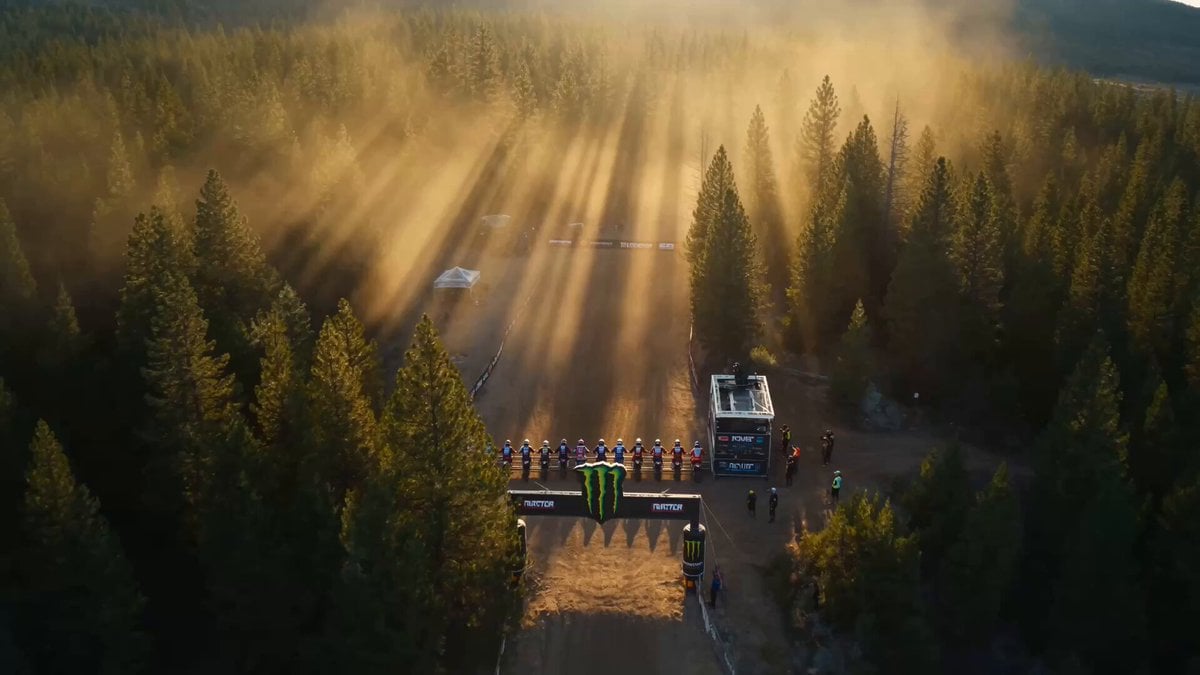
Epic Off-Road Motorcycle Racing Video

Barista and Customer Character Prompt
Manchester United Fan Documentary

Tiktok Influencer Product Ad
Trillionaire Anime Story
Underwater Coral Mech Chase
GoPro-Style MTB Action to Flight
Browse template categories
Samurai vs Stone Giant Cinematic Battle questions
How do I use the Samurai vs Stone Giant Cinematic Battle template?
Add your photo if the template asks for one, edit the prompt if you like — the template's model and format are already selected — and press Generate. Your version opens in PicX Studio.
Can I customize the Samurai vs Stone Giant Cinematic Battle template?
Yes. You can change the subject, setting, lighting, mood, format, and available model controls before creating your video.
Is the Samurai vs Stone Giant Cinematic Battle template free?
Opening and editing this template is free. Generating uses credits, shown on the Generate button when you are signed in.
Which AI model should I use?
Start with Seedance 2.0, which is the model associated with this template. You can compare another compatible model for a different finish.
Looking for something else? Browse all templates.

Your photo, any look
Thousands of ready templates for every top image and video model, from one credit balance.