How do I use the Underwater Coral Mech Chase template?
Edit the prompt in the box under the preview — the template's model and format are already selected — and press Generate. Your version appears right on this page.
A detailed cinematic video prompt for an aquatic fantasy scene involving a pearl diver child escaping a mechanical coral leviathan with specific action cues and visual style notes.
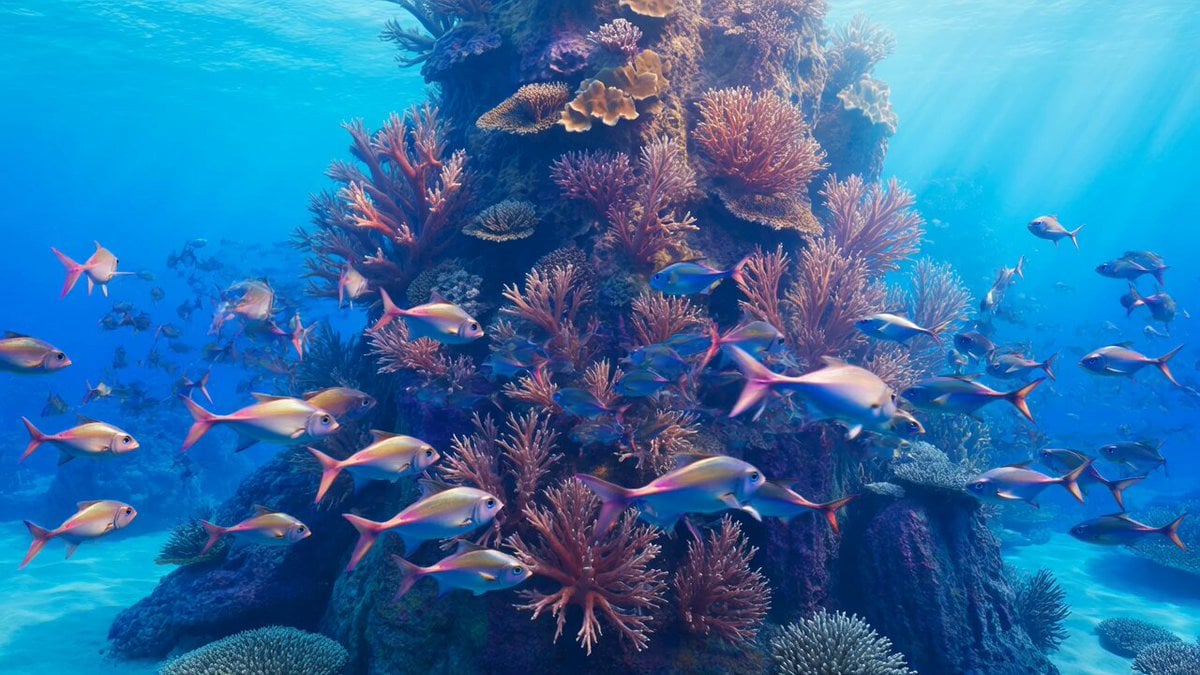
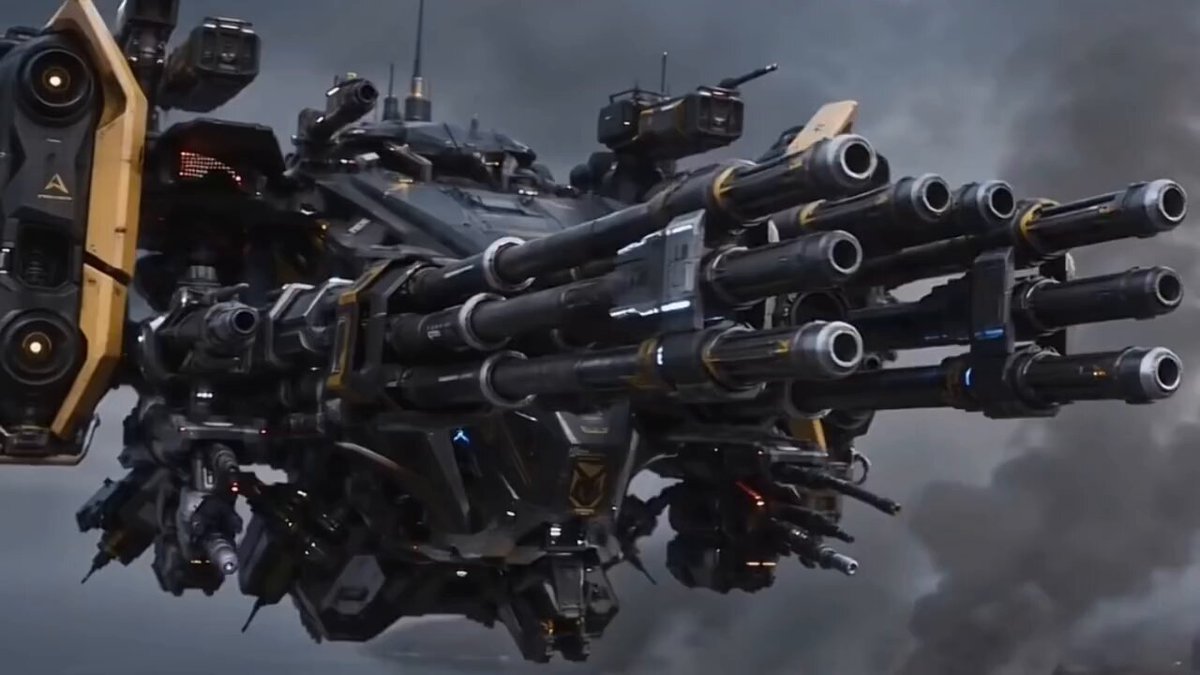
A young pearl diver kid with glowing coral armor, fluid hair drifting in water, and a shell-powered jet pack rockets into frame in the first two seconds, spiraling through a reef tunnel as a massive coral mech leviathan crashes through the ocean floor behind him, instantly creating the hook. The chase unfolds through a breathtaking underwater kingdom— swimming through glowing reefs, weaving between ancient submerged temples, diving into abyss trenches, and bursting through schools of bioluminescent fish. He fights back using: – pressure pulse blasts – spinning shell shields – ink decoys that distort vision – coral spike projectiles The leviathan constantly escalates—its विशाल body reshaping, tentacles splitting into mechanical arms, crushing ruins, and generating whirlpool currents that drag everything inward. Visual style: dreamlike aquatic fantasy—neon blues, glowing coral pinks, drifting particles, slow-motion water physics, cinematic light rays. Final moment: inside a sacred sunken pearl shrine, he launches a final charged strike— The leviathan fractures. Inside… a tiny lost sea creature is revealed, tangled in coral circuitry, glowing softly, frightened.
A young pearl diver kid with glowing coral armor, fluid hair drifting in water, and a shell-powered jet pack rockets into frame in the first two seconds, spiraling through a reef tunnel as a massive coral mech leviathan crashes through the ocean floor behind him, instantly creating the hook. The chase unfolds through a breathtaking underwater kingdom— swimming through glowing reefs, weaving between ancient submerged temples, diving into abyss trenches, and bursting through schools of bioluminescent fish. He fights back using: – pressure pulse blasts – spinning shell shields – ink decoys that distort vision – coral spike projectiles The leviathan constantly escalates—its विशाल body reshaping, tentacles splitting into mechanical arms, crushing ruins, and generating whirlpool currents that drag everything inward. Visual style: dreamlike aquatic fantasy—neon blues, glowing coral pinks, drifting particles, slow-motion water physics, cinematic light rays. Final moment: inside a sacred sunken pearl shrine, he launches a final charged strike— The leviathan fractures. Inside… a tiny lost sea creature is revealed, tangled in coral circuitry, glowing softly, frightened.
Edit the prompt in the box under the preview — the template's model and format are already selected — and press Generate. Your version appears right on this page.
Yes. You can change the subject, setting, lighting, mood, format, and available model controls before creating your video.
Opening and editing this template is free. Generating uses credits, shown on the Generate button when you are signed in.
Start with Seedance 2.0, which is the model associated with this template. You can compare another compatible model for a different finish.
Follow a topic to a crawlable collection of related PicX Studio templates.