
Dynamic Character Dance MV Creator
A comprehensive prompt for Seedance 2.0 designed to generate a 15-second professional dance music video.
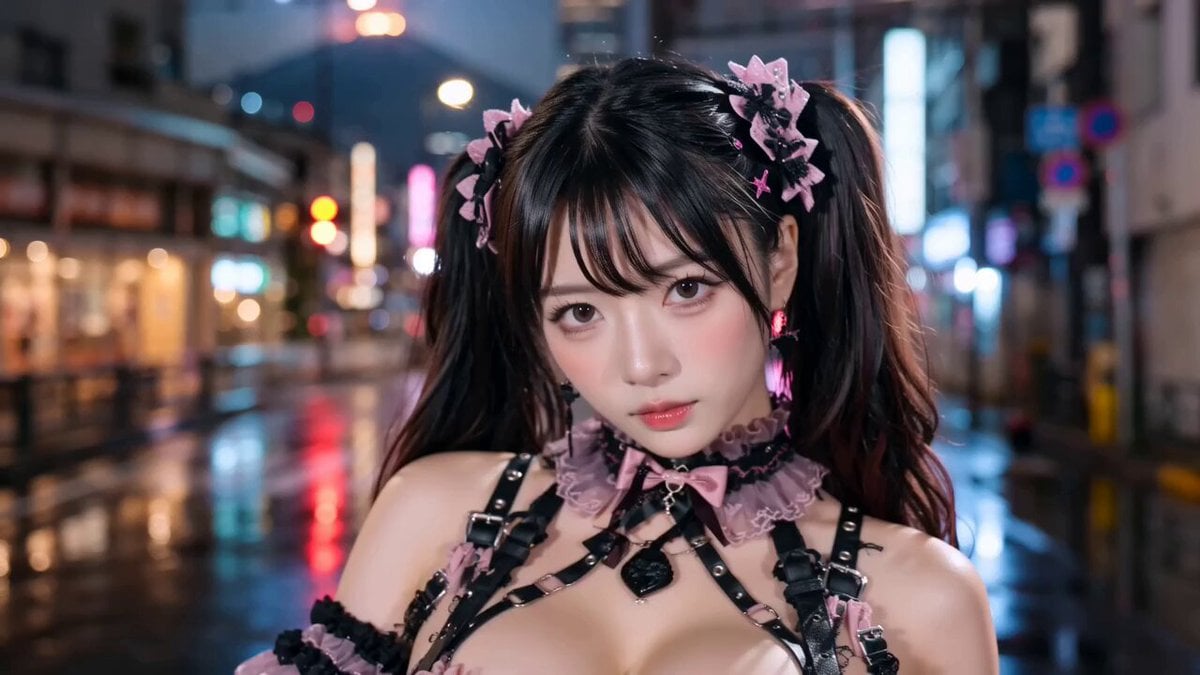
- Prompt included
- Model and format preset
- Premium template
The prompt behind this video
Copy the exact prompt behind Dynamic Character Dance MV Creator, or open it in the studio and make it yours.
’参照画像@’の成人人物または成人キャラクターを主人公として、15秒のダンスMVを生成してください。あなたは監督兼プロデューサーとして、構成、演出、カメラ、音楽、背景、照明、衣裳、ロケーション、フォーメーションを最適化し、SNSでバズる高品質な短尺MVにしてください。同じ構成に固定せず、自然なランダム性と多様性を持たせてください。 ’参照画像@’が実写なら出力も実写、イラストなら出力もイラストにし、主人公の顔、髪型、雰囲気、シルエットを維持してください。 主人公のソロの見せ場を入れ、途中または後半で、主人公と同性の友達4人が自然に合流し、合計5人のダンスユニットとして踊ってください。友達4人は全員別タイプで、主人公のコピーにしないでください。ただしユニットとしての統一感は持たせてください。 衣裳は、あなたが考えた映像のテーマ、ロケーションにマッチするもの、またはアイドル風・K-POP風・ダンスMV向け衣裳、または’参照画像@’の衣装可。友達4人は同系統・色違い・統一感のある衣裳にしてください。できれば、あなたがプロデュースした主人公と同じ衣装の色違いが望ましい。必要に応じて自然な衣裳チェンジ演出を入れても構いません。例えばロケーションの切り替えなどに合わせて衣装チェンジする。 ダンスはヒップホップをベースに、K-POP風、ストリート風、クールなラテン風を自然にミックスしたプロ級パフォーマンスにしてください。ソロと5人フォーメーションの両方を魅力的に見せてください。 音楽はセンスの良いダンスミュージックを自動生成し、ヒップホップを軸にK-POPのキャッチーさ、ラテンのリズム感、クラブ感を自然にミックスしてください。 ロケーションは固定せず、あなたが考えたダンスMVにマッチする場所を自由に使用してください。例えば都市夜景、ネオン街、屋上、スタジオ、ストリート、クラブ空間、海、ビーチ、昼のプール、リゾートプール、ナイトプール、夕暮れの海辺、サマーリゾート空間などです。これにこだわる必要はあいませんが、ランダムでシーン切り替えを多用してください。 ’参照画像@’をfirstフレームとして絶対に使わない。 ’参照画像@’の背景は絶対に使用しない。 NEGATIVE: 主人公が別人になる、友達4人がコピーになる、人数過多または不足、不自然な顔や手足、低解像度、ぼやけ、ノイズ、踊りが見えないカメラ、背景の目立ちすぎ、衣裳崩れ、同じ動きの反復、ダンスと音楽の不一致、実写入力なのにアニメ調、イラスト入力なのに実写調。
How to use Dynamic Character Dance MV Creator in 3 steps
- 1
Open
The prompt is already in the box next to the preview, with the template's model and format selected.
- 2…a portrait of your subject in softgolden-hour light, 85mm…
Personalize
Edit the subject and creative details for your destination.
- 3Generate
Generate
Press Generate — your video is created in PicX Studio, so you can compare it with the original and refine one variable at a time.
More like this
Templates with the same subject, style or setup. Open one to see its prompt.

Cyberpunk Holographic Dance Performance - Seedance 2.5
Early-2000s Trainee Flashback Film

Luxury Airport Travel Vlog
Ballerina Opera House — Seedance 2.0
In Each Other's Gravity — Dance Duo
Energetic EDM Dance with Dynamic Camera
Seedance 2.0 First Test — Dynamic Motion Showcase
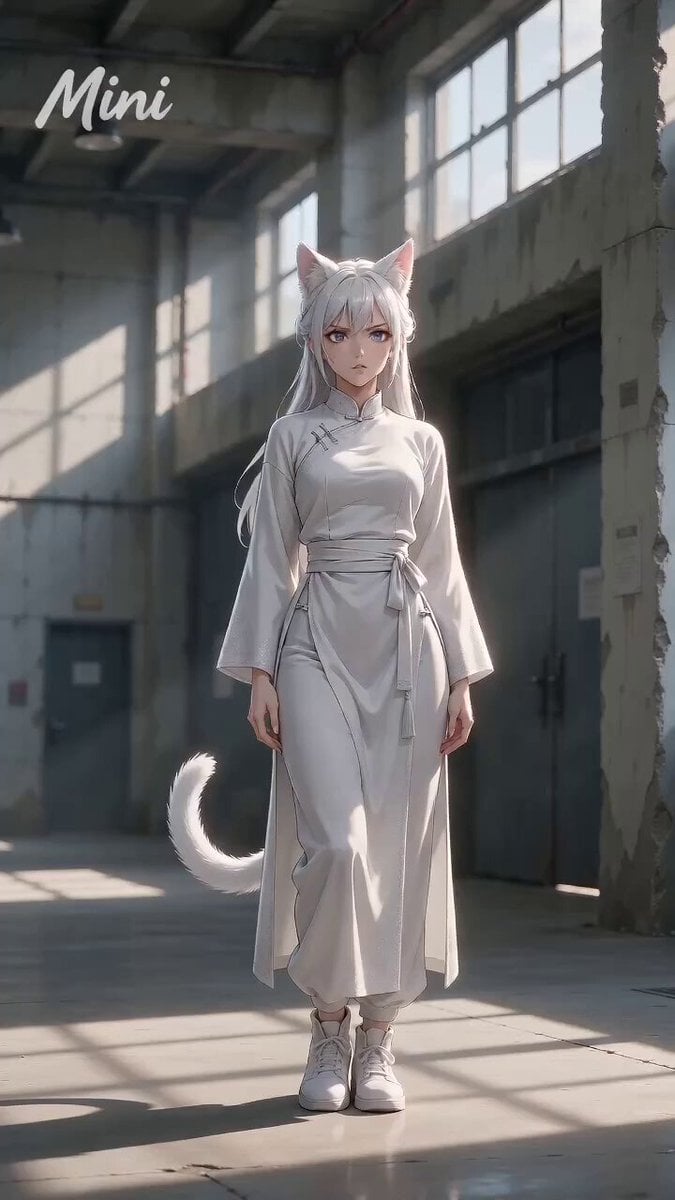
Dynamic Street Dance MV
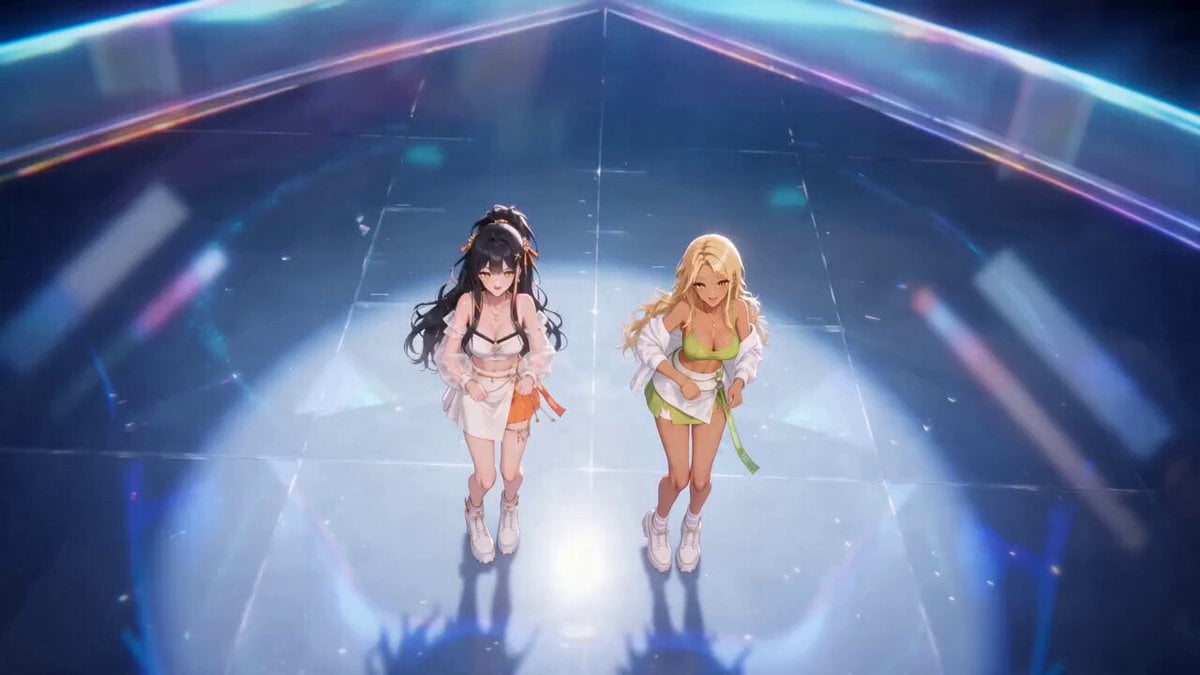
Dynamic Rhythm Camera Dance
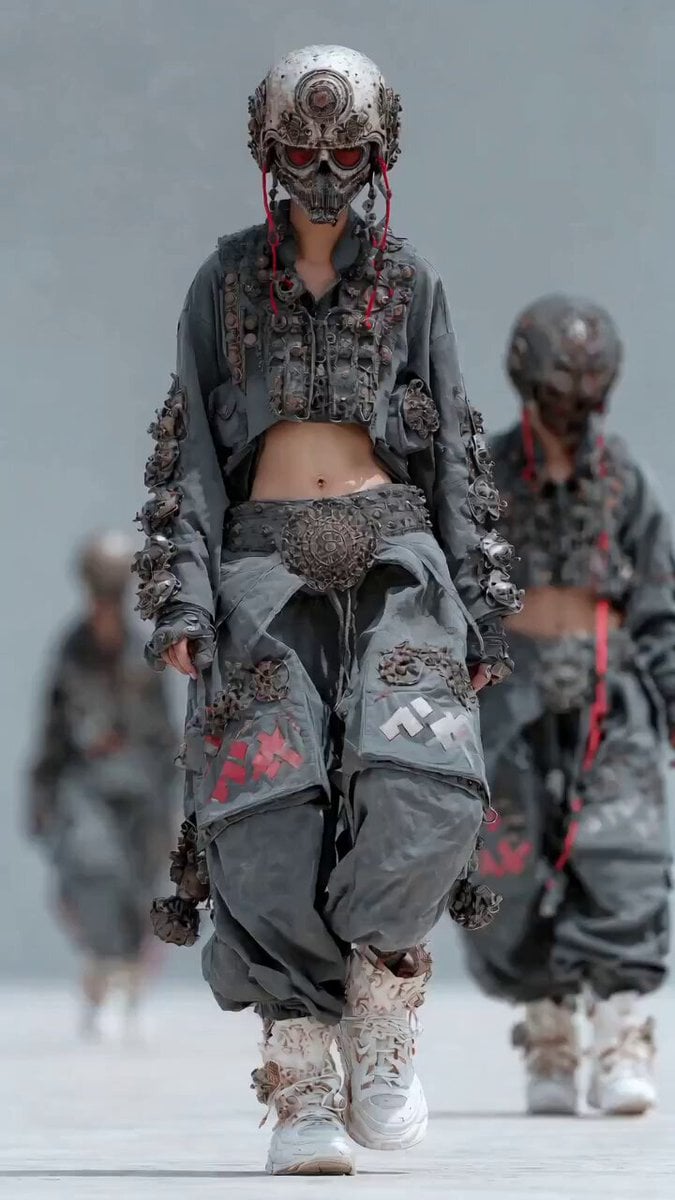
Dynamic Cinematic Hip-Hop Dance Video

Ancient Style Dance with Dynamic Camera Movement
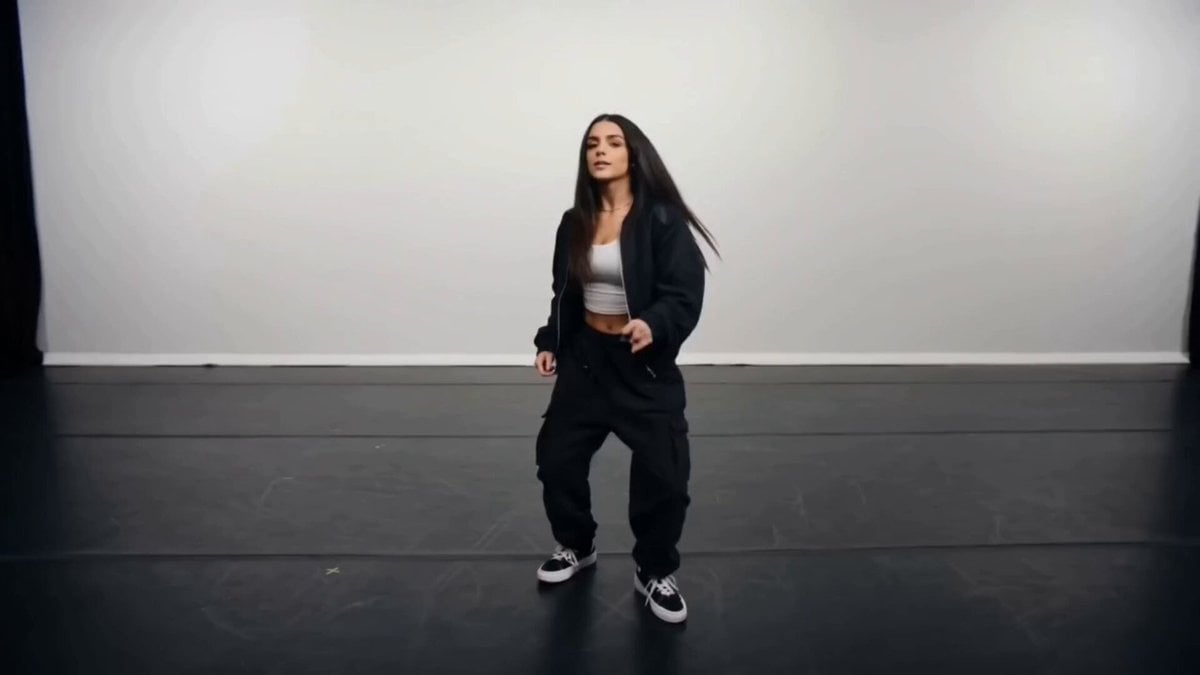
Dynamic Multi-Style Dance Flicker
Make it yours
Dynamic Character Dance MV Creator works as-is. These are the safest ways to change it without losing the look.
Change one field
Copy a single group, rewrite it, and generate again so you can see what that field is doing.
Keep the frame, change the subject
Hold the composition and light of Dynamic Character Dance MV Creator, then swap wardrobe, props or the person for a new take.
| If the result… | Why | Fix |
|---|---|---|
| The result drifts from the preview | Too many fields changed at once. | Reuse Dynamic Character Dance MV Creator as-is first, then change one group — subject, light, or setting. |
| The model over-stylizes the scene | The prose prompt leaves finish and camera underspecified. | Add one camera or lighting sentence and stay on Seedance 2.0. |
More Seedance 2.0 templates
Other prompts made for Seedance 2.0.

Comical Martial Arts Punch Scene

Maglev Train Action Sequence

Martial Arts Fight Sequence

Wuxia Protection and Trust Script

Vintage Korean Arcade MiniDV Vlog

Mercedes 190 SL Luxury Ad

Rainy Night Supernatural Reverse Comedy Video Script

Amazon Civilization Discovery

Futuristic South Asian City Transformation

Cozy Luxury Cafe Commercial
More video prompts
Fresh picks from across the catalog.
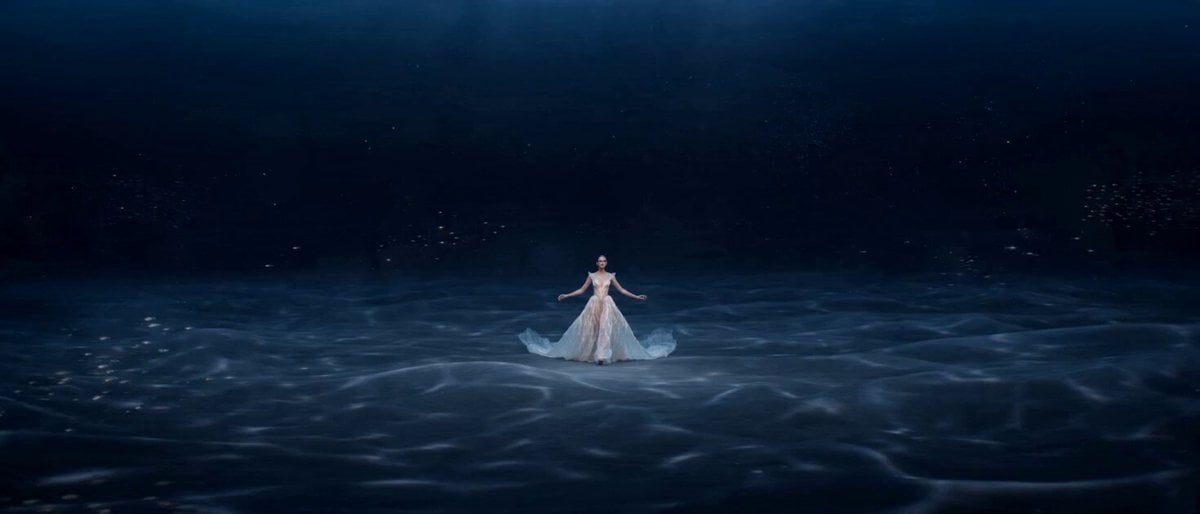
Original Ocean Fantasy Fashion Short Film Prompt for Seedance 2.0
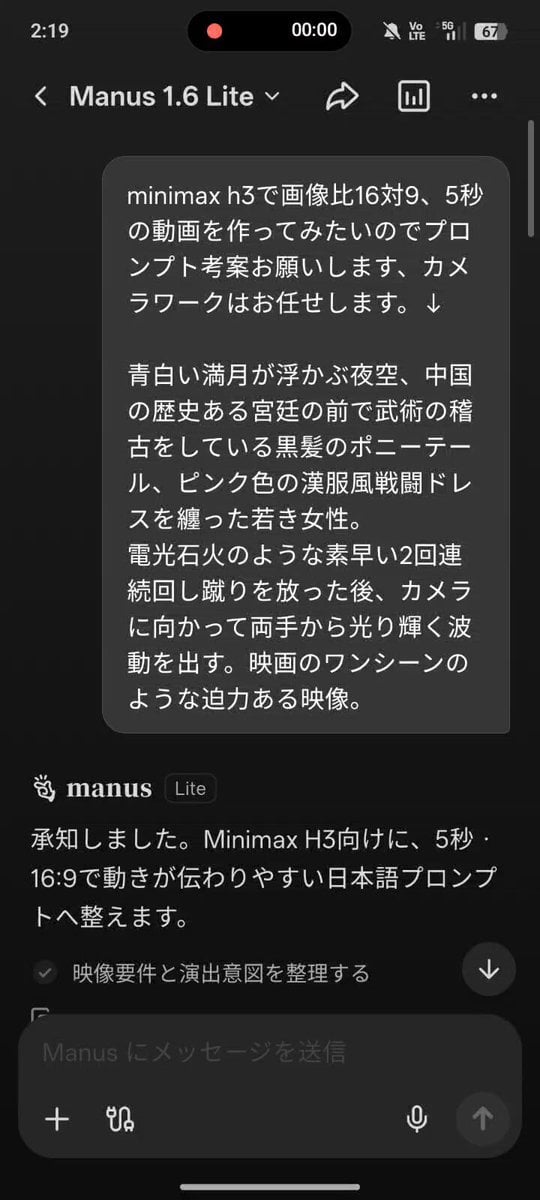
Martial Arts Fantasy Sequence
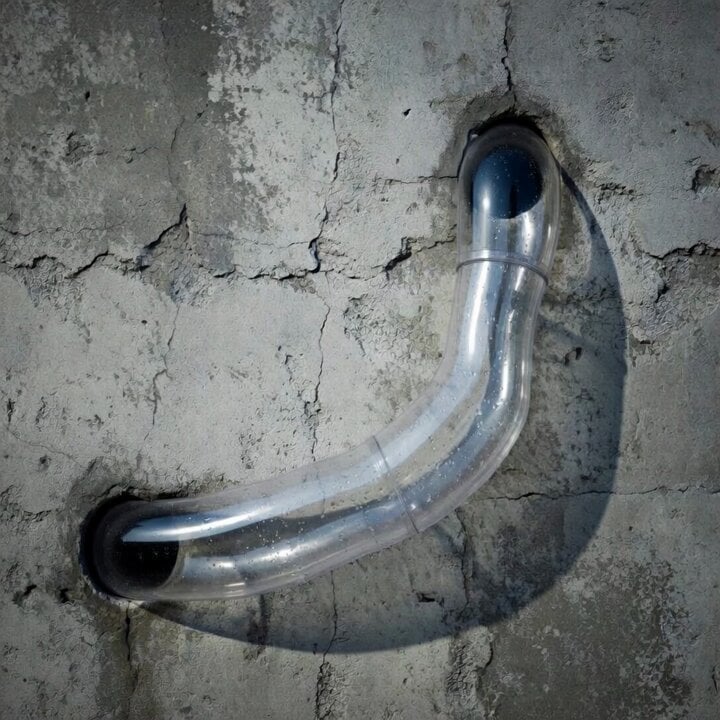
Fluid Dynamics Visualization in a Tube
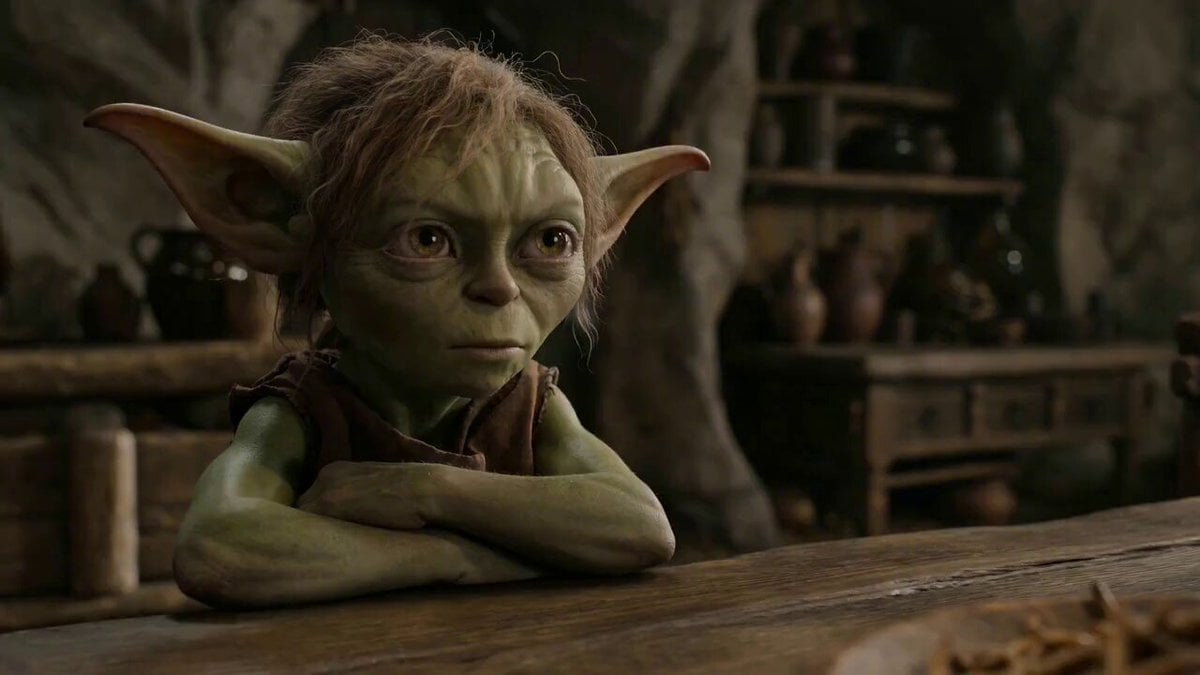
Multi-Shot Cinematic Kitchen Comedy Prompt
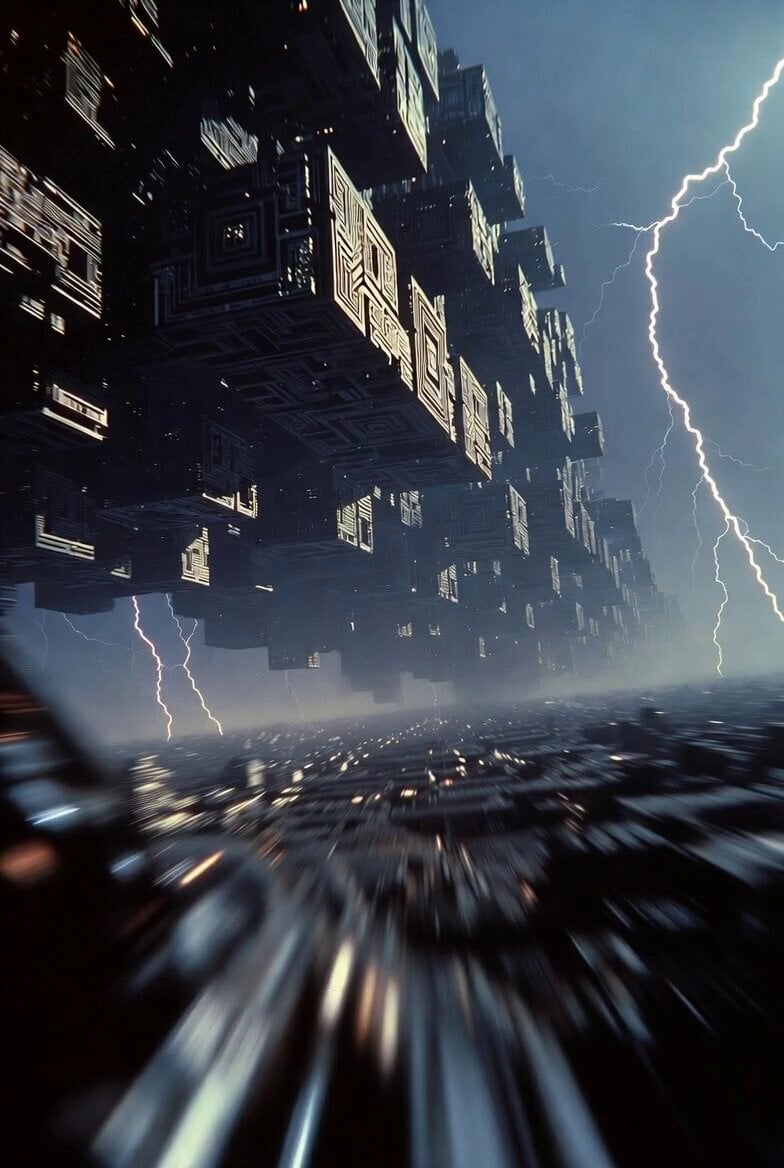
Cybernetic Megacity First Person Flight
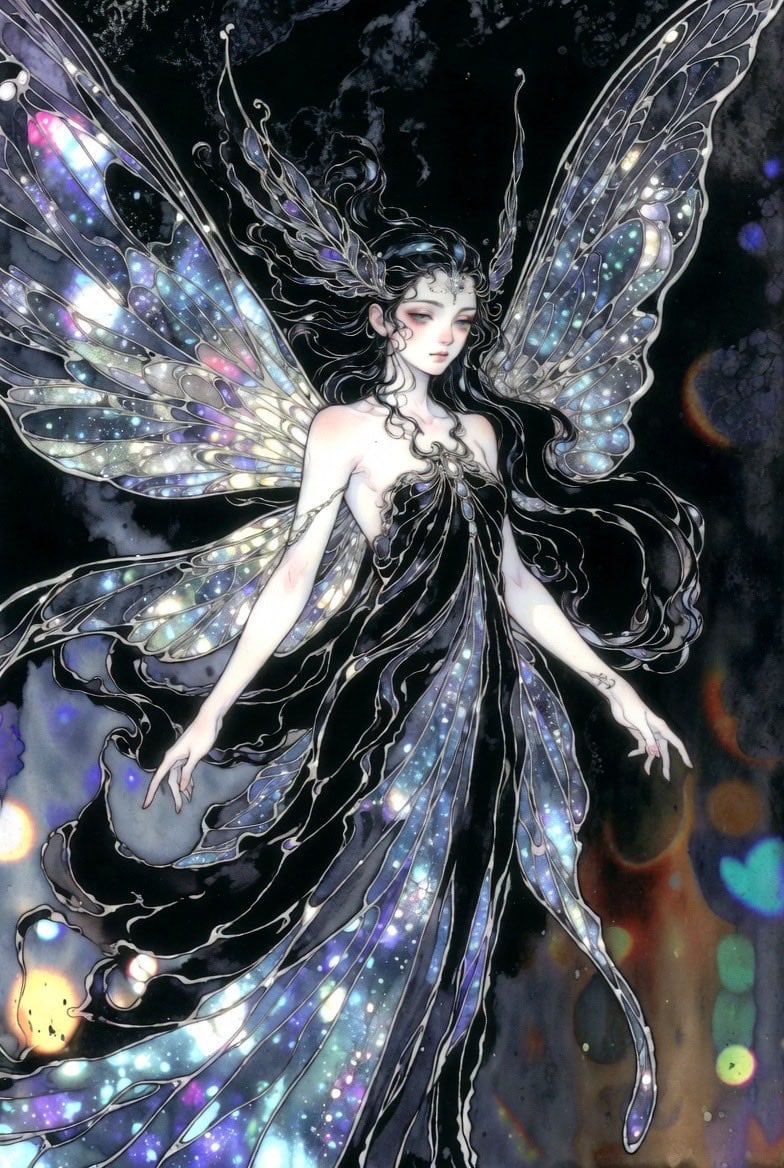
Ethereal dark fairy goddess with galaxy wings
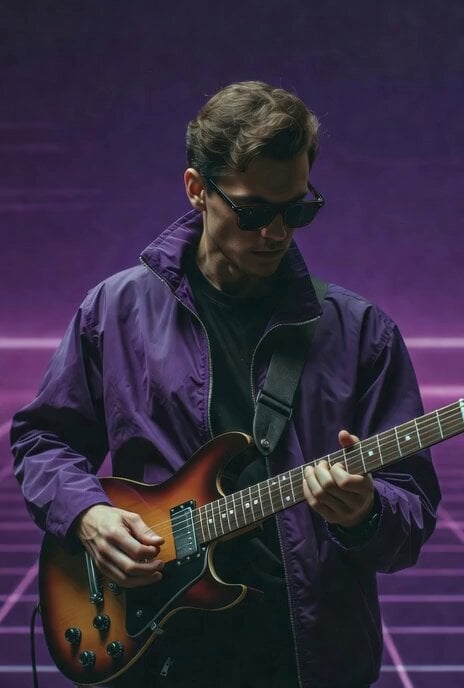
Guitar Solo Motion Sequence
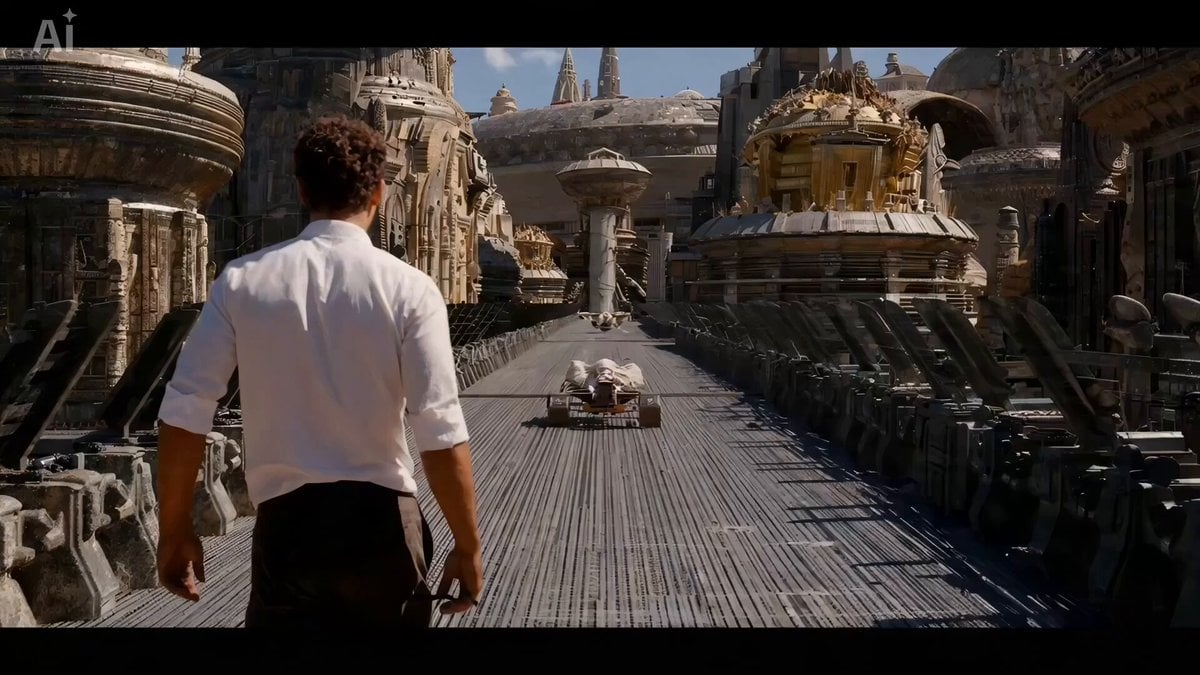
The Moment It Sees Him (Close-up Shot)
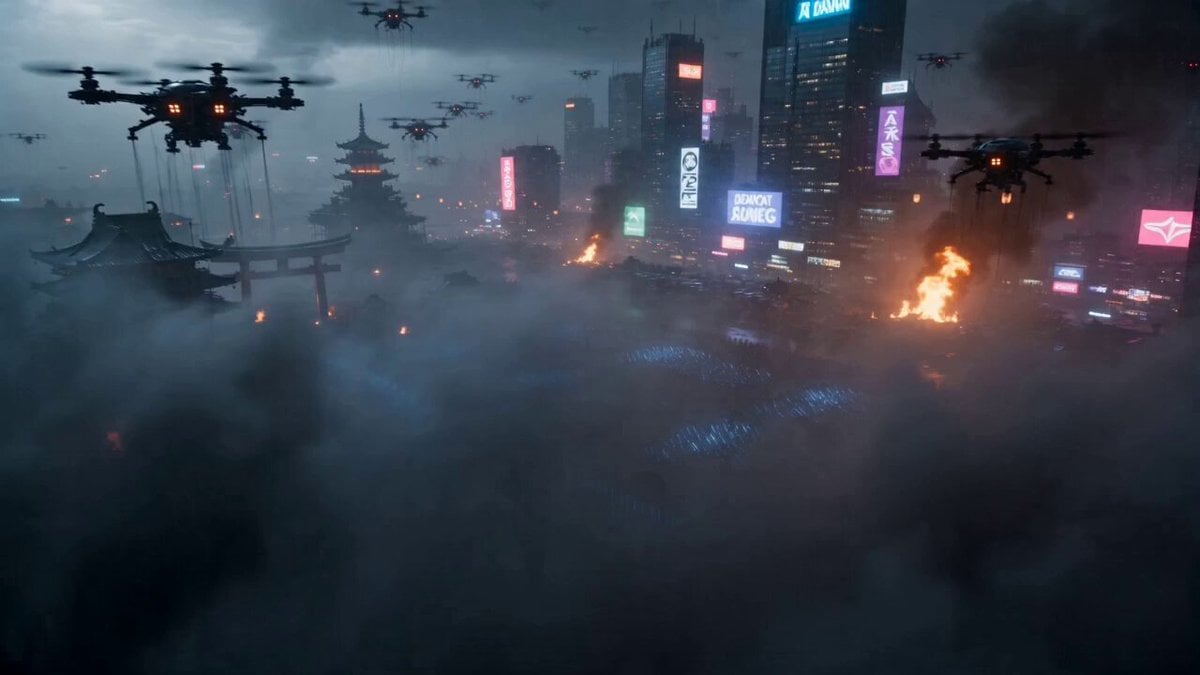
Cyberpunk Samurai Battle Video Prompt
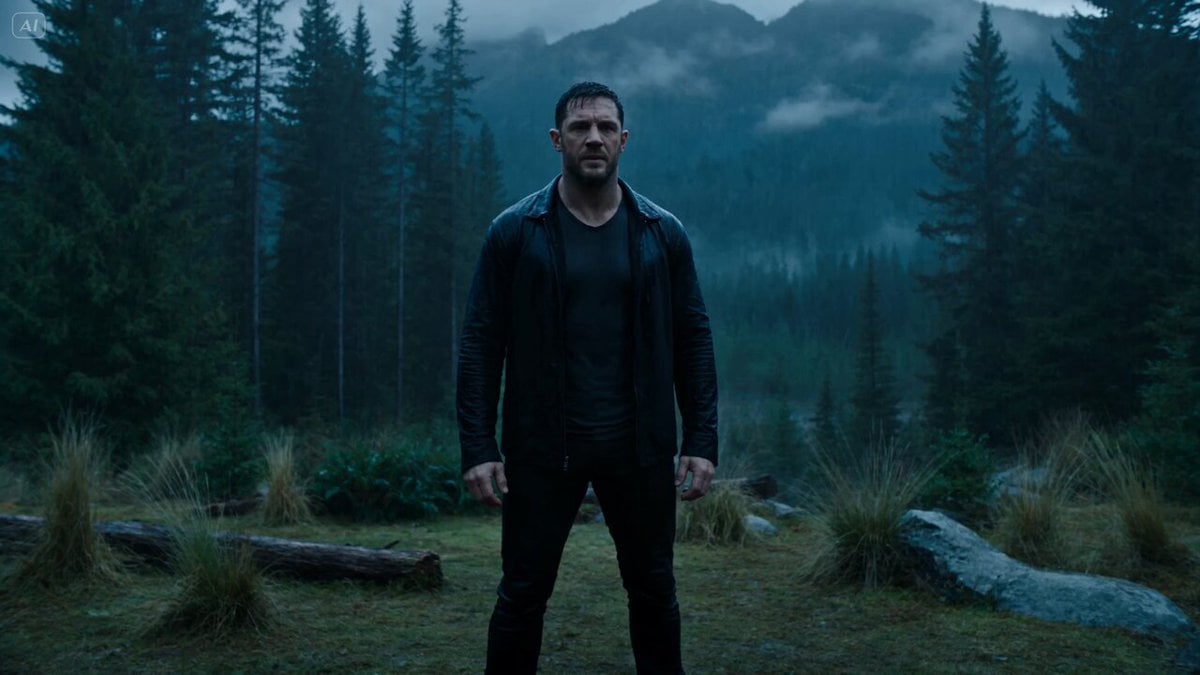
Dark Fantasy Forest Bear Transformation
Browse template categories
Dynamic Character Dance MV Creator questions
How do I use the Dynamic Character Dance MV Creator template?
Add your photo if the template asks for one, edit the prompt if you like — the template's model and format are already selected — and press Generate. Your version opens in PicX Studio.
Can I customize the Dynamic Character Dance MV Creator template?
Yes. You can change the subject, setting, lighting, mood, format, and available model controls before creating your video.
Is the Dynamic Character Dance MV Creator template free?
Opening and editing this template is free. Generating uses credits, shown on the Generate button when you are signed in.
Which AI model should I use?
Start with Seedance 2.0, which is the model associated with this template. You can compare another compatible model for a different finish.
Looking for something else? Browse all templates.

Your photo, any look
Thousands of ready templates for every top image and video model, from one credit balance.