
Dynamic Multi-Style Dance Flicker
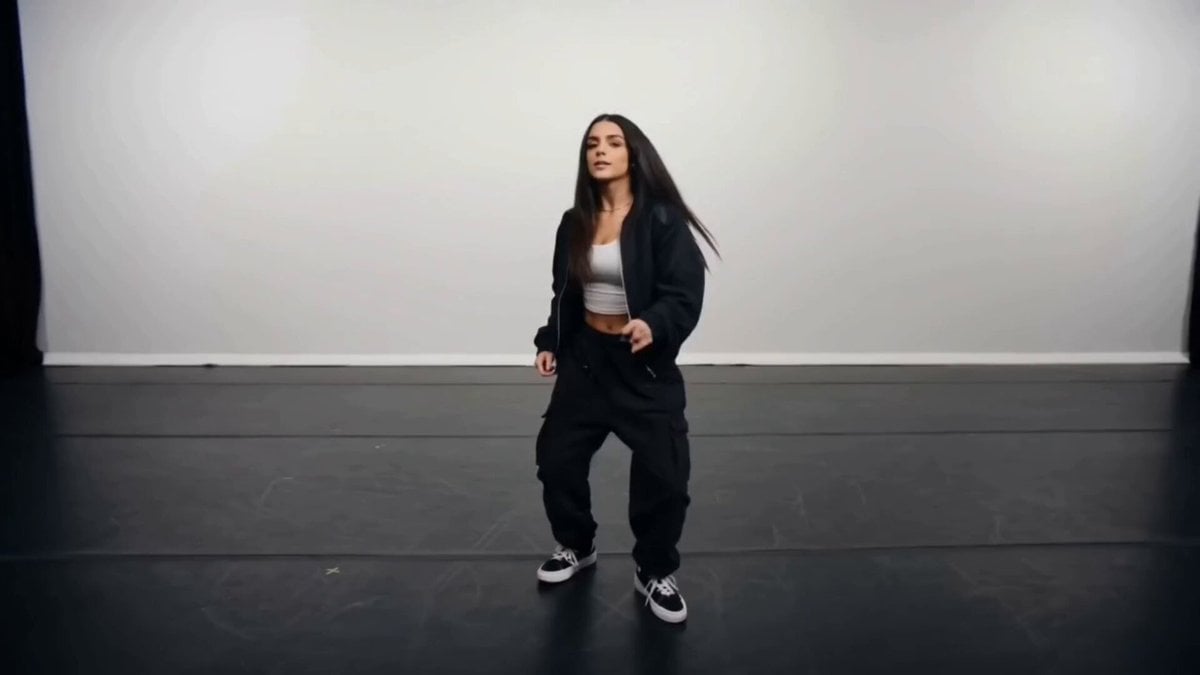
A comprehensive video generation prompt for Seedance 2.0 that creates a 15-second hip-hop dance featuring rapid changes in clothing and visual art styles (flicker effect) while maintaining character consistency.
- Prompt included
- Model and format preset
- Premium template
The prompt behind this video
Copy the exact prompt behind Dynamic Multi-Style Dance Flicker, or open it in the studio and make it yours.
Each frame can change clothing and visual style independently. Do not maintain outfit or style continuity. Ultra-realistic cinematic video, 15s, 24fps. A female dancer performs hip-hop choreography, including a smooth moonwalk. Her body movement must remain smooth, natural, and continuous throughout. CAMERA: Dynamic handheld energy camera swings, slight shake, crash zoom in/out, fast push-ins, and orbits around the dancer, following her movement rhythm. CORE ACTION: She dances confidently, centered in frame, full-body visible, strong rhythm and expressive movement. CHAOS TRANSFORMATION (VERY HIGH SPEED): Clothing AND visual style change extremely fast (near every frame flicker). CLOTHING: Every frame = new trendy outfit (no repetition, no blending): - modern streetwear - layered urban outfits - edgy fashion looks - contemporary performance wear STYLE TRANSFORMATION (identity preserved): Rapidly shift between unique visual styles: - realistic human rendering - anime-style rendering - minimal continuous line art - watercolor wash illustration - inked comic style (bold outlines, graphic shading) - soft pastel illustration - textured digital painting - rough sketch drawing style - marker illustration style - paper cut-out collage style - clay-like sculpted look - low-poly geometric 3D - neon outline silhouette style - glitch-outline graphic style (clean, non-distorting) - storybook illustration style - hand-painted brush style - chalkboard drawing style - airbrush gradient illustration - silhouette shadow art style STYLE BLENDING BURSTS: Occasionally combine 2–3 styles in a single frame (e.g., line art + watercolor, comic + low-poly, sketch + digital paint) for brief visual bursts. CRITICAL: Her facial features, proportions, and identity must remain consistent across all styles. Only rendering style and clothing change NOT the person. SYNC: Style and outfit changes align tightly with dance rhythm and camera motion. VISUAL FEEL: Hyper-fast flicker, energetic but clean and readable. No distortion or warping of body. LIGHTING: Dynamic studio lighting adapting to style changes. CONSTRAINTS: - body motion must remain perfectly continuous - no pose resets - no face distortion or identity change - only clothing and visual style change rapidly - no text, no logos
How to use Dynamic Multi-Style Dance Flicker in 3 steps
- 1
Open
The prompt is already in the box next to the preview, with the template's model and format selected.
- 2…a portrait of your subject in softgolden-hour light, 85mm…
Personalize
Edit the subject and creative details for your destination.
- 3Generate
Generate
Press Generate — your video is created in PicX Studio, so you can compare it with the original and refine one variable at a time.
More like this
Templates with the same subject, style or setup. Open one to see its prompt.
Energetic EDM Dance with Dynamic Camera
Cyberpunk Holographic Dance Performance - Seedance 2.5

Seedance 2.0 First Test — Dynamic Motion Showcase
Early-2000s Trainee Flashback Film
Luxury Airport Travel Vlog
Dynamic Character Dance MV Creator
Dynamic Street Dance MV
Dynamic Rhythm Camera Dance
Dynamic Cinematic Hip-Hop Dance Video

Ancient Style Dance with Dynamic Camera Movement
Detailed multi-scene action prompt for Seedance 2.0
Ballerina Opera House — Seedance 2.0
Make it yours
Dynamic Multi-Style Dance Flicker works as-is. These are the safest ways to change it without losing the look.
Change one field
Copy a single group, rewrite it, and generate again so you can see what that field is doing.
Keep the frame, change the subject
Hold the composition and light of Dynamic Multi-Style Dance Flicker, then swap wardrobe, props or the person for a new take.
| If the result… | Why | Fix |
|---|---|---|
| The result drifts from the preview | Too many fields changed at once. | Reuse Dynamic Multi-Style Dance Flicker as-is first, then change one group — subject, light, or setting. |
| The model over-stylizes the scene | The prose prompt leaves finish and camera underspecified. | Add one camera or lighting sentence and stay on Seedance 2.0. |
More Seedance 2.0 templates
Other prompts made for Seedance 2.0.

Comical Martial Arts Punch Scene

Maglev Train Action Sequence

Martial Arts Fight Sequence

Wuxia Protection and Trust Script

Vintage Korean Arcade MiniDV Vlog

Mercedes 190 SL Luxury Ad

Rainy Night Supernatural Reverse Comedy Video Script

Amazon Civilization Discovery

Futuristic South Asian City Transformation

Cozy Luxury Cafe Commercial
More video prompts
Fresh picks from across the catalog.
Multiverse Manufacturing Machine Cinematic Video

Traditional Chinese Intangible Heritage Festival
Lion and woman with shining crystal

Aviation Mystery Cinematic Teaser
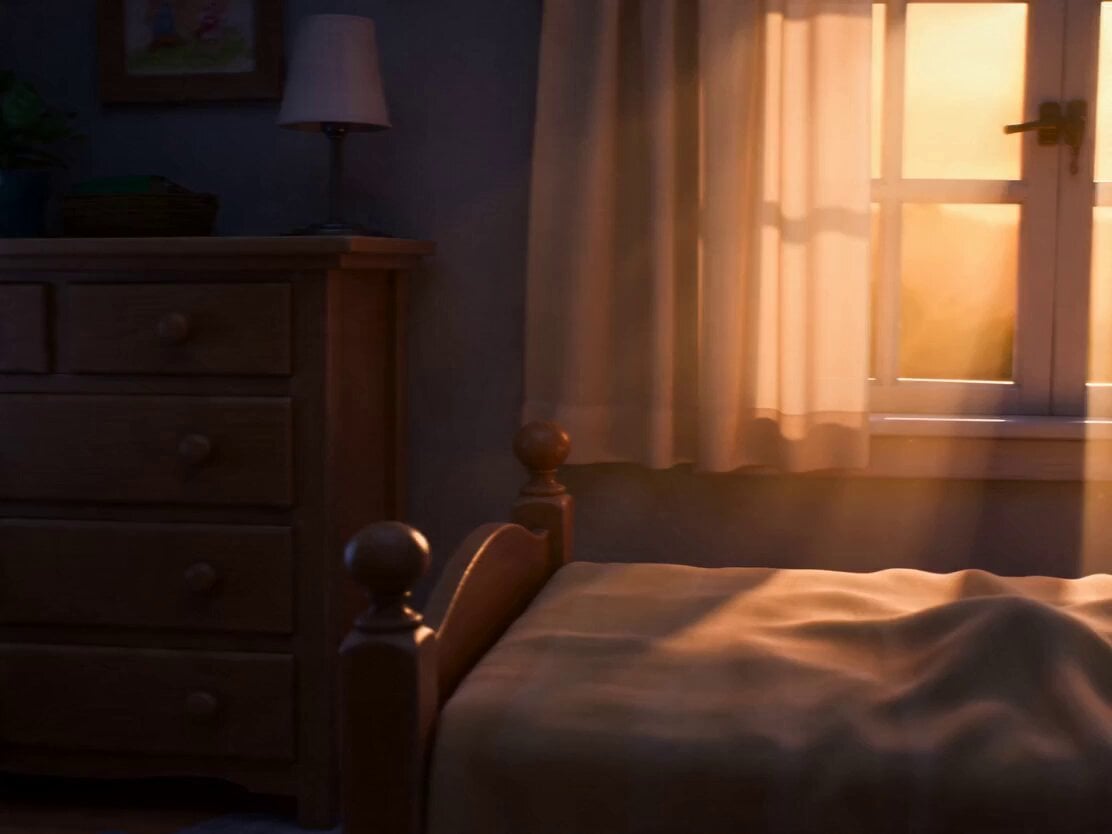
Pixar Style Child and Kitten Animation
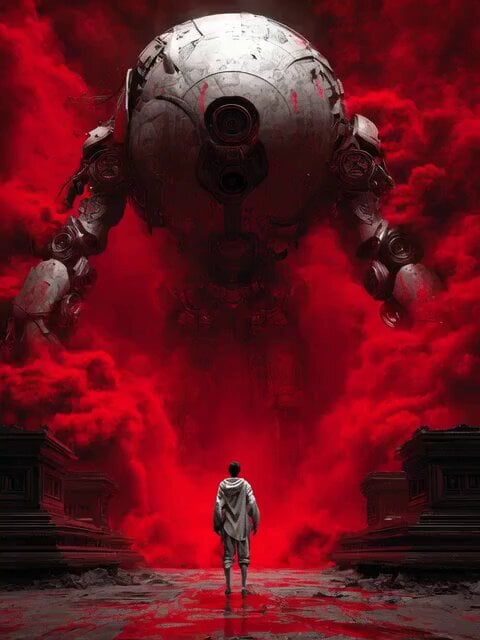
Cyborg Transformation Scene (Part 1)
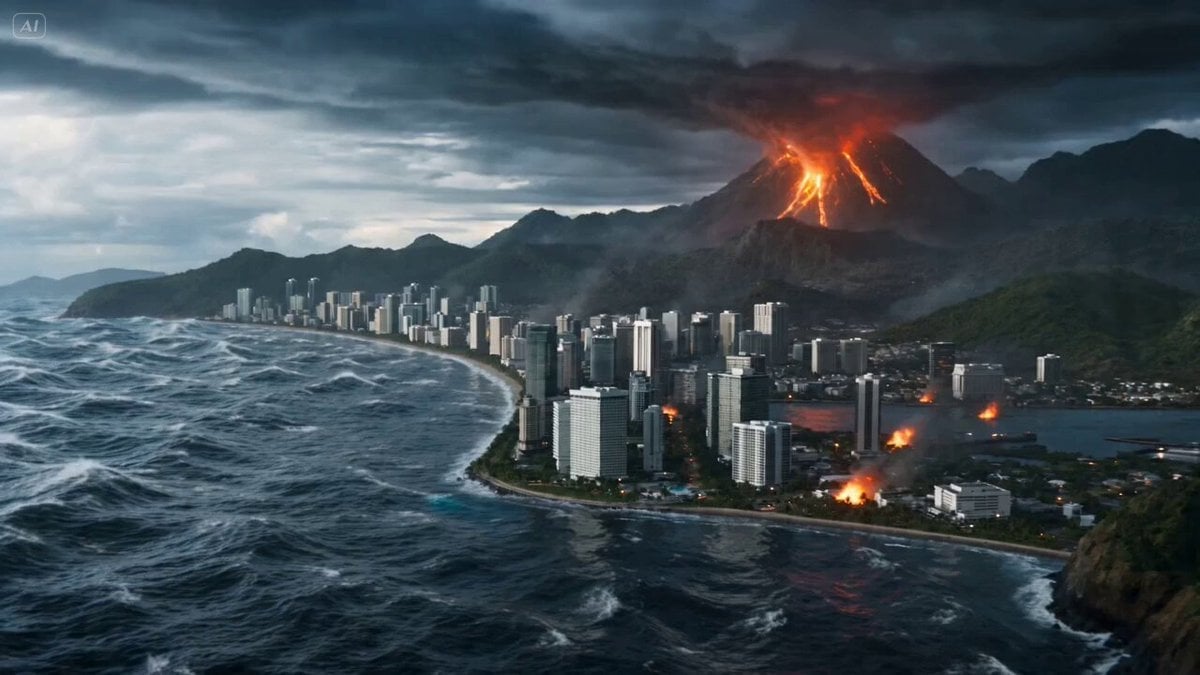
Elemental Chaos Battle on a Coastal Battlefield
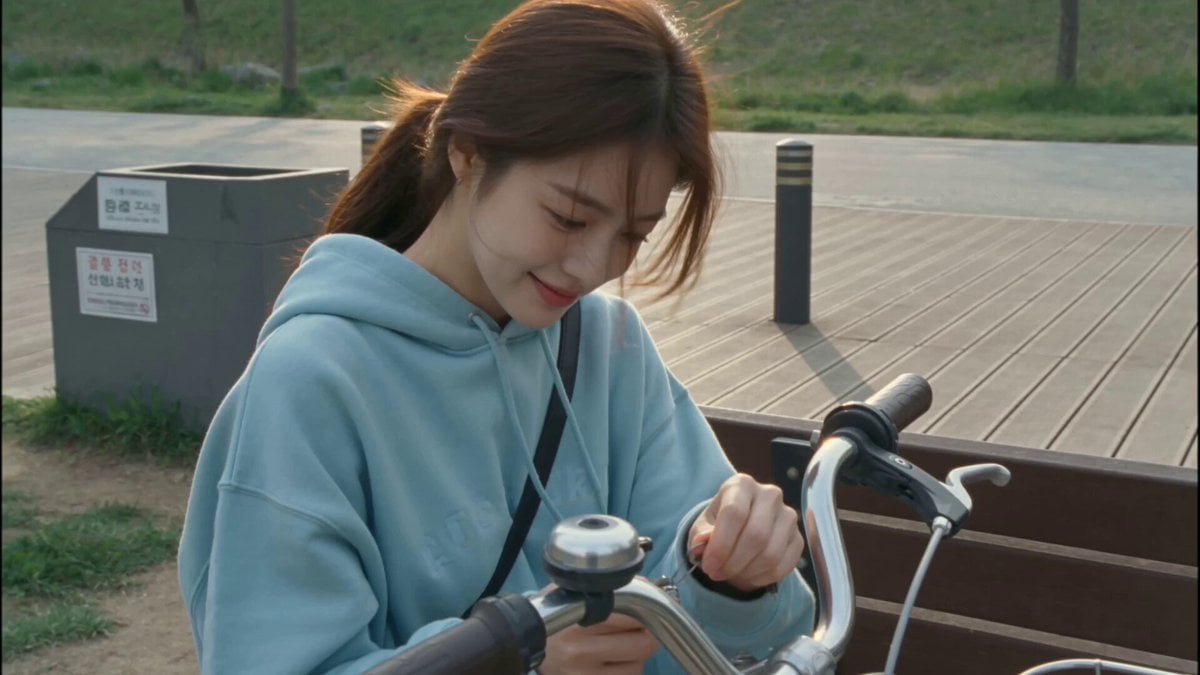
2000s MiniDV Han River Cycle
Cyberpunk High-Speed Combat CG
Kvothe on a Windswept Overlook Video Prompt
Browse template categories
Dynamic Multi-Style Dance Flicker questions
How do I use the Dynamic Multi-Style Dance Flicker template?
Add your photo if the template asks for one, edit the prompt if you like — the template's model and format are already selected — and press Generate. Your version opens in PicX Studio.
Can I customize the Dynamic Multi-Style Dance Flicker template?
Yes. You can change the subject, setting, lighting, mood, format, and available model controls before creating your video.
Is the Dynamic Multi-Style Dance Flicker template free?
Opening and editing this template is free. Generating uses credits, shown on the Generate button when you are signed in.
Which AI model should I use?
Start with Seedance 2.0, which is the model associated with this template. You can compare another compatible model for a different finish.
Looking for something else? Browse all templates.

Your photo, any look
Thousands of ready templates for every top image and video model, from one credit balance.