
Elemental Chaos Battle on a Coastal Battlefield
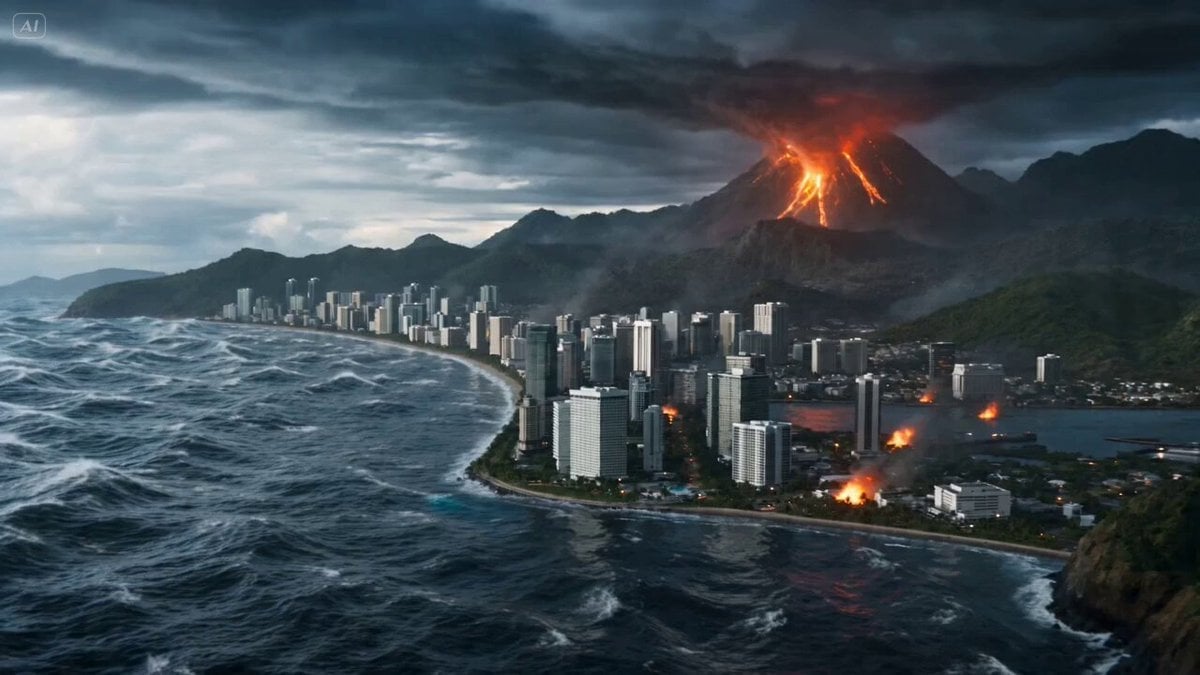
A detailed prompt for Seedance 2.0 (used via Dreamina) describing a massive coastal battle between three colossal creatures: a sky dragon, a fire colossus, and an ocean leviathan.
- Prompt included
- Model and format preset
- Free template
The prompt behind this video
Copy the exact prompt behind Elemental Chaos Battle on a Coastal Battlefield, or open it in the studio and make it yours.
A massive coastal battlefield where ocean, land, and sky collide. Three colossal creatures engage: — a sky dragon with metallic scales and storm wings — a fire colossus emerging from volcanic fissures — a giant ocean leviathan rising from the sea Opening frame: wide shot of coastline — ocean churning, volcano erupting, storm clouds gathering overhead. Hook at second two: all three creatures attack simultaneously. The battlefield fractures into elemental chaos: — the dragon generates hurricane-force winds and lightning — the fire colossus erupts lava and shockwaves — the leviathan summons massive tidal surges The city between them collapses under combined forces — water floods streets, fire ignites structures, wind tears apart buildings. Camera sweeps between the three titans, snap zooming into collisions — fire meeting water in explosive steam clouds, lightning striking molten terrain. Color logic: deep ocean blue, molten orange-red, storm gray and electric white. Escalation builds as all three forces collide at the same point, destabilizing the entire coastline. Final beat: hard POV shift — camera becomes the wave-fire-storm collision itself, rushing forward as all elements merge into a single catastrophic blast. Massive environmental destruction, multi-element physics interaction, cinematic scale, 4K ultra-detail.
How to use Elemental Chaos Battle on a Coastal Battlefield in 3 steps
- 1
Open
The prompt is already in the box next to the preview, with the template's model and format selected.
- 2…a portrait of your subject in softgolden-hour light, 85mm…
Personalize
Edit the subject and creative details for your destination.
- 3Generate
Generate
Press Generate — your video is created in PicX Studio, so you can compare it with the original and refine one variable at a time.
More like this
Templates with the same subject, style or setup. Open one to see its prompt.
Necromancer Battlefield Orbit
Ice Queen — Frozen Battlefield Time Control (Seedance)
Mediterranean Morning Coffee Run Vlog (Seedance 2.5)
Naval Painting Breach — Art Gallery Flood (Seedance)
Swordsman vs Shadow Monster — Bamboo Forest Battle
Tiger vs Gorilla — Jungle Canyon Clash
Subway Flood — Epic Tunnel Chaos
Mecha Transformation vs Kaiju — 4-Scene Epic

Crusader Battlefield War Sequence
Urban Battlefield Action Scene
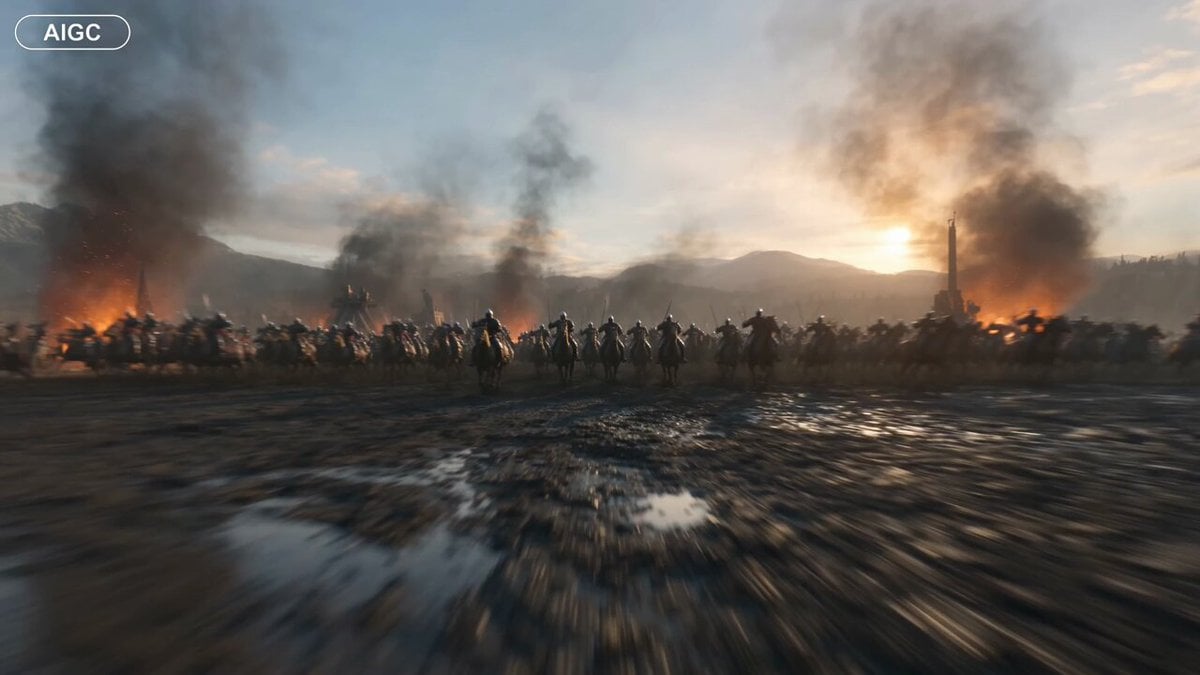
Medieval Battlefield FPV Drone Flight
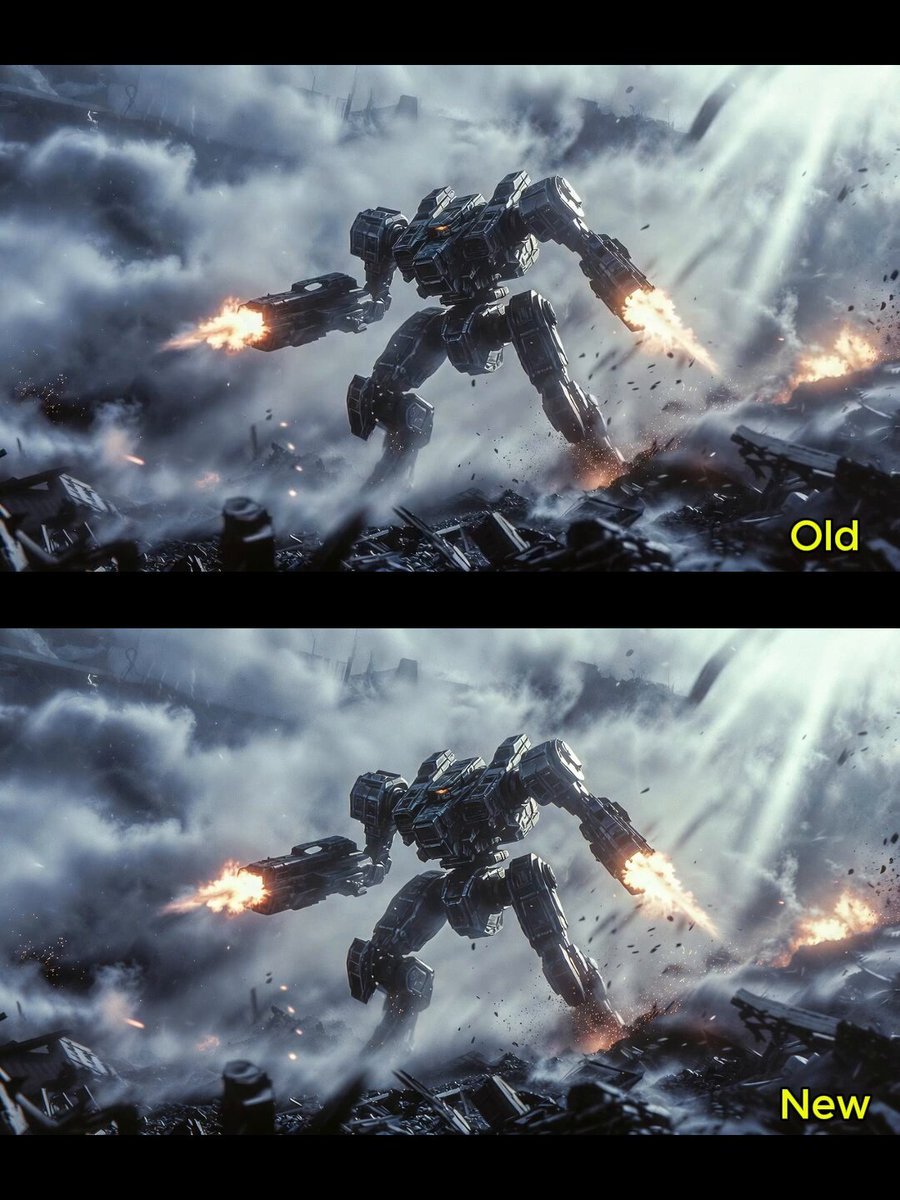
Giant Robot Battlefield Video
Make it yours
Elemental Chaos Battle on a Coastal Battlefield works as-is. These are the safest ways to change it without losing the look.
Change one field
Copy a single group, rewrite it, and generate again so you can see what that field is doing.
Keep the frame, change the subject
Hold the composition and light of Elemental Chaos Battle on a Coastal Battlefield, then swap wardrobe, props or the person for a new take.
| If the result… | Why | Fix |
|---|---|---|
| The result drifts from the preview | Too many fields changed at once. | Reuse Elemental Chaos Battle on a Coastal Battlefield as-is first, then change one group — subject, light, or setting. |
| The model over-stylizes the scene | The prose prompt leaves finish and camera underspecified. | Add one camera or lighting sentence and stay on Seedance 2.0. |
More Seedance 2.0 templates
Other prompts made for Seedance 2.0.

Comical Martial Arts Punch Scene

Maglev Train Action Sequence

Martial Arts Fight Sequence

Wuxia Protection and Trust Script

Vintage Korean Arcade MiniDV Vlog

Mercedes 190 SL Luxury Ad

Rainy Night Supernatural Reverse Comedy Video Script

Amazon Civilization Discovery

Futuristic South Asian City Transformation

Cozy Luxury Cafe Commercial
More video prompts
Fresh picks from across the catalog.
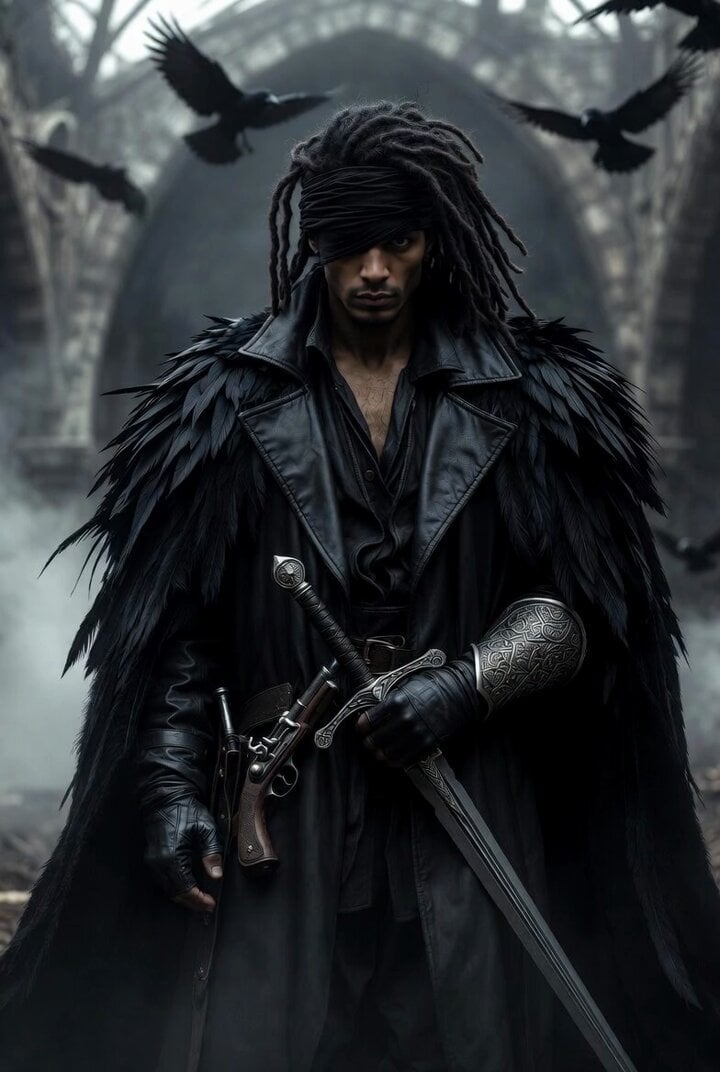
Pirate Warrior Combat Sequence

Chibi Royal Couple in Baroque Gothic Palace (30s Continuous Video)

Realistic iPhone Handheld Airplane Cabin Video
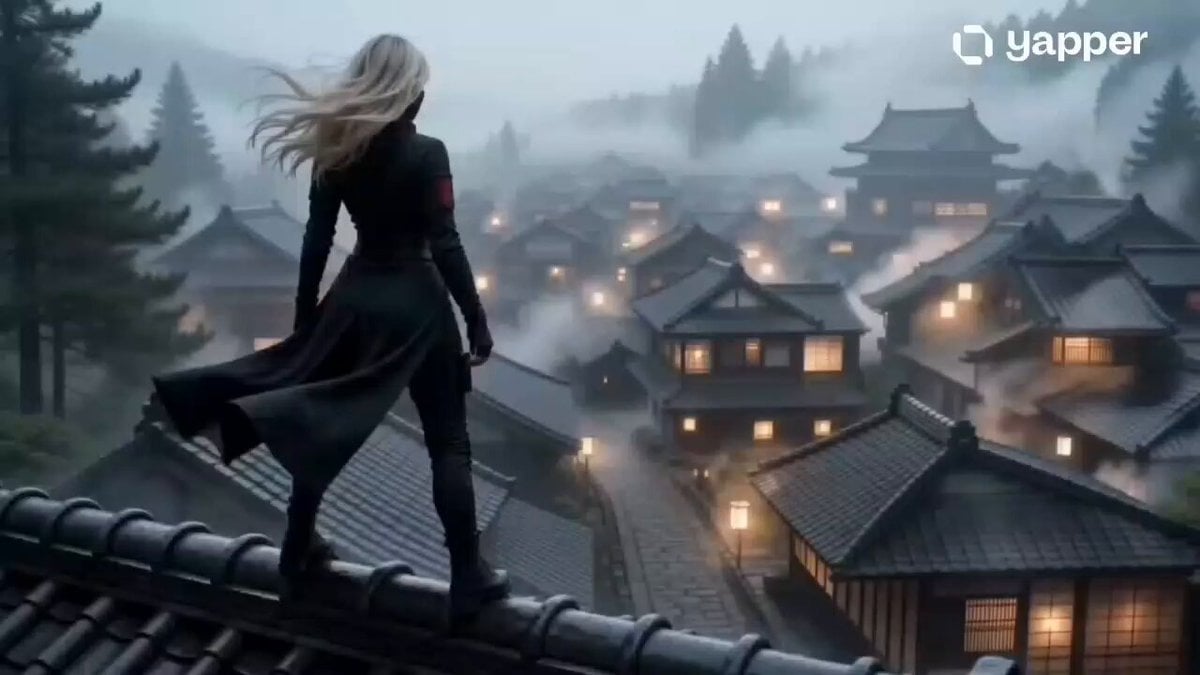
Mysterious Assassin in Japanese Village
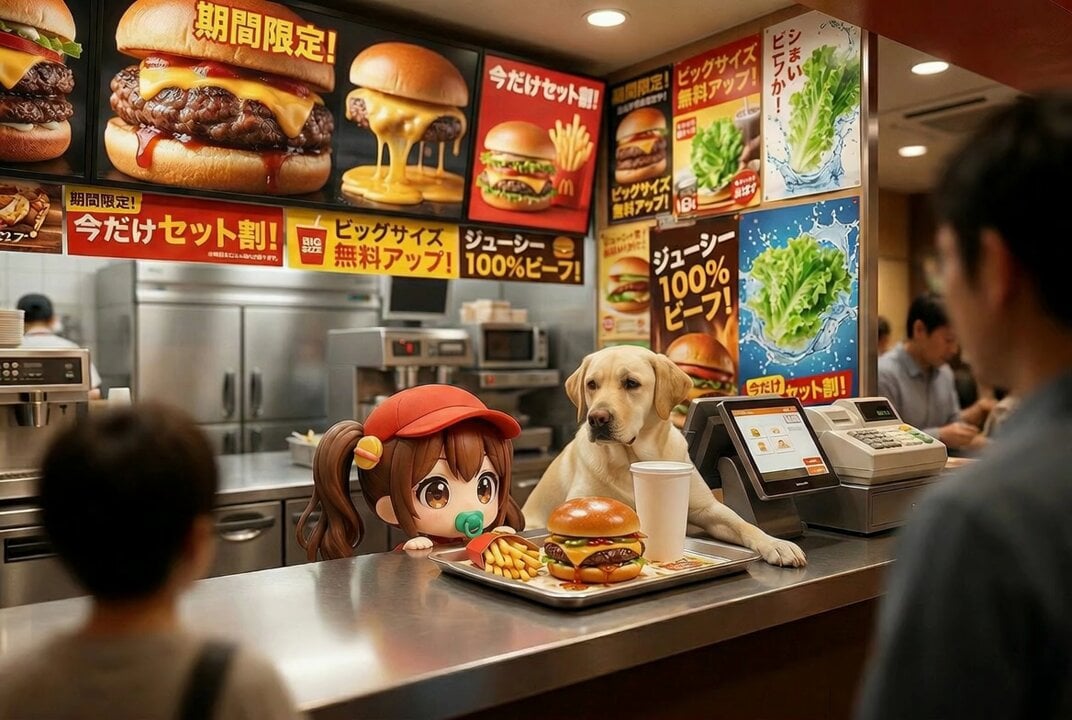
Boss Battle Scene Video Prompt
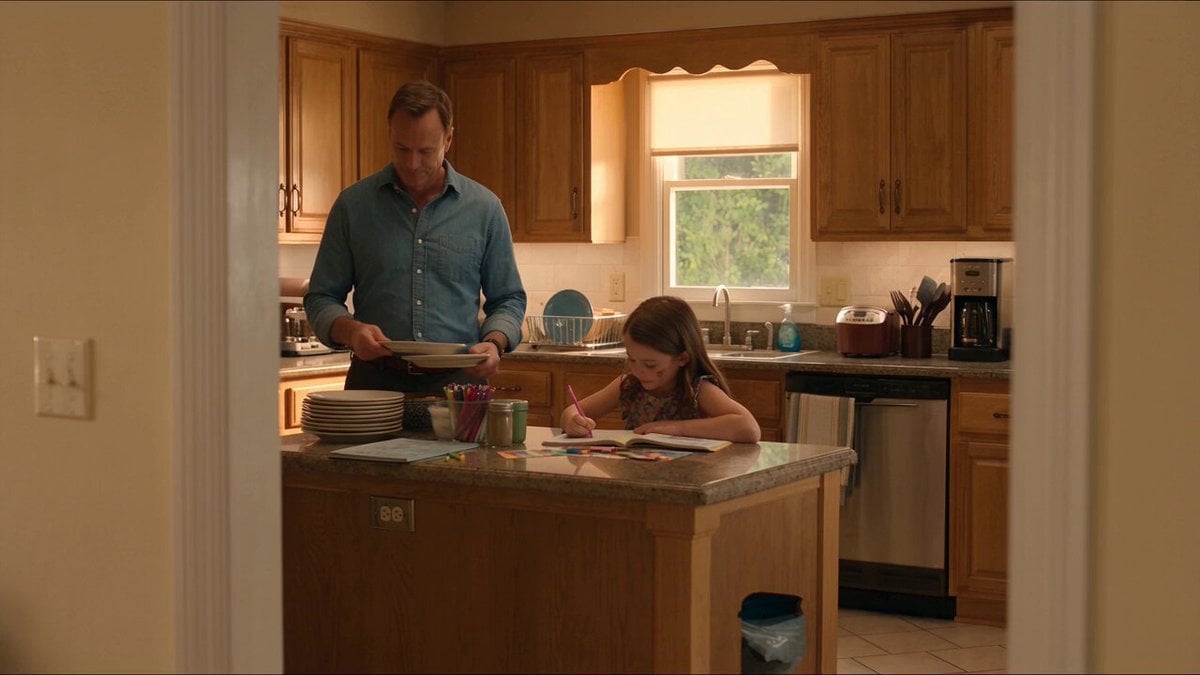
Kitchen Intruder Action Sequence
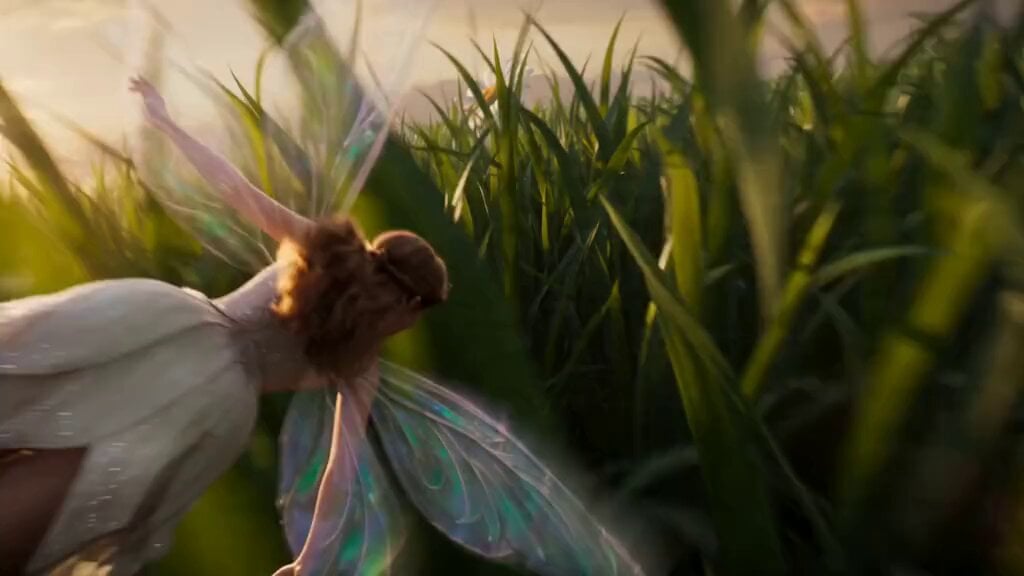
JSON Prompt Structure for Macro FPV Fairy Flight
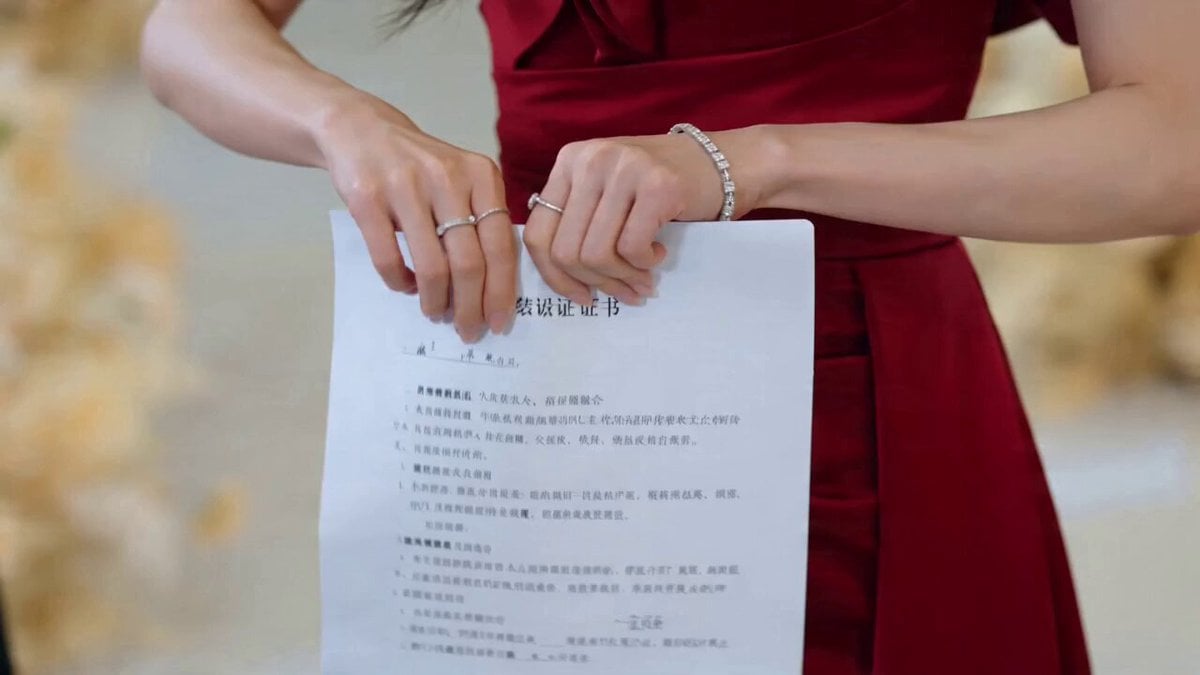
CEO Romance Drama: Contract Breakup (15s)
Fantasy Rabbit Hole Adventure Sequence

Handheld iPhone Style School Romance
Browse template categories
Elemental Chaos Battle on a Coastal Battlefield questions
How do I use the Elemental Chaos Battle on a Coastal Battlefield template?
Add your photo if the template asks for one, edit the prompt if you like — the template's model and format are already selected — and press Generate. Your version opens in PicX Studio.
Can I customize the Elemental Chaos Battle on a Coastal Battlefield template?
Yes. You can change the subject, setting, lighting, mood, format, and available model controls before creating your video.
Is the Elemental Chaos Battle on a Coastal Battlefield template free?
Opening and editing this template is free. Generating uses credits, shown on the Generate button when you are signed in.
Which AI model should I use?
Start with Seedance 2.0, which is the model associated with this template. You can compare another compatible model for a different finish.
Looking for something else? Browse all templates.

Your photo, any look
Thousands of ready templates for every top image and video model, from one credit balance.