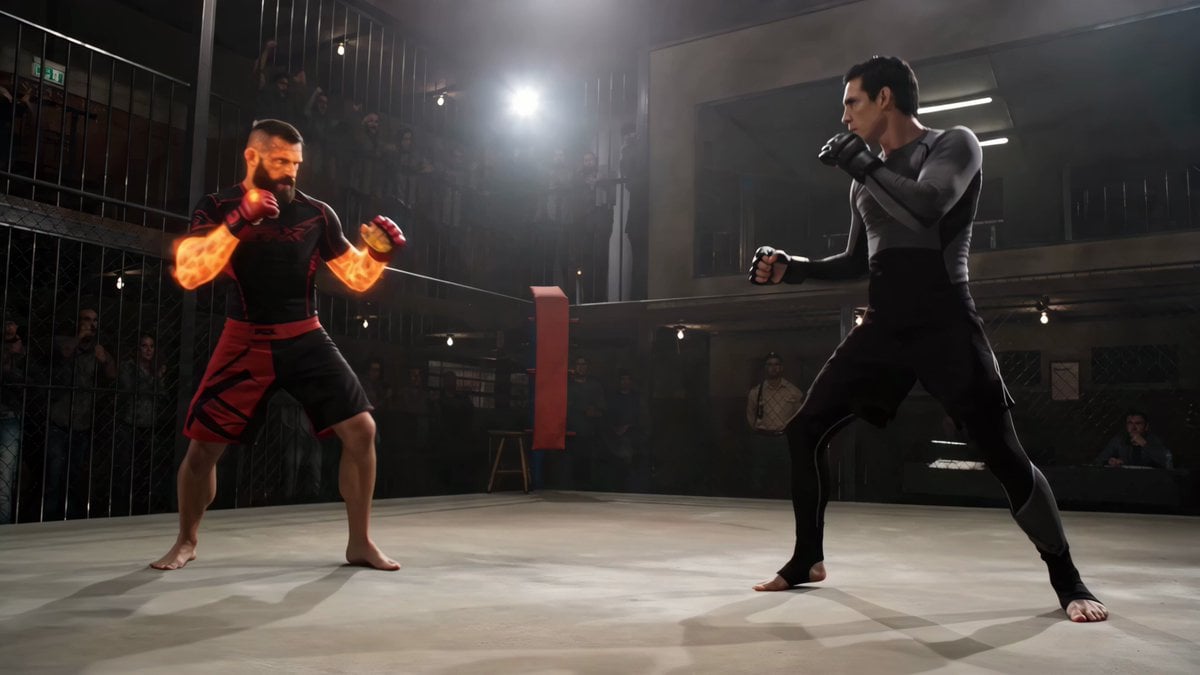
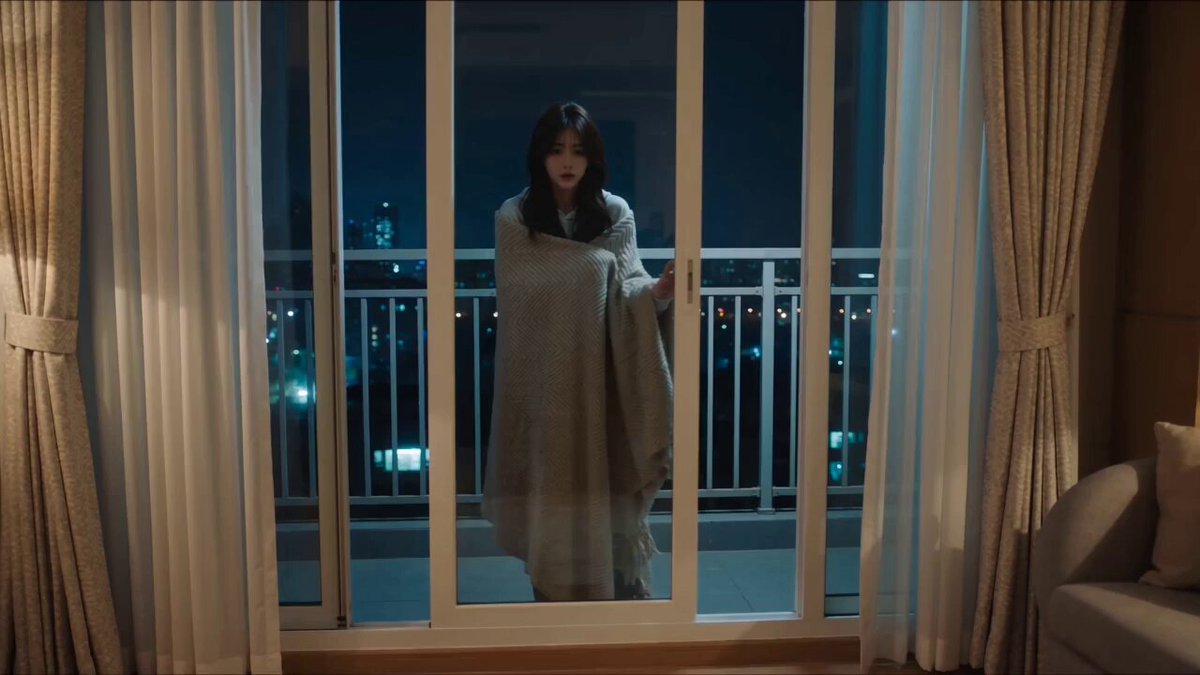
How do I use the Boss Battle Scene Video Prompt template?
Edit the prompt in the box under the preview — the template's model and format are already selected — and press Generate. Your version appears right on this page.
A detailed multi-part prompt designed to generate a dramatic boss battle scene video.
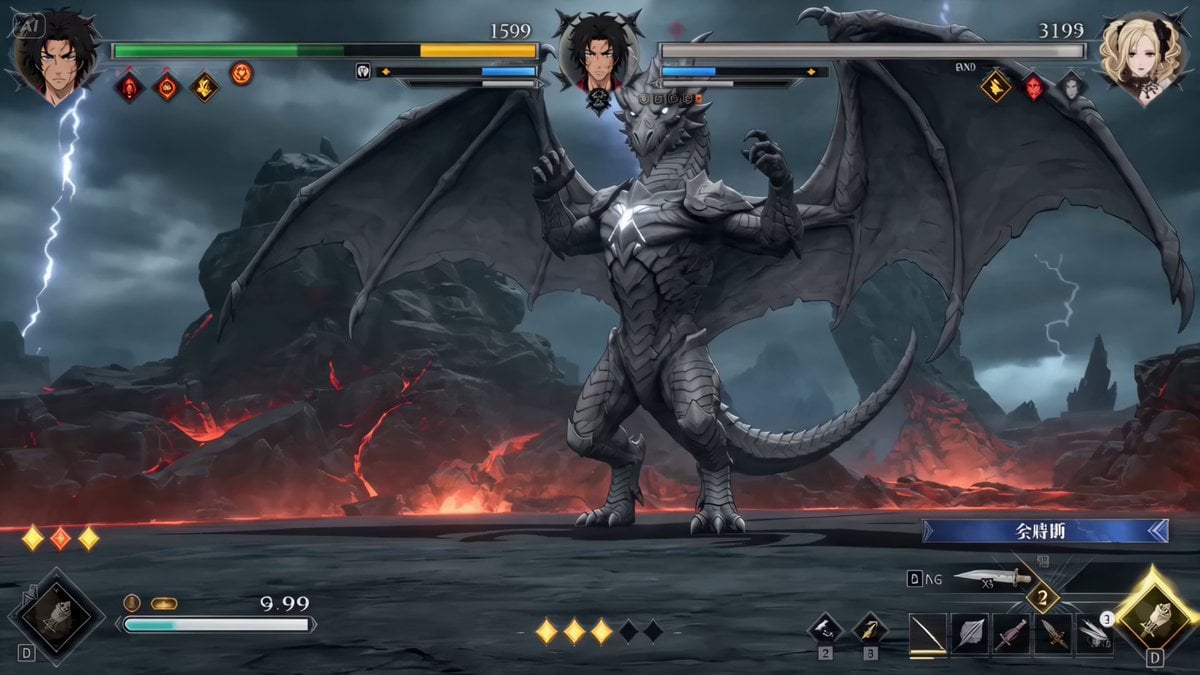
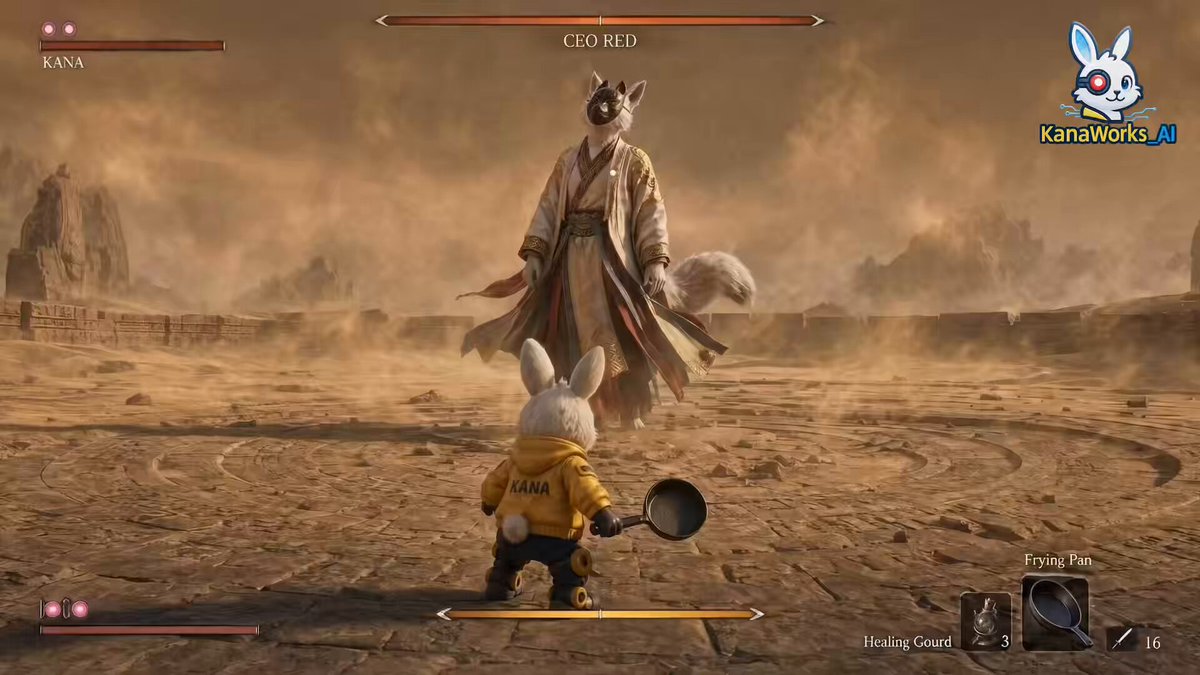
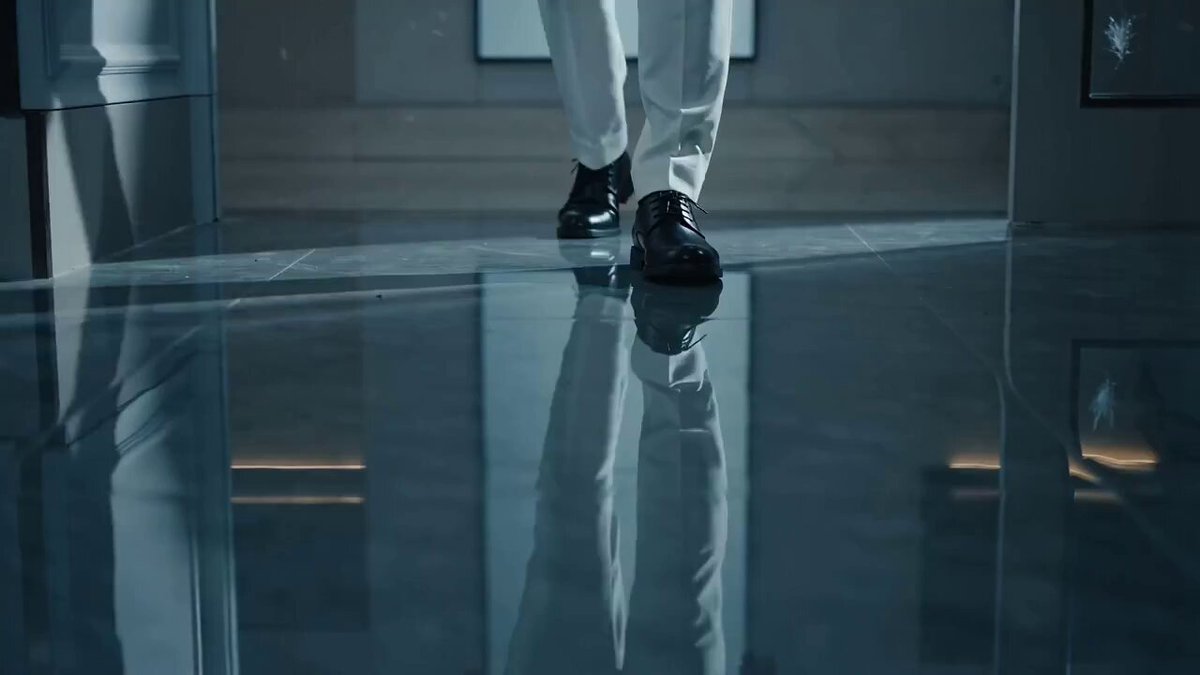
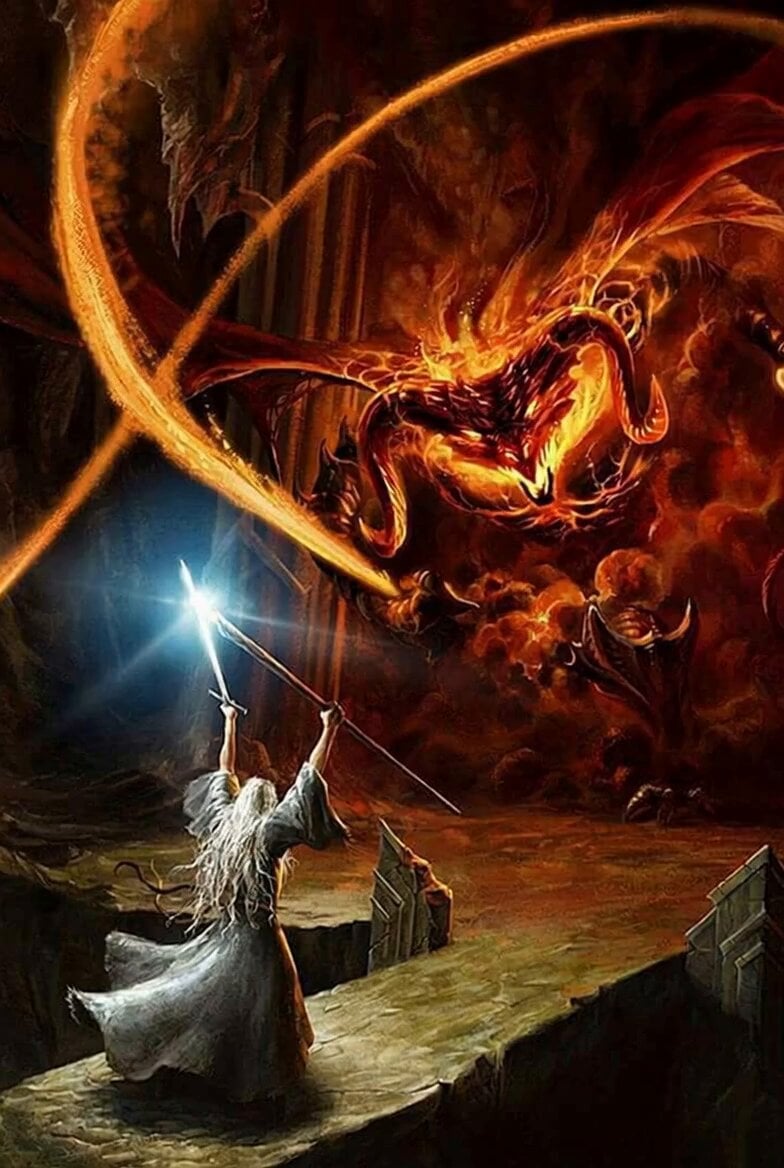
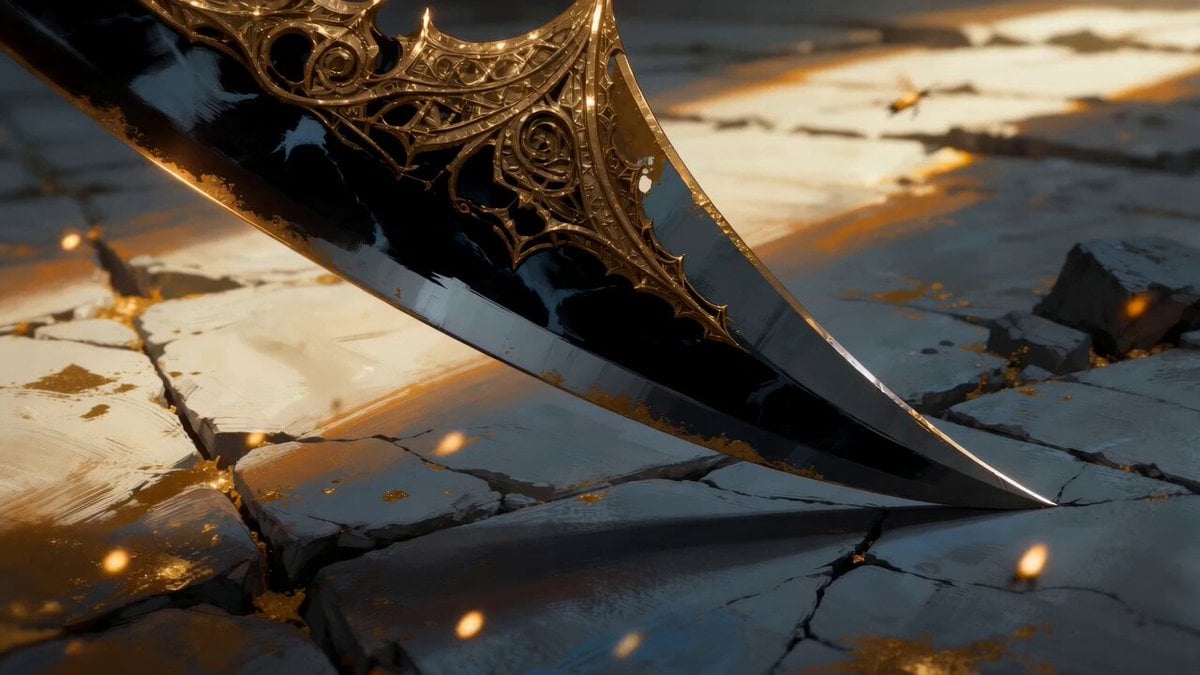
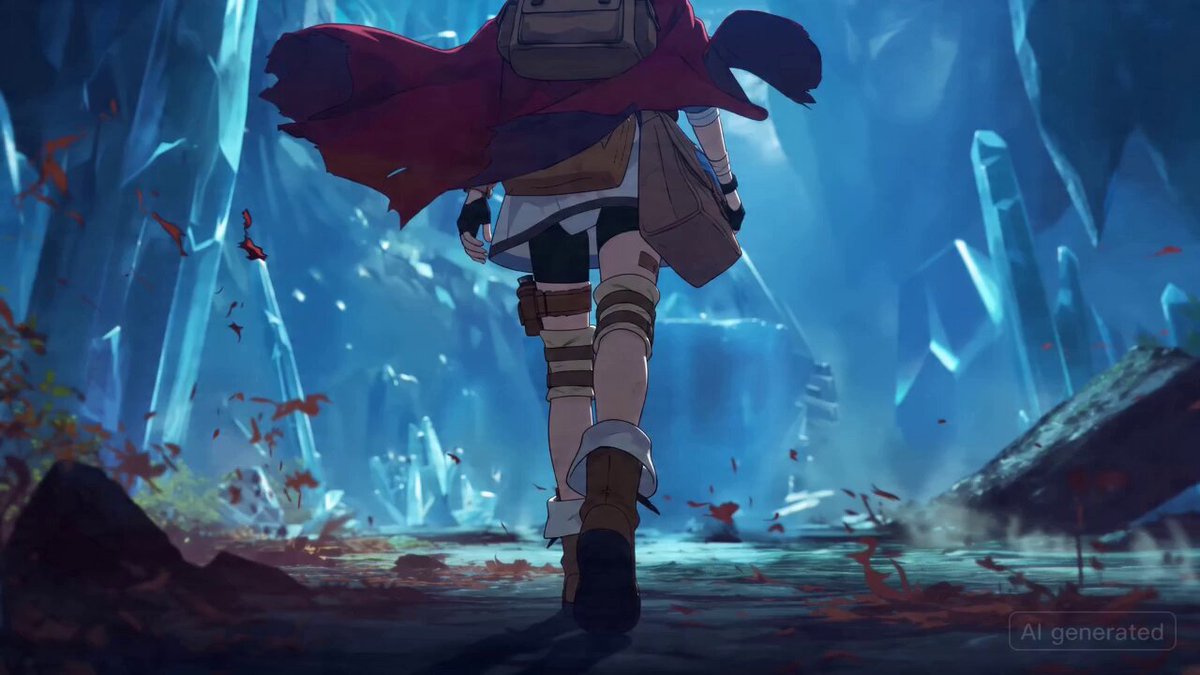
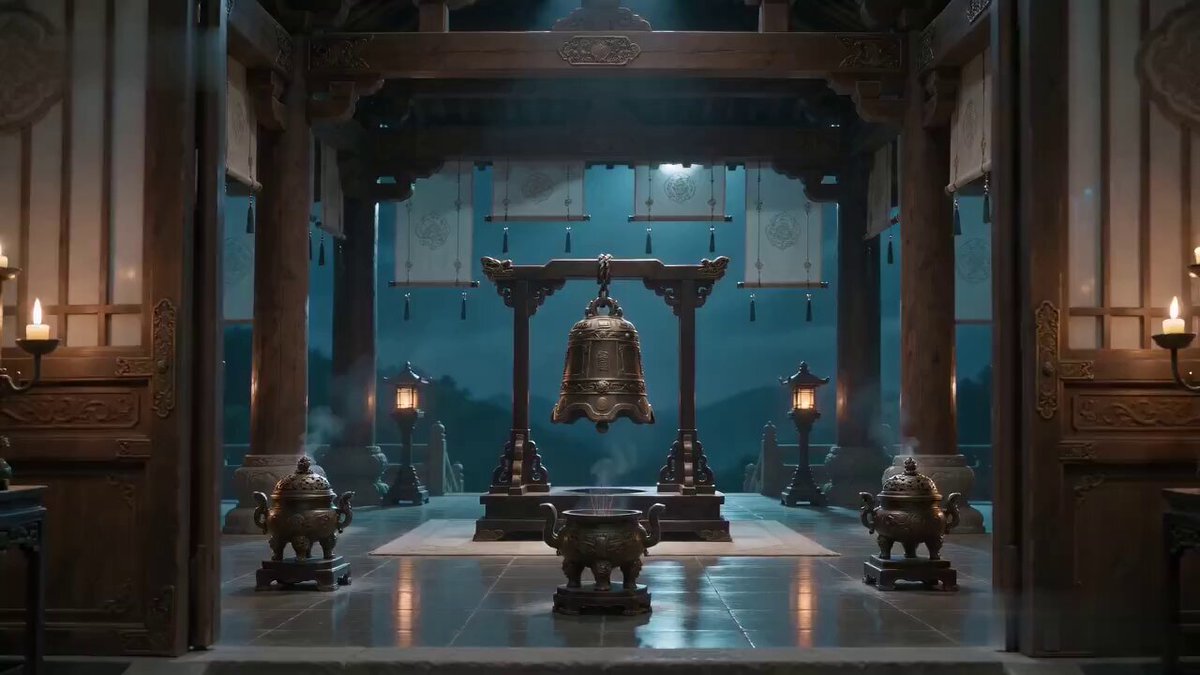
Use the reference image only as a reference — do not use it as the starting frame. Battle-style up-tempo BGM present, sound effects present. Immediately after the start, cut to the following shot. The screen switches with an ultra-high-speed transition. Space collapses at high speed. After a momentary whiteout, it switches to a field that inherits the atmosphere of the reference image's background. At the same moment as the switch, an RPG-style command UI appears at the bottom of the screen. One of the options is selected, and the character starts to move. UI direction: ・A semi-transparent window slides in ・A pixel-style or modern game UI ・A lightly glowing frame (glow) ・A crisp, snappy appearance animation Displayed content: Left side: the character's name, HP, and MP gauge Right side: a signature move (Japanese name) suggested by several reference images Top: an enemy character name suggested by the reference image A special giant enemy character suggested by the reference image appears in the far right, while the player's own character is positioned in the near left, facing away from the camera. Camera composition: ・Player character in the near left ・Enemy in the far right ・A slightly low angle for impact Direction: ・The character holds a weapon suggested by their appearance, enters a battle pose, faces the enemy character head-on, and takes a light step. This entire sequence of movement happens in an instant, at extreme speed. ・The background moves subtly (particle, fog, energy) Style: cinematic, game UI overlay, ultra detailed, high contrast, fantasy battle scene, dynamic lighting, volumetric light
Use the reference image only as a reference — do not use it as the starting frame. Battle-style up-tempo BGM present, sound effects present. Immediately after the start, cut to the following shot. The screen switches with an ultra-high-speed transition. Space collapses at high speed. After a momentary whiteout, it switches to a field that inherits the atmosphere of the reference image's background. At the same moment as the switch, an RPG-style command UI appears at the bottom of the screen. One of the options is selected, and the character starts to move. UI direction: ・A semi-transparent window slides in ・A pixel-style or modern game UI ・A lightly glowing frame (glow) ・A crisp, snappy appearance animation Displayed content: Left side: the character's name, HP, and MP gauge Right side: a signature move (Japanese name) suggested by several reference images Top: an enemy character name suggested by the reference image A special giant enemy character suggested by the reference image appears in the far right, while the player's own character is positioned in the near left, facing away from the camera. Camera composition: ・Player character in the near left ・Enemy in the far right ・A slightly low angle for impact Direction: ・The character holds a weapon suggested by their appearance, enters a battle pose, faces the enemy character head-on, and takes a light step. This entire sequence of movement happens in an instant, at extreme speed. ・The background moves subtly (particle, fog, energy) Style: cinematic, game UI overlay, ultra detailed, high contrast, fantasy battle scene, dynamic lighting, volumetric light
Edit the prompt in the box under the preview — the template's model and format are already selected — and press Generate. Your version appears right on this page.
Yes. You can change the subject, setting, lighting, mood, format, and available model controls before creating your video.
Opening and editing this template is free. Generating uses credits, shown on the Generate button when you are signed in.
Start with Seedance 2.0, which is the model associated with this template. You can compare another compatible model for a different finish.
Follow a topic to a crawlable collection of related PicX Studio templates.