How do I use the High-End RPG Boss Battle Sequence template?
Edit the prompt in the box under the preview — the template's model and format are already selected — and press Generate. Your version appears right on this page.
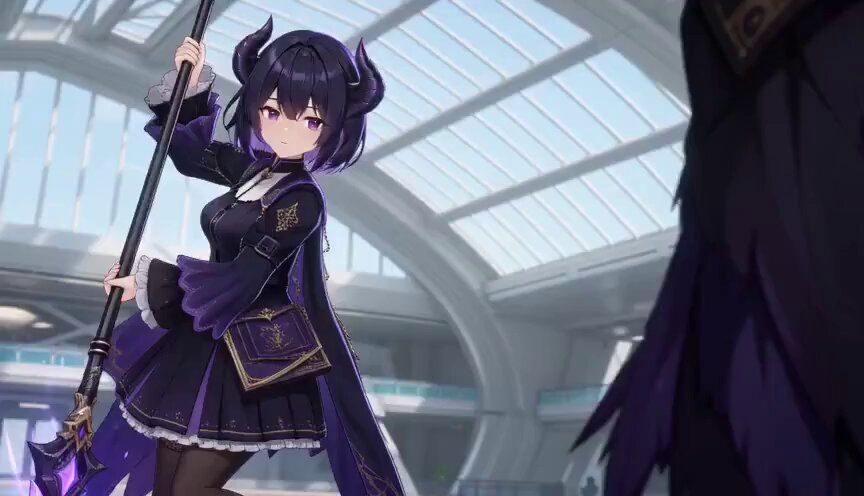
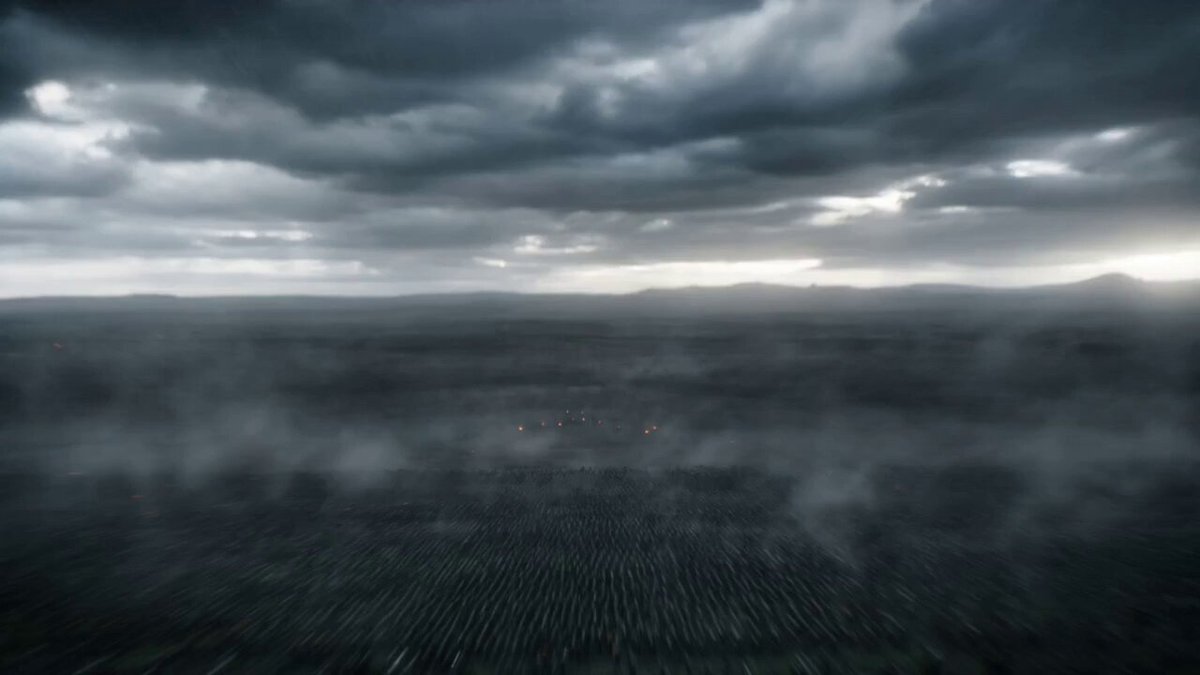
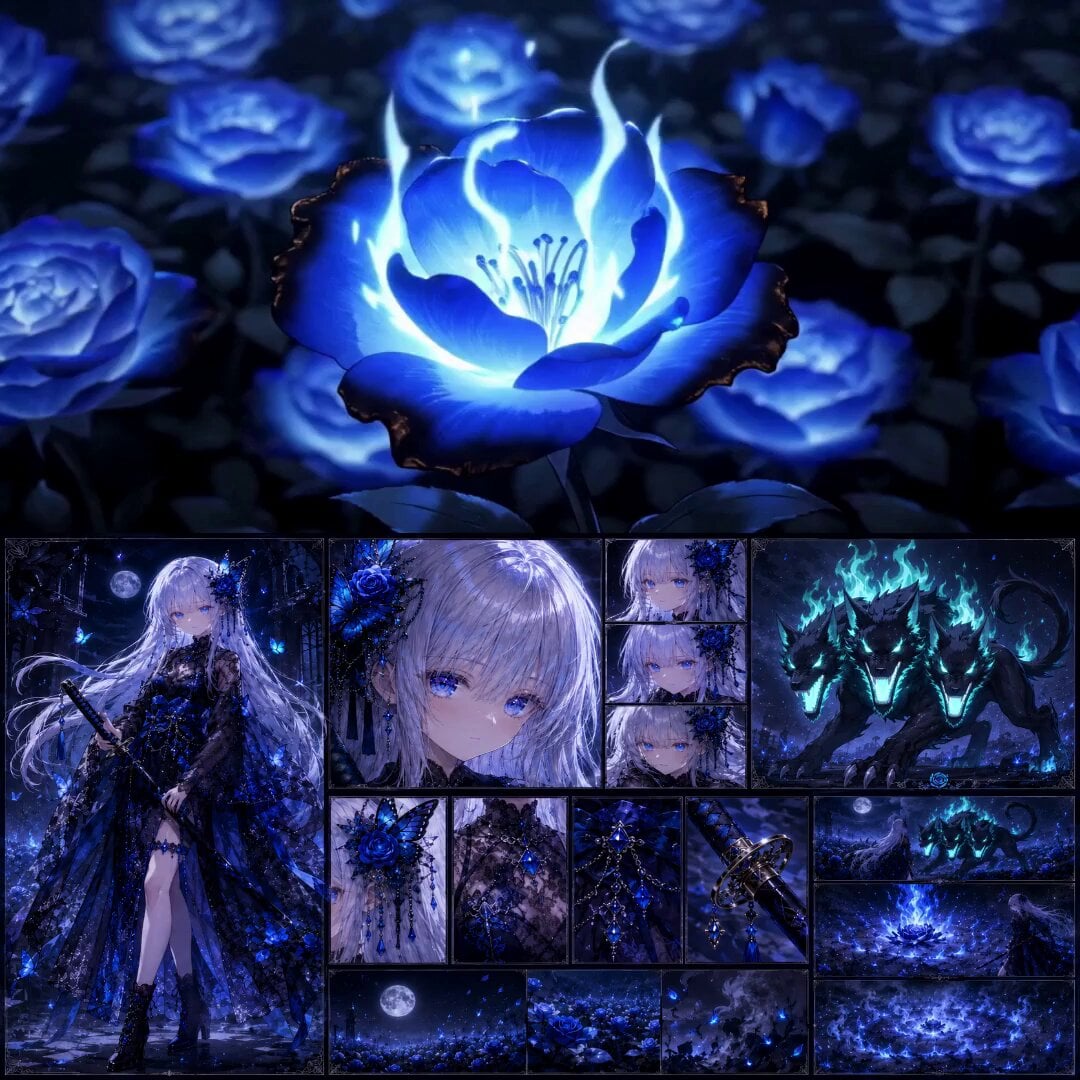
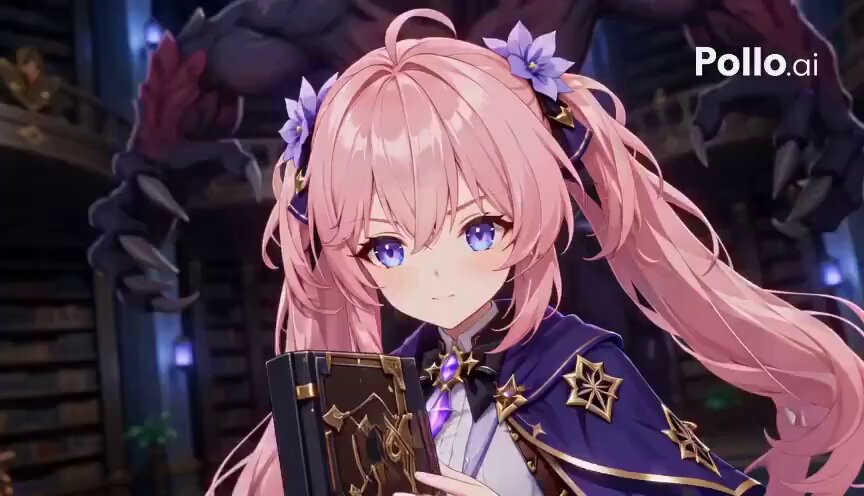
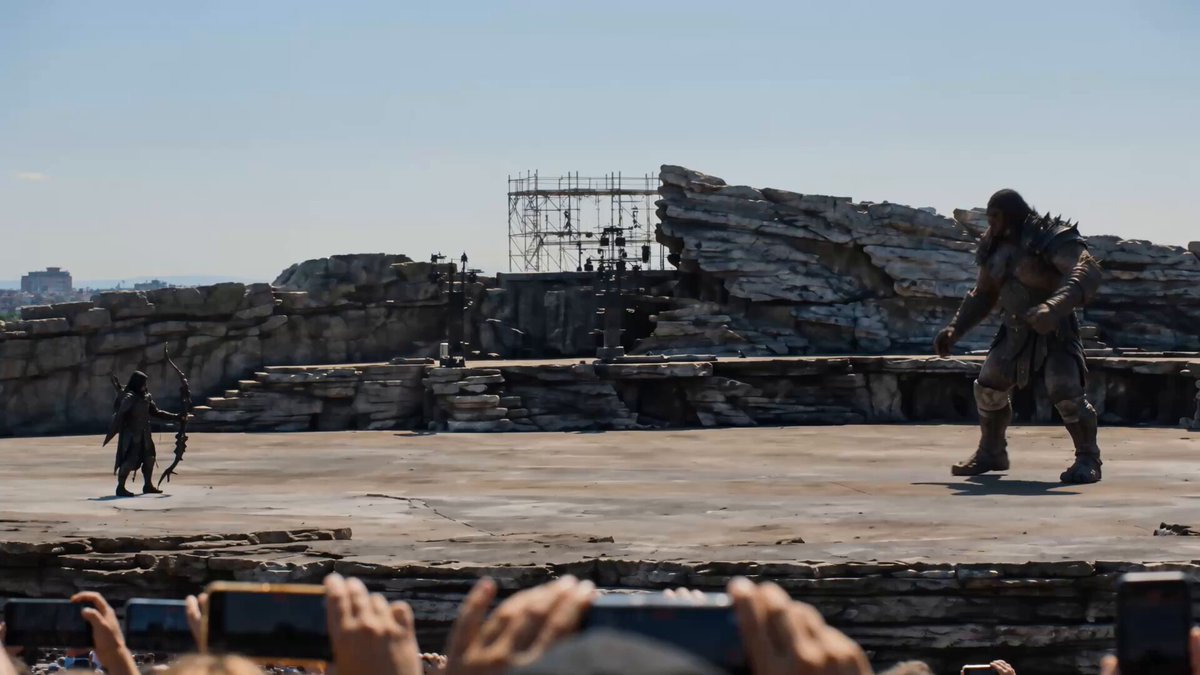
A detailed, multi-part prompt for Seedance 2.0 to generate a 15-second, high-end RPG boss battle sequence, including specific actions, camera cuts, UI elements, and character dialogue, using three reference images for…
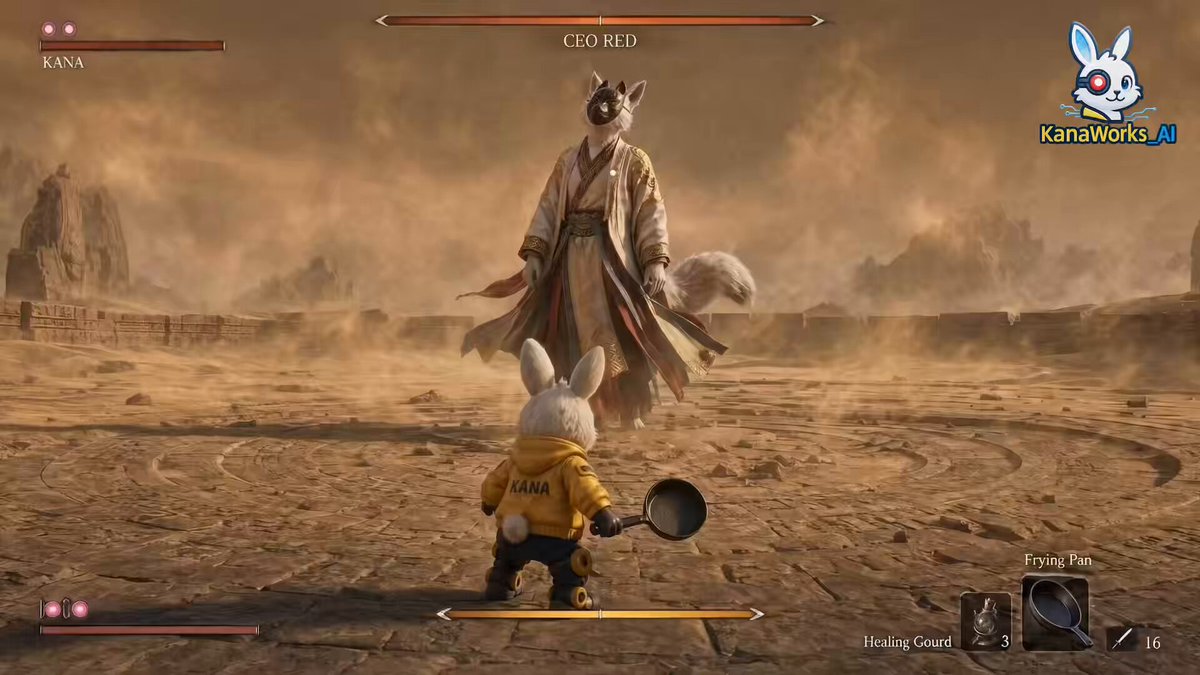
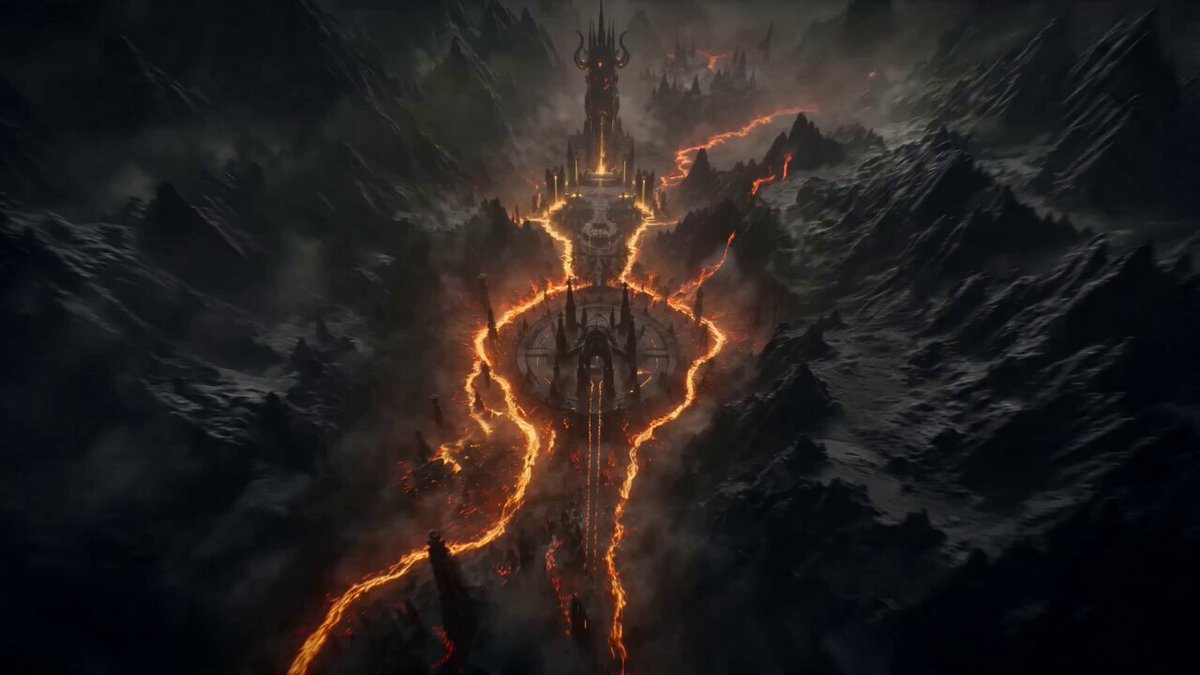
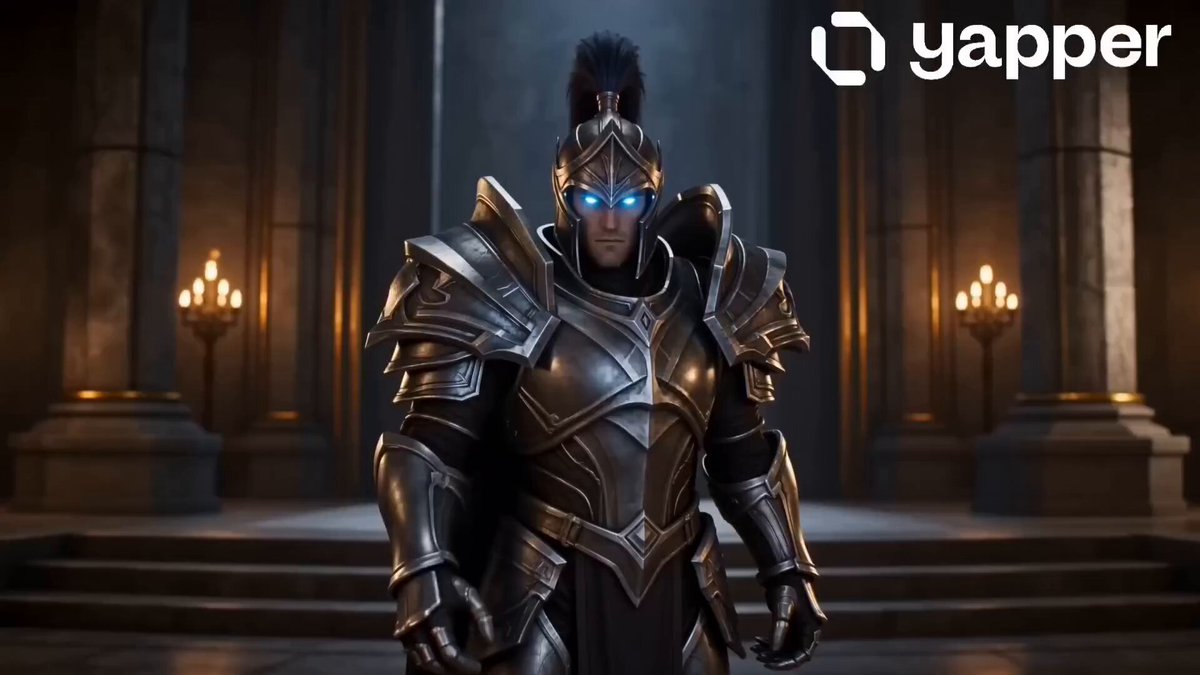
ハイエンドなRPGのボスバトル実機プレイ映像、フォトリアルな8kグラフィックス。15秒のダイナミックなアクションシーケンス。 [0-3秒]: 巨大なボス [@ image3] が、画面全体を破壊するような真っ赤な衝撃波を放つ究極奥義を発動。画面が激しく揺れる。ゲームのHUD(UI)が表示され、画面端にある4人のHPバーが急激に減少し、残り10%で止まって赤く点滅し「LOW HP」の警告が出る。 [3-12秒]: 怒涛の反撃が開始。プレイ画面と各キャラクターのクローズアップしたカットインが、高速で交互に切り替わる: - **カットイン1 (3-7秒):** @ image1 の顔のアップが斜めにカットイン、セリフ「一閃!天を穿て!」が表示。プレイ画面に戻り、ボスを垂直に駆け上がり、光るエネルギーブレードでド派手な斬撃を繰り出す。 - **カットイン2 (7-10秒):** @ image2 の横顔がスタイリッシュにカットイン、セリフ「そこだ…塵に還れ」が表示。プレイ画面に戻り、バレットタイム(スローモーション)でボスの背後にテレポートし、赤いネオンのビーム魔法を連続して当てるド派手な魔法を複数の空中魔法陣を召喚して撃ち込む - **カットイン3 (10-13秒):** @ image1と@ image2 が2人同時にカッコいいカットイン、セリフ「合わせろ!」が表示。プレイ画面に戻り、@が極大な炎魔法を@ image1に向かって放つそれを@ image1のキャラクターが刀に全て吸い込む @ image1のキャラクターが@ image3のボスにド派手に撃ち込む(このときはダメージが限界突破して999999と表示される) UIには洗練されたミニマルなアイコン。攻撃の衝撃に合わせて「9999」や「CRITICAL」といったスタイリッシュなランダムなダメージ数字が飛び散る。最後は巨大な衝撃波とともに画面に「MAX CHAIN COMBO」の文字が表示される。4k、60fps、圧倒的なゲーム体験の雰囲気。各攻撃シーンはシームレスかつダイナミックなカメラワーク
ハイエンドなRPGのボスバトル実機プレイ映像、フォトリアルな8kグラフィックス。15秒のダイナミックなアクションシーケンス。 [0-3秒]: 巨大なボス [@ image3] が、画面全体を破壊するような真っ赤な衝撃波を放つ究極奥義を発動。画面が激しく揺れる。ゲームのHUD(UI)が表示され、画面端にある4人のHPバーが急激に減少し、残り10%で止まって赤く点滅し「LOW HP」の警告が出る。 [3-12秒]: 怒涛の反撃が開始。プレイ画面と各キャラクターのクローズアップしたカットインが、高速で交互に切り替わる: - **カットイン1 (3-7秒):** @ image1 の顔のアップが斜めにカットイン、セリフ「一閃!天を穿て!」が表示。プレイ画面に戻り、ボスを垂直に駆け上がり、光るエネルギーブレードでド派手な斬撃を繰り出す。 - **カットイン2 (7-10秒):** @ image2 の横顔がスタイリッシュにカットイン、セリフ「そこだ…塵に還れ」が表示。プレイ画面に戻り、バレットタイム(スローモーション)でボスの背後にテレポートし、赤いネオンのビーム魔法を連続して当てるド派手な魔法を複数の空中魔法陣を召喚して撃ち込む - **カットイン3 (10-13秒):** @ image1と@ image2 が2人同時にカッコいいカットイン、セリフ「合わせろ!」が表示。プレイ画面に戻り、@が極大な炎魔法を@ image1に向かって放つそれを@ image1のキャラクターが刀に全て吸い込む @ image1のキャラクターが@ image3のボスにド派手に撃ち込む(このときはダメージが限界突破して999999と表示される) UIには洗練されたミニマルなアイコン。攻撃の衝撃に合わせて「9999」や「CRITICAL」といったスタイリッシュなランダムなダメージ数字が飛び散る。最後は巨大な衝撃波とともに画面に「MAX CHAIN COMBO」の文字が表示される。4k、60fps、圧倒的なゲーム体験の雰囲気。各攻撃シーンはシームレスかつダイナミックなカメラワーク
Edit the prompt in the box under the preview — the template's model and format are already selected — and press Generate. Your version appears right on this page.
Yes. You can change the subject, setting, lighting, mood, format, and available model controls before creating your video.
Opening and editing this template is free. Generating uses credits, shown on the Generate button when you are signed in.
Start with Seedance 2.0, which is the model associated with this template. You can compare another compatible model for a different finish.
Follow a topic to a crawlable collection of related PicX Studio templates.