How do I use the Japanese High School Cinematic Fight Scene template?
Edit the prompt in the box under the preview — the template's model and format are already selected — and press Generate. Your version appears right on this page.
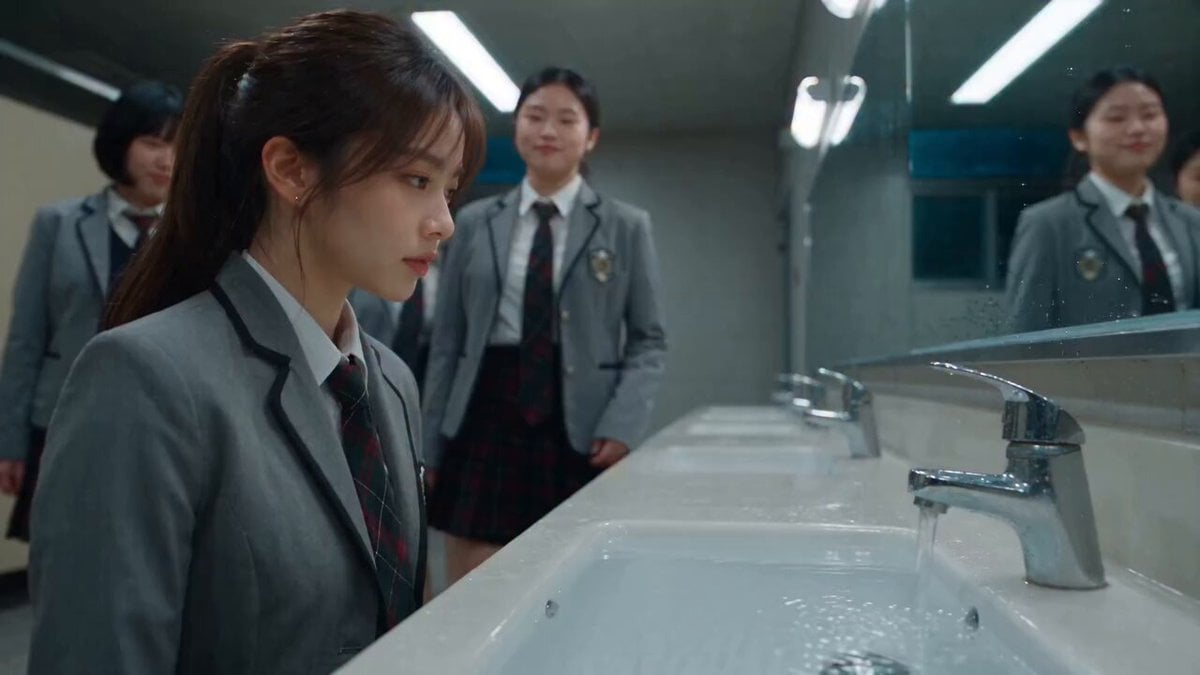
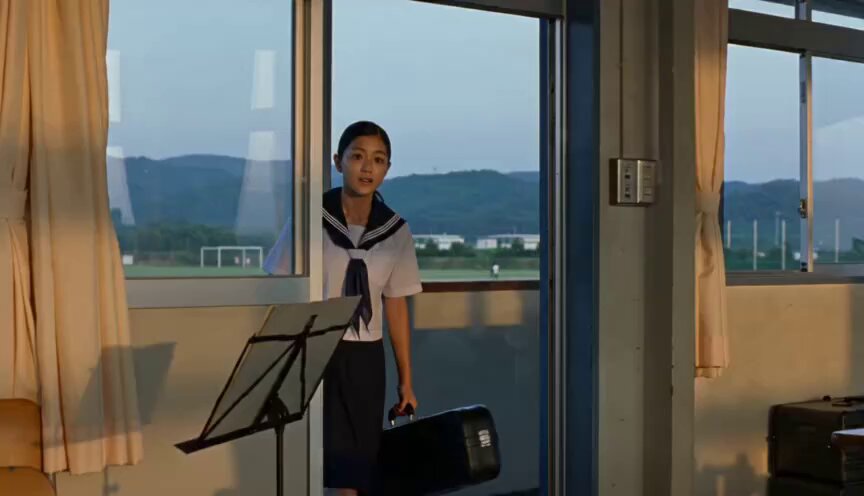
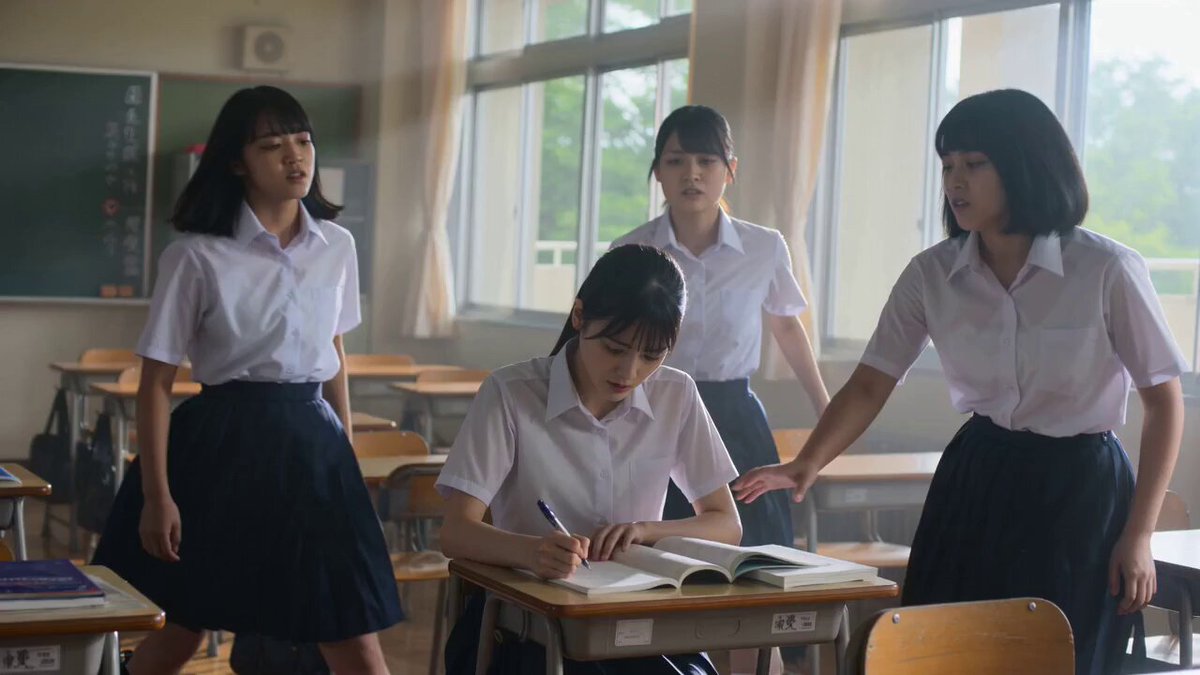
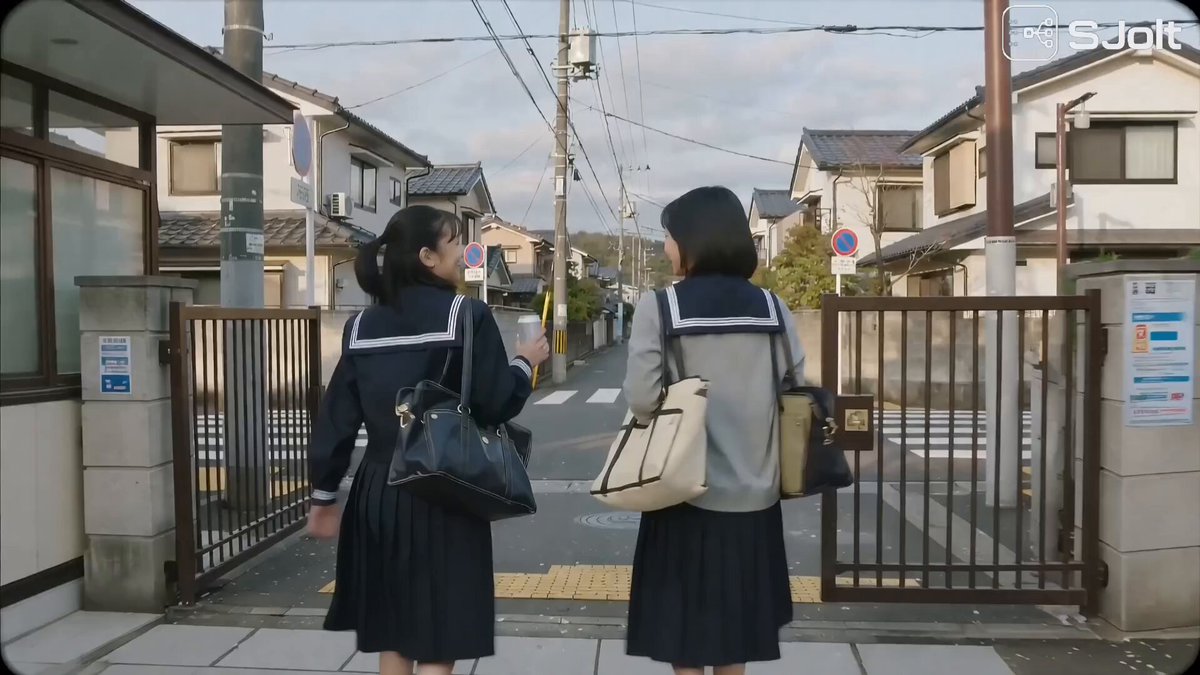
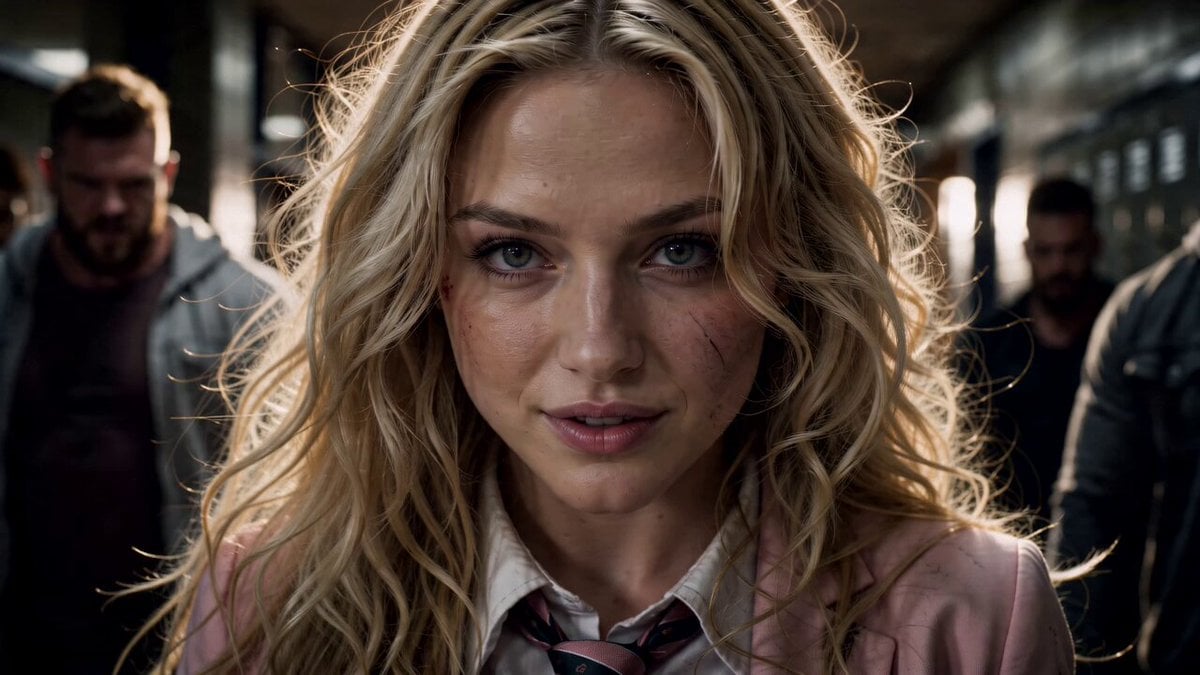
A cinematic action prompt for a school hallway confrontation featuring a female student and three suits, with detailed camera work and choreography instructions.
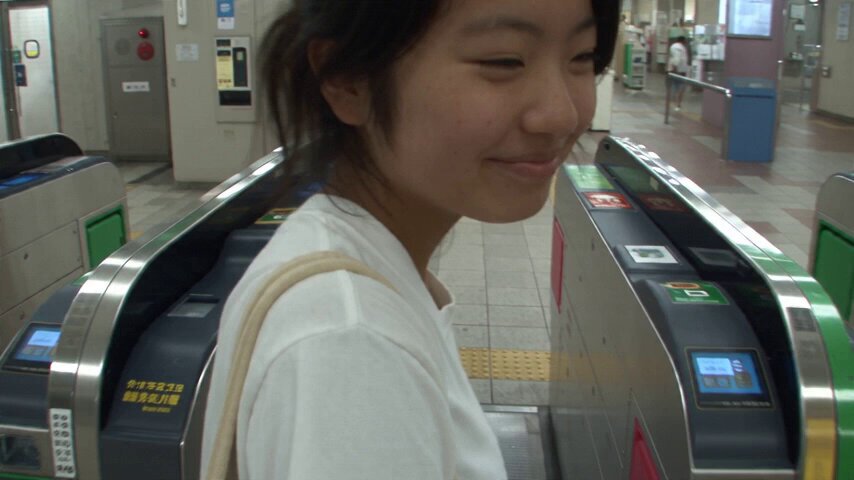
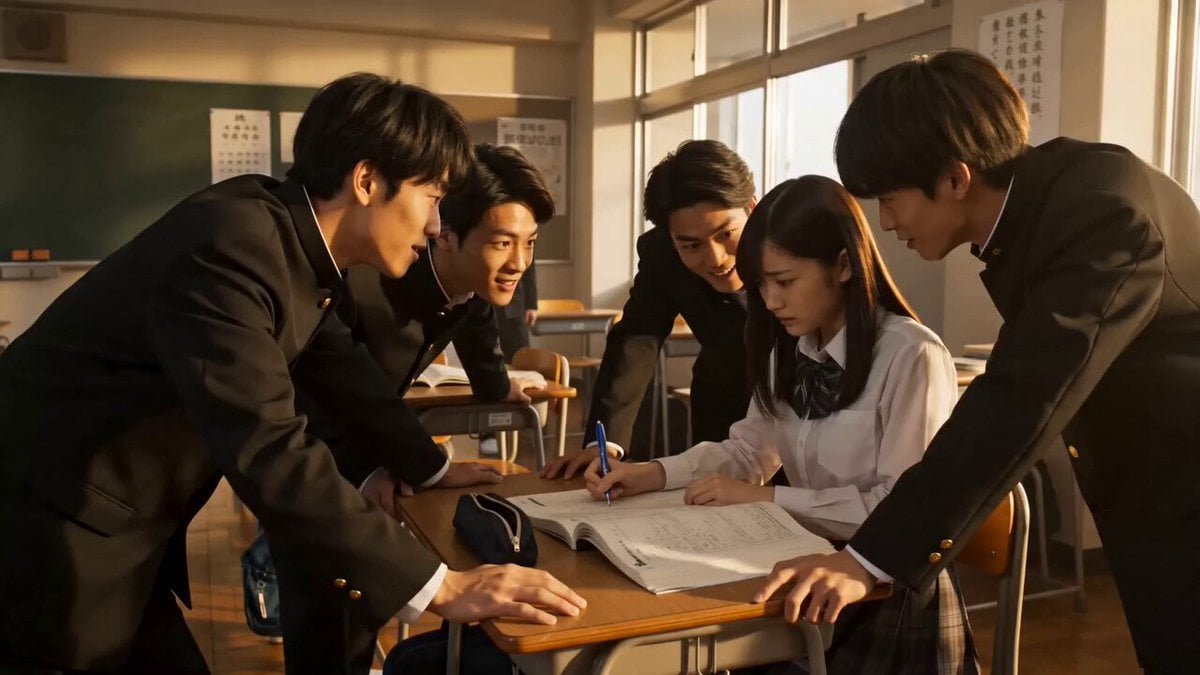
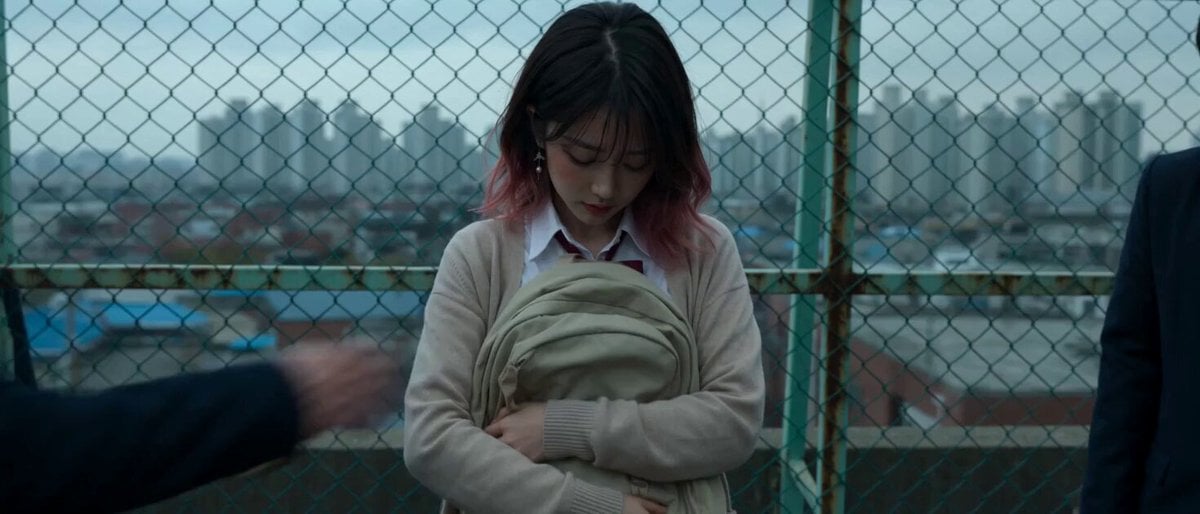
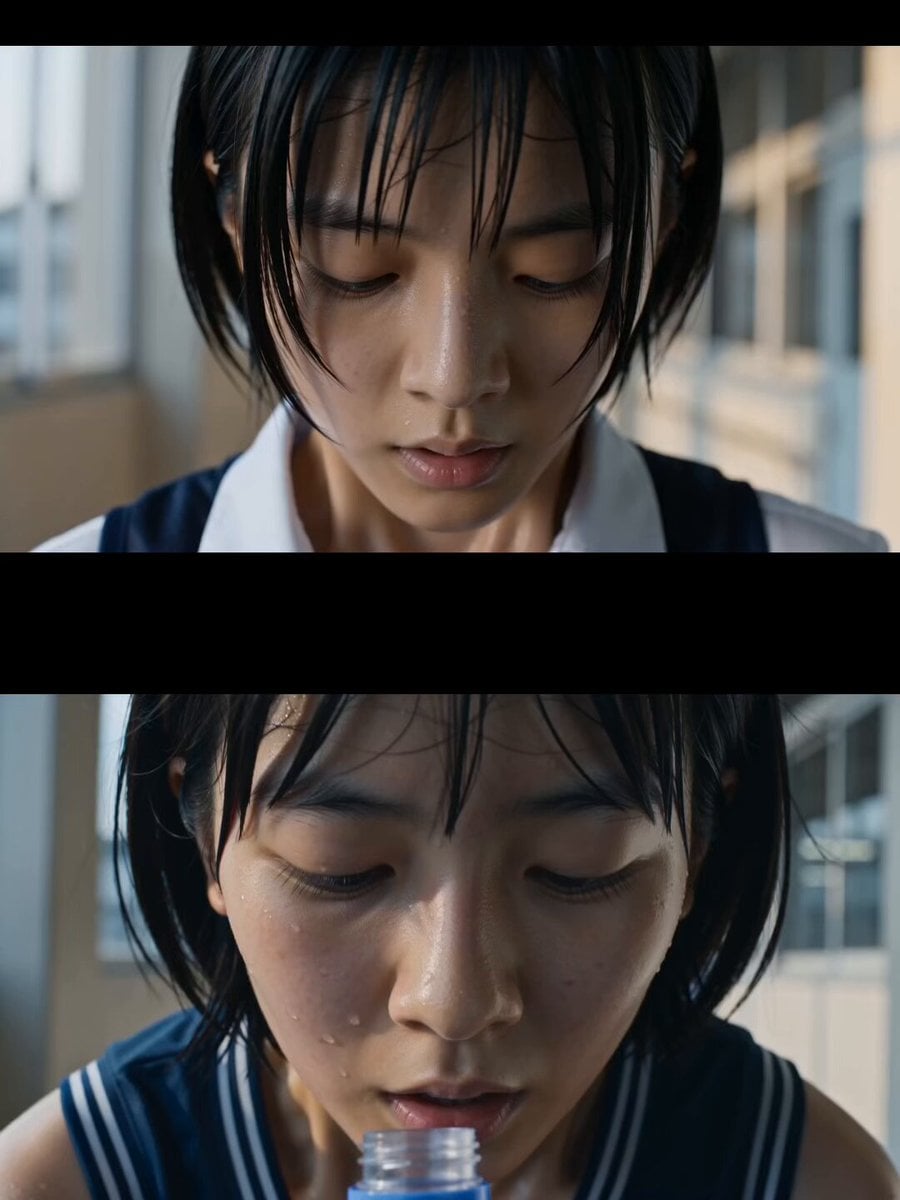
Japanese cinematic action film, ultra-realistic, sleek lighting, shallow depth of field. Interior, a quiet Japanese high school hallway, polished floors reflecting soft fluorescent lights. A teenage girl in a school uniform walks calmly, the camera tracking smoothly beside her. She turns a corner, the camera reveals three large men in dark suits blocking her path, tense silence. Without hesitation, they move toward her. The camera shifts into dynamic handheld motion, fast, precise choreography as she skillfully dodges and counters their attacks with controlled, efficient movements. Impacts feel grounded, no exaggeration. Quick cuts mixed with brief slow-motion moments emphasize key hits. One by one, the men fall. The sequence ends with a wide shot, the hallway still again, the three men on the floor, and the girl standing composed before continuing forward. Clean, modern, cinematic tone.
Japanese cinematic action film, ultra-realistic, sleek lighting, shallow depth of field. Interior, a quiet Japanese high school hallway, polished floors reflecting soft fluorescent lights. A teenage girl in a school uniform walks calmly, the camera tracking smoothly beside her. She turns a corner, the camera reveals three large men in dark suits blocking her path, tense silence. Without hesitation, they move toward her. The camera shifts into dynamic handheld motion, fast, precise choreography as she skillfully dodges and counters their attacks with controlled, efficient movements. Impacts feel grounded, no exaggeration. Quick cuts mixed with brief slow-motion moments emphasize key hits. One by one, the men fall. The sequence ends with a wide shot, the hallway still again, the three men on the floor, and the girl standing composed before continuing forward. Clean, modern, cinematic tone.
Edit the prompt in the box under the preview — the template's model and format are already selected — and press Generate. Your version appears right on this page.
Yes. You can change the subject, setting, lighting, mood, format, and available model controls before creating your video.
Opening and editing this template is free. Generating uses credits, shown on the Generate button when you are signed in.
Start with Seedance 2.0, which is the model associated with this template. You can compare another compatible model for a different finish.
Follow a topic to a crawlable collection of related PicX Studio templates.