
Cinematic School Fight Action Sequence
A multi-shot storyboard prompt for Seedance 2.0 detailing a cinematic bullying and revenge fight scene with specific camera movements, including wide angles, tracking shots, and slow-motion impacts.
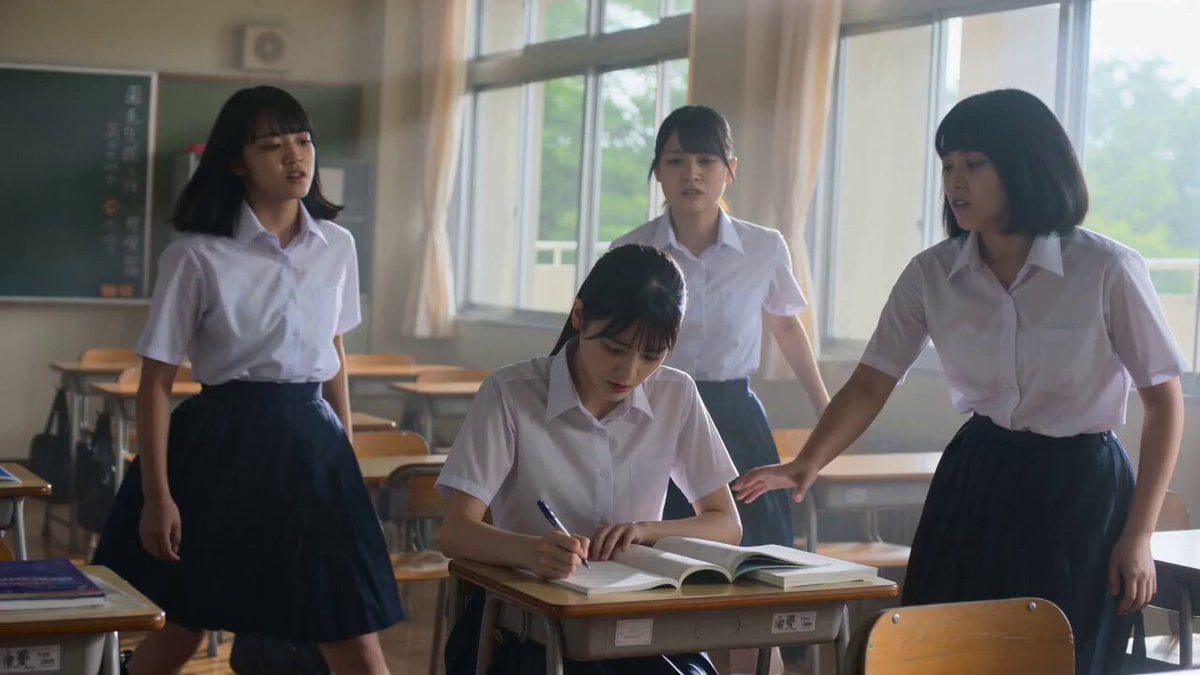
- Prompt included
- Model and format preset
- Free template
The prompt behind this video
Copy the exact prompt behind Cinematic School Fight Action Sequence, or open it in the studio and make it yours.
0-1.5s 校园霸凌开场,手持广角+书本慢动作 1.5-3s 主角情绪转折特写,浅景深+推进镜头 3-5s 首次反击,手持追踪+冲击镜头抖动 5-8s 多人混战,环绕旋转镜头+桌椅位移 8-10s 腾空跃起,低角度慢动作+尘埃粒子 10-12s 空中旋踢终结,慢镜头+速度恢复正常 12-14s 胜利喘息,戏剧性推近+虚化背景 14-15s 定格台词「私は大学に合格しなきゃ。」
How to use Cinematic School Fight Action Sequence in 3 steps
- 1
Open
The prompt is already in the box next to the preview, with the template's model and format selected.
- 2…a portrait of your subject in softgolden-hour light, 85mm…
Personalize
Edit the subject and creative details for your destination.
- 3Generate
Generate
Press Generate — your video is created in PicX Studio, so you can compare it with the original and refine one variable at a time.
More like this
Templates with the same subject, style or setup. Open one to see its prompt.
Swordsman vs Shadow Monster — Bamboo Forest Battle
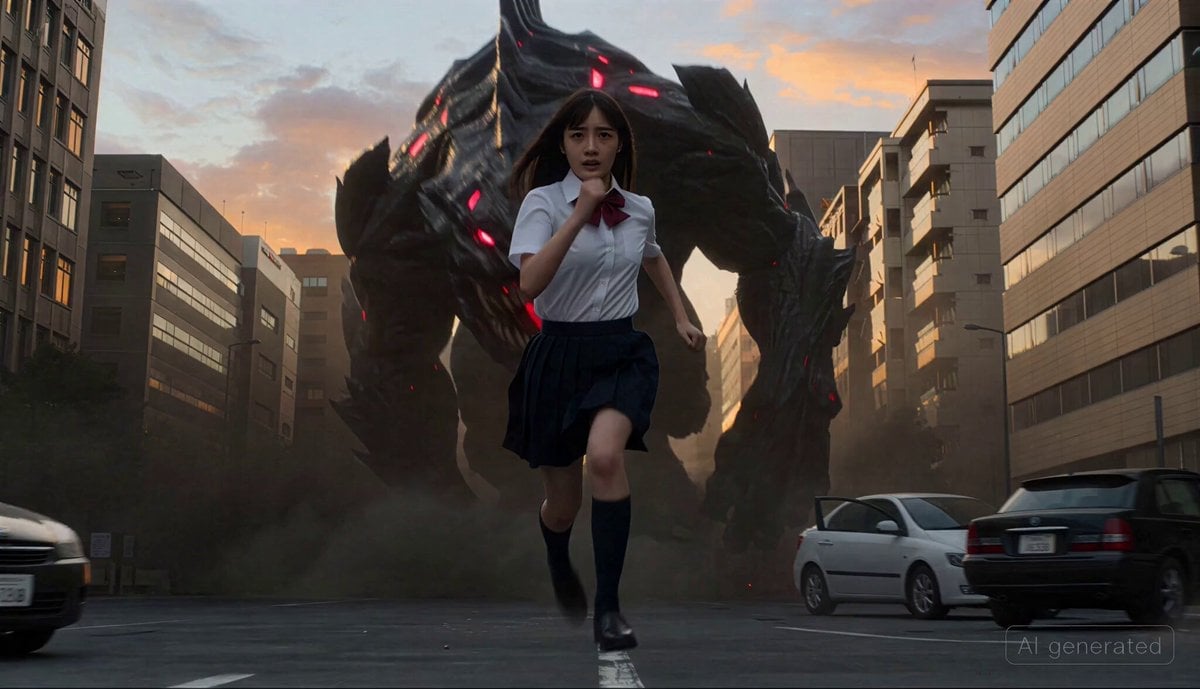
Cinematic transformation sequence of a Japanese high school girl fighting a giant monster
Parametric Fight Scenes Seedance
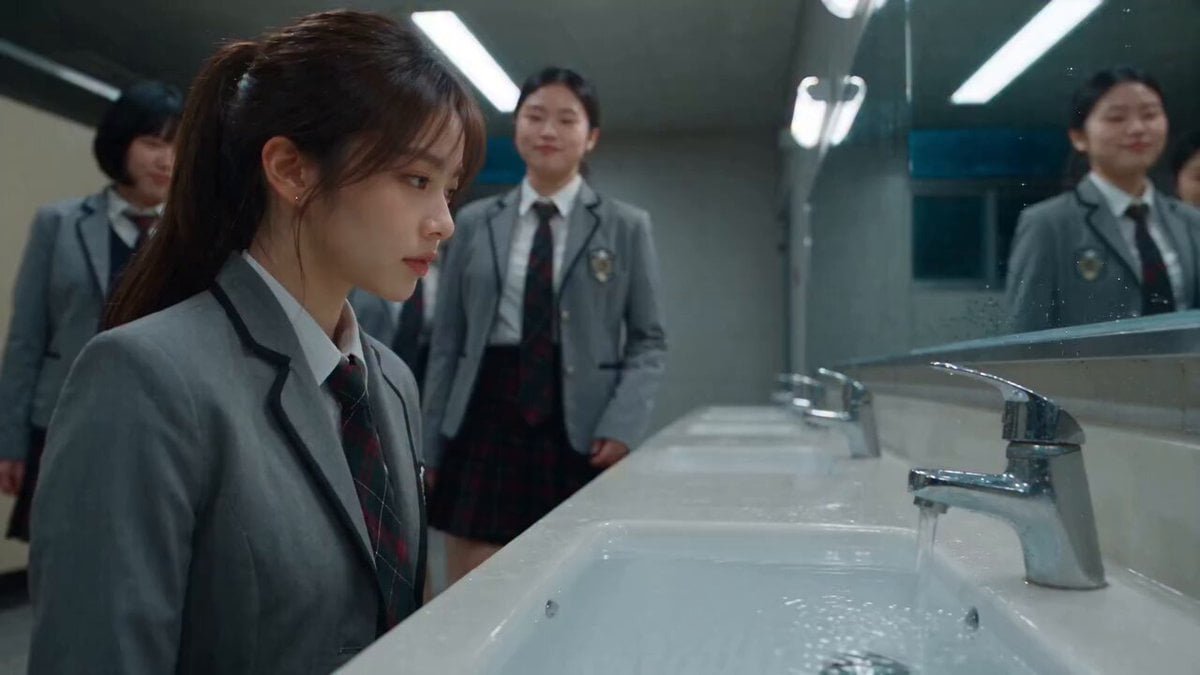
Dramatic School Bathroom Water Fight

Maglev Train Action Sequence

Martial Arts Fight Sequence

Cinematic Istanbul Night Fight - Seedance 2.5
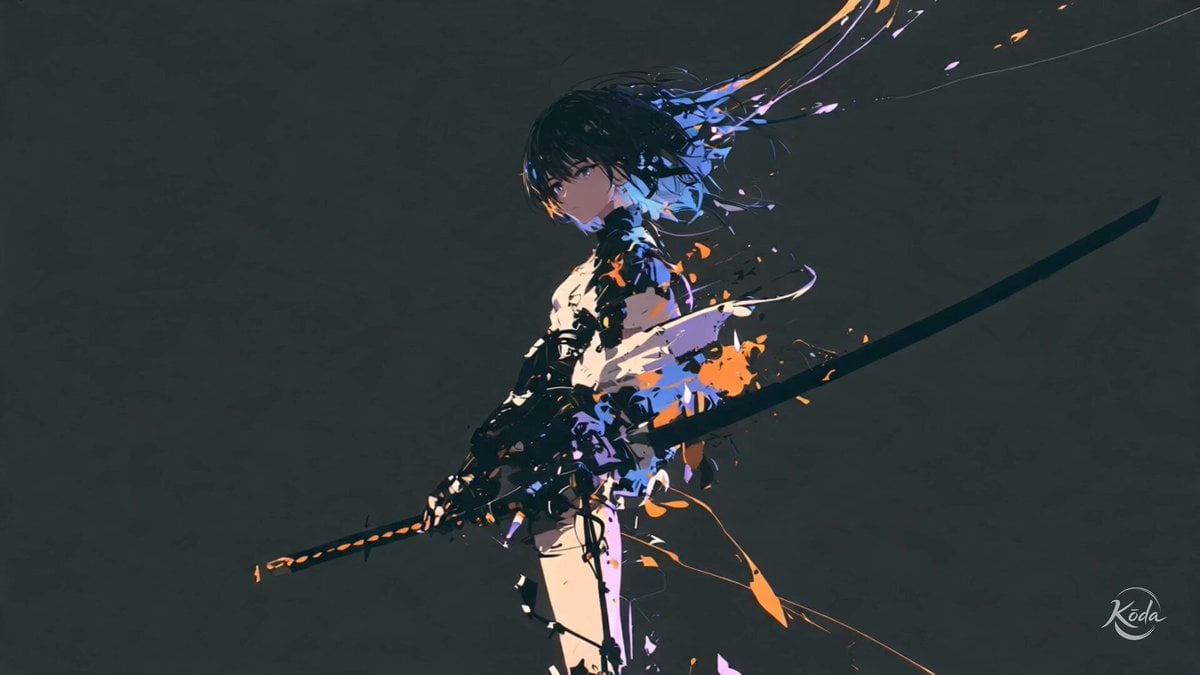
Cinematic Swordswoman Action Sequence
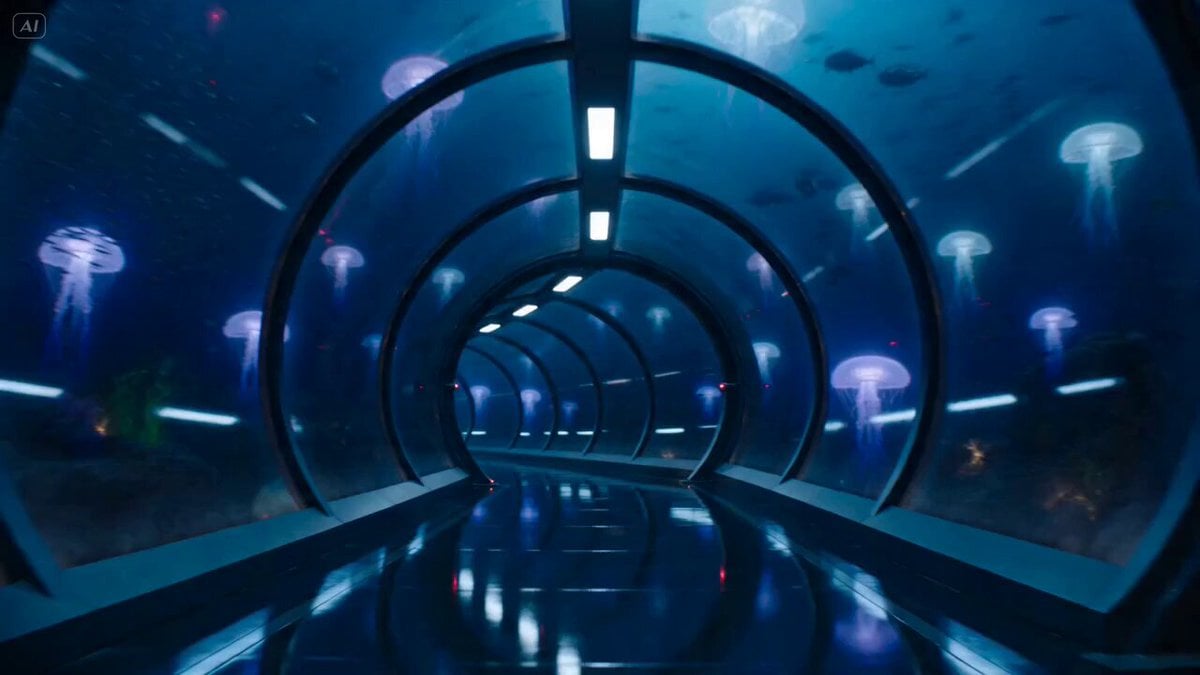
Underwater Glass Tunnel Action Sequence
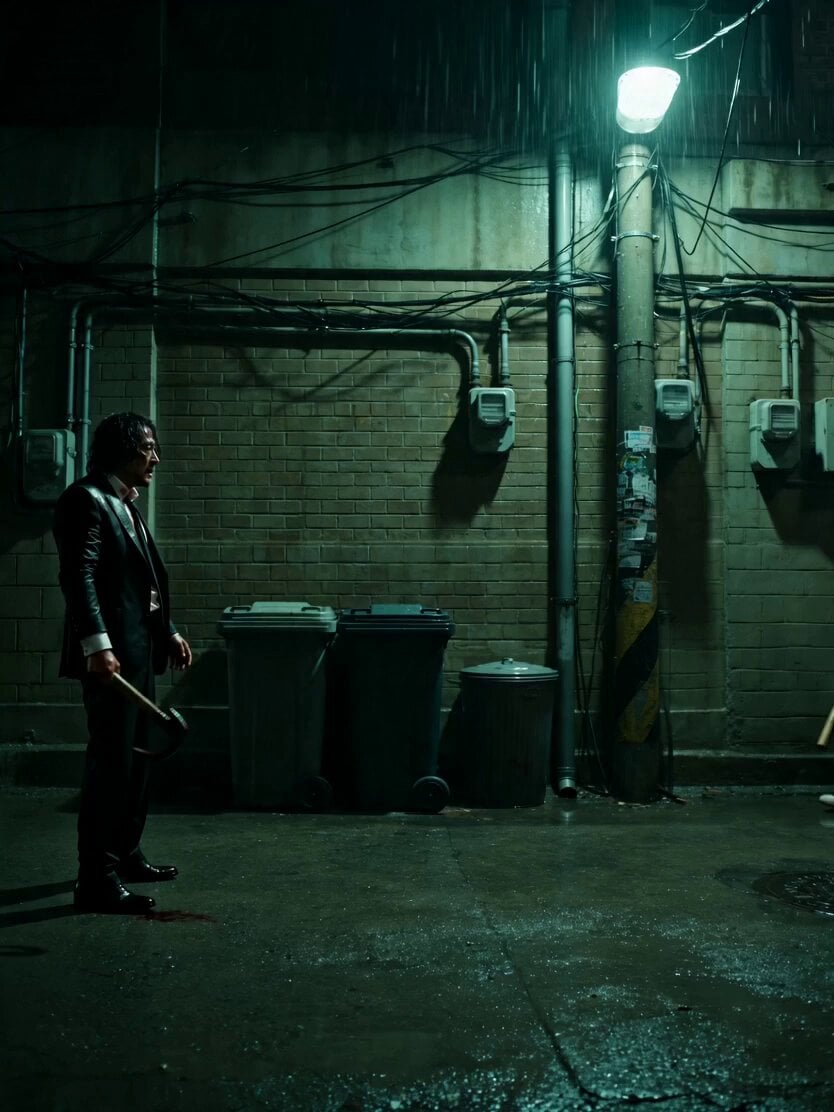
Neo-Noir Alleyway Fight Sequence
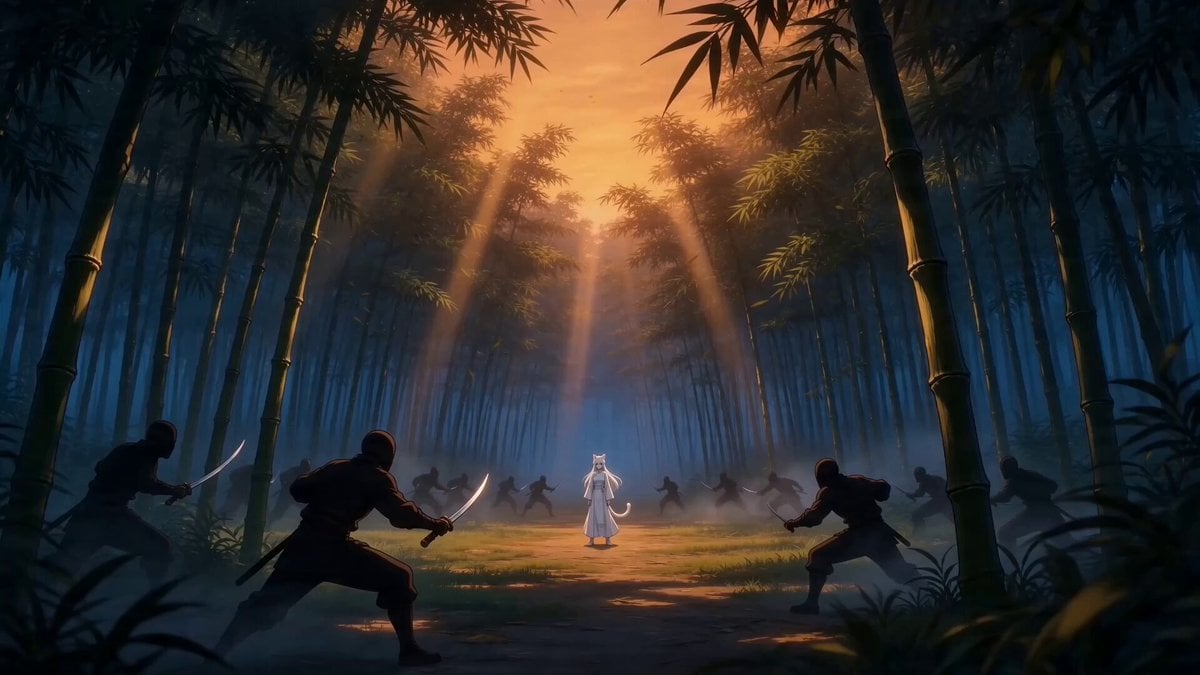
Taiqi Martial Arts Fight Sequence
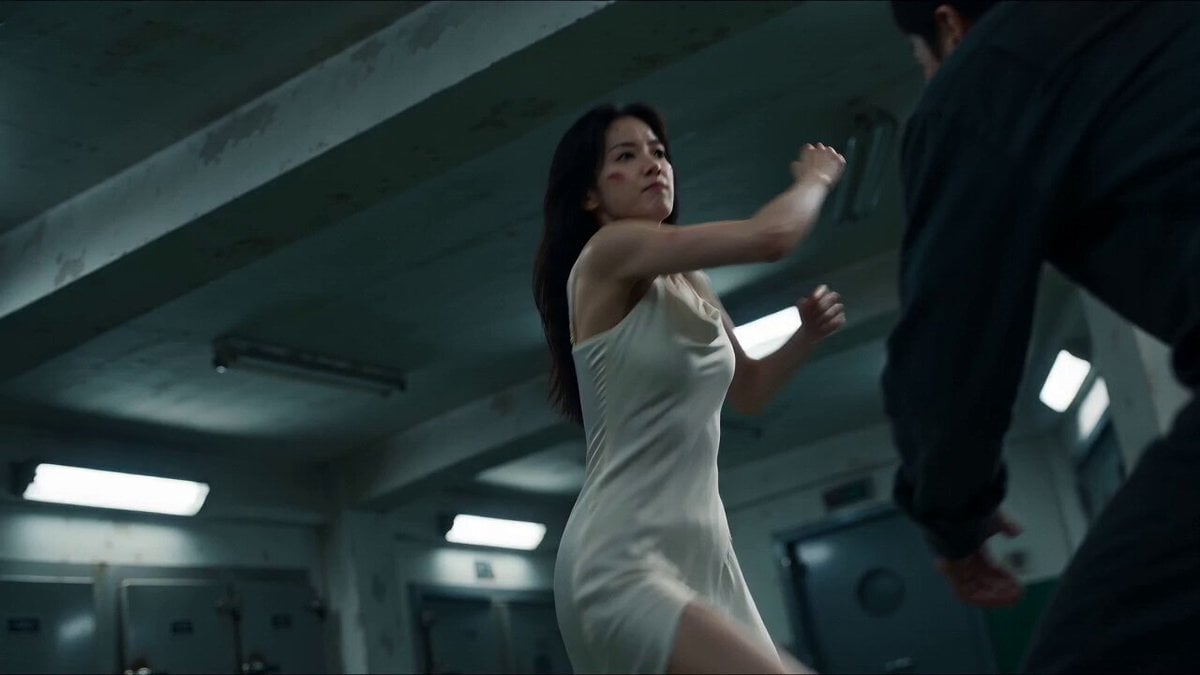
Cinematic Morgue Action Sequence
Make it yours
Cinematic School Fight Action Sequence works as-is. These are the safest ways to change it without losing the look.
Change one field
Copy a single group, rewrite it, and generate again so you can see what that field is doing.
Keep the frame, change the subject
Hold the composition and light of Cinematic School Fight Action Sequence, then swap wardrobe, props or the person for a new take.
| If the result… | Why | Fix |
|---|---|---|
| The result drifts from the preview | Too many fields changed at once. | Reuse Cinematic School Fight Action Sequence as-is first, then change one group — subject, light, or setting. |
| The model over-stylizes the scene | The prose prompt leaves finish and camera underspecified. | Add one camera or lighting sentence and stay on Seedance 2.0. |
More Seedance 2.0 templates
Other prompts made for Seedance 2.0.

Comical Martial Arts Punch Scene

Wuxia Protection and Trust Script

Vintage Korean Arcade MiniDV Vlog

Mercedes 190 SL Luxury Ad

Rainy Night Supernatural Reverse Comedy Video Script

Amazon Civilization Discovery

Futuristic South Asian City Transformation

Cozy Luxury Cafe Commercial

Cyber Ronin Nanotech Transformation Video

Desert Courier and Sandstorm Leviathan Chase
More video prompts
Fresh picks from across the catalog.
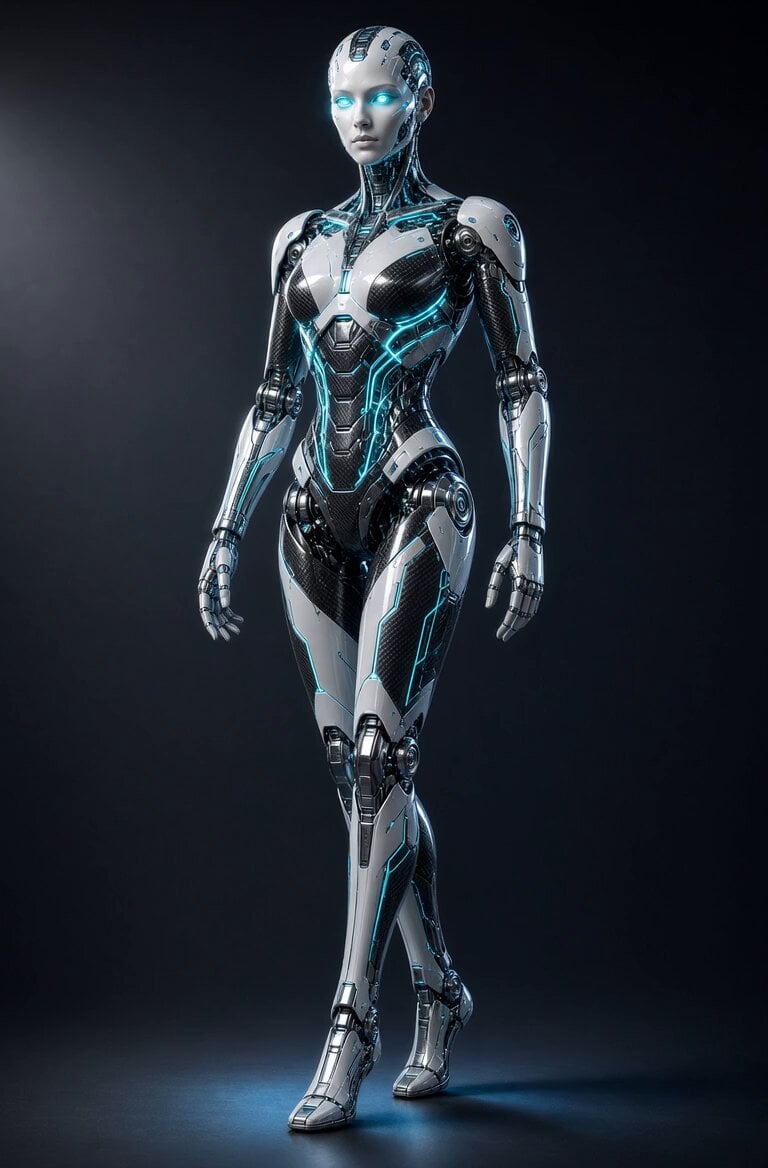
Glowing Android Mechanical Motion
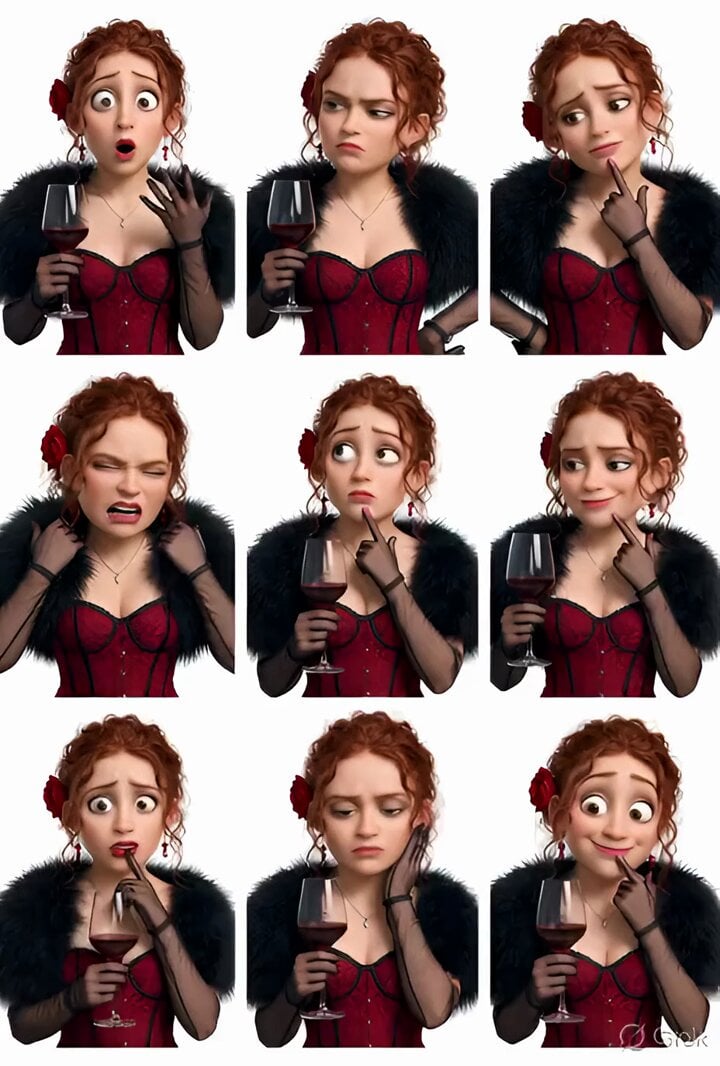
Grok Imagine prompt: Pixar-style 3D character sticker set from selfie
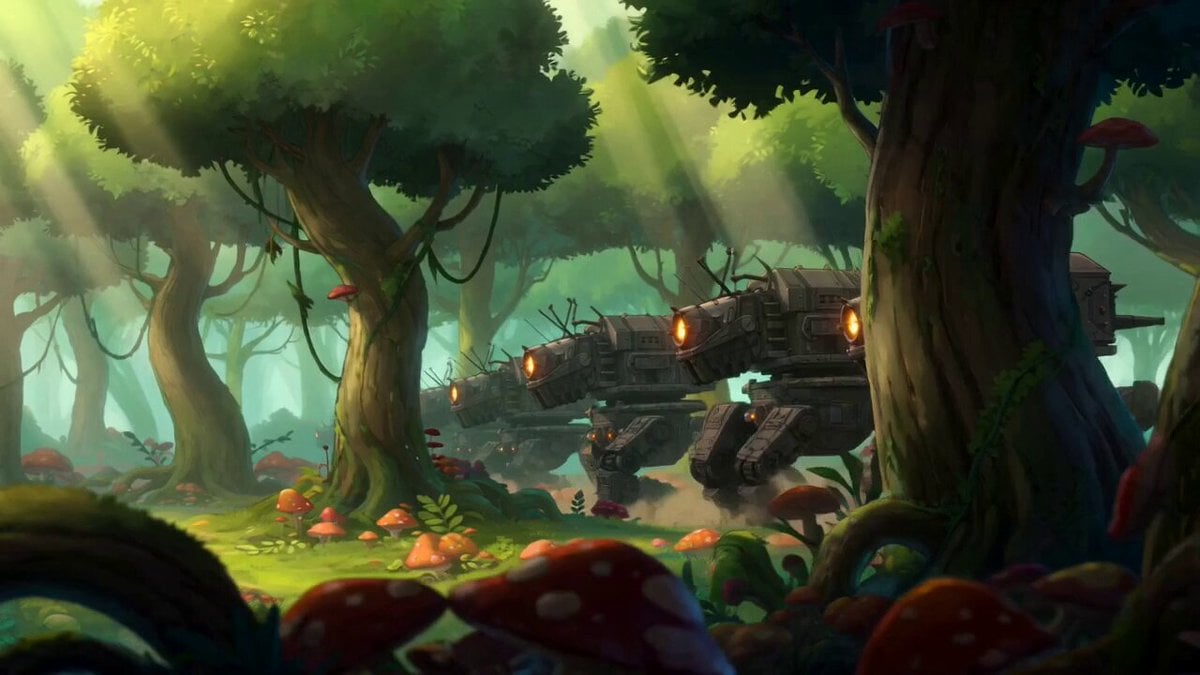
Forest Guardian Anime Battle
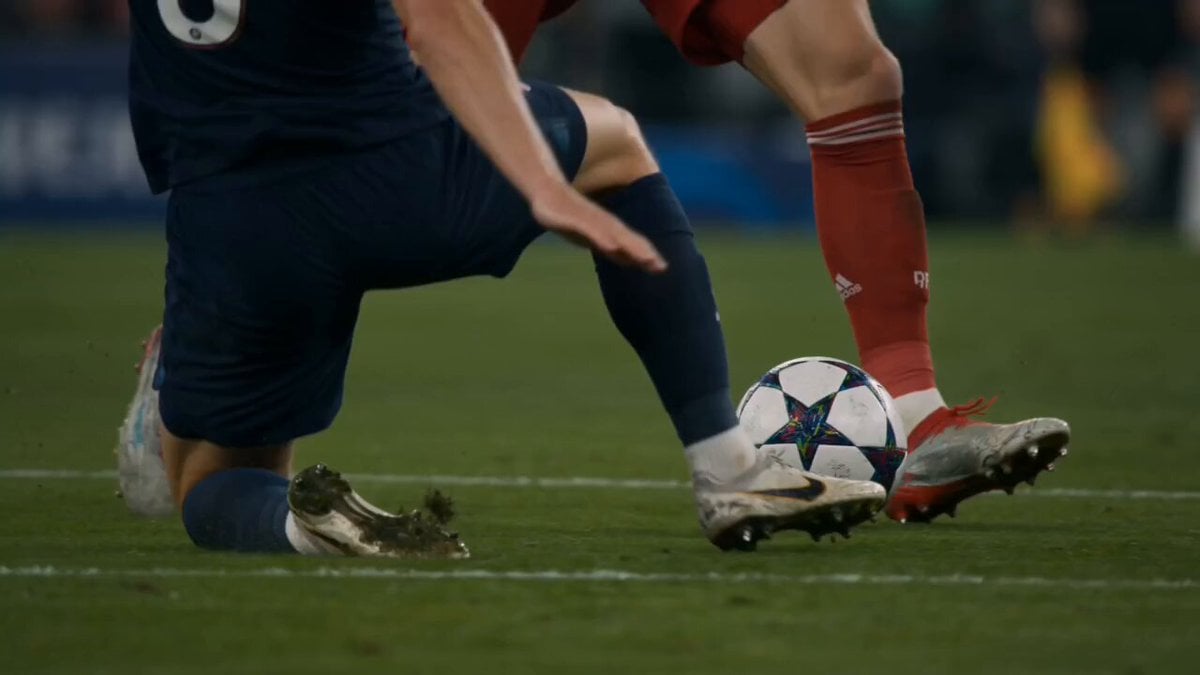
Cinematic Soccer Storyboard Prompt

Floating Happily in Space Video Prompt

Childhood Toys Conversation Prompt
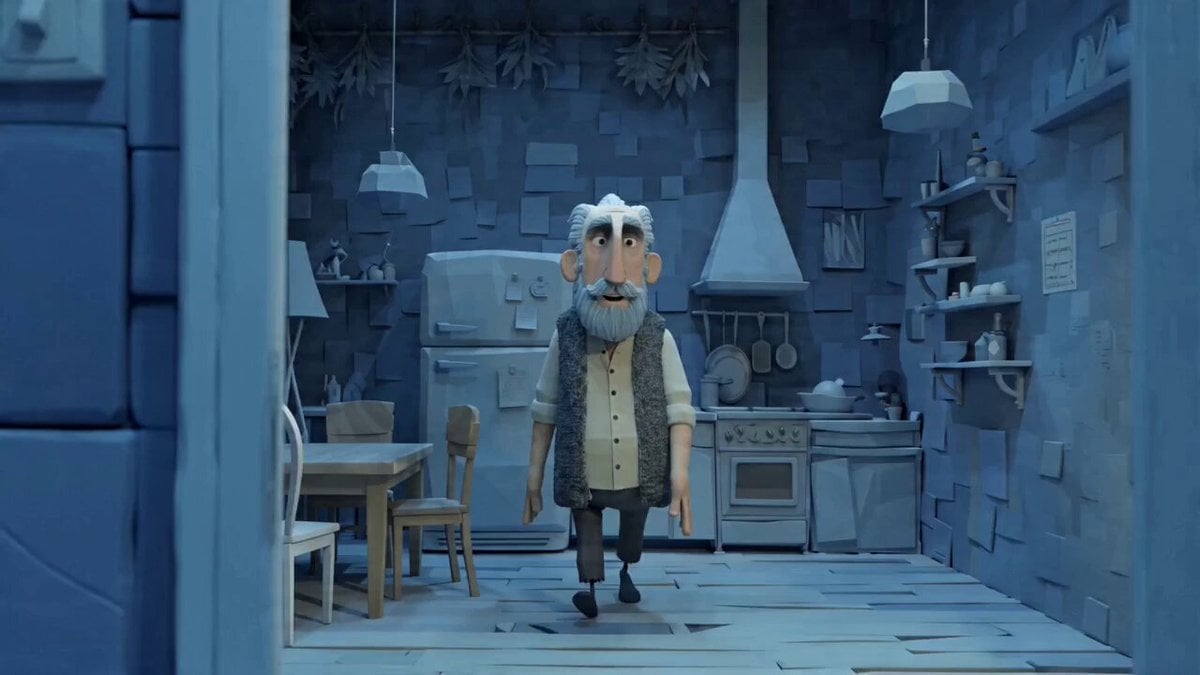
Man's Morning Grooming Routine

New Realities and Floating Orbs
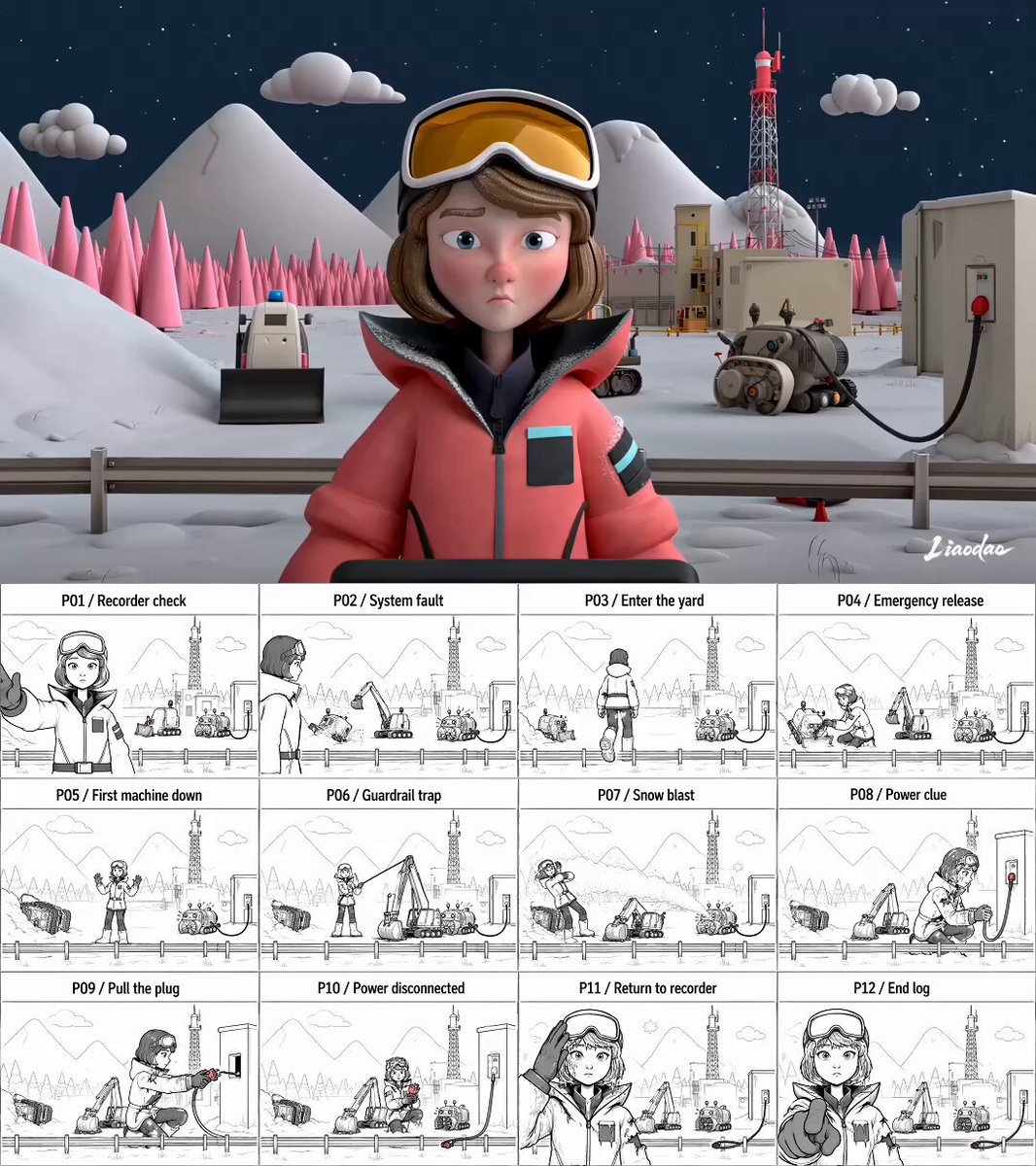
Miniature 3D Animation Snowfield Comedy
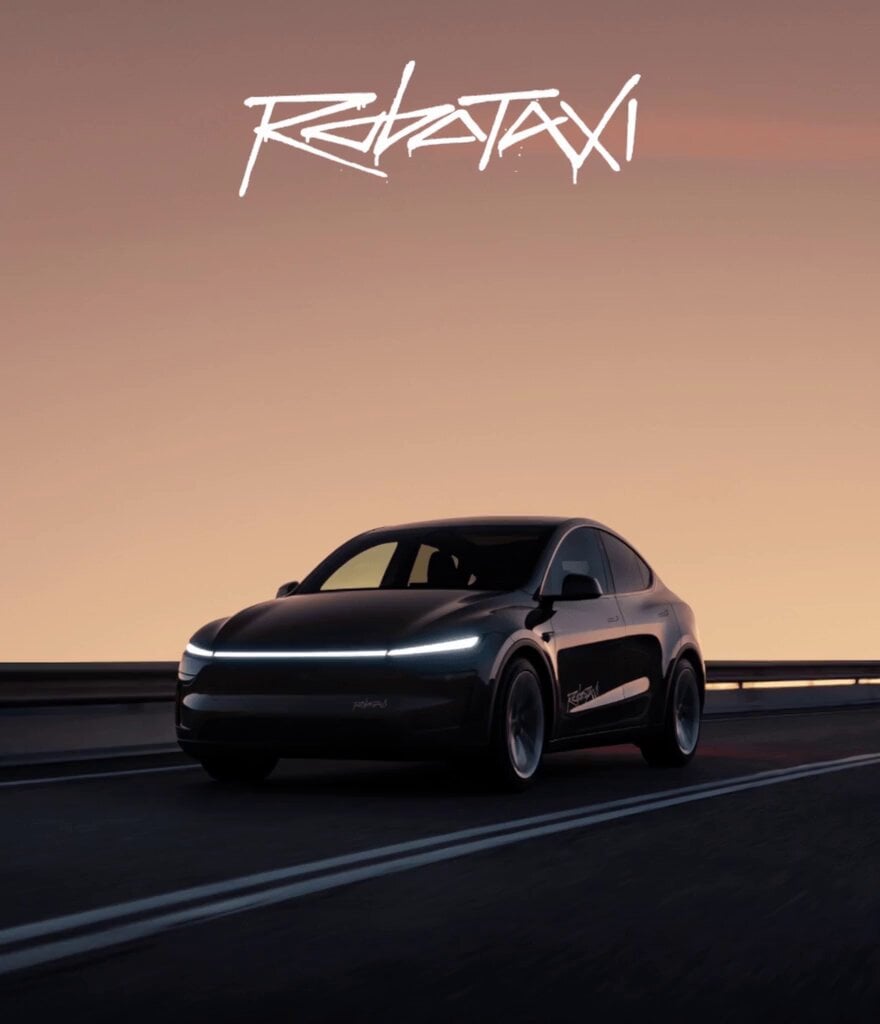
Tesla Robotaxi Movie Ad
Browse template categories
Cinematic School Fight Action Sequence questions
How do I use the Cinematic School Fight Action Sequence template?
Add your photo if the template asks for one, edit the prompt if you like — the template's model and format are already selected — and press Generate. Your version opens in PicX Studio.
Can I customize the Cinematic School Fight Action Sequence template?
Yes. You can change the subject, setting, lighting, mood, format, and available model controls before creating your video.
Is the Cinematic School Fight Action Sequence template free?
Opening and editing this template is free. Generating uses credits, shown on the Generate button when you are signed in.
Which AI model should I use?
Start with Seedance 2.0, which is the model associated with this template. You can compare another compatible model for a different finish.
Looking for something else? Browse all templates.

Your photo, any look
Thousands of ready templates for every top image and video model, from one credit balance.