How do I use the Taiqi Martial Arts Fight Sequence template?
Edit the prompt in the box under the preview — the template's model and format are already selected — and press Generate. Your version appears right on this page.
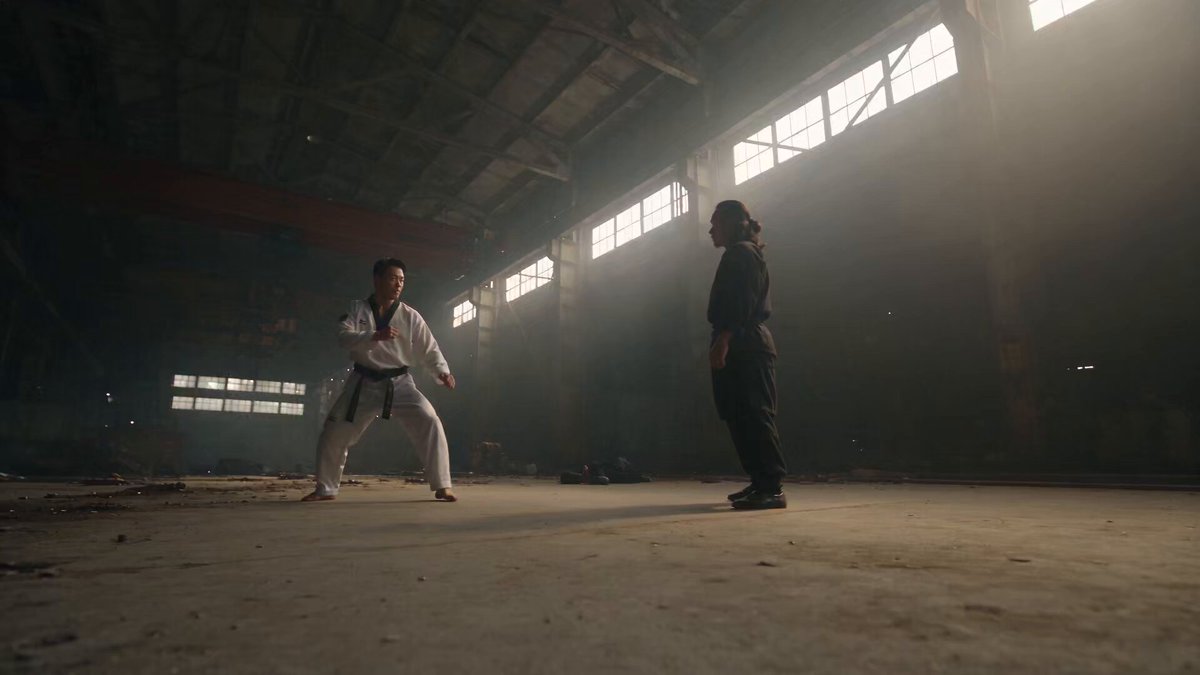
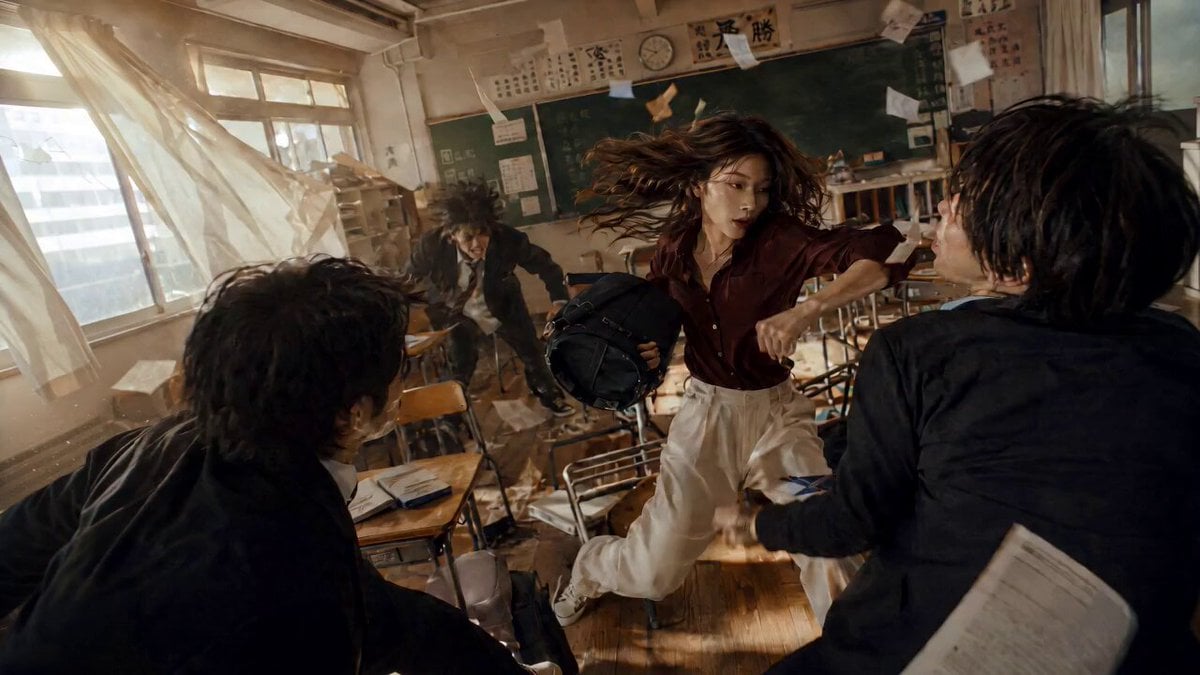
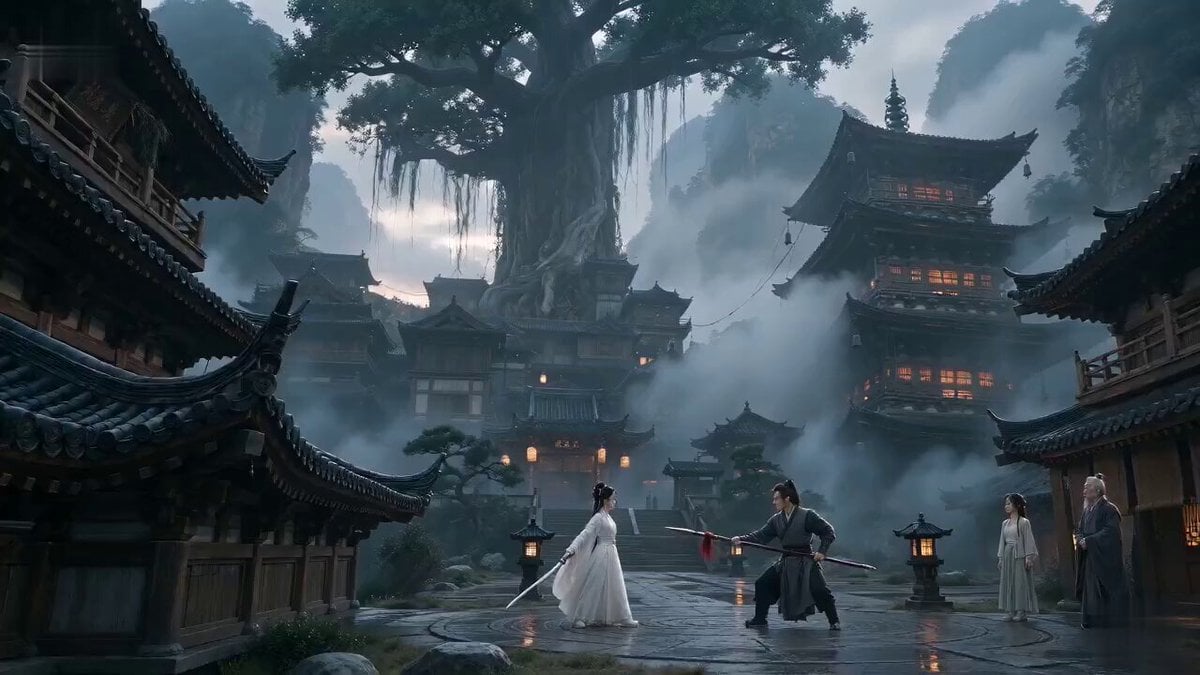
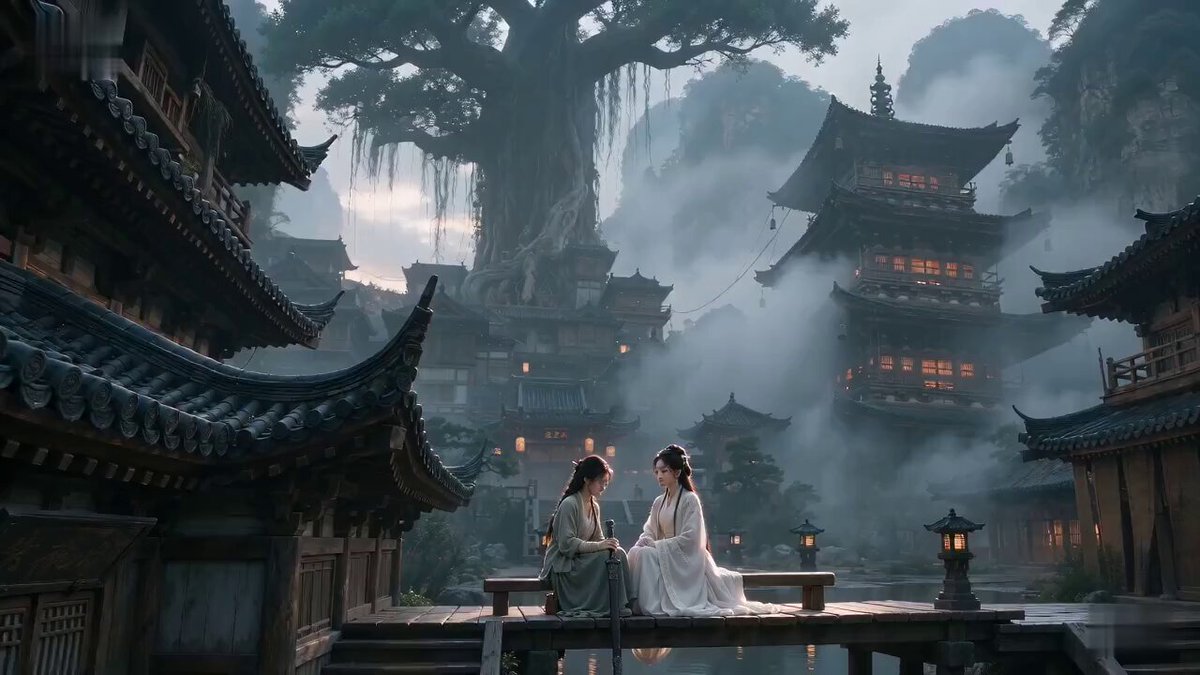
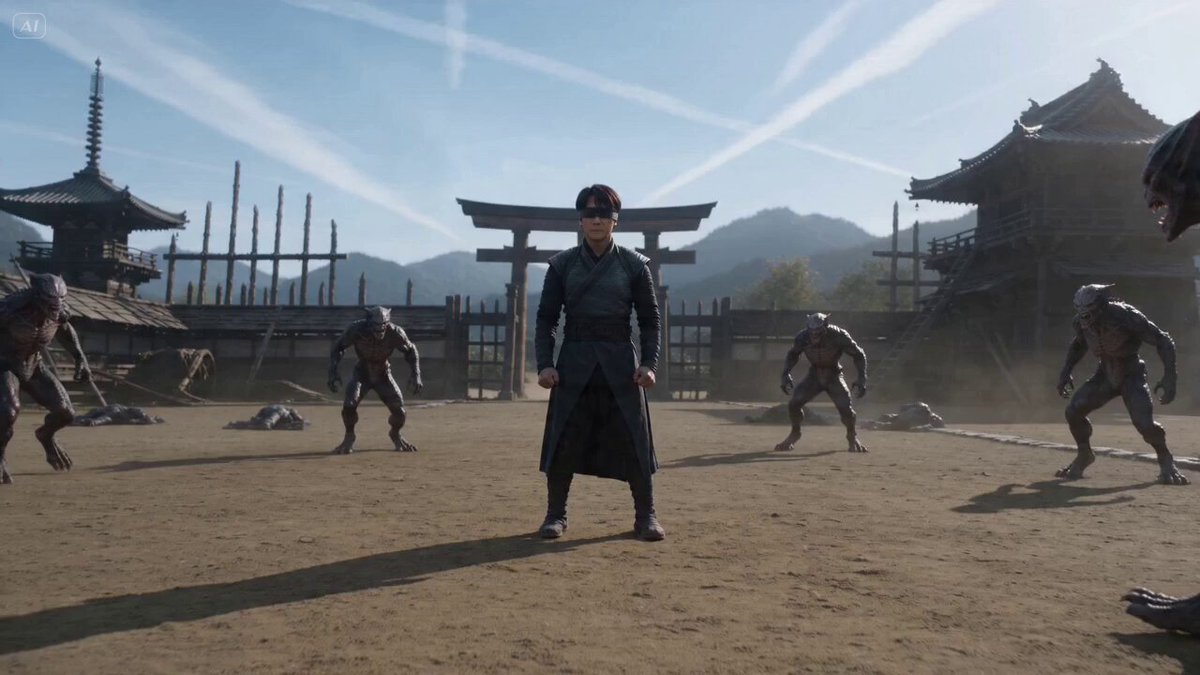
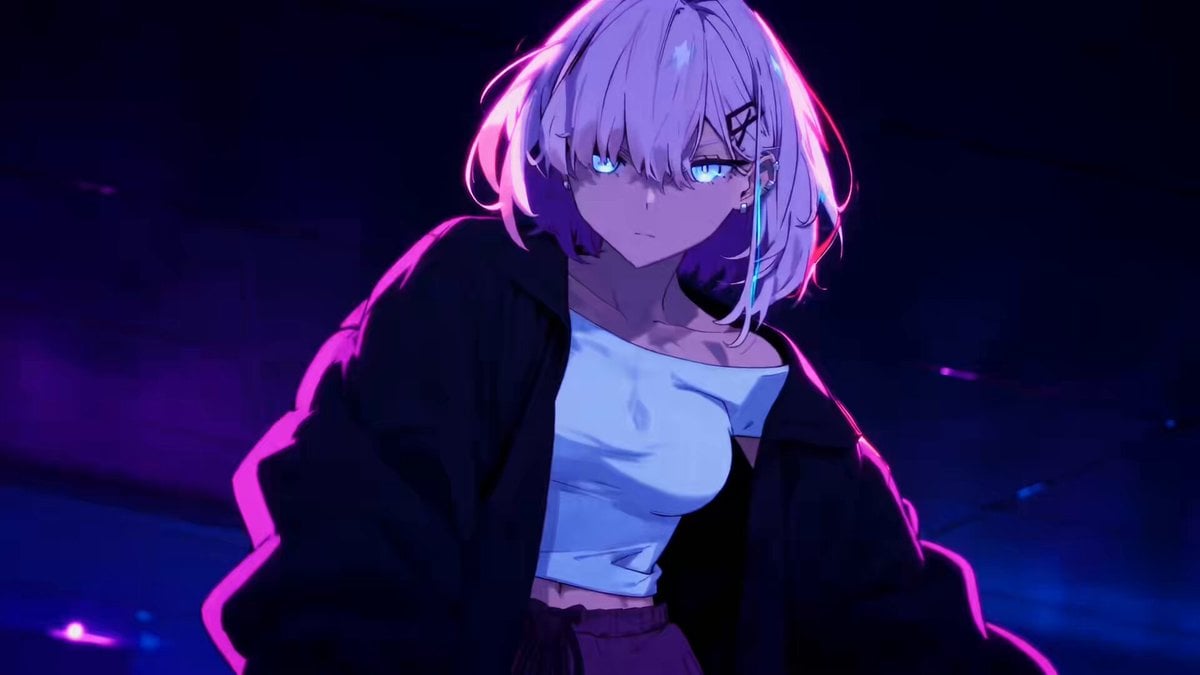
A dynamic martial arts choreography prompt featuring a character named Rei fighting shadow assassins with fluid Taiqi movements and rapid camera orbits.
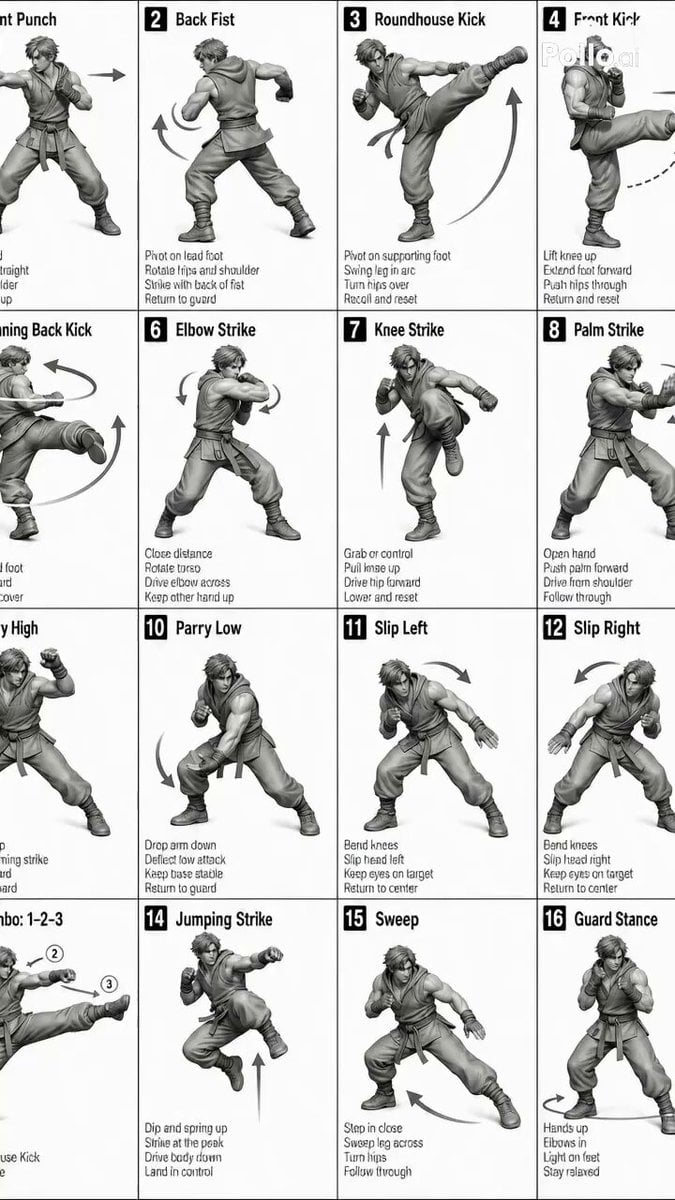
Start with an ultrawide establishing shot as the army of shadow assasins rapidly closing intowards Rei who stands at the center center of the frame. Camera rapidly push into a medium eye level shot as she counter's the initial attack with calm focused eyes. Camera rapidly orbit as she performs a gracefully executed jump kick, defeating 2 more shadows before ducking to avoid an attack that glides horizontally over her head as she coils. She catches the arm of the attacker, pulling it off balance. As the attacker falls foward, she rolls off the attacker's back, performing a butterfly kick that hits two attackers that are diving toward her mid air in rapid succession. She rolls off the back of the attacker and perform a heavy double palm strike (Shoutei) into it's side. Cut to back shot of the attacker as a large hole is punched through his chest to reveal Rei still in the same stance when she delivered the attack before he explodes into black shadowy vapor and Rei calmly and swiftly changes into a new taiqi stance.
Start with an ultrawide establishing shot as the army of shadow assasins rapidly closing intowards Rei who stands at the center center of the frame. Camera rapidly push into a medium eye level shot as she counter's the initial attack with calm focused eyes. Camera rapidly orbit as she performs a gracefully executed jump kick, defeating 2 more shadows before ducking to avoid an attack that glides horizontally over her head as she coils. She catches the arm of the attacker, pulling it off balance. As the attacker falls foward, she rolls off the attacker's back, performing a butterfly kick that hits two attackers that are diving toward her mid air in rapid succession. She rolls off the back of the attacker and perform a heavy double palm strike (Shoutei) into it's side. Cut to back shot of the attacker as a large hole is punched through his chest to reveal Rei still in the same stance when she delivered the attack before he explodes into black shadowy vapor and Rei calmly and swiftly changes into a new taiqi stance.
Edit the prompt in the box under the preview — the template's model and format are already selected — and press Generate. Your version appears right on this page.
Yes. You can change the subject, setting, lighting, mood, format, and available model controls before creating your video.
Opening and editing this template is free. Generating uses credits, shown on the Generate button when you are signed in.
Start with Seedance 2.0, which is the model associated with this template. You can compare another compatible model for a different finish.
Follow a topic to a crawlable collection of related PicX Studio templates.