
Nostalgic Everyday Island Moments
A cinematic video prompt designed for Seedance 2.0 that uses a reference image to maintain character consistency across a 15-second sequence of island life, presented with a 2000s pocket camcorder aesthetic.
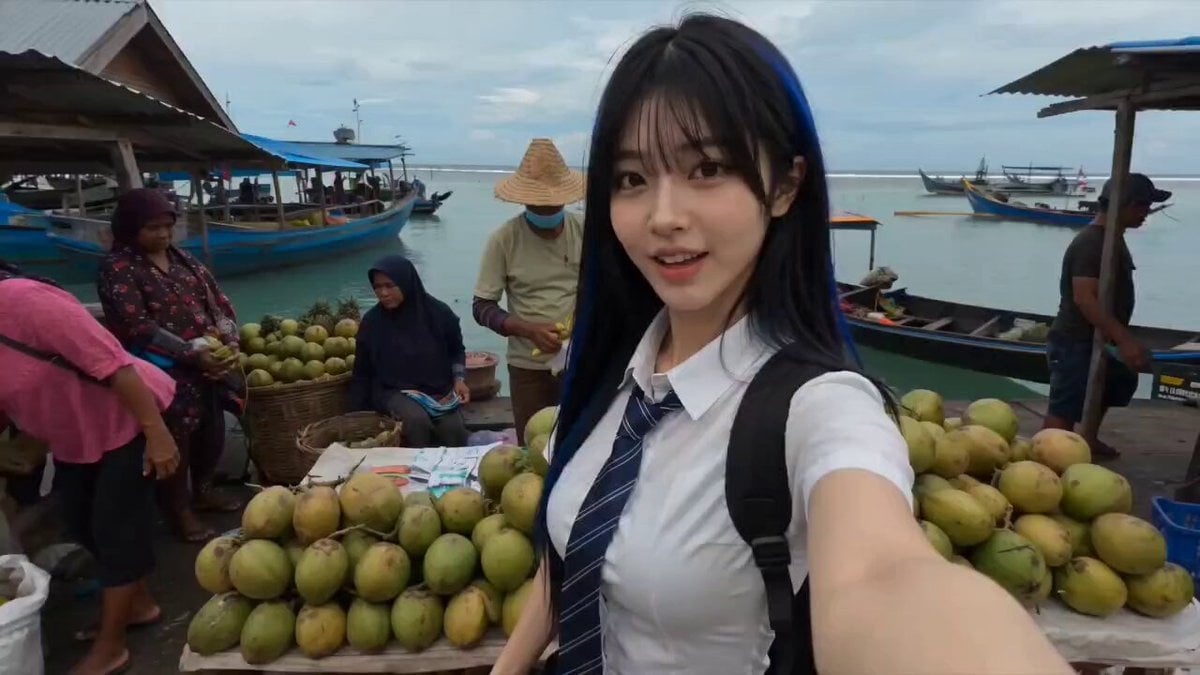
- Prompt included
- Model and format preset
- Free template
The prompt behind this video
Copy the exact prompt behind Nostalgic Everyday Island Moments, or open it in the studio and make it yours.
SCENE – Seedance 2.0 | 15s Everyday Island Moments @ image1 = Main Subject. Preserve the exact face, identity, hairstyle, skin tone, and proportions from @ image1 throughout. Same outfit and accessories. Authentic Indonesian woman. Late-2000s pocket camcorder aesthetic. Raw handheld footage with noticeable shake, accidental framing, focus hunting, slight grain, washed warm tones, and nostalgic home-video imperfections. 00:00–00:02 Small local market near the harbor. Selfie shot while weaving through stalls, smiling at the camera as vendors arrange fresh fruit. 00:02–00:04 Wooden bridge crossing a narrow canal. Camera follows from behind as she walks casually, brushing her fingers along the railing. 00:04–00:06 Tiny bakery window. She receives a paper-wrapped snack from an elderly shop owner and laughs softly. 00:06–00:08 Quiet seaside path. She pauses to watch children flying a kite in the distance, turning briefly toward the camera. 00:08–00:10 Under a large tree beside parked bicycles. Sitting on a low bench, flipping through old postcards or notes. 00:10–00:12 Small beach area. Standing barefoot near the shoreline, letting waves touch her feet while wind moves her hair. 00:12–00:15 Casual selfie shot while walking away from the beach. She smiles, says something playful to the lens, and the recording stops abruptly. Natural ambience only: waves, birds, children playing, bicycle bells, distant conversations, breeze, footsteps, and harbor sounds.
How to use Nostalgic Everyday Island Moments in 3 steps
- 1
Open
The prompt is already in the box next to the preview, with the template's model and format selected.
- 2…a portrait of your subject in softgolden-hour light, 85mm…
Personalize
Edit the subject and creative details for your destination.
- 3Generate
Generate
Press Generate — your video is created in PicX Studio, so you can compare it with the original and refine one variable at a time.
More like this
Templates with the same subject, style or setup. Open one to see its prompt.

Nostalgic MiniDV Convenience Store Vlog - Seedance 2.5
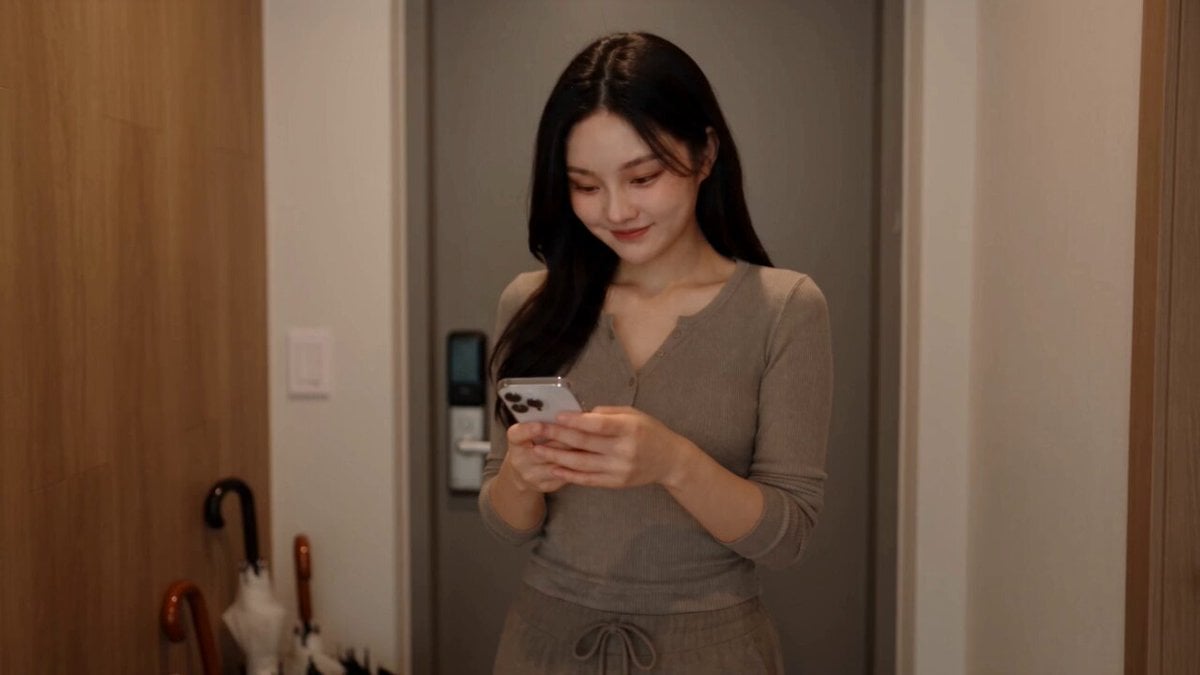
Everyday Grocery Shopping Lifestyle Vlog
Everyday Morning Routine Bathroom Vlog
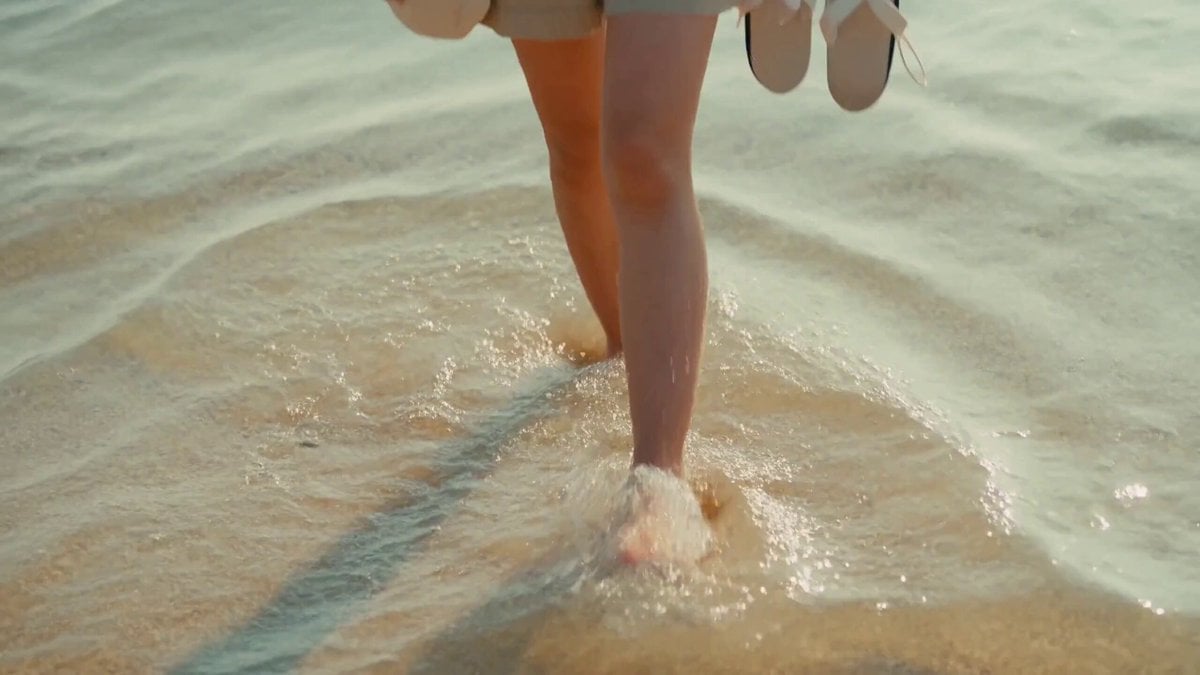
2000s MiniDV Jeju Island Beach Walk
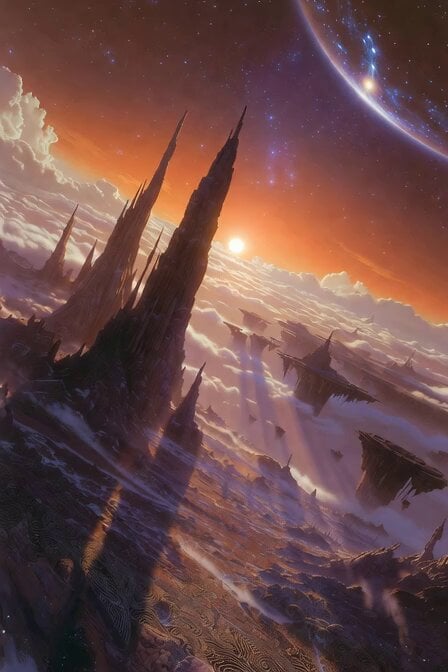
Floating Islands and Rock Spires
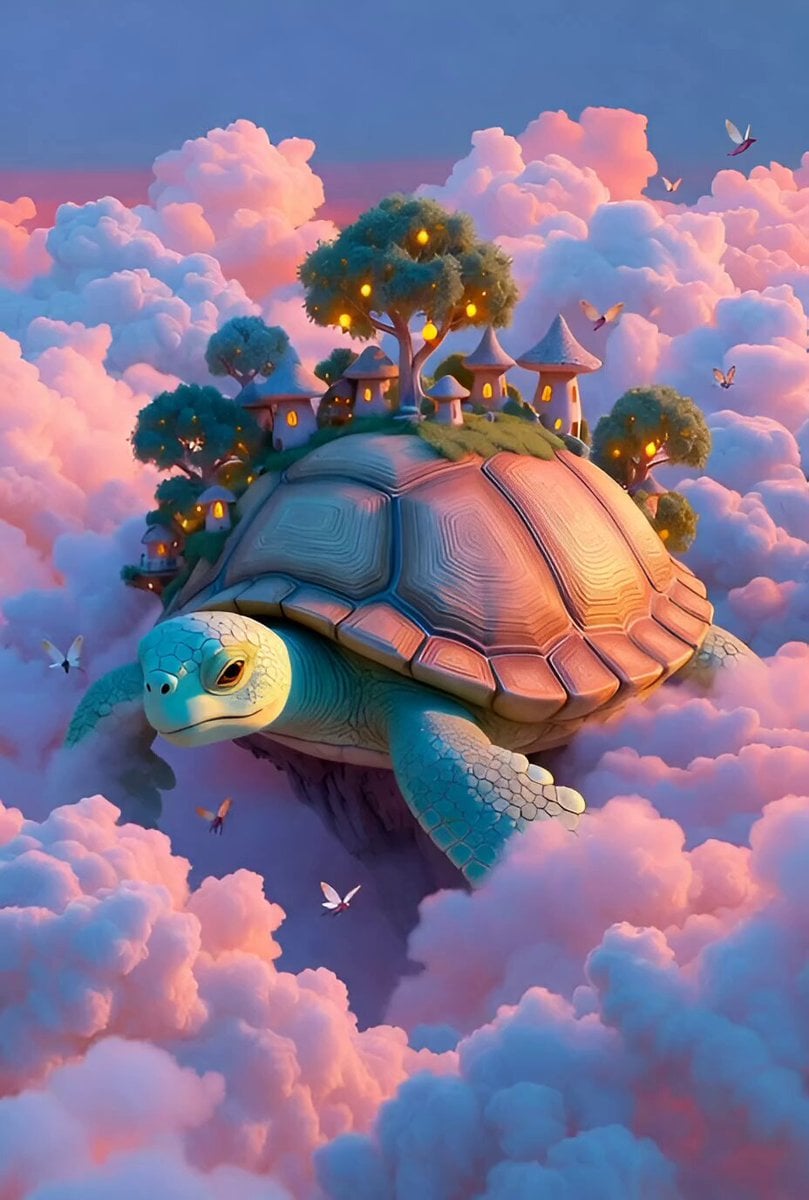
Whimsical Floating Turtle Island
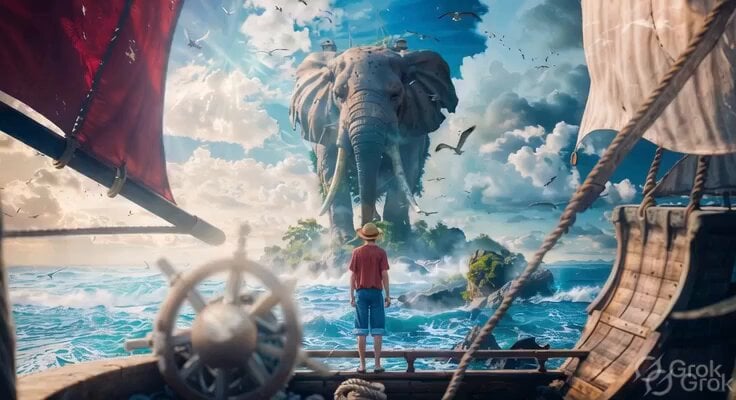
Lone Ship and Island Elephant
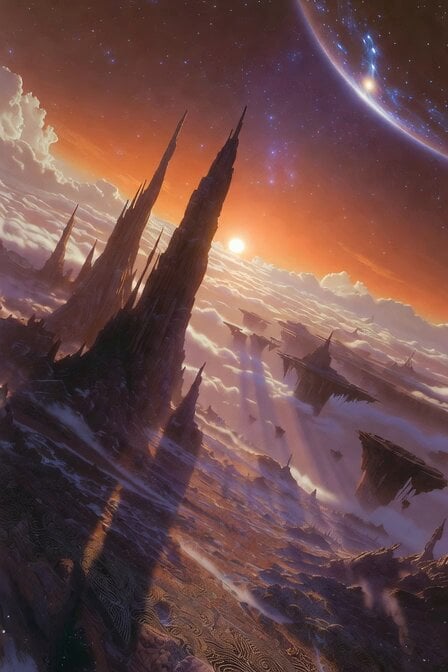
Floating Islands Timelapse Concept
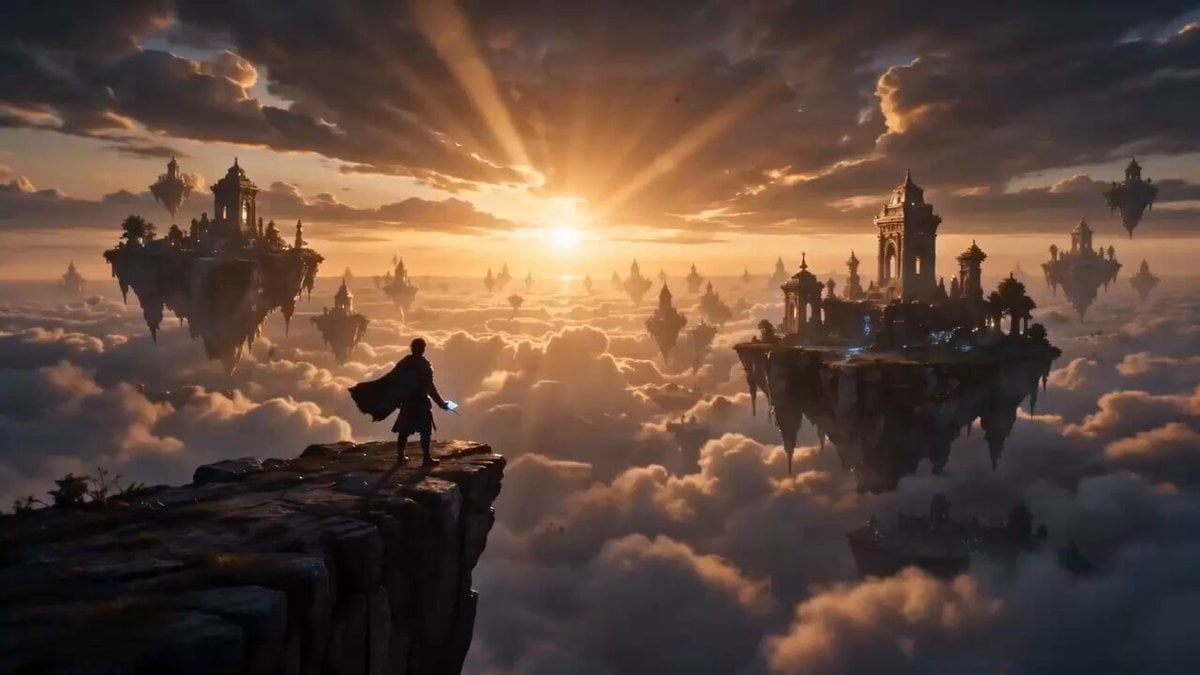
Floating Island Fantasy Traveler
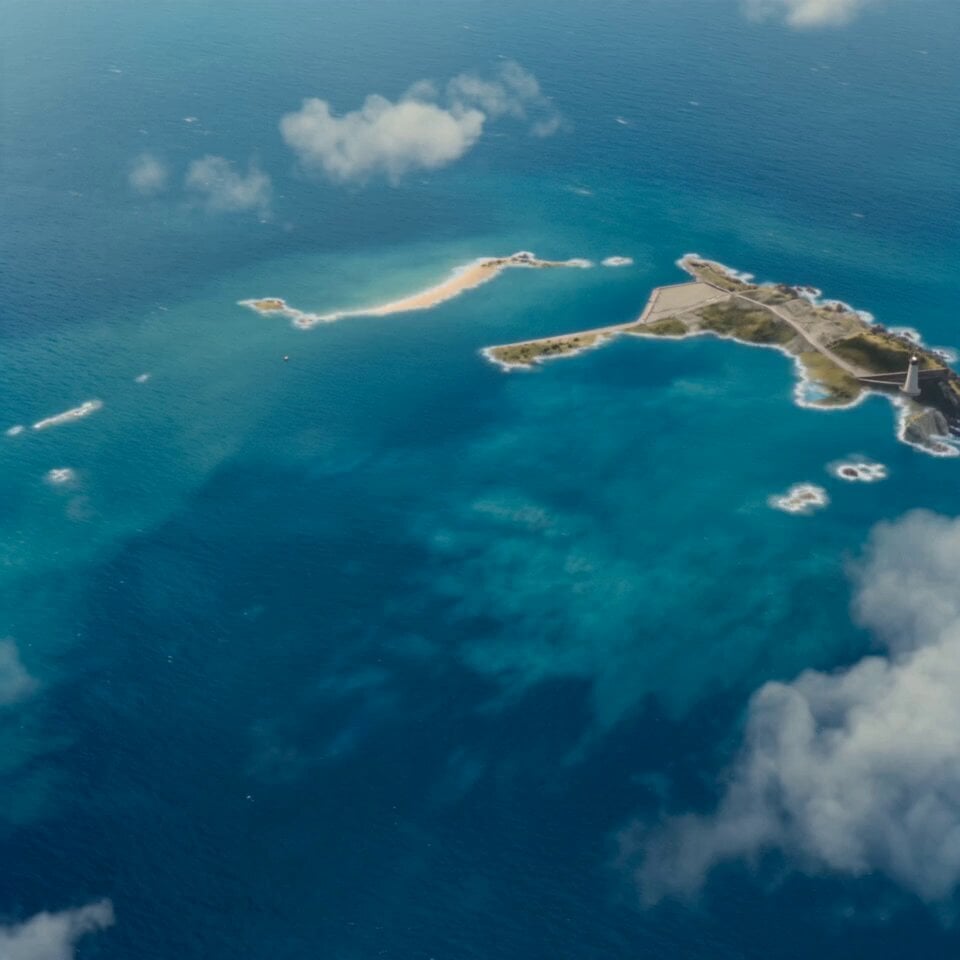
Island Diorama Harbor City Montage
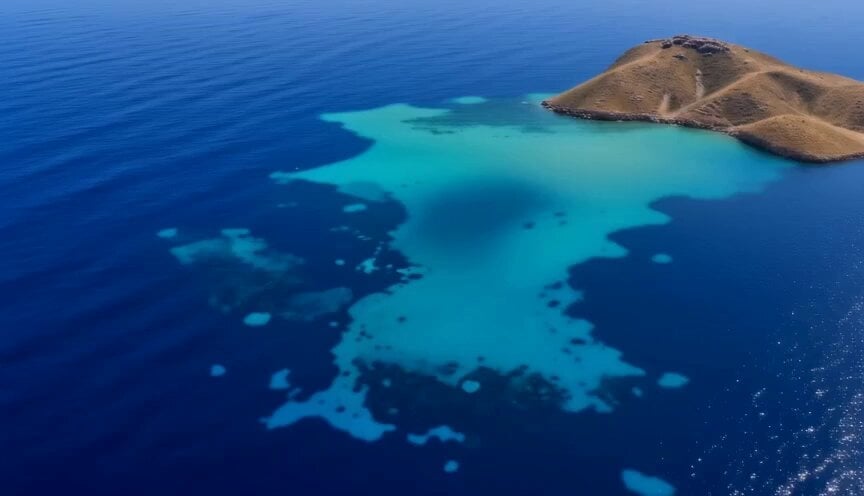
Miniature Harbour Island Construction
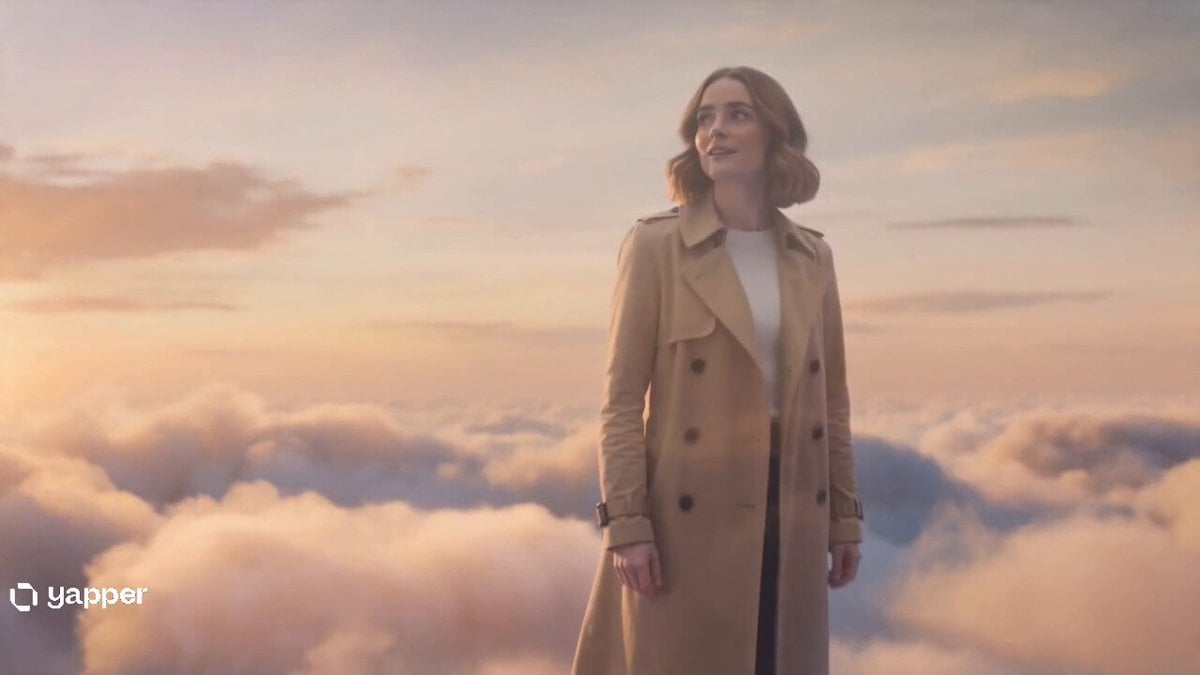
Two Strangers Surreal Dream Island Dance
Make it yours
Nostalgic Everyday Island Moments works as-is. These are the safest ways to change it without losing the look.
Change one field
Copy a single group, rewrite it, and generate again so you can see what that field is doing.
Keep the frame, change the subject
Hold the composition and light of Nostalgic Everyday Island Moments, then swap wardrobe, props or the person for a new take.
| If the result… | Why | Fix |
|---|---|---|
| The result drifts from the preview | Too many fields changed at once. | Reuse Nostalgic Everyday Island Moments as-is first, then change one group — subject, light, or setting. |
| The model over-stylizes the scene | The prose prompt leaves finish and camera underspecified. | Add one camera or lighting sentence and stay on Seedance 2.0. |
More Seedance 2.0 templates
Other prompts made for Seedance 2.0.

Comical Martial Arts Punch Scene

Maglev Train Action Sequence

Martial Arts Fight Sequence

Wuxia Protection and Trust Script

Vintage Korean Arcade MiniDV Vlog

Mercedes 190 SL Luxury Ad

Rainy Night Supernatural Reverse Comedy Video Script

Amazon Civilization Discovery

Futuristic South Asian City Transformation

Cozy Luxury Cafe Commercial
More video prompts
Fresh picks from across the catalog.
Angel Flight Sequence Prompt
Luxury Perfume Commercial Video Continuation Prompt
First-Person Flying Broom POV
Cats Chasing via Red Mini Motorcycle
AI Agent Team Prompt for Top-Down Trading Strategy
J-Horror Subway Scene
K-pop dance routine video prompt
High Fashion Aesthetic Vlog
Ethereal Woman Ink and Pencil Sketch
Cinematic Japan Travel Film
Browse template categories
Nostalgic Everyday Island Moments questions
How do I use the Nostalgic Everyday Island Moments template?
Add your photo if the template asks for one, edit the prompt if you like — the template's model and format are already selected — and press Generate. Your version opens in PicX Studio.
Can I customize the Nostalgic Everyday Island Moments template?
Yes. You can change the subject, setting, lighting, mood, format, and available model controls before creating your video.
Is the Nostalgic Everyday Island Moments template free?
Opening and editing this template is free. Generating uses credits, shown on the Generate button when you are signed in.
Which AI model should I use?
Start with Seedance 2.0, which is the model associated with this template. You can compare another compatible model for a different finish.
Looking for something else? Browse all templates.

Your photo, any look
Thousands of ready templates for every top image and video model, from one credit balance.