How do I use the Luxury Perfume Commercial Video Continuation Prompt template?
Edit the prompt in the box under the preview — the template's model and format are already selected — and press Generate. Your version appears right on this page.
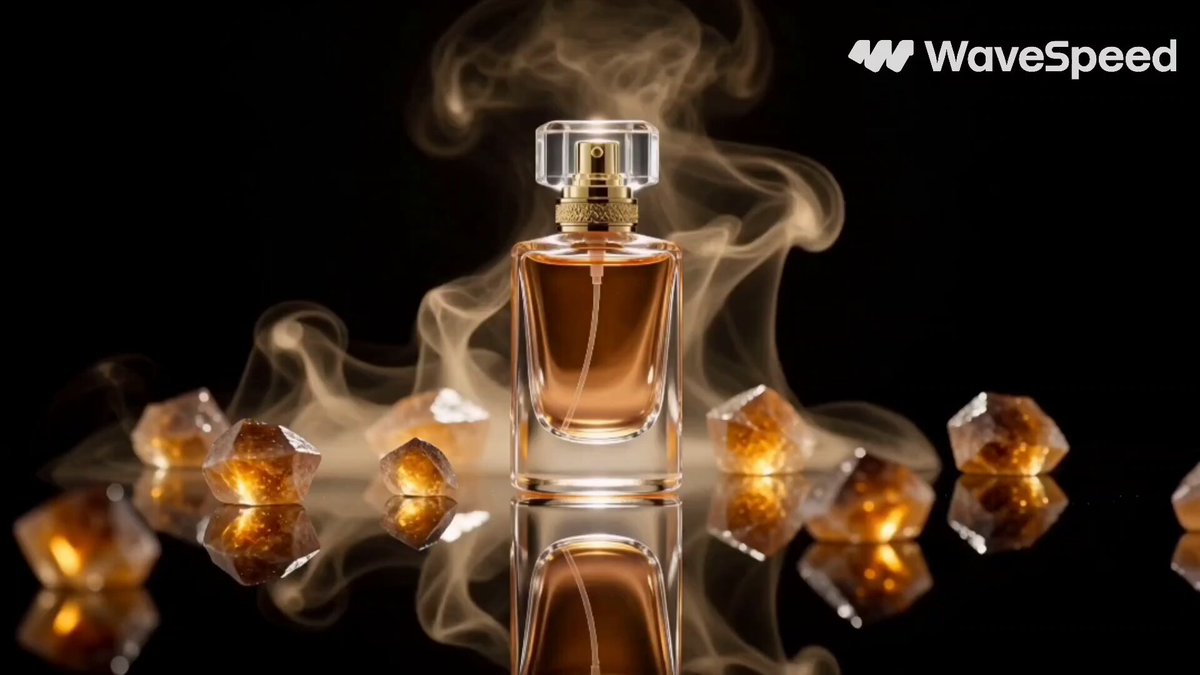
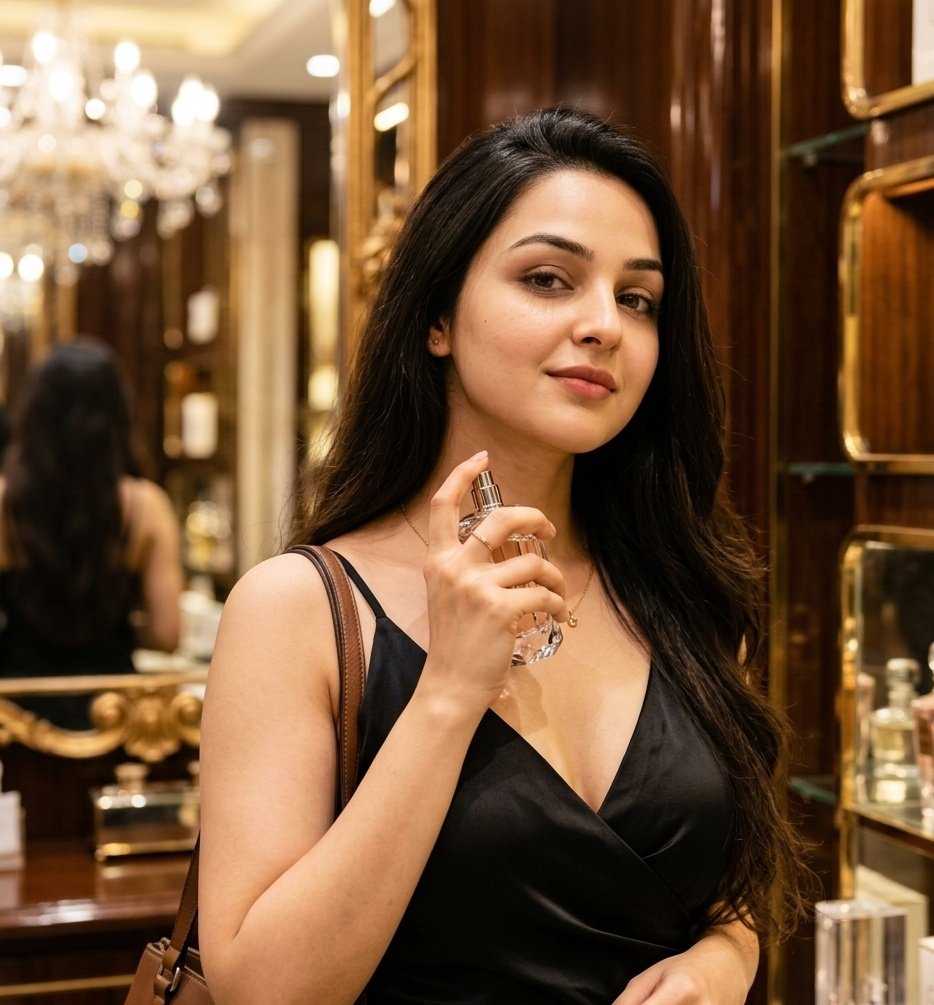
A detailed video prompt for Grok Imagine, intended as a continuation from an image, describing a young woman in a sleek black dress applying luxury perfume in a boutique, focusing on cinematic lighting, smooth motion…
This template uses your photo — add one with the + button.
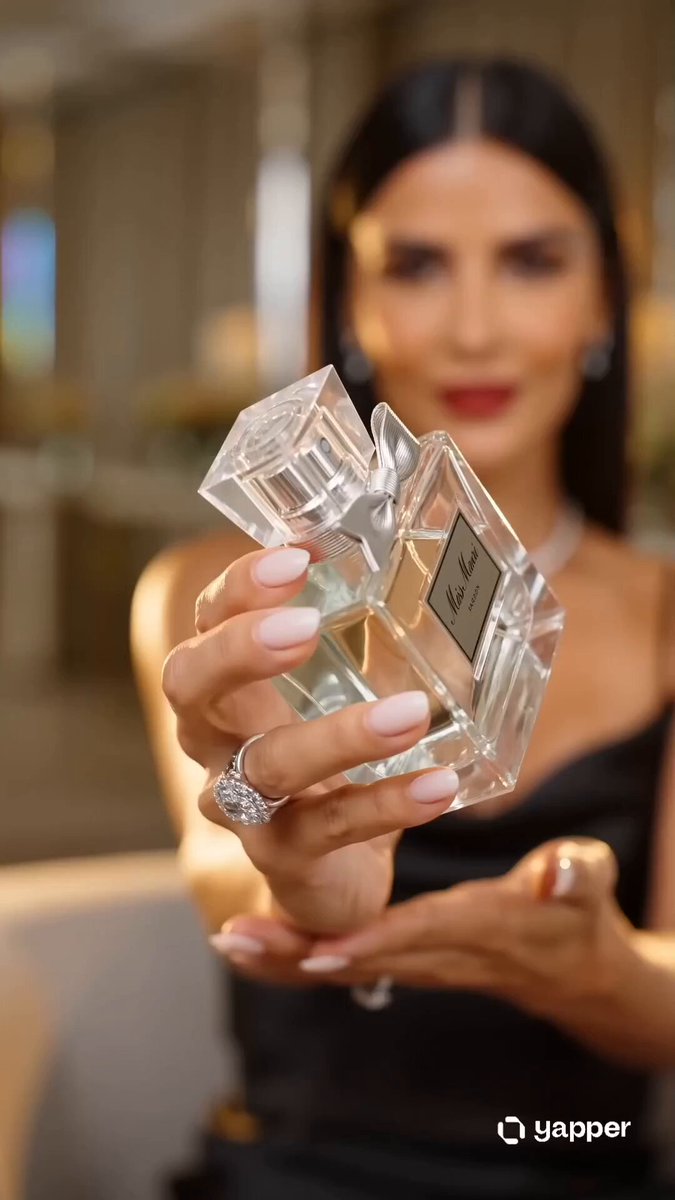
Video Prompt (Image → Video continuation): A young woman with the uploaded image face, wearing a sleek black evening dress, stands inside a softly lit luxury boutique with golden reflections and mirrors in the background. She gently raises a luxury perfume bottle to her neck and presses the sprayer, releasing a delicate mist of perfume into the air. The fine fragrance mist sparkles in the warm cinematic lighting. She closes her eyes briefly, enjoying the scent, then smiles softly at the camera and says, “I just love it.” Elegant fashion commercial style, smooth natural motion, shallow depth of field, cinematic lighting, ultra-realistic, luxury beauty advertisement vibe.
Video Prompt (Image → Video continuation): A young woman with the uploaded image face, wearing a sleek black evening dress, stands inside a softly lit luxury boutique with golden reflections and mirrors in the background. She gently raises a luxury perfume bottle to her neck and presses the sprayer, releasing a delicate mist of perfume into the air. The fine fragrance mist sparkles in the warm cinematic lighting. She closes her eyes briefly, enjoying the scent, then smiles softly at the camera and says, “I just love it.” Elegant fashion commercial style, smooth natural motion, shallow depth of field, cinematic lighting, ultra-realistic, luxury beauty advertisement vibe.
Luxury Perfume Commercial Video Continuation Prompt needs input media to work. Open it in the studio and these load alongside the prompt — pick whichever ones your chosen model can take.
Edit the prompt in the box under the preview — the template's model and format are already selected — and press Generate. Your version appears right on this page.
Yes. You can change the subject, setting, lighting, mood, format, and available model controls before creating your video.
Opening and editing this template is free. Generating uses credits, shown on the Generate button when you are signed in.
Start with Grok Imagine, which is the model associated with this template. You can compare another compatible model for a different finish.
Follow a topic to a crawlable collection of related PicX Studio templates.