
Cinematic Golden Hour Portrait
A soft glamour video prompt featuring a woman in a red satin outfit during golden hour with bokeh lights and floating particles.
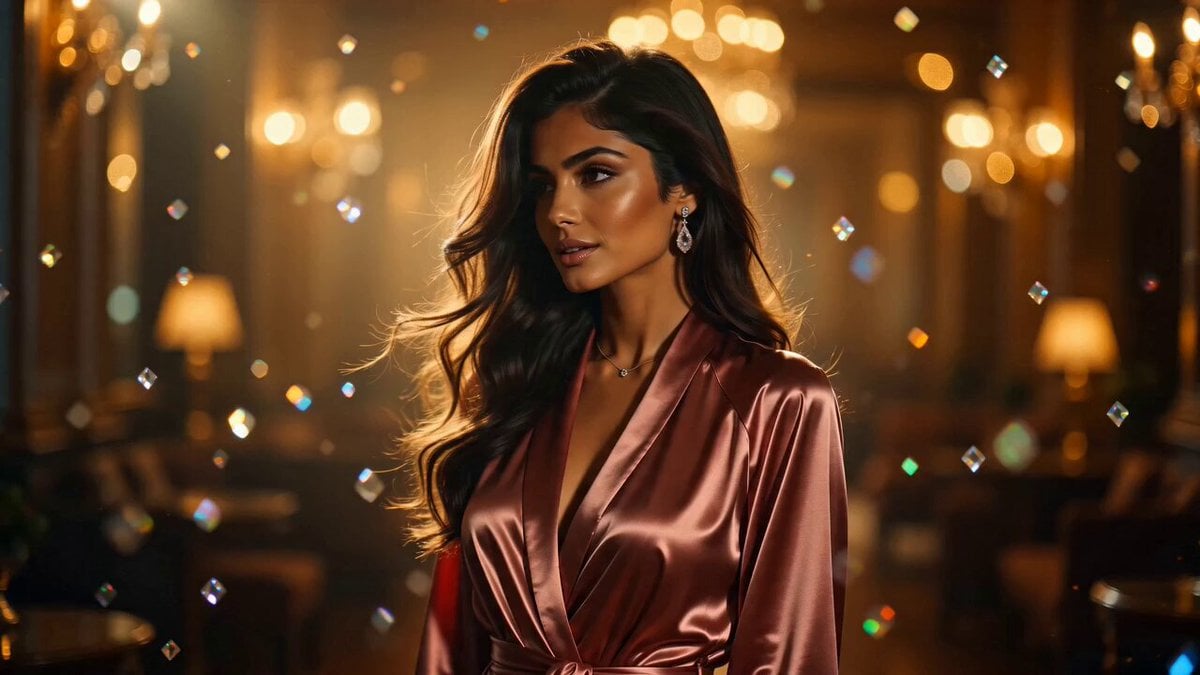
- Prompt included
- Model and format preset
- Premium template
The prompt behind this video
Copy the exact prompt behind Cinematic Golden Hour Portrait, or open it in the studio and make it yours.
[GLOBAL SETUP] Style: cinematic beauty portrait, soft glamour photography, warm golden-hour color grade, shallow depth of field, dreamy bokeh background Subject: young woman with voluminous dark hair, wearing a red/rose-toned satin outfit, soft glam makeup, subtle jewelry Setting: elegant indoor space with warm ambient lights, out-of-focus golden bokeh lights in background Camera: 16:9 aspect ratio, static tripod base with slow, subtle push-in, shallow depth of field, 50mm lens look Lighting: warm key light from front-left, soft rim light on hair, golden ambient glow, floating light particles/sparkle dust drifting through frame Mood: elegant, romantic, dreamy, luxurious [00:00-00:04] Woman gazes softly off-camera, slow subtle head tilt, hair strands gently lifting as if caught by a light breeze, sparkle particles drifting slowly across foreground, camera holds steady with barely perceptible push-in [00:04-00:09] She slowly turns her head toward camera, a faint smile forming, eyelashes catching the light, bokeh lights in background softly pulse and shimmer, hair continues to sway gently [00:09-00:15] Close-up settles as she meets the camera's gaze directly, soft blink, light particles swirl gently past her face, warm glow intensifies slightly, camera completes its slow push-in ending on a serene, elegant close-up [NEGATIVE PROMPT] no fast motion, no camera shake, no distorted face, no extra fingers, no text overlay, no watermark, no harsh shadows, no color banding, no warping, no morphing background, no lip sync artifacts
How to use Cinematic Golden Hour Portrait in 3 steps
- 1
Open
The prompt is already in the box next to the preview, with the template's model and format selected.
- 2…a portrait of your subject in softgolden-hour light, 85mm…
Personalize
Edit the subject and creative details for your destination.
- 3Generate
Generate
Press Generate — your video is created in PicX Studio, so you can compare it with the original and refine one variable at a time.
More like this
Templates with the same subject, style or setup. Open one to see its prompt.
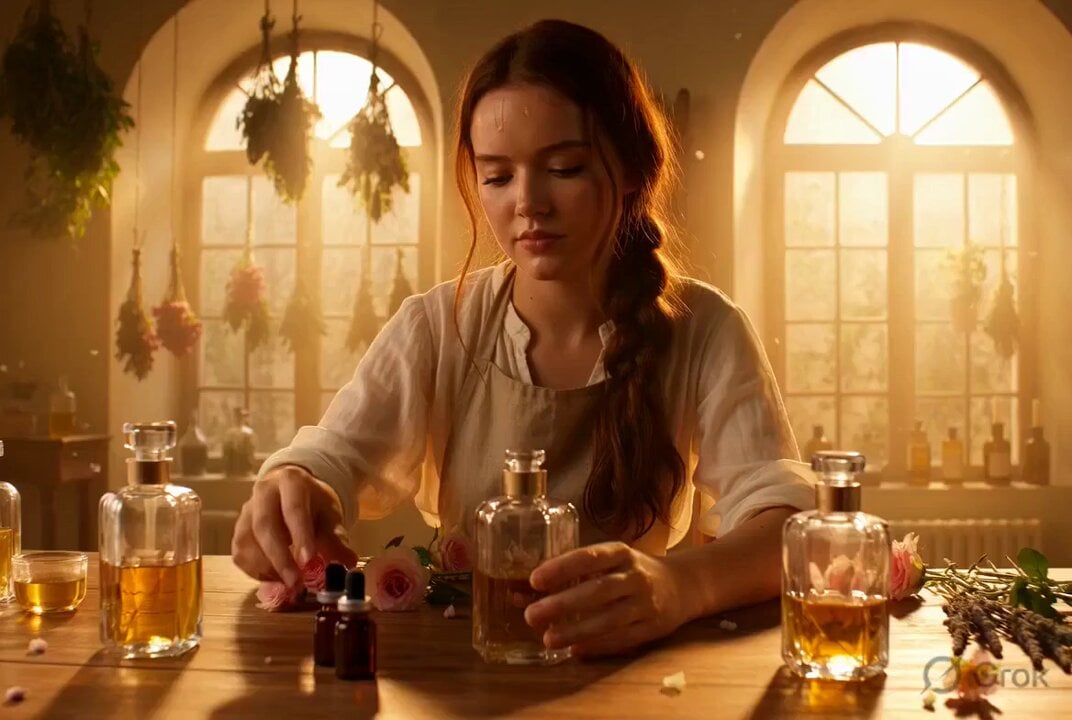
Golden Hour Woodturner Cinematic Portrait

Sneaker Product Commercial

Cinematic Portrait Study 3

Cinematic Portrait Study
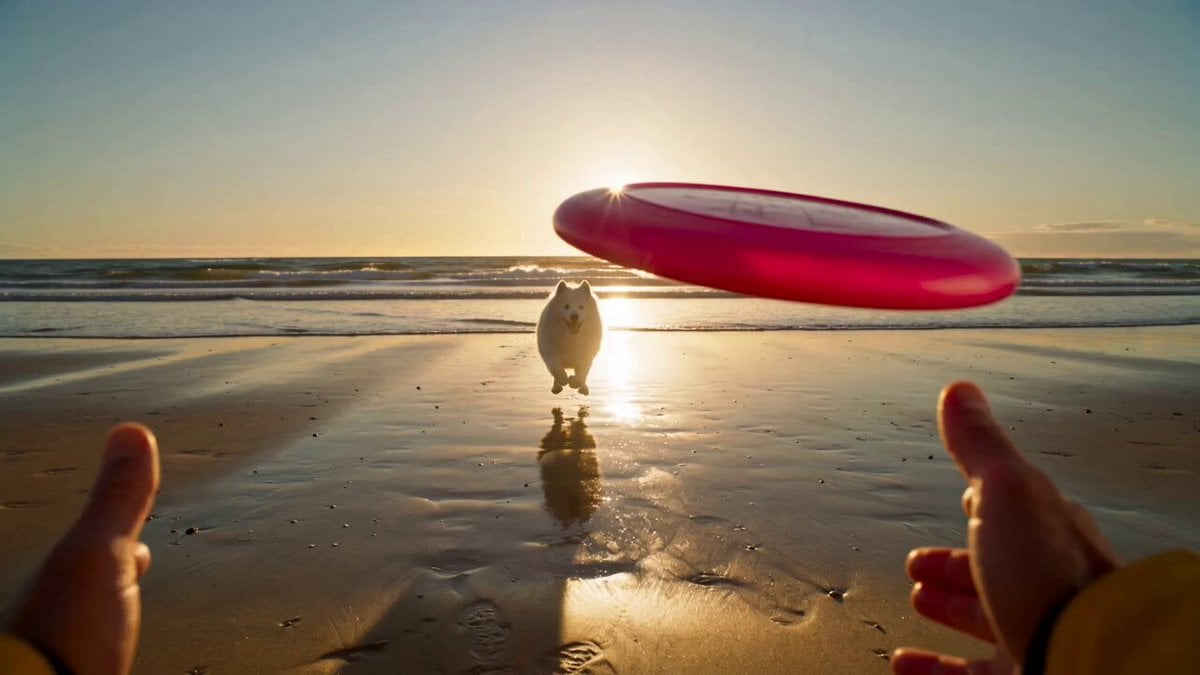
Golden Hour Beach Dog POV
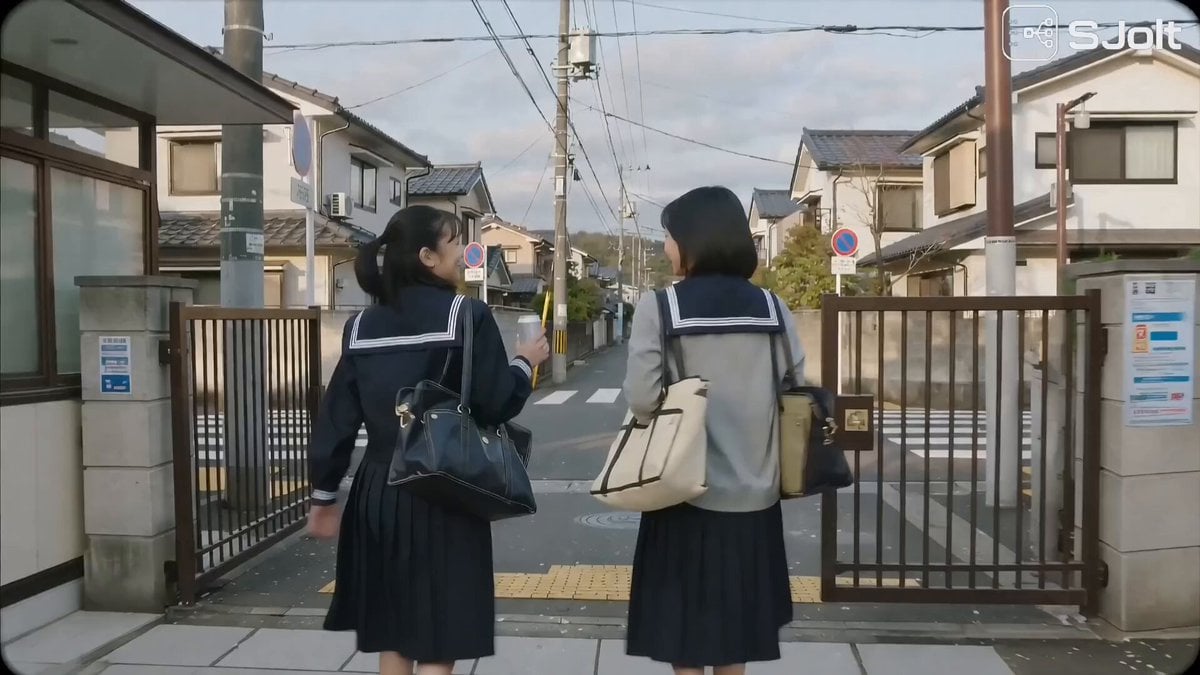
Japanese High School Golden Hour Walk
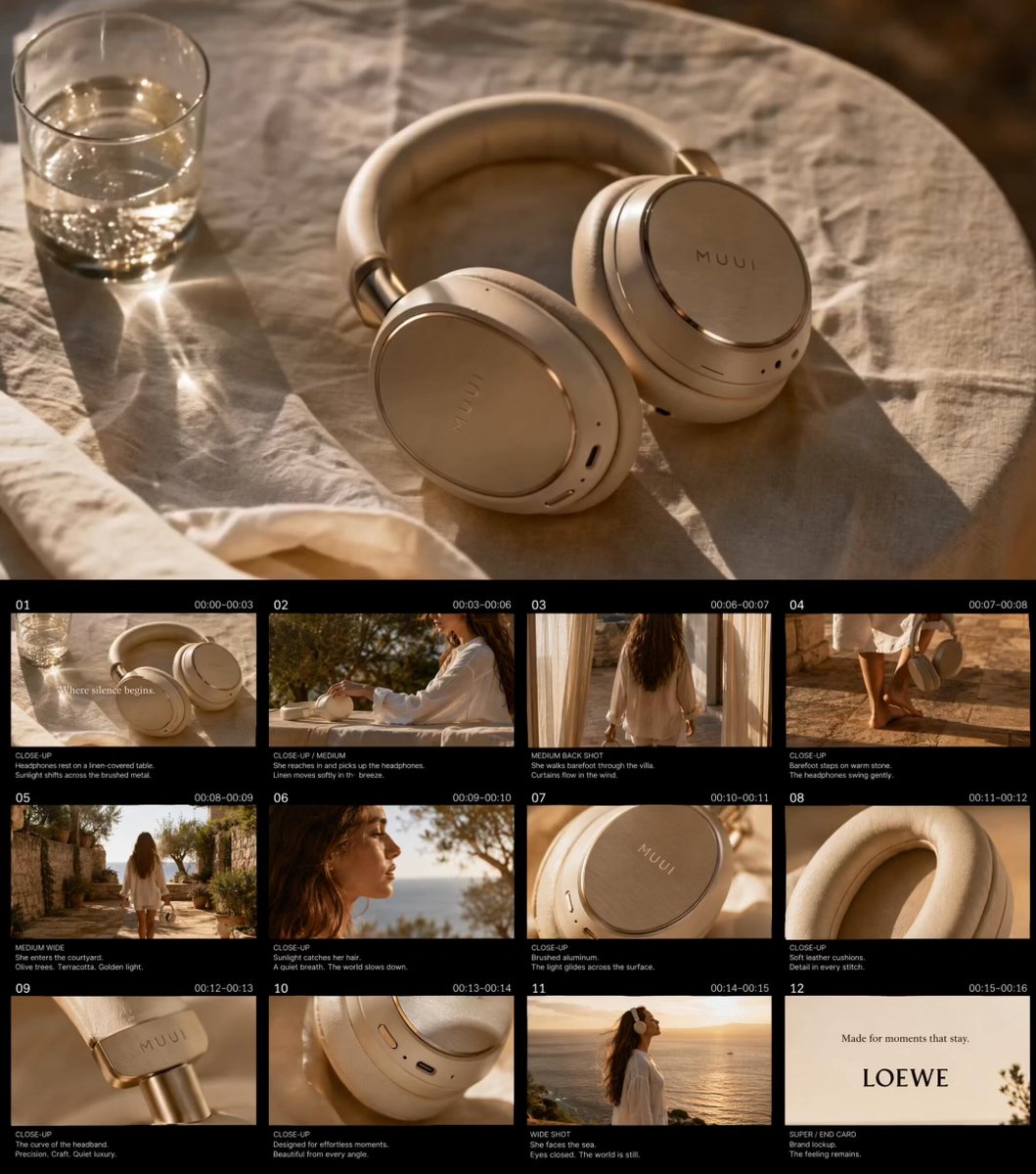
Golden Hour Luxury TVC
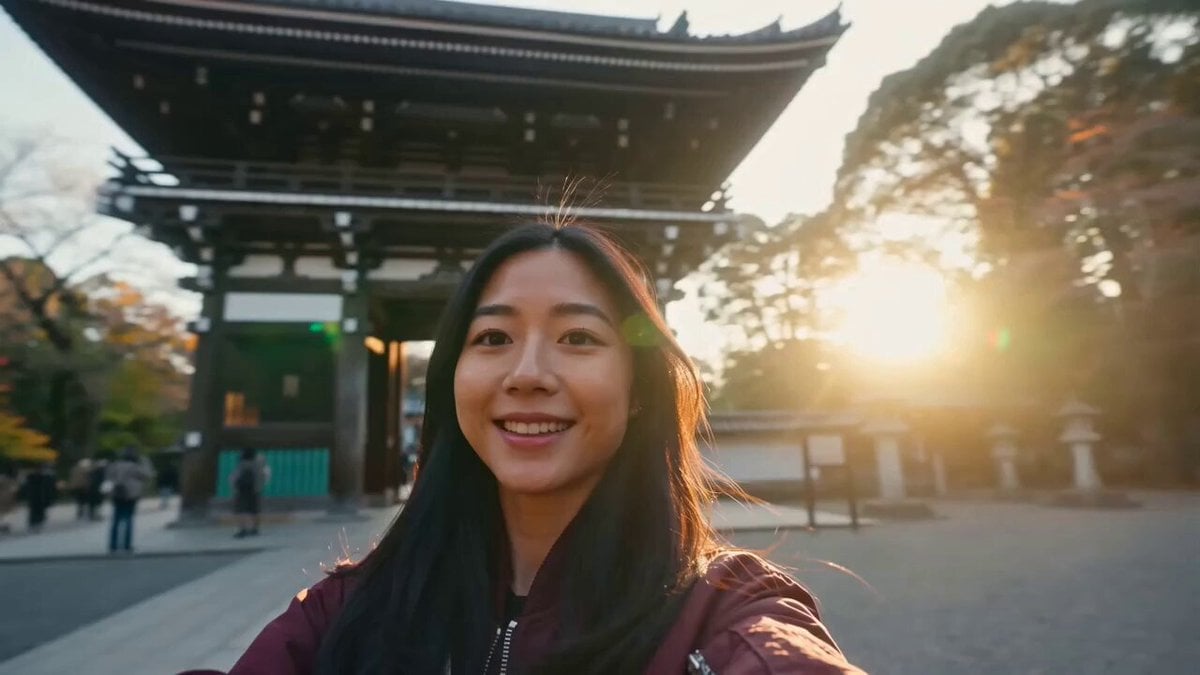
Japan Travel Vlog Golden Hour
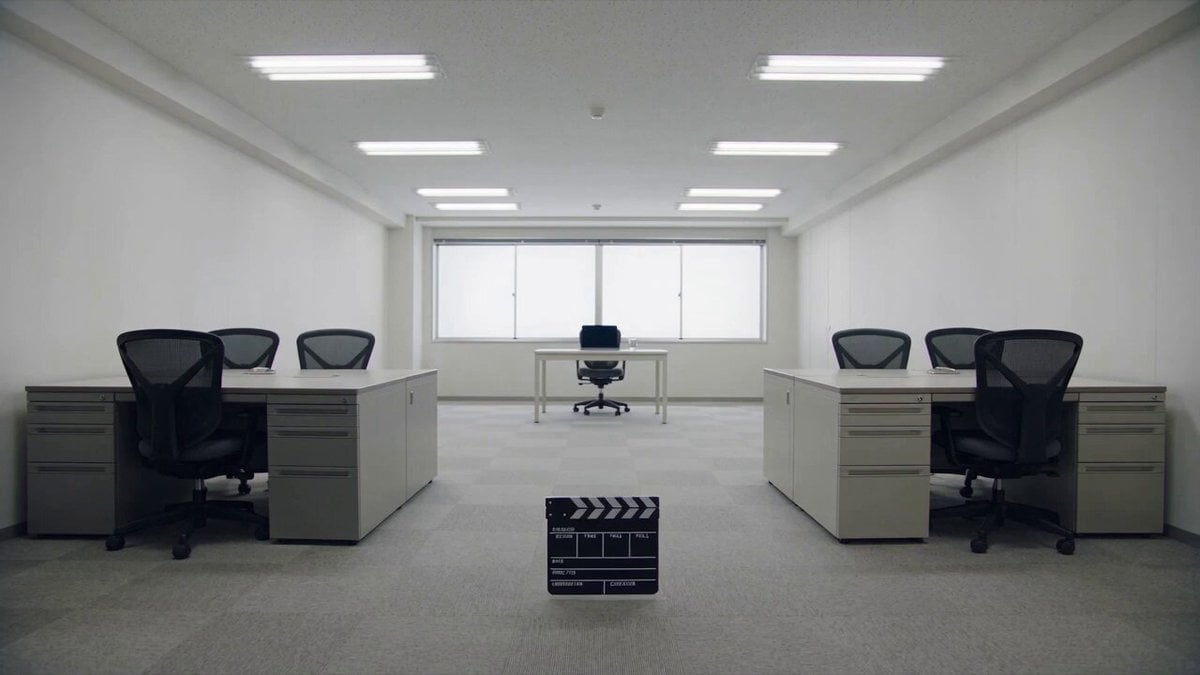
Minimalist Photography Studio Golden Hour
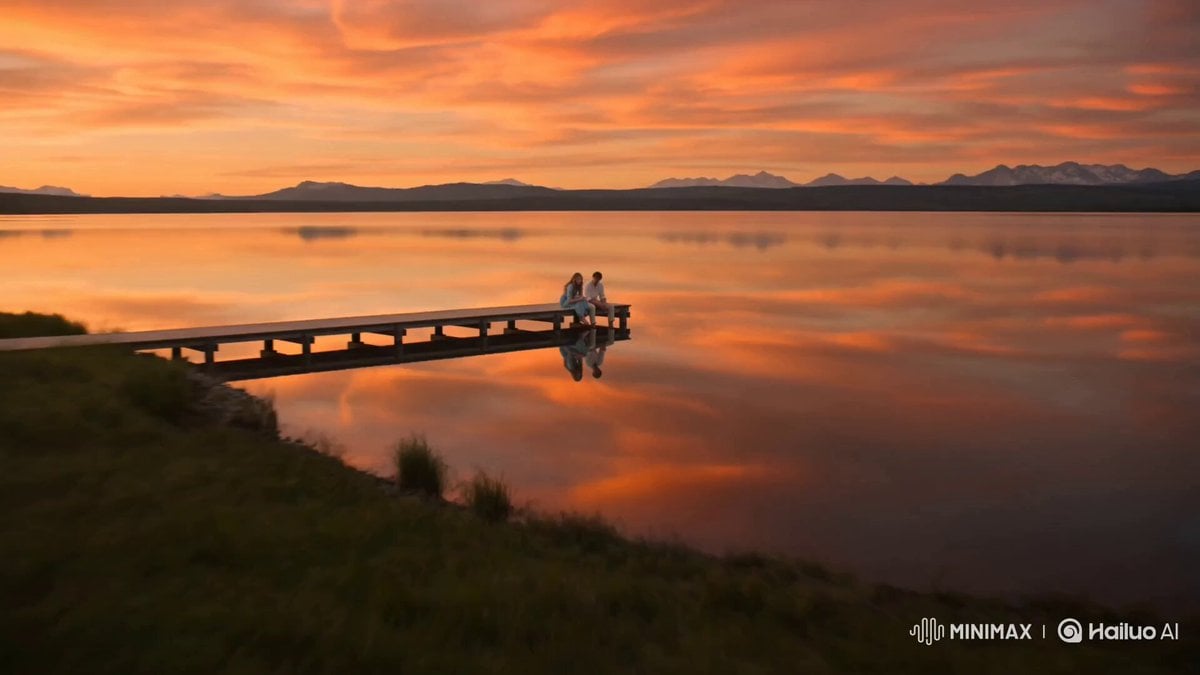
Alpine Lake Golden Hour Couple
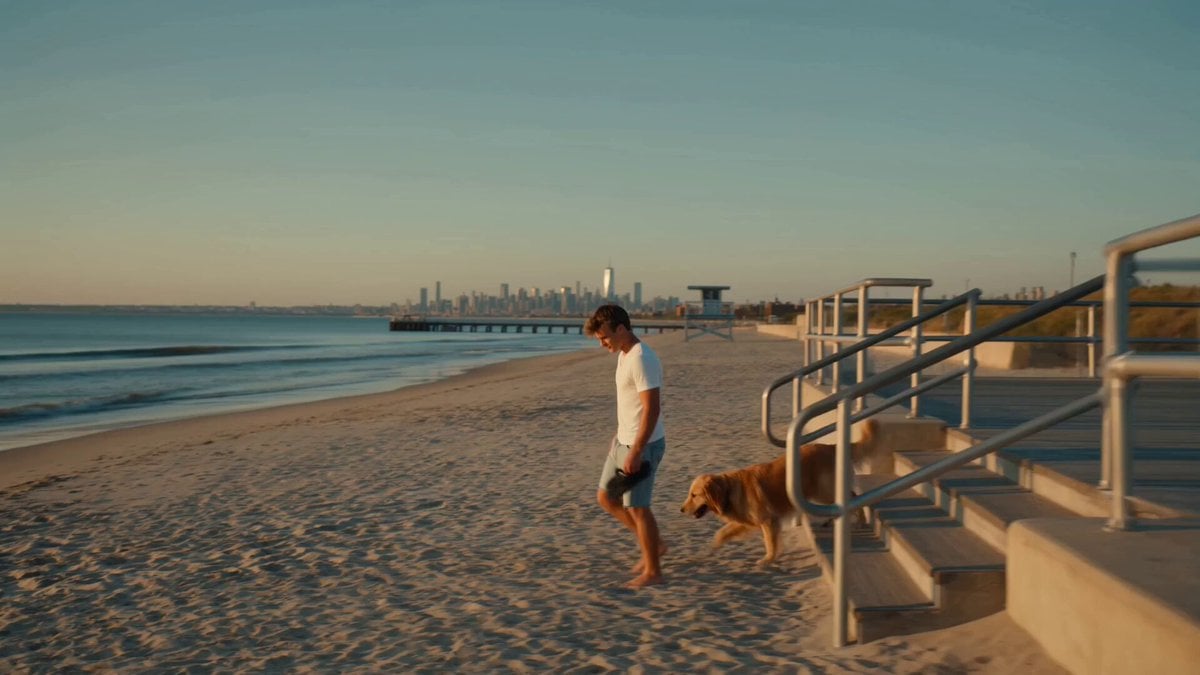
Golden Hour NYC Beach Stroll

Blonde Woman Driving Green 1960s Mustang Golden Hour
Make it yours
Cinematic Golden Hour Portrait works as-is. These are the safest ways to change it without losing the look.
Change one field
Copy a single group, rewrite it, and generate again so you can see what that field is doing.
Keep the frame, change the subject
Hold the composition and light of Cinematic Golden Hour Portrait, then swap wardrobe, props or the person for a new take.
| If the result… | Why | Fix |
|---|---|---|
| The result drifts from the preview | Too many fields changed at once. | Reuse Cinematic Golden Hour Portrait as-is first, then change one group — subject, light, or setting. |
| The model over-stylizes the scene | The prose prompt leaves finish and camera underspecified. | Add one camera or lighting sentence and stay on Seedance 2.0. |
More Seedance 2.0 templates
Other prompts made for Seedance 2.0.

Comical Martial Arts Punch Scene

Maglev Train Action Sequence

Martial Arts Fight Sequence

Wuxia Protection and Trust Script

Vintage Korean Arcade MiniDV Vlog

Mercedes 190 SL Luxury Ad

Rainy Night Supernatural Reverse Comedy Video Script

Amazon Civilization Discovery

Futuristic South Asian City Transformation

Cozy Luxury Cafe Commercial
More video prompts
Fresh picks from across the catalog.
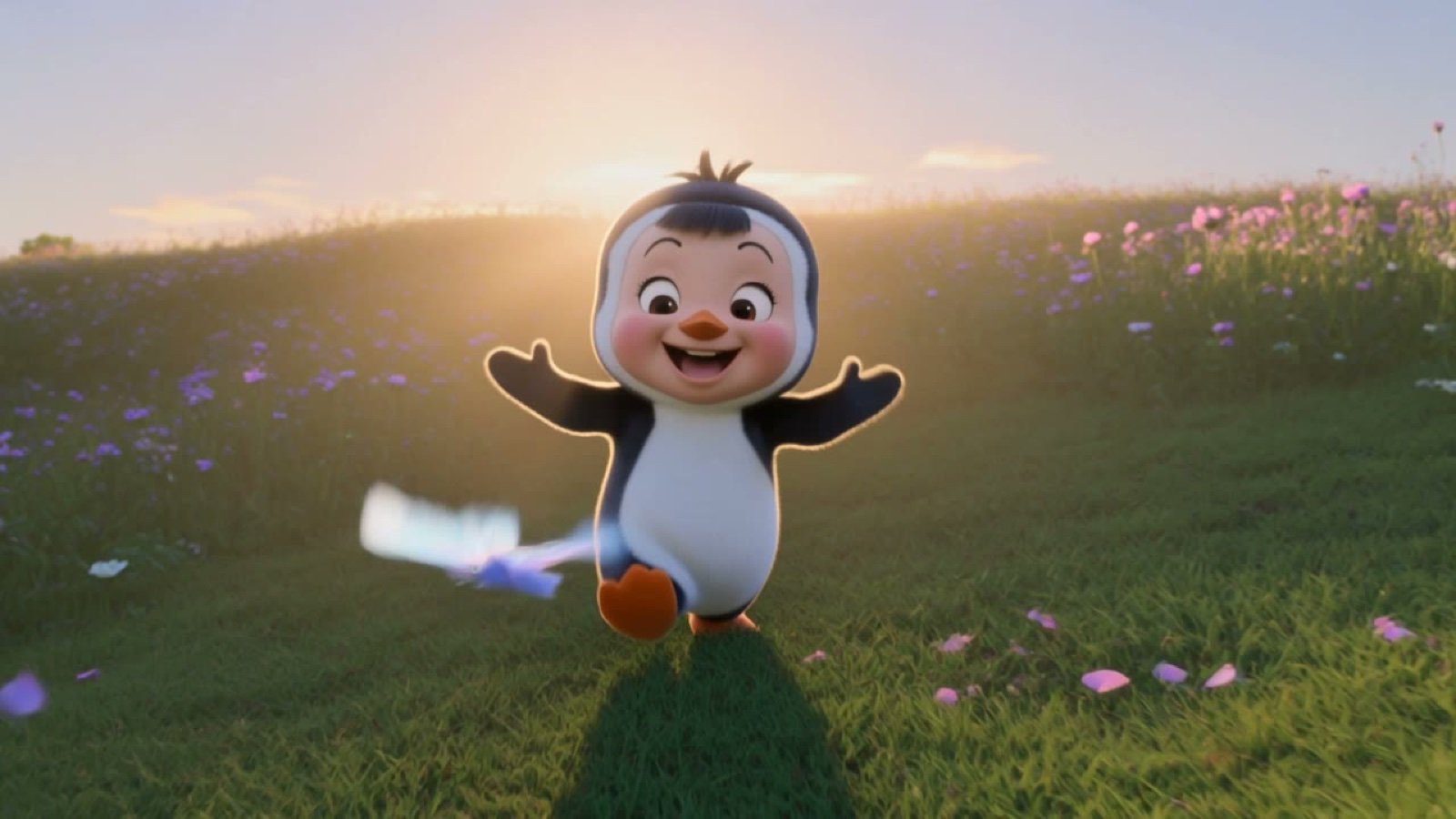
3D Chibi Penguin Girl Butterfly Chase
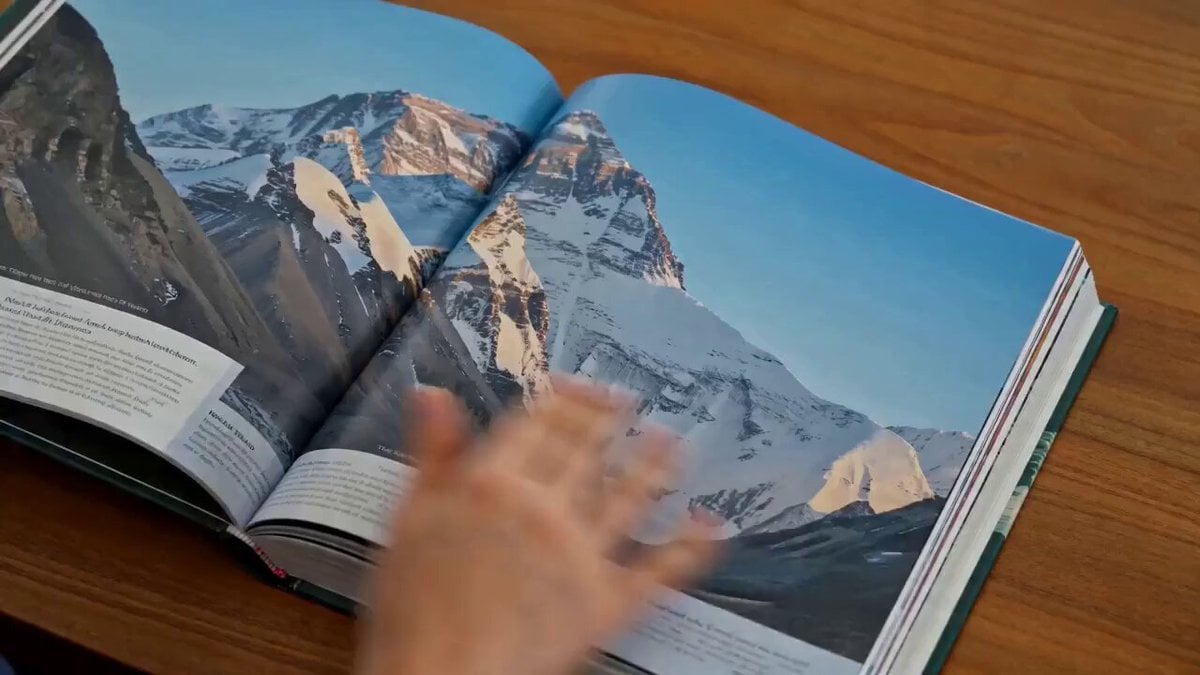
Luxury Editorial Book Flip
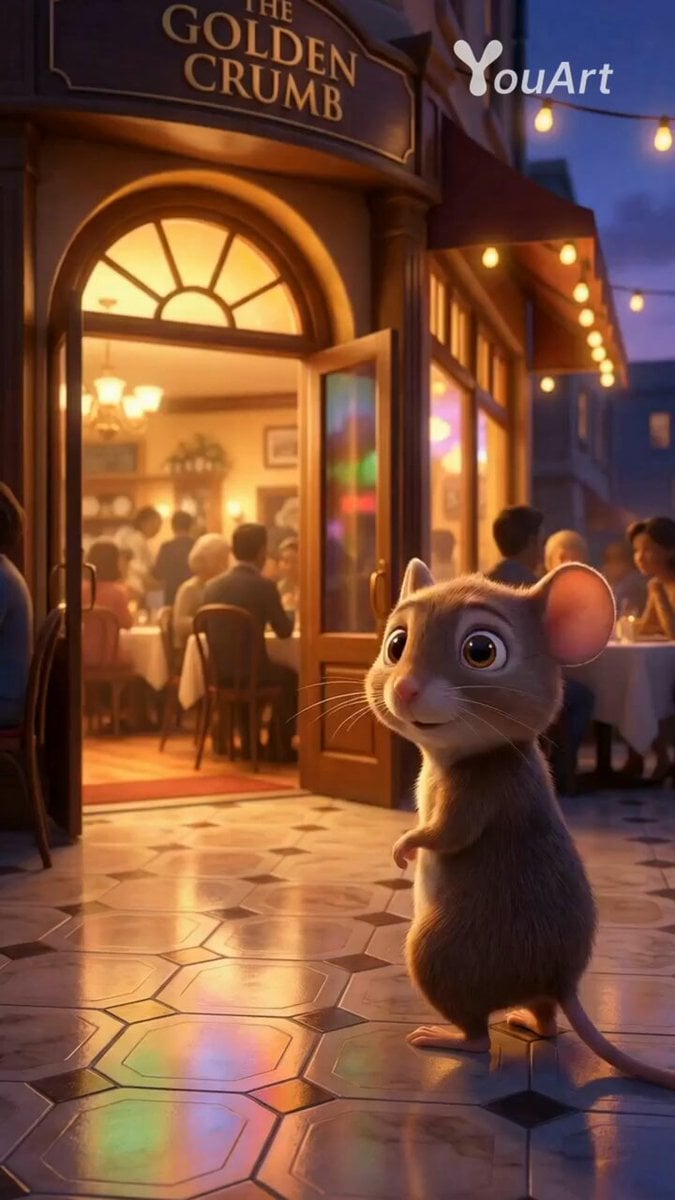
Mouse Searching for Food and Being Chased
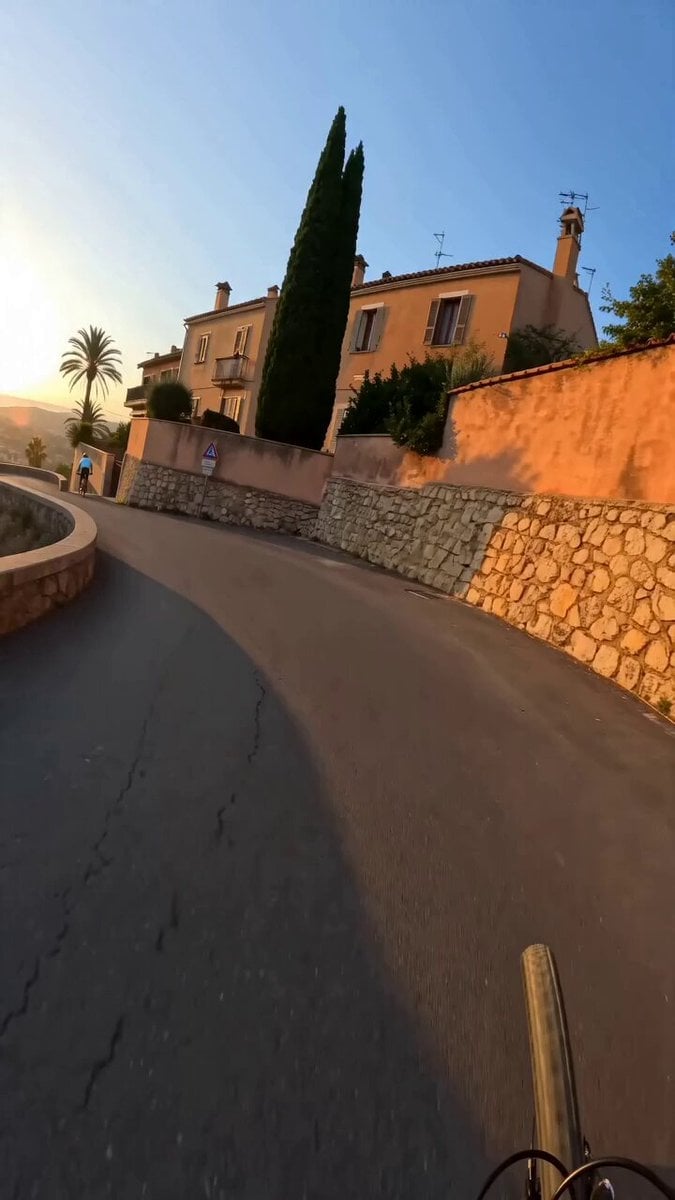
GoPro POV Mountain Bike Sunset Descent
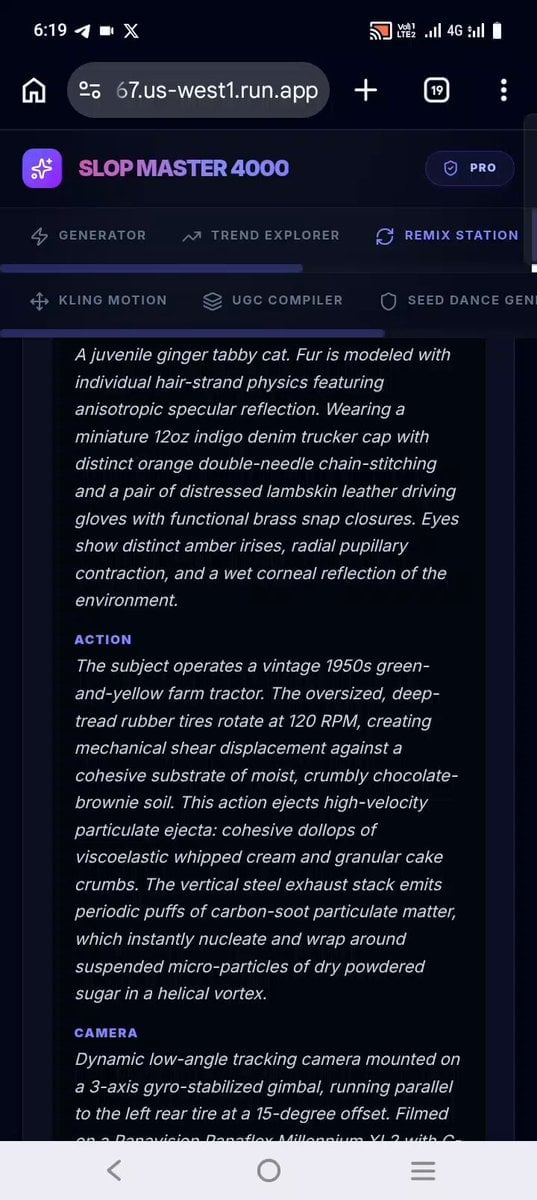
Confectionery Cat Tractor Scene
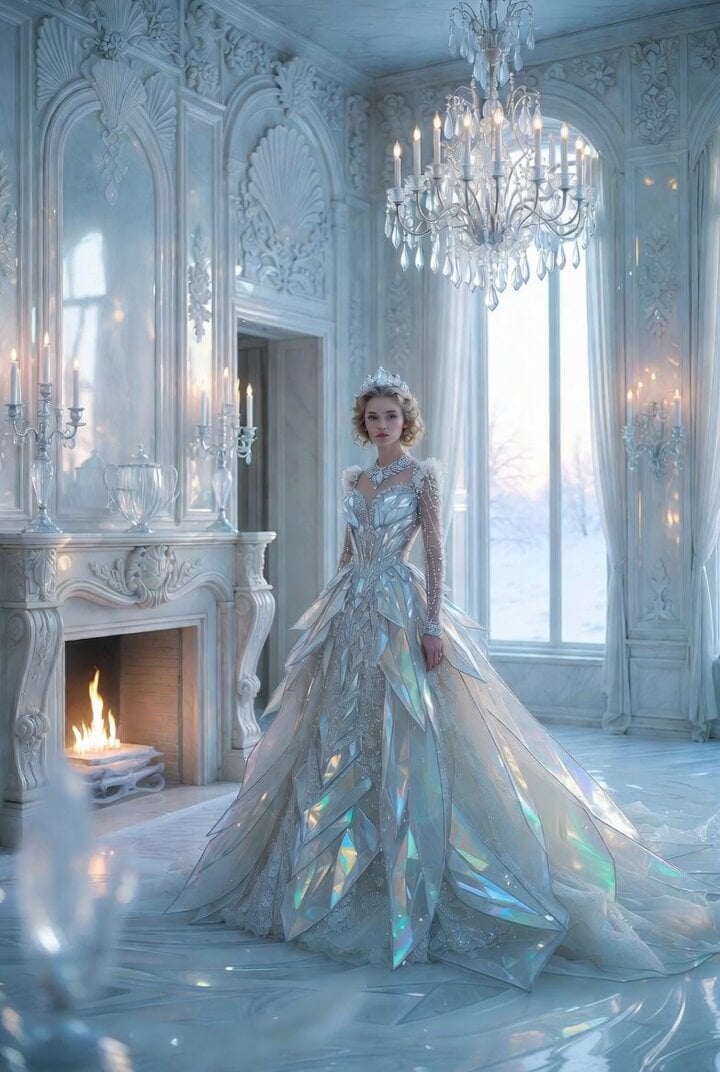
Impossible Winter Palace Salon Video Prompt
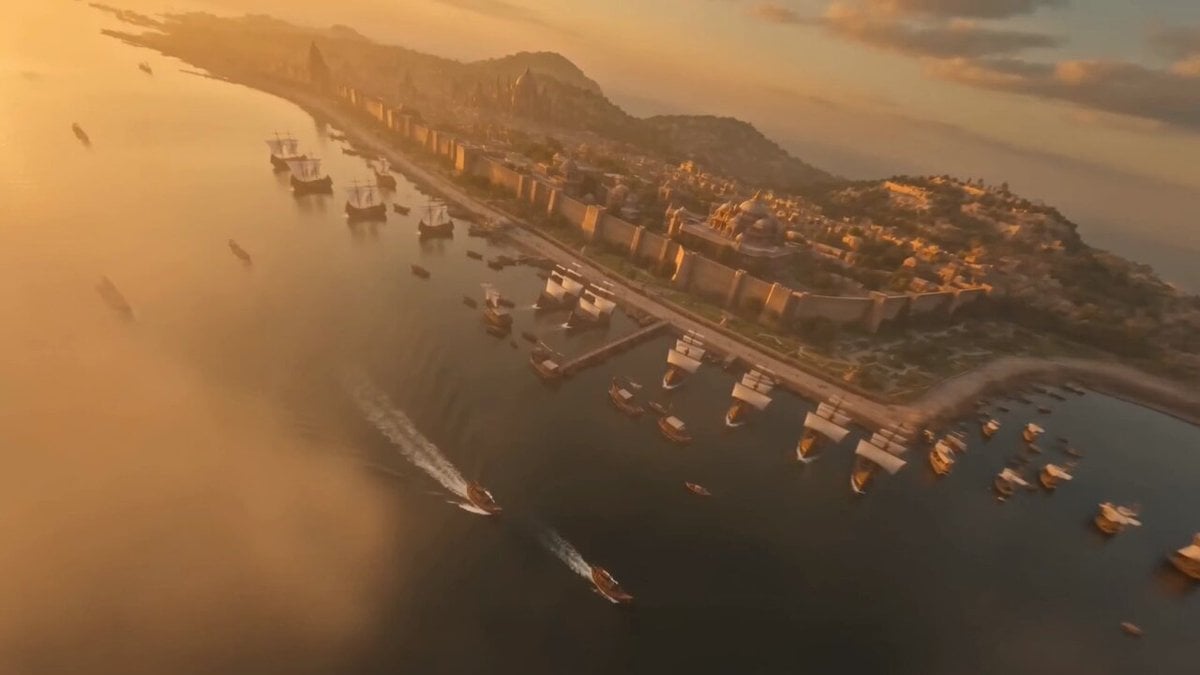
Ancient Indian Kingdom FPV Drone Shot
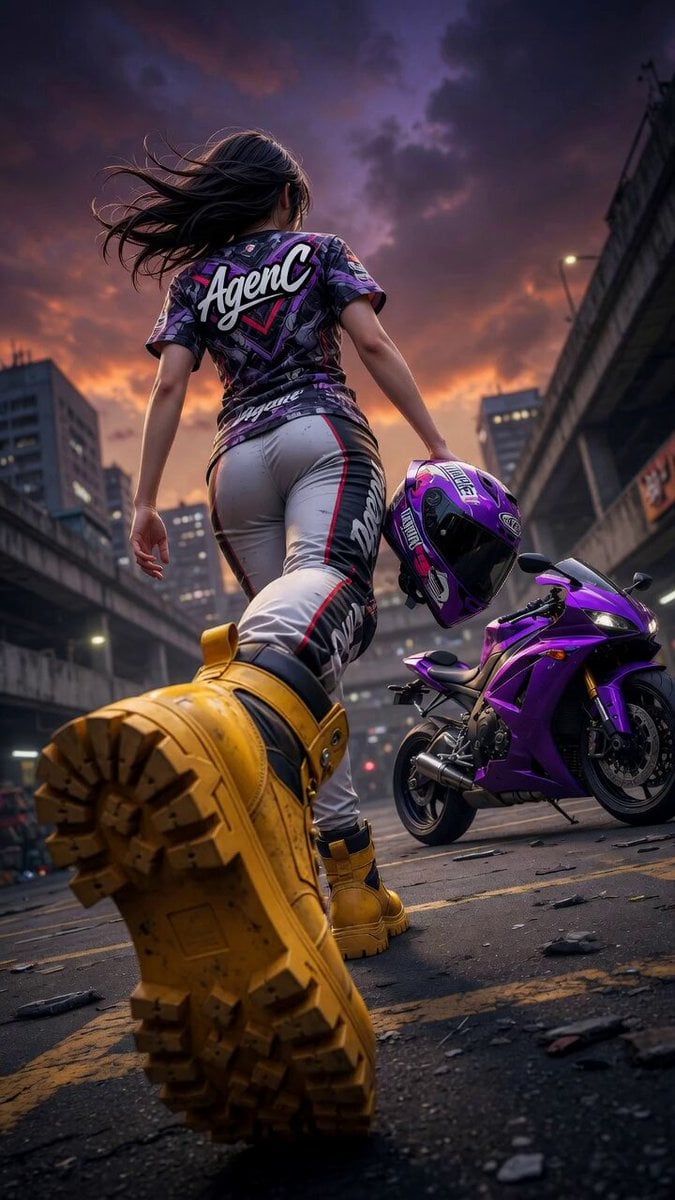
Cinematic Anime Racing Girl in Urban Parking Lot
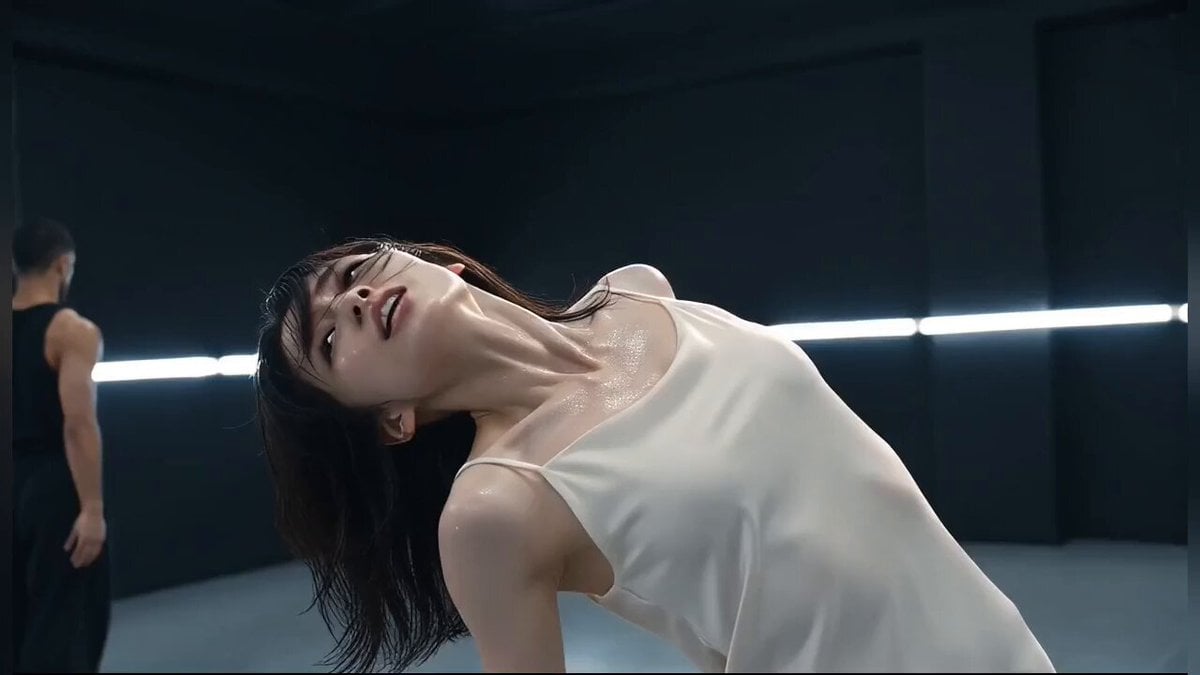
Modern Dance Studio Music Video
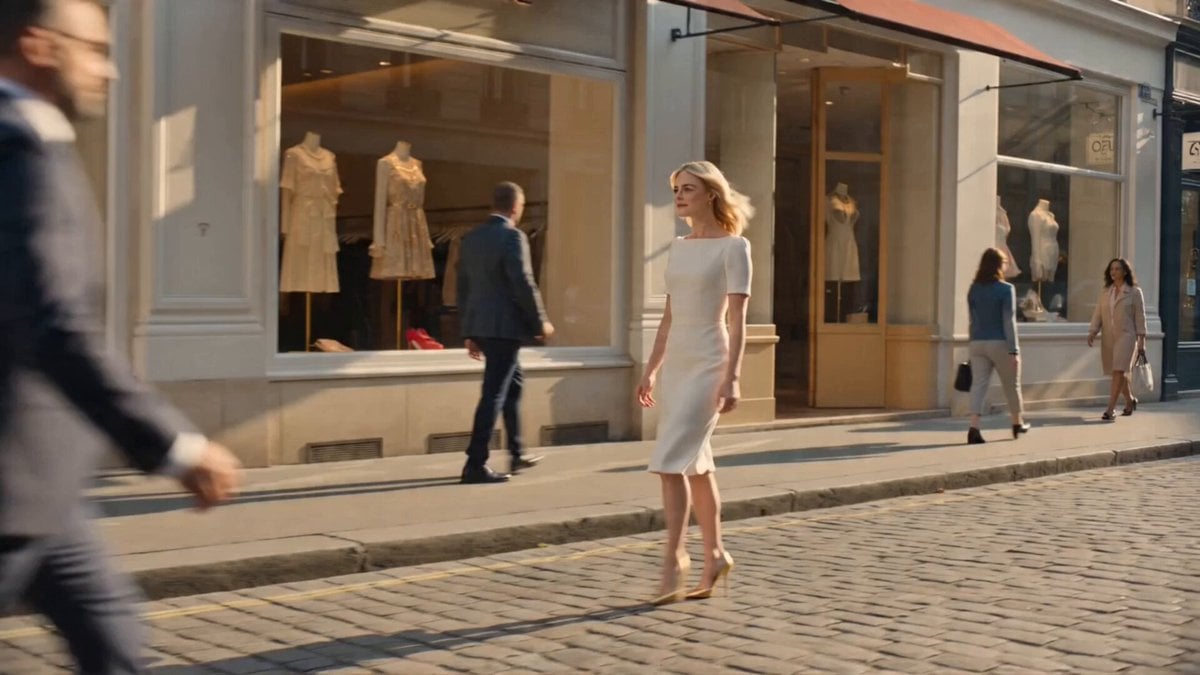
Elegant British Female Character Portrait
Browse template categories
Cinematic Golden Hour Portrait questions
How do I use the Cinematic Golden Hour Portrait template?
Add your photo if the template asks for one, edit the prompt if you like — the template's model and format are already selected — and press Generate. Your version opens in PicX Studio.
Can I customize the Cinematic Golden Hour Portrait template?
Yes. You can change the subject, setting, lighting, mood, format, and available model controls before creating your video.
Is the Cinematic Golden Hour Portrait template free?
Opening and editing this template is free. Generating uses credits, shown on the Generate button when you are signed in.
Which AI model should I use?
Start with Seedance 2.0, which is the model associated with this template. You can compare another compatible model for a different finish.
Looking for something else? Browse all templates.

Your photo, any look
Thousands of ready templates for every top image and video model, from one credit balance.