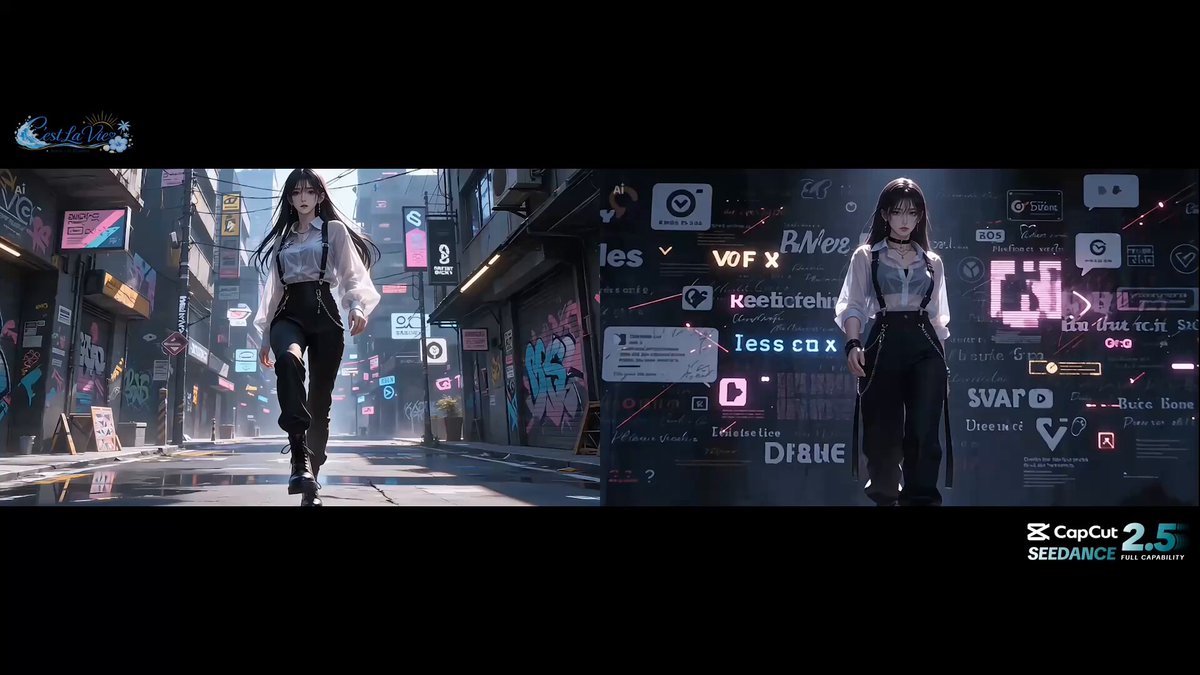
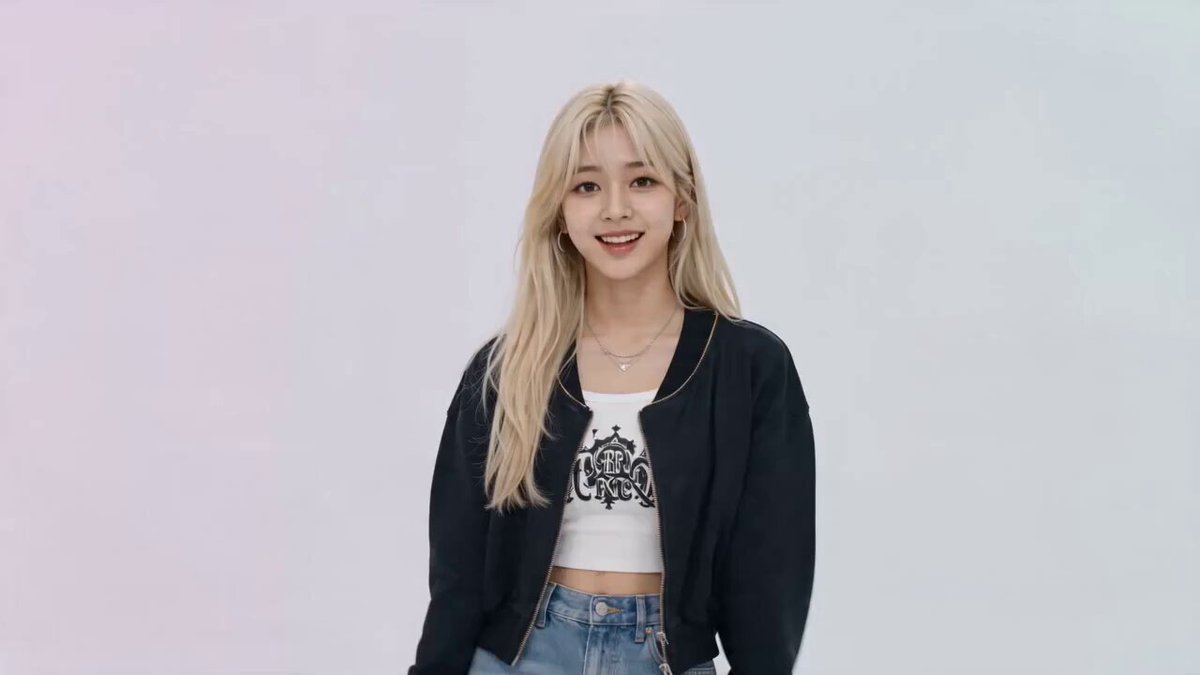
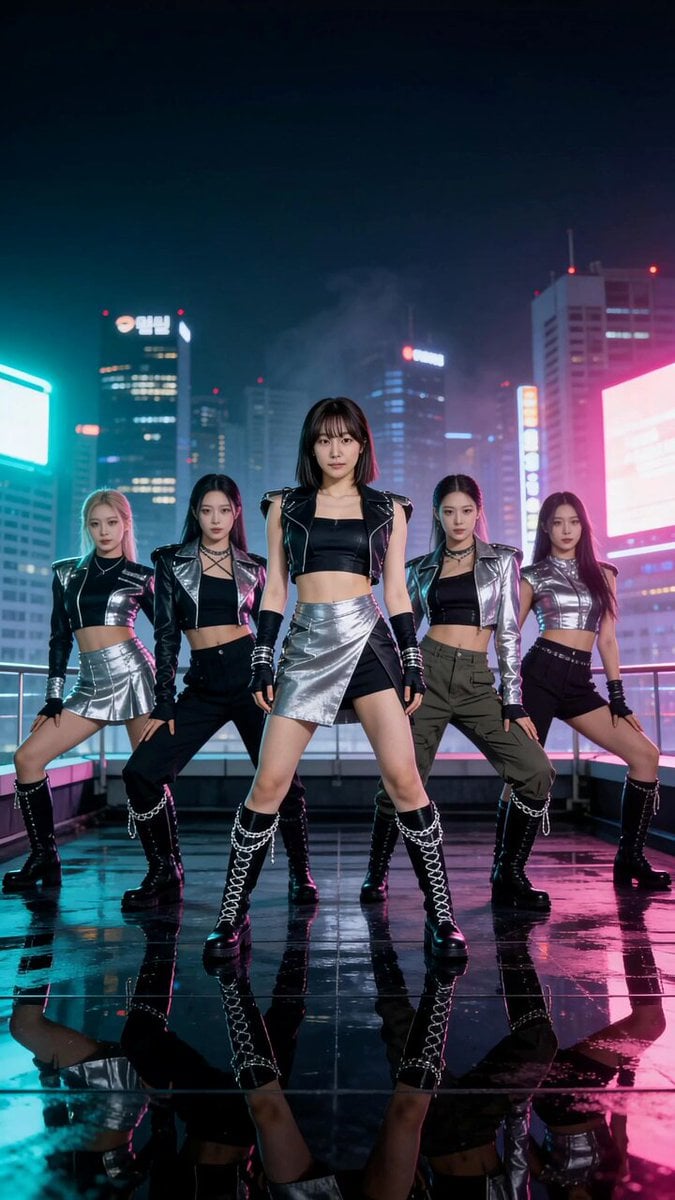
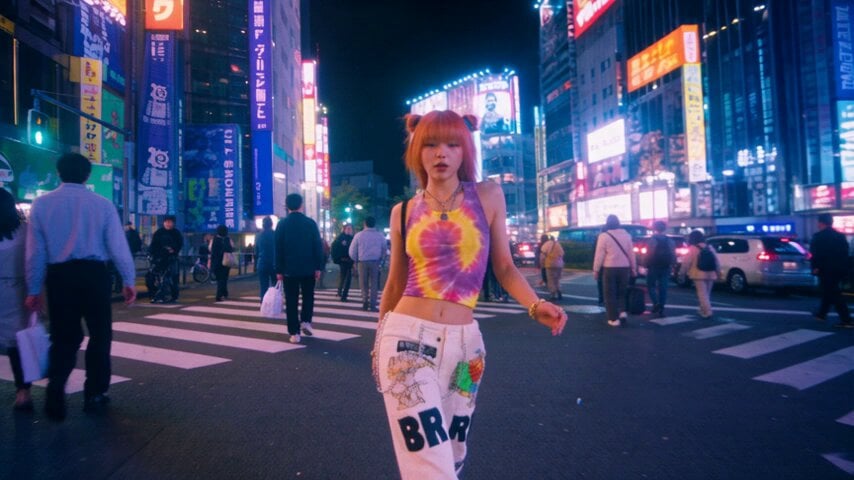
How do I use the Modern Dance Studio Music Video template?
Edit the prompt in the box under the preview — the template's model and format are already selected — and press Generate. Your version appears right on this page.
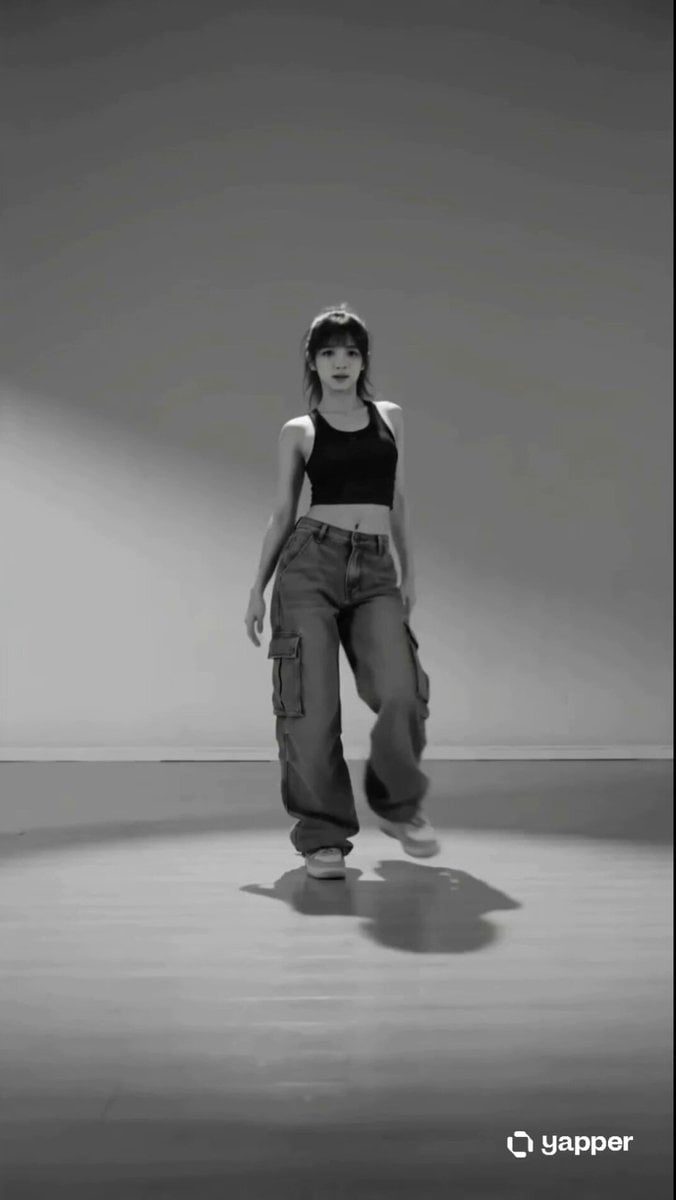
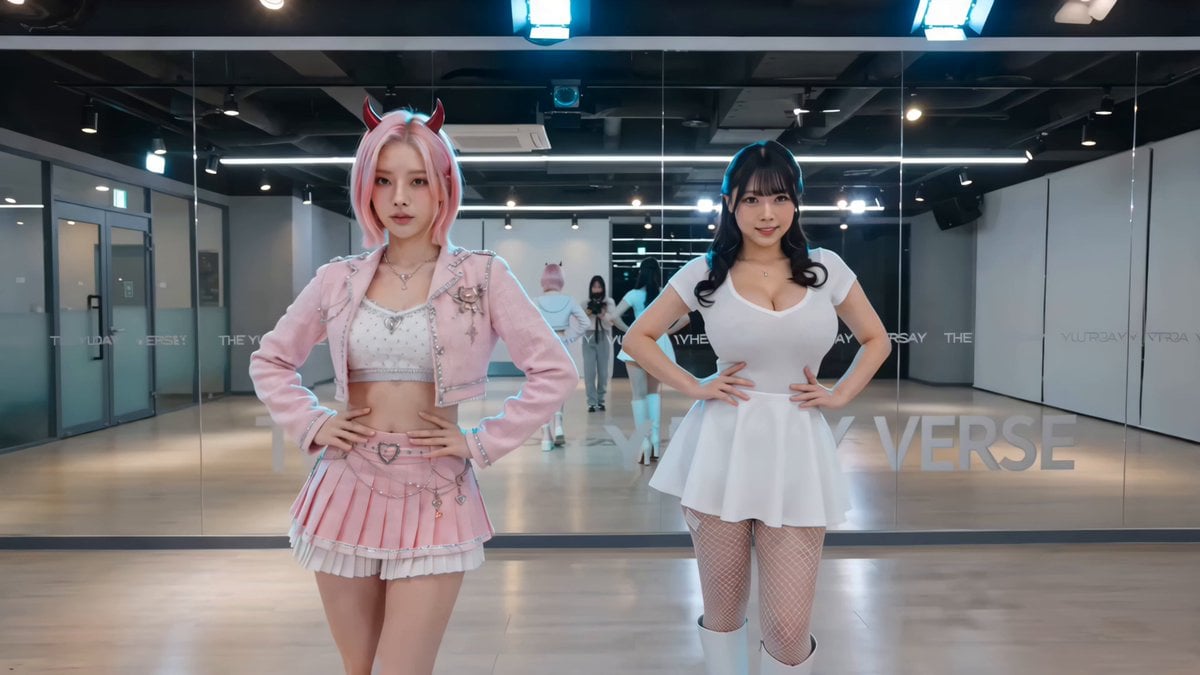
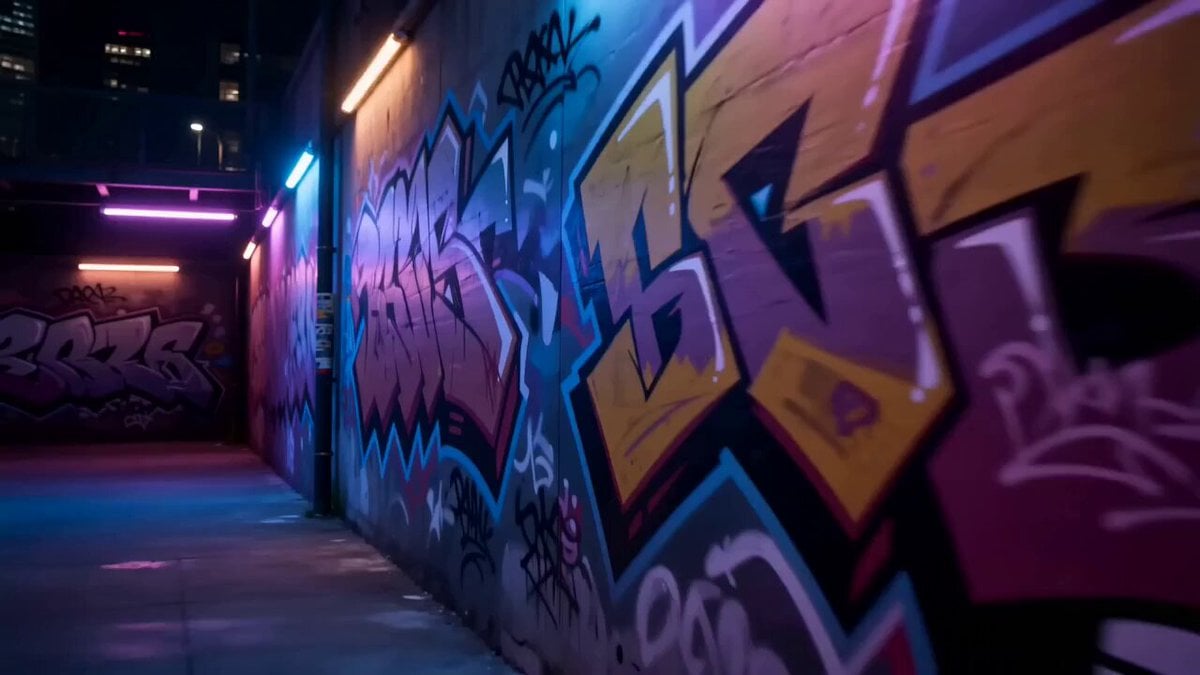
A cinematic prompt for a 10-second music video in a neon-lit dark dance studio with continuous dynamic camera movements.
一部电影般的 10 秒音乐视频,拍摄于一个黑暗的现代舞蹈工作室,带有光滑的灰色反光地板、黑色墙壁和水平霓虹灯管。连续的动态摄像机运动,主要为中景 and 特写,绝不拉得太宽。女主角始终在移动,没有冻结或静态姿势。
一部电影般的 10 秒音乐视频,拍摄于一个黑暗的现代舞蹈工作室,带有光滑的灰色反光地板、黑色墙壁和水平霓虹灯管。连续的动态摄像机运动,主要为中景 and 特写,绝不拉得太宽。女主角始终在移动,没有冻结或静态姿势。
Edit the prompt in the box under the preview — the template's model and format are already selected — and press Generate. Your version appears right on this page.
Yes. You can change the subject, setting, lighting, mood, format, and available model controls before creating your video.
Opening and editing this template is free. Generating uses credits, shown on the Generate button when you are signed in.
Start with Seedance 2.0, which is the model associated with this template. You can compare another compatible model for a different finish.
Follow a topic to a crawlable collection of related PicX Studio templates.