
Epic Fantasy Escape Cutscene
A high-intensity fantasy action cutscene prompt featuring a hero escaping an ancient stone corridor collapse with complex camera work.
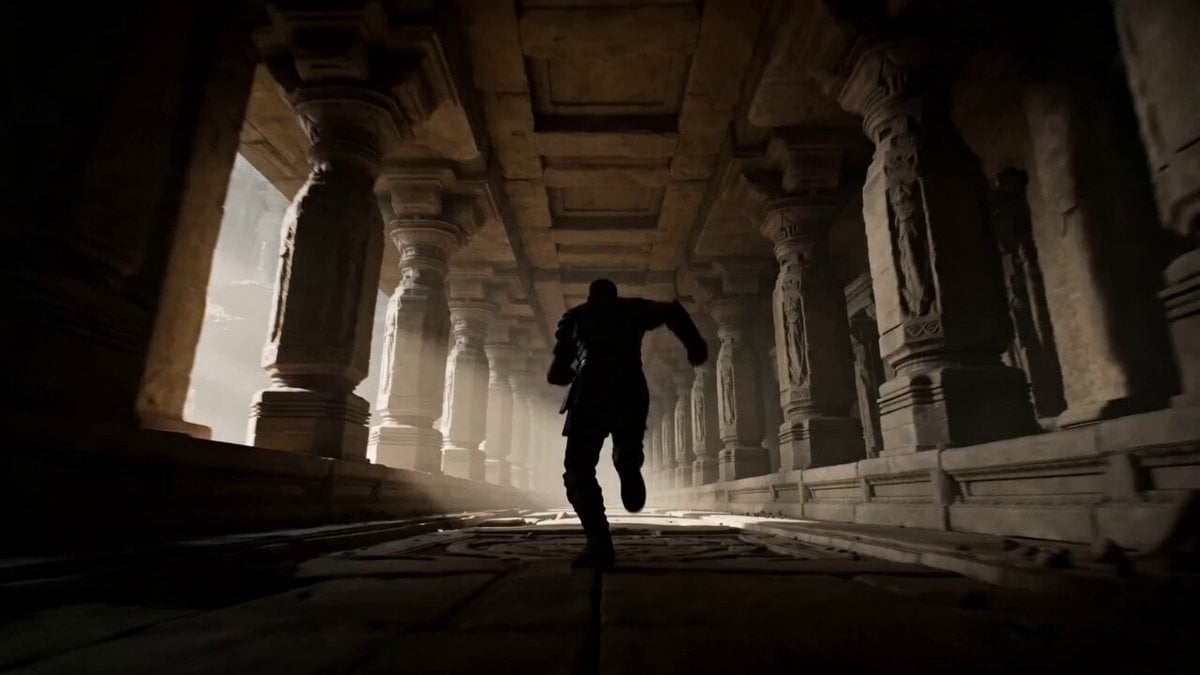
- Prompt included
- Model and format preset
- Free template
The prompt behind this video
Copy the exact prompt behind Epic Fantasy Escape Cutscene, or open it in the studio and make it yours.
Video game cutscene, epic fantasy action, dramatic volumetric god rays, heavy dust and debris, photorealistic with stylized game lighting, intense physics. 0-4s: Wide low-angle tracking shot following the hero sprinting through an ancient stone corridor. Sudden massive collapse behind him. Camera accelerates into a fast tracking shot as the floor cracks and drops away. 4-8s: Extreme dolly zoom (vertigo effect) on the hero’s face as he leaps across a widening chasm — background rushes toward camera while zooming in, creating strong disorientation. Hero twists mid-air grabbing a swinging chain. 8-12s: Dynamic orbiting camera spinning 180° around the hero while he swings across collapsing platforms. Camera tilts wildly with the falling debris, inducing vertigo. Hero runs across a tilting stone bridge that is breaking apart. 12-15s: Final desperate leap toward sunlight as the entire temple collapses into a massive sinkhole. Camera spins and drops with him in freefall, slow-motion rotation, ending with a dramatic pull-back as he lands on safe ground outside. Heavy motion blur on fast elements, coherent physics, intense energy. Ultra-detailed stone textures, cinematic lighting, perfect motion blur, high dynamic range, stable character, movie-level stability.
How to use Epic Fantasy Escape Cutscene in 3 steps
- 1
Open
The prompt is already in the box next to the preview, with the template's model and format selected.
- 2…a portrait of your subject in softgolden-hour light, 85mm…
Personalize
Edit the subject and creative details for your destination.
- 3Generate
Generate
Press Generate — your video is created in PicX Studio, so you can compare it with the original and refine one variable at a time.
More like this
Templates with the same subject, style or setup. Open one to see its prompt.
Dragon Rescue — Volcanic Kingdom Collapse (Seedance)
Swordsman vs Shadow Monster — Bamboo Forest Battle
Stone Colossus Desert Riders — Golden Fire Reveal
Sea Serpent vs Crab Titan — Ocean Battle

Dragon Rider Cinematic Flight — Seedance 2.5

Oceanic Civilization Epic Sci-Fi Film

Forest Fantasy Girl Short Film

Necromancer Battlefield Orbit
Epic Fantasy Giant Encounter
Epic Fantasy City Destruction Chase
Fantasy Dragon Bridge Escape Sequence
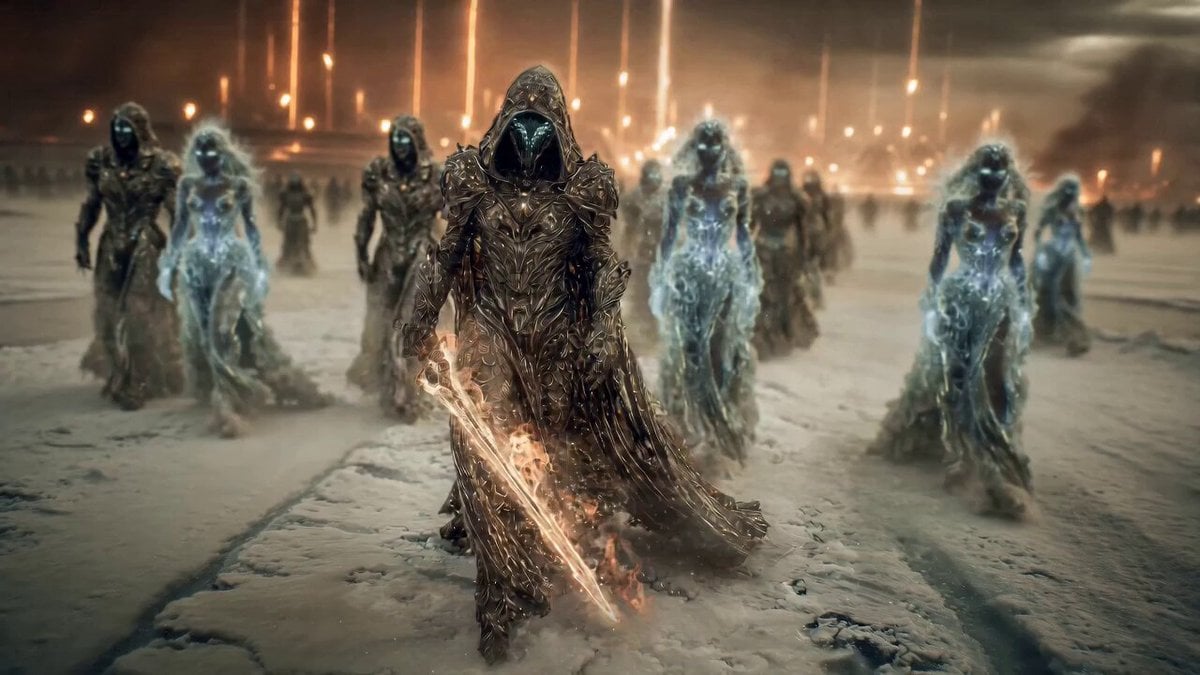
Epic Fantasy Battle Scene Prompt for Seedance 2.0
Make it yours
Epic Fantasy Escape Cutscene works as-is. These are the safest ways to change it without losing the look.
Change one field
Copy a single group, rewrite it, and generate again so you can see what that field is doing.
Keep the frame, change the subject
Hold the composition and light of Epic Fantasy Escape Cutscene, then swap wardrobe, props or the person for a new take.
| If the result… | Why | Fix |
|---|---|---|
| The result drifts from the preview | Too many fields changed at once. | Reuse Epic Fantasy Escape Cutscene as-is first, then change one group — subject, light, or setting. |
| The model over-stylizes the scene | The prose prompt leaves finish and camera underspecified. | Add one camera or lighting sentence and stay on Seedance 2.0. |
More Seedance 2.0 templates
Other prompts made for Seedance 2.0.

Comical Martial Arts Punch Scene

Maglev Train Action Sequence

Martial Arts Fight Sequence

Wuxia Protection and Trust Script

Vintage Korean Arcade MiniDV Vlog

Mercedes 190 SL Luxury Ad

Rainy Night Supernatural Reverse Comedy Video Script

Amazon Civilization Discovery

Futuristic South Asian City Transformation

Cozy Luxury Cafe Commercial
More video prompts
Fresh picks from across the catalog.
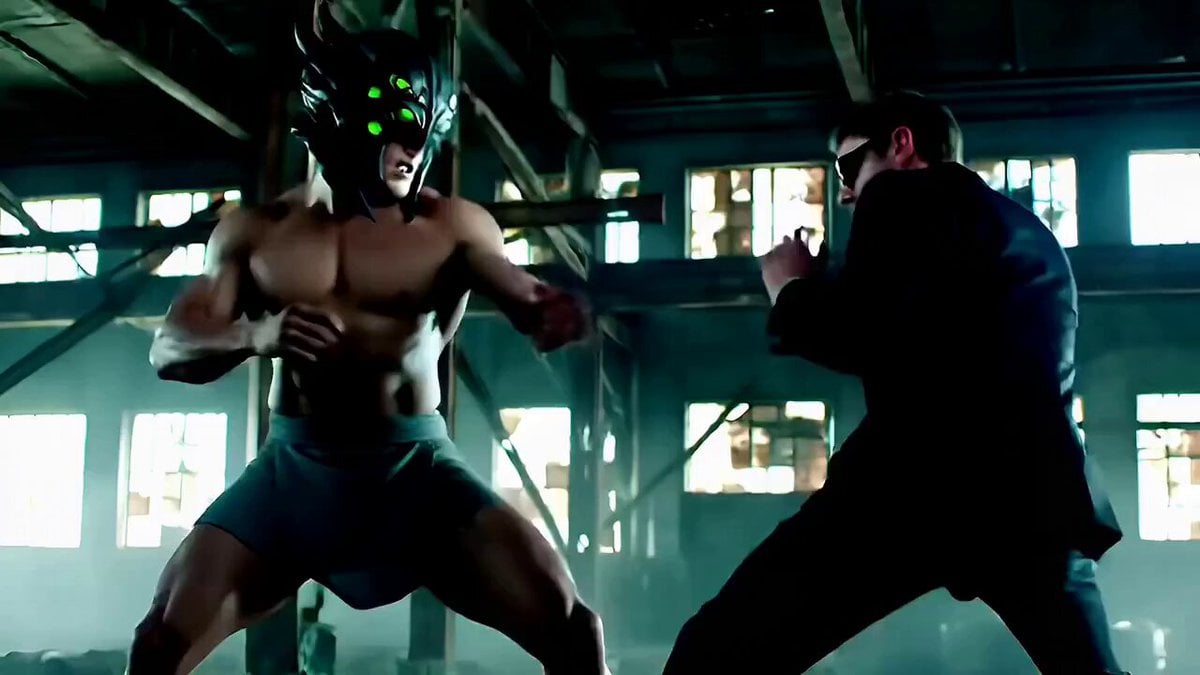
Cinematic Fight Scene Prompt for Seedance 2.0
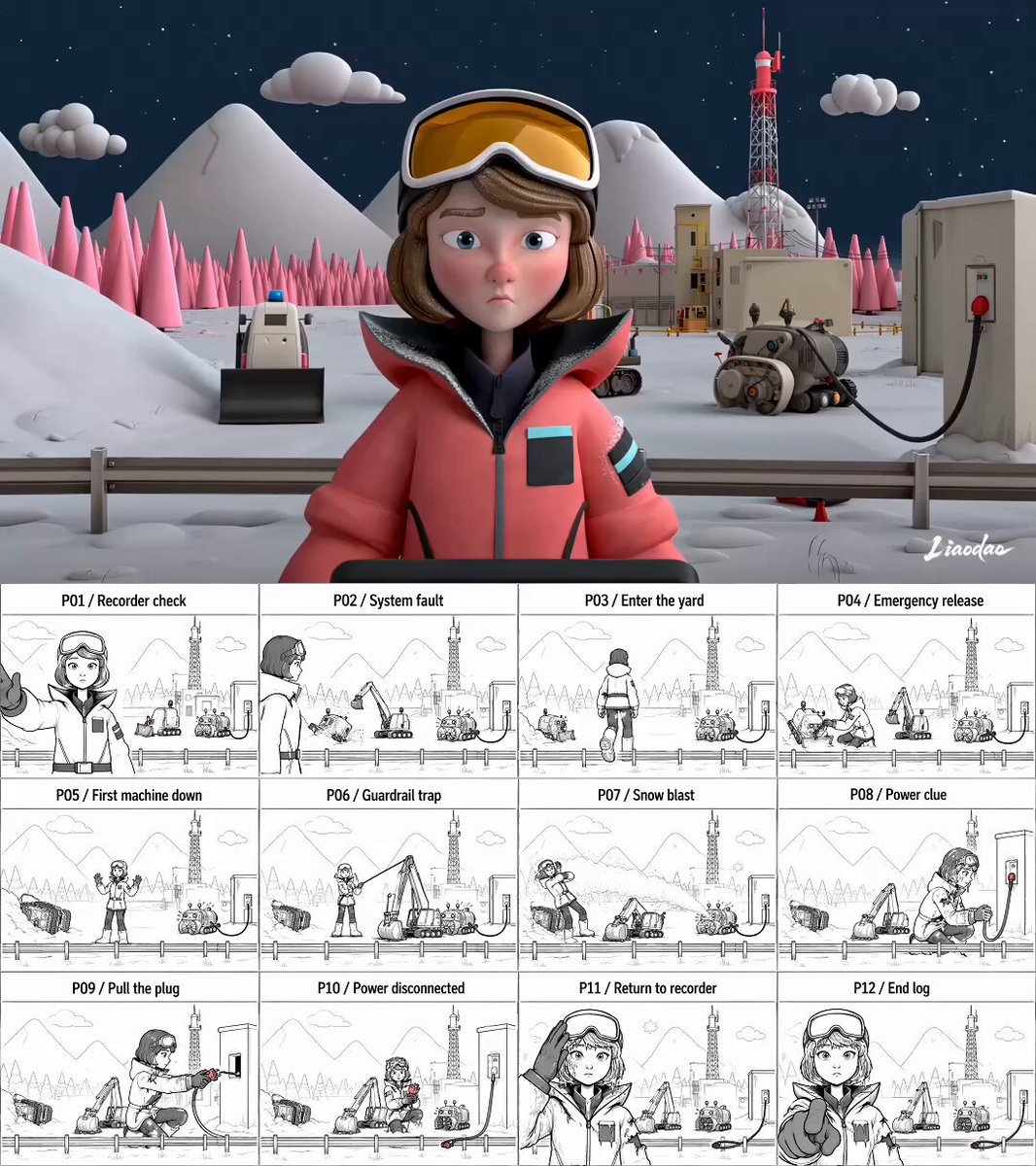
Miniature 3D Animation Snowfield Comedy
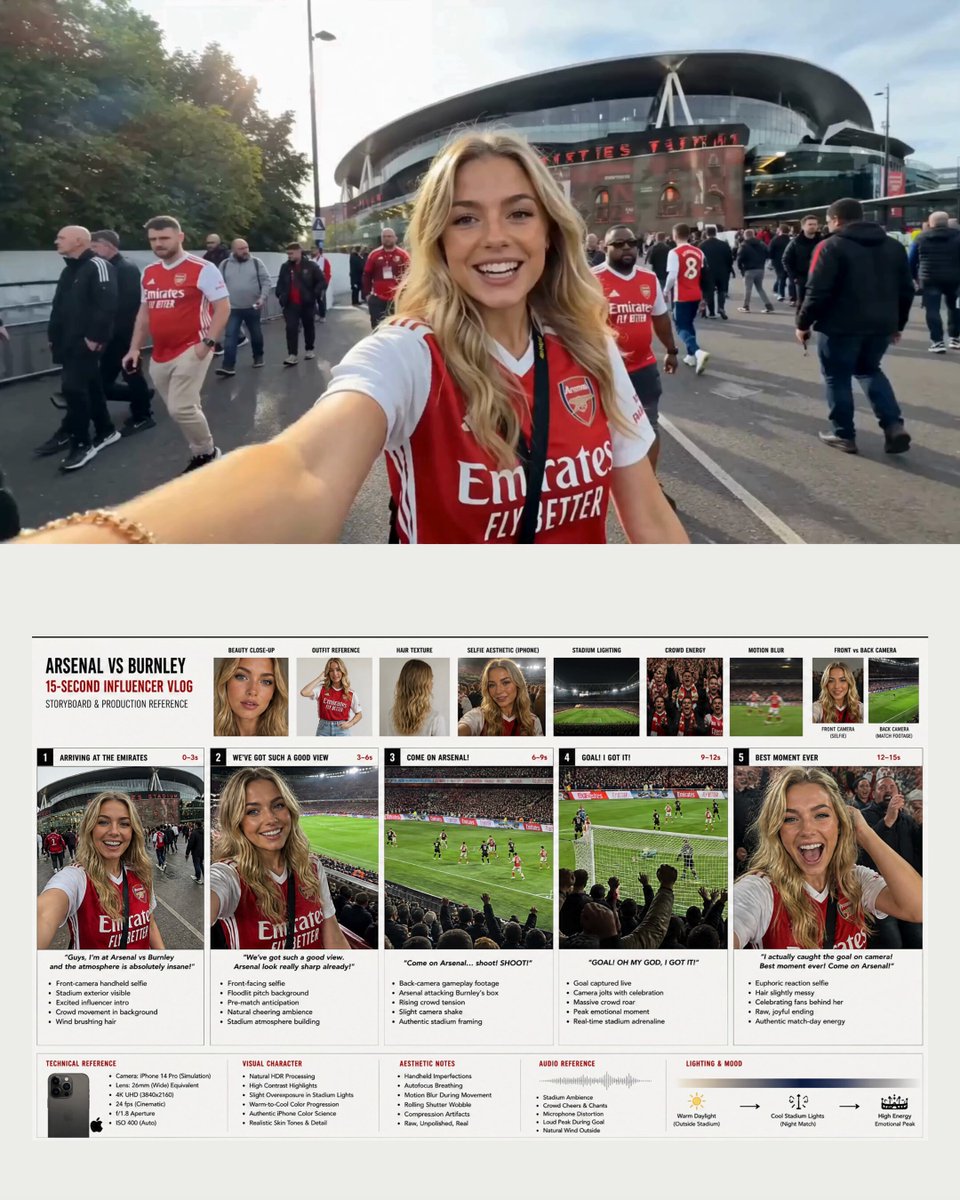
Arsenal Football Stadium Influencer Vlog

Fast Seedance 2.0 Prompt for a Miniature Dragon
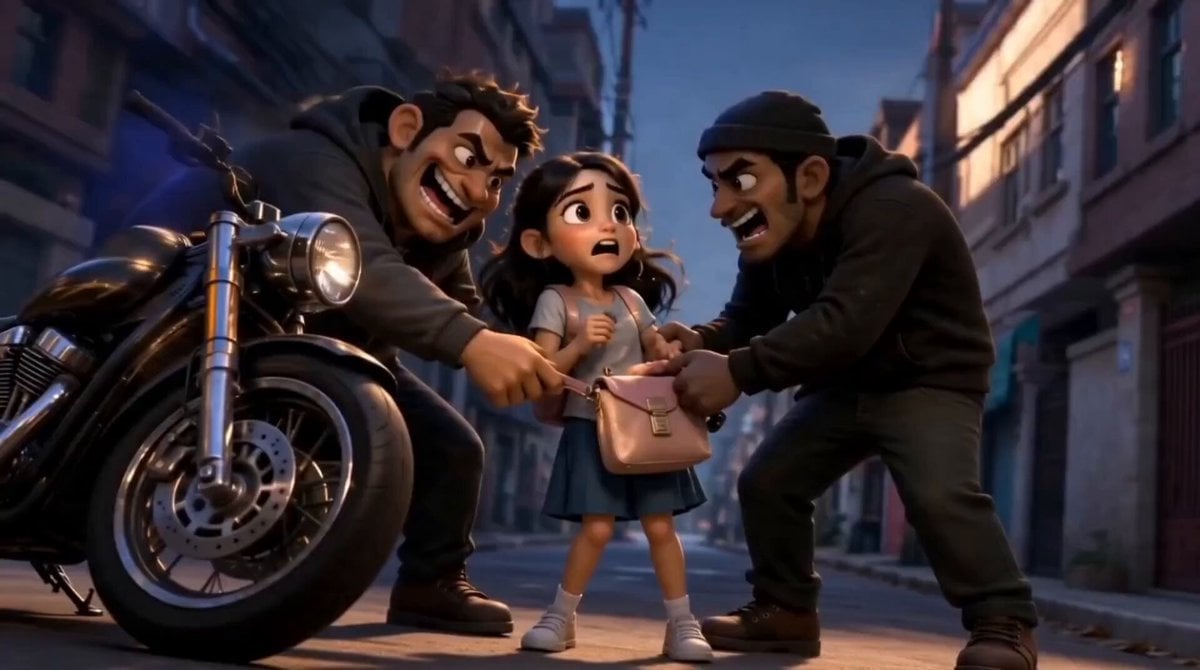
3D Animated Schoolboy Hero Storyboard

Grateful Thoughts by the Fire Prompt

Twilight Japan Rooftop Garden

Static Tripod Coastal Scene
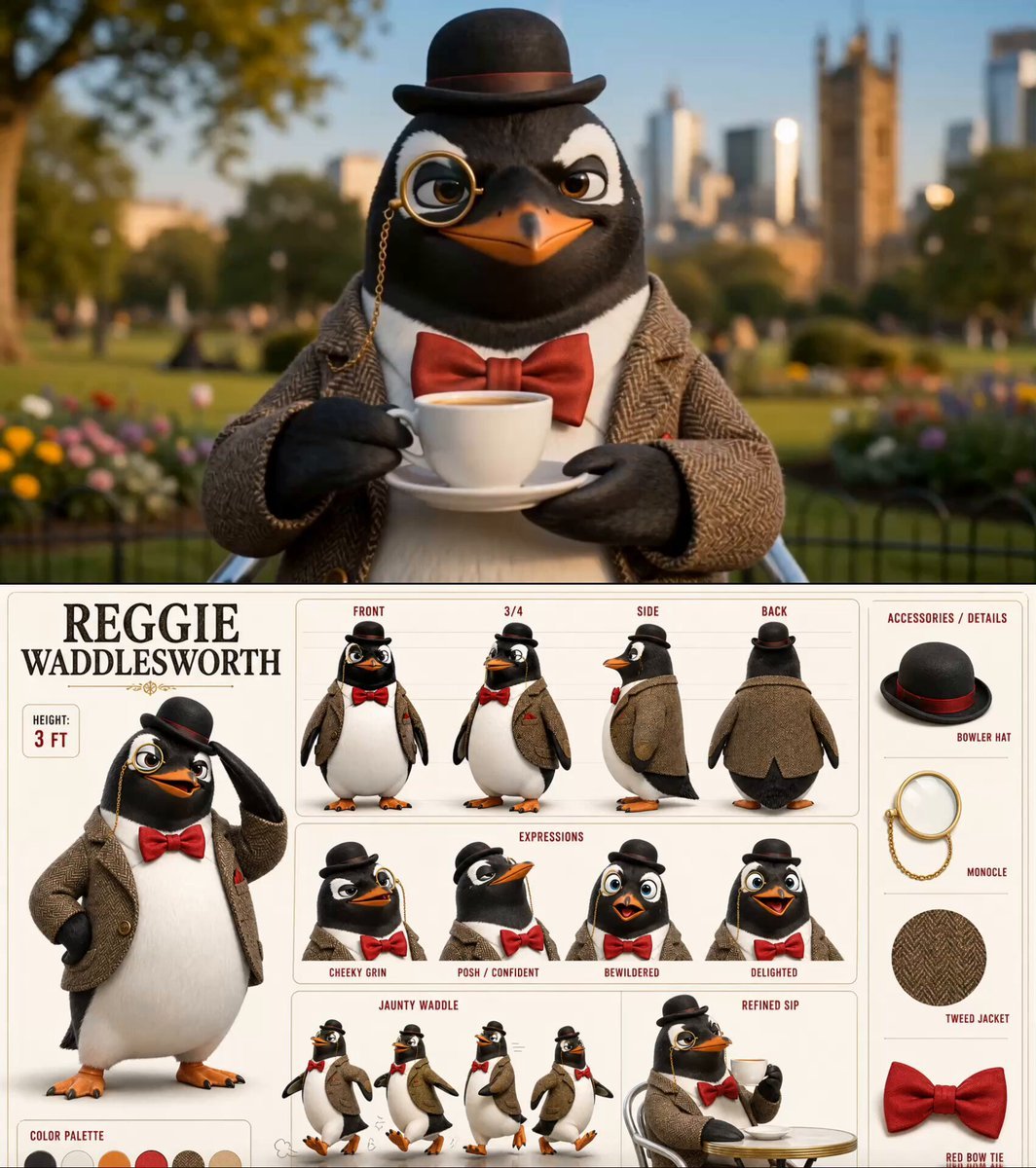
Dapper Penguin Morning Coffee

Cozy Library Scene
Browse template categories
Epic Fantasy Escape Cutscene questions
How do I use the Epic Fantasy Escape Cutscene template?
Add your photo if the template asks for one, edit the prompt if you like — the template's model and format are already selected — and press Generate. Your version opens in PicX Studio.
Can I customize the Epic Fantasy Escape Cutscene template?
Yes. You can change the subject, setting, lighting, mood, format, and available model controls before creating your video.
Is the Epic Fantasy Escape Cutscene template free?
Opening and editing this template is free. Generating uses credits, shown on the Generate button when you are signed in.
Which AI model should I use?
Start with Seedance 2.0, which is the model associated with this template. You can compare another compatible model for a different finish.
Looking for something else? Browse all templates.

Your photo, any look
Thousands of ready templates for every top image and video model, from one credit balance.