
Fantasy Dragon Bridge Escape Sequence
An epic fantasy action scene featuring a huntress fleeing an armored werewolf across a collapsing bridge, ending with a dramatic leap onto a dragon's back.
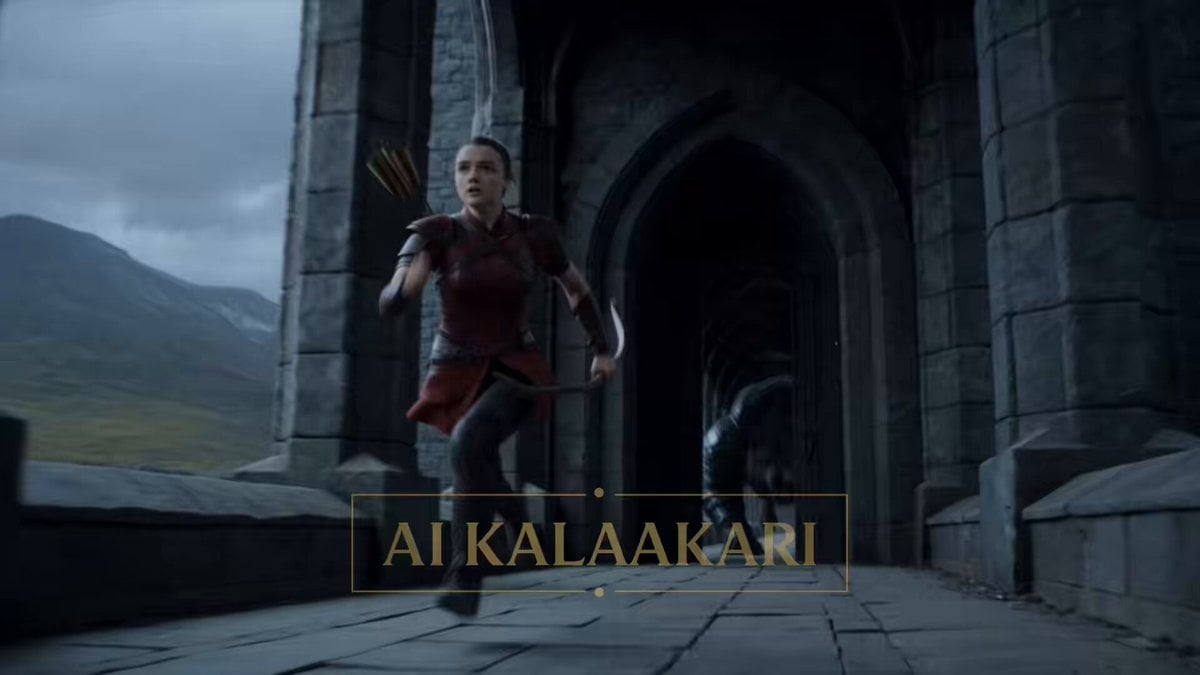
- Prompt included
- Model and format preset
- Free template
The prompt behind this video
Copy the exact prompt behind Fantasy Dragon Bridge Escape Sequence, or open it in the studio and make it yours.
High fantasy action sequence. Massive stone bridge spanning a bottomless canyon under stormy skies. Wind howling. Lightning in the distance. Medieval fantasy world. Fast-paced, chaotic cinematography with aggressive camera movement and speed ramps. Sound: crashing stone, werewolf growls, chain rattles, dragon roars. 0–3s — HOOK A female huntress with braided hair, leather armor, and a bow sprints across an ancient stone bridge. Behind her— A gigantic armored werewolf bursts through the bridge entrance. Seven feet tall. Black fur. Steel armor plates fused into its shoulders and forearms. It charges at terrifying speed. Stone cracks beneath every step. 3–6s — ESCALATION The huntress races forward. The werewolf smashes through support pillars while gaining ground. Chunks of stone fall into the canyon. The bridge begins collapsing section by section behind them. The gap between them shrinks rapidly. 6–9s — BUILD Ahead, the huntress spots a massive hanging chain descending into the canyon. The bridge is breaking apart. She sprints harder. The werewolf lunges and nearly grabs her cloak. A support tower collapses. The entire bridge starts giving way. 9–12s — THE JUMP The huntress leaps. She catches the hanging chain and swings out over the canyon. The werewolf launches after her. Bullet time. Chain swinging. Stone exploding. The werewolf suspended mid-air. Its claws miss by inches. 12–15s — PAYOFF A giant dragon erupts upward from beneath the canyon. The huntress releases the chain and lands on the dragon’s back. The dragon banks hard. The werewolf falls past them roaring. Disappearing into the fog below. The huntress raises her fist. Dragon roars.
How to use Fantasy Dragon Bridge Escape Sequence in 3 steps
- 1
Open
The prompt is already in the box next to the preview, with the template's model and format selected.
- 2…a portrait of your subject in softgolden-hour light, 85mm…
Personalize
Edit the subject and creative details for your destination.
- 3Generate
Generate
Press Generate — your video is created in PicX Studio, so you can compare it with the original and refine one variable at a time.
More like this
Templates with the same subject, style or setup. Open one to see its prompt.

Dragon Rider Cinematic Flight — Seedance 2.5
Dragon Rescue — Volcanic Kingdom Collapse (Seedance)
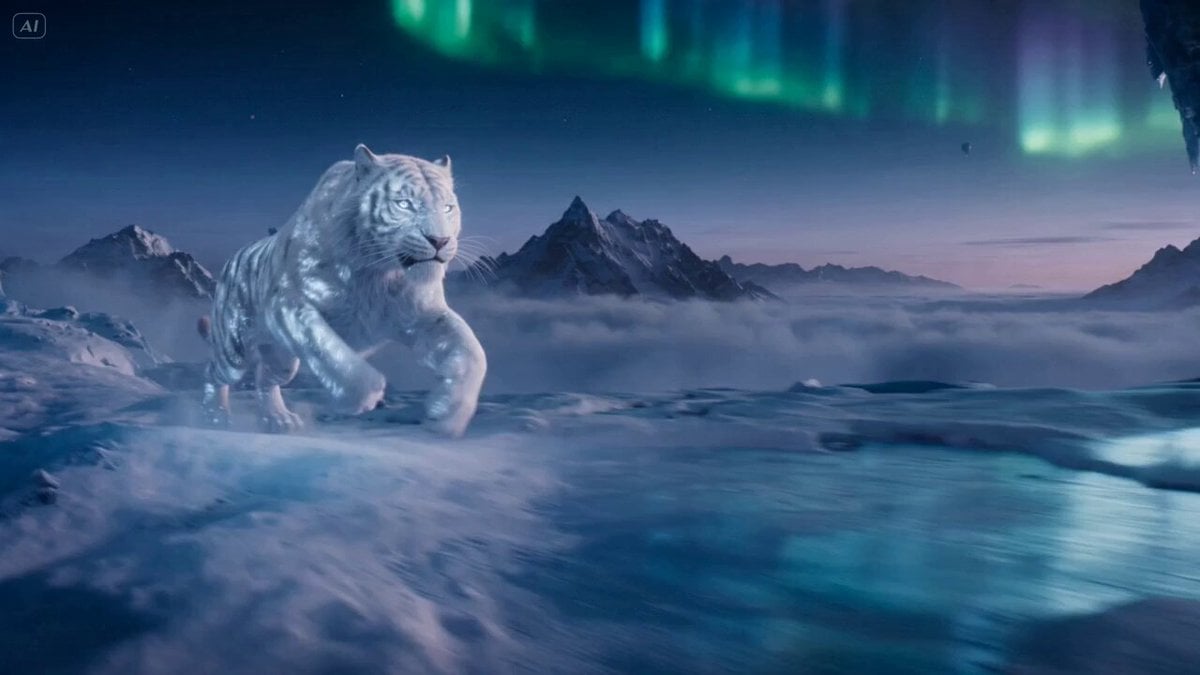
Ice Tiger vs Dragon - Seedance 2.0

Fantasy Dragon Chase Sequence
Sci-fi action sequence escape prompt

Forest Fantasy Girl Short Film

Necromancer Battlefield Orbit

Dragon and Ice Cream Fantasy
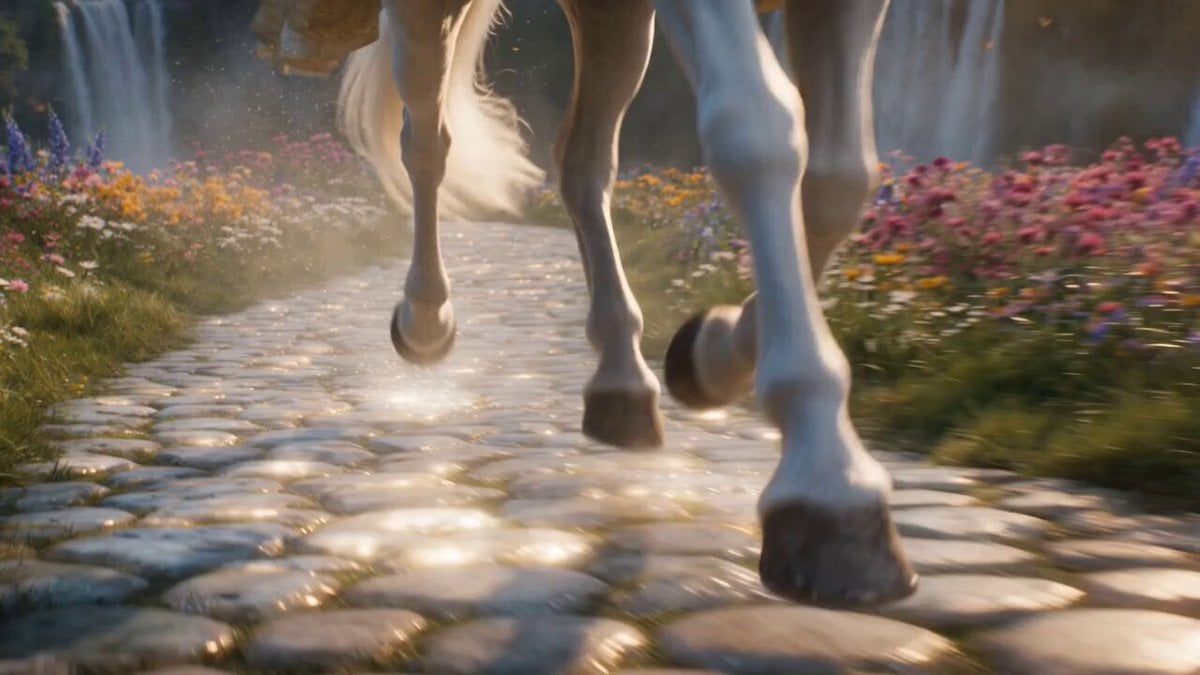
Cinematic Fantasy Princess Dragon Flight
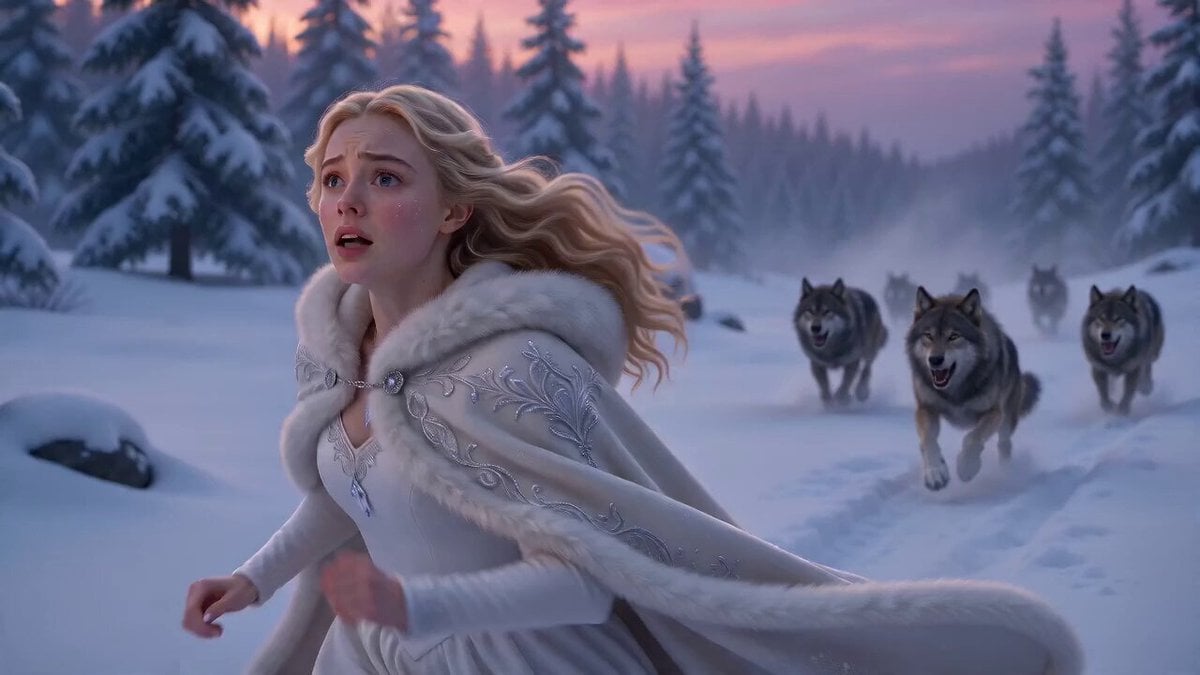
Ice Dragon Fantasy Encounter
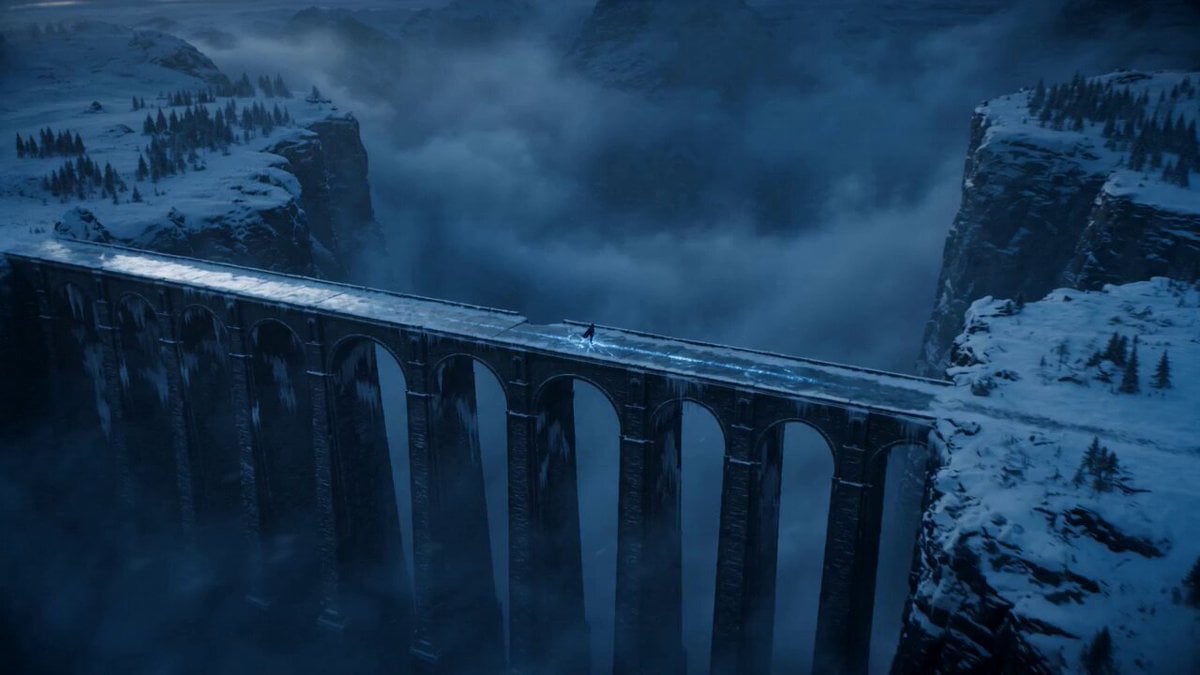
Dark Fantasy Frozen Bridge
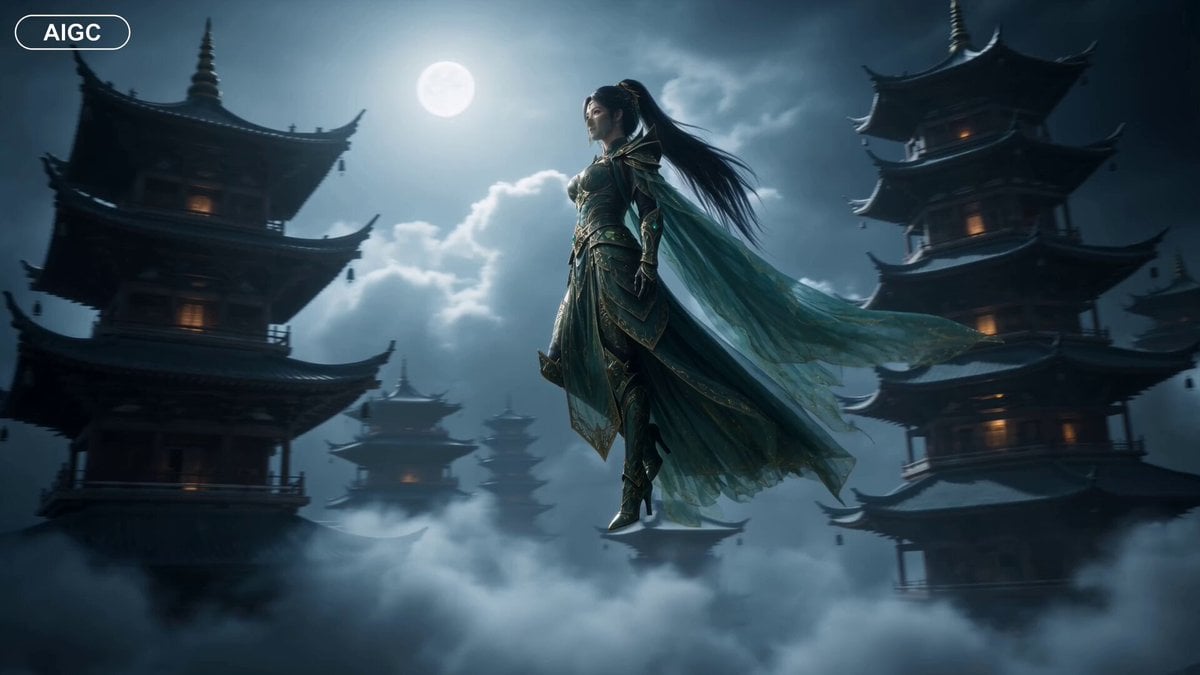
Fantasy Warrior Transformation Sequence
Make it yours
Fantasy Dragon Bridge Escape Sequence works as-is. These are the safest ways to change it without losing the look.
Change one field
Copy a single group, rewrite it, and generate again so you can see what that field is doing.
Keep the frame, change the subject
Hold the composition and light of Fantasy Dragon Bridge Escape Sequence, then swap wardrobe, props or the person for a new take.
| If the result… | Why | Fix |
|---|---|---|
| The result drifts from the preview | Too many fields changed at once. | Reuse Fantasy Dragon Bridge Escape Sequence as-is first, then change one group — subject, light, or setting. |
| The model over-stylizes the scene | The prose prompt leaves finish and camera underspecified. | Add one camera or lighting sentence and stay on Seedance 2.0. |
More Seedance 2.0 templates
Other prompts made for Seedance 2.0.

Comical Martial Arts Punch Scene

Maglev Train Action Sequence

Martial Arts Fight Sequence

Wuxia Protection and Trust Script

Vintage Korean Arcade MiniDV Vlog

Mercedes 190 SL Luxury Ad

Rainy Night Supernatural Reverse Comedy Video Script

Amazon Civilization Discovery

Futuristic South Asian City Transformation

Cozy Luxury Cafe Commercial
More video prompts
Fresh picks from across the catalog.

Digital Consciousness Matrix Motion

Pepsi Stadium Commercial Video
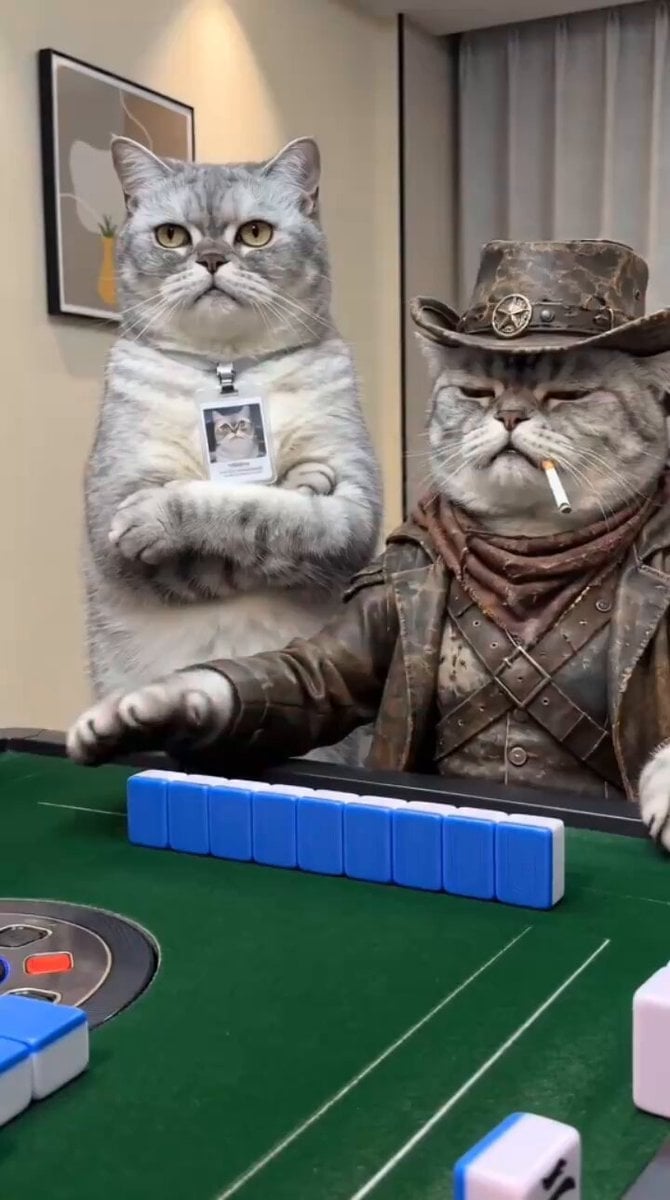
Anthropomorphic Cats Playing Mahjong Narrative Video

Colossal Feline Titan Rising from the Ocean

Birth and Ambulance Scene
Realistic Outfit Change Video Sequence
Action Scene Shot 1: Low-Angle Charger
Ancient Mythical Beast and Sausage Comedy
Sci-fi short film: The Girl vs. the Robot Spider
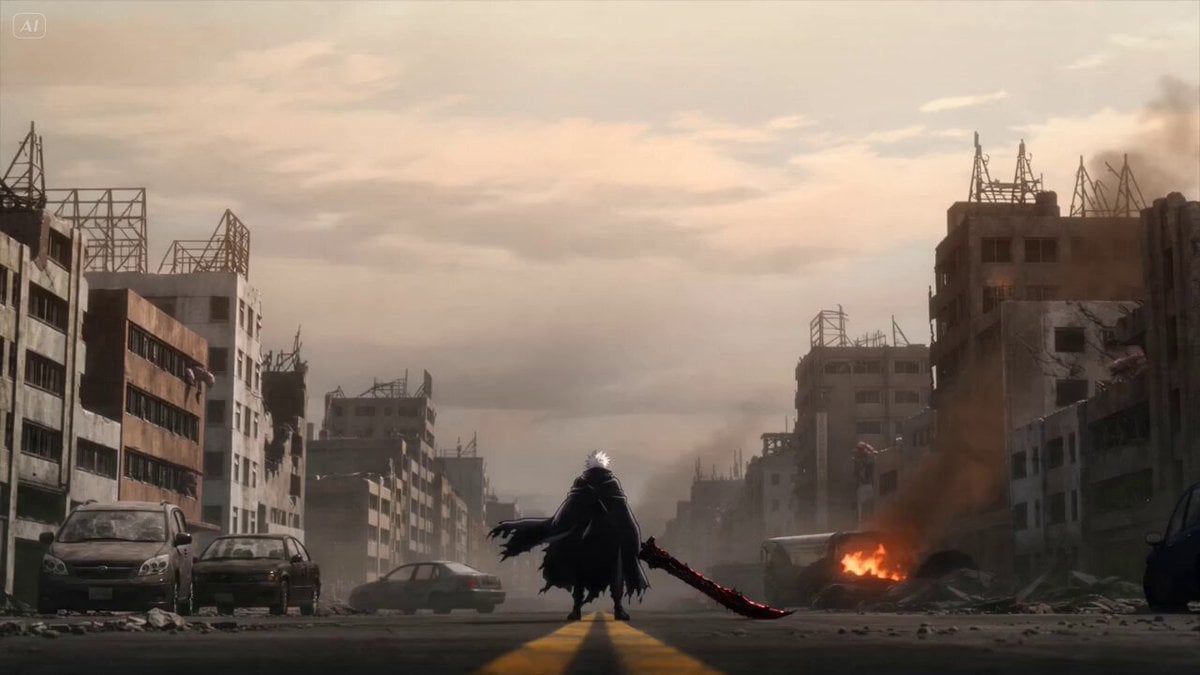
Anime Swordsman Action Sequence
Browse template categories
Fantasy Dragon Bridge Escape Sequence questions
How do I use the Fantasy Dragon Bridge Escape Sequence template?
Add your photo if the template asks for one, edit the prompt if you like — the template's model and format are already selected — and press Generate. Your version opens in PicX Studio.
Can I customize the Fantasy Dragon Bridge Escape Sequence template?
Yes. You can change the subject, setting, lighting, mood, format, and available model controls before creating your video.
Is the Fantasy Dragon Bridge Escape Sequence template free?
Opening and editing this template is free. Generating uses credits, shown on the Generate button when you are signed in.
Which AI model should I use?
Start with Seedance 2.0, which is the model associated with this template. You can compare another compatible model for a different finish.
Looking for something else? Browse all templates.

Your photo, any look
Thousands of ready templates for every top image and video model, from one credit balance.