How do I use the Cinematic Fantasy Princess Dragon Flight template?
Edit the prompt in the box under the preview — the template's model and format are already selected — and press Generate. Your version appears right on this page.
An epic fantasy video prompt for Seedance 2 featuring a princess on a white horse riding towards a golden castle with dragons overhead.
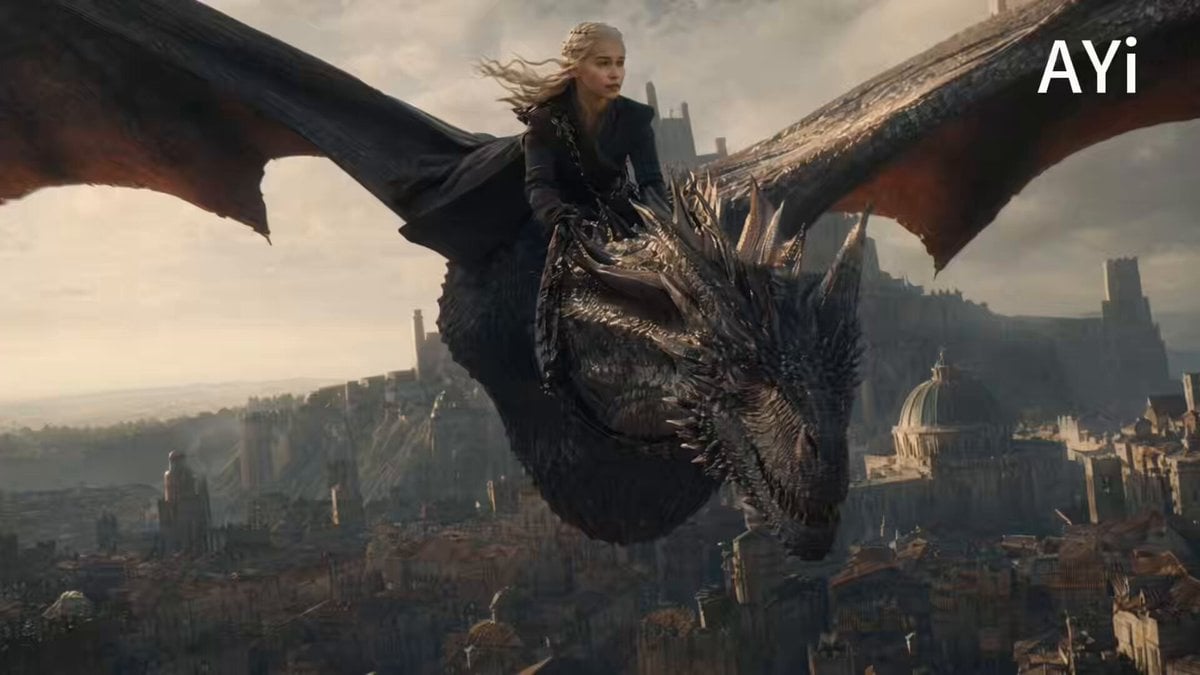
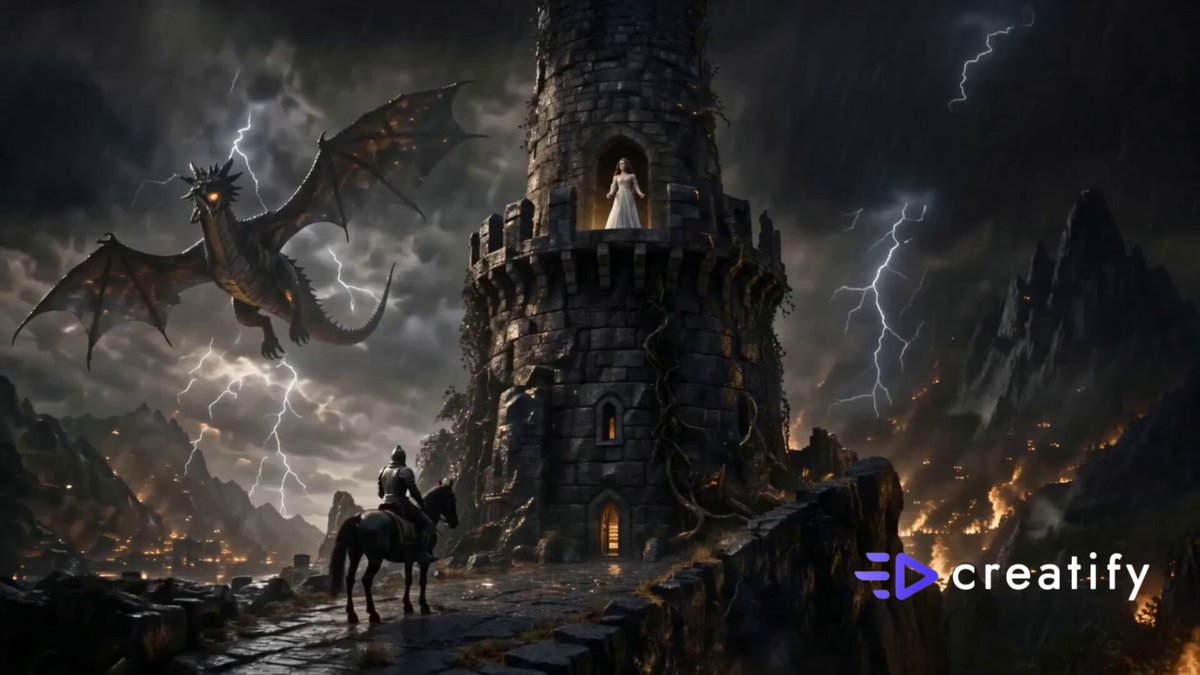
A breathtaking cinematic fantasy scene of a beautiful princess wearing an elegant white and gold royal gown riding a majestic white horse through a magical kingdom. The camera starts with a low-angle close-up of the horse's hooves galloping over a glowing cobblestone path, then smoothly pulls back to reveal the princess as her long hair and flowing cape move gracefully in the wind. Colorful flowers bloom along the roadside, butterflies flutter through the air, and sparkling magical particles float around her. In the distance stands a magnificent golden castle surrounded by waterfalls and lush green hills. Two enormous dragons soar gracefully above the castle, their wings casting dramatic shadows as they circle the towers. The princess looks up with a gentle smile while sunlight streams through the clouds, creating god rays and a dreamy atmosphere. The camera performs a slow cinematic orbit before ending on a wide aerial shot of the magical kingdom. Ultra-realistic, fantasy epic, volumetric lighting, soft fog, HDR, highly detailed, cinematic color grading, smooth camera movement, 4K, 24fps, shallow depth of field, masterpiece.
A breathtaking cinematic fantasy scene of a beautiful princess wearing an elegant white and gold royal gown riding a majestic white horse through a magical kingdom. The camera starts with a low-angle close-up of the horse's hooves galloping over a glowing cobblestone path, then smoothly pulls back to reveal the princess as her long hair and flowing cape move gracefully in the wind. Colorful flowers bloom along the roadside, butterflies flutter through the air, and sparkling magical particles float around her. In the distance stands a magnificent golden castle surrounded by waterfalls and lush green hills. Two enormous dragons soar gracefully above the castle, their wings casting dramatic shadows as they circle the towers. The princess looks up with a gentle smile while sunlight streams through the clouds, creating god rays and a dreamy atmosphere. The camera performs a slow cinematic orbit before ending on a wide aerial shot of the magical kingdom. Ultra-realistic, fantasy epic, volumetric lighting, soft fog, HDR, highly detailed, cinematic color grading, smooth camera movement, 4K, 24fps, shallow depth of field, masterpiece.
Edit the prompt in the box under the preview — the template's model and format are already selected — and press Generate. Your version appears right on this page.
Yes. You can change the subject, setting, lighting, mood, format, and available model controls before creating your video.
Opening and editing this template is free. Generating uses credits, shown on the Generate button when you are signed in.
Start with Seedance 2.0, which is the model associated with this template. You can compare another compatible model for a different finish.
Follow a topic to a crawlable collection of related PicX Studio templates.