
Fast Seedance 2.0 Prompt for a Miniature Dragon
A detailed prompt for generating a video of a miniature, iridescent dragon with glowing eyes, clinging to a pair of dark grey sweatpants, and spitting a massive, screen-filling stream of fire.
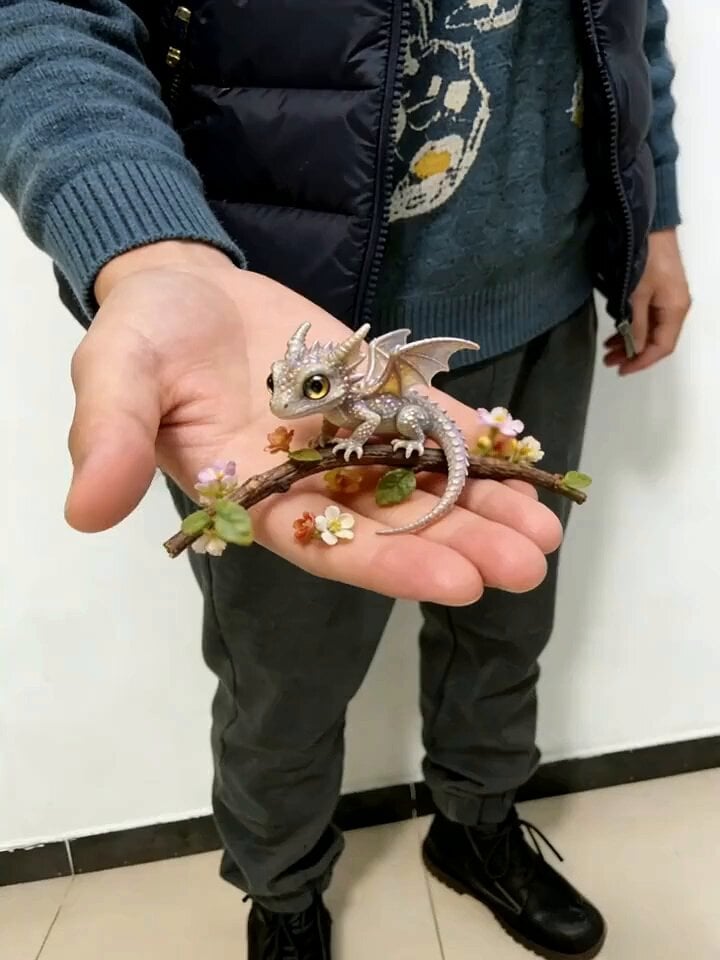
- Prompt included
- Model and format preset
- Premium template
The prompt behind this video
Copy the exact prompt behind Fast Seedance 2.0 Prompt for a Miniature Dragon, or open it in the studio and make it yours.
杰作,最佳画质,8K超高清,照片级写实,电影级光影,和参考图完全一致,超级迷你的珠光幻彩小龙,金色发光大眼睛,带细闪的鳞片、小尖角和半透明翅膀,前爪牢牢扒在深灰色卫裤的裤腿上,位置和参考图完全一致,灵动活泼的玩耍状态,身体和尾巴自然晃动,脑袋正对镜头,朝着屏幕喷射超大规模、铺满全屏的汹涌烈火,火焰几乎覆盖整个画面,有极强的视觉冲击和热浪扭曲效果,火焰动态丝滑连贯,和参考图完全一致的室内场景、人物穿着、光影氛围,主体清晰不糊,24fps流畅动态,画面无抖动、无跳帧、无崩坏
How to use Fast Seedance 2.0 Prompt for a Miniature Dragon in 3 steps
- 1
Open
The prompt is already in the box next to the preview, with the template's model and format selected.
- 2…a portrait of your subject in softgolden-hour light, 85mm…
Personalize
Edit the subject and creative details for your destination.
- 3Generate
Generate
Press Generate — your video is created in PicX Studio, so you can compare it with the original and refine one variable at a time.
More like this
Templates with the same subject, style or setup. Open one to see its prompt.

Dragon Rider Cinematic Flight — Seedance 2.5

Wholesome Puppy and Kitten Story - Seedance 2.5

Mysterious Home Exploration Vlog - Seedance 2.5

Dark Tokusatsu Transformation - Seedance 2.5

Cinematic Xinjiang Drone Landscapes - Seedance 2.5

Late Night Kitchen Phone Recording - Seedance 2.5

3D Animated Cat and Old Man - Seedance

Realistic City Street Story Cinematic Video - Seedance

Seedance 2.0 First Test — Dynamic Motion Showcase
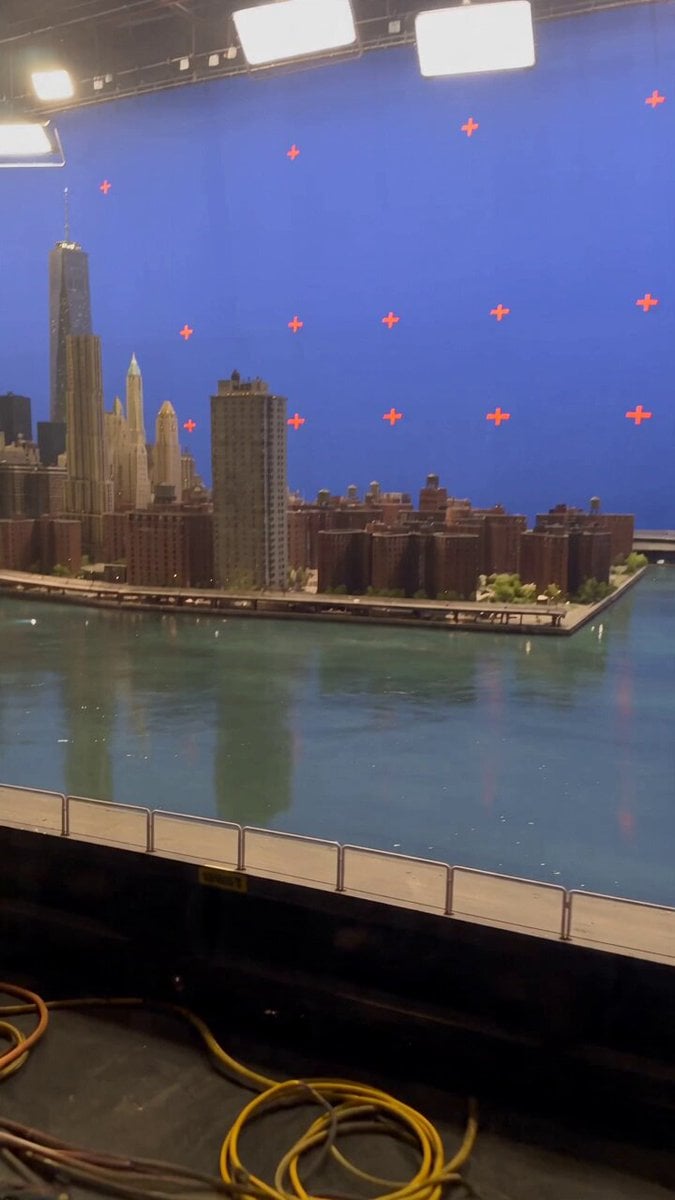
Miniature City Flood Soundstage
Miniature City Flood Soundstage

Sneaker Product Commercial
Make it yours
Fast Seedance 2.0 Prompt for a Miniature Dragon works as-is. These are the safest ways to change it without losing the look.
Change one field
Copy a single group, rewrite it, and generate again so you can see what that field is doing.
Keep the frame, change the subject
Hold the composition and light of Fast Seedance 2.0 Prompt for a Miniature Dragon, then swap wardrobe, props or the person for a new take.
| If the result… | Why | Fix |
|---|---|---|
| The result drifts from the preview | Too many fields changed at once. | Reuse Fast Seedance 2.0 Prompt for a Miniature Dragon as-is first, then change one group — subject, light, or setting. |
| The model over-stylizes the scene | The prose prompt leaves finish and camera underspecified. | Add one camera or lighting sentence and stay on Seedance 2.0. |
More Seedance 2.0 templates
Other prompts made for Seedance 2.0.

Comical Martial Arts Punch Scene

Maglev Train Action Sequence

Martial Arts Fight Sequence

Wuxia Protection and Trust Script

Vintage Korean Arcade MiniDV Vlog

Mercedes 190 SL Luxury Ad

Rainy Night Supernatural Reverse Comedy Video Script

Amazon Civilization Discovery

Futuristic South Asian City Transformation

Cozy Luxury Cafe Commercial
More video prompts
Fresh picks from across the catalog.
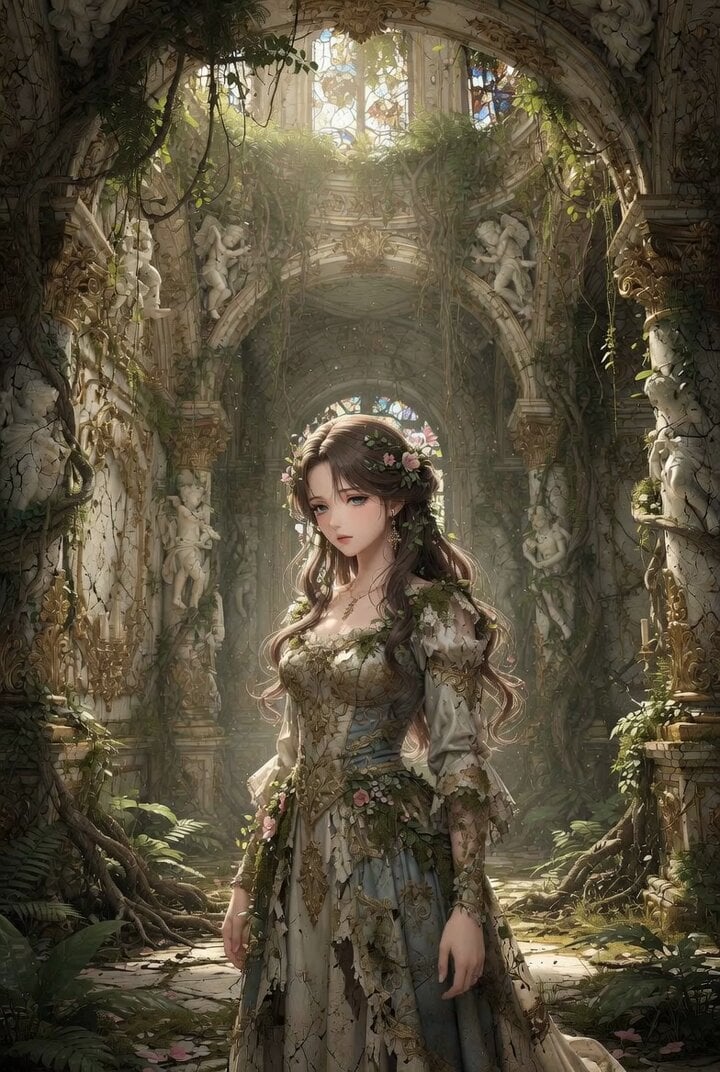
Anime Realism Portrait in Overgrown Rococo Palace
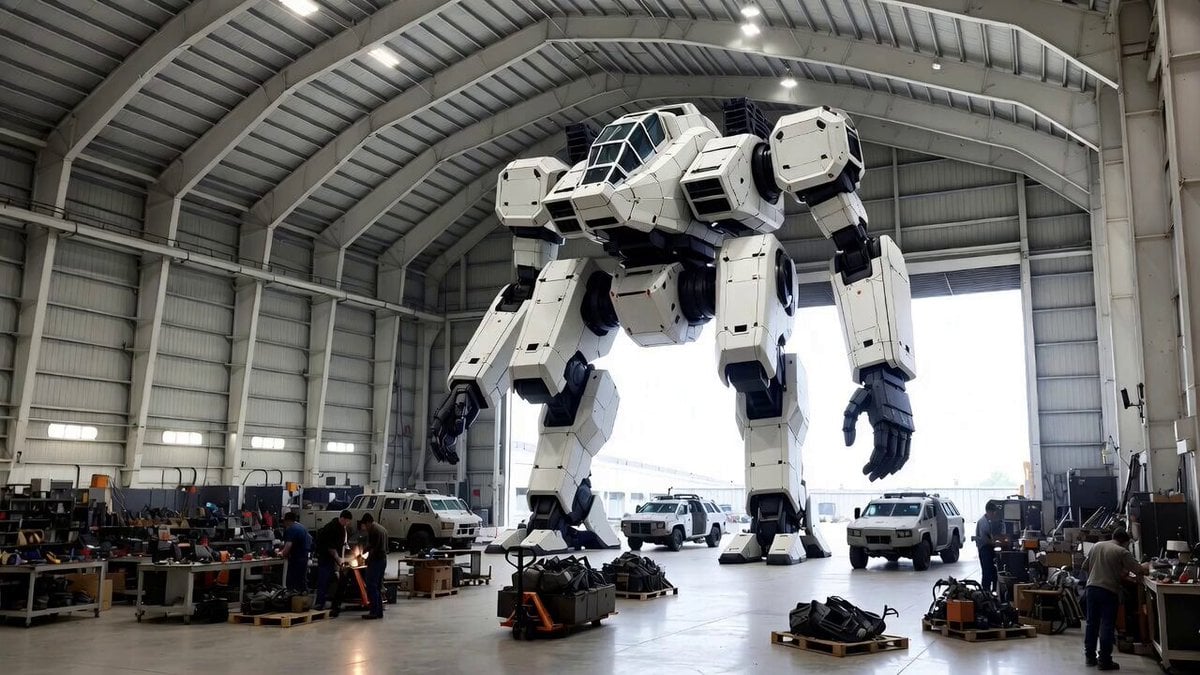
Video Generation Prompt: Mech in Aircraft Hangar
Surreal Cat DJ Party
High School Martial Arts One-Shot
POV Street Fight Cinematic Prompt
Irish Dance in a Glistening Field
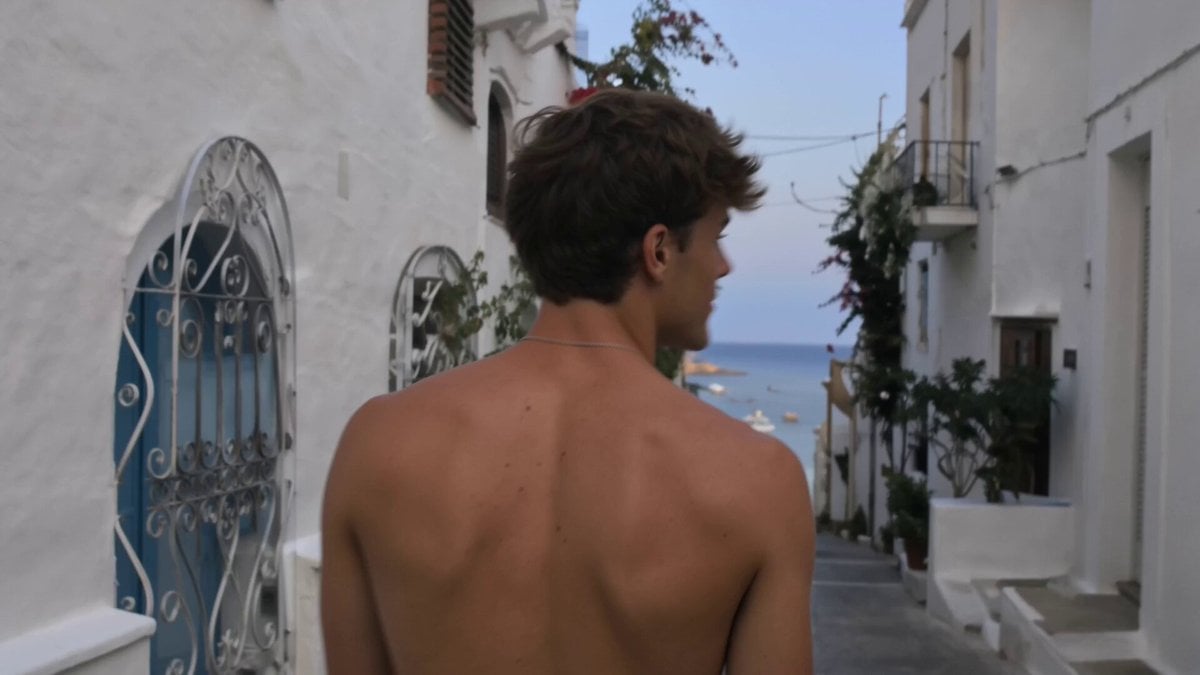
Nostalgic Indie-Pop iPhone Music Video
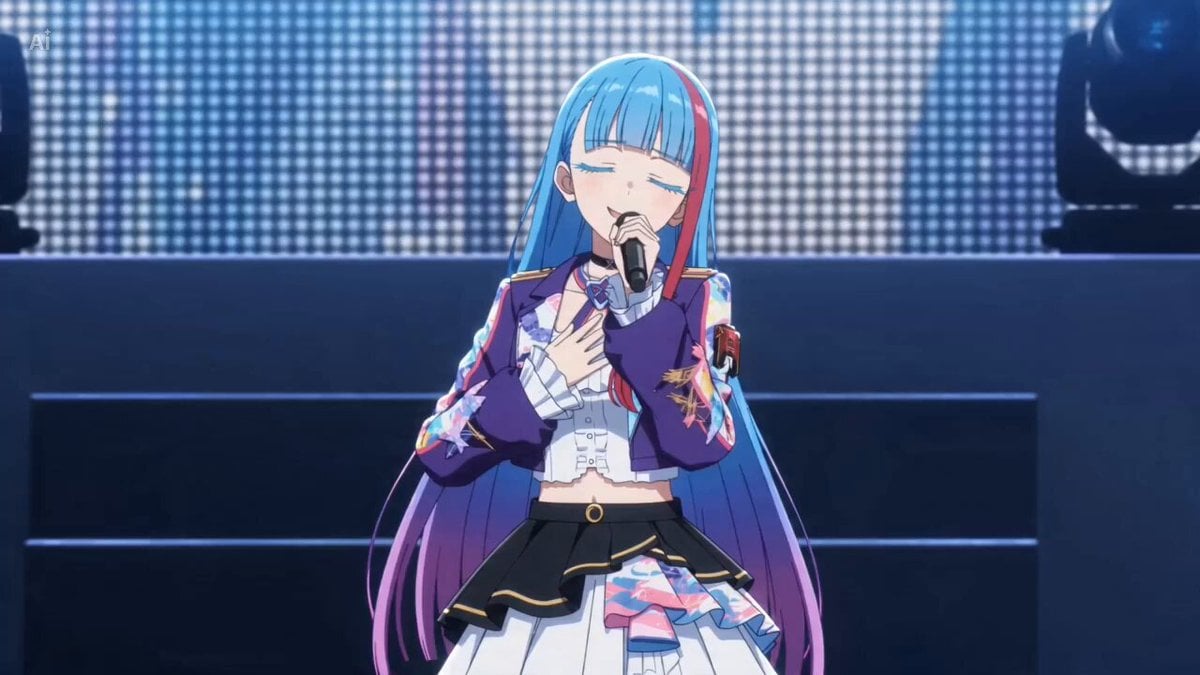
Live Concert Music Video Generator
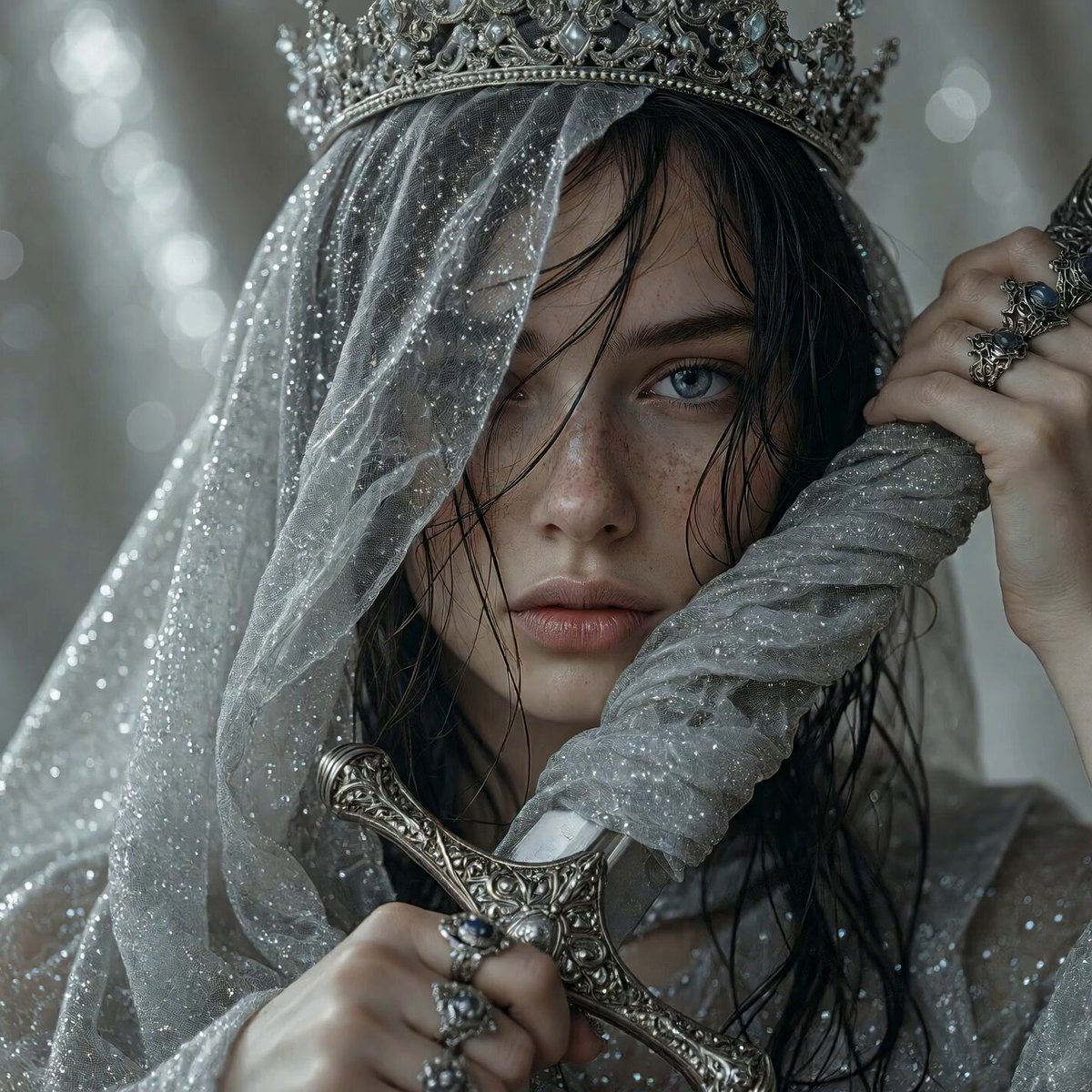
Medieval Woman with Silver Veil and Sword
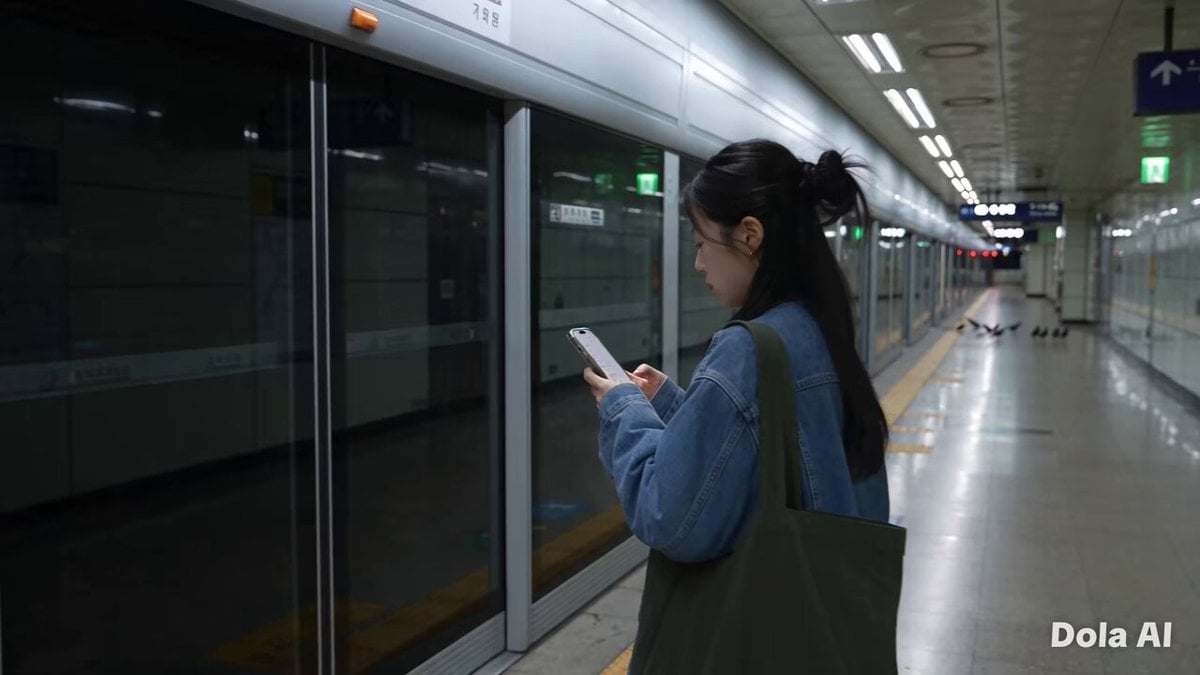
Seoul Morning Vlog Commute
Browse template categories
Fast Seedance 2.0 Prompt for a Miniature Dragon questions
How do I use the Fast Seedance 2.0 Prompt for a Miniature Dragon template?
Add your photo if the template asks for one, edit the prompt if you like — the template's model and format are already selected — and press Generate. Your version opens in PicX Studio.
Can I customize the Fast Seedance 2.0 Prompt for a Miniature Dragon template?
Yes. You can change the subject, setting, lighting, mood, format, and available model controls before creating your video.
Is the Fast Seedance 2.0 Prompt for a Miniature Dragon template free?
Opening and editing this template is free. Generating uses credits, shown on the Generate button when you are signed in.
Which AI model should I use?
Start with Seedance 2.0, which is the model associated with this template. You can compare another compatible model for a different finish.
Looking for something else? Browse all templates.

Your photo, any look
Thousands of ready templates for every top image and video model, from one credit balance.