How do I use the Nostalgic Indie-Pop iPhone Music Video template?
Edit the prompt in the box under the preview — the template's model and format are already selected — and press Generate. Your version appears right on this page.
A prompt designed to transform a grid of photos into a cohesive, emotional music video montage with an intimate iPhone camera aesthetic.
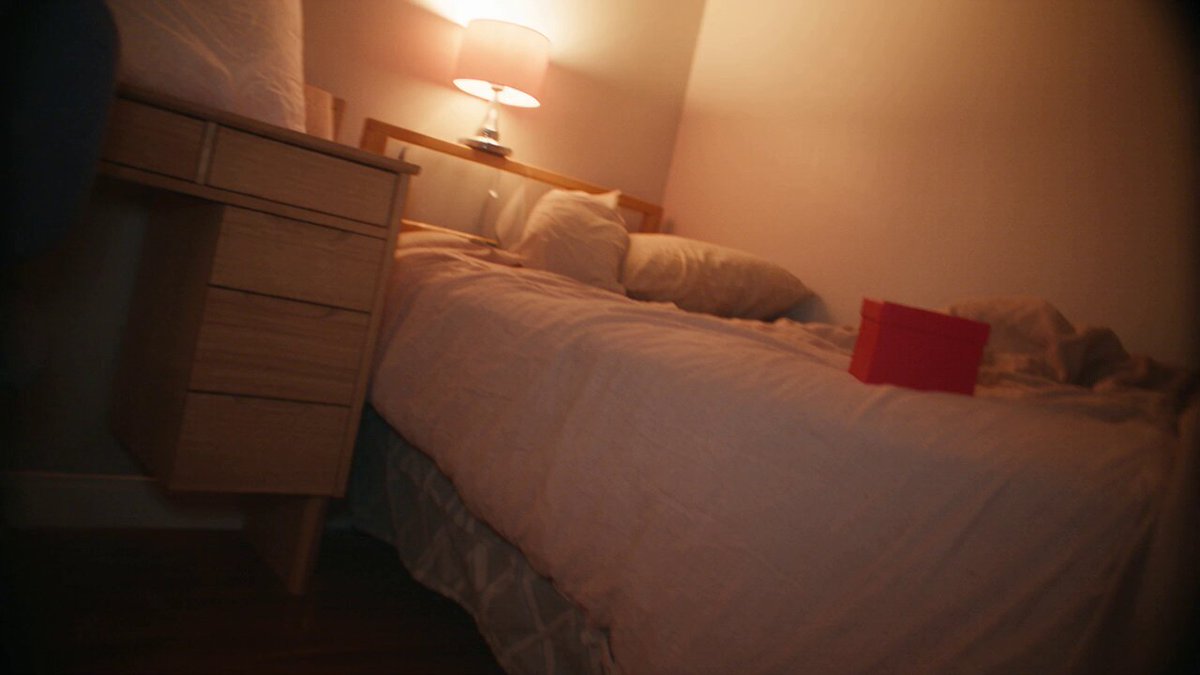
Use the uploaded 2x2 @image1 grid as a contact sheet of memories, not as a literal grid. Transform the individual photos into one cohesive nostalgic music video sequence about the same young man and young woman falling in love through candid iPhone moments. Create a 12–15 second emotional indie-pop MV montage. Preserve the same couple’s faces, age, hair, clothing style, and relationship energy across all shots. The video should feel like real iPhone footage from a private camera roll: imperfect, intimate, handheld, slightly shaky, amateur framing, accidental zooms, motion blur, blown highlights, soft grain, muted vintage colors, warm sunset tones, and tiny focus mistakes. The sequence should flow like fragmented memories: Editing style: cohesive music video montage, romantic but not cheesy, dreamy memory fragments, rhythmic cuts synced to an imagined melancholic indie-pop song, natural handheld movement, soft whip-pan transitions, phone-camera flash transitions, match cuts between similar poses from different photos. Visual style: candid iPhone photography, 2010s camera roll nostalgia, vintage emotional aesthetic, amateur home-video realism, soft film grain, subtle VHS-like imperfection, warm faded colors, realistic skin texture, natural expressions. Important rules: do not show the original grid layout, do not create a collage, do not add text, do not add watermarks, do not introduce new people, do not make them look like fashion models, do not over-cinematize, do not make the camera too smooth, do not change their identities between shots. Keep it intimate, messy, romantic, and emotionally real.
Use the uploaded 2x2 @image1 grid as a contact sheet of memories, not as a literal grid. Transform the individual photos into one cohesive nostalgic music video sequence about the same young man and young woman falling in love through candid iPhone moments. Create a 12–15 second emotional indie-pop MV montage. Preserve the same couple’s faces, age, hair, clothing style, and relationship energy across all shots. The video should feel like real iPhone footage from a private camera roll: imperfect, intimate, handheld, slightly shaky, amateur framing, accidental zooms, motion blur, blown highlights, soft grain, muted vintage colors, warm sunset tones, and tiny focus mistakes. The sequence should flow like fragmented memories: Editing style: cohesive music video montage, romantic but not cheesy, dreamy memory fragments, rhythmic cuts synced to an imagined melancholic indie-pop song, natural handheld movement, soft whip-pan transitions, phone-camera flash transitions, match cuts between similar poses from different photos. Visual style: candid iPhone photography, 2010s camera roll nostalgia, vintage emotional aesthetic, amateur home-video realism, soft film grain, subtle VHS-like imperfection, warm faded colors, realistic skin texture, natural expressions. Important rules: do not show the original grid layout, do not create a collage, do not add text, do not add watermarks, do not introduce new people, do not make them look like fashion models, do not over-cinematize, do not make the camera too smooth, do not change their identities between shots. Keep it intimate, messy, romantic, and emotionally real.
Edit the prompt in the box under the preview — the template's model and format are already selected — and press Generate. Your version appears right on this page.
Yes. You can change the subject, setting, lighting, mood, format, and available model controls before creating your video.
Opening and editing this template is free. Generating uses credits, shown on the Generate button when you are signed in.
Start with Seedance 2.0, which is the model associated with this template. You can compare another compatible model for a different finish.
Follow a topic to a crawlable collection of related PicX Studio templates.