
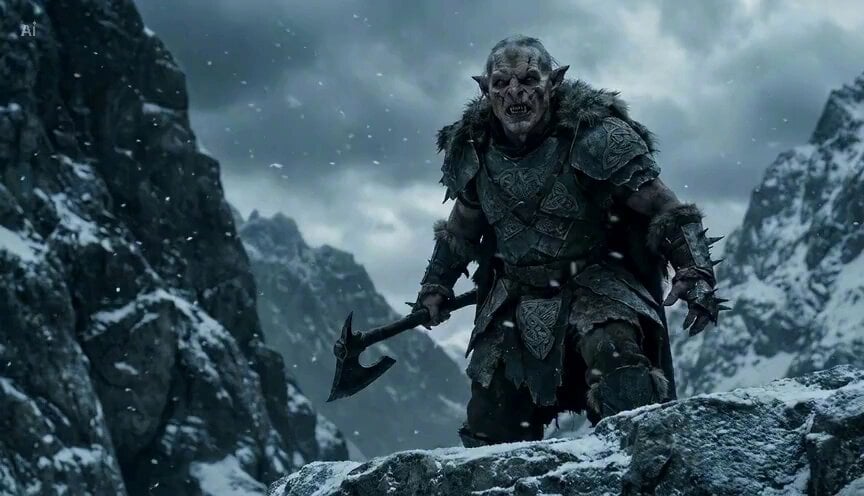
Goblin traveller and steed in the mountains
A detailed, multi-scene prompt for Seedance 2.0 to generate a cinematic video of a goblin traveller and his mountain boar steed crossing a snow-covered ridge.
- Prompt included
- Model and format preset
- Premium template
The prompt behind this video
Copy the exact prompt behind Goblin traveller and steed in the mountains, or open it in the studio and make it yours.
A rugged mountain traveller crosses a snow-covered ridge under a cold, overcast sky. Wind carries light snowfall across the frame. His heavy boots press into fresh snow and scattered stone. The camera tracks low and slightly behind, capturing texture, atmosphere, and drifting frost. Nearby stands a large mountain boar used as a pack animal. Thick bristles catch the wind. Its back is fitted with secured travel supplies: bundled blankets, rope coils, wooden containers, and strapped gear that gently shifts with movement. The traveller reaches the animal, grips the saddle frame, and climbs onto its back in one smooth, practical motion. He leans forward slightly and guides it with a light cue. The boar begins moving down a narrow mountain path. The camera widens as they descend steadily through mist and falling snow, cliffs rising on either side, the valley fading into grey distance.
How to use Goblin traveller and steed in the mountains in 3 steps
- 1
Open
The prompt is already in the box next to the preview, with the template's model and format selected.
- 2…a portrait of your subject in softgolden-hour light, 85mm…
Personalize
Edit the subject and creative details for your destination.
- 3Generate
Generate
Press Generate — your video is created in PicX Studio, so you can compare it with the original and refine one variable at a time.
More like this
Templates with the same subject, style or setup. Open one to see its prompt.

Migrating Living Mountains Landscape
Hyper-Realistic Floating Mountains World
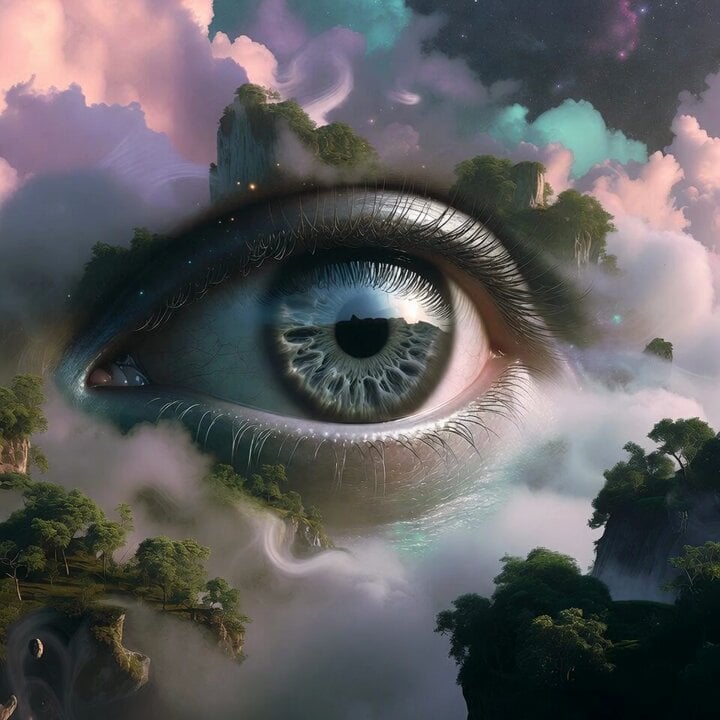
Surreal Floating Mountains Eye Zoom Video Prompt
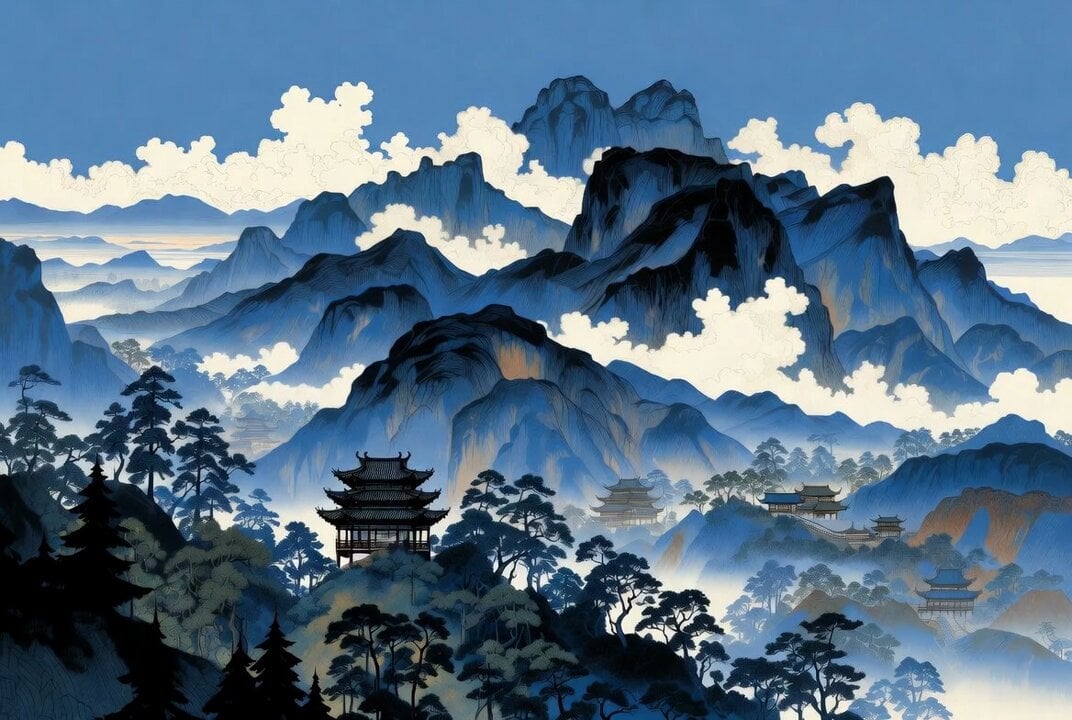
Chinese style mountains video prompt
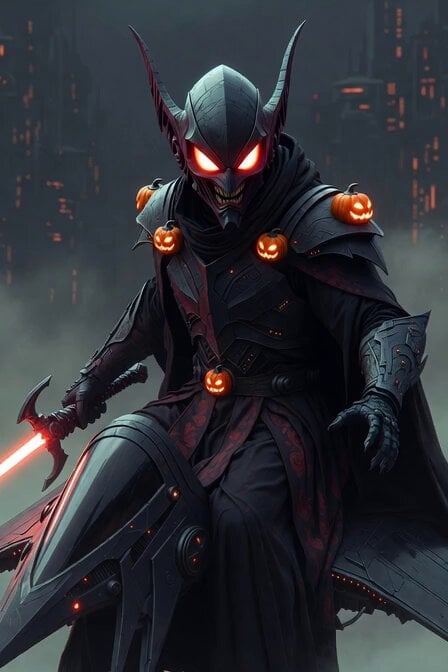
Sith Green Goblin Spider-Man Crossover
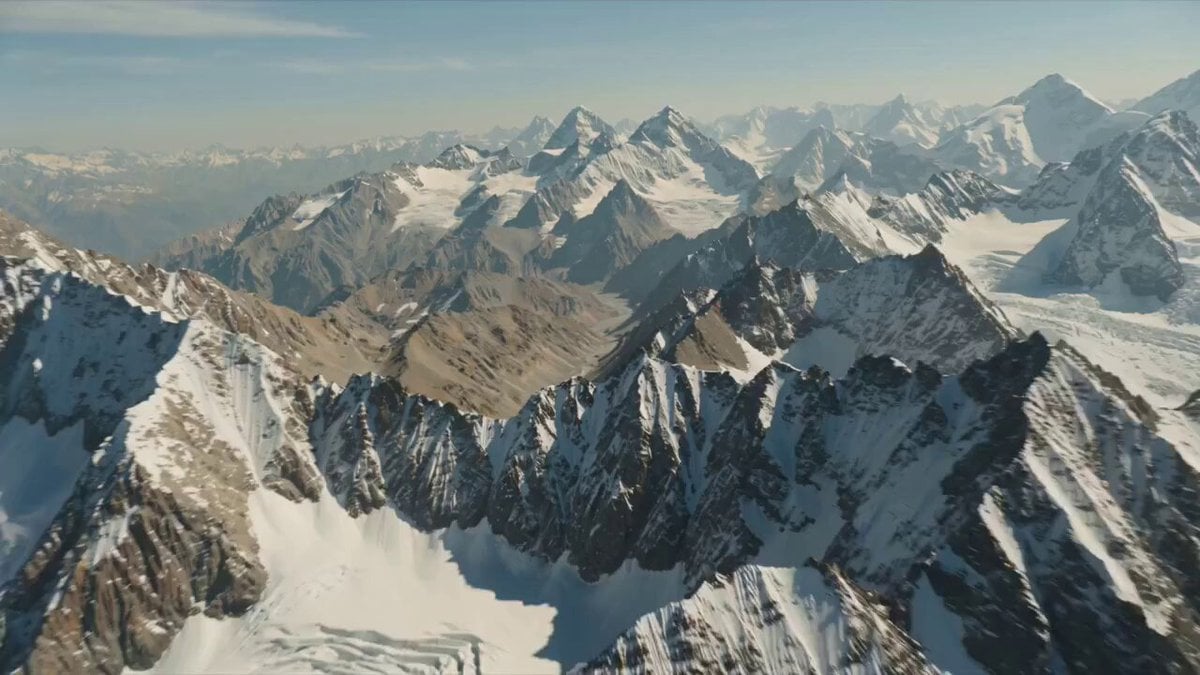
High in the rugged 1975 Ladakh mountains, Indian engineers harness newly discovered anti-gravity min
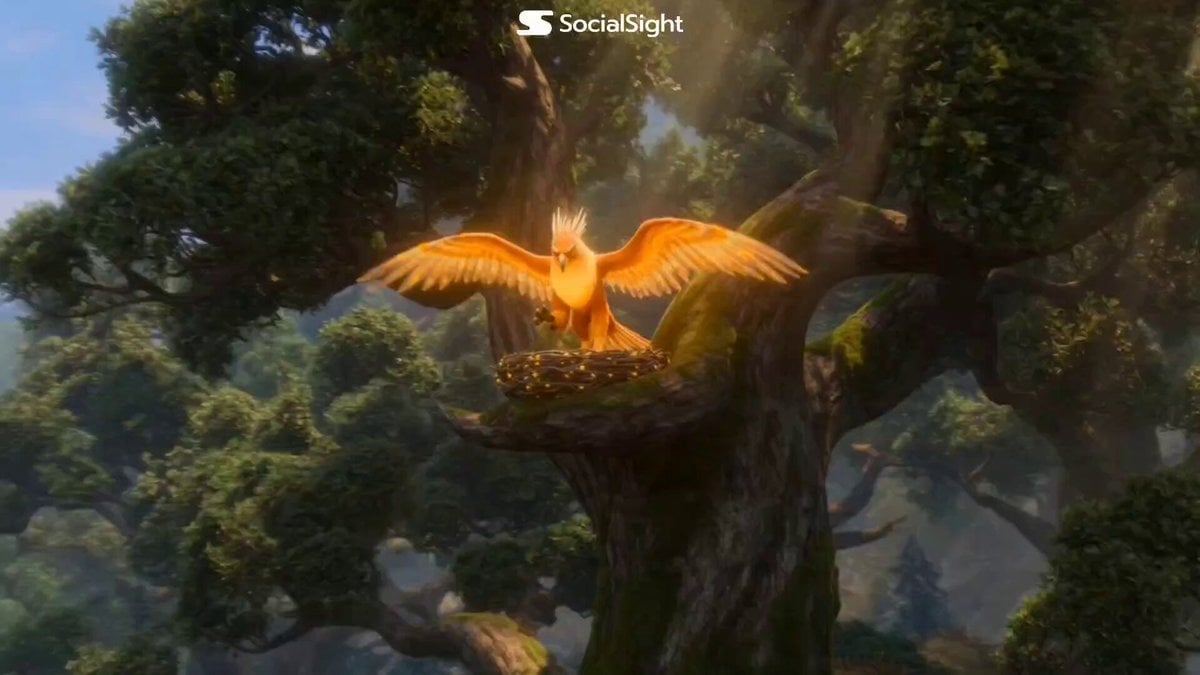
Fantasy Griffin Nesting and Goblin Selfie

Maglev Train Action Sequence
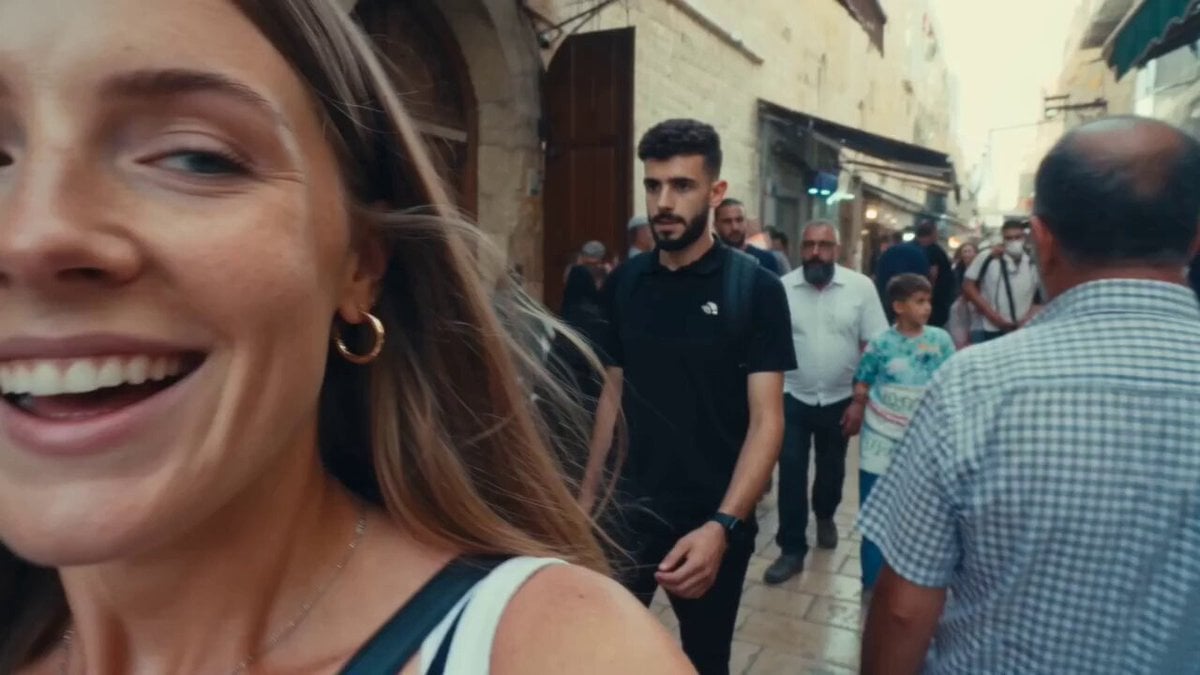
Vintage 16mm Jerusalem Travel Vlog

Pterodactyl Transformation Journey
Seamless Environment Transition Sports Commercial
Autumn Paris Vlog Walking Selfie
Make it yours
Goblin traveller and steed in the mountains works as-is. These are the safest ways to change it without losing the look.
Change one field
Copy a single group, rewrite it, and generate again so you can see what that field is doing.
Keep the frame, change the subject
Hold the composition and light of Goblin traveller and steed in the mountains, then swap wardrobe, props or the person for a new take.
| If the result… | Why | Fix |
|---|---|---|
| The result drifts from the preview | Too many fields changed at once. | Reuse Goblin traveller and steed in the mountains as-is first, then change one group — subject, light, or setting. |
| The model over-stylizes the scene | The prose prompt leaves finish and camera underspecified. | Add one camera or lighting sentence and stay on Seedance 2.0. |
More Seedance 2.0 templates
Other prompts made for Seedance 2.0.

Comical Martial Arts Punch Scene

Martial Arts Fight Sequence

Wuxia Protection and Trust Script

Vintage Korean Arcade MiniDV Vlog

Mercedes 190 SL Luxury Ad

Rainy Night Supernatural Reverse Comedy Video Script

Amazon Civilization Discovery

Futuristic South Asian City Transformation

Cozy Luxury Cafe Commercial

Cyber Ronin Nanotech Transformation Video
More video prompts
Fresh picks from across the catalog.
Anime Expression Intensity Control
Superhuman Heroine in Metropolis

Epic Everyday Life Movie Trailer

Pepsi Stadium Commercial Video
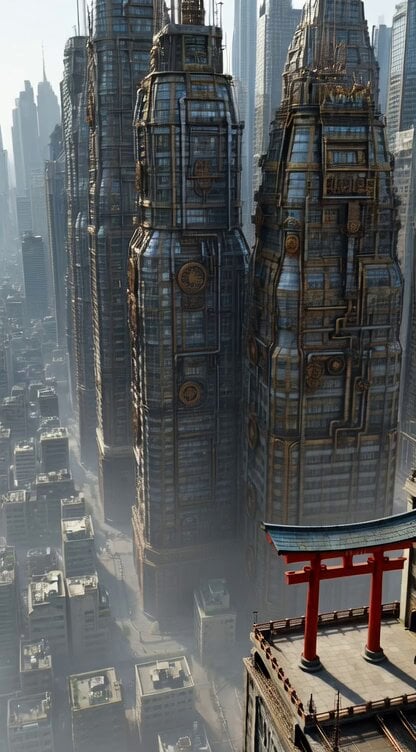
Steampunk Future City with Floating Buildings and a Small Torii Gate
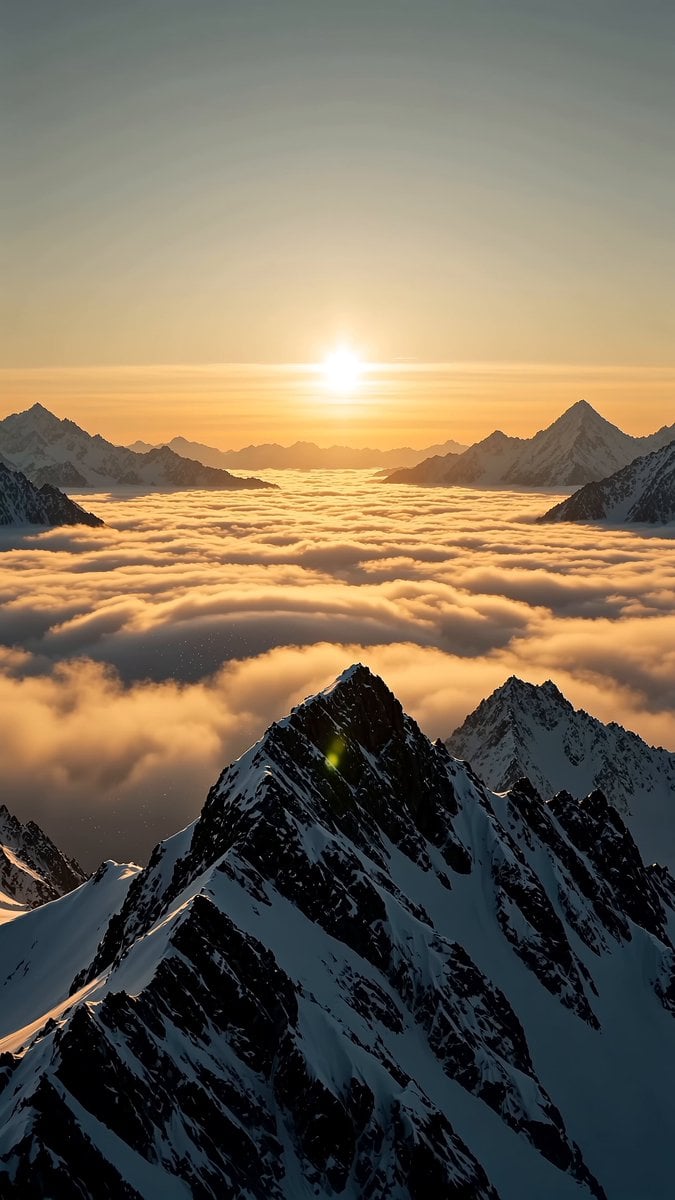
Giant Mountain Koi Video Prompt
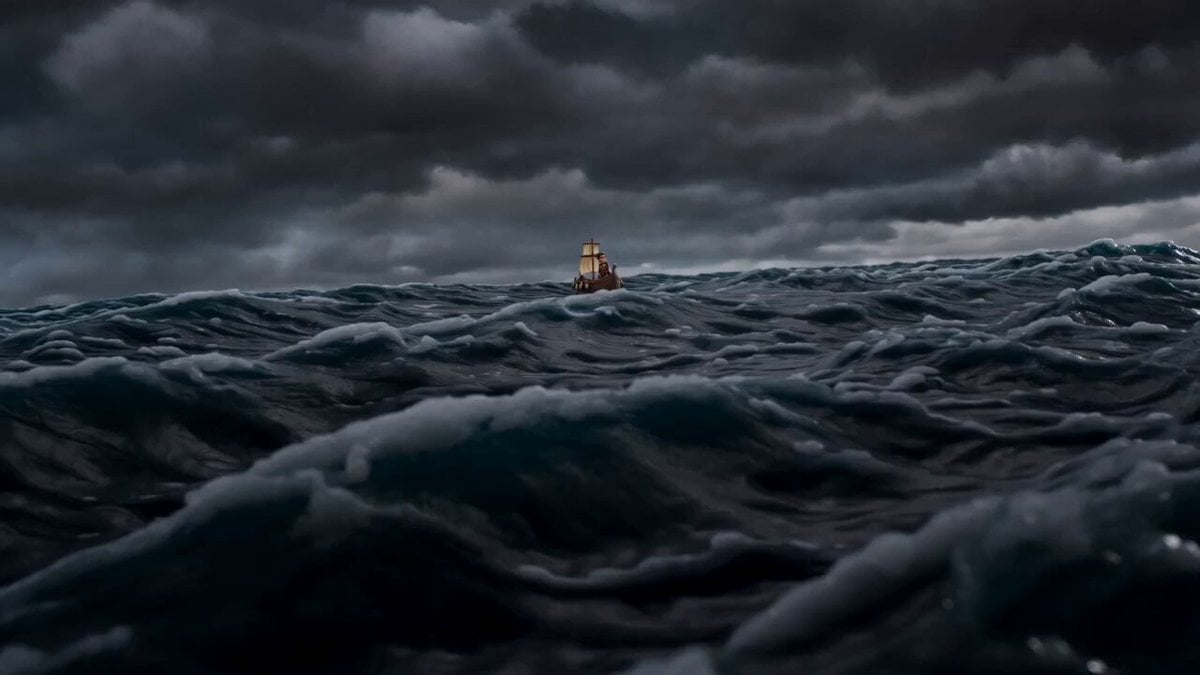
Claymation Odysseus and Cyclops Animation
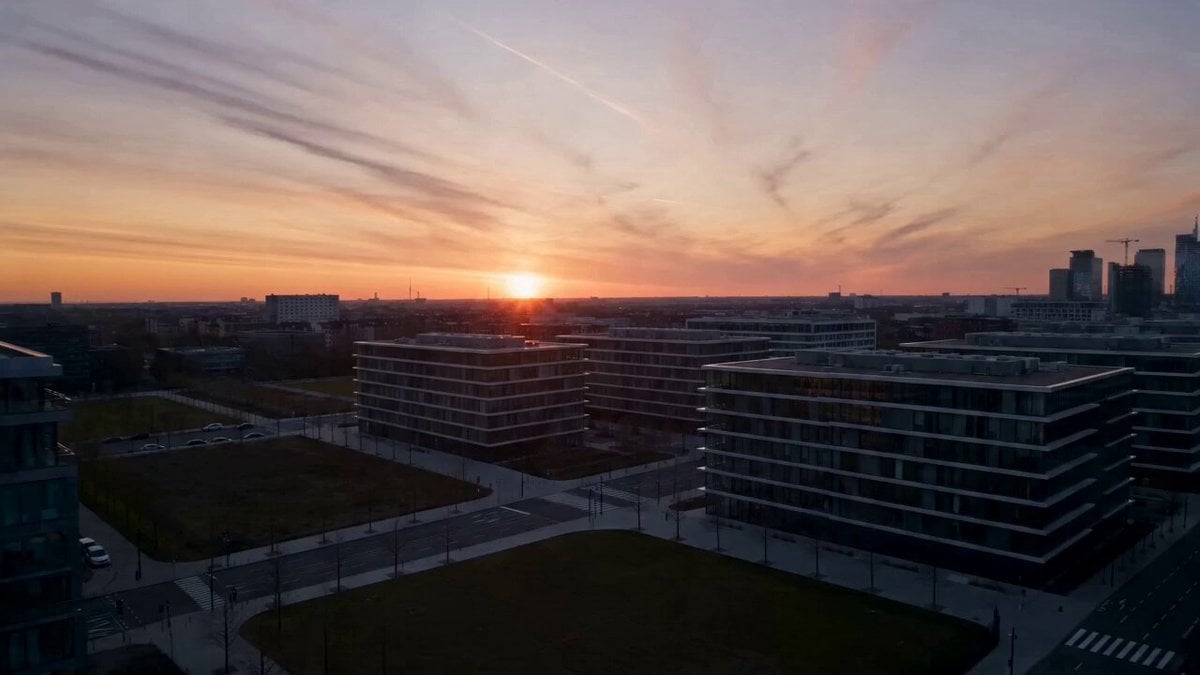
Electric Bike Urban Commercial

Woman in a Geodesic Time Machine
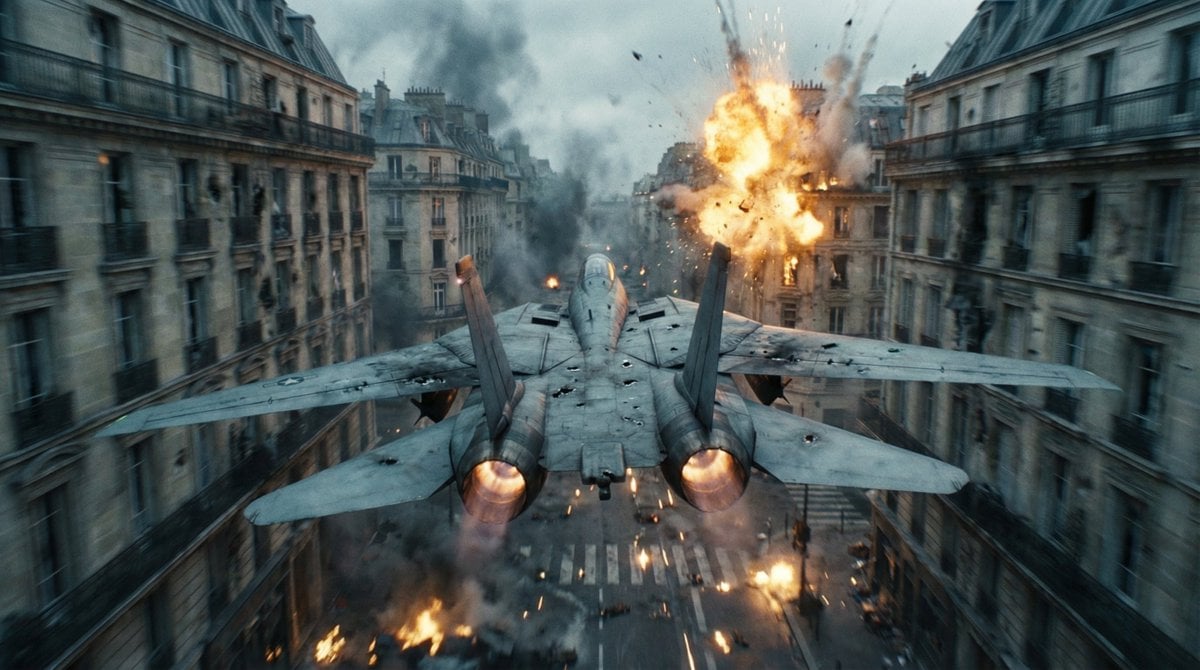
Cinematic WWII Aerial Combat Scene
Browse template categories
Goblin traveller and steed in the mountains questions
How do I use the Goblin traveller and steed in the mountains template?
Add your photo if the template asks for one, edit the prompt if you like — the template's model and format are already selected — and press Generate. Your version opens in PicX Studio.
Can I customize the Goblin traveller and steed in the mountains template?
Yes. You can change the subject, setting, lighting, mood, format, and available model controls before creating your video.
Is the Goblin traveller and steed in the mountains template free?
Opening and editing this template is free. Generating uses credits, shown on the Generate button when you are signed in.
Which AI model should I use?
Start with Seedance 2.0, which is the model associated with this template. You can compare another compatible model for a different finish.
Looking for something else? Browse all templates.

Your photo, any look
Thousands of ready templates for every top image and video model, from one credit balance.