
Cinematic WWII Aerial Combat Scene
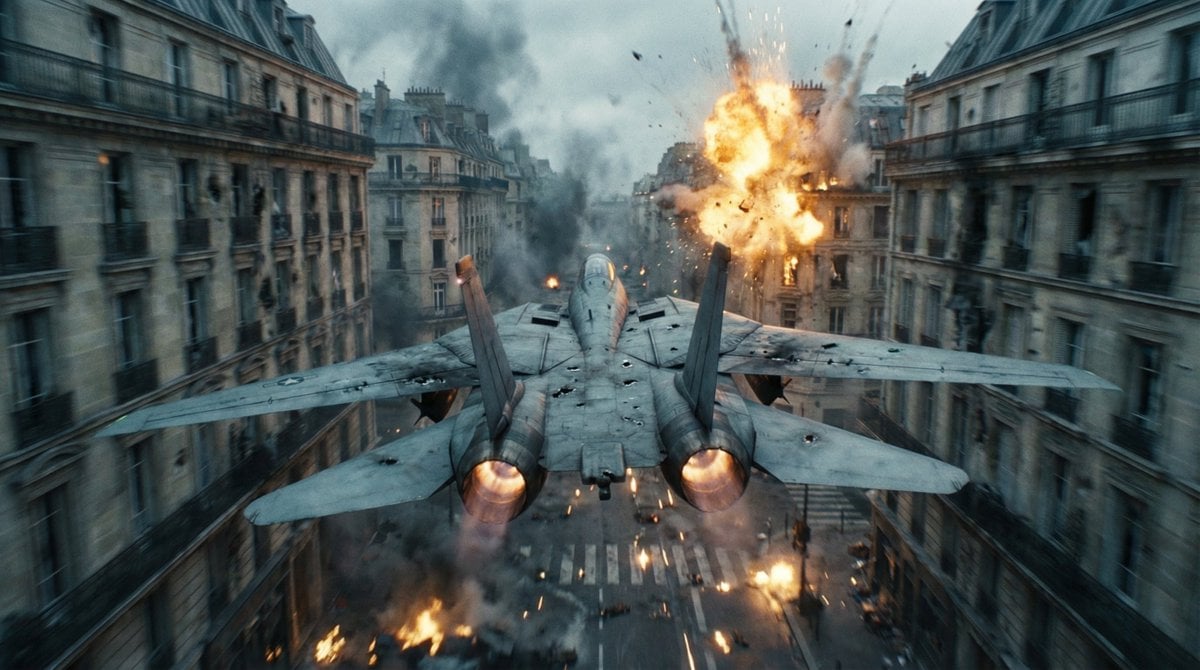
A detailed, cinematic prompt designed to generate a movie still of a twin-engine propeller fighter jet flying low and fast over a war-torn Paris, featuring intense action, explosions, and a handheld camera style.
- Prompt included
- Model and format preset
- Premium template
The prompt behind this video
Copy the exact prompt behind Cinematic WWII Aerial Combat Scene, or open it in the studio and make it yours.
电影剧照,一架双发螺旋桨战机,在被战火笼罩的巴黎市区低空高速穿梭。奥斯曼风格的石砌楼宇在两侧飞速掠过,狭窄街道上硝烟弥漫,右侧建筑发生剧烈爆炸,火光冲天、碎片飞溅,弹痕与交火火光遍布地面。战机机身布满弹痕与硝烟痕迹,引擎轰鸣震碎窗标机身在狂风中剧烈震颤。镜头采用手持摄影风格,动态模糊与强烈的临场感交织,冷暗色调与爆炸火光形成鲜明对比,极具压迫感画面充满二战空战的紧张与线酷,每一帧都充满好莱坞式的震撼视觉冲击力,完美还原了战争的磅礴与绝望。
How to use Cinematic WWII Aerial Combat Scene in 3 steps
- 1
Open
The prompt is already in the box next to the preview, with the template's model and format selected.
- 2…a portrait of your subject in softgolden-hour light, 85mm…
Personalize
Edit the subject and creative details for your destination.
- 3
 Generate
Press Generate — your video is created in PicX Studio, so you can compare it with the original and refine one variable at a time.
More like this
Templates with the same subject, style or setup. Open one to see its prompt.
City Timelapse Growth — Seedance 2.0
Pearl Harbor Attack — Seedance 2.0 FPV
Griffin Knight Mountain Kingdom — Seedance 2.0
FPV Ancient Kuru Kingdom — Hastinapura Golden Hour (Seedance)
Whale in the Sky — City Shadows (Kling AI)
Yellow Seaplane Coastal Dive — Aerial Drone Shot
Civilization Timelapse — Centuries in One Shot
Mecha Transformation vs Kaiju — 4-Scene Epic

WWII Aerial Dogfight
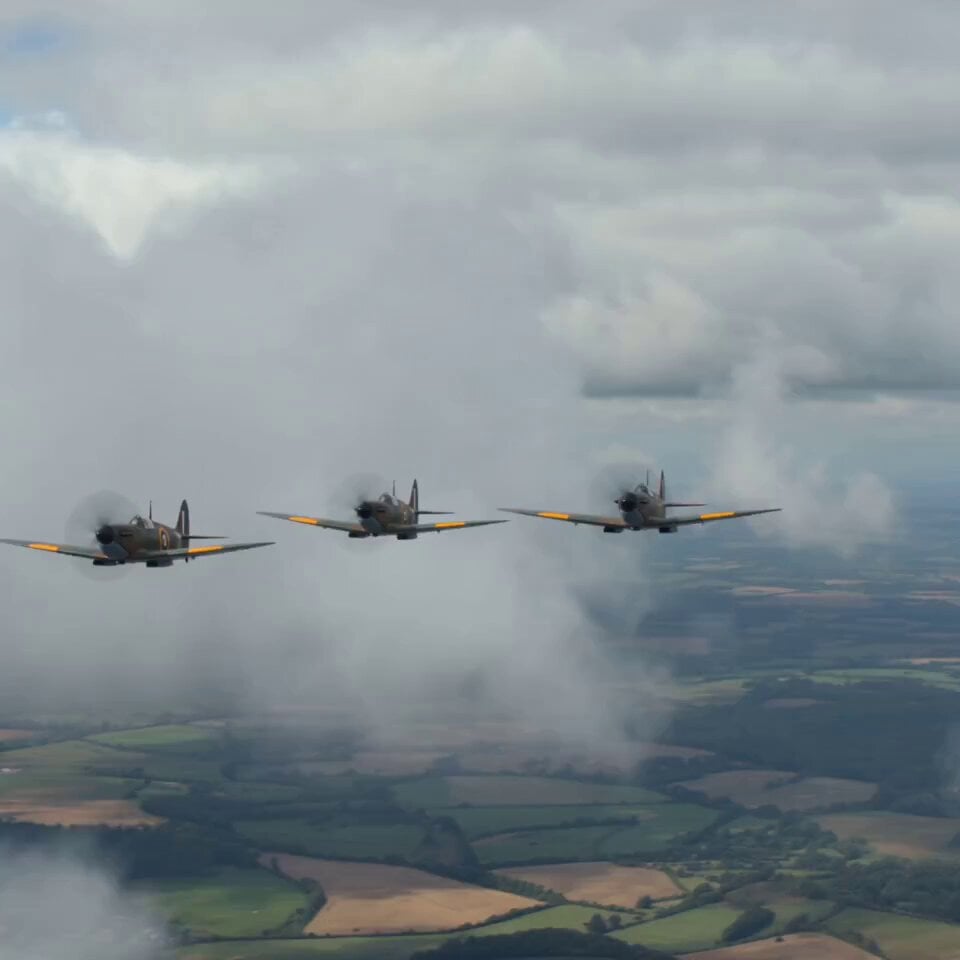
Detailed WWII aerial dogfight scene prompt
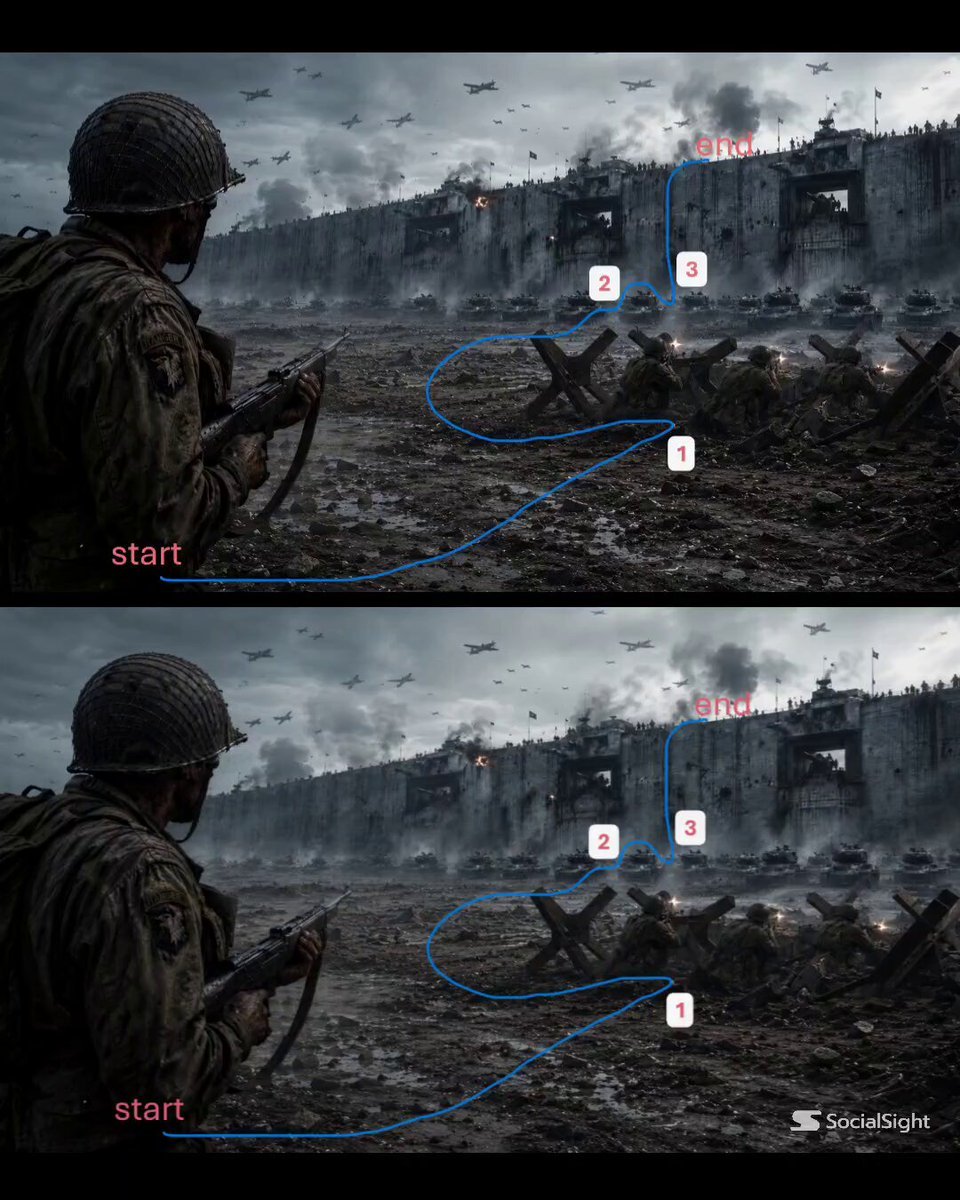
WWII Battlefield Cinematic Tracking Shot
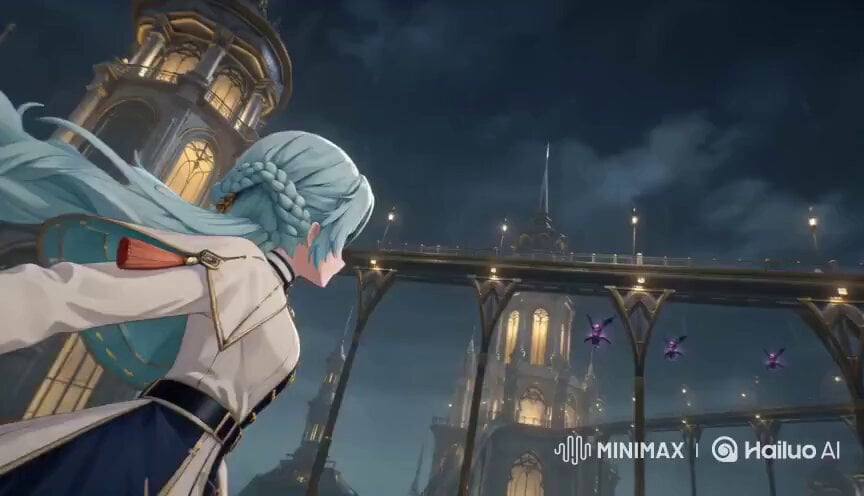
Floating Magic City Aerial Combat
Make it yours
Cinematic WWII Aerial Combat Scene works as-is. These are the safest ways to change it without losing the look.
Change one field
Copy a single group, rewrite it, and generate again so you can see what that field is doing.
Keep the frame, change the subject
Hold the composition and light of Cinematic WWII Aerial Combat Scene, then swap wardrobe, props or the person for a new take.
| If the result… | Why | Fix |
|---|---|---|
| The result drifts from the preview | Too many fields changed at once. | Reuse Cinematic WWII Aerial Combat Scene as-is first, then change one group — subject, light, or setting. |
| The model over-stylizes the scene | The prose prompt leaves finish and camera underspecified. | Add one camera or lighting sentence and stay on Seedance 2.0. |
More Seedance 2.0 templates
Other prompts made for Seedance 2.0.

Comical Martial Arts Punch Scene

Maglev Train Action Sequence

Martial Arts Fight Sequence

Wuxia Protection and Trust Script

Vintage Korean Arcade MiniDV Vlog

Mercedes 190 SL Luxury Ad

Rainy Night Supernatural Reverse Comedy Video Script

Amazon Civilization Discovery

Futuristic South Asian City Transformation

Cozy Luxury Cafe Commercial
More video prompts
Fresh picks from across the catalog.
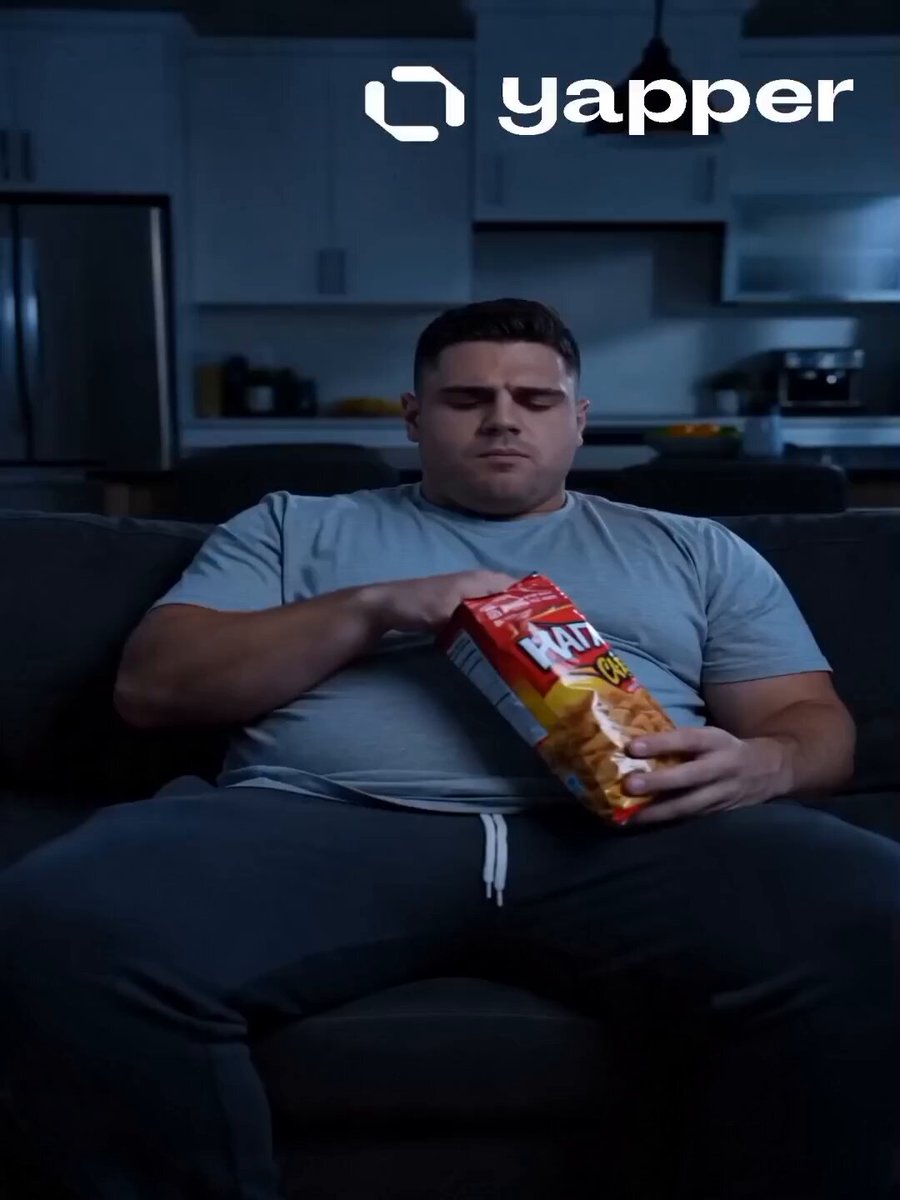
Fitness Transformation Commercial
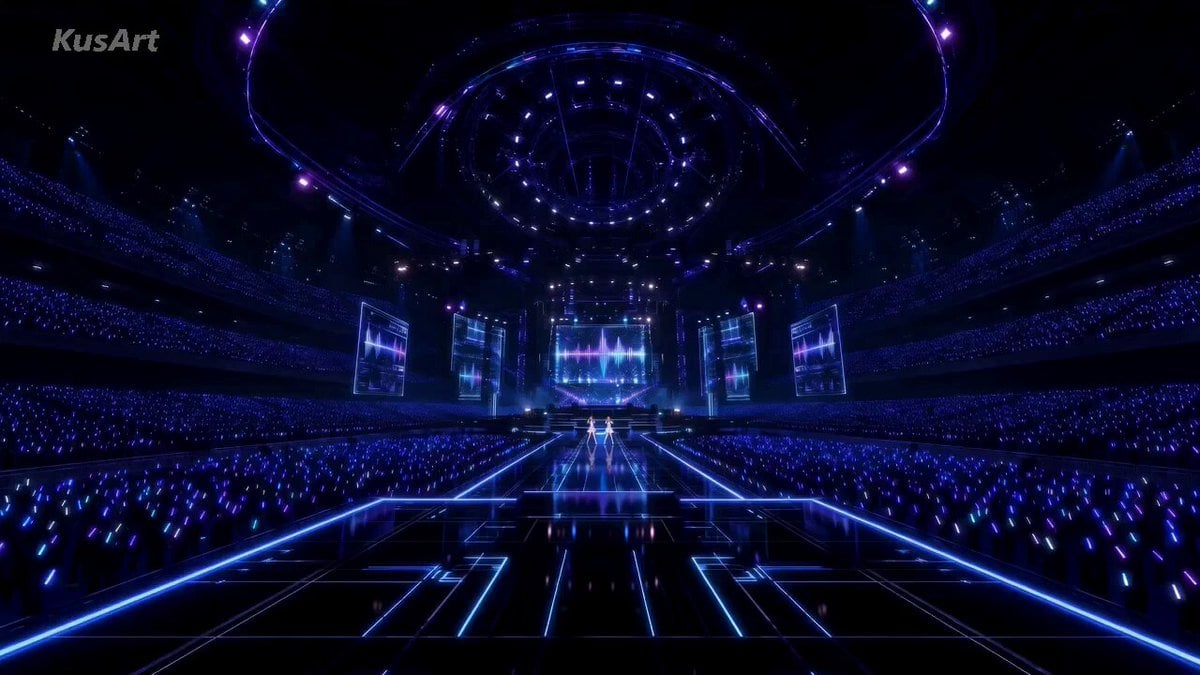
Cyberpunk Idol Anime Live
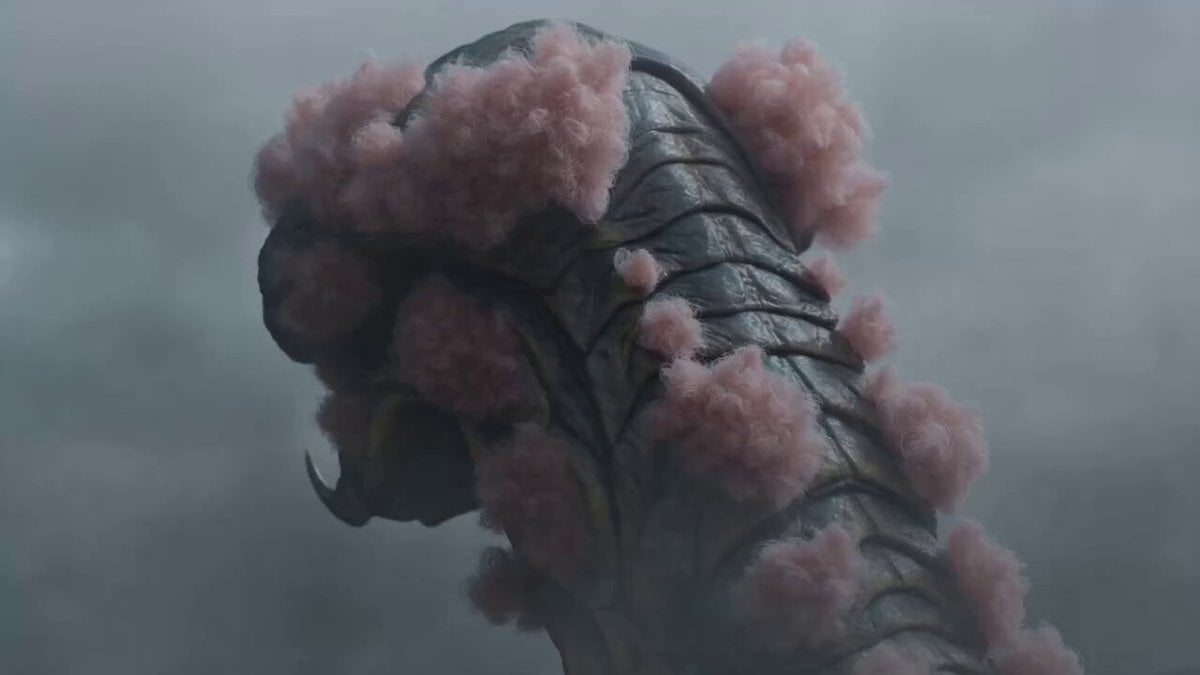
Macro Cinematic Hexapod Creature Animation
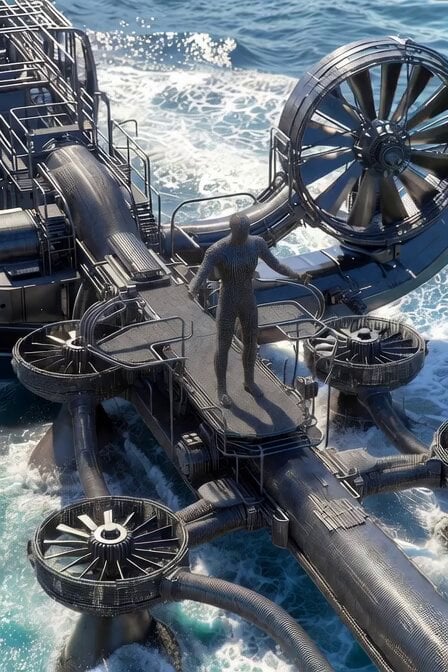
Futuristic Graphene Water Sports Resort
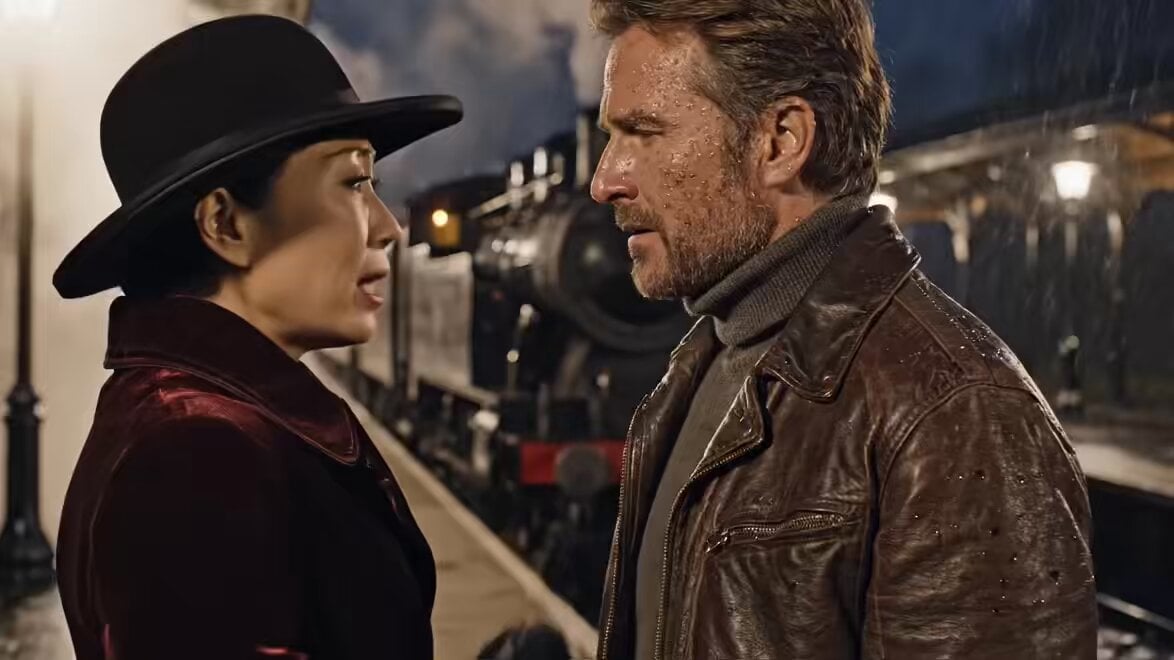
Oscar-Winning Scene Generation Prompt
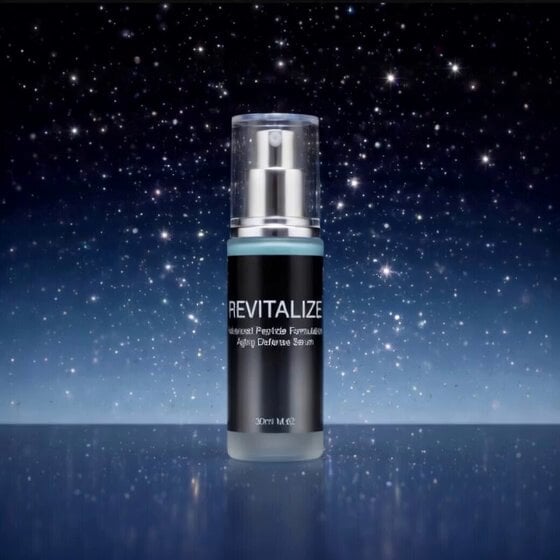
Skincare Product Ad Video

Dragon Grown from Intertwining Plants

Playful Kitten with Blanket
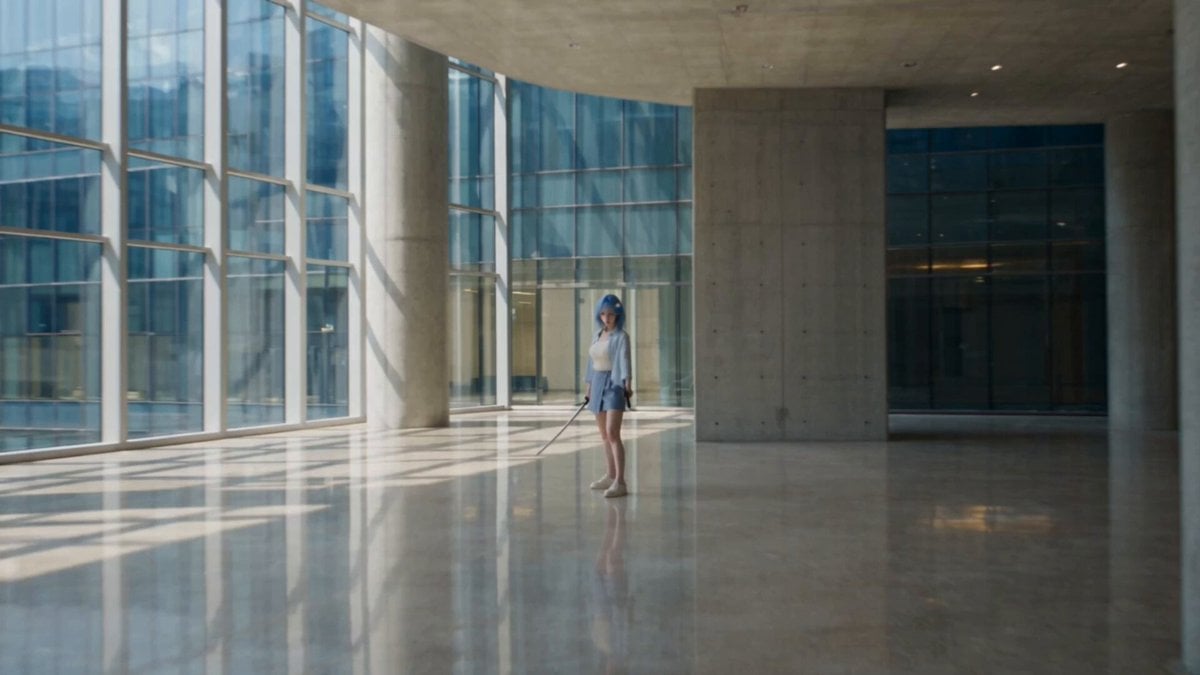
Modern Ninja Skyscraper Lobby Combat
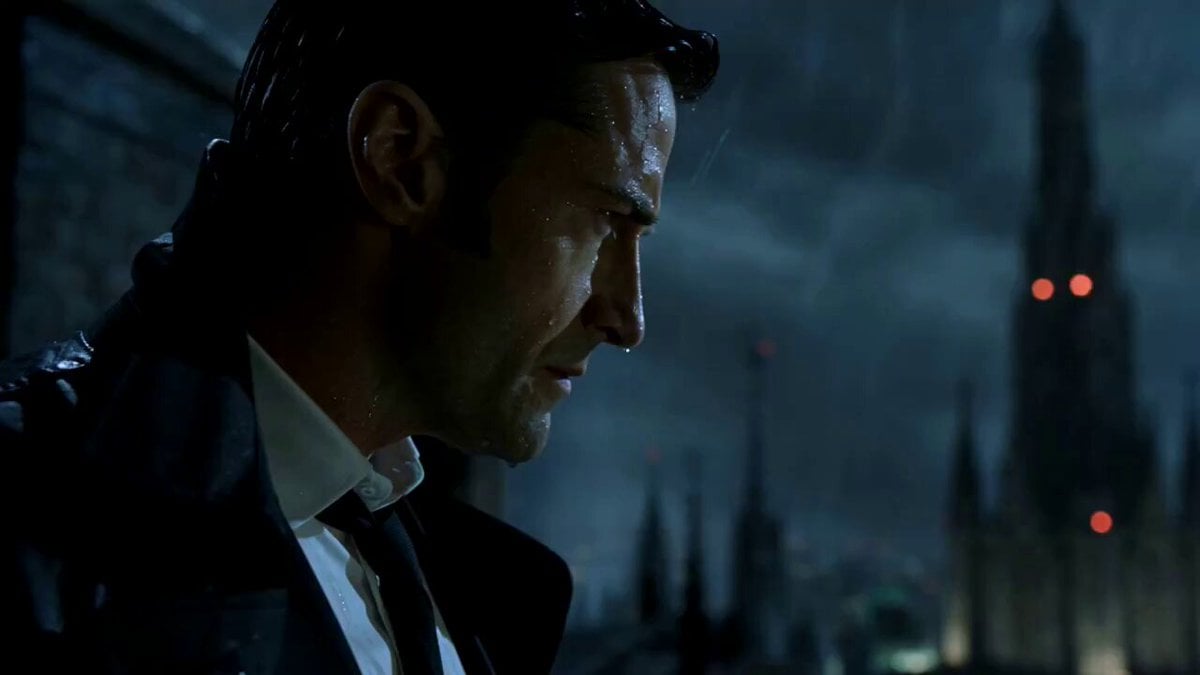
Gothic City Detective
Browse template categories
Cinematic WWII Aerial Combat Scene questions
How do I use the Cinematic WWII Aerial Combat Scene template?
Add your photo if the template asks for one, edit the prompt if you like — the template's model and format are already selected — and press Generate. Your version opens in PicX Studio.
Can I customize the Cinematic WWII Aerial Combat Scene template?
Yes. You can change the subject, setting, lighting, mood, format, and available model controls before creating your video.
Is the Cinematic WWII Aerial Combat Scene template free?
Opening and editing this template is free. Generating uses credits, shown on the Generate button when you are signed in.
Which AI model should I use?
Start with Seedance 2.0, which is the model associated with this template. You can compare another compatible model for a different finish.
Looking for something else? Browse all templates.

Your photo, any look
Thousands of ready templates for every top image and video model, from one credit balance.