
Detailed WWII aerial dogfight scene prompt
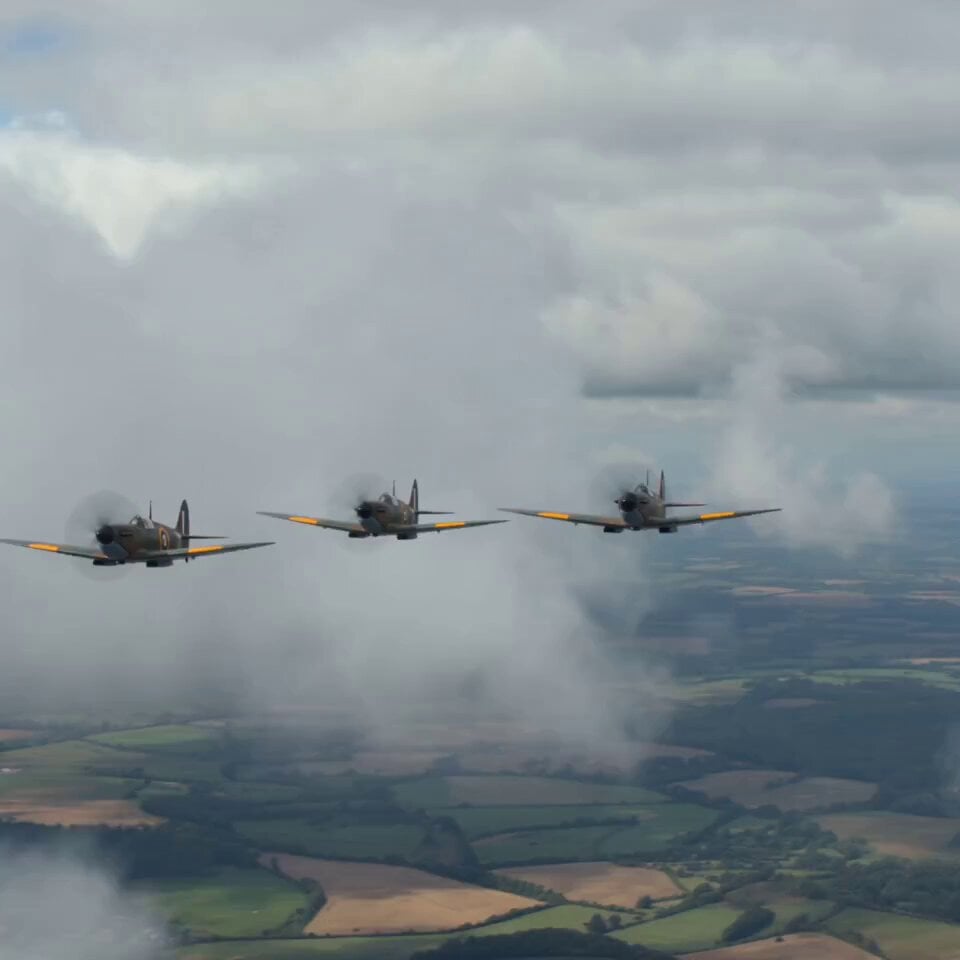
An extremely detailed, multi-paragraph prompt for generating a 5-second video of a dramatic World War II aerial dogfight between RAF Spitfires and German Messerschmitt fighters over England, focusing on motion, action…
- Prompt included
- Model and format preset
- Free template
The prompt behind this video
Copy the exact prompt behind Detailed WWII aerial dogfight scene prompt, or open it in the studio and make it yours.
Three RAF Spitfires fly forward rapidly in tight formation through cloudy skies over England, their propellers spin furiously creating motion blur. Suddenly German Messerschmitt fighters dive aggressively from above through cloud cover, descend at steep angles with engines screaming. The Spitfire formation breaks apart instantly, each aircraft banks sharply in different directions. A Spitfire rolls violently to evade, performs a tight barrel roll, machine guns fire continuously, tracer rounds stream brilliantly across the sky. A Messerschmitt takes hits directly on the wing, smoke trails begin immediately, the aircraft spirals downward uncontrollably, spins faster and faster, flames erupt from the engine cowling intensely, the plane plummets toward the ground rapidly. Another Spitfire pursues a Messerschmitt aggressively, both aircraft weave dramatically through clouds, emerge suddenly into clear sky, dive steeply together locked in pursuit. Clouds drift majestically throughout the battle, aircraft appear and disappear through the vapor continuously. Contrails streak beautifully across the blue sky marking flight paths. The camera starts inside a Spitfire cockpit looking forward through the canopy, follows one aircraft's acrobatic maneuvers closely, then transitions smoothly to an external chase position behind the dogfighting planes, the camera matches their rolls and turns dynamically, finally pulls back rapidly to a wide aerial view, reveals multiple aircraft engaged across a vast sky dramatically.
How to use Detailed WWII aerial dogfight scene prompt in 3 steps
- 1
Open
The prompt is already in the box next to the preview, with the template's model and format selected.
- 2…a portrait of your subject in softgolden-hour light, 85mm…
Personalize
Edit the subject and creative details for your destination.
- 3Generate
Generate
Press Generate — your video is created in PicX Studio, so you can compare it with the original and refine one variable at a time.
More like this
Templates with the same subject, style or setup. Open one to see its prompt.

WWII Aerial Dogfight
City Timelapse Growth — Seedance 2.0
Pearl Harbor Attack — Seedance 2.0 FPV
Griffin Knight Mountain Kingdom — Seedance 2.0
FPV Ancient Kuru Kingdom — Hastinapura Golden Hour (Seedance)
Whale in the Sky — City Shadows (Kling AI)
Yellow Seaplane Coastal Dive — Aerial Drone Shot
Civilization Timelapse — Centuries in One Shot
Mecha Transformation vs Kaiju — 4-Scene Epic
Cinematic WWII Aerial Combat Scene
Seedance 2.0 Video Prompt: Aerial Dogfight over Thai Temple
Modern Fighter Jet Dogfight
Make it yours
Detailed WWII aerial dogfight scene prompt works as-is. These are the safest ways to change it without losing the look.
Change one field
Copy a single group, rewrite it, and generate again so you can see what that field is doing.
Keep the frame, change the subject
Hold the composition and light of Detailed WWII aerial dogfight scene prompt, then swap wardrobe, props or the person for a new take.
| If the result… | Why | Fix |
|---|---|---|
| The result drifts from the preview | Too many fields changed at once. | Reuse Detailed WWII aerial dogfight scene prompt as-is first, then change one group — subject, light, or setting. |
| The model over-stylizes the scene | The prose prompt leaves finish and camera underspecified. | Add one camera or lighting sentence and stay on Seedance 2.0. |
More Seedance 2.0 templates
Other prompts made for Seedance 2.0.

Comical Martial Arts Punch Scene

Maglev Train Action Sequence

Martial Arts Fight Sequence

Wuxia Protection and Trust Script

Vintage Korean Arcade MiniDV Vlog

Mercedes 190 SL Luxury Ad

Rainy Night Supernatural Reverse Comedy Video Script

Amazon Civilization Discovery

Futuristic South Asian City Transformation

Cozy Luxury Cafe Commercial
More video prompts
Fresh picks from across the catalog.
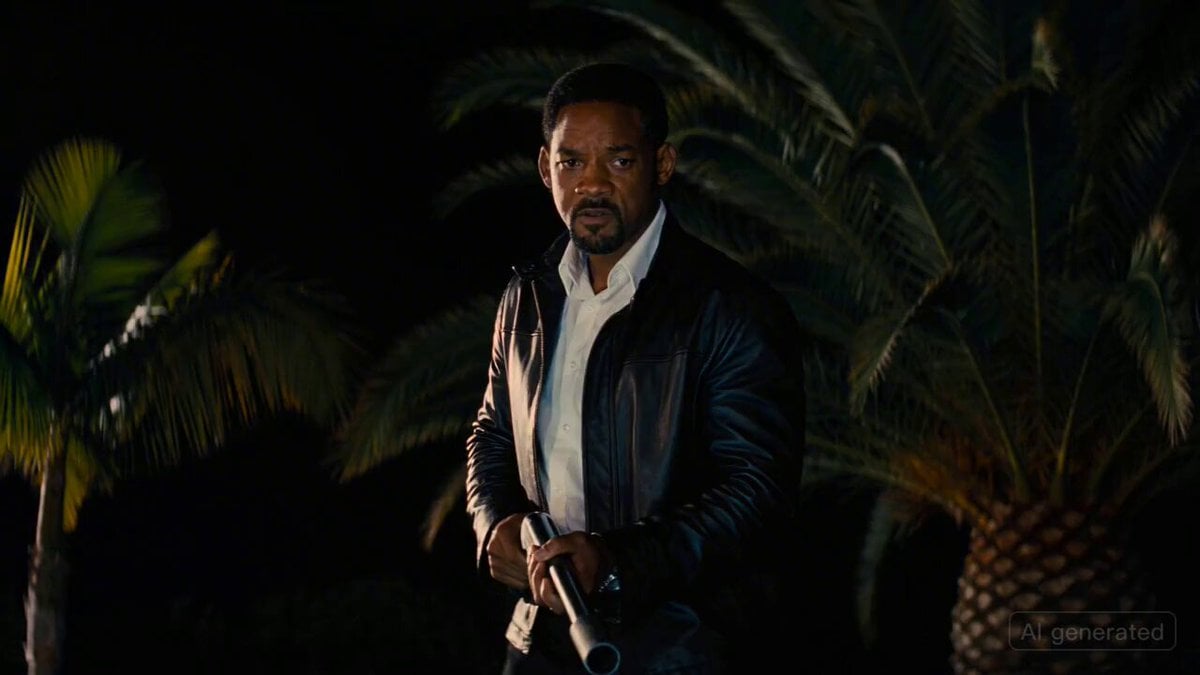
Tarantino-Style Hollywood Night Scene with Will Smith and a Flamethrower
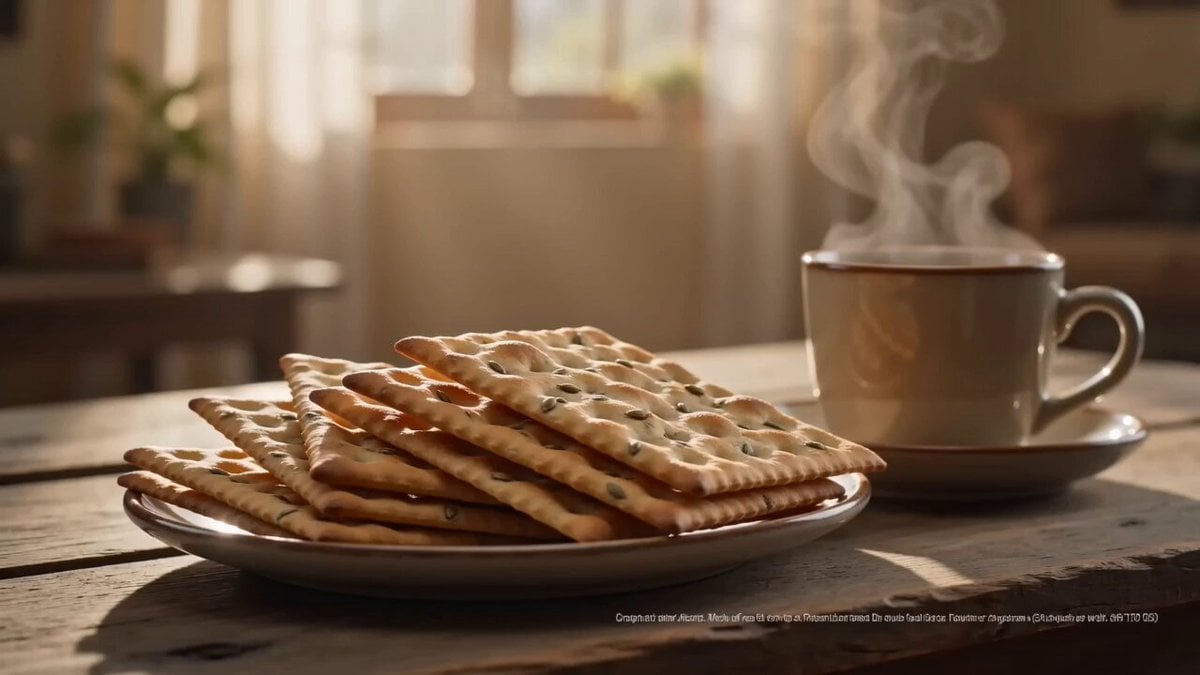
Zeera Biscuits Cinematic Commercial
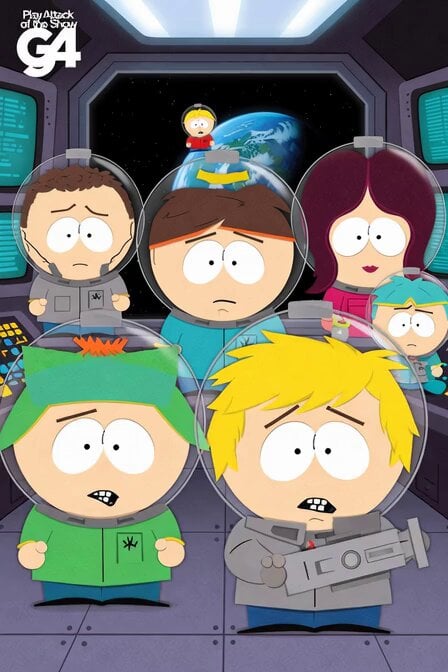
South Park Space Science Mission
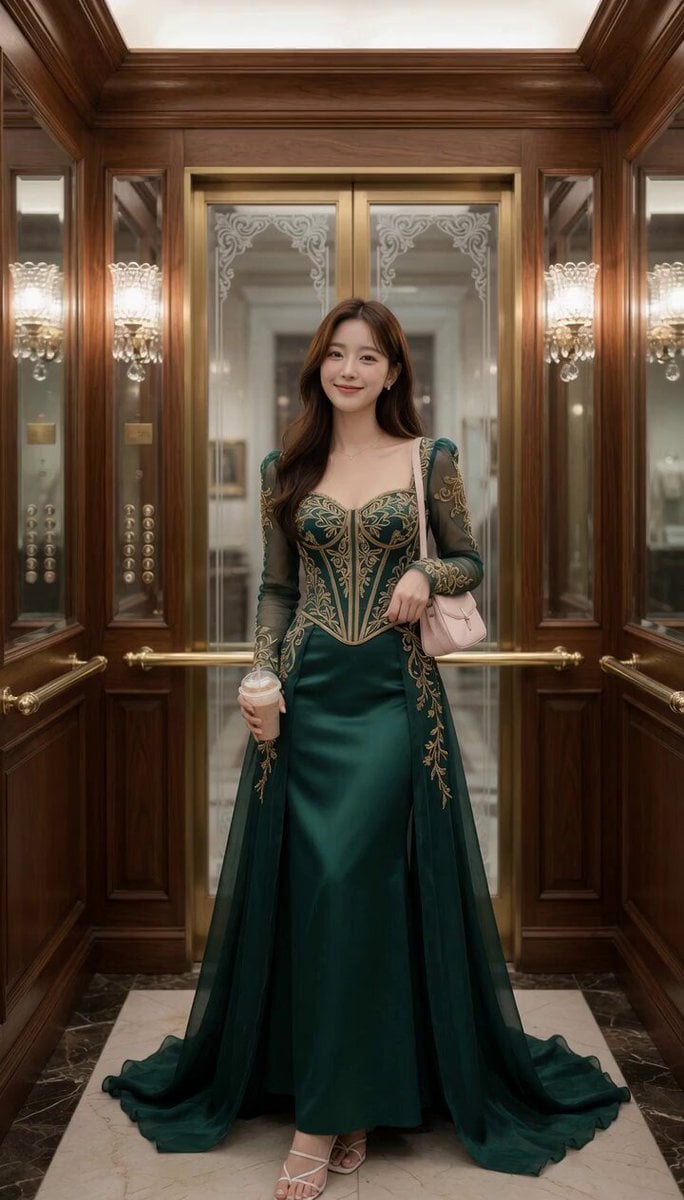
Elevator Fashion Mirror World
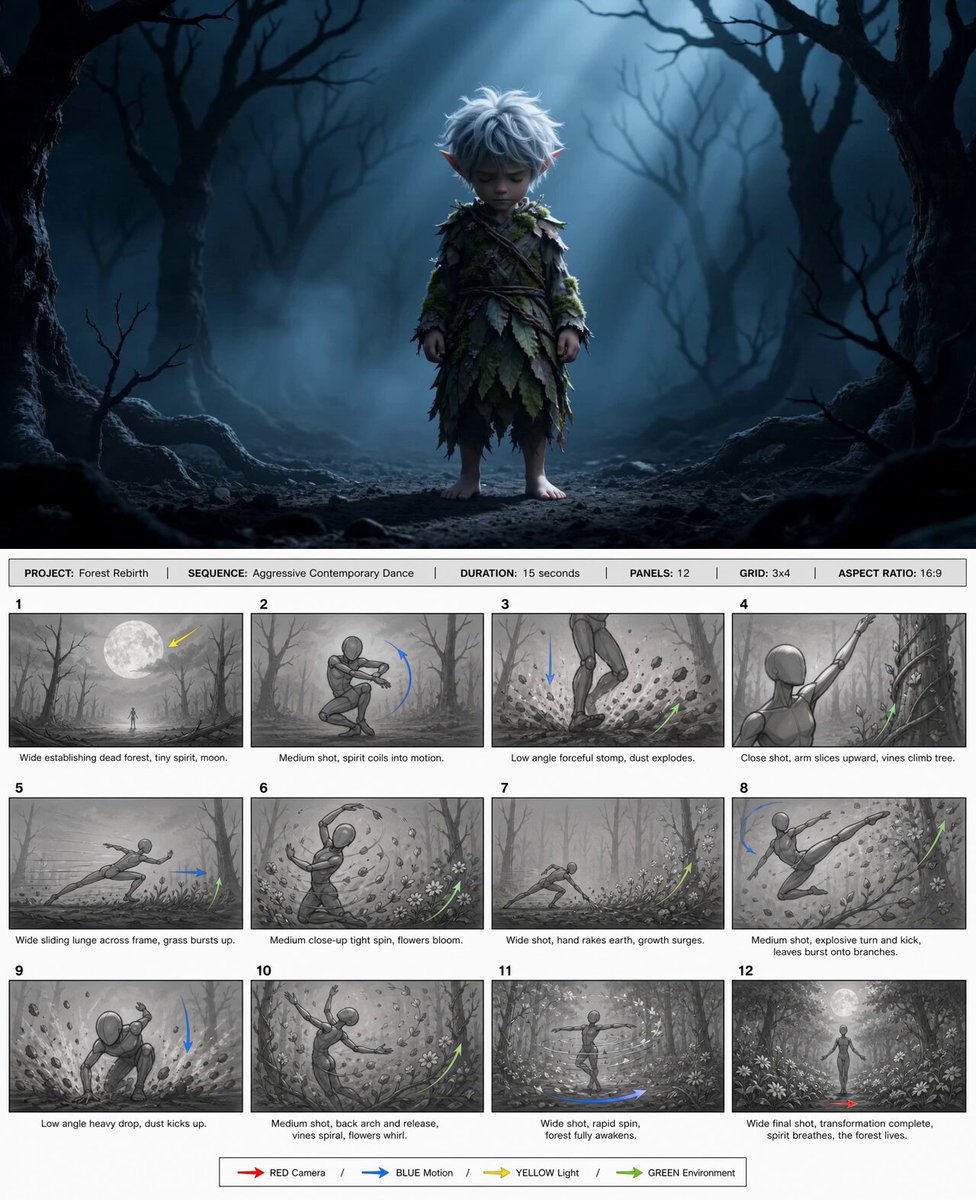
@happycapyai @aimikoda GPT Image 2 storyboard prom

Yoga Forward Fold Motion
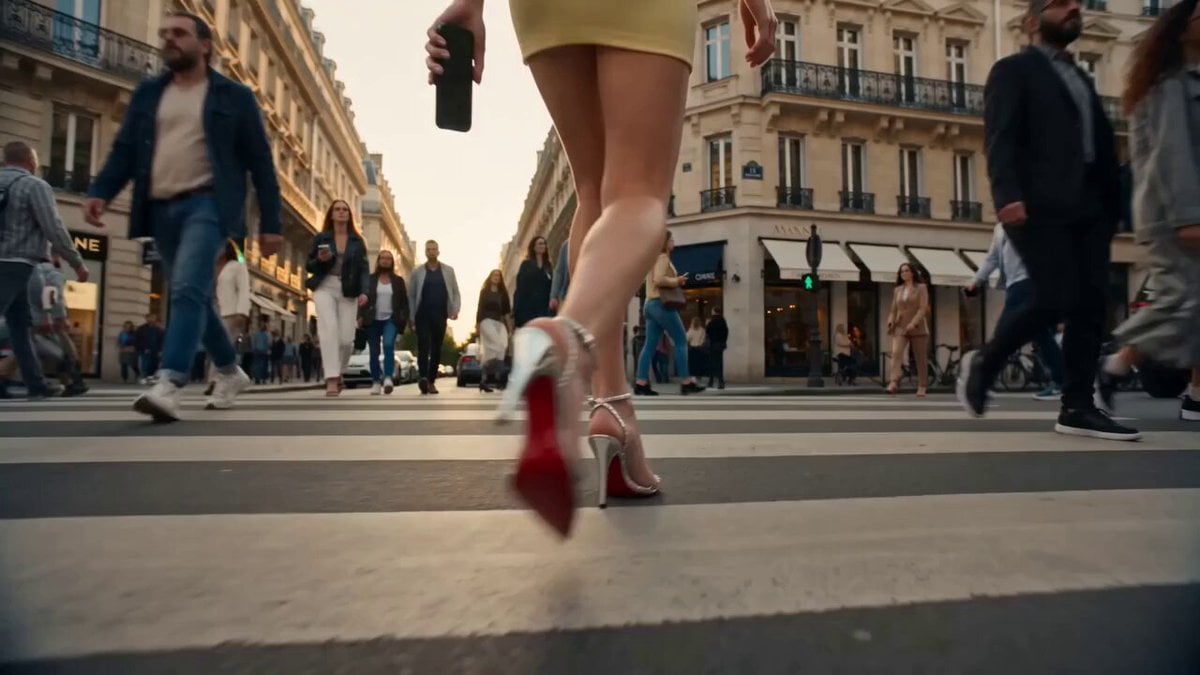
Cinematic Luxury Influencer Reel
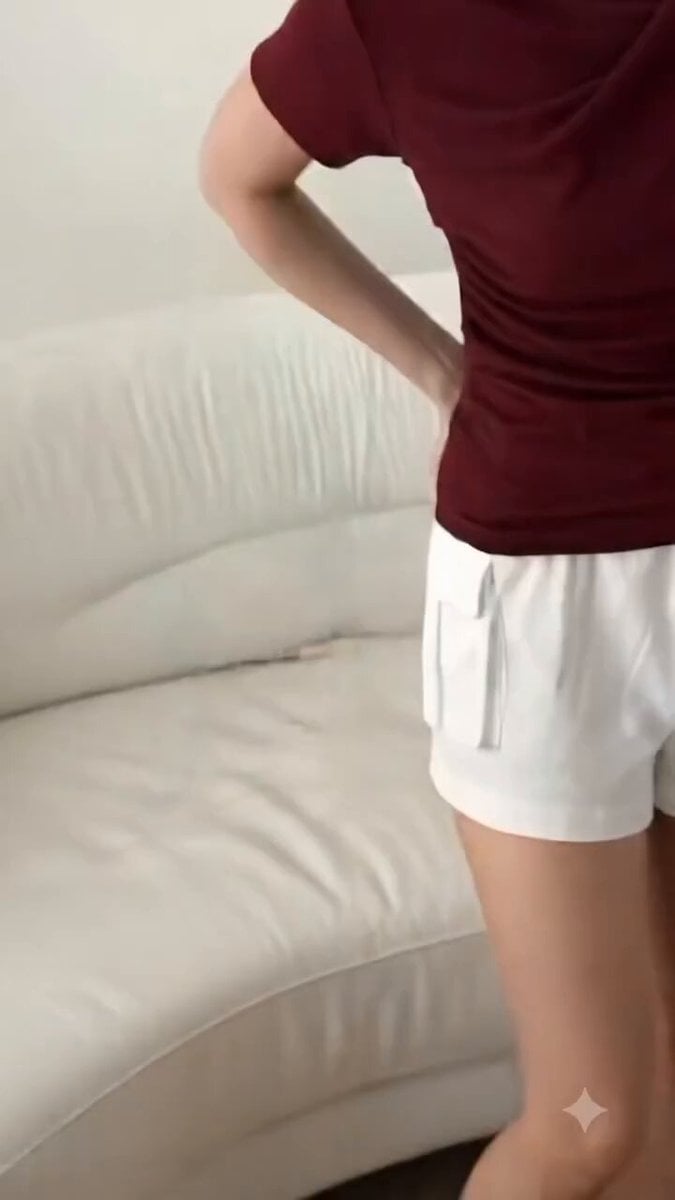
High-End Fashion UGC Campaign
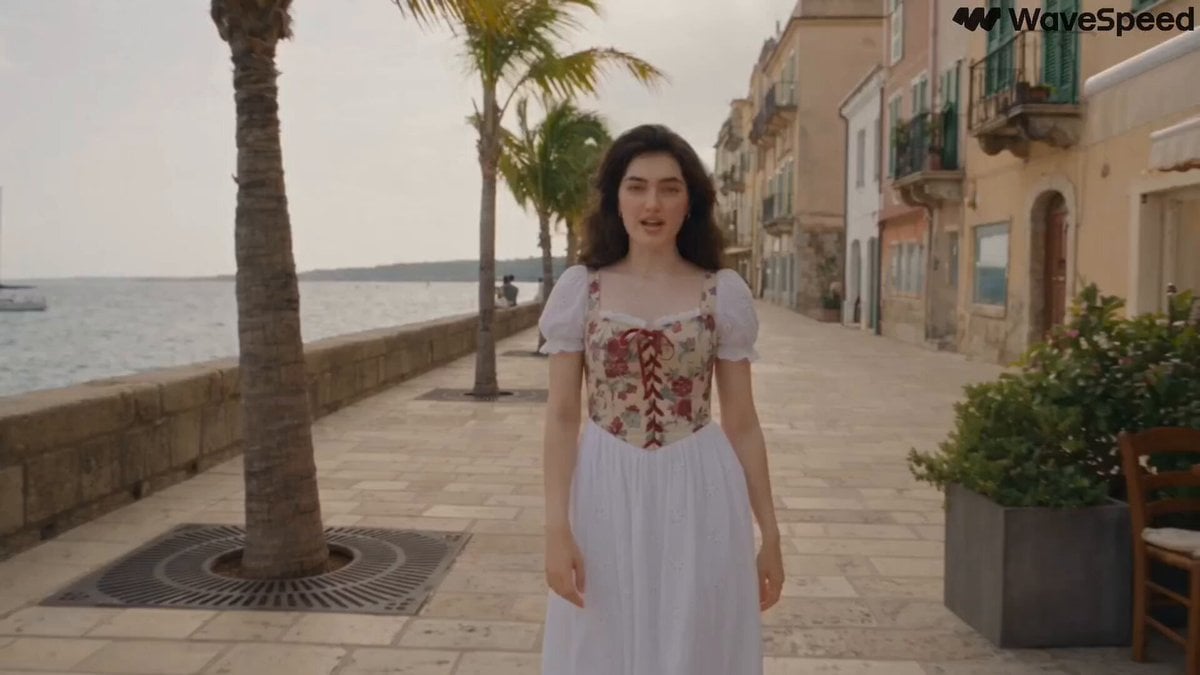
Mediterranean Musical Scene Long Take
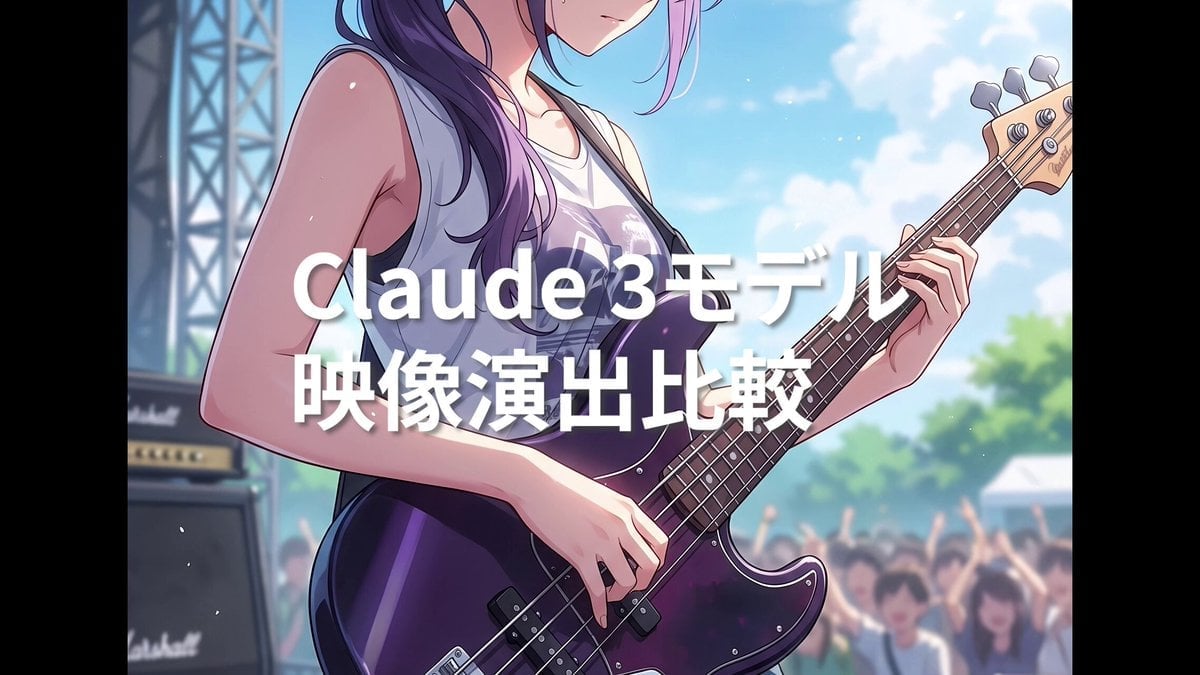
Summer Festival Bass Performance Video Prompt
Browse template categories
Detailed WWII aerial dogfight scene prompt questions
How do I use the Detailed WWII aerial dogfight scene prompt template?
Add your photo if the template asks for one, edit the prompt if you like — the template's model and format are already selected — and press Generate. Your version opens in PicX Studio.
Can I customize the Detailed WWII aerial dogfight scene prompt template?
Yes. You can change the subject, setting, lighting, mood, format, and available model controls before creating your video.
Is the Detailed WWII aerial dogfight scene prompt template free?
Opening and editing this template is free. Generating uses credits, shown on the Generate button when you are signed in.
Which AI model should I use?
Start with Seedance 2.0, which is the model associated with this template. You can compare another compatible model for a different finish.
Looking for something else? Browse all templates.

Your photo, any look
Thousands of ready templates for every top image and video model, from one credit balance.