
Autumn Paris Vlog Walking Selfie
A comprehensive multi-shot video prompt for Seedance 2.0 creating a realistic handheld DJI Osmo Pocket 3 style travel vlog of a woman walking through Paris in autumn.
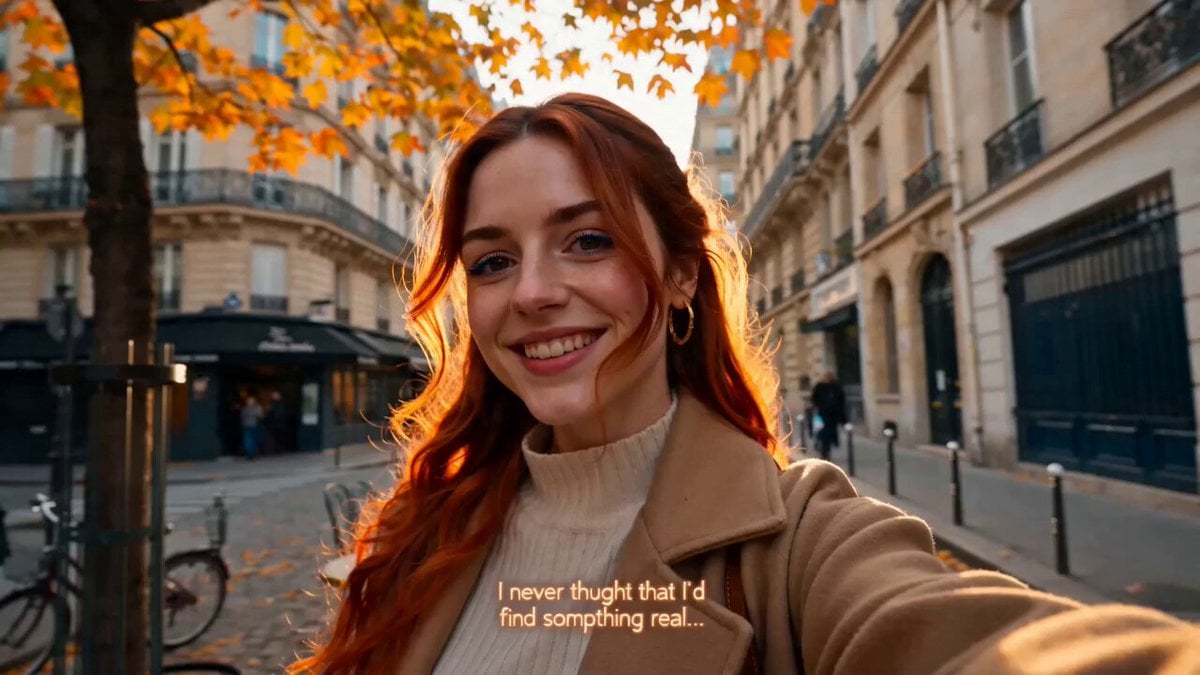
- Prompt included
- Model and format preset
- Free template
The prompt behind this video
Copy the exact prompt behind Autumn Paris Vlog Walking Selfie, or open it in the studio and make it yours.
0:00–0:02 | Hook — Walking Selfie Handheld selfie vlog. Young woman already walking through the Marais under golden autumn trees. She smiles naturally, then looks ahead. Copper hair moves in the breeze, a maple leaf drifts past the lens. Warm golden-hour light, realistic skin, subtle handheld sway. 0:02–0:04 | Street Reveal Without cutting, she rotates the camera to reveal charming cafés, patisserie windows, cobblestone streets, and falling leaves, then smoothly turns back to herself. Natural autofocus breathing. 0:04–0:06 | Café Moment She pauses beside a café table. Camera tilts to a steaming café au lait with leaf latte art, then back to her as she gazes down the street before softly meeting the lens. 0:06–0:08 | Autumn Detail Camera tilts to a maple leaf on the cobblestones. She picks it up, holding it toward the lens. Focus shifts from the leaf to her face as she smiles gently. 0:08–0:10 | Follow Shot Third-person follow shot as she walks between cafés and golden trees. She glances back over her shoulder with a subtle smile before continuing. 0:10–0:12 | Selfie Landmark Selfie shot in Champ de Mars. The Eiffel Tower rises behind her. She laughs naturally and points toward the tower as her hair moves in the wind. 0:12–0:14 | Park Reveal Smooth wrist-pan revealing the Eiffel Tower, autumn trees, couples relaxing on the lawn, and leaves drifting through the frame. 0:14–0:15 | Quiet Moment Side-profile shot on a park bench. She holds a travel coffee, slowly takes a sip while admiring the Eiffel Tower. Warm golden-hour light, peaceful cinematic ending. Style: Ultra-realistic, 16:9, handheld DJI Osmo Pocket 3 feel, cinematic autumn lighting, natural movement, no AI artifacts.
How to use Autumn Paris Vlog Walking Selfie in 3 steps
- 1
Open
The prompt is already in the box next to the preview, with the template's model and format selected.
- 2…a portrait of your subject in softgolden-hour light, 85mm…
Personalize
Edit the subject and creative details for your destination.
- 3Generate
Generate
Press Generate — your video is created in PicX Studio, so you can compare it with the original and refine one variable at a time.
More like this
Templates with the same subject, style or setup. Open one to see its prompt.
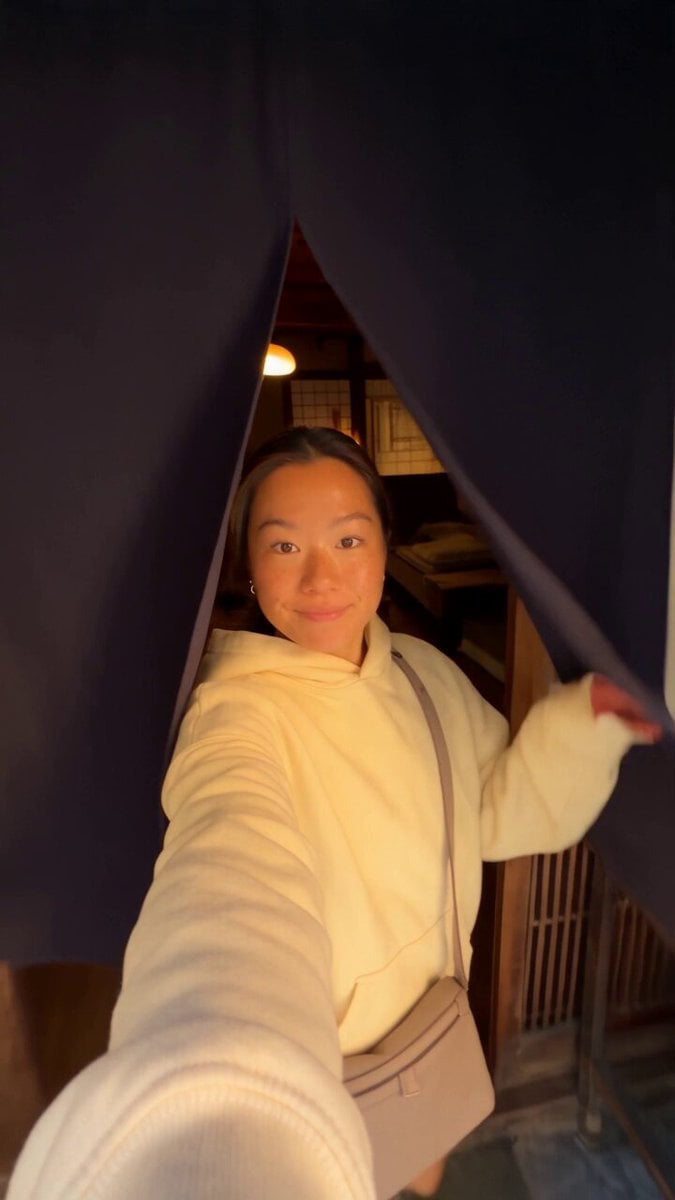
Kyoto Morning Selfie Vlog
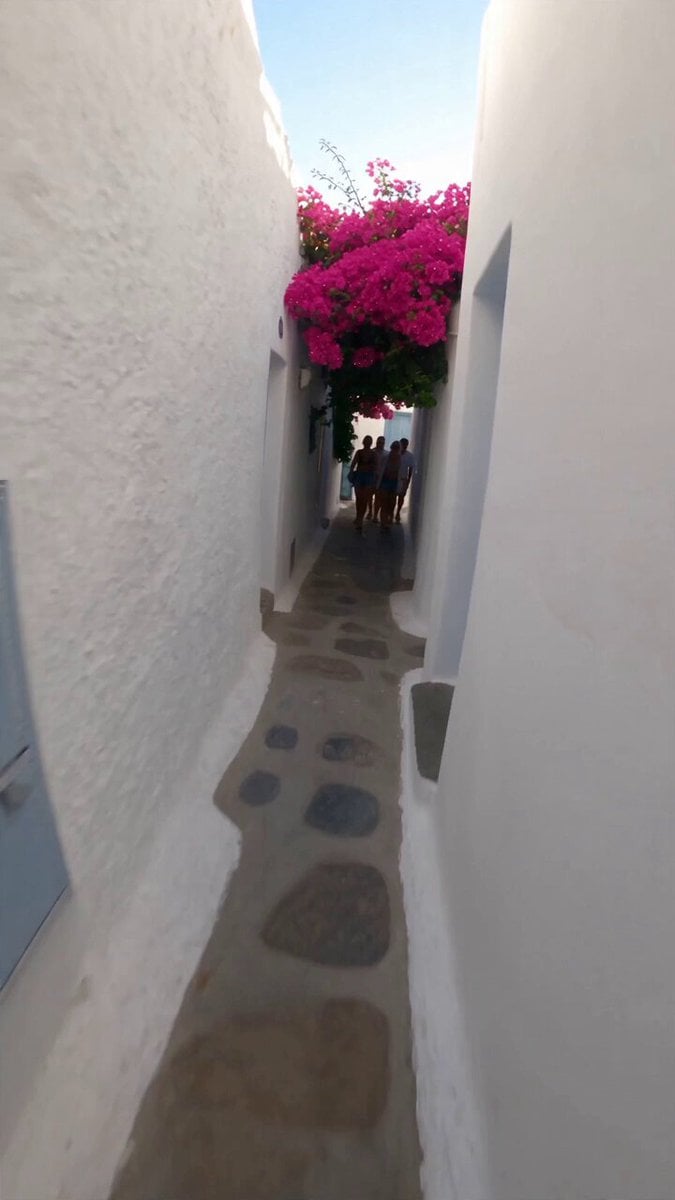
Selfie Travel Vlog Mykonos
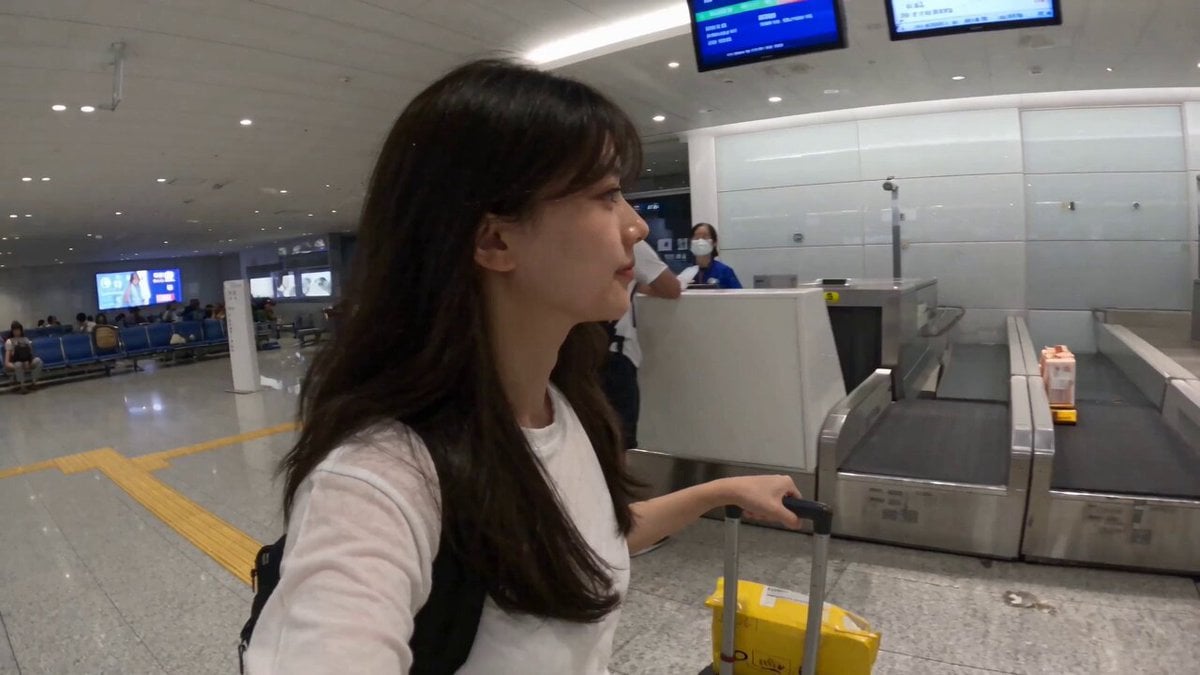
Smartphone Travel Vlog Tokyo Trip Identity Preserved
Gourmet Burger Vlog Selfie Style
Romantic Bedroom Selfie Vlog

Thrift Store Vlog Selfie
Smartphone Selfie Vlog Market Tour
Mediterranean Coffee Run Vlog - Seedance 2.5

Mysterious Home Exploration Vlog - Seedance 2.5
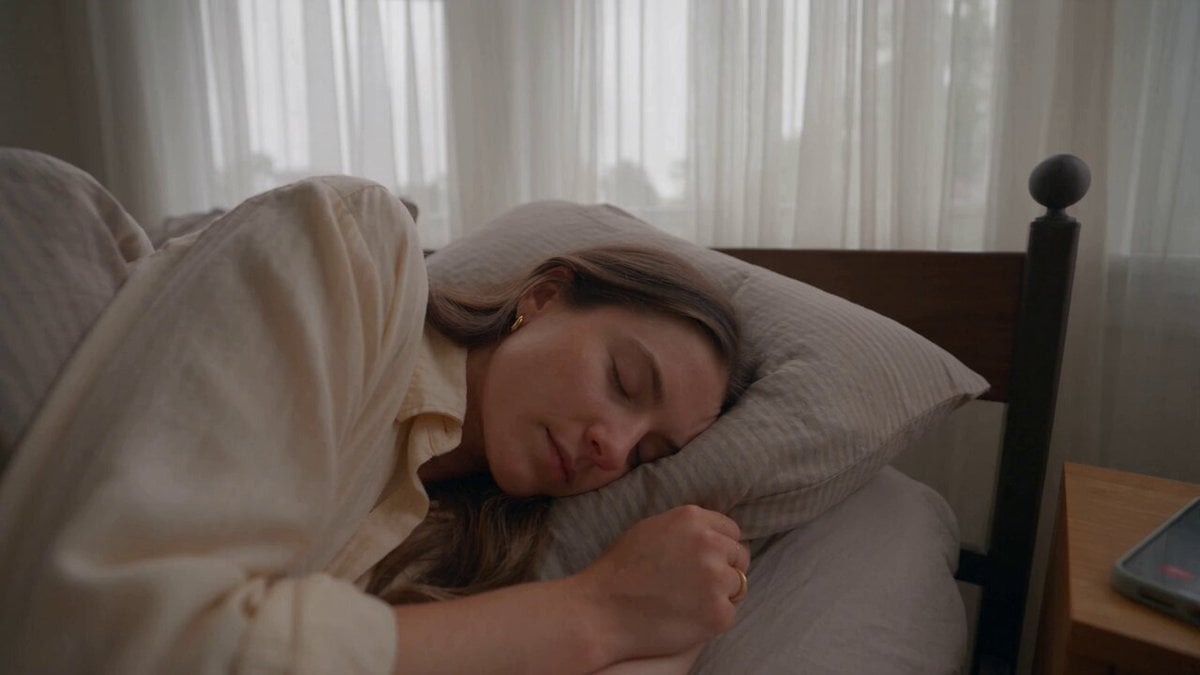
Realistic Morning Routine Lifestyle Vlog - Seedance 2.5
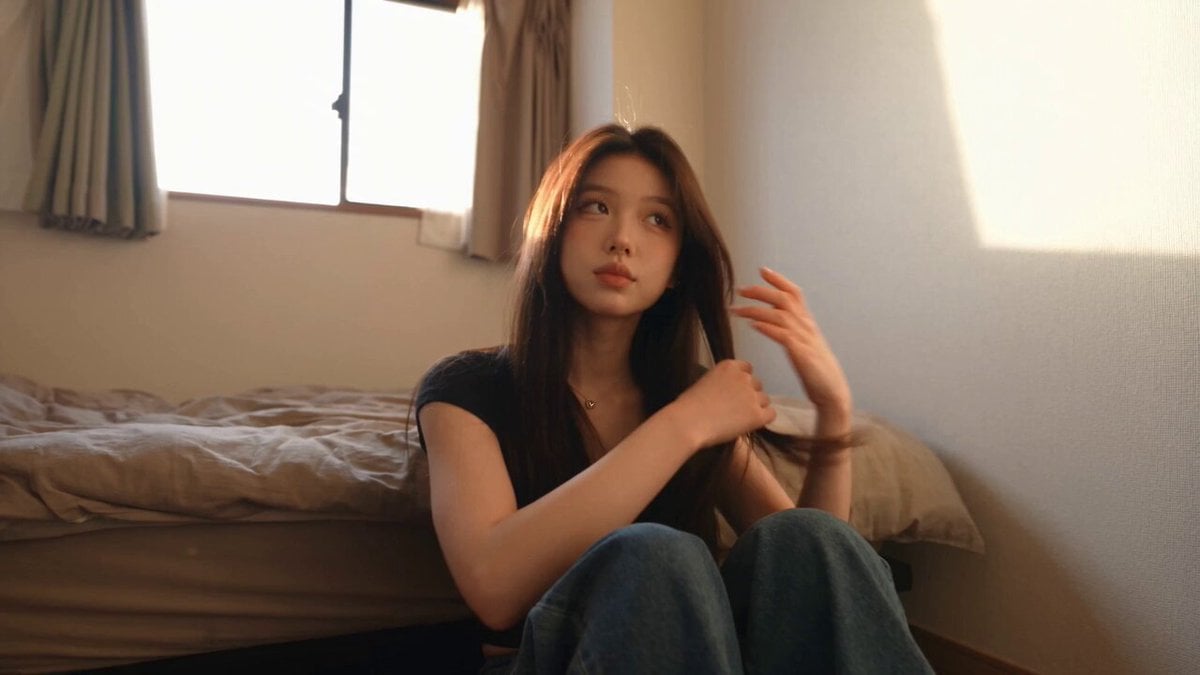
Handheld Tokyo Travel Vlog - Seedance 2.5
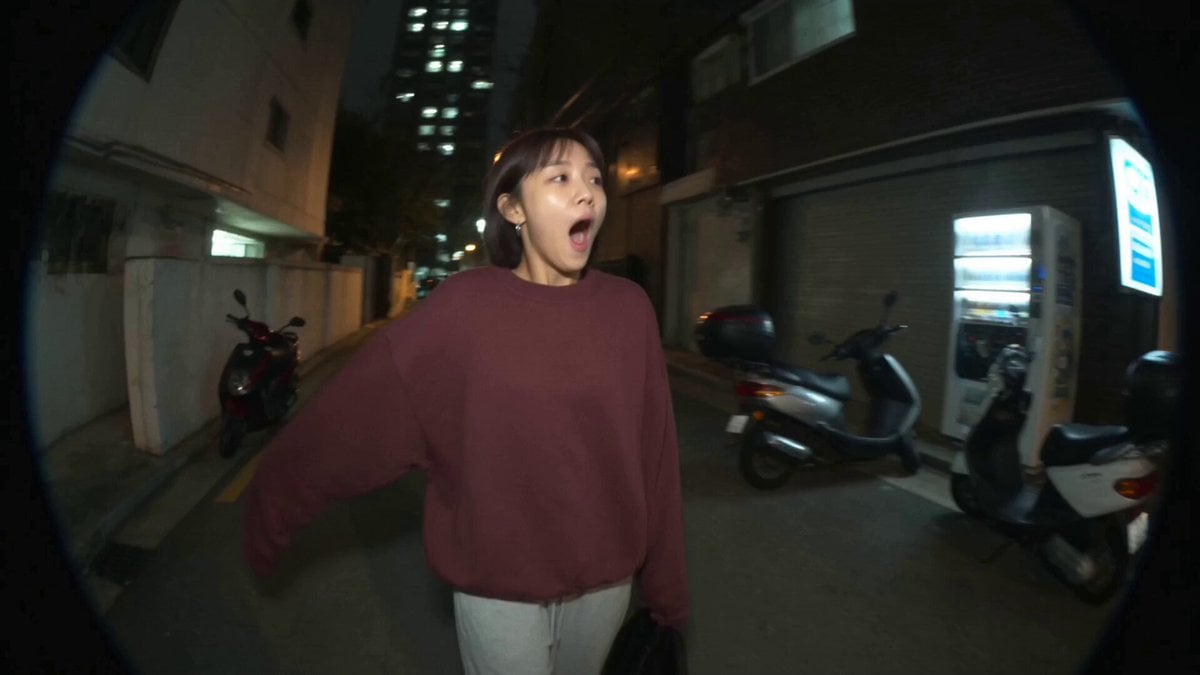
Nostalgic MiniDV Convenience Store Vlog - Seedance 2.5
Make it yours
Autumn Paris Vlog Walking Selfie works as-is. These are the safest ways to change it without losing the look.
Change one field
Copy a single group, rewrite it, and generate again so you can see what that field is doing.
Keep the frame, change the subject
Hold the composition and light of Autumn Paris Vlog Walking Selfie, then swap wardrobe, props or the person for a new take.
| If the result… | Why | Fix |
|---|---|---|
| The result drifts from the preview | Too many fields changed at once. | Reuse Autumn Paris Vlog Walking Selfie as-is first, then change one group — subject, light, or setting. |
| The model over-stylizes the scene | The prose prompt leaves finish and camera underspecified. | Add one camera or lighting sentence and stay on Seedance 2.0. |
More Seedance 2.0 templates
Other prompts made for Seedance 2.0.

Comical Martial Arts Punch Scene

Maglev Train Action Sequence

Martial Arts Fight Sequence

Wuxia Protection and Trust Script

Vintage Korean Arcade MiniDV Vlog

Mercedes 190 SL Luxury Ad

Rainy Night Supernatural Reverse Comedy Video Script

Amazon Civilization Discovery

Futuristic South Asian City Transformation

Cozy Luxury Cafe Commercial
More video prompts
Fresh picks from across the catalog.
Cinematic Sports Car in Void

Seedance 2.0 Prompt: Stories of a Hopper

Vintage Steam Train in Autumn Forest
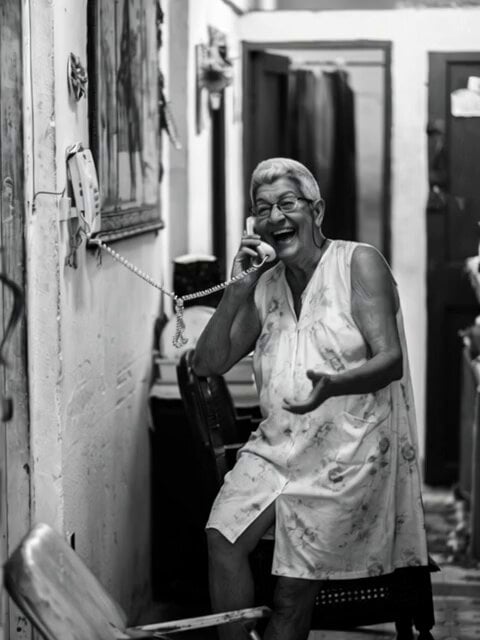
Woman Laughing Hysterically Prompt

Earth Zoom to Robot Workshop

Ancient Chinese Pink Ru Skirt

Zeera Biscuits Cinematic Commercial
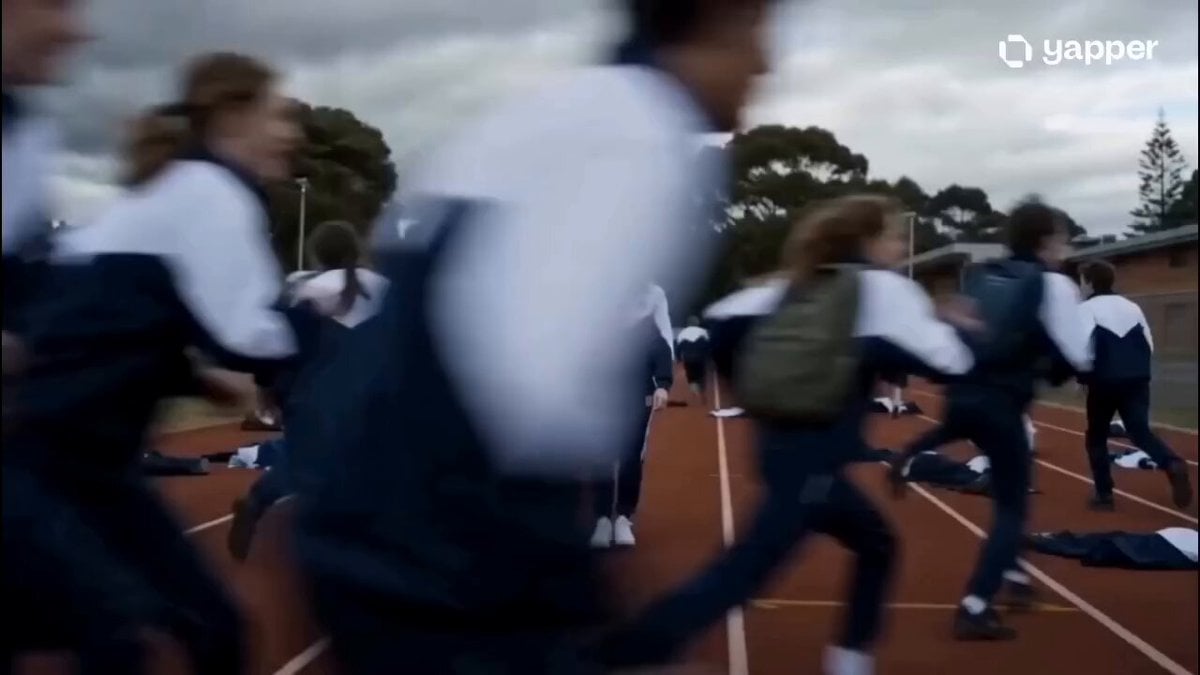
Nanotech Superhero Armor Transformation
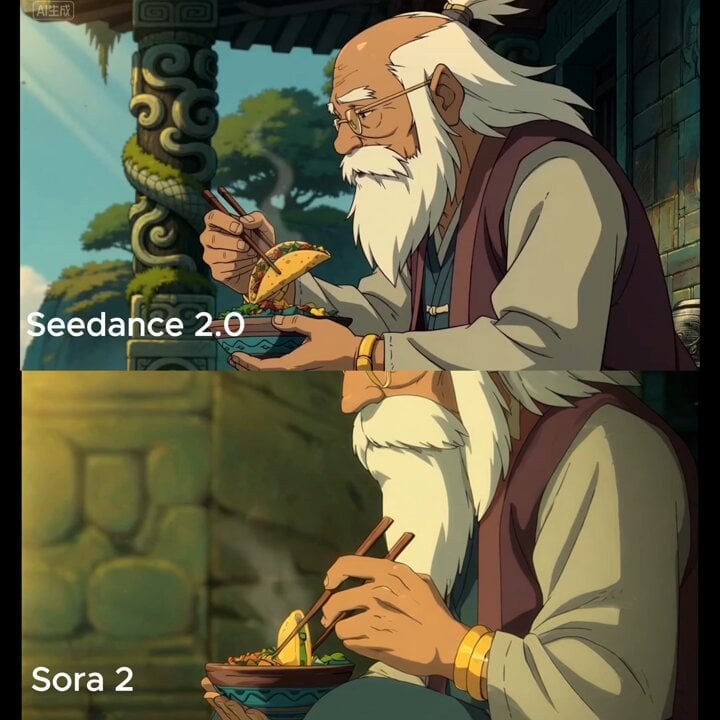
Medium shot of man lifting taco with chopsticks
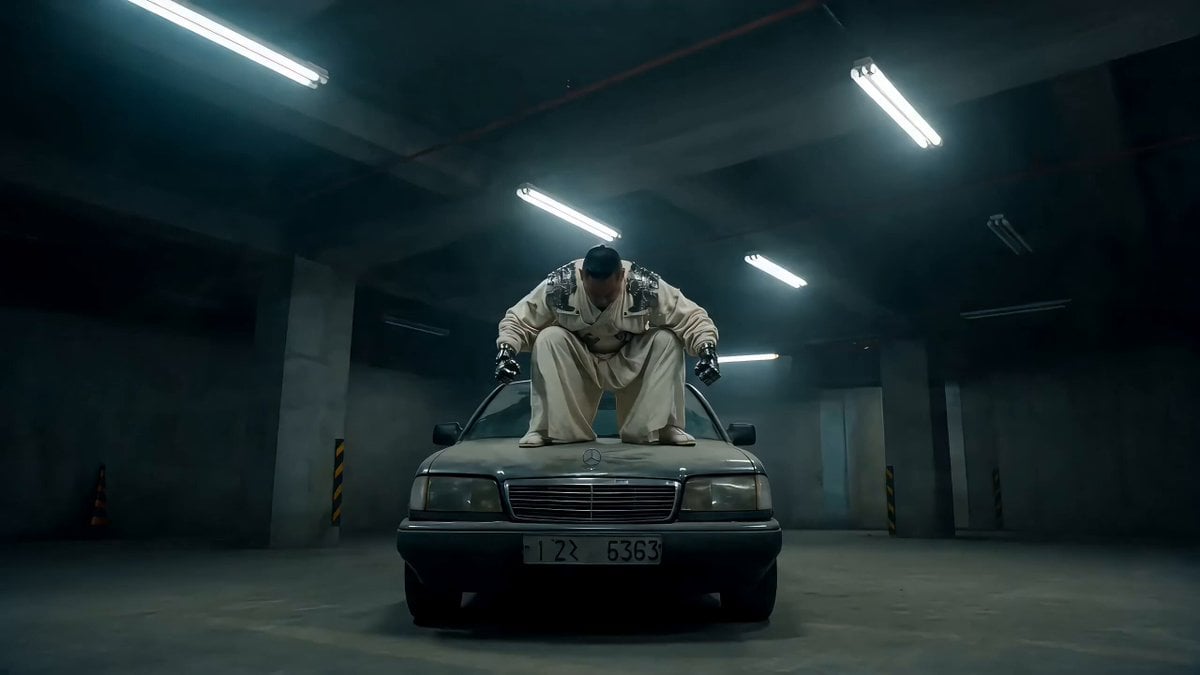
Street Fighter-Inspired Car Destruction Video Prompt for Seedance 2.0
Browse template categories
Autumn Paris Vlog Walking Selfie questions
How do I use the Autumn Paris Vlog Walking Selfie template?
Add your photo if the template asks for one, edit the prompt if you like — the template's model and format are already selected — and press Generate. Your version opens in PicX Studio.
Can I customize the Autumn Paris Vlog Walking Selfie template?
Yes. You can change the subject, setting, lighting, mood, format, and available model controls before creating your video.
Is the Autumn Paris Vlog Walking Selfie template free?
Opening and editing this template is free. Generating uses credits, shown on the Generate button when you are signed in.
Which AI model should I use?
Start with Seedance 2.0, which is the model associated with this template. You can compare another compatible model for a different finish.
Looking for something else? Browse all templates.

Your photo, any look
Thousands of ready templates for every top image and video model, from one credit balance.