
Earth Zoom to Robot Workshop
An epic cinematic earth zoom sequence that transitions from outer space into a post-apocalyptic robot workshop with character poses.
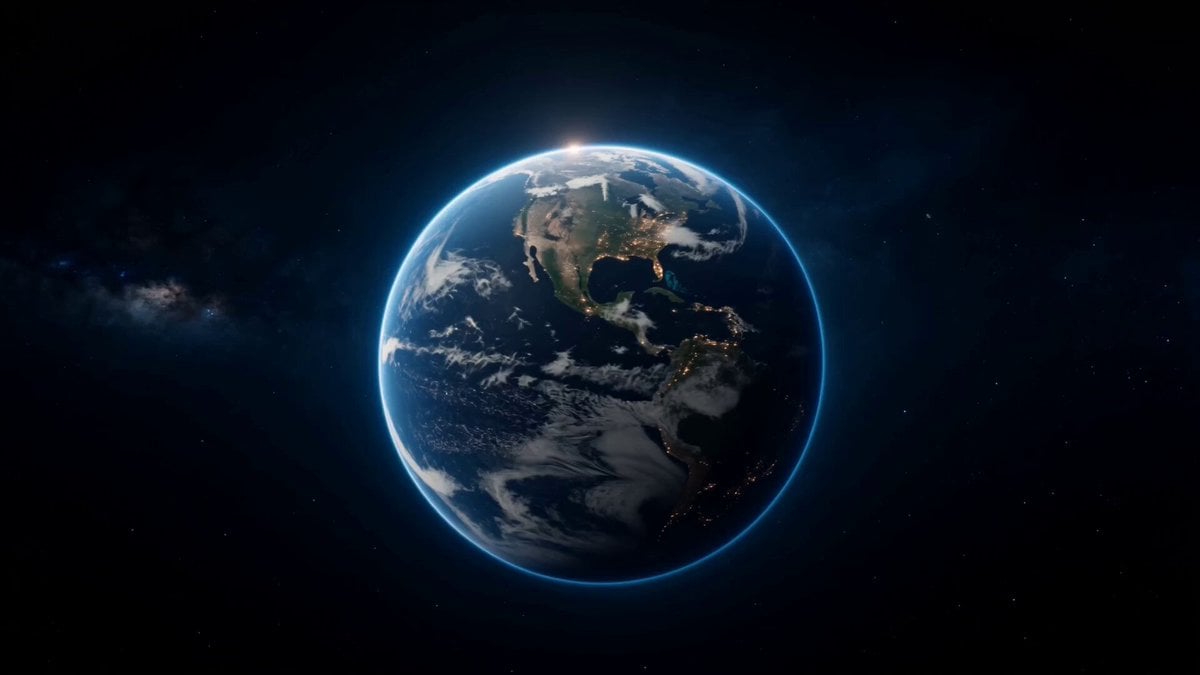
- Prompt included
- Model and format preset
- Free template
The prompt behind this video
Copy the exact prompt behind Earth Zoom to Robot Workshop, or open it in the studio and make it yours.
Epic cinematic Earth zoom-in sequence starting from deep outer space. Camera begins with a majestic wide shot of planet Earth floating in the void (0-5s), then rapidly accelerates and dives toward the surface at breathtaking speed, piercing through glowing atmosphere layers, rushing clouds, and continents with dramatic motion blur, light streaks, and intense atmospheric entry glow (5-10s). The camera swiftly descends over a vast post-apocalyptic ruined cityscape filled with crumbling skyscrapers, overgrown vegetation, abandoned vehicles, broken highways, and thick dust clouds, before seamlessly entering a massive abandoned building and revealing a hidden high-tech robot workshop inside the building filled with mechanical tools, scattered robotic parts, welding sparks, glowing holographic screens, and industrial metallic surfaces. The continuous one-take camera movement gradually slows down smoothly and settles into a perfect medium shot on the main character @img1 who strikes a dynamic cool pose: aiming her hand in a finger-gun gesture directly toward the viewer as if shooting, while playfully winking one eye at the camera, with her companion robot @img2 positioned right beside her (10-15s). @img1: primary character reference - accurate face, body, outfit, and pose as the central figure in the robot workshop. @img2: robot companion reference - precise robot design, details, and placement immediately next to @img1. Cinematic film color grading, heavily desaturated moody tones, cool color palette with subtle teal accents, high contrast, subtle film grain, atmospheric dust particles floating in the air, professional Hollywood sci-fi movie look. Ultra-detailed, photorealistic yet stylized, 8K quality, masterpiece.
How to use Earth Zoom to Robot Workshop in 3 steps
- 1Upload ImagePNG, JPG or paste
Add your photo
Upload the photo the template builds on. The prompt, model and format are already set.
- 2…a portrait of your subject in softgolden-hour light, 85mm…
Personalize
Edit the subject and creative details for your destination.
- 3Generate
Generate
Press Generate — your video is created in PicX Studio, so you can compare it with the original and refine one variable at a time.
More like this
Templates with the same subject, style or setup. Open one to see its prompt.
Japanese Pure Love Short Film
Green Dragon Training Short
Cosmic Descent to Robotics Workshop

Whimsical Fantasy Candy Workshop Animation

Robots on Mars Preparation
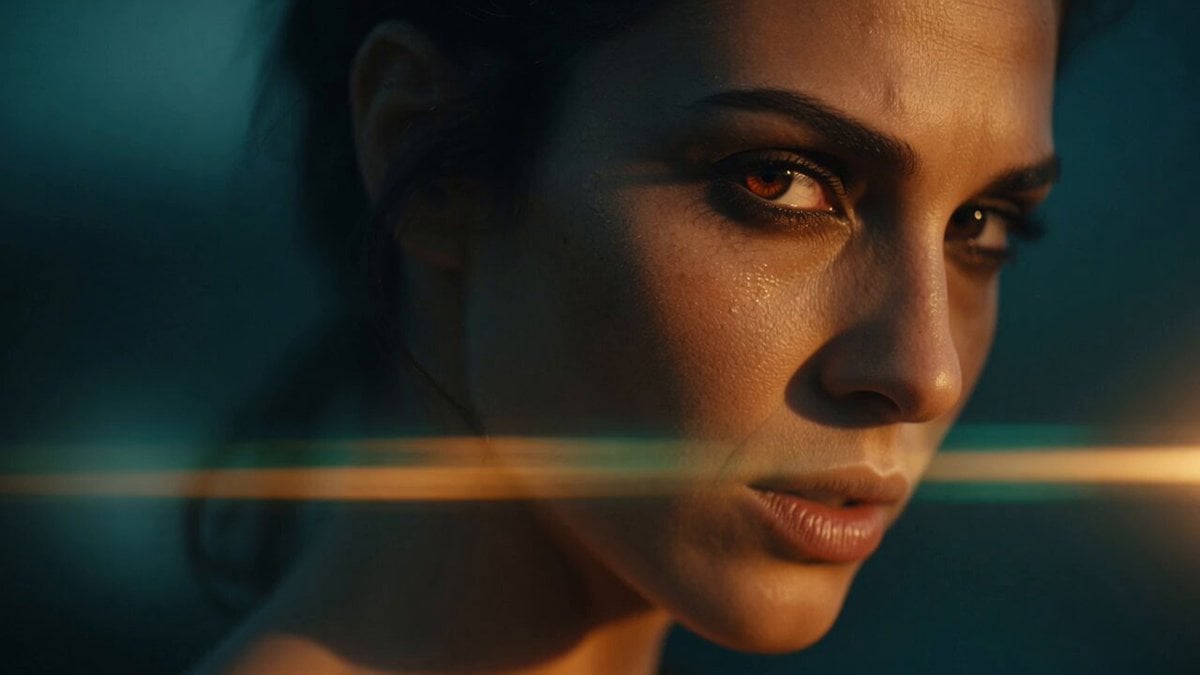
Neruda Poetry Cinematic Dolly Zoom
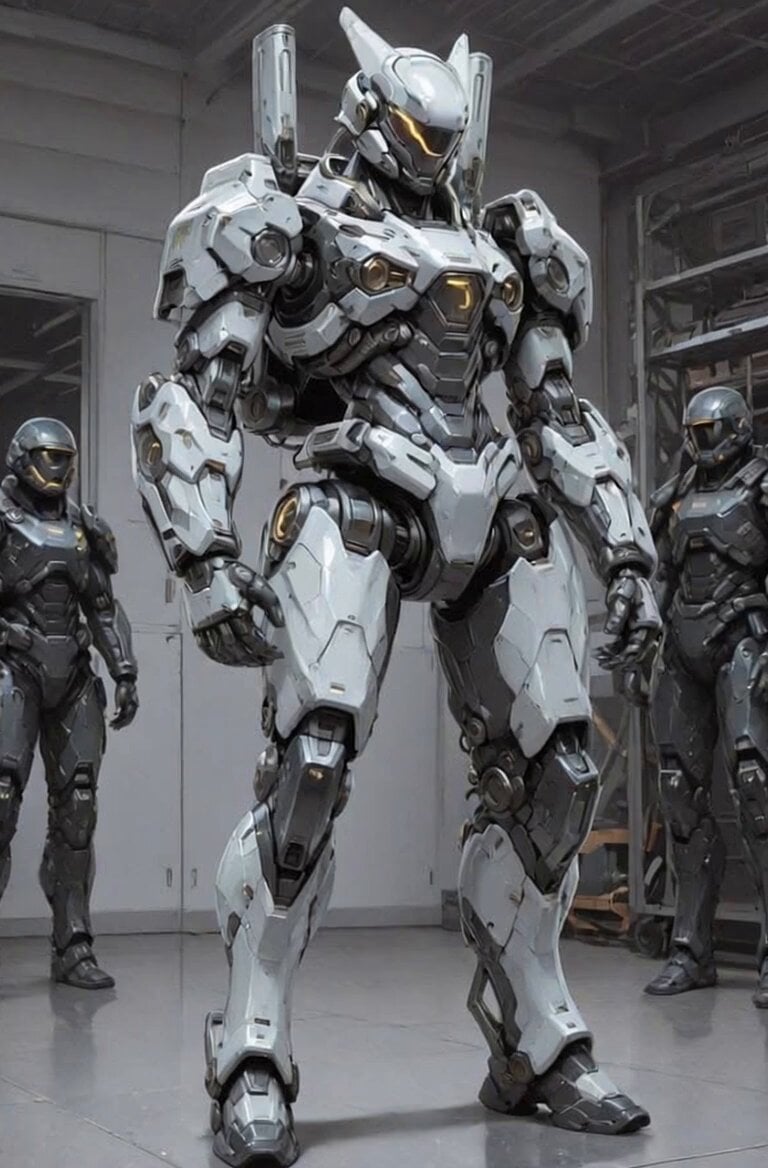
Futuristic Robot Competition Showcase
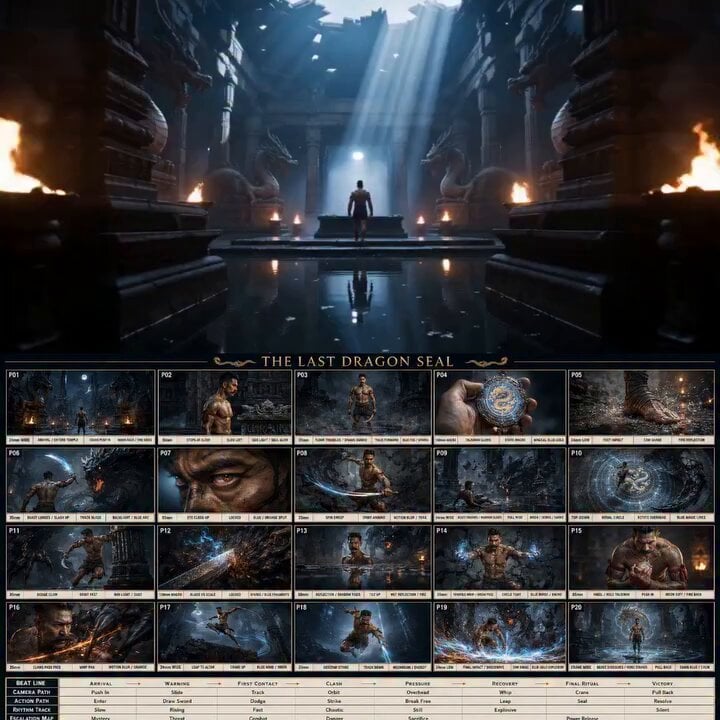
Ancient Dragon Temple Warrior Zoom

Robot and Boy Rainy Neon Street
Cinematic Underwater Office Zoom Out Prompt
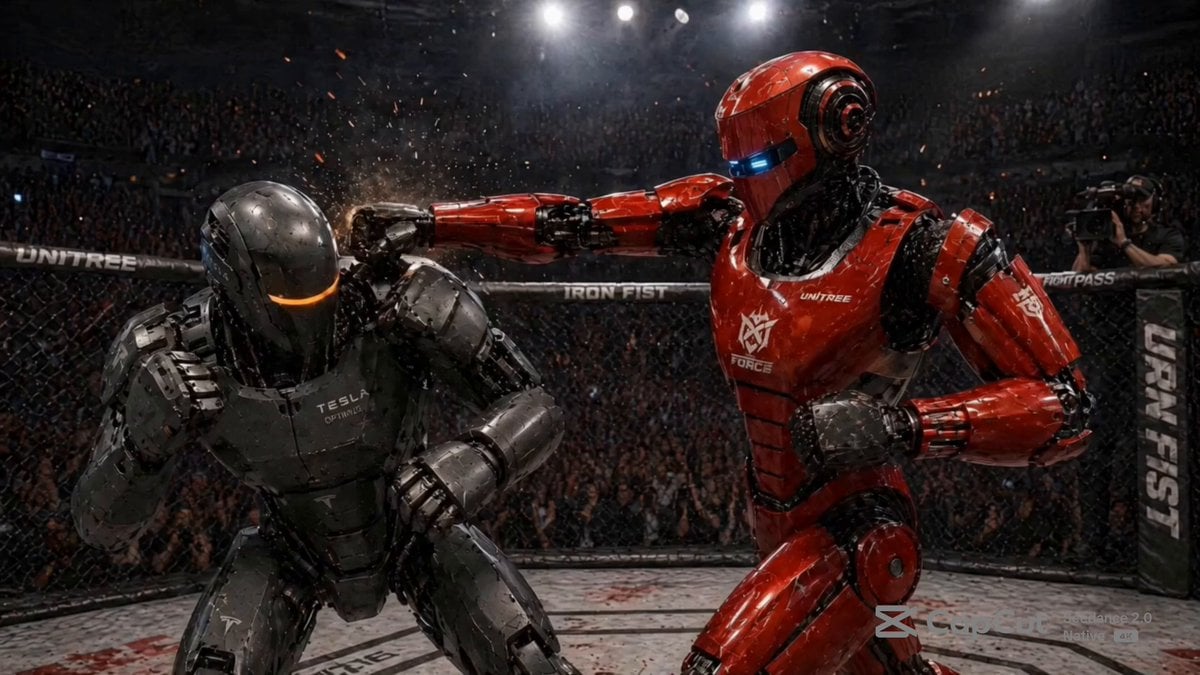
Robot MMA Octagon Battle
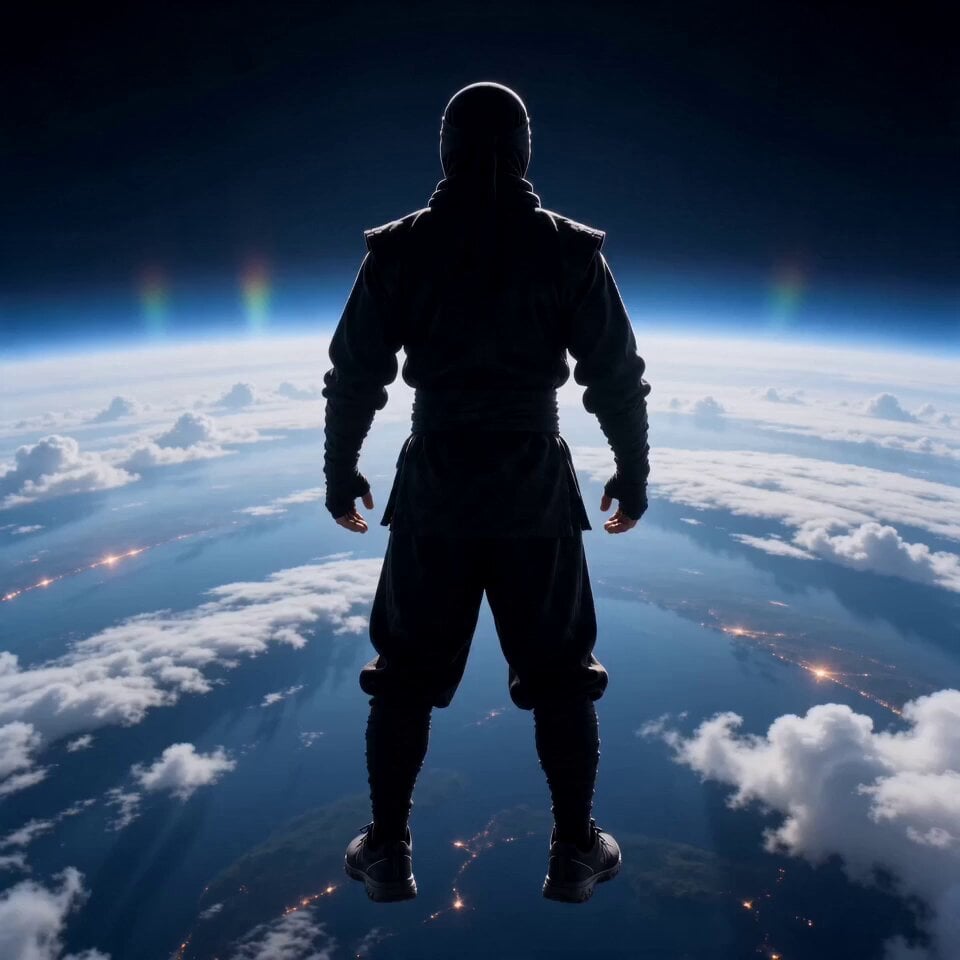
Cinematic Superhero Flight Over Earth
Make it yours
Earth Zoom to Robot Workshop works as-is. These are the safest ways to change it without losing the look.
Change one field
Copy a single group, rewrite it, and generate again so you can see what that field is doing.
Keep the frame, change the subject
Hold the composition and light of Earth Zoom to Robot Workshop, then swap wardrobe, props or the person for a new take.
| If the result… | Why | Fix |
|---|---|---|
| The result drifts from the preview | Too many fields changed at once. | Reuse Earth Zoom to Robot Workshop as-is first, then change one group — subject, light, or setting. |
| The model over-stylizes the scene | The prose prompt leaves finish and camera underspecified. | Add one camera or lighting sentence and stay on Seedance 2.0. |
More Seedance 2.0 templates
Other prompts made for Seedance 2.0.

Comical Martial Arts Punch Scene

Maglev Train Action Sequence

Martial Arts Fight Sequence

Wuxia Protection and Trust Script

Vintage Korean Arcade MiniDV Vlog

Mercedes 190 SL Luxury Ad

Rainy Night Supernatural Reverse Comedy Video Script

Amazon Civilization Discovery

Futuristic South Asian City Transformation

Cozy Luxury Cafe Commercial
More video prompts
Fresh picks from across the catalog.
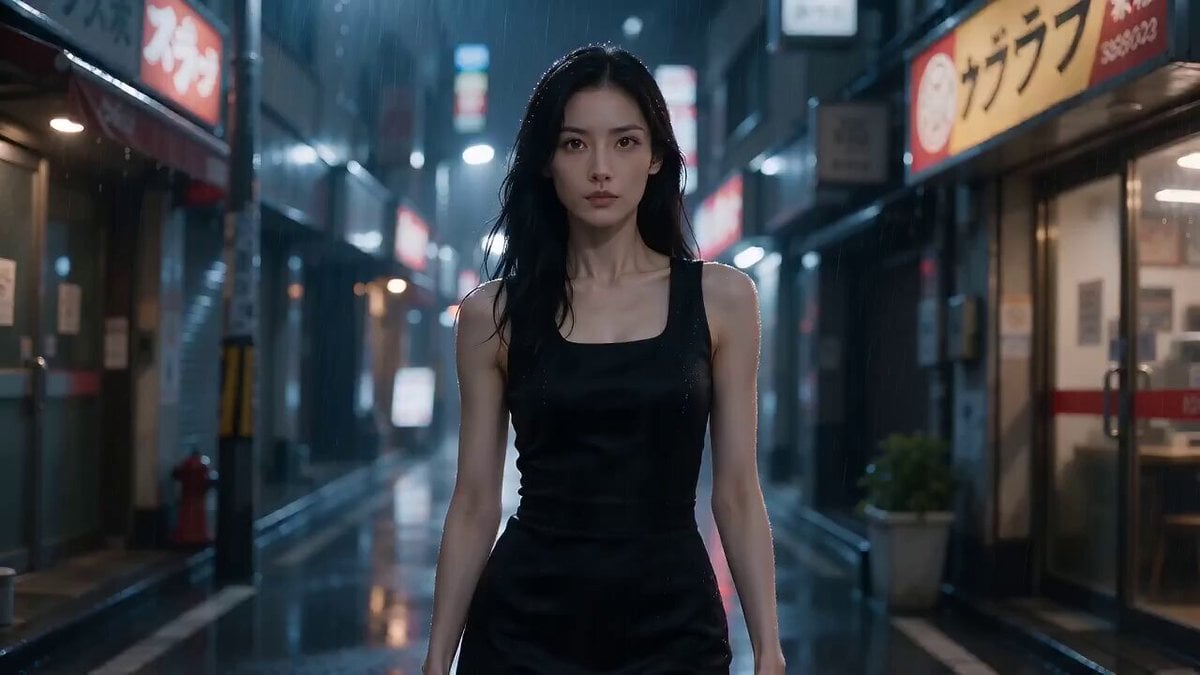
Tokyo Residential Alley Rain
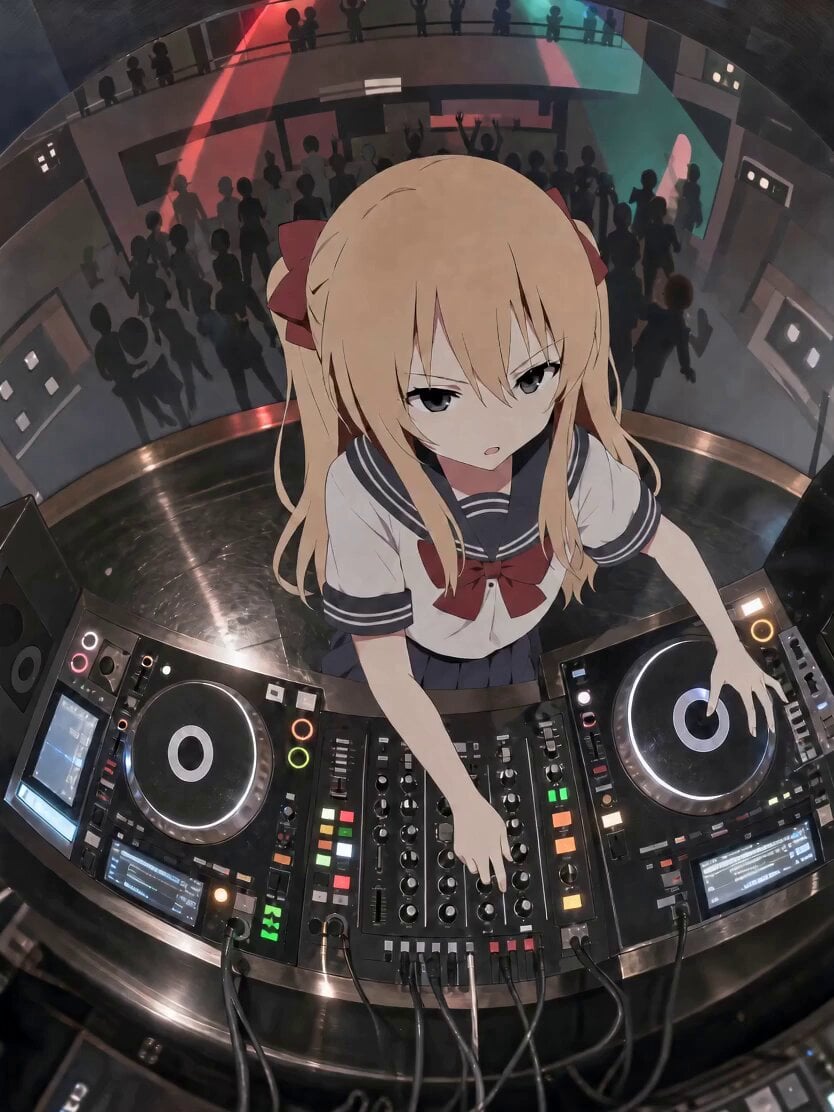
Anime DJ Girl Club Performance
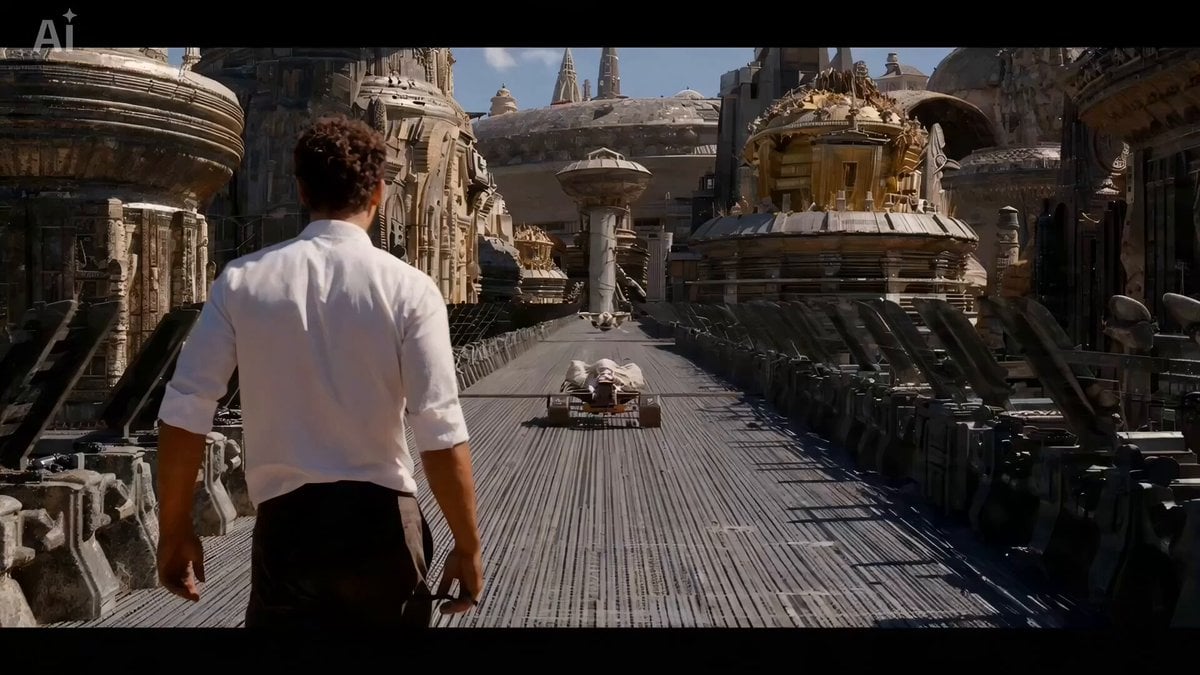
The Moment It Sees Him (Close-up Shot)
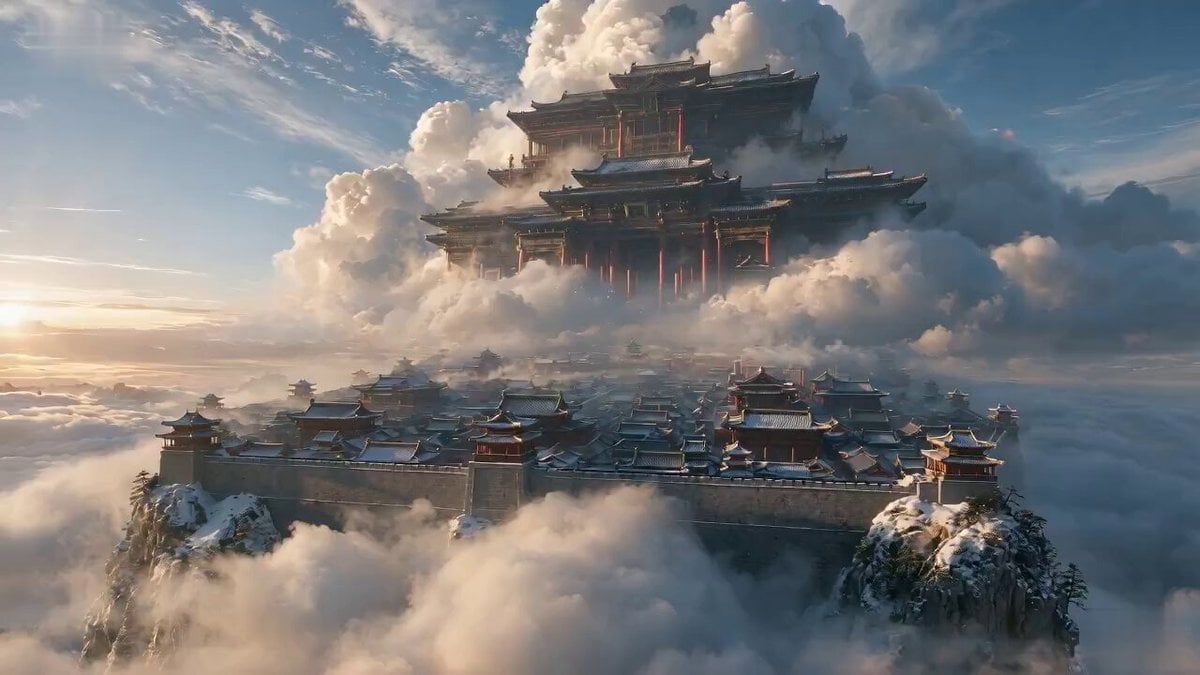
Wuxia Hostage Reversal Action Comedy

Poetic Speaking Portrait Prompt
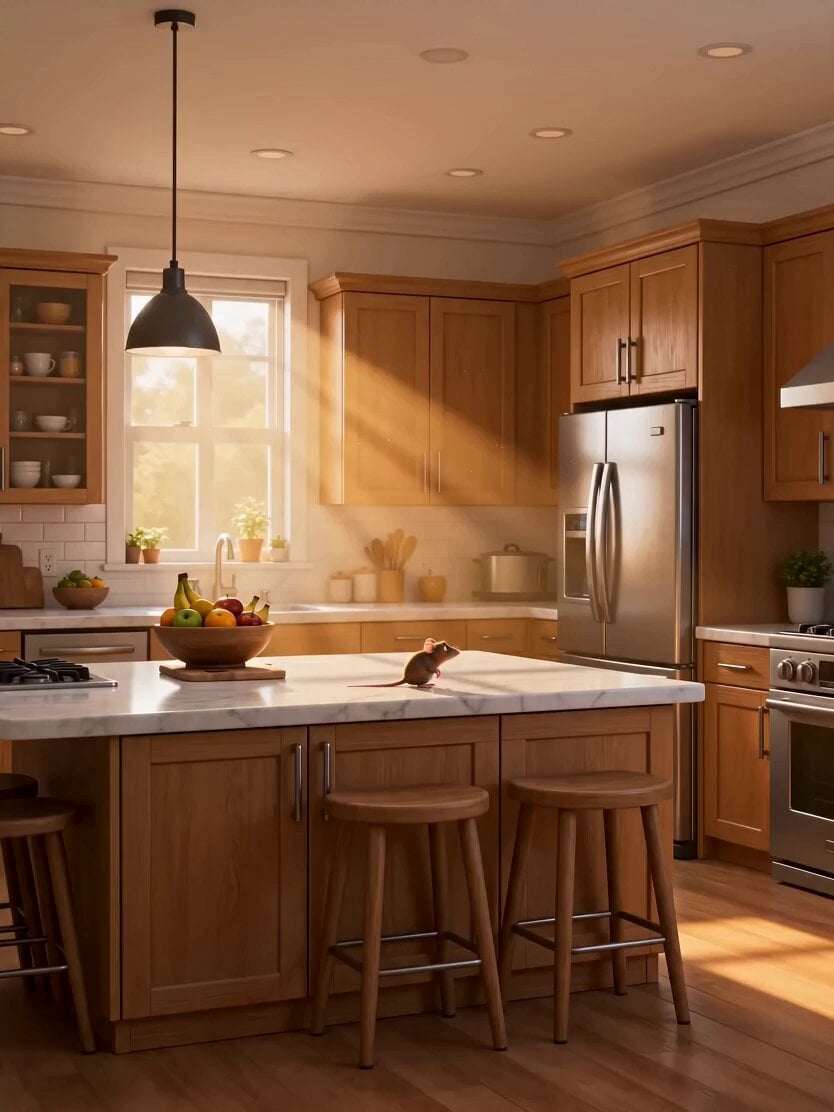
Pixar-Style Cat and Mouse Kitchen Friendship
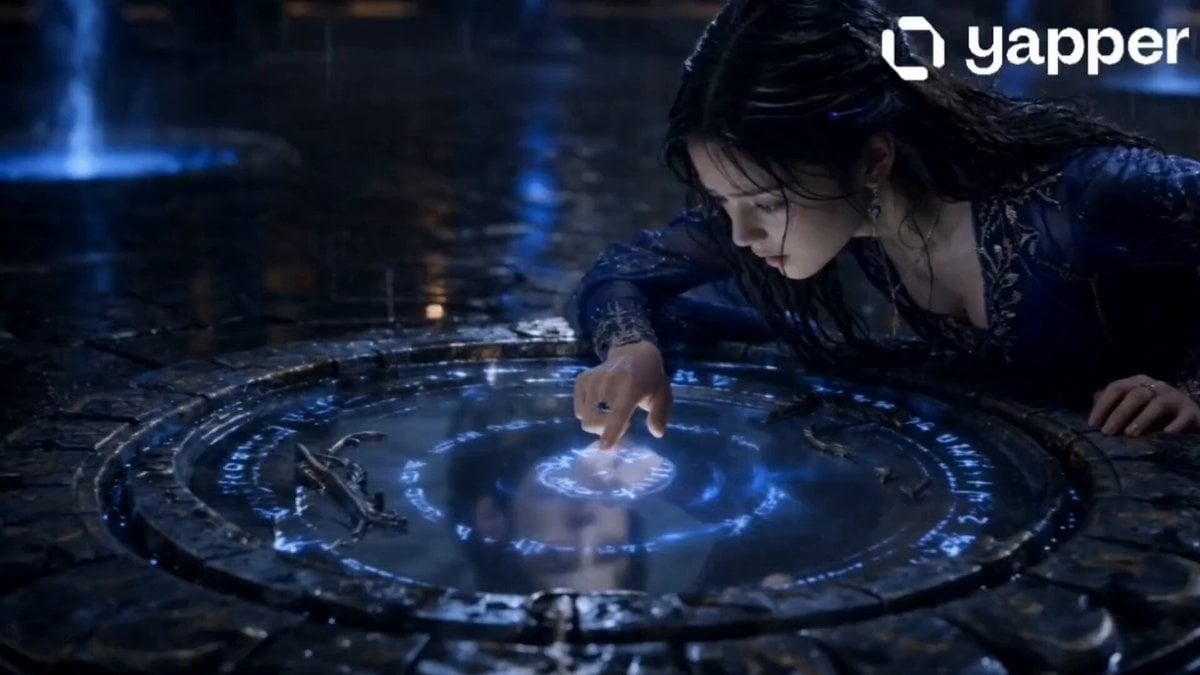
Soul-Switching Mirror Magic Sequence
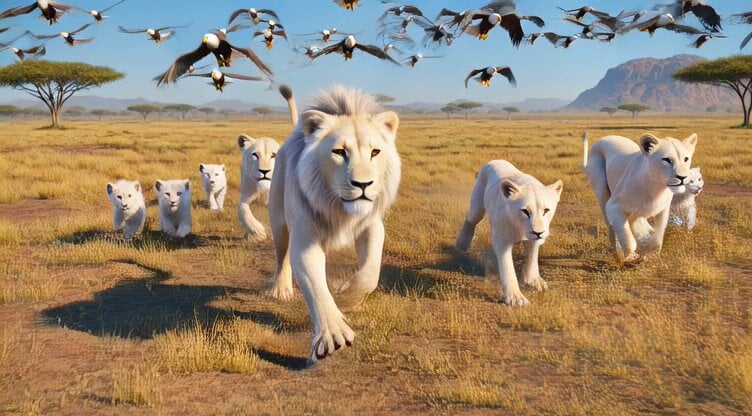
Grok Imagine prompt: Epic wildlife scene with eagles, lions, and a pig hunt

Video prompt of a fluffy bunny performing a hip-hop dance routine
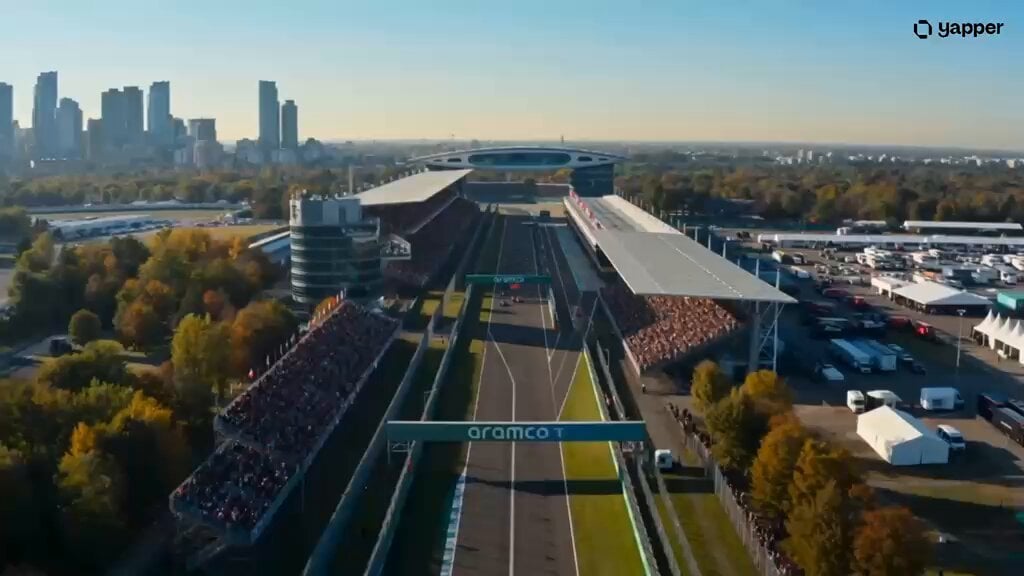
Futuristic Hypercar Racing Broadcast
Browse template categories
Earth Zoom to Robot Workshop questions
How do I use the Earth Zoom to Robot Workshop template?
Add your photo if the template asks for one, edit the prompt if you like — the template's model and format are already selected — and press Generate. Your version opens in PicX Studio.
Can I customize the Earth Zoom to Robot Workshop template?
Yes. You can change the subject, setting, lighting, mood, format, and available model controls before creating your video.
Is the Earth Zoom to Robot Workshop template free?
Opening and editing this template is free. Generating uses credits, shown on the Generate button when you are signed in.
Which AI model should I use?
Start with Seedance 2.0, which is the model associated with this template. You can compare another compatible model for a different finish.
Looking for something else? Browse all templates.

Your photo, any look
Thousands of ready templates for every top image and video model, from one credit balance.