
Cinematic Superhero Flight Over Earth
A highly detailed, 15-second multi-scene cinematic video prompt for Seedance 2.0 featuring a character flying at extreme speeds above Earth, creating sonic booms and visual atmospheric effects.
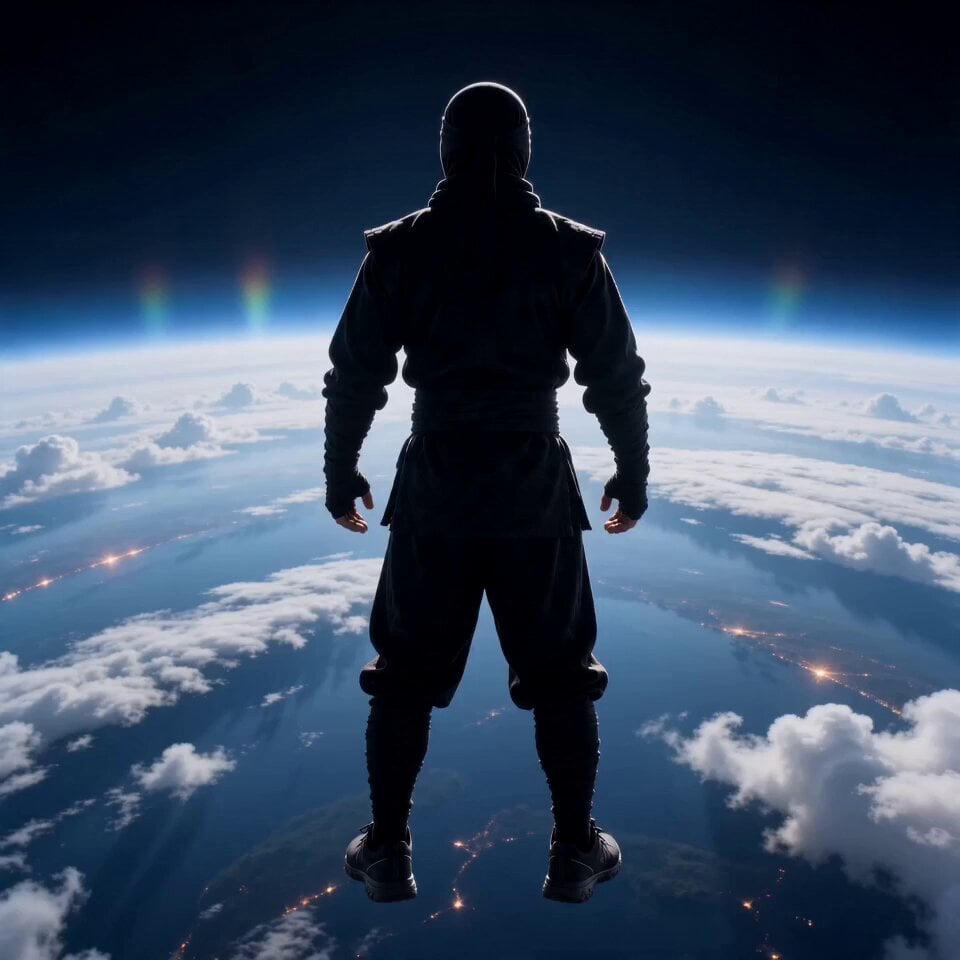
- Prompt included
- Model and format preset
- Premium template
The prompt behind this video
Copy the exact prompt behind Cinematic Superhero Flight Over Earth, or open it in the studio and make it yours.
15秒の超シネマティックな動画、ハリウッド級のクオリティ。 (風、ソニックブーム、空気が裂ける音)。 アスペクト比:9:16 主な被写体: 参考画像のキャラクター(顔も服装も同一、変更なし)。 ----------------- ---------------------------------- [0:00–0:02] シーン: 地球上空の高高度。 カメラ:宇宙の縁から撮影された広角のシネマティックショット。 キャラクターは後ろを向いており、0.5秒間静止したまま浮遊している。 詳細: 下方に雲が広がり、地球の曲面が見える。 大気がかすかに輝いている。 ---------------------------------------------- ---- [0:02–0:04] アクション: キャラクターが突然前方へ加速する。 カメラ: 後方追跡ショット(やや後方かつ下方から)。 エフェクト: 巨大な衝撃波の爆発(ソニックブーム)。 空気の歪みと放射状のボケ。 音響: 重低音の「ドーン」+激しい風の轟音。 -------------------------------------------------- [0:04–0:08] アクション: キャラクターが極限の超高速で飛行する。 カメラ: 固定された後方追跡カメラ。キャラクターを追い越さない。 環境: 雲が激しく裂ける。 海面に筋状の光が走る。 都市が光の軌跡となる。 エフェクト: 強いモーションブラー、スピードライン、大気の裂け目。 体の周囲に、稲妻のような微かなエネルギーが漂う。 -------------------------------------------------- [0:08–0:12] アクション: 超高速の地球一周。 カメラ: ズームアウトした軌道ビューから、動きを追うように切り替わる。 ビジュアル: 足元で地球が急速に回転する。 大陸が横切っていく。 昼夜の変化が瞬時に見える。 重要: キャラクターは数秒で地球を一周する。 ----------- --------------------------------------- [0:12–0:14] アクション: キャラクターが急に減速する。 カメラ: 正面からのシネマティックなクローズアップ。 エフェクト: 空気が前方へ圧縮され、衝撃波が波紋のように広がる。 -------------------------------------------------- [0:14–0:15] エンディング: キャラクターが空中停止する。 ポーズ: スーパーヒーローのような自信に満ちたポーズ。 背景: 背後に地球、雲が静まり返る。 -------------------------------------------------- 画質: 超リアルな照明 滑らかなグラデーション 滑らかな陰影 ノイズなし、粒状感なし、アーティファクトなし 主な強調点: 極限のスピード 圧倒的なスケール 物理法則を無視した勢い
How to use Cinematic Superhero Flight Over Earth in 3 steps
- 1
Open
The prompt is already in the box next to the preview, with the template's model and format selected.
- 2…a portrait of your subject in softgolden-hour light, 85mm…
Personalize
Edit the subject and creative details for your destination.
- 3Generate
Generate
Press Generate — your video is created in PicX Studio, so you can compare it with the original and refine one variable at a time.
More like this
Templates with the same subject, style or setup. Open one to see its prompt.
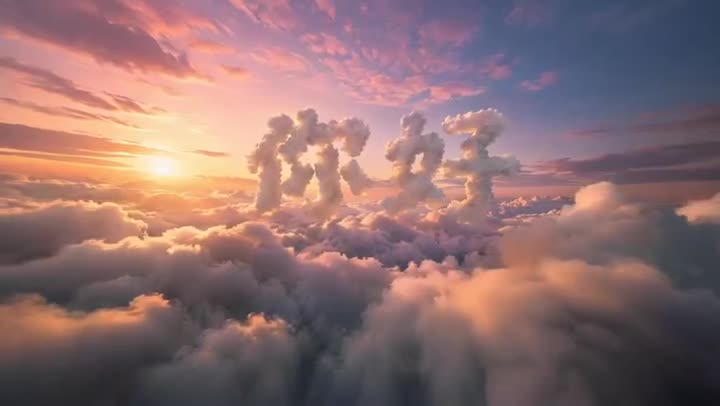
FPV Multilingual Landscape Flight
Superhero Joyrides — Seedance 2.0
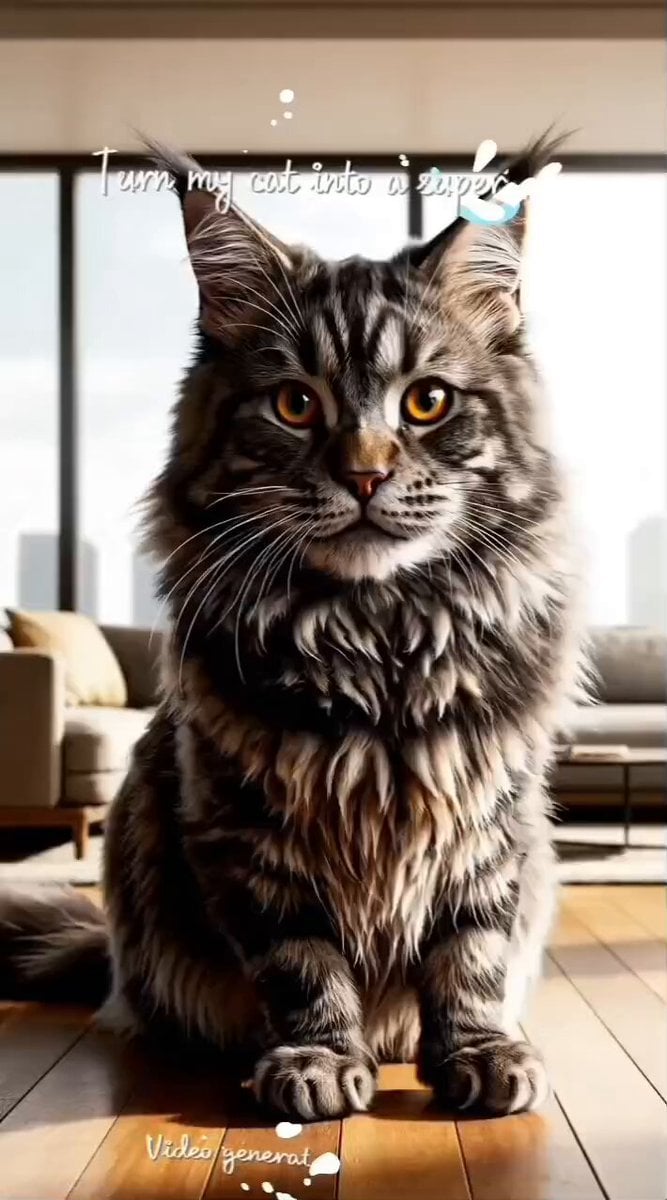
Superhero Cat Futuristic City
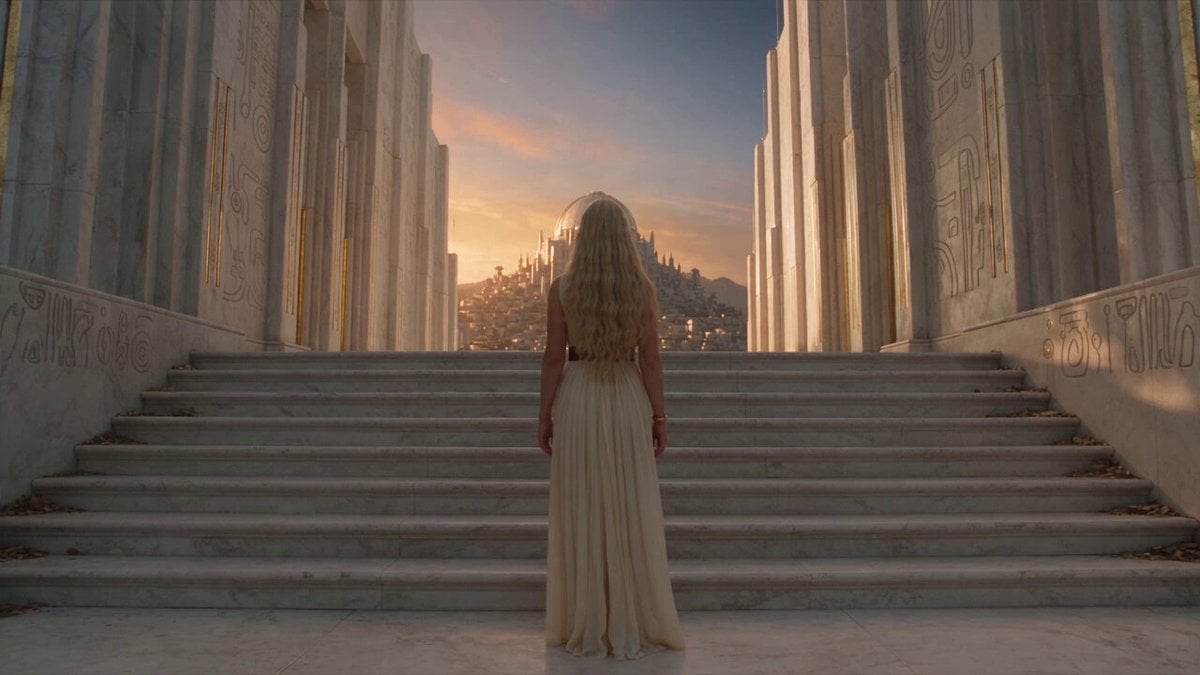
Fantasy Broom Flight Cinematic

Ancient Roman Celestial Flight
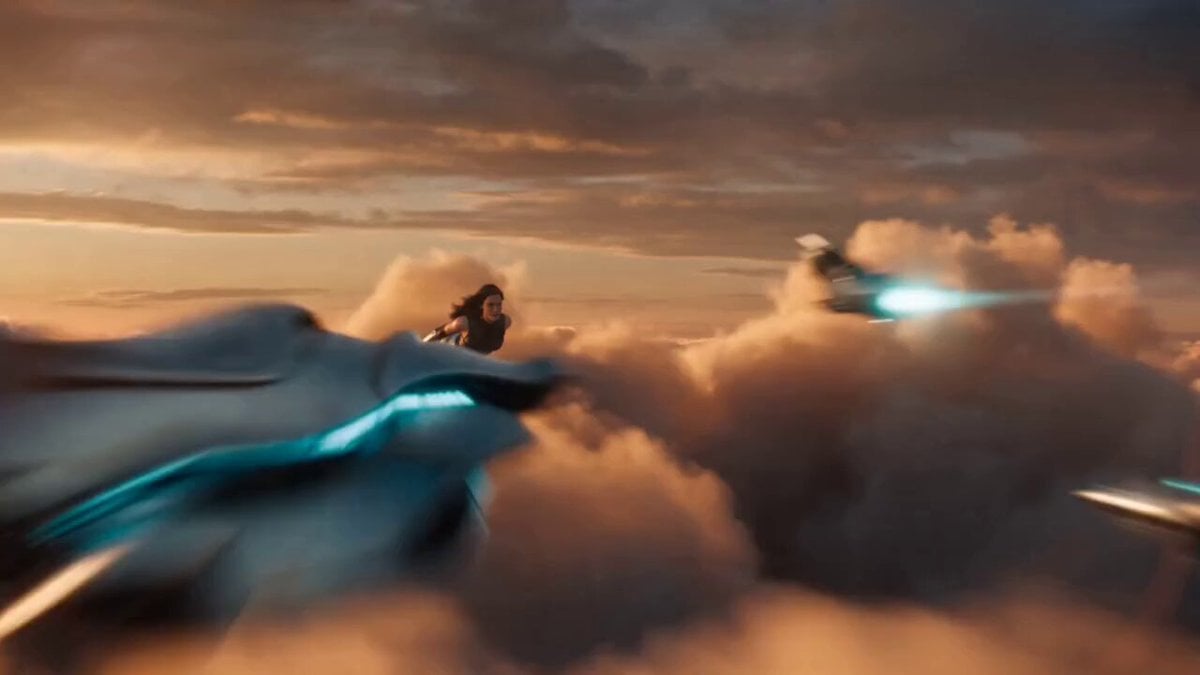
Superhero Transformation Cinematic VFX
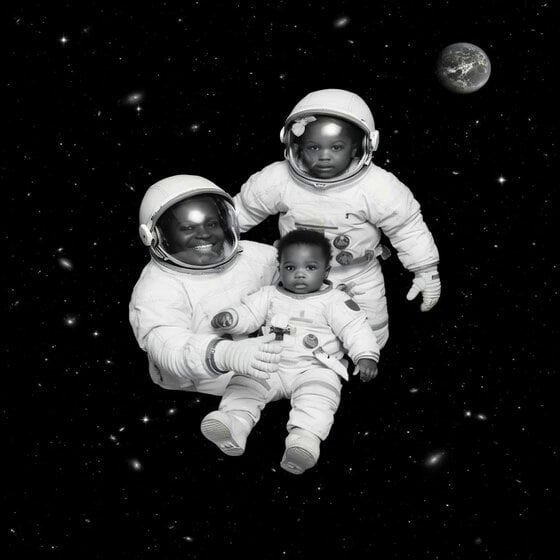
Floating in Space Flight
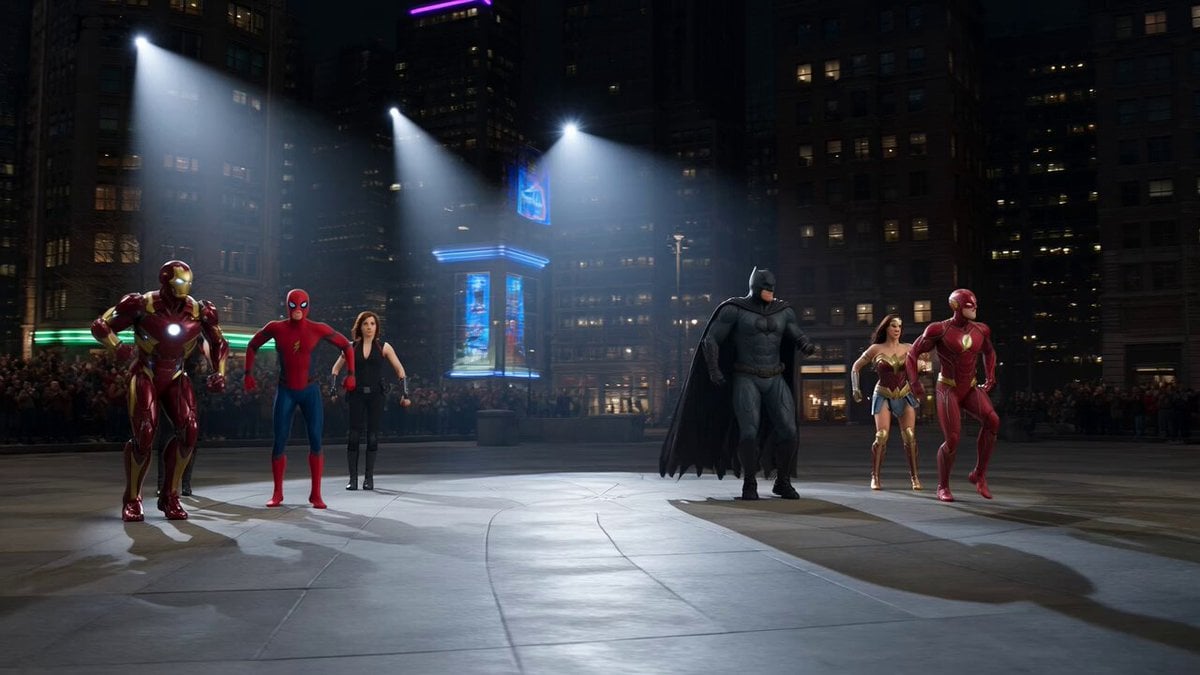
Superhero Dance Off Mashup
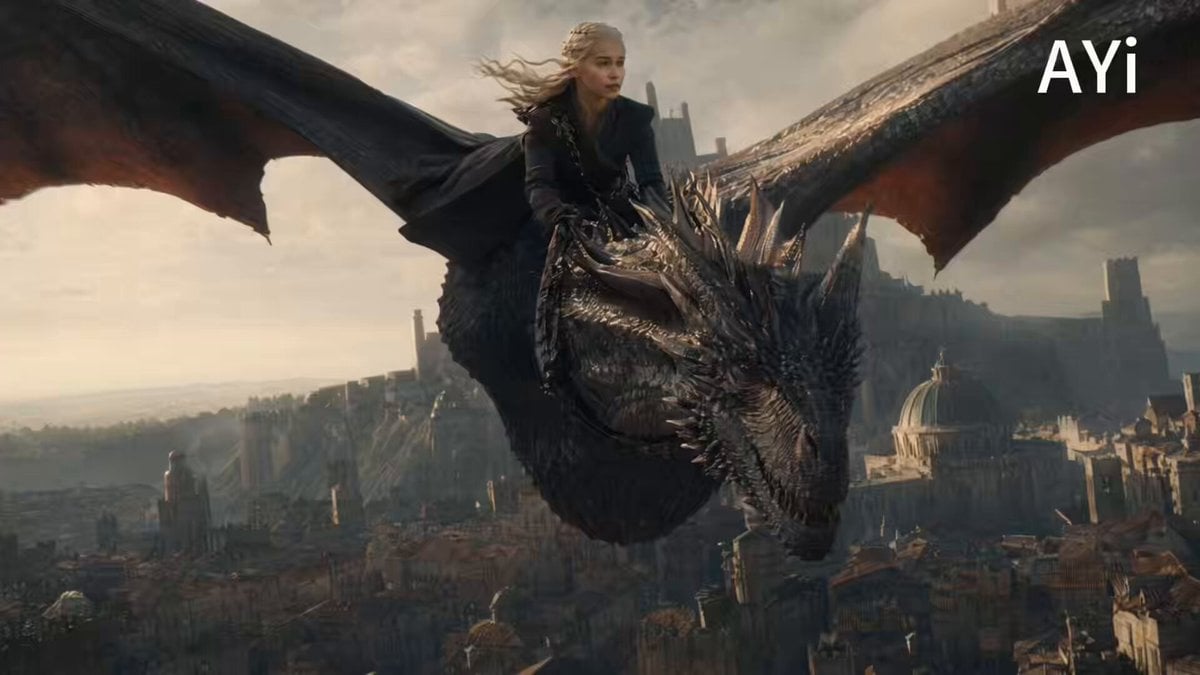
Cinematic Dragon Flight Animation
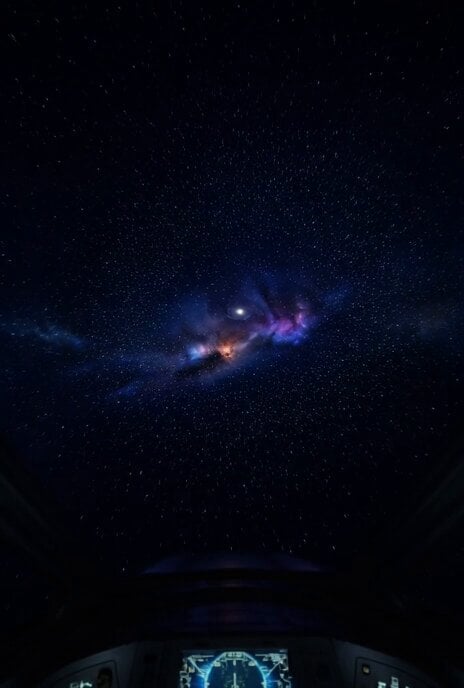
Hyper-Speed Galactic Flight
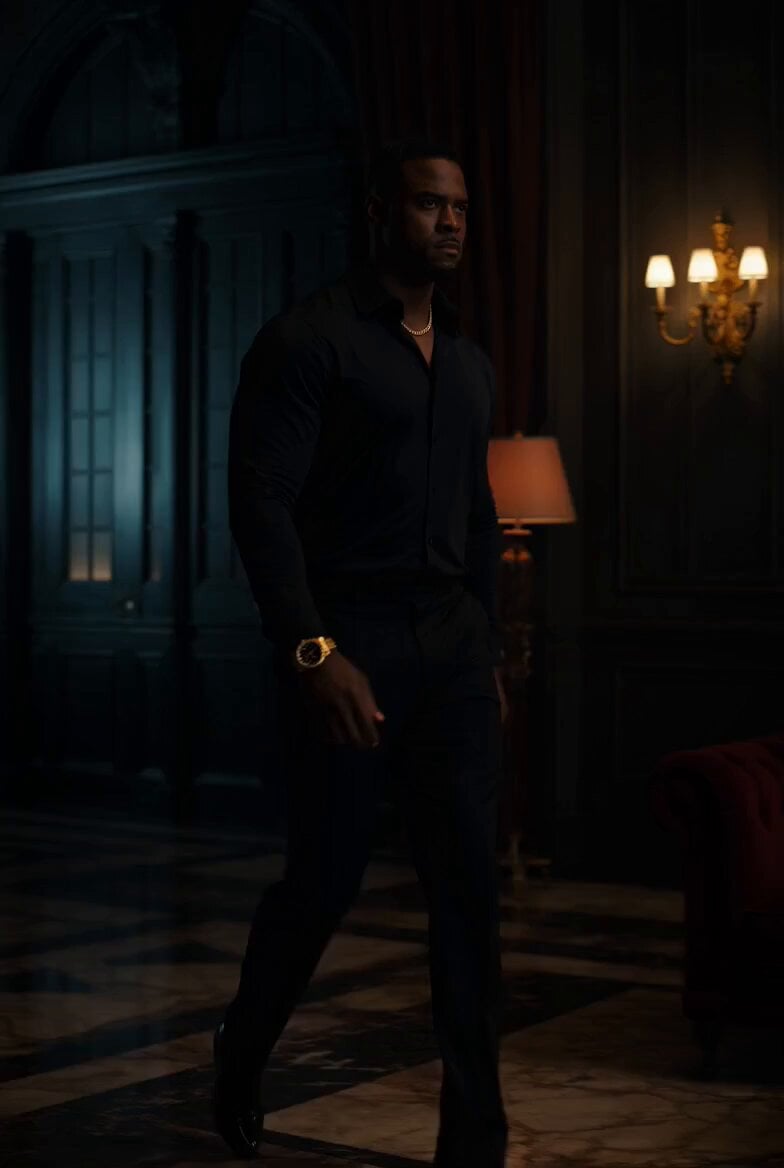
Superhero Neon City Transformation

Dragon Rider Cinematic Flight — Seedance 2.5
Make it yours
Cinematic Superhero Flight Over Earth works as-is. These are the safest ways to change it without losing the look.
Change one field
Copy a single group, rewrite it, and generate again so you can see what that field is doing.
Keep the frame, change the subject
Hold the composition and light of Cinematic Superhero Flight Over Earth, then swap wardrobe, props or the person for a new take.
| If the result… | Why | Fix |
|---|---|---|
| The result drifts from the preview | Too many fields changed at once. | Reuse Cinematic Superhero Flight Over Earth as-is first, then change one group — subject, light, or setting. |
| The model over-stylizes the scene | The prose prompt leaves finish and camera underspecified. | Add one camera or lighting sentence and stay on Seedance 2.0. |
More Seedance 2.0 templates
Other prompts made for Seedance 2.0.

Comical Martial Arts Punch Scene

Maglev Train Action Sequence

Martial Arts Fight Sequence

Wuxia Protection and Trust Script

Vintage Korean Arcade MiniDV Vlog

Mercedes 190 SL Luxury Ad

Rainy Night Supernatural Reverse Comedy Video Script

Amazon Civilization Discovery

Futuristic South Asian City Transformation

Cozy Luxury Cafe Commercial
More video prompts
Fresh picks from across the catalog.
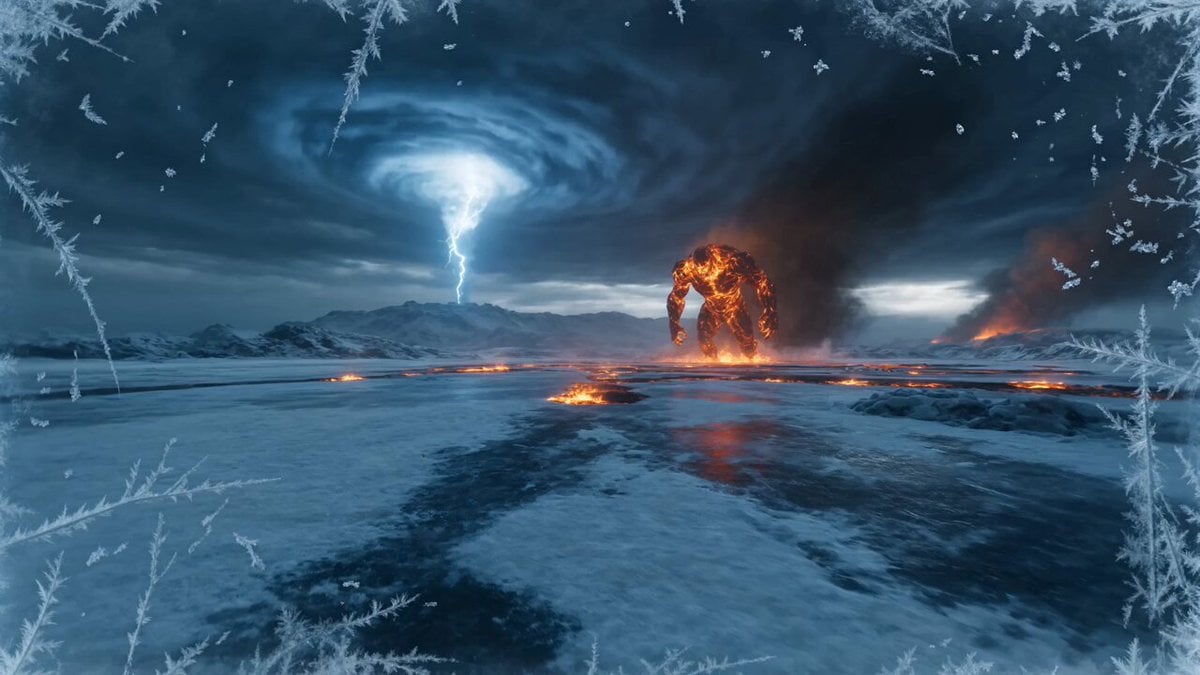
Elemental Ice vs Fire Battle
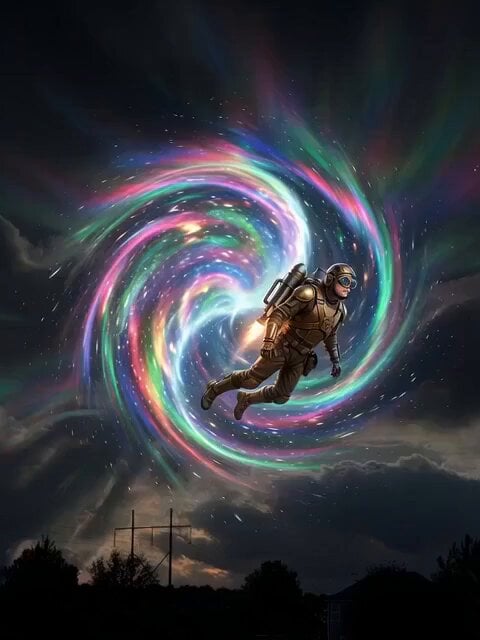
Land of the Lost Mega Fauna
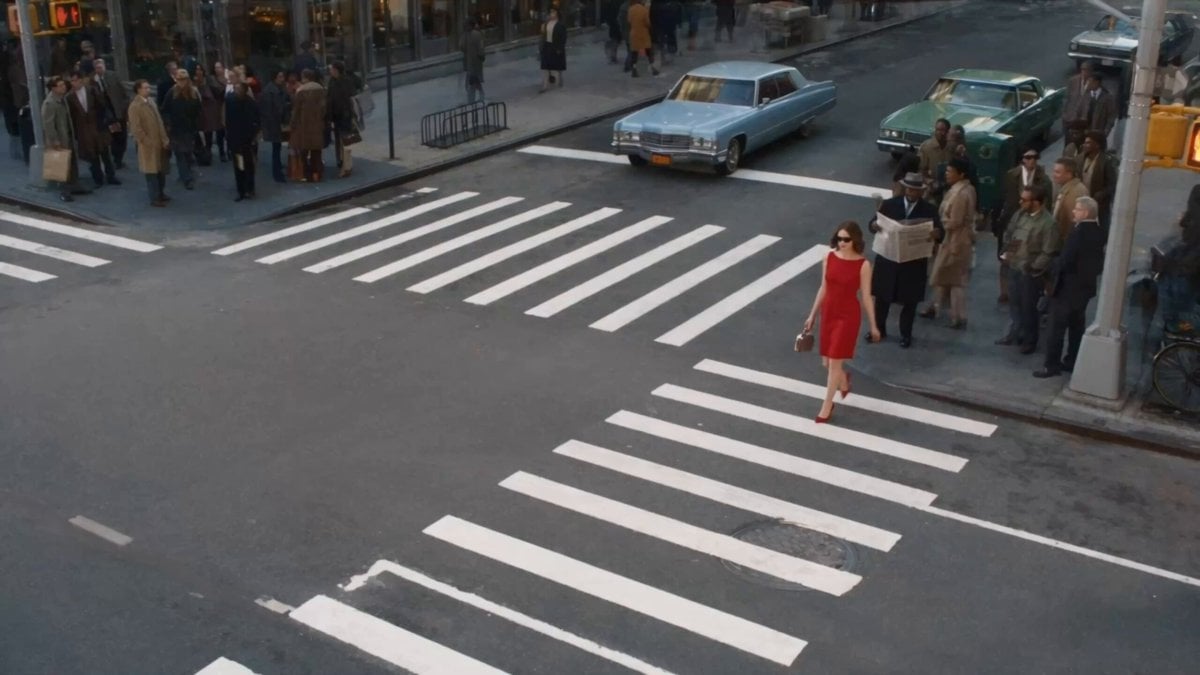
Surreal Lipstick Commercial Narrative
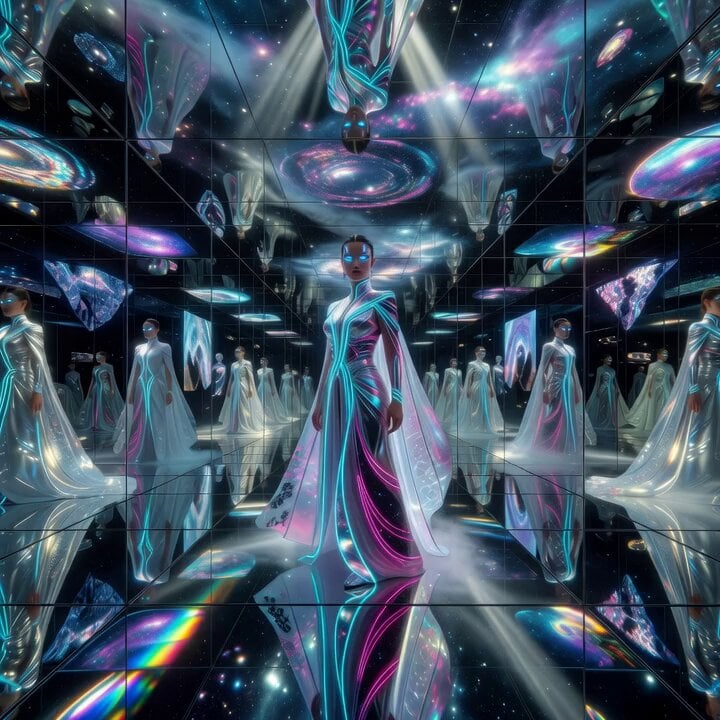
Philosophical reflection on belief systems
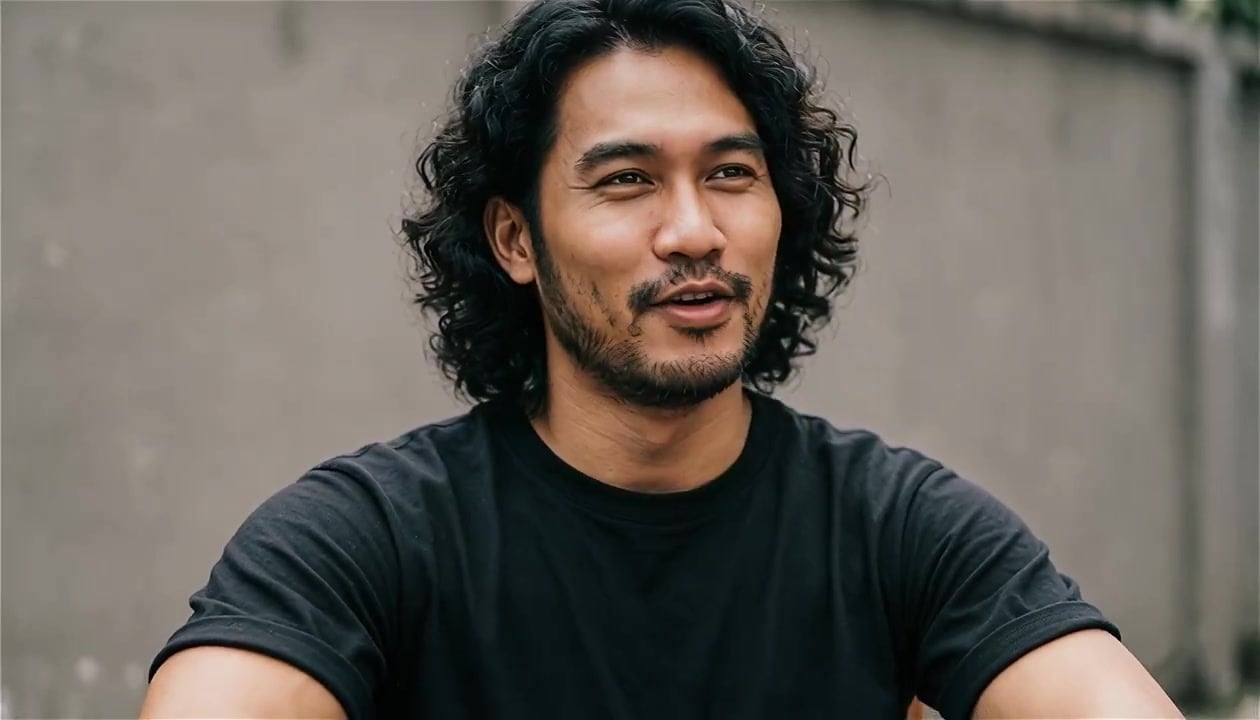
Definitive Anti-Slop AI Video Protocol — Qwen / Nano Banana / Grok

Skiing Video Generation Prompt with Detailed Scene Breakdown
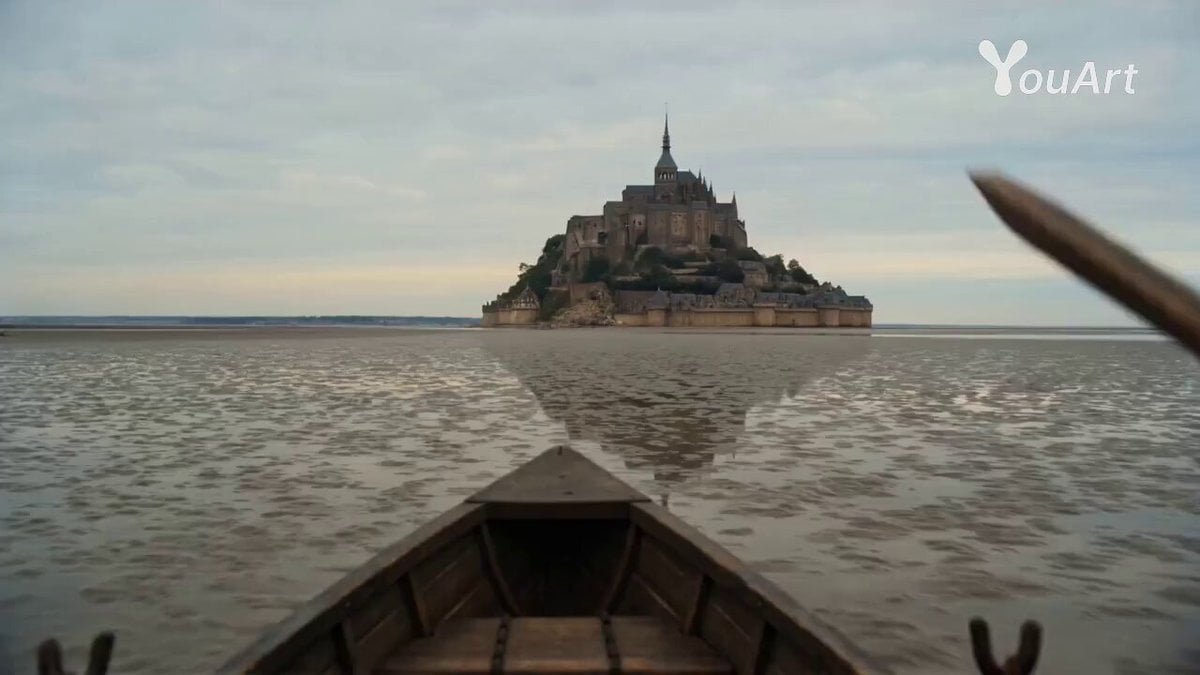
POV: Main Character in Mont Saint Michel
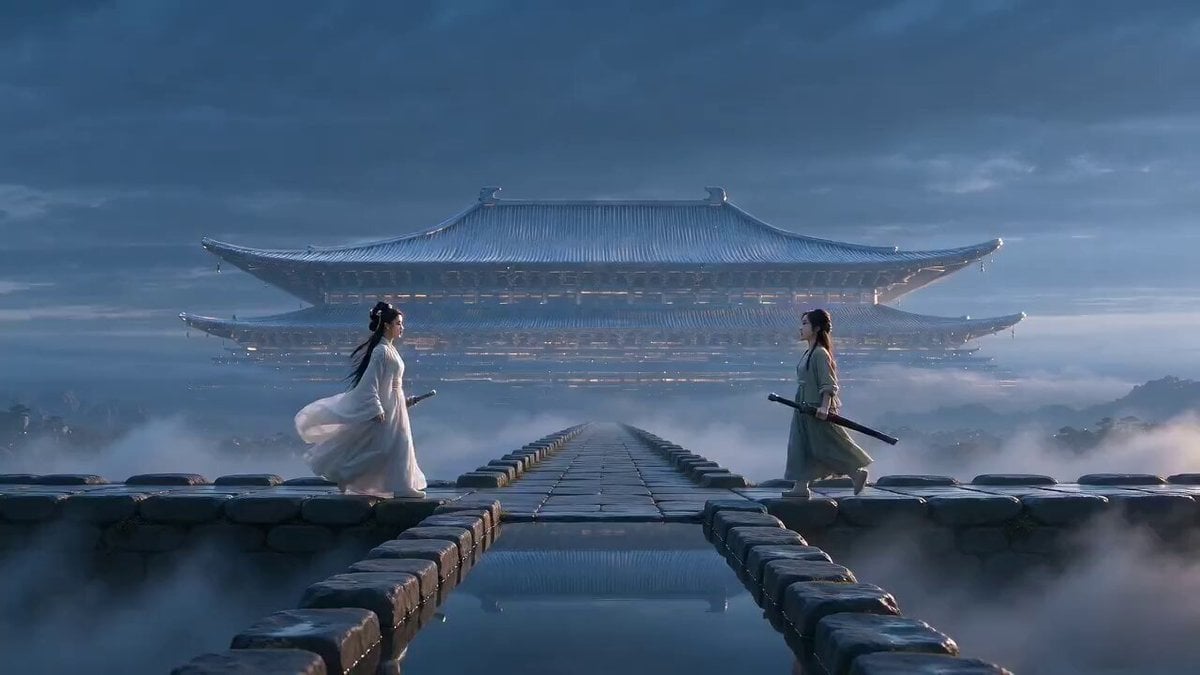
Xianxia Polite Loop Comedy
Night Sky and Pine Tree Animation

Cinematic Action Cooking Scene
Browse template categories
Cinematic Superhero Flight Over Earth questions
How do I use the Cinematic Superhero Flight Over Earth template?
Add your photo if the template asks for one, edit the prompt if you like — the template's model and format are already selected — and press Generate. Your version opens in PicX Studio.
Can I customize the Cinematic Superhero Flight Over Earth template?
Yes. You can change the subject, setting, lighting, mood, format, and available model controls before creating your video.
Is the Cinematic Superhero Flight Over Earth template free?
Opening and editing this template is free. Generating uses credits, shown on the Generate button when you are signed in.
Which AI model should I use?
Start with Seedance 2.0, which is the model associated with this template. You can compare another compatible model for a different finish.
Looking for something else? Browse all templates.

Your photo, any look
Thousands of ready templates for every top image and video model, from one credit balance.