
Smartphone Selfie Vlog Market Tour
A smartphone selfie vlog prompt for Seedance 2.5 featuring a young woman touring a traditional market, using a reference image for character consistency.
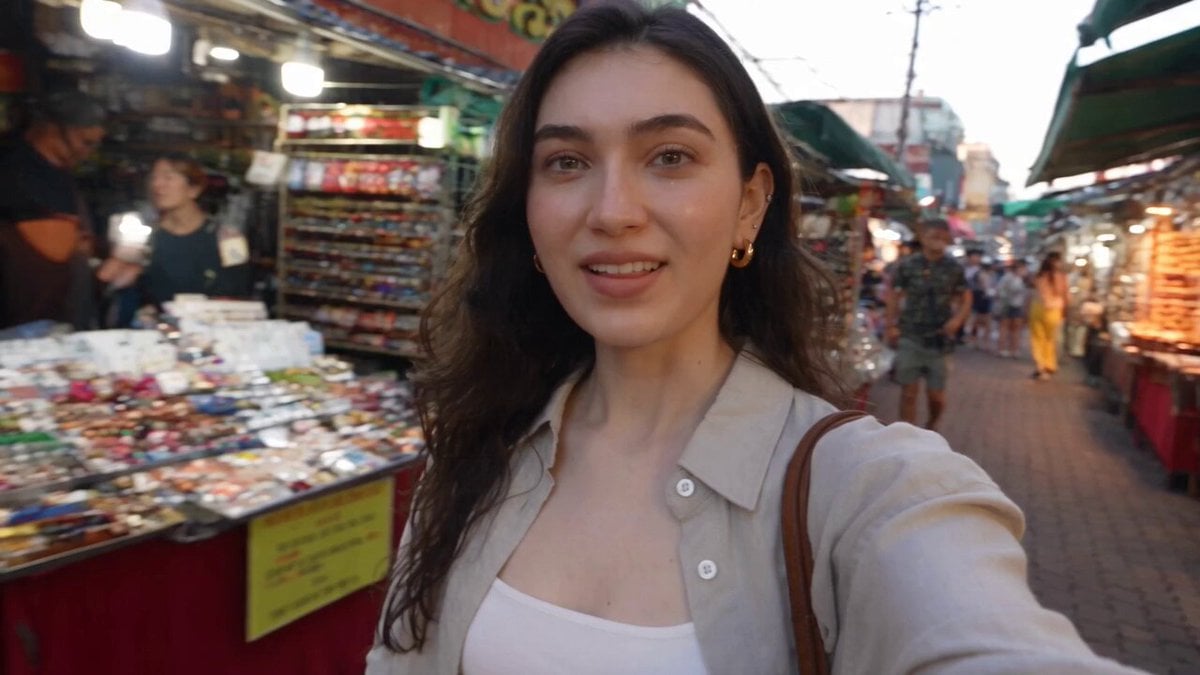
- Prompt included
- Model and format preset
- Free template
The prompt behind this video
Copy the exact prompt behind Smartphone Selfie Vlog Market Tour, or open it in the studio and make it yours.
<<<image_1>>> = the woman's facial identity and hair only, do not inherit her outfit, pose, background or lighting from it. One continuous handheld front-facing phone selfie vlog, always her own point of view with the phone in her own hand at arm's length — no third-person or external camera, no tripod, no cinematic move. Real modern-smartphone look: mild handheld shake, walking bounce, occasional autofocus hunting, small exposure shifts, minor framing flaws, natural front-lens distortion; soft warm natural daylight turning to early evening, natural uncorrected phone color, no color grade, no beauty filter, no skin smoothing. The same one woman with the same face and hair throughout, holding the phone herself in every shot. Two casual, trendy outfits only, the exact styling chosen naturally — one look from the market entrance through the gift shop, a clearly different one from the photo booth onward, each identical within its half, her face and hair unchanged across the single outfit change. No subtitles, no on-screen text, no logo, no watermark; no brand or character names. Never render a reference sheet or duplicate a subject. Diegetic sound only, no background music: market bustle and chatter, footsteps, a sizzling street-food stall, quiet shop room-tone, café ambience, a photo-booth shutter, wind at the lookout, a bus engine and street sounds; each spoken line delivered frontally and lip-visible. A young Korean woman in her early twenties, natural everyday beauty, is walking into a lively traditional street market on her day off, already holding her phone out at arm's length to film herself; she sweeps the phone across the bustling stalls then back to her own grinning face and says, upbeat: "I’m at the market!" She keeps walking through the busy market, naturally bouncing the phone with her steps, glancing at colorful stalls and briefly turning the camera toward interesting food and people before bringing it back to her smiling face; she laughs softly and continues walking without dialogue. She stops at a sizzling street-food stall, picks up a hot skewer and holds it right up to the selfie camera, eyeing how good it looks, and says, delighted: "Wow, this looks freaking amazing..!" She gives a quick happy reaction after tasting it, then continues walking through the market while holding the phone herself. She steps into a tiny gift-and-stationery shop full of cute little things, browsing the shelves with a grin; she picks up a small item, looks at it and then at the camera with a playful worried expression, and says: "I think my wallet might be in danger here." After leaving the shop, she briefly stops at a cozy little café or drink stand, holds a simple takeaway drink close to the selfie camera, takes a quick sip and smiles contentedly at the lens before continuing on, with only natural café and street ambience.
How to use Smartphone Selfie Vlog Market Tour in 3 steps
- 1Upload ImagePNG, JPG or paste
Add your photo
Upload the photo the template builds on. The prompt, model and format are already set.
- 2…a portrait of your subject in softgolden-hour light, 85mm…
Personalize
Edit the subject and creative details for your destination.
- 3Generate
Generate
Press Generate — your video is created in PicX Studio, so you can compare it with the original and refine one variable at a time.
More like this
Templates with the same subject, style or setup. Open one to see its prompt.
Smartphone Travel Vlog Tokyo Trip Identity Preserved
Kyoto Morning Selfie Vlog
Selfie Travel Vlog Mykonos

Shanghai Night Tour Selfie Vlog

Fashion GRWM Smartphone Vlog
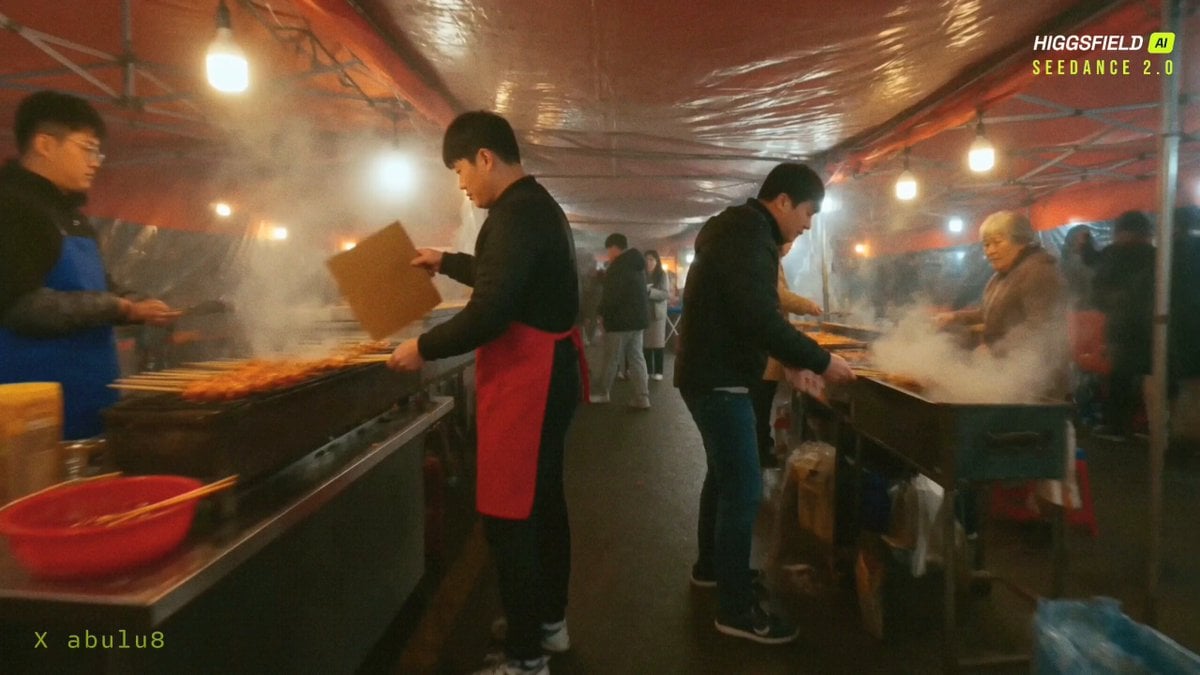
Seoul Night Market FPV Food Tour
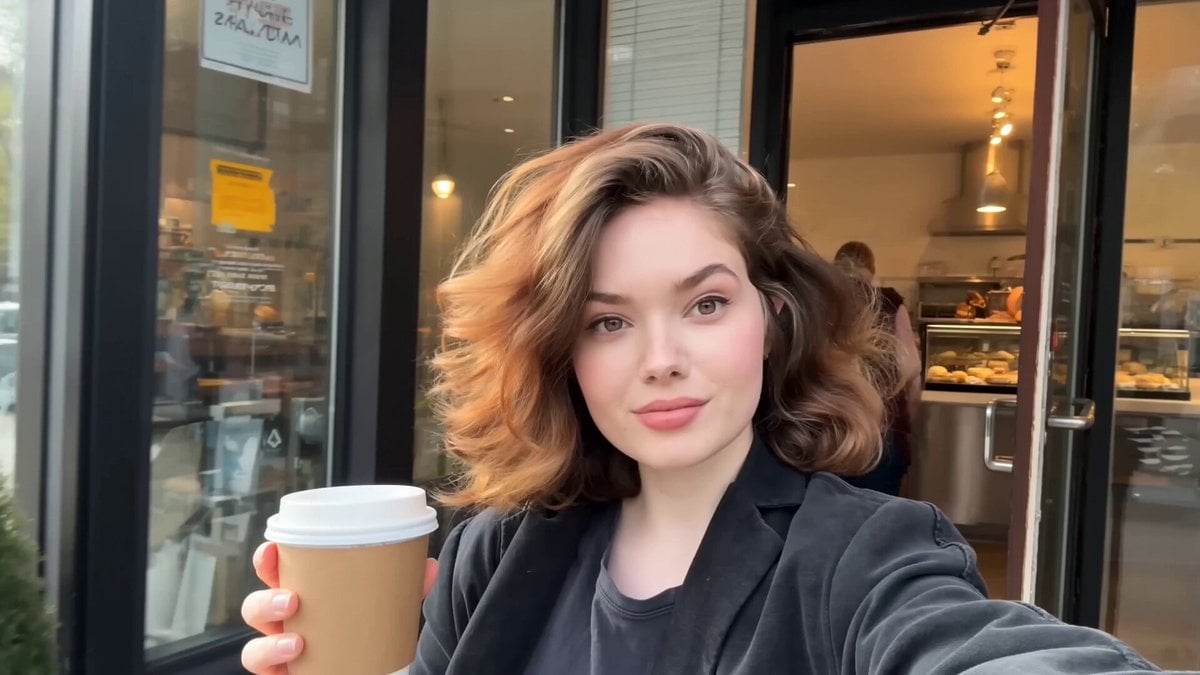
Authentic Smartphone Lifestyle Vlog
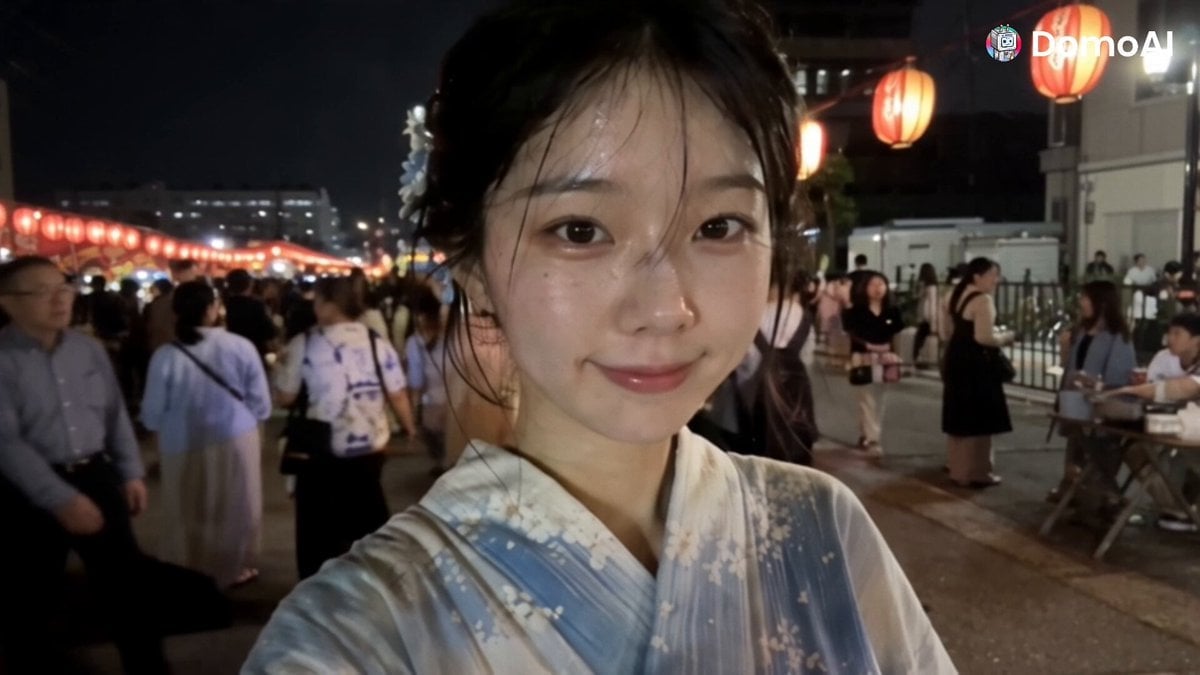
Korean Festival Smartphone Vlog
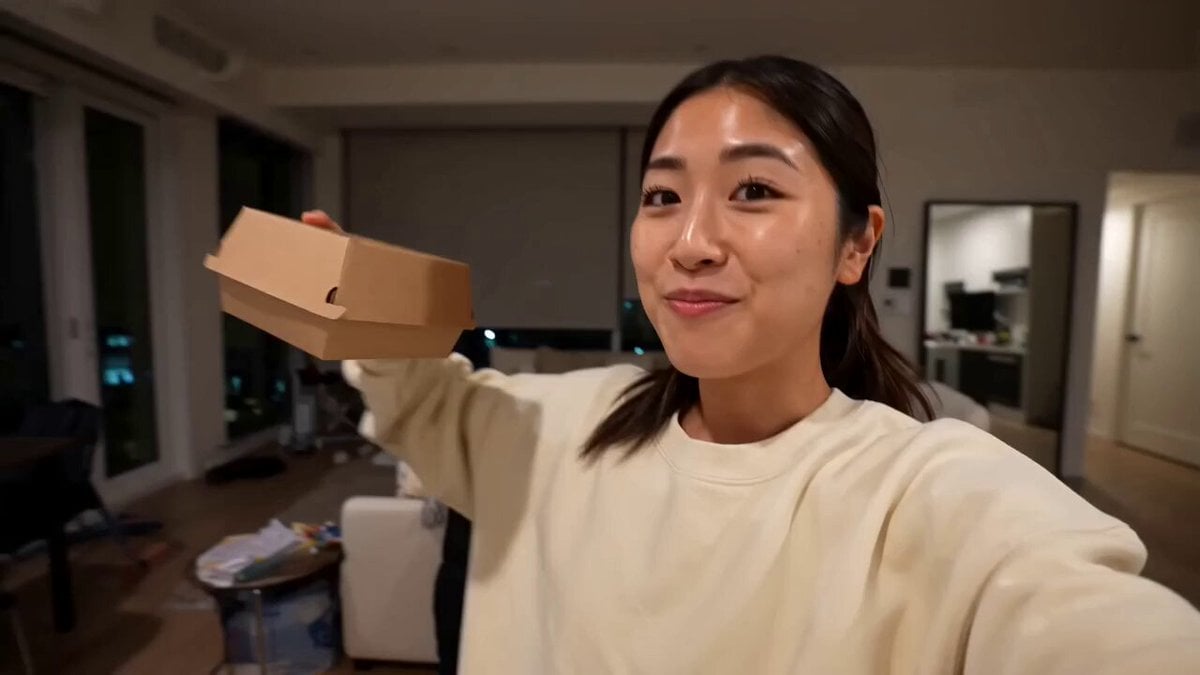
Gourmet Burger Vlog Selfie Style
Romantic Bedroom Selfie Vlog
Kyoto Smartphone Vlog Simulation

Thrift Store Vlog Selfie
Make it yours
Smartphone Selfie Vlog Market Tour works as-is. These are the safest ways to change it without losing the look.
Change one field
Copy a single group, rewrite it, and generate again so you can see what that field is doing.
Keep the frame, change the subject
Hold the composition and light of Smartphone Selfie Vlog Market Tour, then swap wardrobe, props or the person for a new take.
| If the result… | Why | Fix |
|---|---|---|
| The result drifts from the preview | Too many fields changed at once. | Reuse Smartphone Selfie Vlog Market Tour as-is first, then change one group — subject, light, or setting. |
| The model over-stylizes the scene | The prose prompt leaves finish and camera underspecified. | Add one camera or lighting sentence and stay on Seedance 2.0. |
More Seedance 2.0 templates
Other prompts made for Seedance 2.0.

Comical Martial Arts Punch Scene

Maglev Train Action Sequence

Martial Arts Fight Sequence

Wuxia Protection and Trust Script

Vintage Korean Arcade MiniDV Vlog

Mercedes 190 SL Luxury Ad

Rainy Night Supernatural Reverse Comedy Video Script

Amazon Civilization Discovery

Futuristic South Asian City Transformation

Cozy Luxury Cafe Commercial
More video prompts
Fresh picks from across the catalog.

Fantasy Dragon Chase Sequence

Seamless Sword Fight Sequence Prompt
Cyberpunk Mumbai Werewolf Pursuit
Childhood Imagination to Reality Car Race Video Prompt

Exploding Heart Balloons with Dragons
Cinematic Match Cut Flashback Sequence

Luffy and Goku Fight on the Sunny

Dongbei Sweet Girl Livestream Video Prompt

Watercolor Ink Sword Performance

Nebula to Shrimp Morphing Animation
Browse template categories
Smartphone Selfie Vlog Market Tour questions
How do I use the Smartphone Selfie Vlog Market Tour template?
Add your photo if the template asks for one, edit the prompt if you like — the template's model and format are already selected — and press Generate. Your version opens in PicX Studio.
Can I customize the Smartphone Selfie Vlog Market Tour template?
Yes. You can change the subject, setting, lighting, mood, format, and available model controls before creating your video.
Is the Smartphone Selfie Vlog Market Tour template free?
Opening and editing this template is free. Generating uses credits, shown on the Generate button when you are signed in.
Which AI model should I use?
Start with Seedance 2.0, which is the model associated with this template. You can compare another compatible model for a different finish.
Looking for something else? Browse all templates.

Your photo, any look
Thousands of ready templates for every top image and video model, from one credit balance.