
Cinematic Match Cut Flashback Sequence
A multi-shot video prompt for creating a seamless match cut transition between an elderly man in a modern café and his younger self in the 1970s.
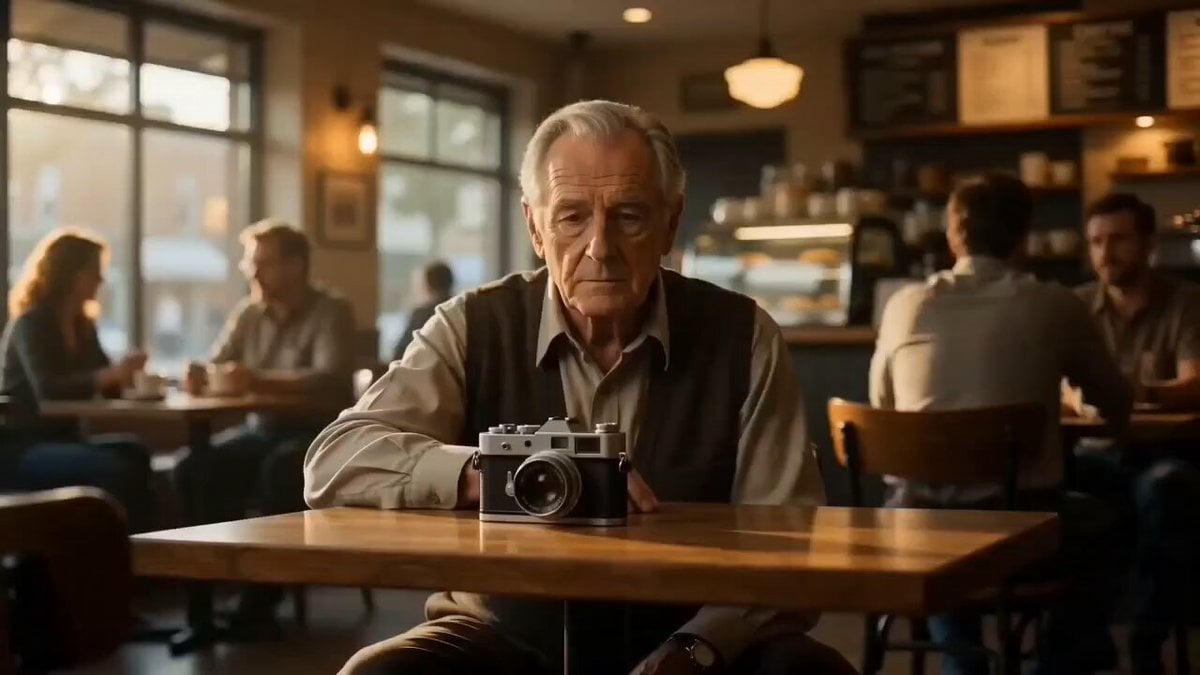
- Prompt included
- Model and format preset
- Premium template
The prompt behind this video
Copy the exact prompt behind Cinematic Match Cut Flashback Sequence, or open it in the studio and make it yours.
A cinematic multi-shot sequence with seamless flashback transition, hyper-realistic, film-grade lighting, shallow depth of field, soft film grain, consistent vintage camera prop. Shot 1 (0s–6s): Interior — cozy modern coffee shop (use @Image1 as starting frame). Warm ambient lighting, soft window highlights, subtle background blur. An older man (late 60s, thoughtful expression) sits at a wooden table. A vintage film camera rests in front of him. Camera movement: slow dolly-in from medium shot to extreme close-up of his eyes. Details: reflections of café lights in his eyes, slight hand movement touching the camera, calm atmosphere. Transition (6s–7.5s): Match cut through eye reflection. The reflection morphs into bright sunlight. Lighting shifts from warm indoor tones to high-contrast golden daylight. Maintain perfect continuity of the vintage camera model and framing. Shot 2 (7.5s–15s): Exterior — vibrant 1970s sunlit street (use @Image2 as ending frame). Same composition and camera position as Shot 1, but now a younger version of the man (mid-20s). He holds the exact same vintage camera. Camera movement: slight handheld feel + micro push-in as he raises the camera and takes a photo. Environment: saturated colors, retro cars passing, pedestrians in 70s clothing, sun flares, dust particles in light. End on shutter click freeze-frame moment. Style Tags: cinematic, seamless transition, match cut, flashback, 35mm film look, photorealistic, soft grain, dynamic lighting, temporal shift, emotional storytelling.
How to use Cinematic Match Cut Flashback Sequence in 3 steps
- 1
Open
The prompt is already in the box next to the preview, with the template's model and format selected.
- 2…a portrait of your subject in softgolden-hour light, 85mm…
Personalize
Edit the subject and creative details for your destination.
- 3Generate
Generate
Press Generate — your video is created in PicX Studio, so you can compare it with the original and refine one variable at a time.
More like this
Templates with the same subject, style or setup. Open one to see its prompt.
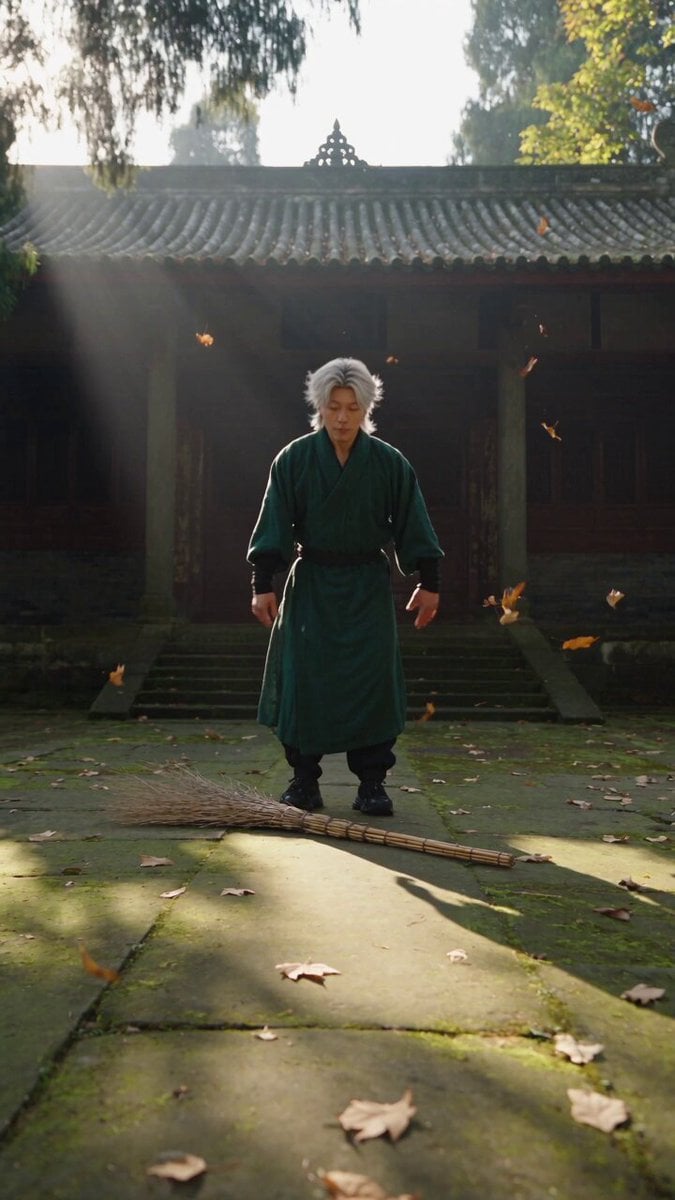
Neo-Wuxia Cinematic Action Match Cut
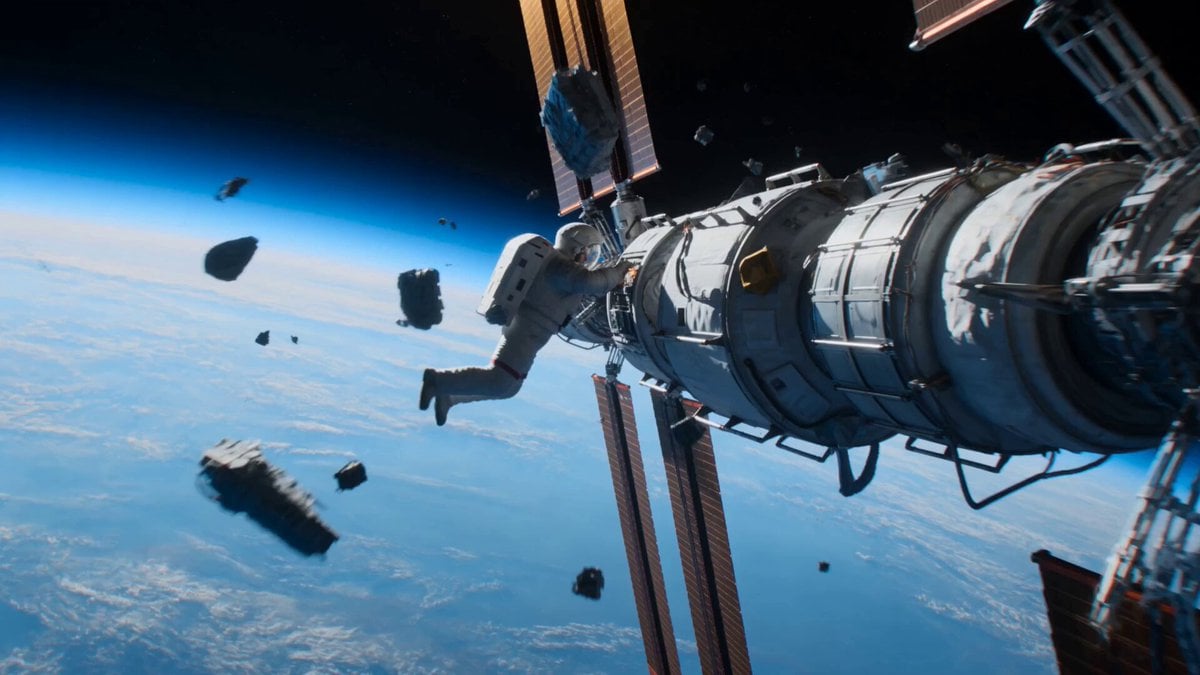
Astronaut to Apartment Match Cut Transition
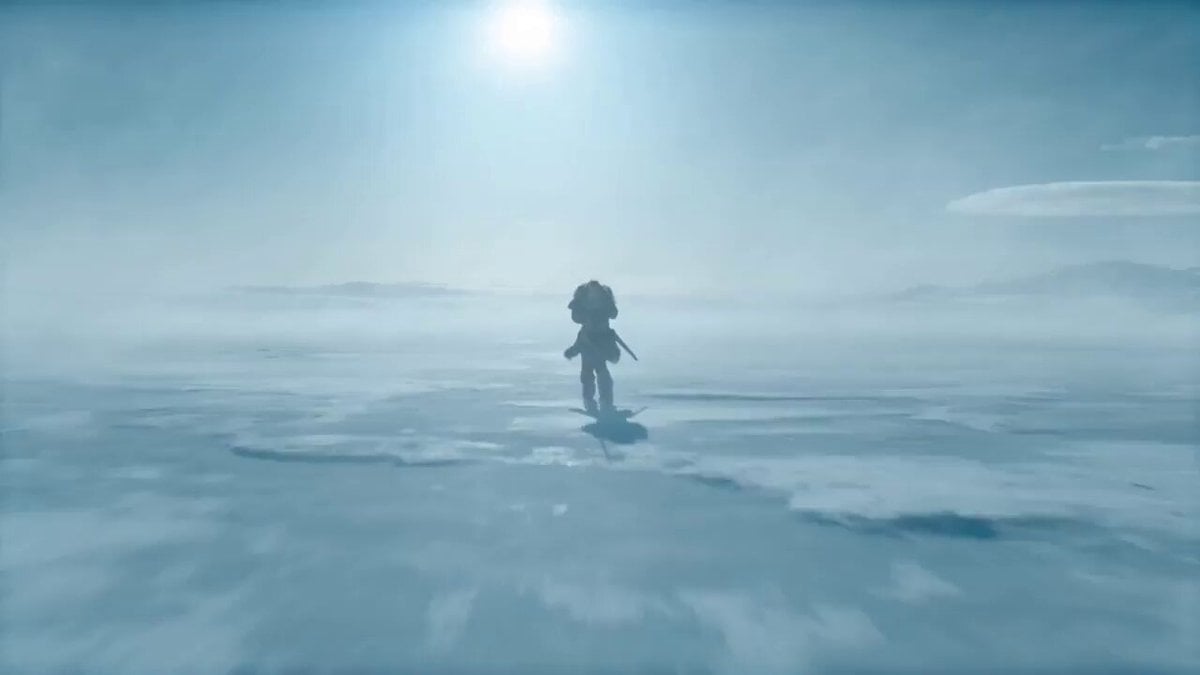
VR Survival Battle Match Cut
Cinematic video with continuous rotation match cut
Seamless 360° Cinematic Rotation Match-Cut Video Prompt
Daily Routine 15-Cut Sequence Prompt

Multi-Cut Western Duel and Arm Wrestling Sequence
Multi-Cut Cinematic Summer Vlog Composition
Indian Village Zombie Chase Intercut

Maglev Train Action Sequence

Martial Arts Fight Sequence
Paper Cutout Hero Shadow Comedy
Make it yours
Cinematic Match Cut Flashback Sequence works as-is. These are the safest ways to change it without losing the look.
Change one field
Copy a single group, rewrite it, and generate again so you can see what that field is doing.
Keep the frame, change the subject
Hold the composition and light of Cinematic Match Cut Flashback Sequence, then swap wardrobe, props or the person for a new take.
| If the result… | Why | Fix |
|---|---|---|
| The result drifts from the preview | Too many fields changed at once. | Reuse Cinematic Match Cut Flashback Sequence as-is first, then change one group — subject, light, or setting. |
| The model over-stylizes the scene | The prose prompt leaves finish and camera underspecified. | Add one camera or lighting sentence and stay on Seedance 2.0. |
More Seedance 2.0 templates
Other prompts made for Seedance 2.0.

Comical Martial Arts Punch Scene

Wuxia Protection and Trust Script

Vintage Korean Arcade MiniDV Vlog

Mercedes 190 SL Luxury Ad

Rainy Night Supernatural Reverse Comedy Video Script

Amazon Civilization Discovery

Futuristic South Asian City Transformation

Cozy Luxury Cafe Commercial

Cyber Ronin Nanotech Transformation Video

Desert Courier and Sandstorm Leviathan Chase
More video prompts
Fresh picks from across the catalog.
Nature Reclaiming Megacity Prompt
Alien Army Base Ambush
Traditional Dance Performance

Afro-Native American Goddess Animation
Futuristic Armored Siege Transport

Product Replacement in Video

Supermarket Grocery Shopping Vlog
Cinematic Warrior Transformation VFX
Stop-Motion Wolf Attack Sequence

Grok Imagine prompt for a hyper-realistic, surreal woman's portrait video
Browse template categories
Cinematic Match Cut Flashback Sequence questions
How do I use the Cinematic Match Cut Flashback Sequence template?
Add your photo if the template asks for one, edit the prompt if you like — the template's model and format are already selected — and press Generate. Your version opens in PicX Studio.
Can I customize the Cinematic Match Cut Flashback Sequence template?
Yes. You can change the subject, setting, lighting, mood, format, and available model controls before creating your video.
Is the Cinematic Match Cut Flashback Sequence template free?
Opening and editing this template is free. Generating uses credits, shown on the Generate button when you are signed in.
Which AI model should I use?
Start with Seedance 2.0, which is the model associated with this template. You can compare another compatible model for a different finish.
Looking for something else? Browse all templates.

Your photo, any look
Thousands of ready templates for every top image and video model, from one credit balance.