
Traditional Dance Performance
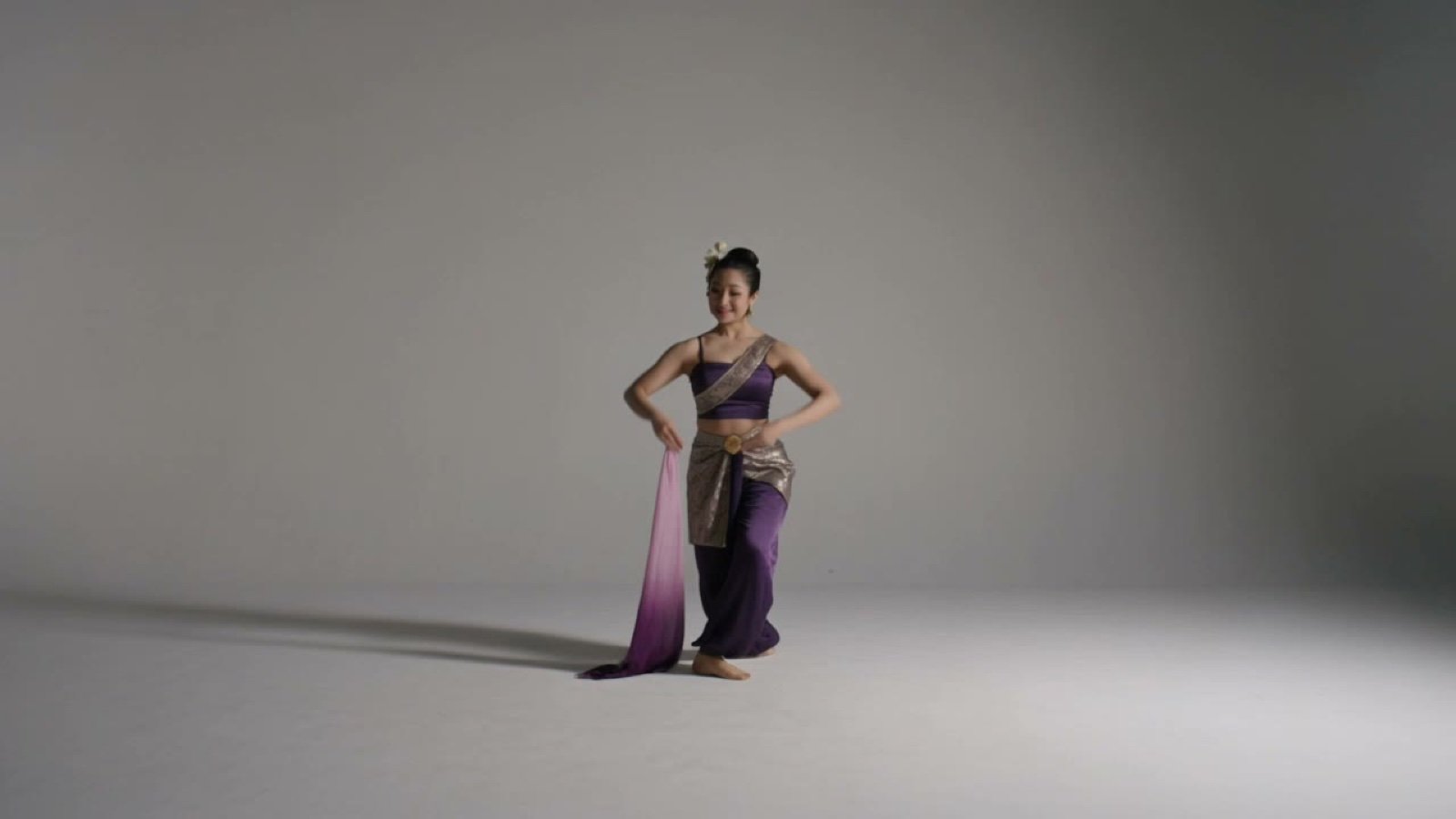
A comprehensive video prompt for Seedance 2.0 to generate a graceful traditional dance based on choreography and identity reference images.
- Prompt included
- Model and format preset
- Free template
The prompt behind this video
Copy the exact prompt behind Traditional Dance Performance, or open it in the studio and make it yours.
Use the first reference image as the exact choreography and motion-process guide. Use the second reference image as the identity reference for the adult woman dancer. Create a graceful traditional dance performance that follows all 16 illustrated steps in order, from the confident opening pose to the respectful closing pose. The dancer performs with poised posture, soft knee bends, precise cross steps, elegant wrist waves, curved fingers, shoulder accents, hip sways, flowing turns, and expressive selendang sweeps. Keep the camera in a clean full-body cinematic frame, mostly front-facing, with slow controlled movement that supports the dance instead of distracting from it. During the left and right turns, allow a subtle circular camera drift, then return to a centered frontal composition. The dancer’s hands, feet, facial expression, and selendang fabric must remain visible throughout. Use soft studio lighting, refined contrast, and a calm traditional performance atmosphere. The motion should feel smooth, rhythmic, respectful, and feminine, with the selendang floating naturally as the dancer glides forward and backward. End on a still closing pose with hands at the heart, peaceful smile, and elegant silence.
How to use Traditional Dance Performance in 3 steps
- 1Upload ImagePNG, JPG or paste
Add your photo
Upload the photo the template builds on. The prompt, model and format are already set.
- 2…a portrait of your subject in softgolden-hour light, 85mm…
Personalize
Edit the subject and creative details for your destination.
- 3Generate
Generate
Press Generate — your video is created in PicX Studio, so you can compare it with the original and refine one variable at a time.
More like this
Templates with the same subject, style or setup. Open one to see its prompt.

Cyberpunk Holographic Dance Performance - Seedance 2.5
Orc Warlord Performance Transfer - Seedance 2.5
Early-2000s Trainee Flashback Film

Luxury Airport Travel Vlog
Ballerina Opera House — Seedance 2.0
In Each Other's Gravity — Dance Duo
Street Dancer Studio Performance
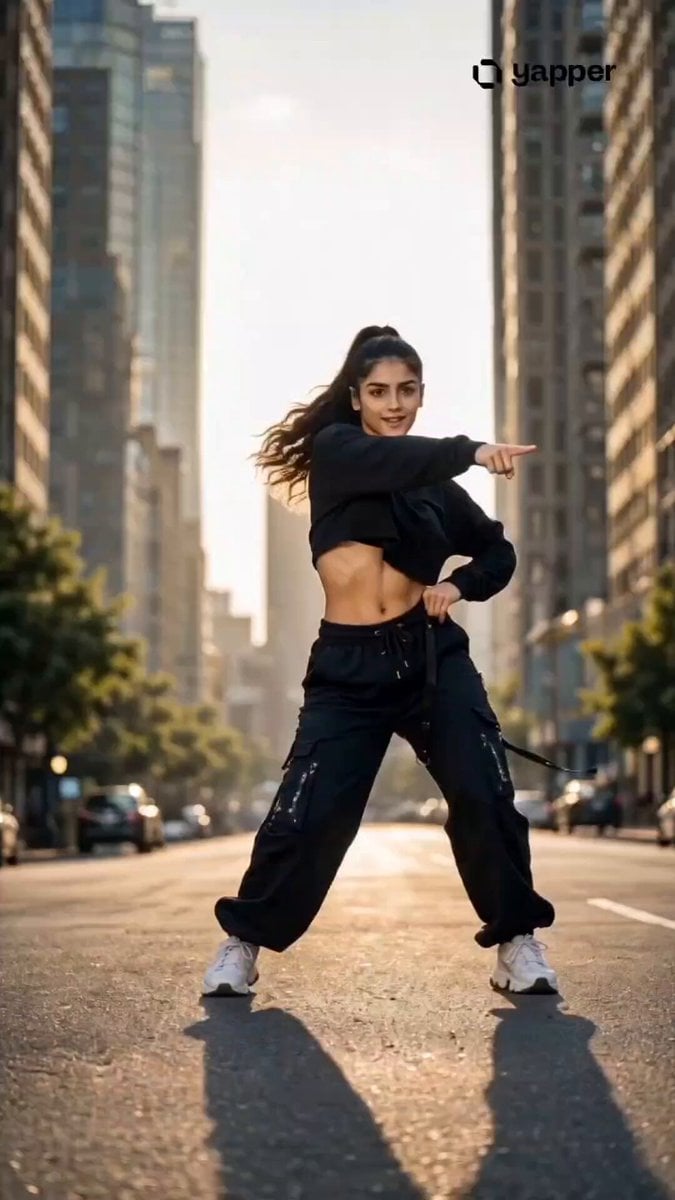
Streetwear Dance Performance
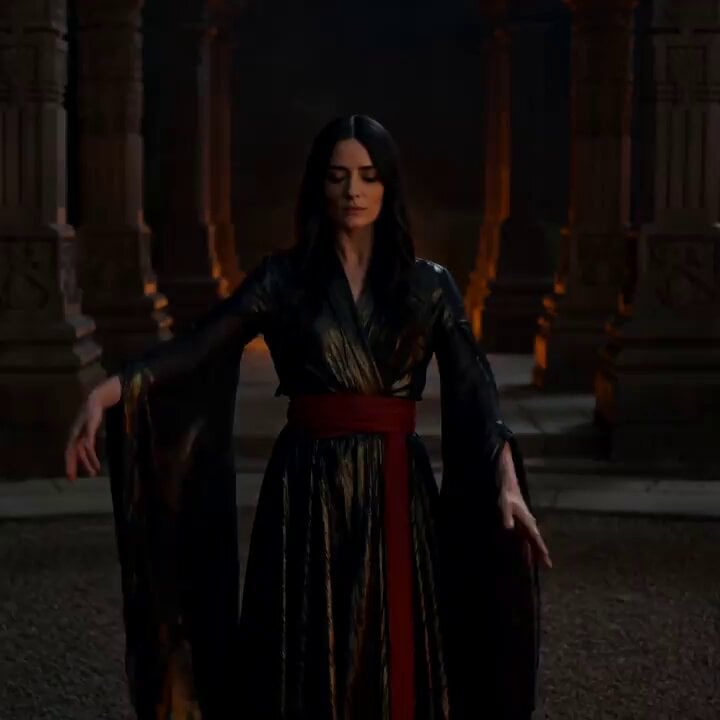
Cinematic Fire Dancer Performance in Abandoned Courtyard
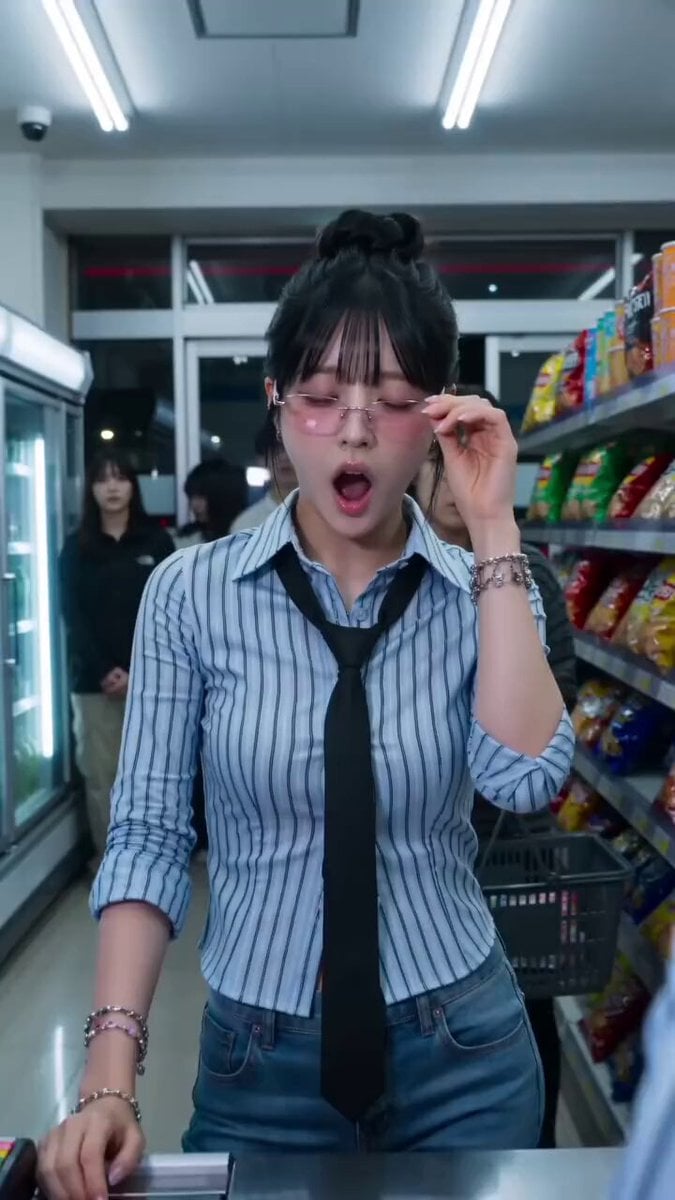
Convenience Store K-Pop Dance Performance
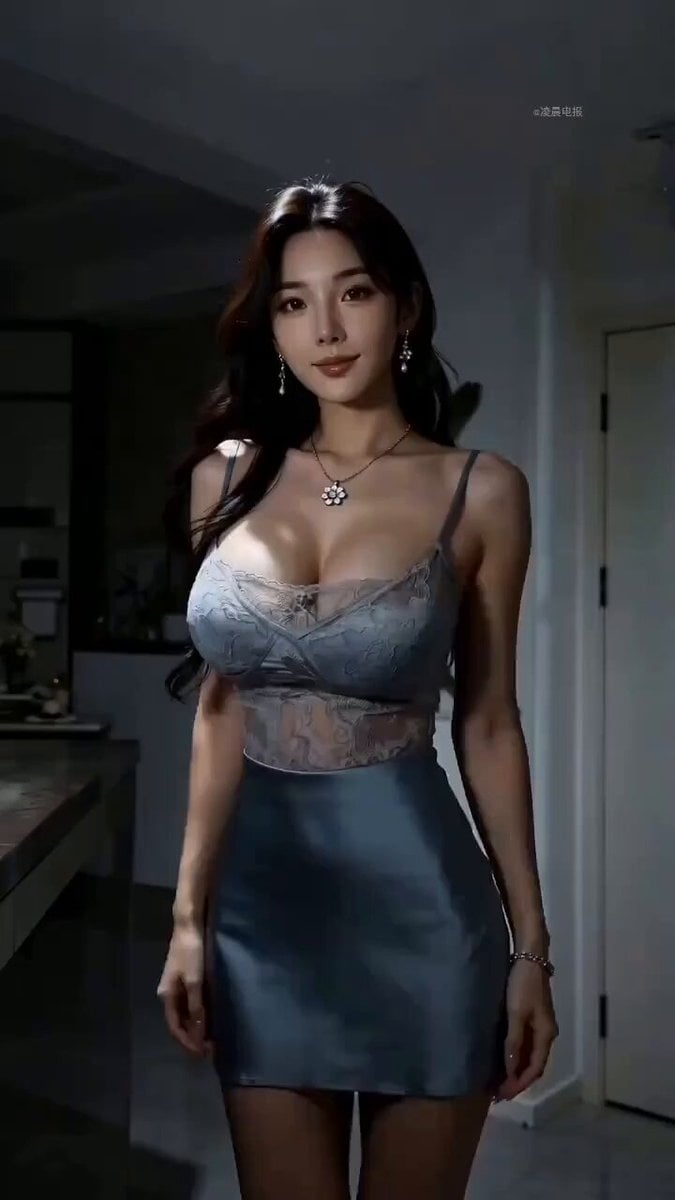
Modern Dance Performance Scene Description
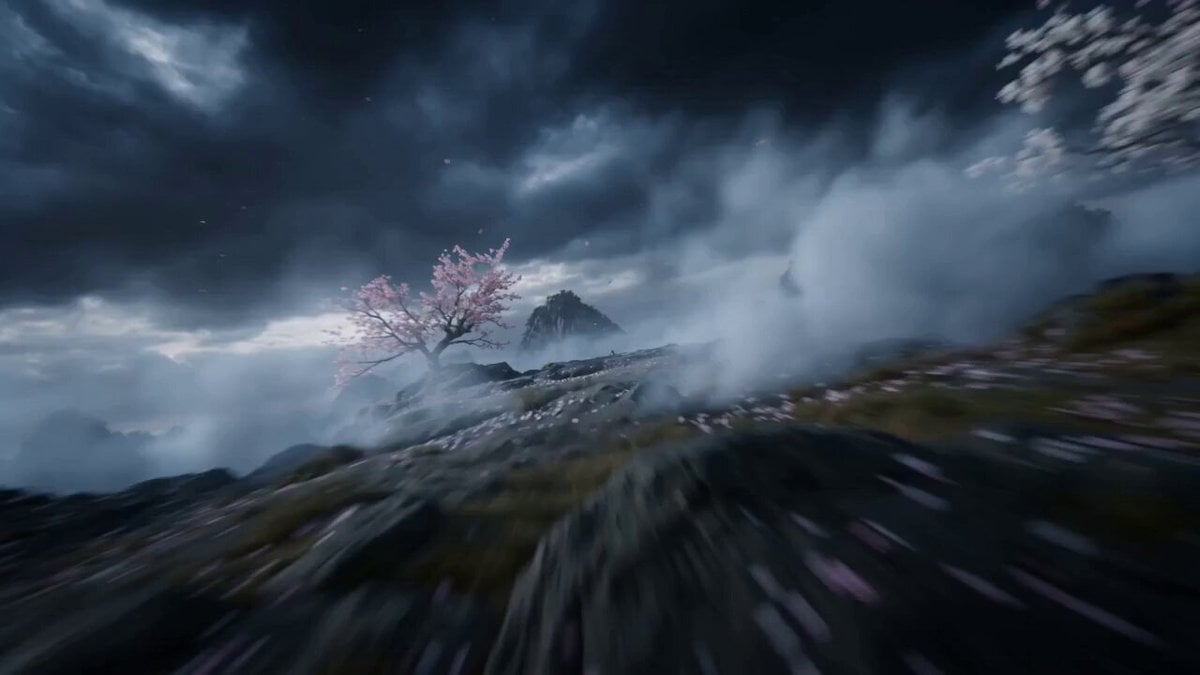
Peach Blossom Sword Dance Performance
Make it yours
Traditional Dance Performance works as-is. These are the safest ways to change it without losing the look.
Change one field
Copy a single group, rewrite it, and generate again so you can see what that field is doing.
Keep the frame, change the subject
Hold the composition and light of Traditional Dance Performance, then swap wardrobe, props or the person for a new take.
| If the result… | Why | Fix |
|---|---|---|
| The result drifts from the preview | Too many fields changed at once. | Reuse Traditional Dance Performance as-is first, then change one group — subject, light, or setting. |
| The model over-stylizes the scene | The prose prompt leaves finish and camera underspecified. | Add one camera or lighting sentence and stay on Seedance 2.0. |
More Seedance 2.0 templates
Other prompts made for Seedance 2.0.

Comical Martial Arts Punch Scene

Maglev Train Action Sequence

Martial Arts Fight Sequence

Wuxia Protection and Trust Script

Vintage Korean Arcade MiniDV Vlog

Mercedes 190 SL Luxury Ad

Rainy Night Supernatural Reverse Comedy Video Script

Amazon Civilization Discovery

Futuristic South Asian City Transformation

Cozy Luxury Cafe Commercial
More video prompts
Fresh picks from across the catalog.
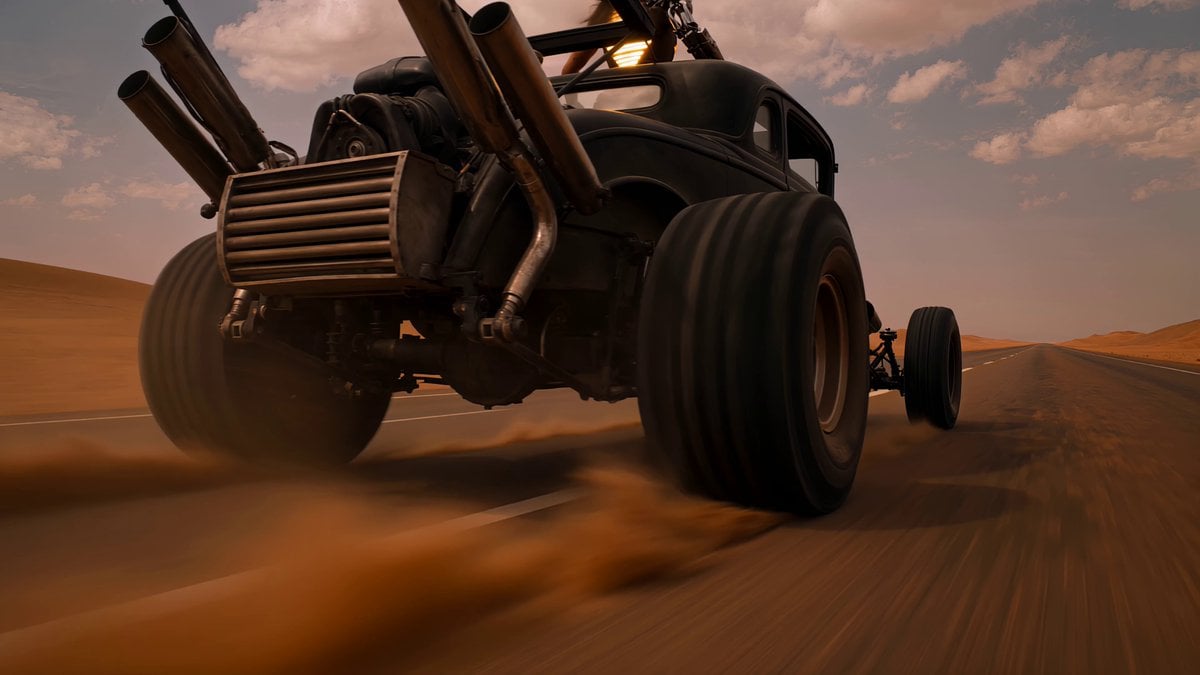
Post-Apocalyptic Desert Warrior Highway Chase
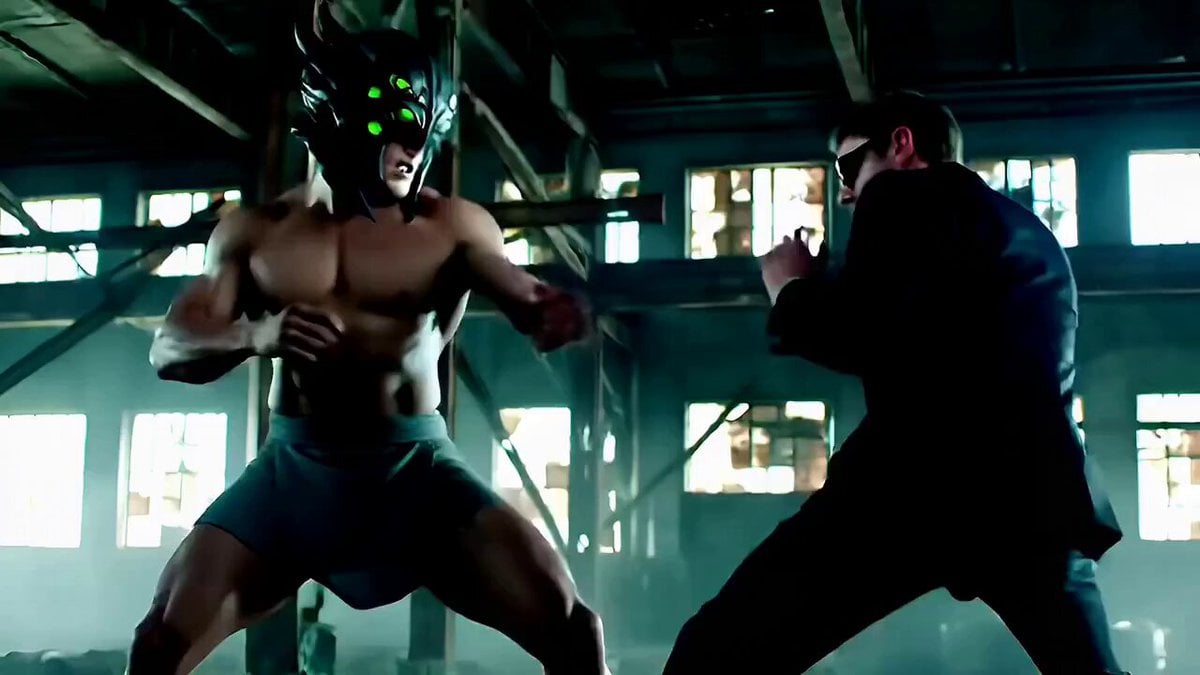
Cinematic Fight Scene Prompt for Seedance 2.0
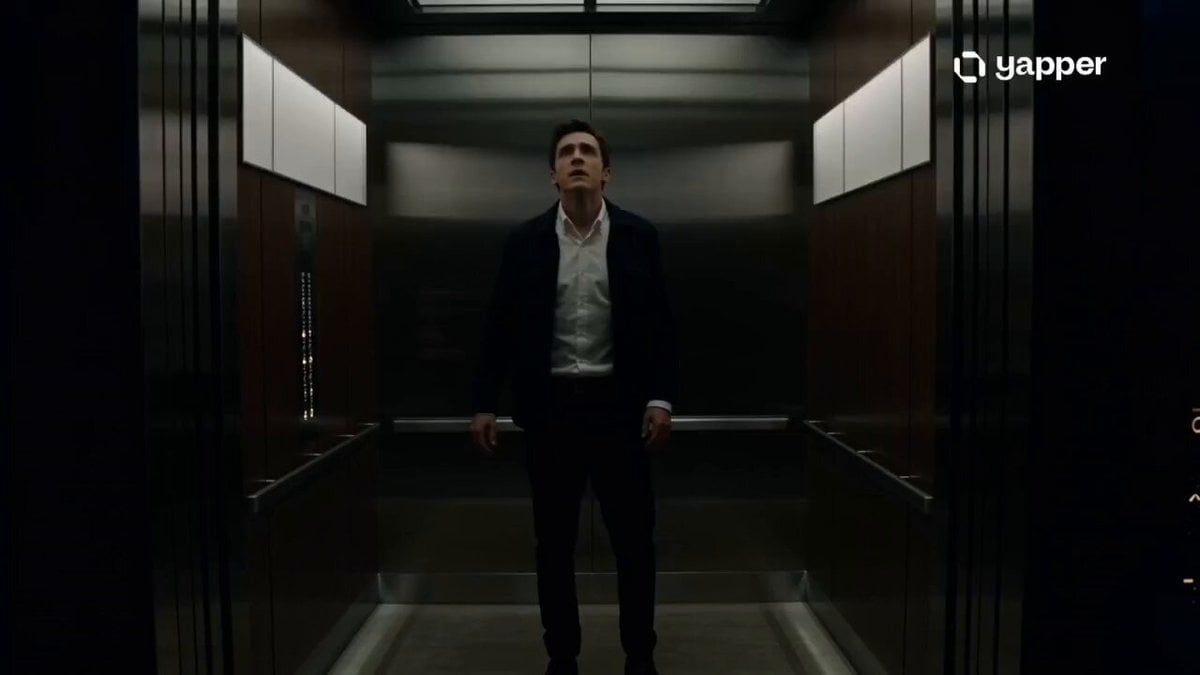
Cinematic Multiverse Elevator Journey
Hanfu Character Dance and Motion Transfer

Atlas Holding the World in Deep Reflection
Cinematic Snowboarding Action Video
Pop Idol Concert Duo
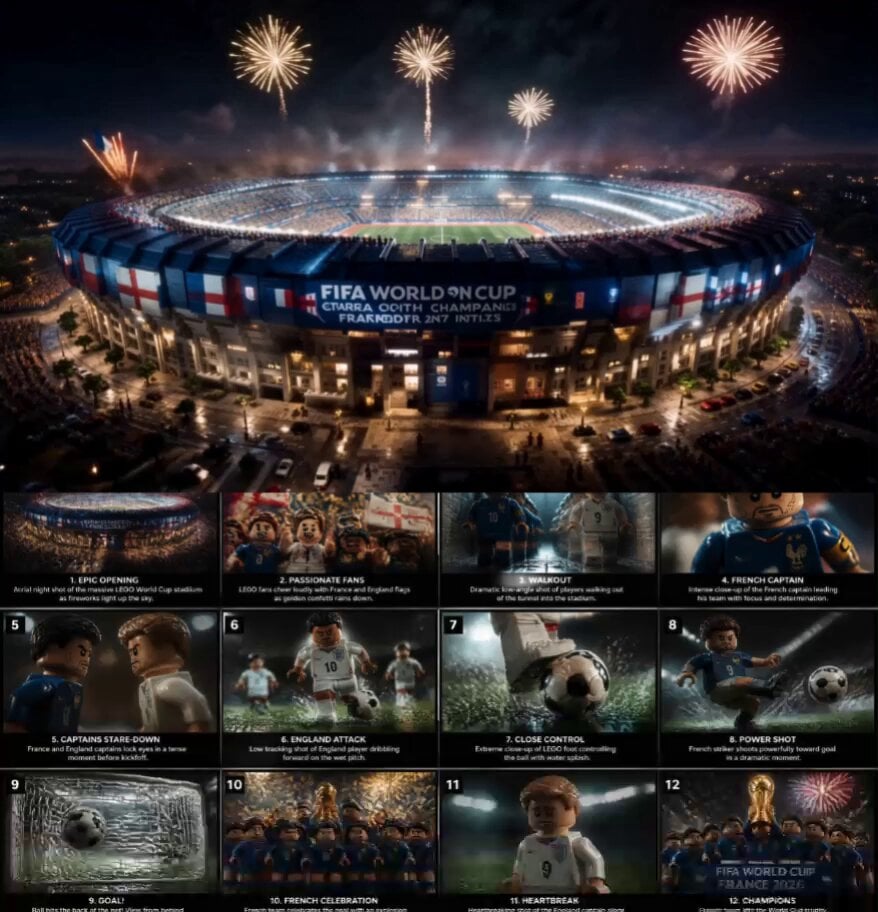
Cinematic LEGO Football Match Storyboard
Premium Peanut Butter Ad
Cinematic Baby Dragon and Potter in Volcanic Cave
Browse template categories
Traditional Dance Performance questions
How do I use the Traditional Dance Performance template?
Add your photo if the template asks for one, edit the prompt if you like — the template's model and format are already selected — and press Generate. Your version opens in PicX Studio.
Can I customize the Traditional Dance Performance template?
Yes. You can change the subject, setting, lighting, mood, format, and available model controls before creating your video.
Is the Traditional Dance Performance template free?
Opening and editing this template is free. Generating uses credits, shown on the Generate button when you are signed in.
Which AI model should I use?
Start with Seedance 2.0, which is the model associated with this template. You can compare another compatible model for a different finish.
Looking for something else? Browse all templates.

Your photo, any look
Thousands of ready templates for every top image and video model, from one credit balance.