
Cinematic Multiverse Elevator Journey
A cinematic sci-fi sequence depicting an elevator traveling between various worlds, including underwater cities, zombie apocalypses, and fantasy kingdoms.
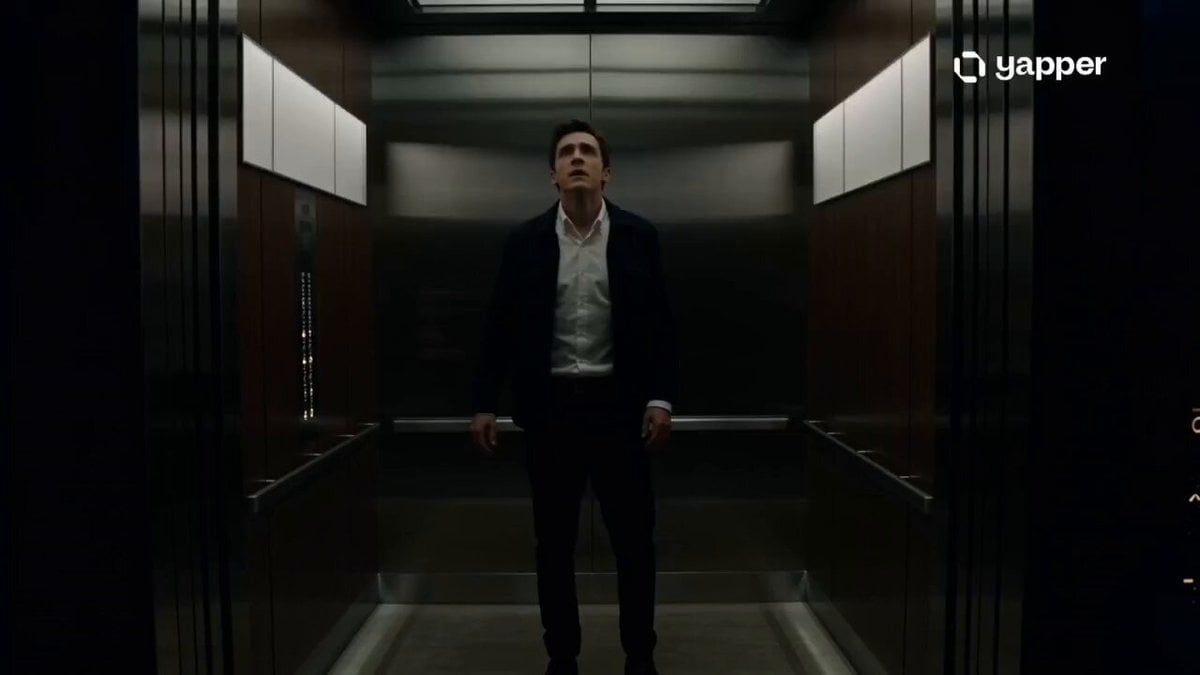
- Prompt included
- Model and format preset
- Premium template
The prompt behind this video
Copy the exact prompt behind Cinematic Multiverse Elevator Journey, or open it in the studio and make it yours.
A cinematic sci-fi fantasy sequence centered on a mysterious elevator traveling across universes.\n\n0–3s: A sleek, dimly lit elevator descends silently inside a futuristic skyscraper. A lone person stands inside, breathing heavily. The floor indicator flickers unpredictably.\n\n3–6s: Doors open — first floor: an underwater city. Glass walls reveal massive glowing sea structures, whales drifting between skyscrapers, and citizens walking in pressurized suits. Water pulses just beyond the barrier.\n\n6–9s: Doors close instantly, elevator shakes. Opens again — zombie apocalypse world. Burning ruins, fog-filled streets, silhouettes of infected moving in the distance. A survivor runs past the elevator in panic.\n\n9–12s: Another shift — fantasy kingdom. Golden castles floating in the sky, dragons circling above, knights riding through glowing bridges made of light. Wind carries magical particles into the elevator.\n\n12–14s: Final transition — Mars colony. Red rocky landscape, domed habitats, astronauts working under a pale sun, Earth visible in the distant sky.\n\n14–15s: Elevator doors begin to close slowly. The traveler looks overwhelmed as all worlds briefly flicker together in reflection on the metallic walls before the screen cuts to black.\n\nStyle: ultra cinematic, seamless world transitions, high-detail environments, dramatic lighting changes per world, realistic motion, sci-fi + fantasy hybrid aesthetic, immersive sound design feel, mystery-driven narrative tone.
How to use Cinematic Multiverse Elevator Journey in 3 steps
- 1
Open
The prompt is already in the box next to the preview, with the template's model and format selected.
- 2…a portrait of your subject in softgolden-hour light, 85mm…
Personalize
Edit the subject and creative details for your destination.
- 3Generate
Generate
Press Generate — your video is created in PicX Studio, so you can compare it with the original and refine one variable at a time.
More like this
Templates with the same subject, style or setup. Open one to see its prompt.
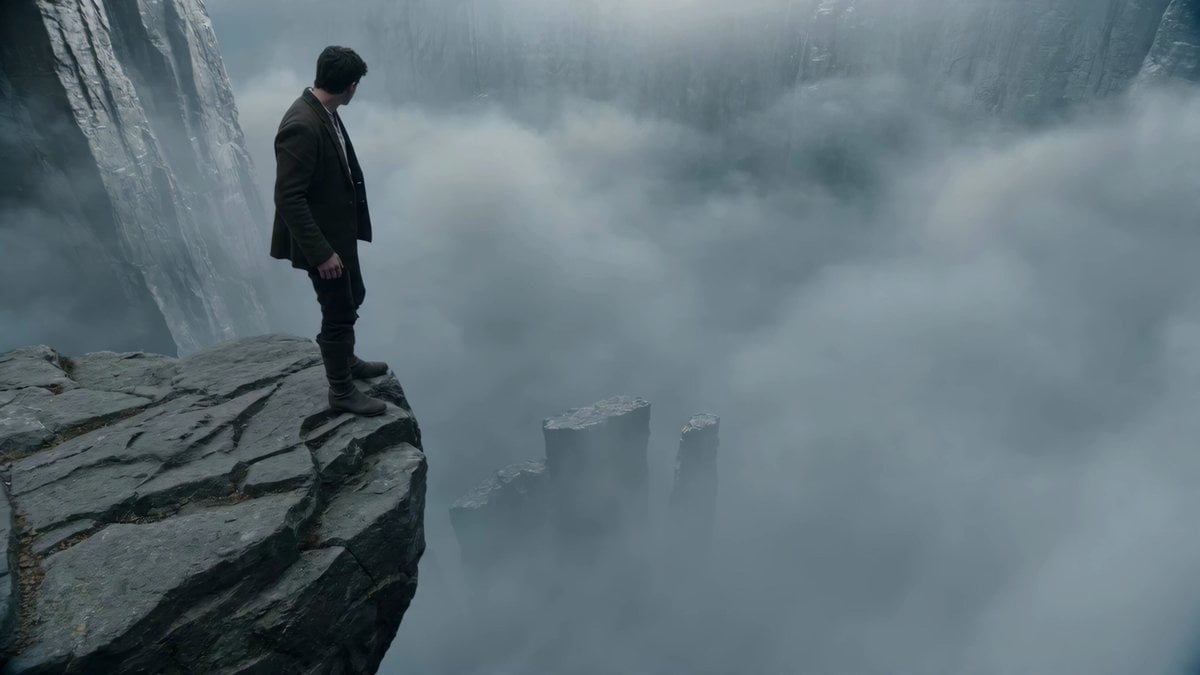
Adventurer Path Creator - Seedance 2
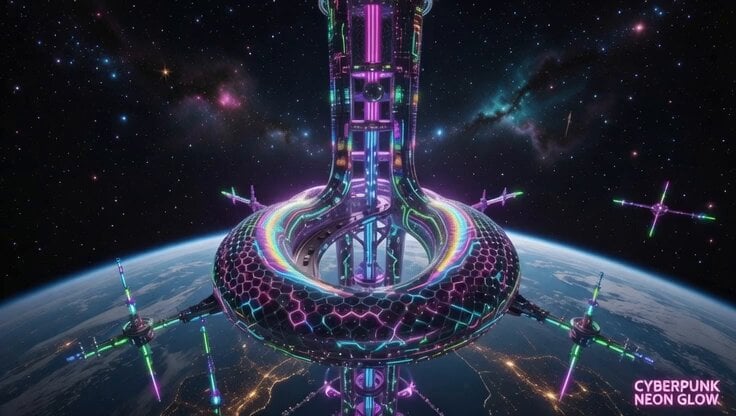
Space Elevator Psychedelic Journey
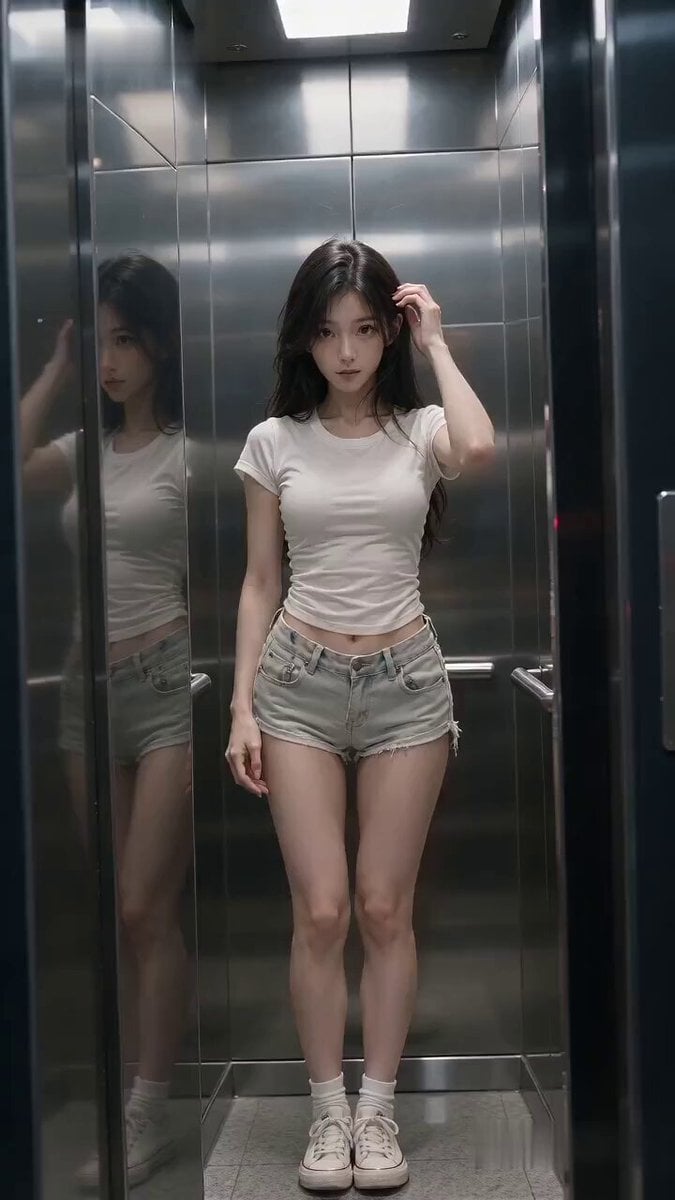
Cinematic Horror Elevator Transition
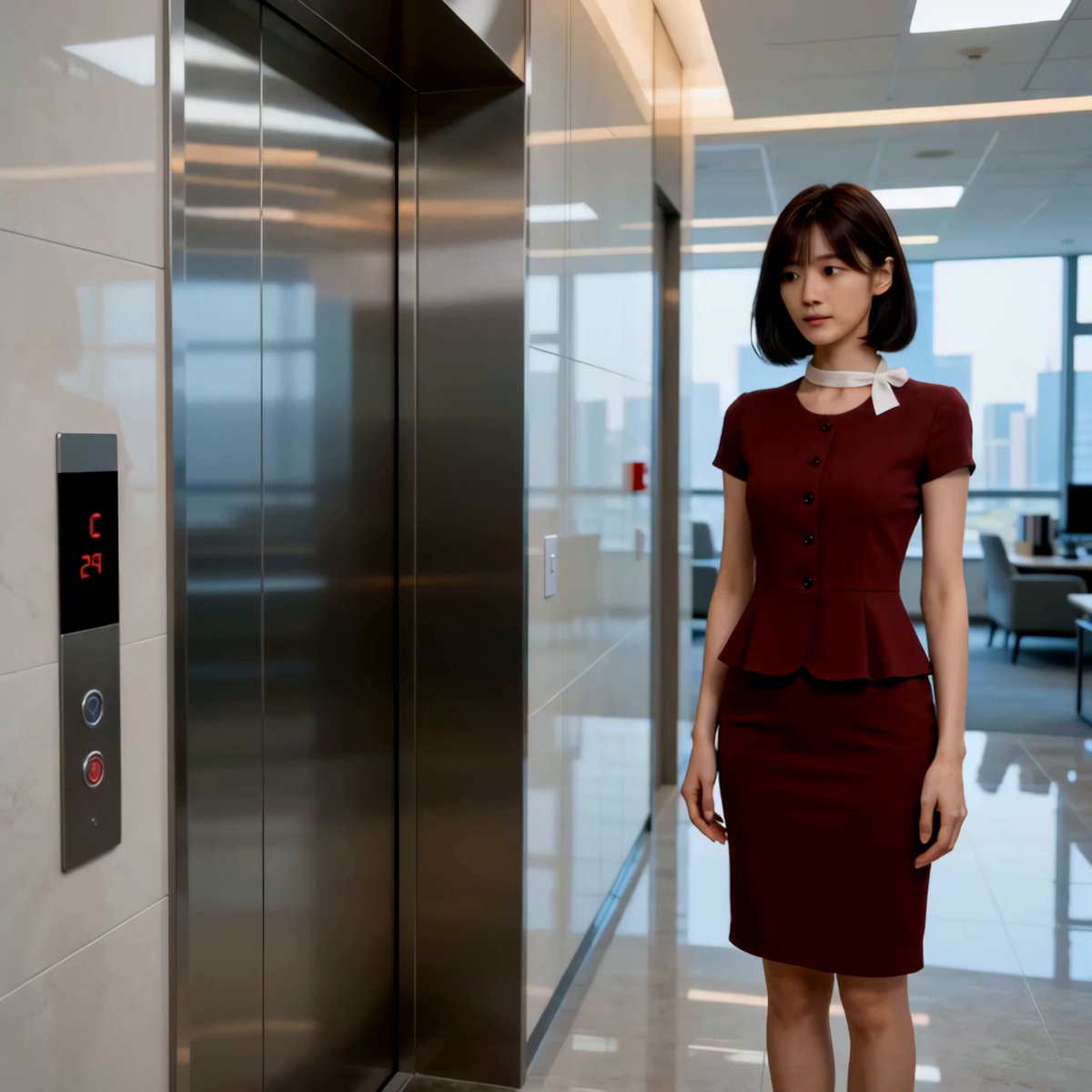
Isekai Elevator Secretary Cinematic Comedy
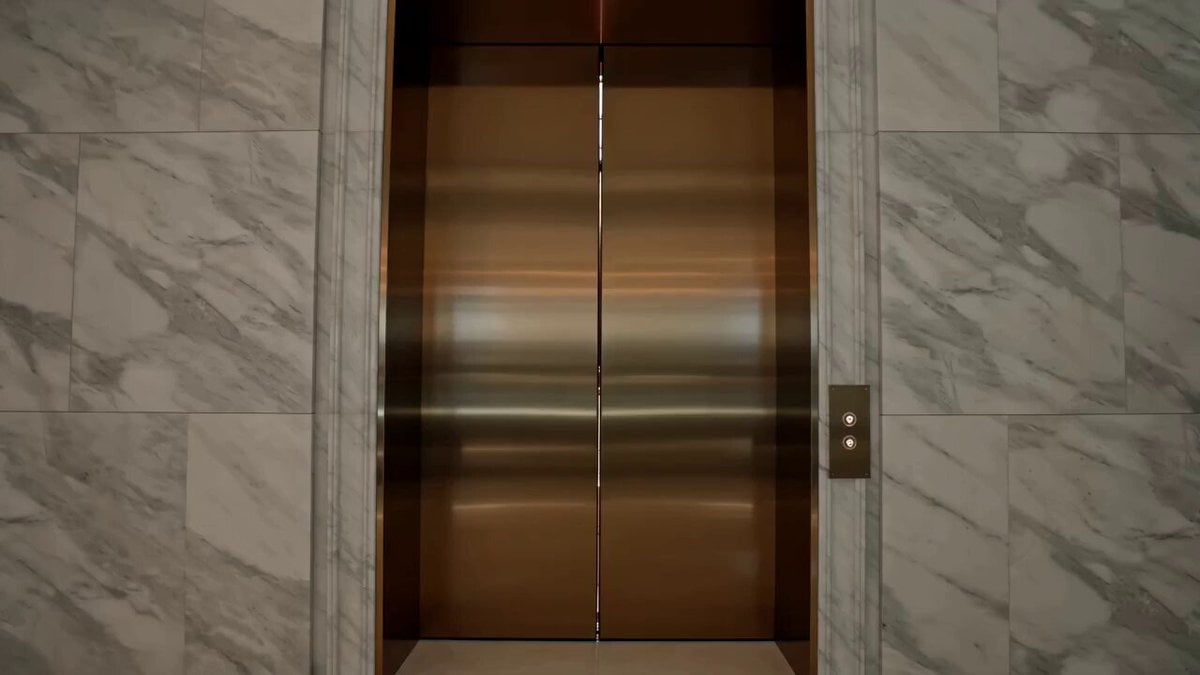
Luxury Fashion Elevator Commercial
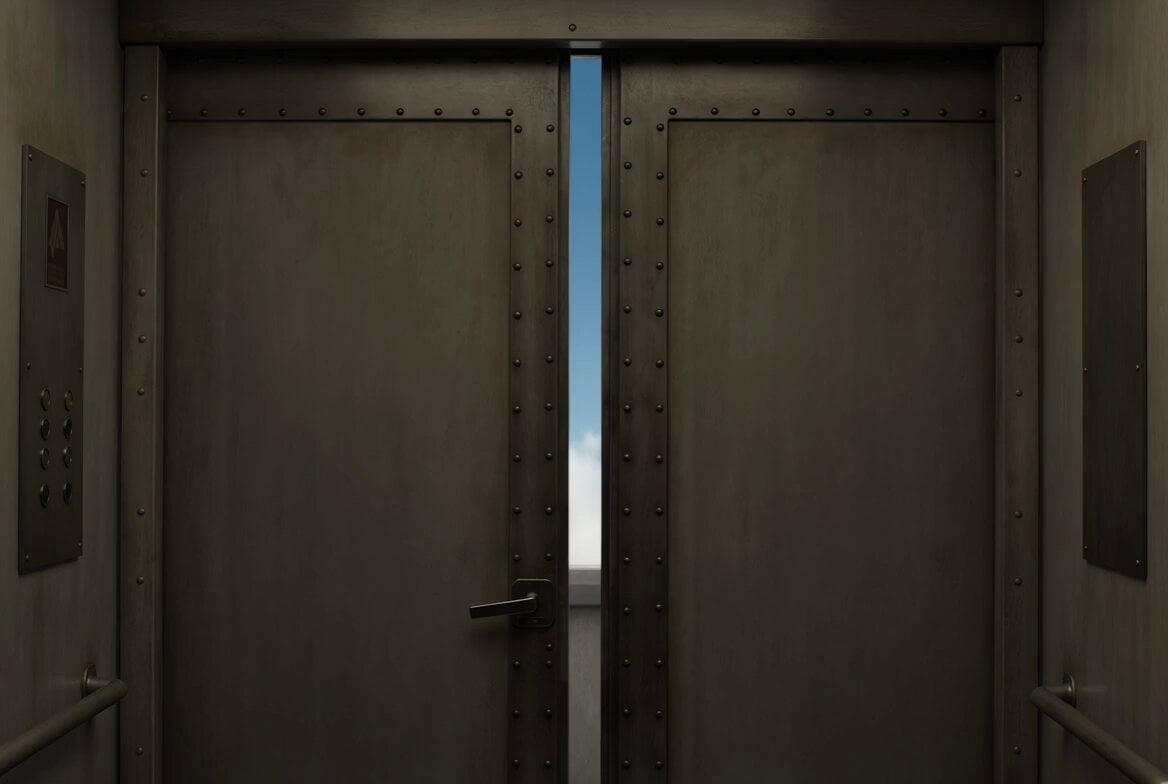
Dreamlike Sky Elevator Scene
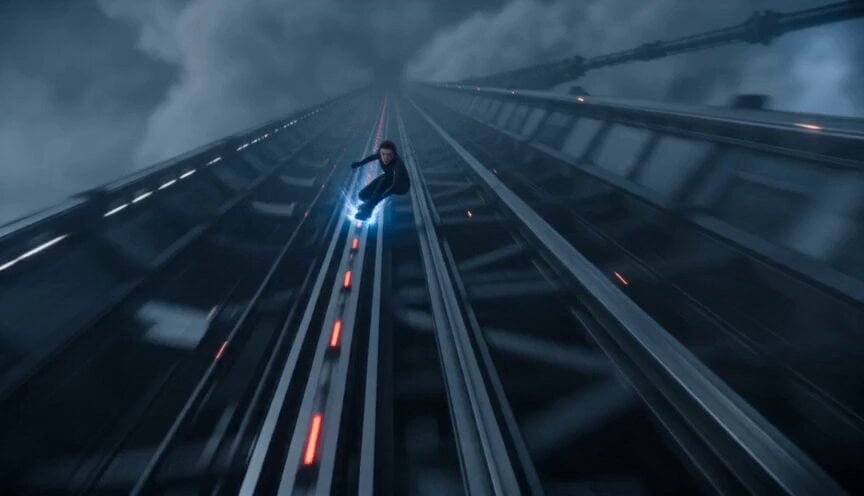
Orbital Elevator Combat Sequence
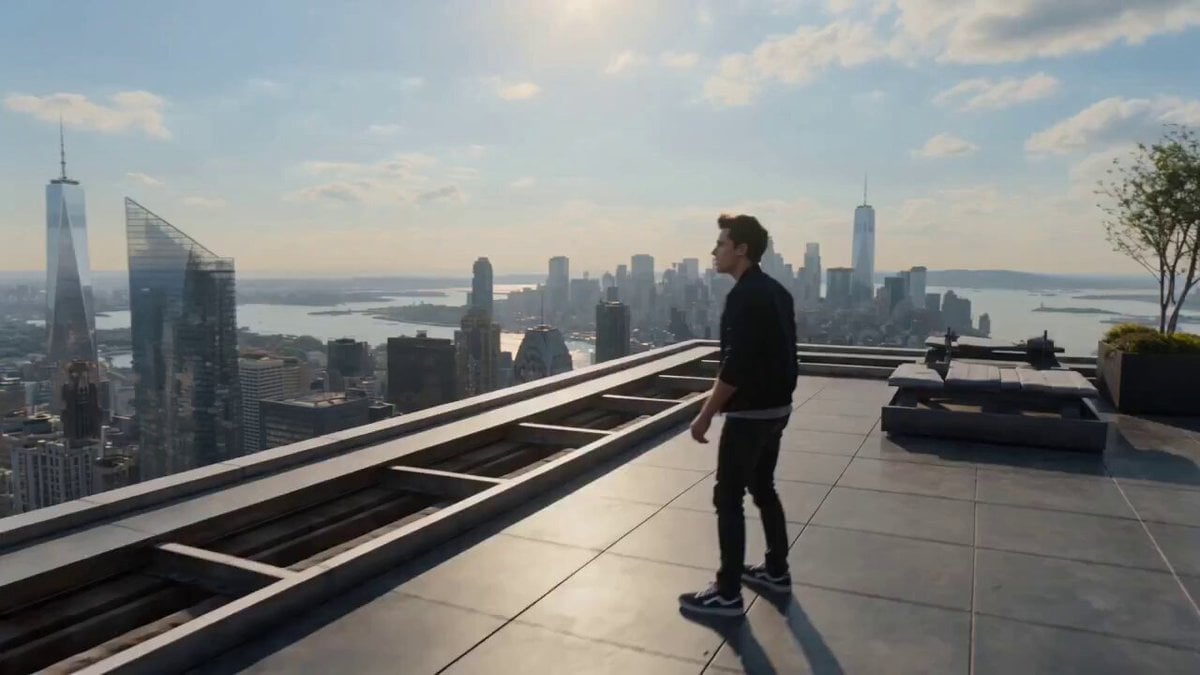
Multiverse Dimensional Portal Fall
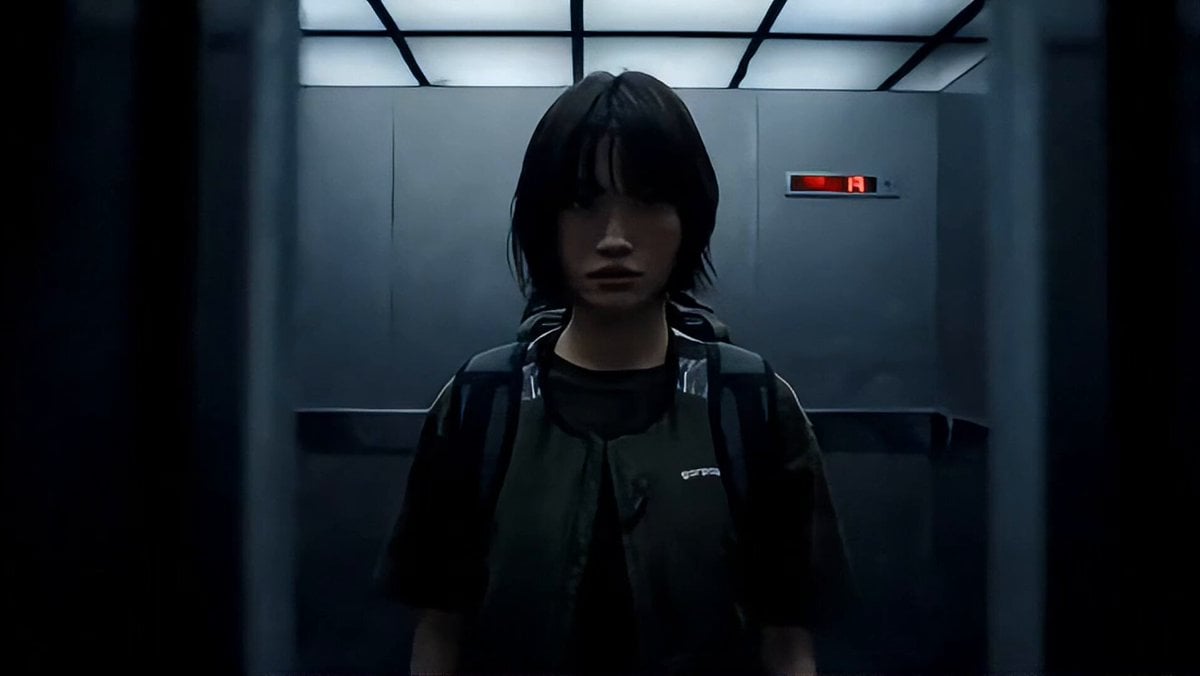
Industrial Elevator Combat Scene
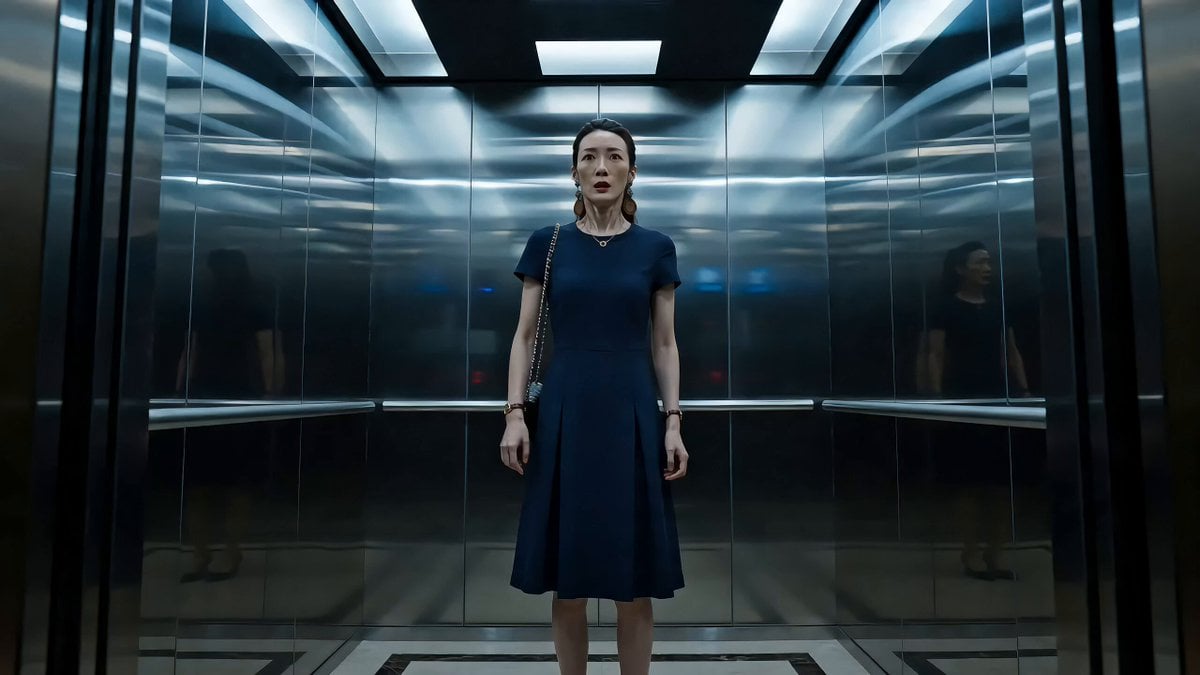
Elevator Horror Mystery Scene

Dimensional Rift Multiverse Collapse
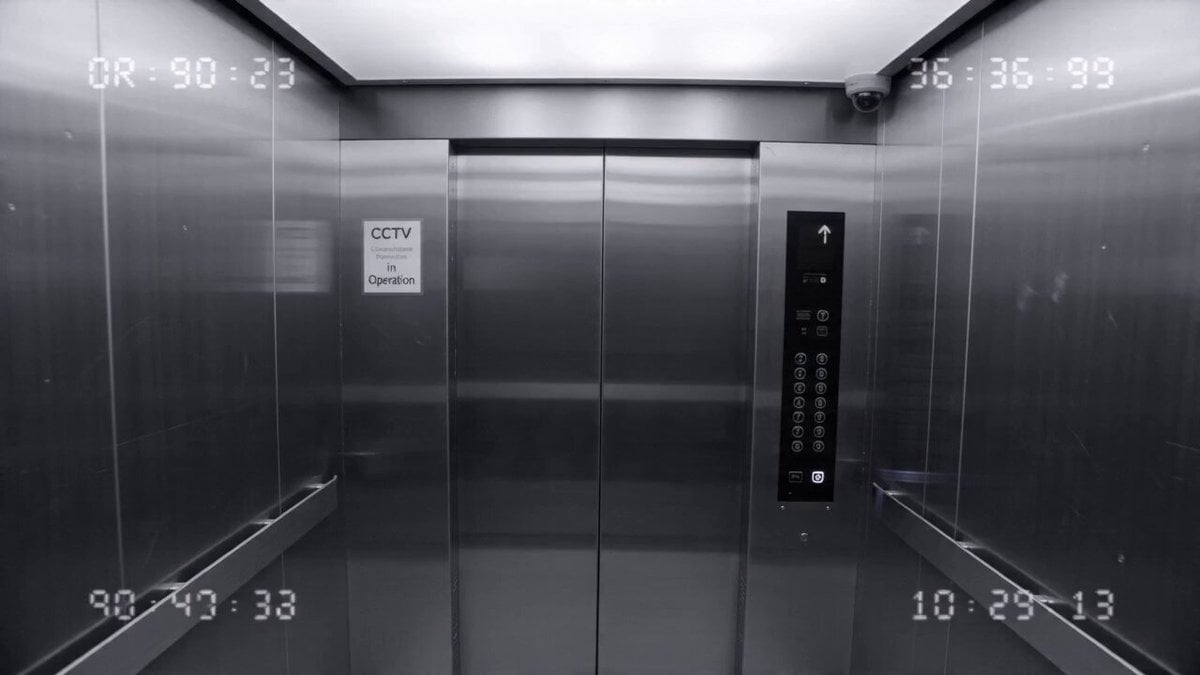
Elevator CCTV Glitch Horror
Make it yours
Cinematic Multiverse Elevator Journey works as-is. These are the safest ways to change it without losing the look.
Change one field
Copy a single group, rewrite it, and generate again so you can see what that field is doing.
Keep the frame, change the subject
Hold the composition and light of Cinematic Multiverse Elevator Journey, then swap wardrobe, props or the person for a new take.
| If the result… | Why | Fix |
|---|---|---|
| The result drifts from the preview | Too many fields changed at once. | Reuse Cinematic Multiverse Elevator Journey as-is first, then change one group — subject, light, or setting. |
| The model over-stylizes the scene | The prose prompt leaves finish and camera underspecified. | Add one camera or lighting sentence and stay on Seedance 2.0. |
More Seedance 2.0 templates
Other prompts made for Seedance 2.0.

Comical Martial Arts Punch Scene

Maglev Train Action Sequence

Martial Arts Fight Sequence

Wuxia Protection and Trust Script

Vintage Korean Arcade MiniDV Vlog

Mercedes 190 SL Luxury Ad

Rainy Night Supernatural Reverse Comedy Video Script

Amazon Civilization Discovery

Futuristic South Asian City Transformation

Cozy Luxury Cafe Commercial
More video prompts
Fresh picks from across the catalog.
Rocket Launch Explosion Video Prompt

Rainy Day Solitude Cinematic
Second Ancient Chinese Costume Quick Change Video
Sea Monster Storm Survival

Sunset City Skyscraper Rooftop View

Samurai vs Stone Giant Cinematic Battle
Cat Monk Dark Comedy Animation
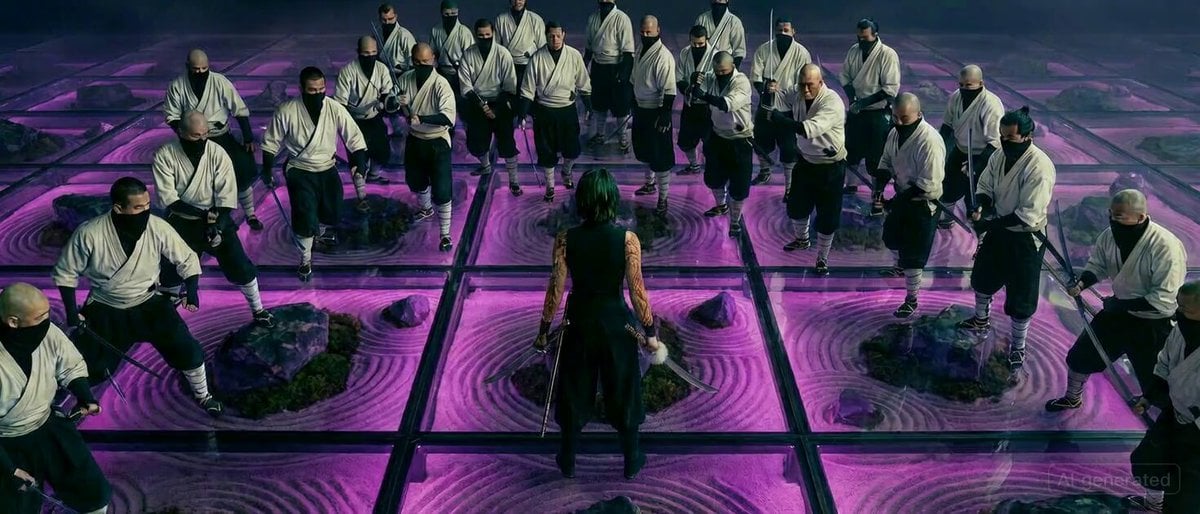
Maki Zenin Fight Scene Prompt (Top Down)
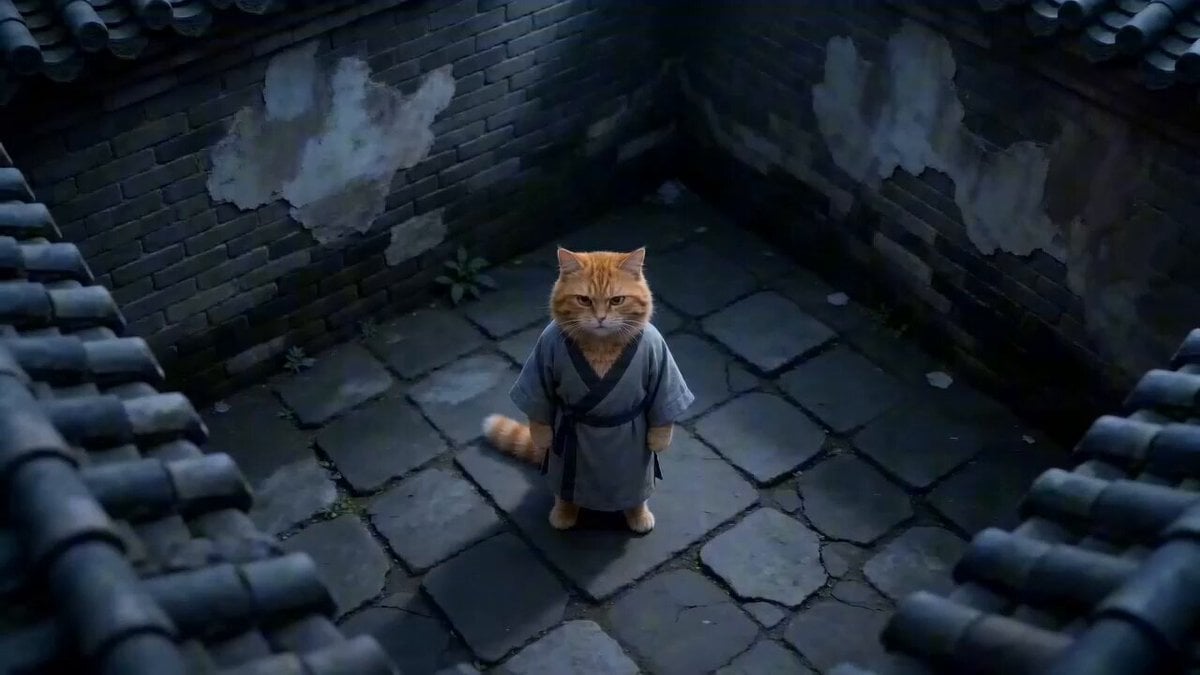
Hyper-Stylized Kung Fu Cat Action Sequence
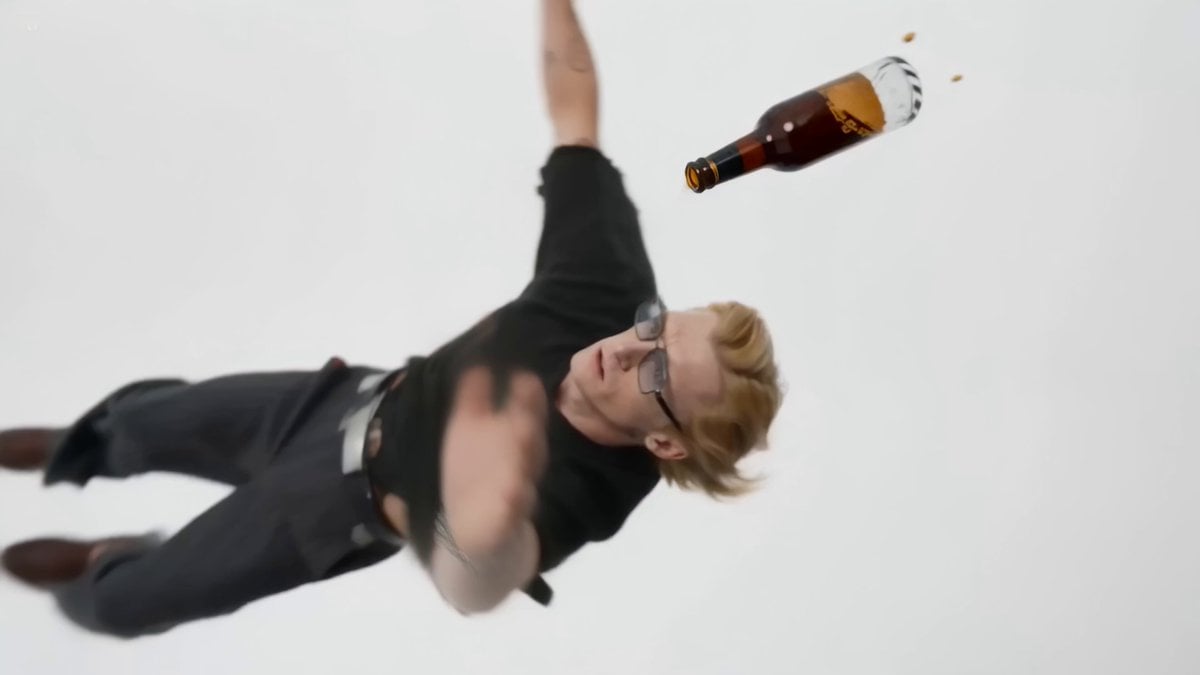
Infinite Fall — Beer Catch Cinematic Video Prompt
Browse template categories
Cinematic Multiverse Elevator Journey questions
How do I use the Cinematic Multiverse Elevator Journey template?
Add your photo if the template asks for one, edit the prompt if you like — the template's model and format are already selected — and press Generate. Your version opens in PicX Studio.
Can I customize the Cinematic Multiverse Elevator Journey template?
Yes. You can change the subject, setting, lighting, mood, format, and available model controls before creating your video.
Is the Cinematic Multiverse Elevator Journey template free?
Opening and editing this template is free. Generating uses credits, shown on the Generate button when you are signed in.
Which AI model should I use?
Start with Seedance 2.0, which is the model associated with this template. You can compare another compatible model for a different finish.
Looking for something else? Browse all templates.

Your photo, any look
Thousands of ready templates for every top image and video model, from one credit balance.