
Infinite Fall — Beer Catch Cinematic Video Prompt
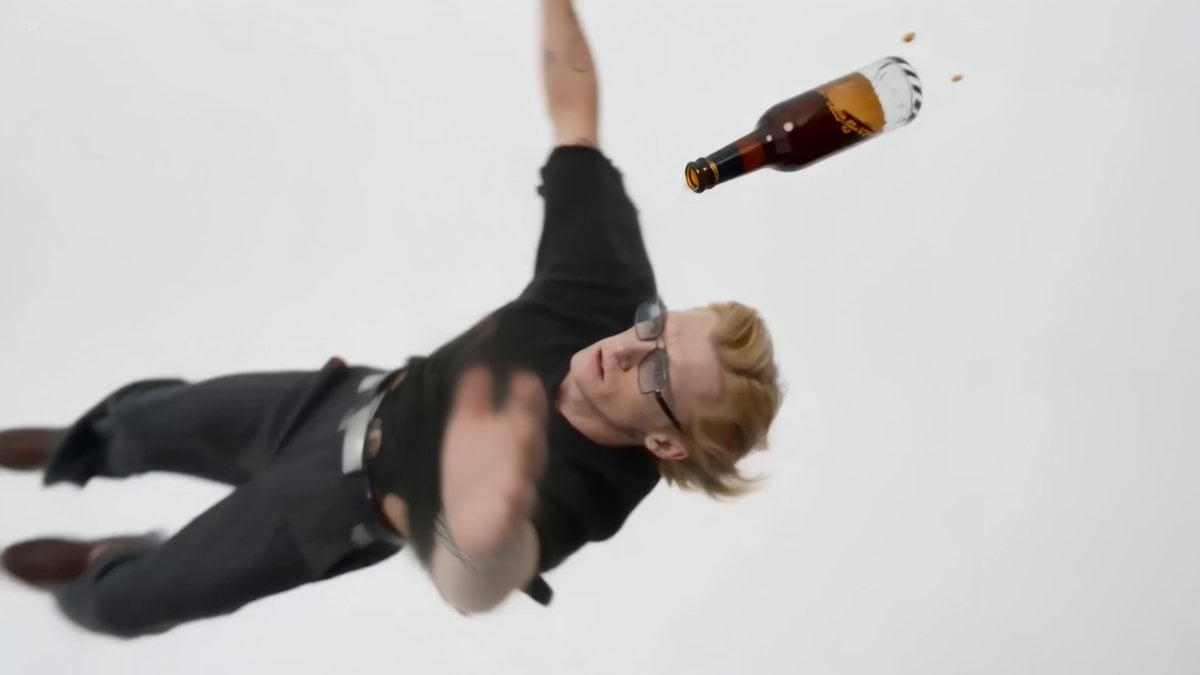
A highly detailed, cinematic prompt for Seedance 2.0 describing a violent, aggressive freefall sequence in an infinite white void, where a character attempts to catch a beer bottle.
- Prompt included
- Model and format preset
- Premium template
The prompt behind this video
Copy the exact prompt behind Infinite Fall — Beer Catch Cinematic Video Prompt, or open it in the studio and make it yours.
INFINITE FALL — Beer Catch [image1] Guy: lean young man, wavy blonde hair, thin glasses, black short-sleeve open shirt, dark grey pinstripe wide-leg trousers, large silver belt buckle, brown leather loafers, arm tattoos, silver bracelets. Expression: not panicked — annoyed at the bottle, nothing more. IMAX 65mm aggressive handheld — camera itself in freefall with him, shaking slightly with air resistance, never still. Fast orbital cuts, whip pans between angles, camera sometimes rushing past him at speed. Everything blown violently upward: hair, jacket, trouser legs, shirt — continuous strong upward wind throughout. The visual grammar of terminal velocity. Sound FX: constant roaring wind, fabric snapping, bottle tumbling, liquid sloshing. Environment: pure white infinite void — no ground, no ceiling, no horizon. Just white in all directions. A brown glass beer bottle tumbling slowly in freefall beside him, liquid sloshing inside, just out of reach. negative: no ground, no slow camera, no calm floating — this is a violent fall The entire sequence is one continuous fall at full speed. Camera whips around him — bug's eye from directly below looking up at him shrinking then rushing toward camera, overhead looking straight down at him, 10mm close pass inches from his face with the wind tearing at his hair and glasses, Dutch angle tracking his full body as he reaches. The bottle tumbles just past his fingers — he repositions fast, body rotating in the fall, reaching again. His glasses nearly torn off by the wind, he pushes them back with one hand without stopping reaching with the other. The fall feels violent and fast — not peaceful zero gravity, not serene floating. The roaring wind is constant and loud. His clothes are being destroyed by the air resistance — shirt billowing completely open, trouser legs flattened against his legs then snapping outward. He finally grabs the bottle in one hard grip — fingers closing around the neck. He pulls it against the wind to his lips. Takes a long defiant sip. Wind still roaring. Hair still destroyed. Glasses still crooked. Camera does one final fast orbit around him — close, aggressive, whipping past. He lowers the bottle. Looks directly into the camera lens from centimeters away. Completely unbothered. Wind roar continues. Cut to black. IMAX/anamorphic, violent freefall camera, aggressive orbital handheld, constant roaring wind, infinite white void, 4K Music: Flex It - MPH, y3kfae
How to use Infinite Fall — Beer Catch Cinematic Video Prompt in 3 steps
- 1
Open
The prompt is already in the box next to the preview, with the template's model and format selected.
- 2…a portrait of your subject in softgolden-hour light, 85mm…
Personalize
Edit the subject and creative details for your destination.
- 3Generate
Generate
Press Generate — your video is created in PicX Studio, so you can compare it with the original and refine one variable at a time.
More like this
Templates with the same subject, style or setup. Open one to see its prompt.
Cinematic Beer Commercial Live Action
Japanese Summer Beer Commercial
Douyin Catch and Wipe Fashion Transition

IPL Stadium Catch Broadcast
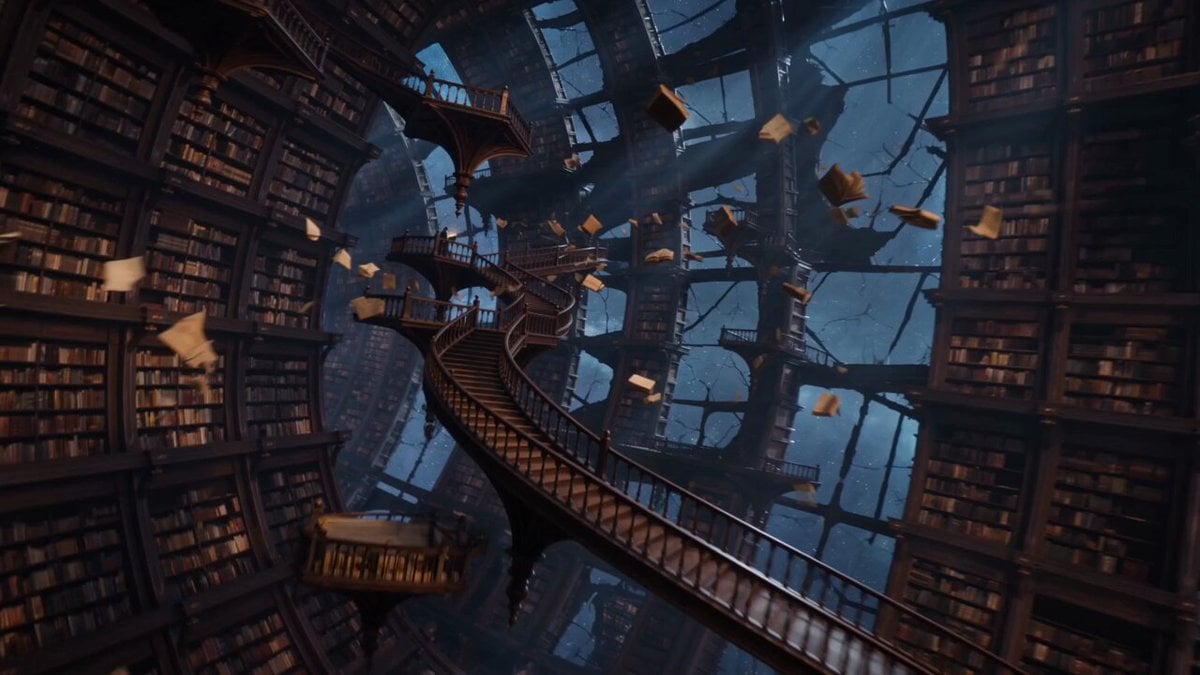
Infinite Library Black Hole Sci-Fi
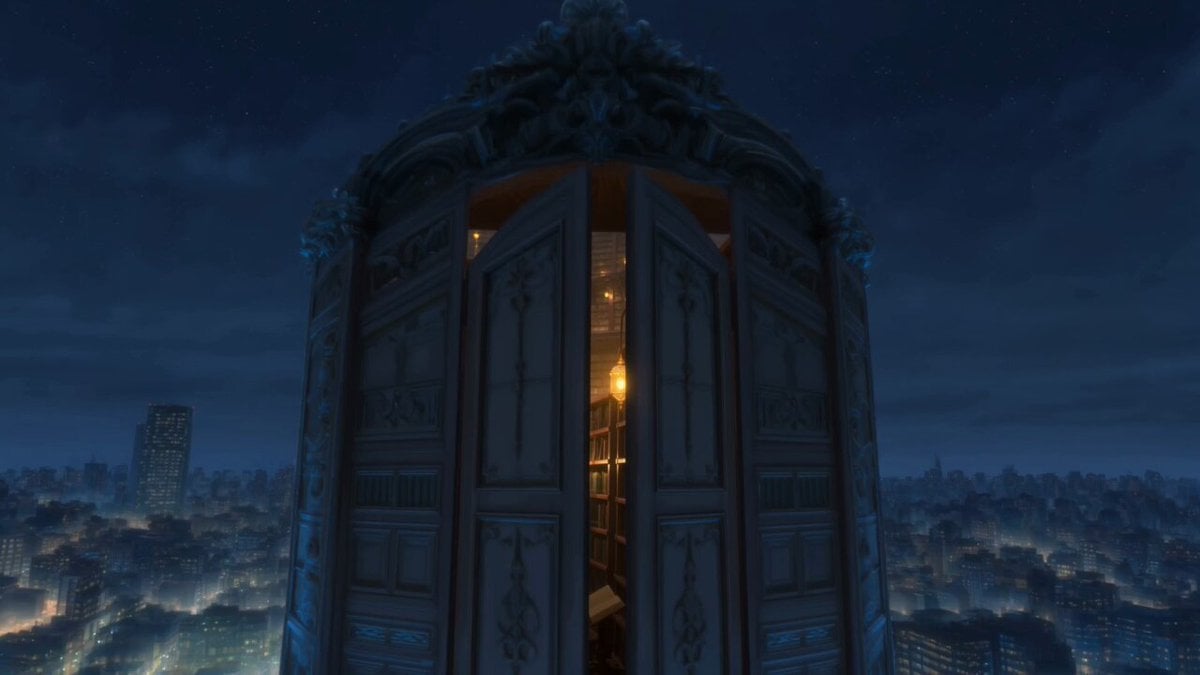
Infinite Magical Bookstore Anime Sequence
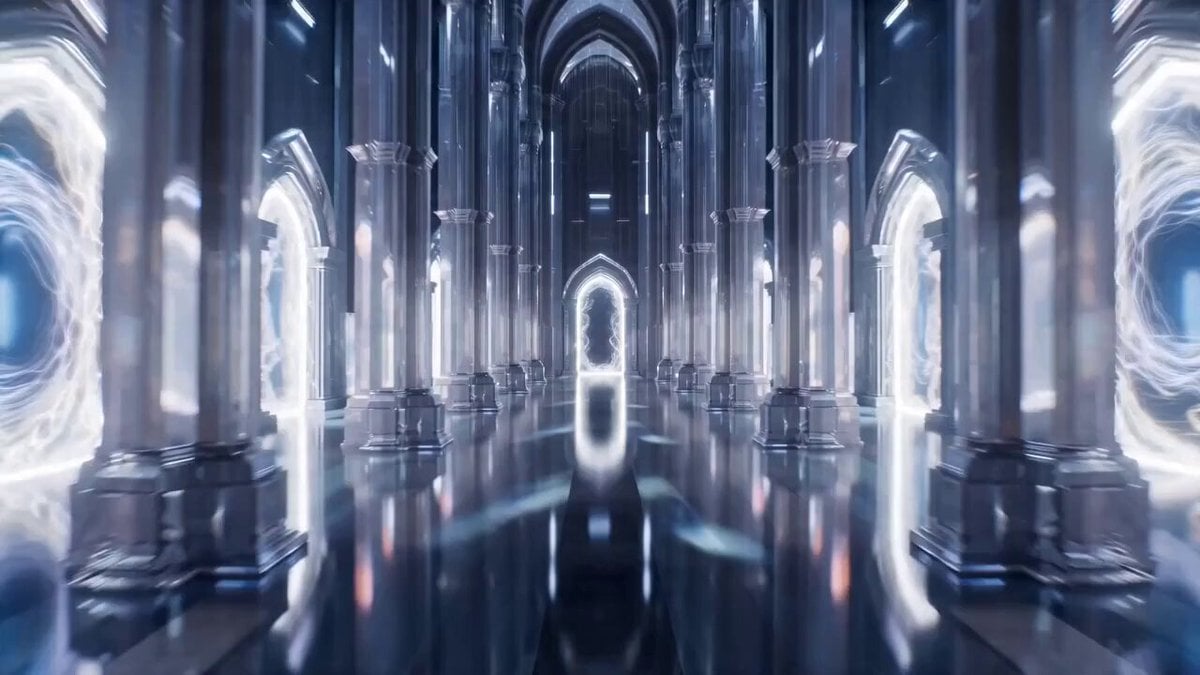
Infinite Palace Multiverse Portals
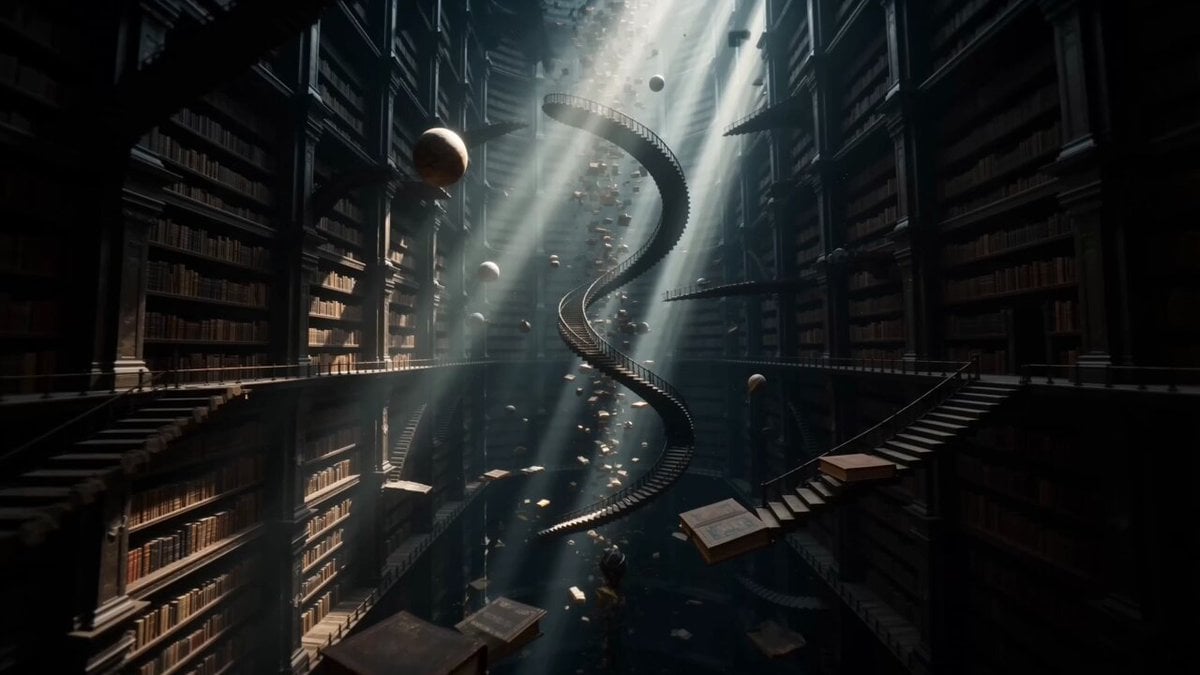
Surreal Infinite Ancient Library POV
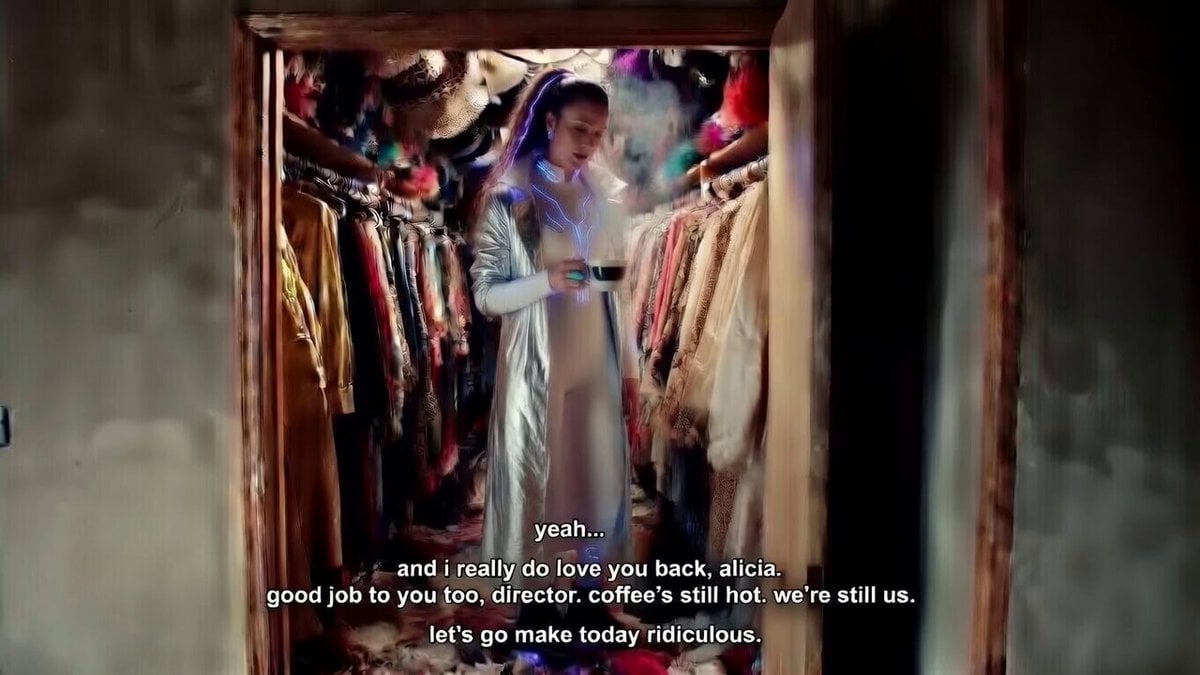
Grok Imagine Prompt: Closet Door Revealing Infinite Void

Infinitely Captivating Vision of Pure Wonder
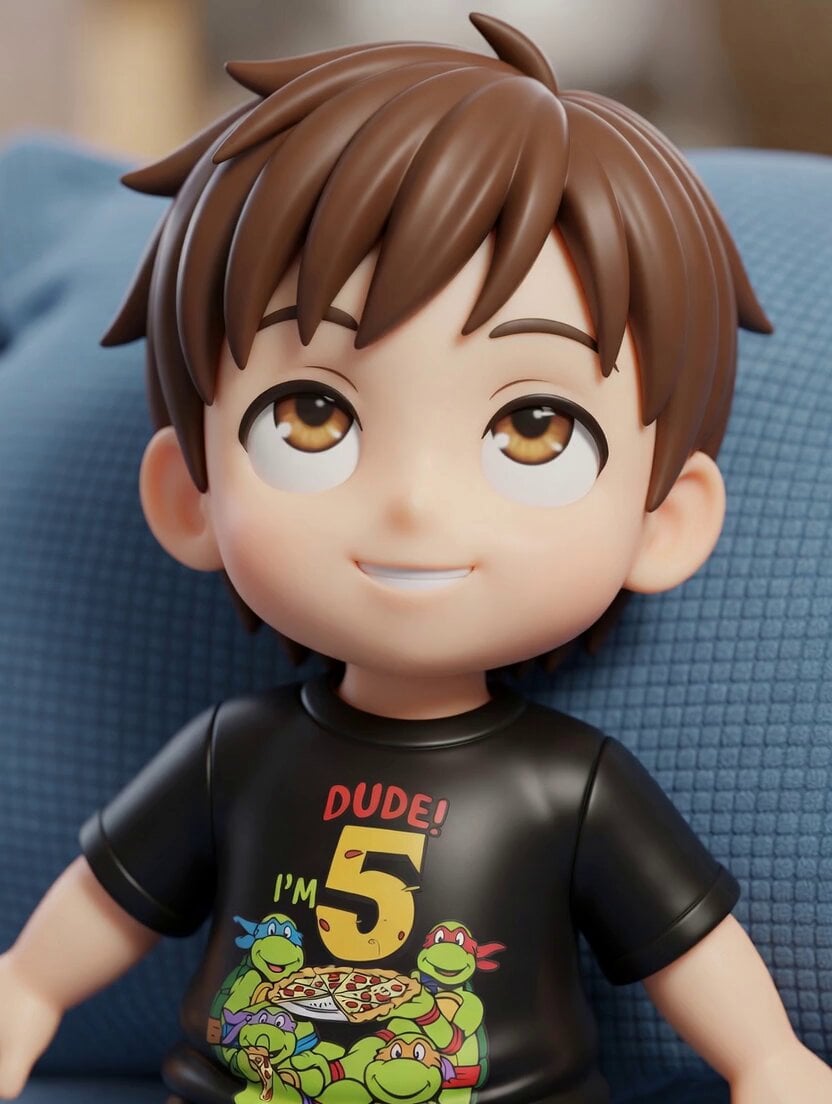
TMNT Pizza Catch Video
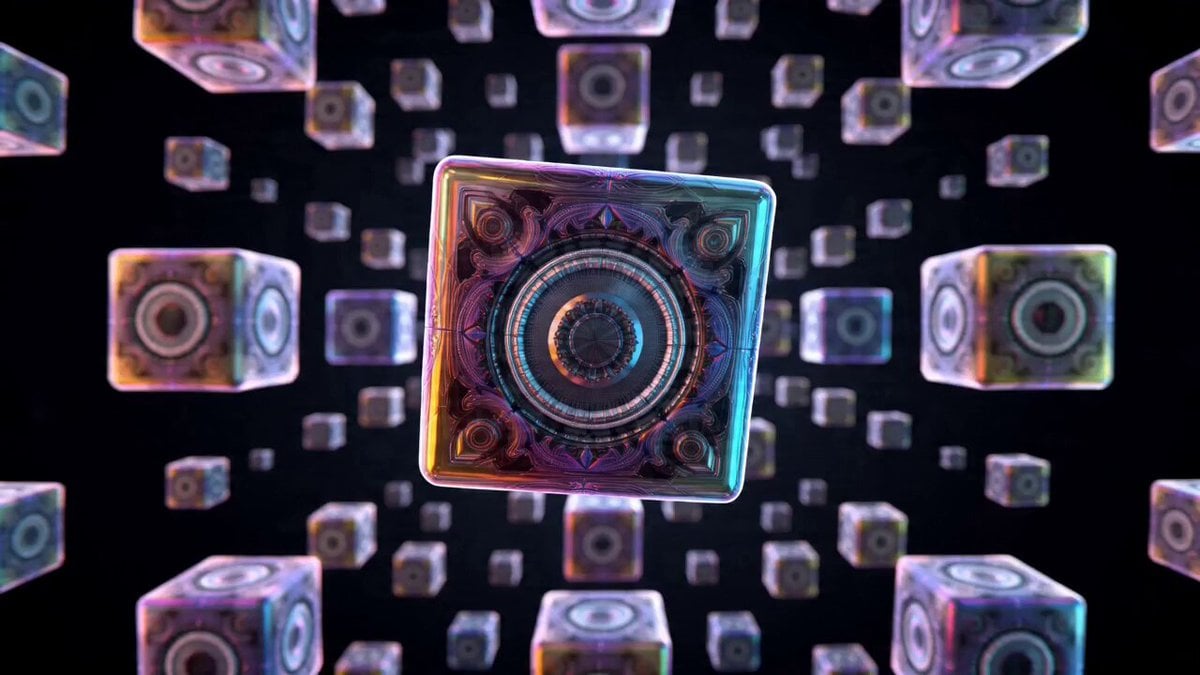
Vibrant 3D Geometric Infinite Space
Make it yours
Infinite Fall — Beer Catch Cinematic Video Prompt works as-is. These are the safest ways to change it without losing the look.
Change one field
Copy a single group, rewrite it, and generate again so you can see what that field is doing.
Keep the frame, change the subject
Hold the composition and light of Infinite Fall — Beer Catch Cinematic Video Prompt, then swap wardrobe, props or the person for a new take.
| If the result… | Why | Fix |
|---|---|---|
| The result drifts from the preview | Too many fields changed at once. | Reuse Infinite Fall — Beer Catch Cinematic Video Prompt as-is first, then change one group — subject, light, or setting. |
| The model over-stylizes the scene | The prose prompt leaves finish and camera underspecified. | Add one camera or lighting sentence and stay on Seedance 2.0. |
More Seedance 2.0 templates
Other prompts made for Seedance 2.0.

Comical Martial Arts Punch Scene

Maglev Train Action Sequence

Martial Arts Fight Sequence

Wuxia Protection and Trust Script

Vintage Korean Arcade MiniDV Vlog

Mercedes 190 SL Luxury Ad

Rainy Night Supernatural Reverse Comedy Video Script

Amazon Civilization Discovery

Futuristic South Asian City Transformation

Cozy Luxury Cafe Commercial
More video prompts
Fresh picks from across the catalog.
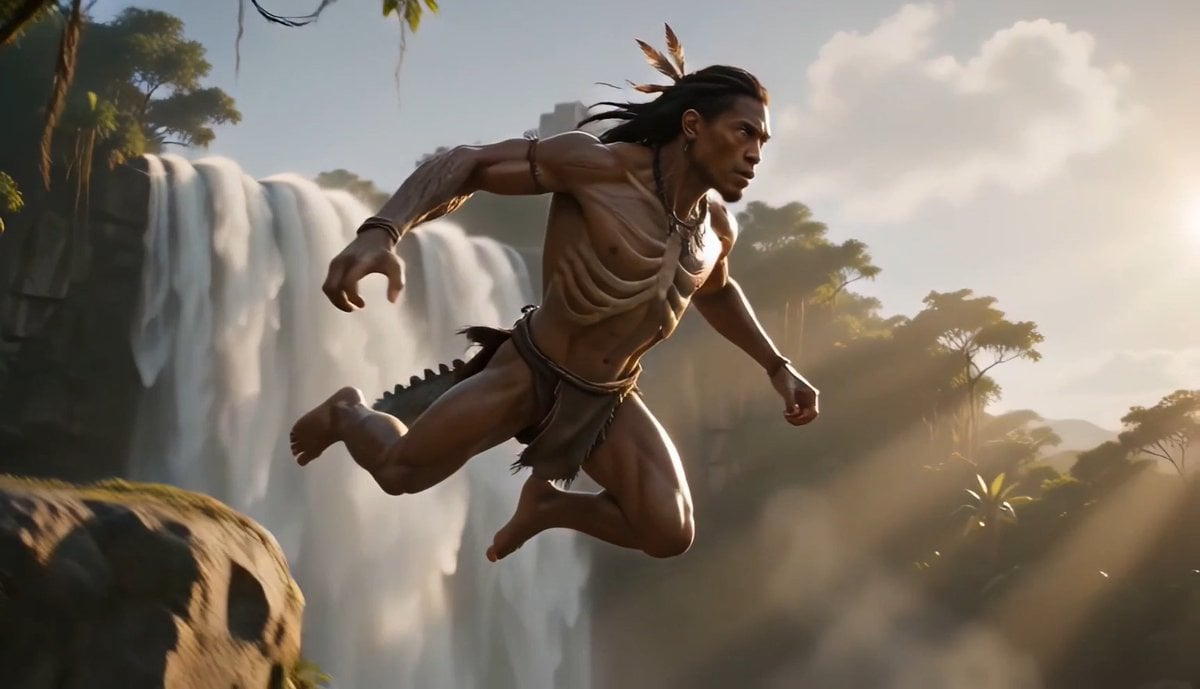
Tribal Warrior Shapeshift Jungle
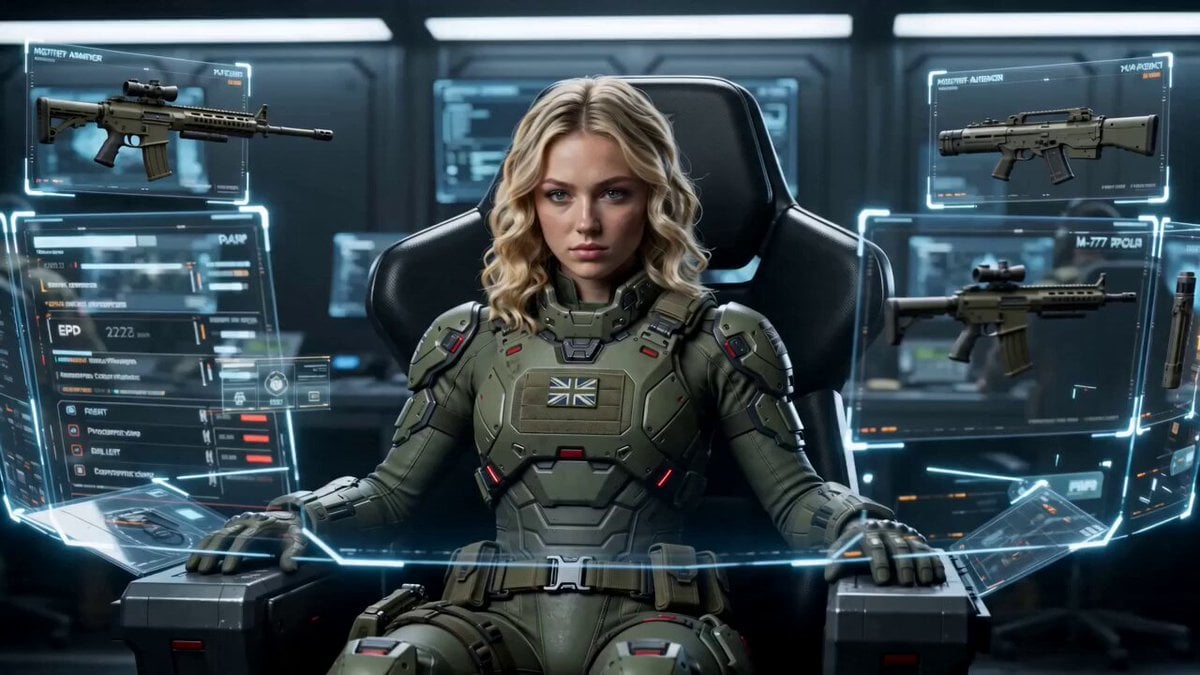
AAA Tactical Shooter Mission UI and Gameplay
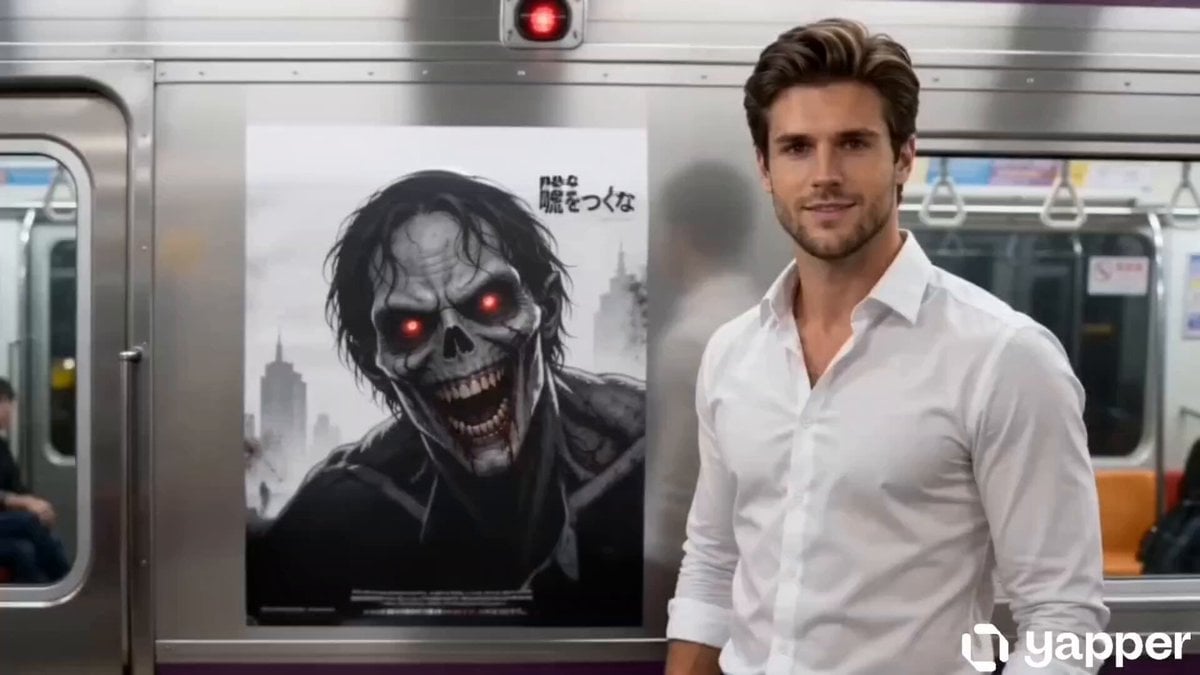
Supernatural Horror: Monster Emerging from a Poster
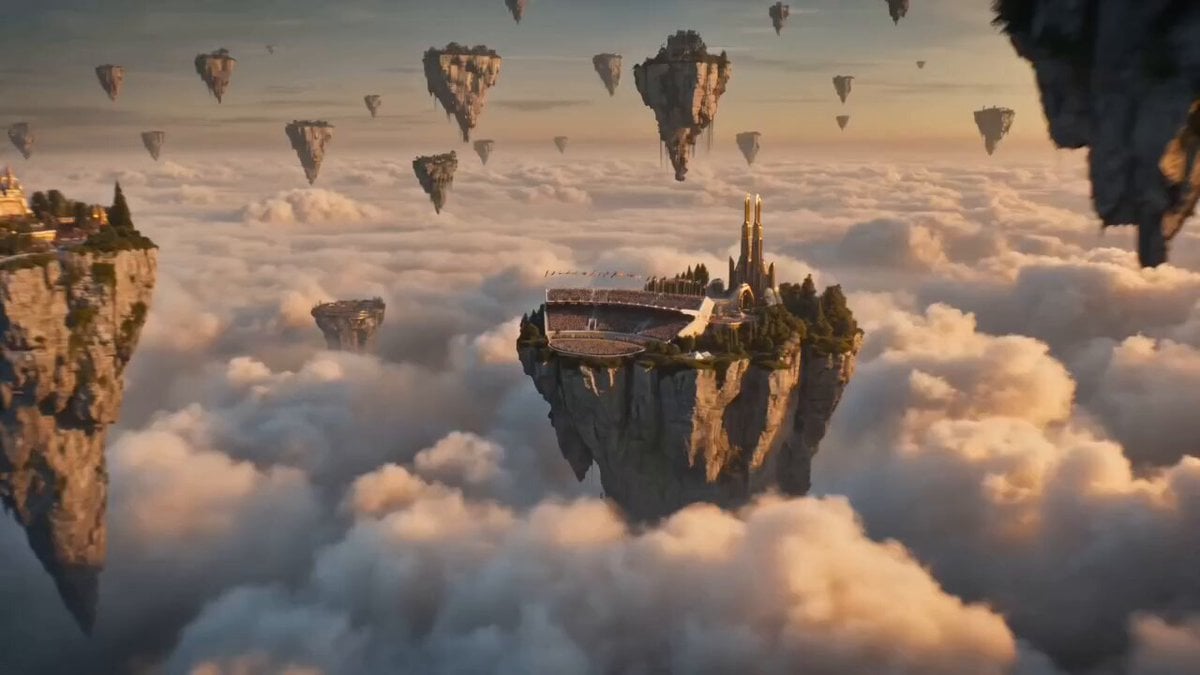
Flying Horse Sky Race
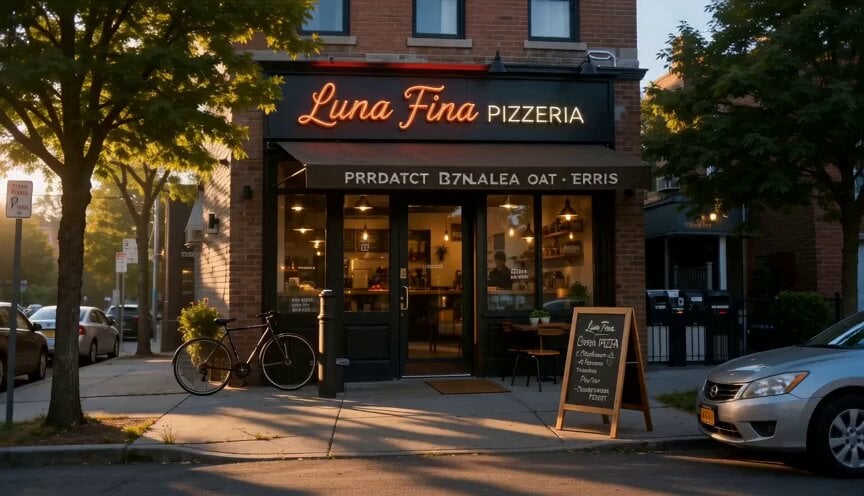
Cinematic Pizza Storefront Commercial
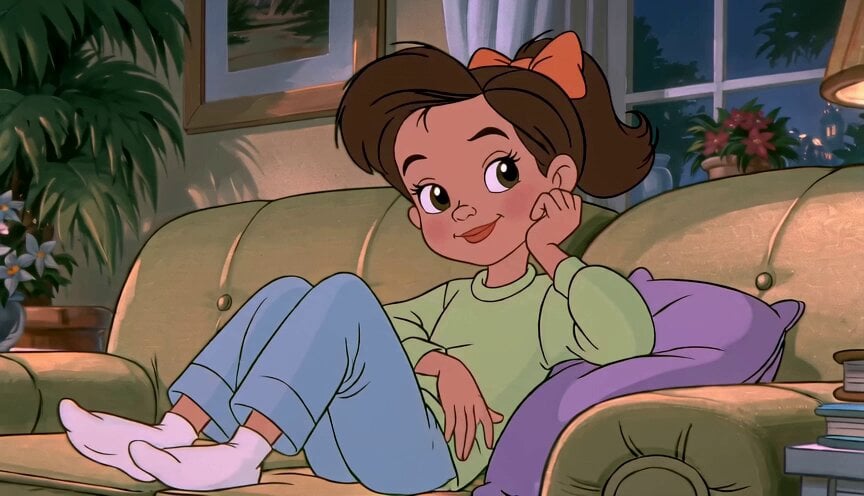
Nostalgic Disney Family Conversation
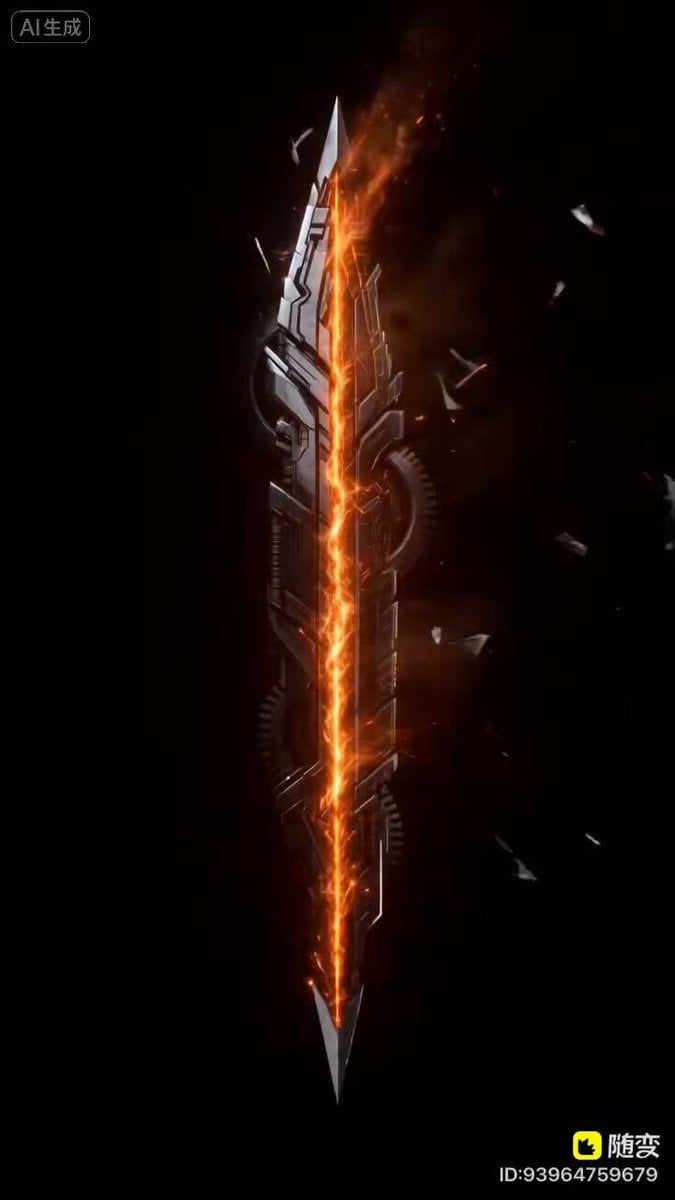
Mecha Style Text Animation Prompt for Seedance 2.0

Cinematic Achilles Trojan War Video
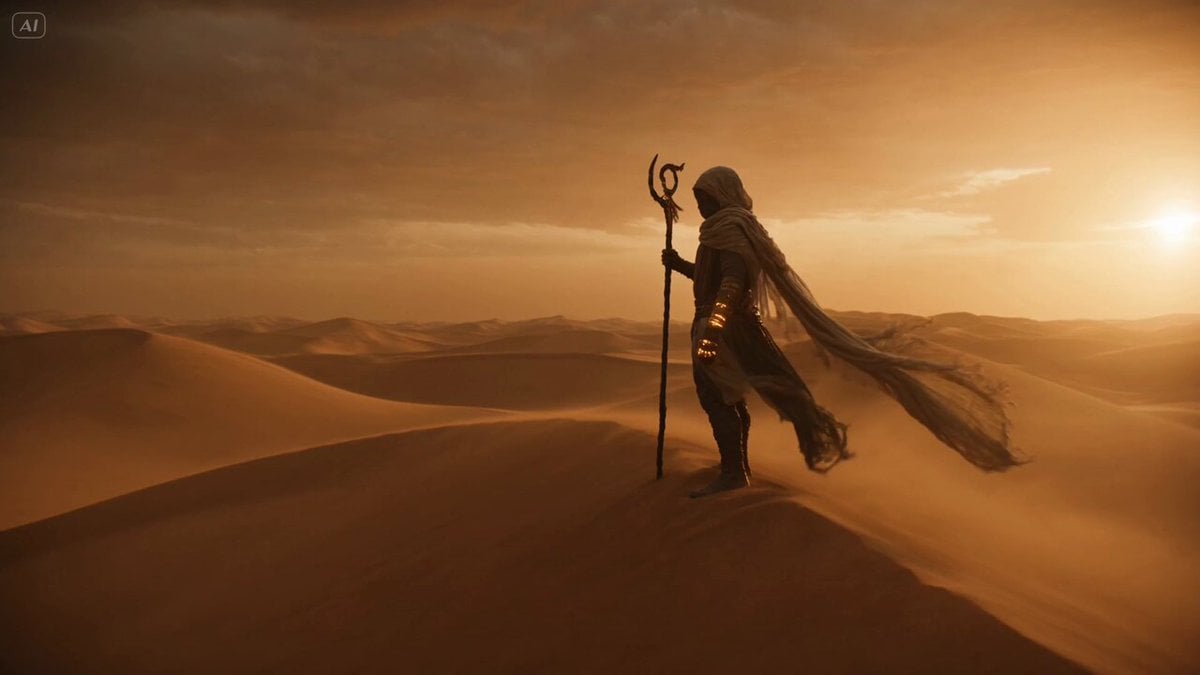
Desert Nomad and Sand Dragon Sequence
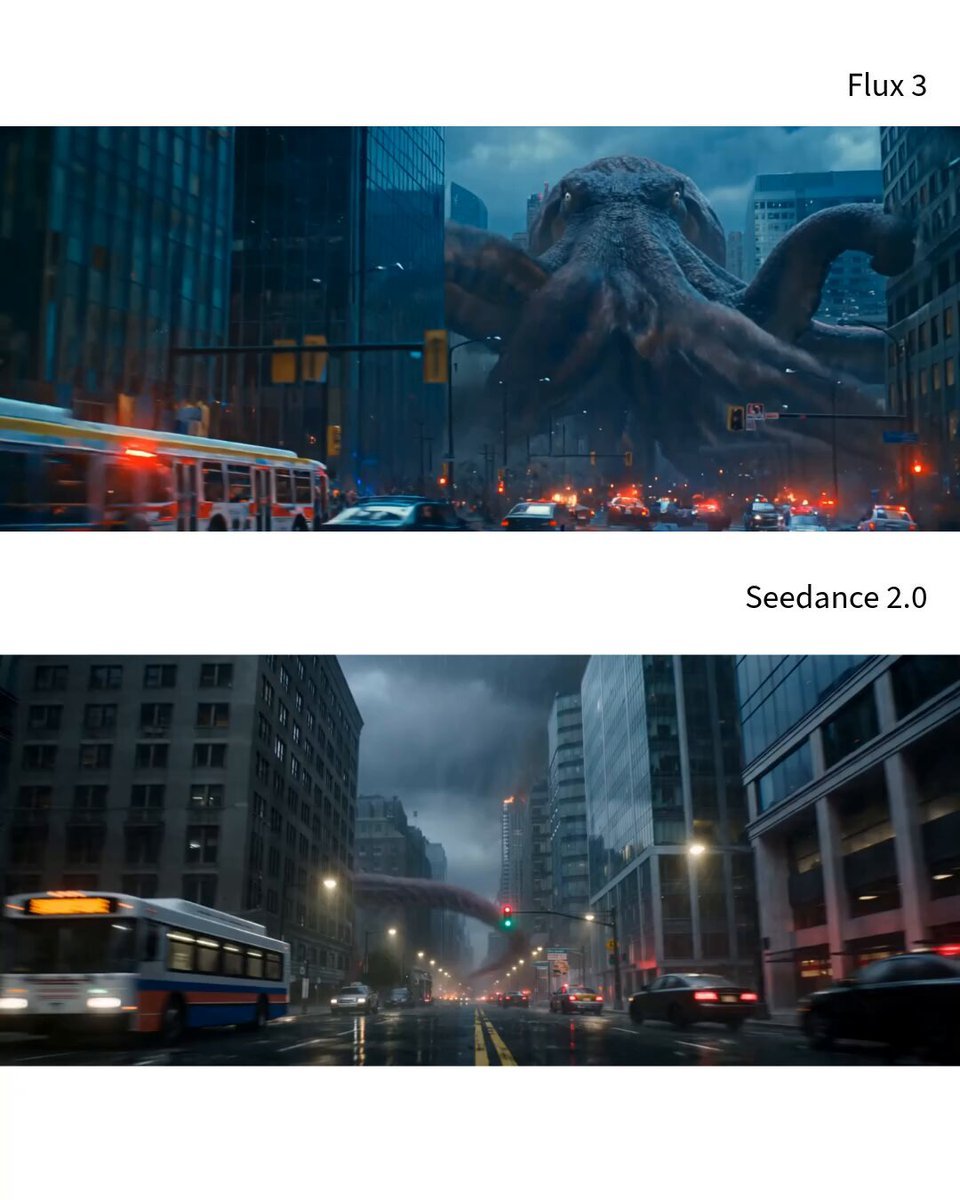
Photorealistic Kaiju Disaster Film
Browse template categories
Infinite Fall — Beer Catch Cinematic Video Prompt questions
How do I use the Infinite Fall — Beer Catch Cinematic Video Prompt template?
Add your photo if the template asks for one, edit the prompt if you like — the template's model and format are already selected — and press Generate. Your version opens in PicX Studio.
Can I customize the Infinite Fall — Beer Catch Cinematic Video Prompt template?
Yes. You can change the subject, setting, lighting, mood, format, and available model controls before creating your video.
Is the Infinite Fall — Beer Catch Cinematic Video Prompt template free?
Opening and editing this template is free. Generating uses credits, shown on the Generate button when you are signed in.
Which AI model should I use?
Start with Seedance 2.0, which is the model associated with this template. You can compare another compatible model for a different finish.
Looking for something else? Browse all templates.

Your photo, any look
Thousands of ready templates for every top image and video model, from one credit balance.