
Flying Horse Sky Race
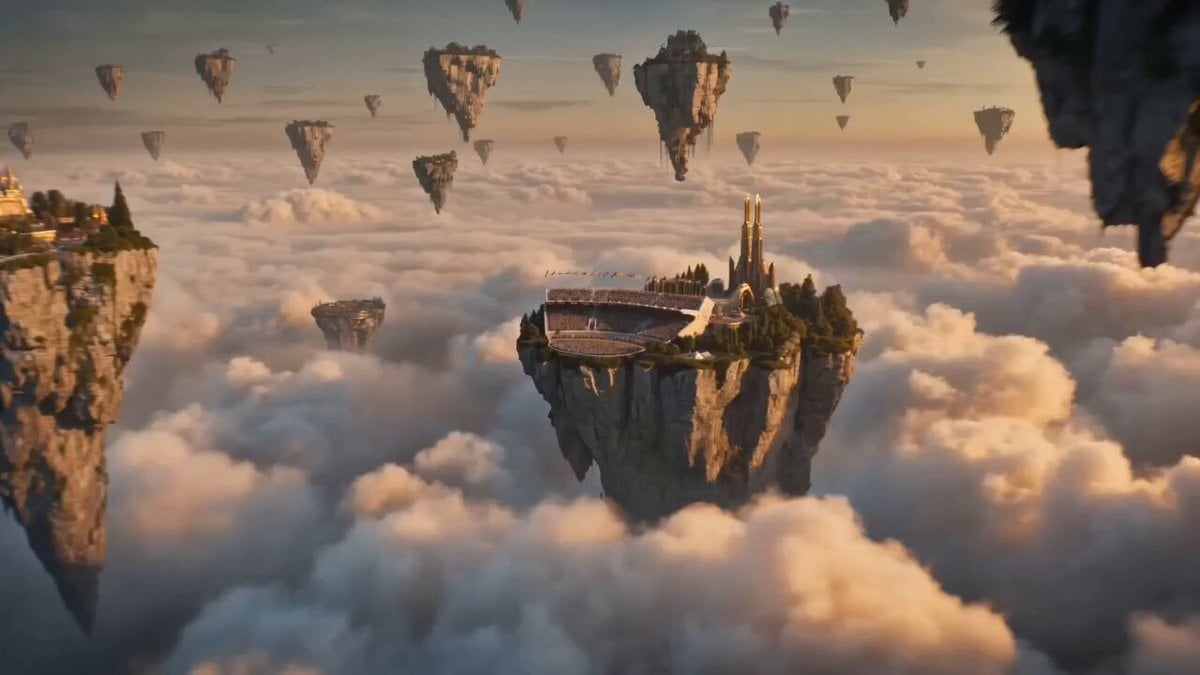
An epic cinematic fantasy prompt describing a high-speed winged horse race through floating islands and sky temples.
- Prompt included
- Model and format preset
- Premium template
The prompt behind this video
Copy the exact prompt behind Flying Horse Sky Race, or open it in the studio and make it yours.
The world's first flying horse race unfolds high above the clouds among massive floating islands suspended in the sky. Thousands of spectators fill floating grandstands and airborne platforms, cheering as majestic winged horses line up at the starting gate. At the signal, the riders launch forward at incredible speed. The camera becomes a high-speed FPV drone, flying directly behind the leading horse as it dives between towering floating cliffs and races through glowing cloud tunnels. Powerful wings beat through the air, scattering mist and sunlight. Rival riders perform breathtaking aerial maneuvers, barrel rolls, steep dives, and near-miss overtakes around ancient sky temples and giant floating waterfalls. The race intensifies as the camera weaves between competitors at extreme speed, capturing dramatic close passes and turbulent air currents. Golden sunlight breaks through the clouds while the floating islands cast enormous shadows across the sky. In the final seconds, two horses battle neck-and-neck above a sea of glowing clouds. The camera surges forward alongside them as they dive toward the finish line suspended between two colossal floating towers. A spectacular photo finish at sunset, golden skies, cinematic lens flares, cheering crowds, epic scale, ultra-realistic details, dynamic motion, volumetric clouds, seamless action, masterpiece fantasy cinematography.
How to use Flying Horse Sky Race in 3 steps
- 1
Open
The prompt is already in the box next to the preview, with the template's model and format selected.
- 2…a portrait of your subject in softgolden-hour light, 85mm…
Personalize
Edit the subject and creative details for your destination.
- 3Generate
Generate
Press Generate — your video is created in PicX Studio, so you can compare it with the original and refine one variable at a time.
More like this
Templates with the same subject, style or setup. Open one to see its prompt.
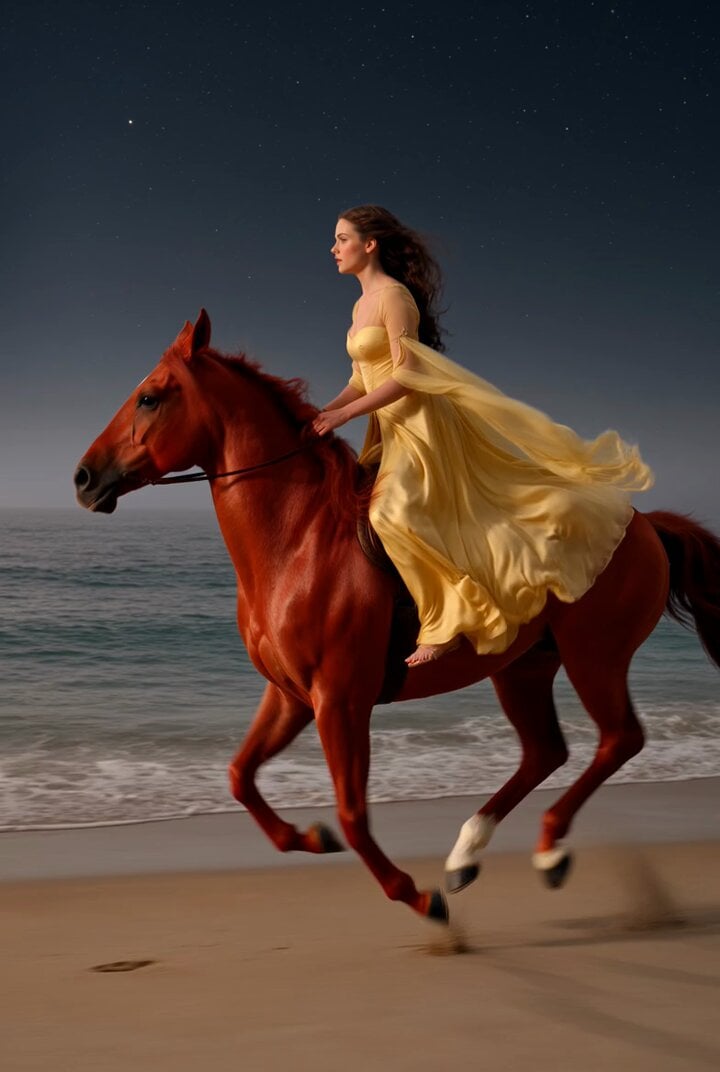
Video prompt of a lady riding a flying horse on the seashore
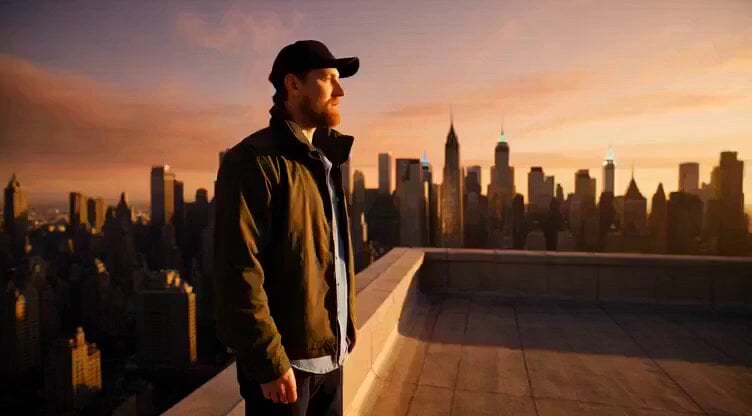
Flying sailing ship leaving New York skyline
Out of Control — Seedance 2.0
Crystal Cavern Mag-Lev Race — Seedance 2.0
Whale in the Sky — City Shadows (Kling AI)
Porsche 911 GT3 RS Night Racing — Neon City Streets
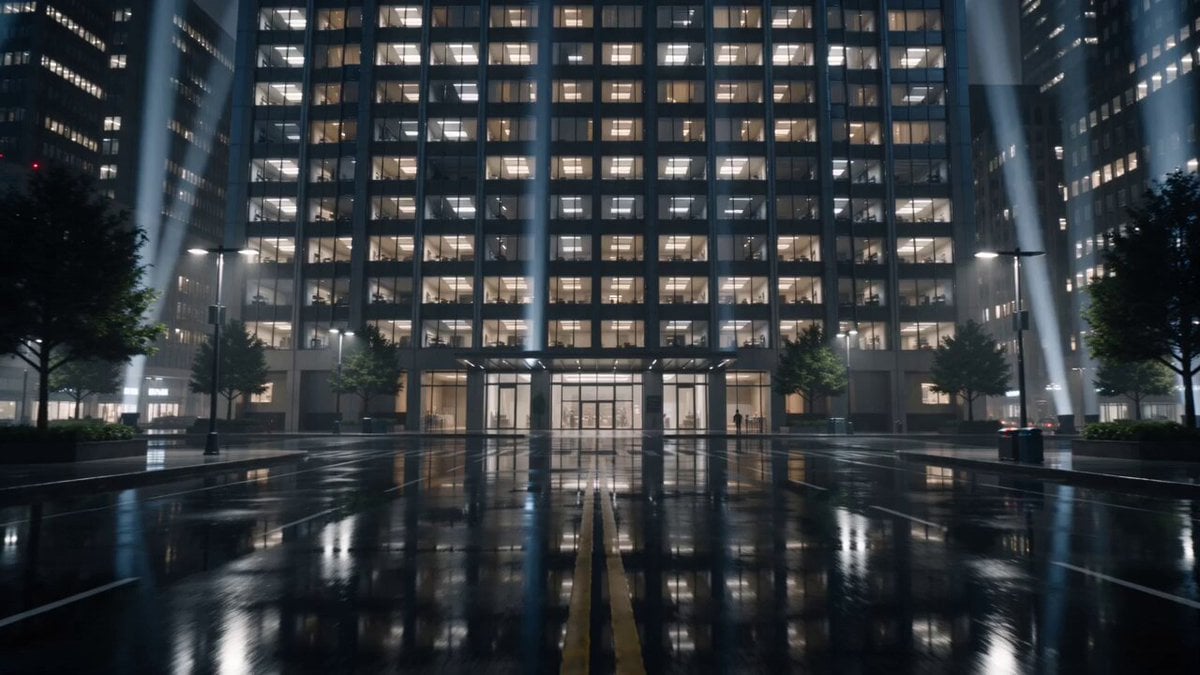
Breathing Skyscraper Night Surrealism
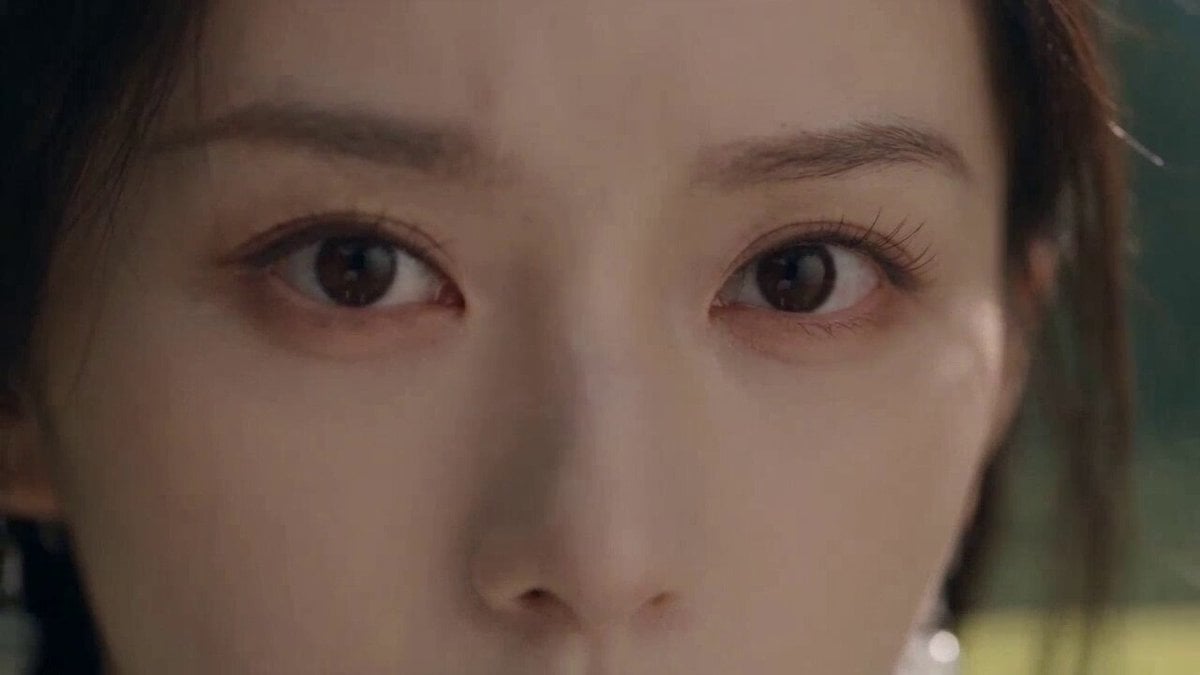
Cinematic Wuxia Flying Sword Scene
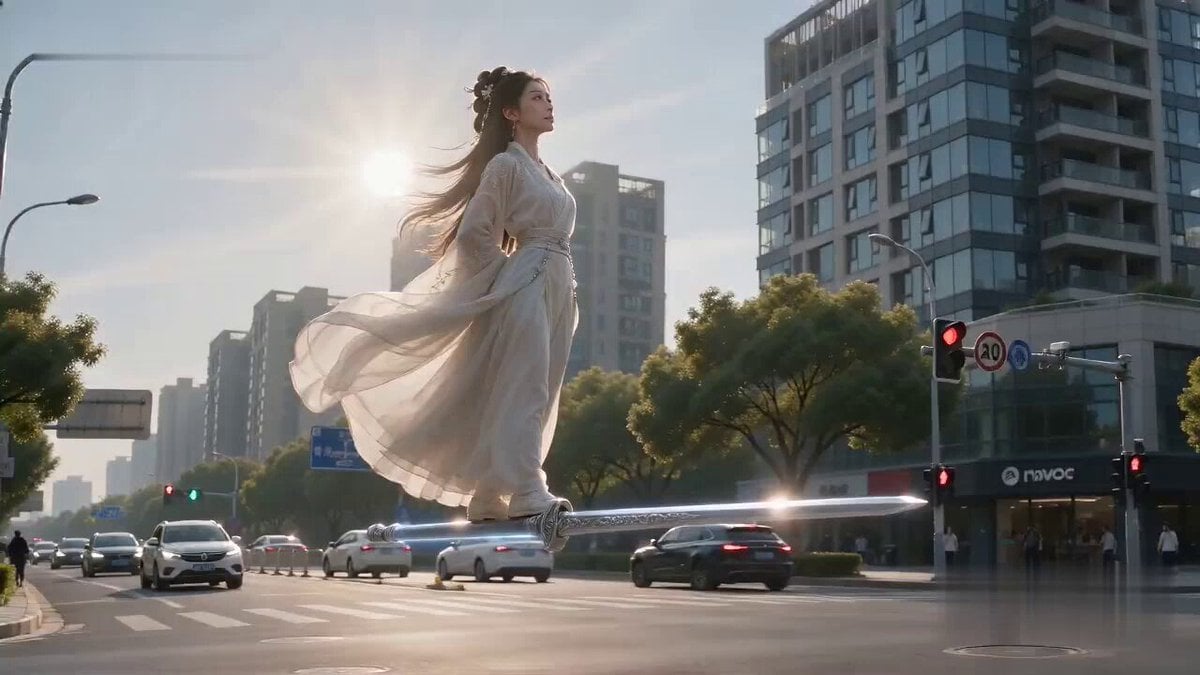
Flying Sword Traffic Light Violation
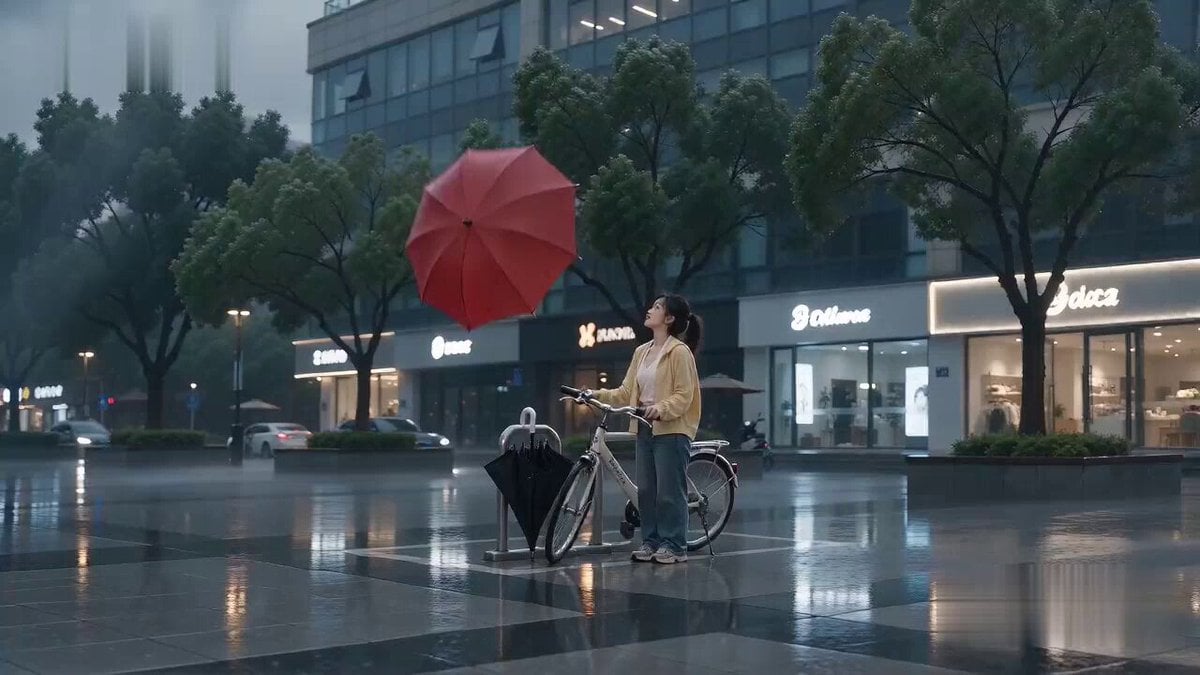
Flying Umbrella Array Cinematic Comedy Prompt
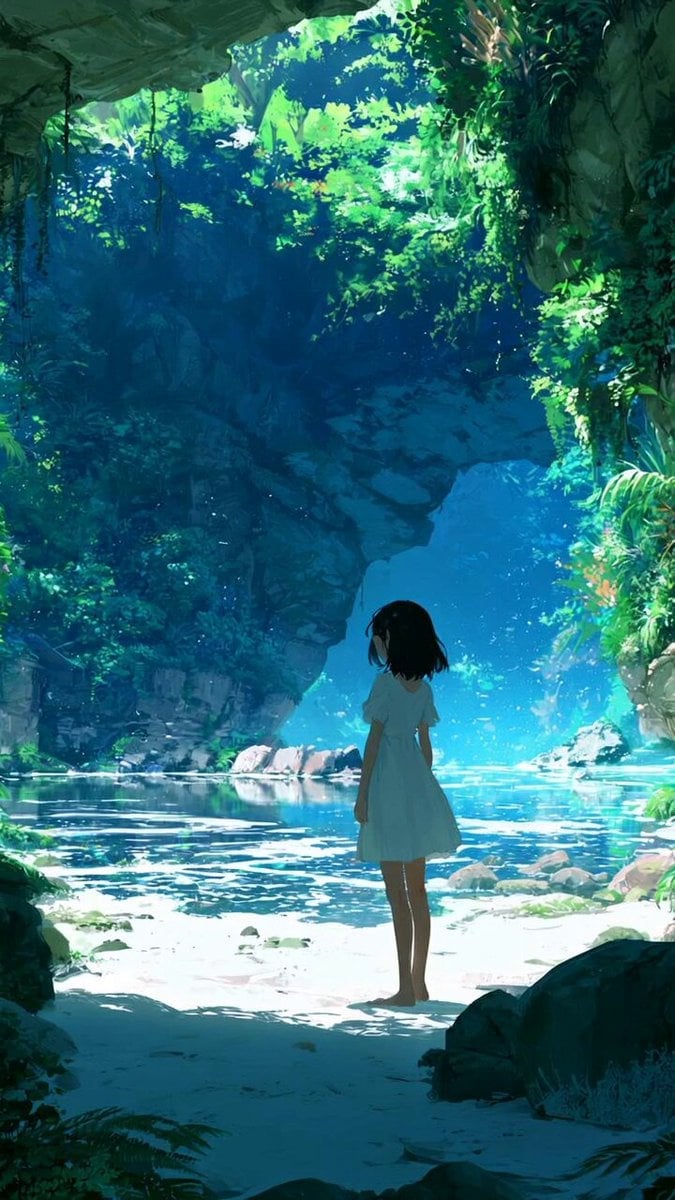
Cinematic Girl Walking to Bright Open Sky
Woman Feeding Horse Orchard Video
Make it yours
Flying Horse Sky Race works as-is. These are the safest ways to change it without losing the look.
Change one field
Copy a single group, rewrite it, and generate again so you can see what that field is doing.
Keep the frame, change the subject
Hold the composition and light of Flying Horse Sky Race, then swap wardrobe, props or the person for a new take.
| If the result… | Why | Fix |
|---|---|---|
| The result drifts from the preview | Too many fields changed at once. | Reuse Flying Horse Sky Race as-is first, then change one group — subject, light, or setting. |
| The model over-stylizes the scene | The prose prompt leaves finish and camera underspecified. | Add one camera or lighting sentence and stay on Seedance 2.0. |
More Seedance 2.0 templates
Other prompts made for Seedance 2.0.

Comical Martial Arts Punch Scene

Maglev Train Action Sequence

Martial Arts Fight Sequence

Wuxia Protection and Trust Script

Vintage Korean Arcade MiniDV Vlog

Mercedes 190 SL Luxury Ad

Rainy Night Supernatural Reverse Comedy Video Script

Amazon Civilization Discovery

Futuristic South Asian City Transformation

Cozy Luxury Cafe Commercial
More video prompts
Fresh picks from across the catalog.
Photorealistic Water Reality Show Action
Math Professor Trigonometry Chalkboard Video
Edible Cake Product Transformation

Naples Pizzeria Animation
Alana Future Message Video
Marble Gallery Dance Awakening
Cinematic 8K Video Prompt for Southeast Asian Night Market
Honeysuckle Flowers Pastel Dreamlight
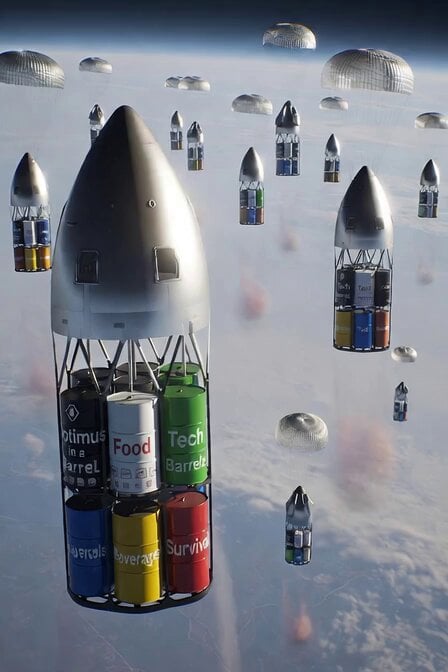
SpaceX Starship Orbital Drop Pods
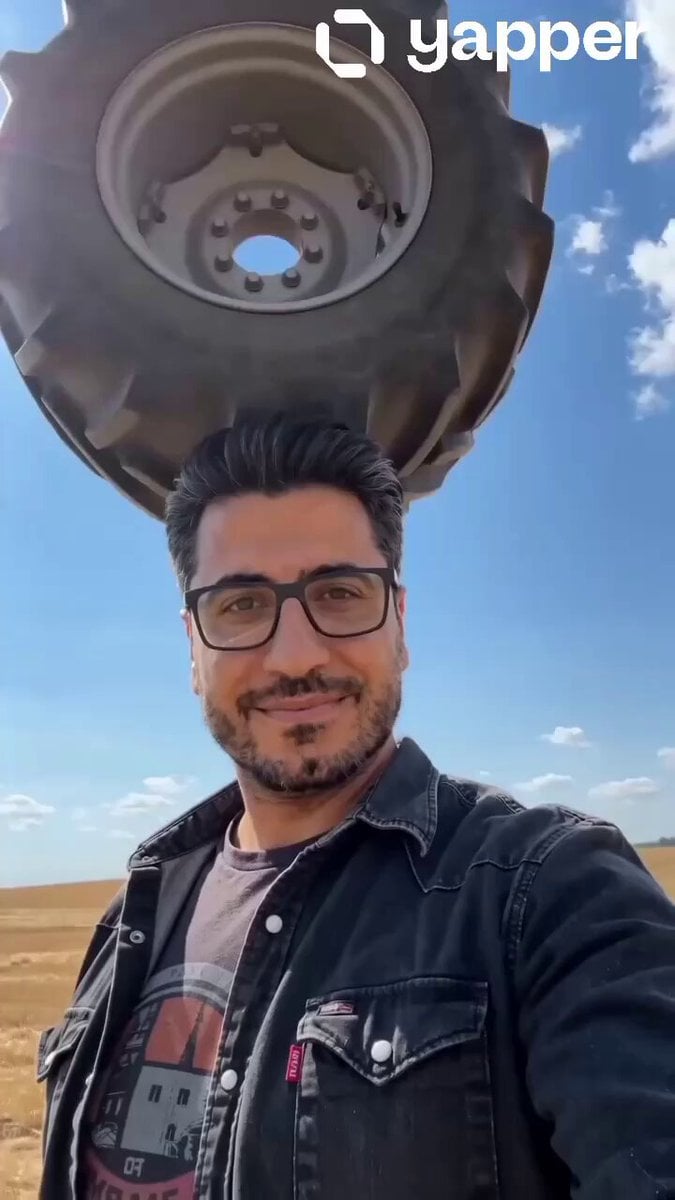
Cinematic Tractor Tire Prank Video
Browse template categories
Flying Horse Sky Race questions
How do I use the Flying Horse Sky Race template?
Add your photo if the template asks for one, edit the prompt if you like — the template's model and format are already selected — and press Generate. Your version opens in PicX Studio.
Can I customize the Flying Horse Sky Race template?
Yes. You can change the subject, setting, lighting, mood, format, and available model controls before creating your video.
Is the Flying Horse Sky Race template free?
Opening and editing this template is free. Generating uses credits, shown on the Generate button when you are signed in.
Which AI model should I use?
Start with Seedance 2.0, which is the model associated with this template. You can compare another compatible model for a different finish.
Looking for something else? Browse all templates.

Your photo, any look
Thousands of ready templates for every top image and video model, from one credit balance.