How do I use the Cinematic Achilles Trojan War Video template?
Edit the prompt in the box under the preview — the template's model and format are already selected — and press Generate. Your version appears right on this page.
A professional-grade cinematic video prompt for a Trojan War scene featuring Achilles, including camera movements, sound design, and lighting instructions.
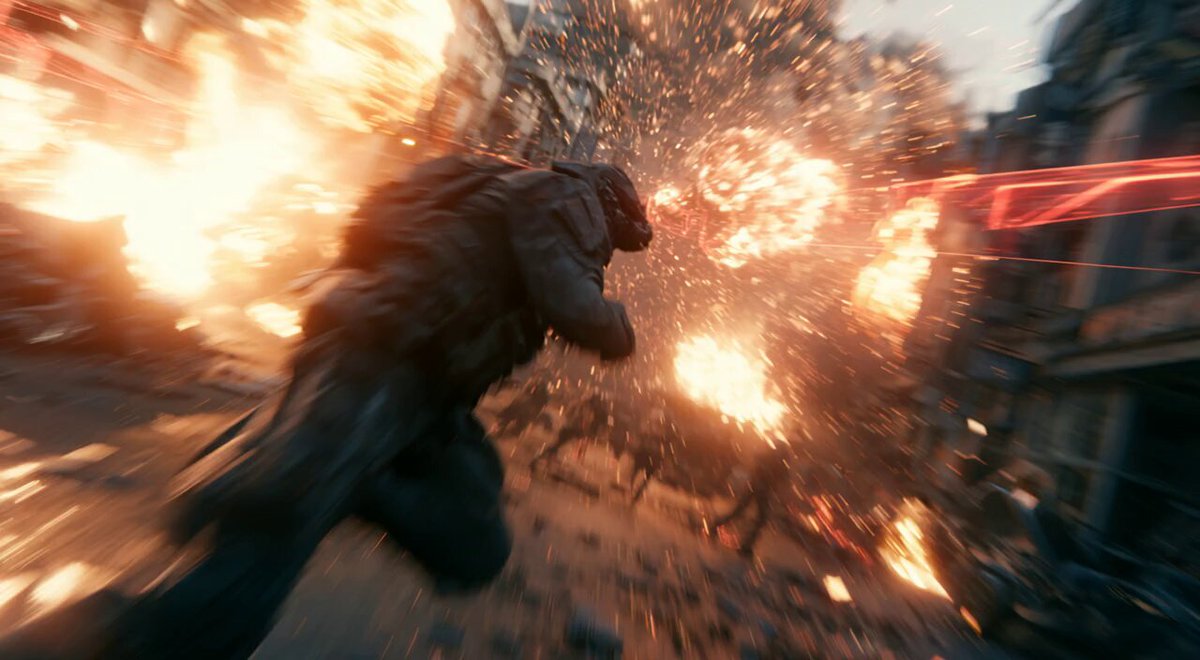
Dramatic wide shot of Achilles in gleaming bronze armor charging through smoky Trojan battlefield at dawn, sword raised, intense battle cry expression, fallen warriors and flaming arrows in background, epic scale with towering wooden horse silhouette, cinematic volumetric god rays piercing dust clouds and blood mist, hyper-detailed metallic reflections and fabric tears, masterpiece fusing Greg Rutkowski fantasy detail with Villeneuve epic composition and Deakins lighting mastery, 8K IMAX cinematic. Achilles in gleaming bronze armor charges forward with powerful sword swing and battle roar through chaotic smoky Trojan battlefield at dawn, slow dramatic tracking shot pushing in from wide to heroic close-up with motion parallax on flying arrows and swirling dust, impeccable physics on armor clangs and ground impacts, native synced deep warrior voice dialogue “For Troy!” with gritty battle SFX (clashing metal, war cries, flame whooshes) and swelling orchestral score, golden dawn volumetric god rays and cinematic rim lighting, Rutkowski/Villeneuve/Deakins fusion style, flawless 24fps continuous 15-second motion, hyper-detailed 8K masterpiece ready for viral trailer energy.
Dramatic wide shot of Achilles in gleaming bronze armor charging through smoky Trojan battlefield at dawn, sword raised, intense battle cry expression, fallen warriors and flaming arrows in background, epic scale with towering wooden horse silhouette, cinematic volumetric god rays piercing dust clouds and blood mist, hyper-detailed metallic reflections and fabric tears, masterpiece fusing Greg Rutkowski fantasy detail with Villeneuve epic composition and Deakins lighting mastery, 8K IMAX cinematic. Achilles in gleaming bronze armor charges forward with powerful sword swing and battle roar through chaotic smoky Trojan battlefield at dawn, slow dramatic tracking shot pushing in from wide to heroic close-up with motion parallax on flying arrows and swirling dust, impeccable physics on armor clangs and ground impacts, native synced deep warrior voice dialogue “For Troy!” with gritty battle SFX (clashing metal, war cries, flame whooshes) and swelling orchestral score, golden dawn volumetric god rays and cinematic rim lighting, Rutkowski/Villeneuve/Deakins fusion style, flawless 24fps continuous 15-second motion, hyper-detailed 8K masterpiece ready for viral trailer energy.
Edit the prompt in the box under the preview — the template's model and format are already selected — and press Generate. Your version appears right on this page.
Yes. You can change the subject, setting, lighting, mood, format, and available model controls before creating your video.
Opening and editing this template is free. Generating uses credits, shown on the Generate button when you are signed in.
Start with Grok Imagine, which is the model associated with this template. You can compare another compatible model for a different finish.
Follow a topic to a crawlable collection of related PicX Studio templates.