
Nostalgic Japanese Summer Path
A peaceful 15-second ambient video prompt set in the Japanese countryside, featuring a young woman in a summer dress with a nostalgic film aesthetic.
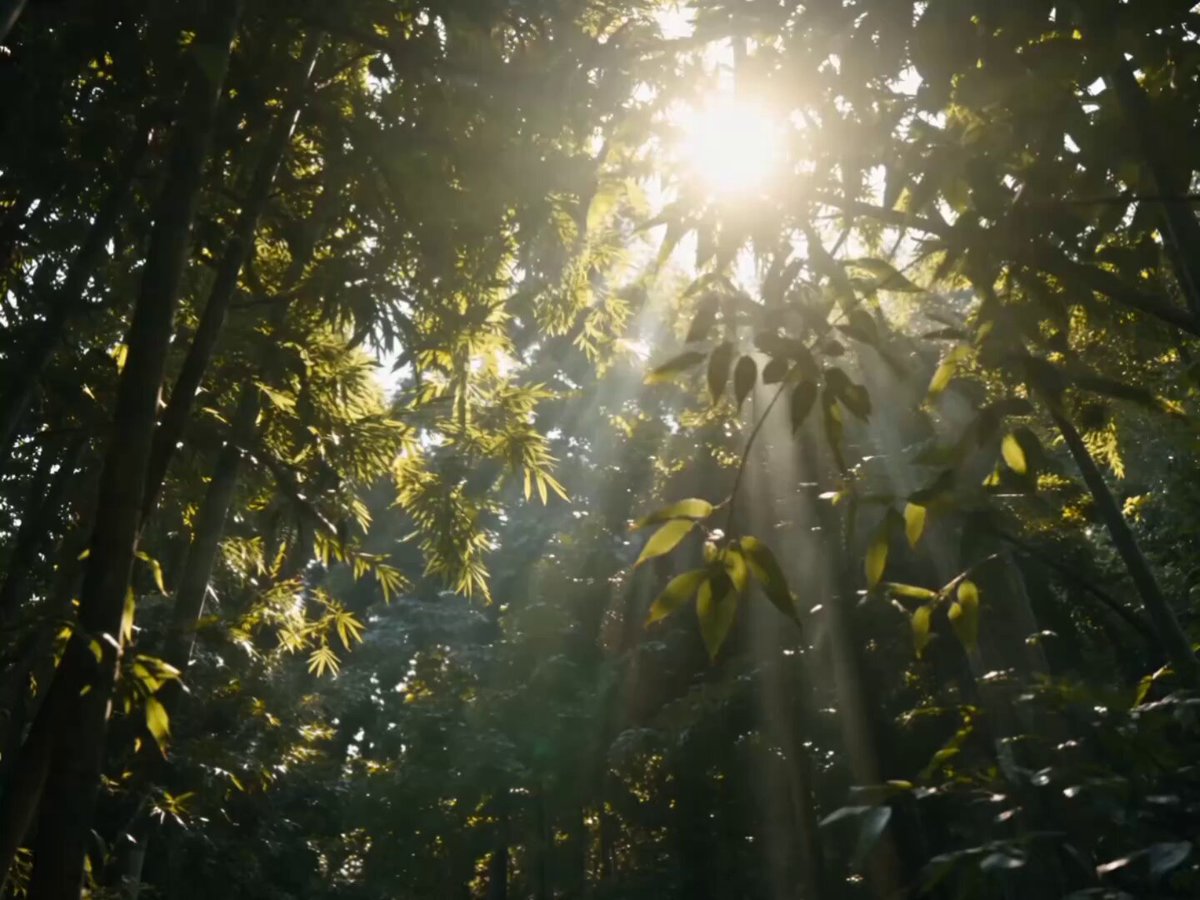
- Prompt included
- Model and format preset
- Free template
The prompt behind this video
Copy the exact prompt behind Nostalgic Japanese Summer Path, or open it in the studio and make it yours.
NOSTALGIC SUMMER JOURNEY — 15 SEC AMBIENT CUT Subject: Young Asian woman, short bob haircut, wearing a simple flowing white summer dress. Aesthetic & Camera: Cinematic Japanese summer countryside, f/1.8, 85mm and 35mm lenses, shallow depth of field, soft pastel natural light, 8k resolution, raw photography style. (0:00–0:03) — Rustling Leaves Wide shot. Wind gently blowing through lush green summer foliage and bamboo trees. Sunbeams filtering through the leaves. Volumetric lighting. Transition: Soft cut (0:04–0:06) — The Path Ground-level tracking shot. A flowing white dress and light summer sandals walking slowly down a sun-dappled, slightly worn rural asphalt road. Soft shadows and bright highlights. Transition: Cut on movement (0:07–0:09) — Skyward Gaze 85mm close-up profile. The young woman looks up toward the sky. Wind softly catches her bob haircut and the fabric of her dress. Natural cinematic rim lighting isolating her silhouette. Transition: Crossfade (0:10–0:12) — The Vending Machine Medium wide shot. She stands quietly next to a glowing, retro Japanese vending machine on an empty countryside road, gazing out over a distant green valley. Nostalgic, soft daylight lighting. Transition: Slow cut (0:13–0:15) — Contemplation Extreme close-up portrait. Looking directly into the lens with a calm, gentle smile. f/1.8 shallow depth of field blurring the background into soft green bokeh. Highly detailed facial features and realistic skin texture. Transition: soft cut
How to use Nostalgic Japanese Summer Path in 3 steps
- 1
Open
The prompt is already in the box next to the preview, with the template's model and format selected.
- 2…a portrait of your subject in softgolden-hour light, 85mm…
Personalize
Edit the subject and creative details for your destination.
- 3Generate
Generate
Press Generate — your video is created in PicX Studio, so you can compare it with the original and refine one variable at a time.
More like this
Templates with the same subject, style or setup. Open one to see its prompt.
Nostalgic 2000s Japanese Boyhood

Japanese Summer Festival Travel Vlog

Nostalgic MiniDV Convenience Store Vlog - Seedance 2.5
Japanese Summer Evening Candid

Japanese Summer Beer Commercial
Nostalgic Ghibli Japanese Train Station
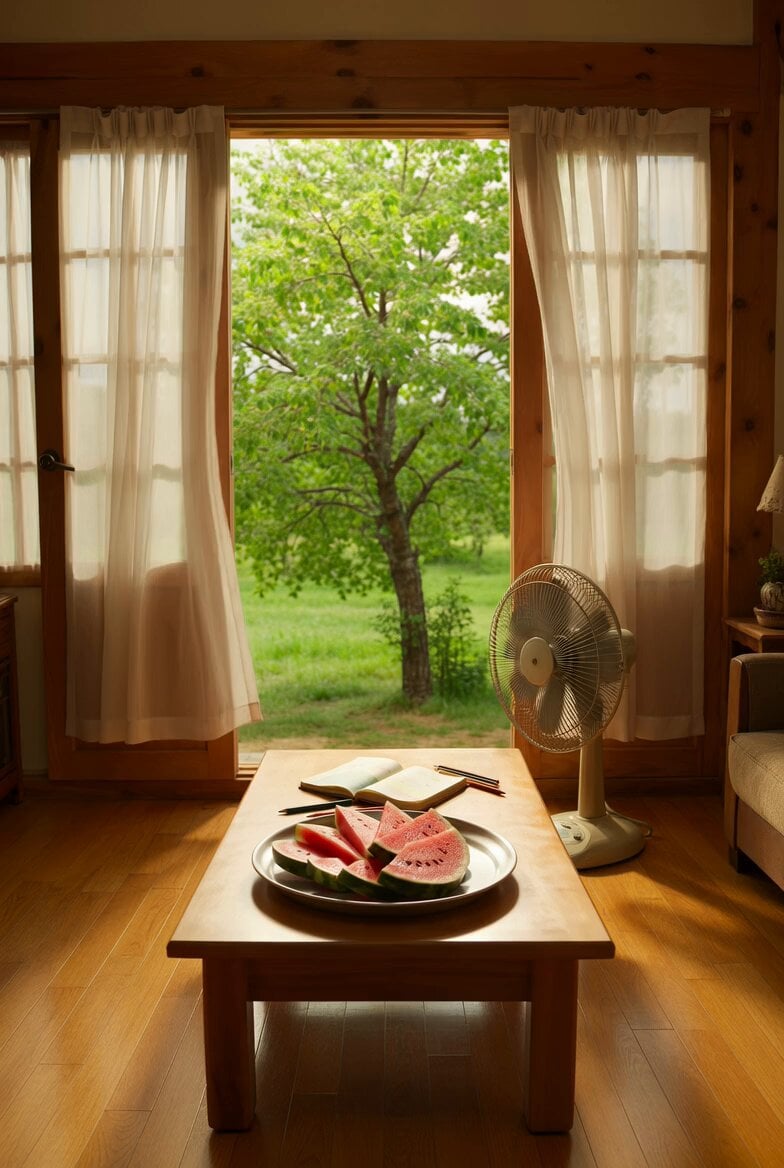
Nostalgic Korean Summer House Video
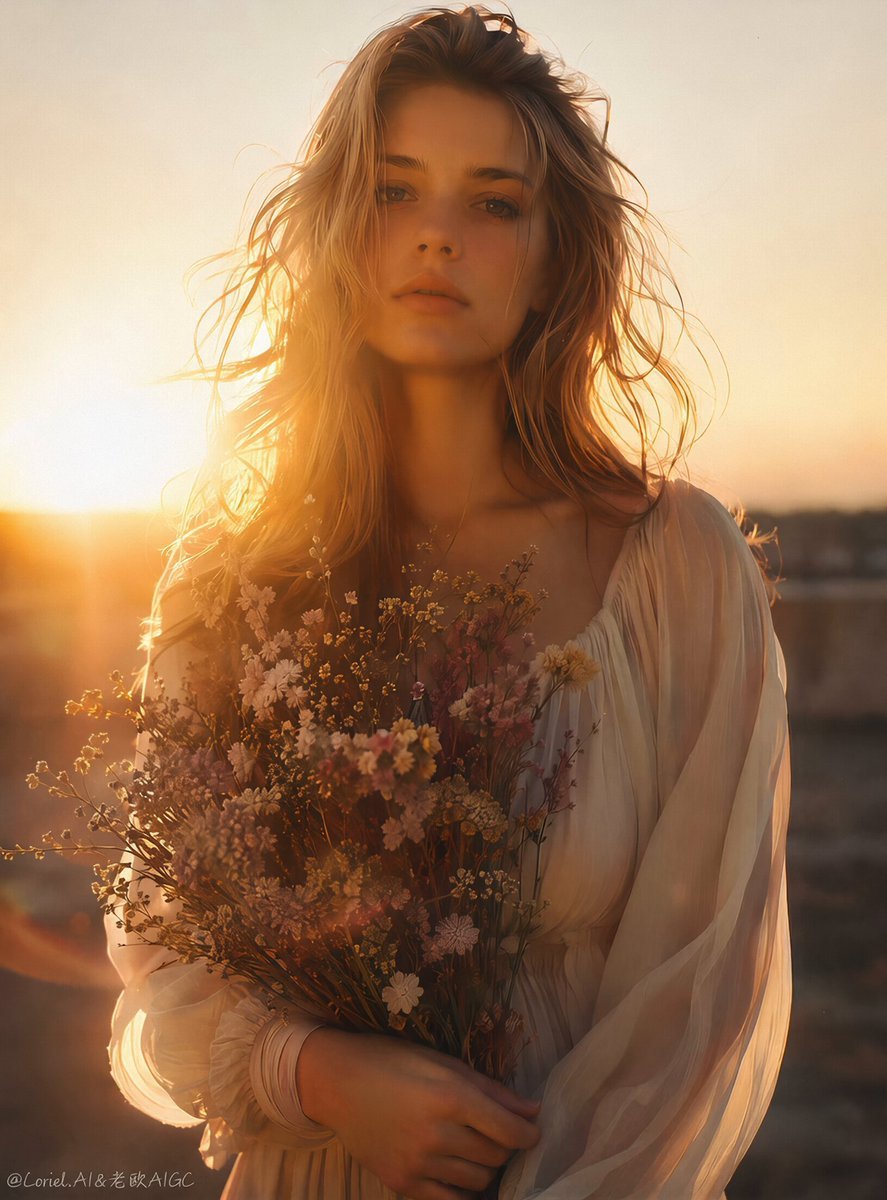
Nostalgic 90s Summer Cinematic Video

Japanese Pure Love Short Film

Kyoto Morning Selfie Vlog
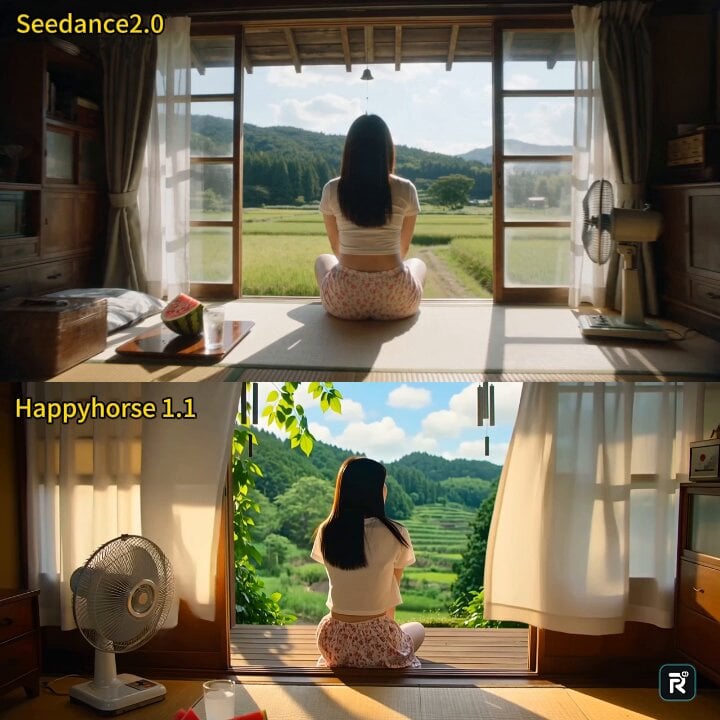
Cinematic Japanese Countryside Summer Short Film
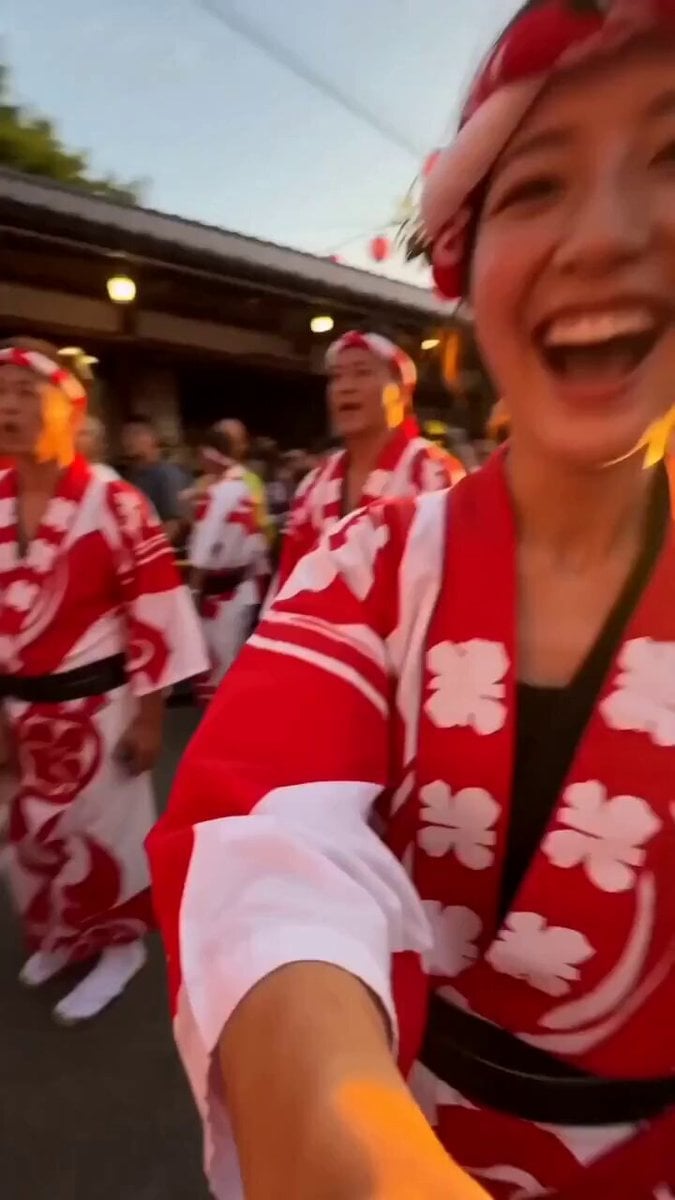
Japanese Summer Festival Selfie Vlog
Make it yours
Nostalgic Japanese Summer Path works as-is. These are the safest ways to change it without losing the look.
Change one field
Copy a single group, rewrite it, and generate again so you can see what that field is doing.
Keep the frame, change the subject
Hold the composition and light of Nostalgic Japanese Summer Path, then swap wardrobe, props or the person for a new take.
| If the result… | Why | Fix |
|---|---|---|
| The result drifts from the preview | Too many fields changed at once. | Reuse Nostalgic Japanese Summer Path as-is first, then change one group — subject, light, or setting. |
| The model over-stylizes the scene | The prose prompt leaves finish and camera underspecified. | Add one camera or lighting sentence and stay on Seedance 2.0. |
More Seedance 2.0 templates
Other prompts made for Seedance 2.0.

Comical Martial Arts Punch Scene

Maglev Train Action Sequence

Martial Arts Fight Sequence

Wuxia Protection and Trust Script

Vintage Korean Arcade MiniDV Vlog

Mercedes 190 SL Luxury Ad

Rainy Night Supernatural Reverse Comedy Video Script

Amazon Civilization Discovery

Futuristic South Asian City Transformation

Cozy Luxury Cafe Commercial
More video prompts
Fresh picks from across the catalog.

Early 2000s Asian Drama Hair Toss
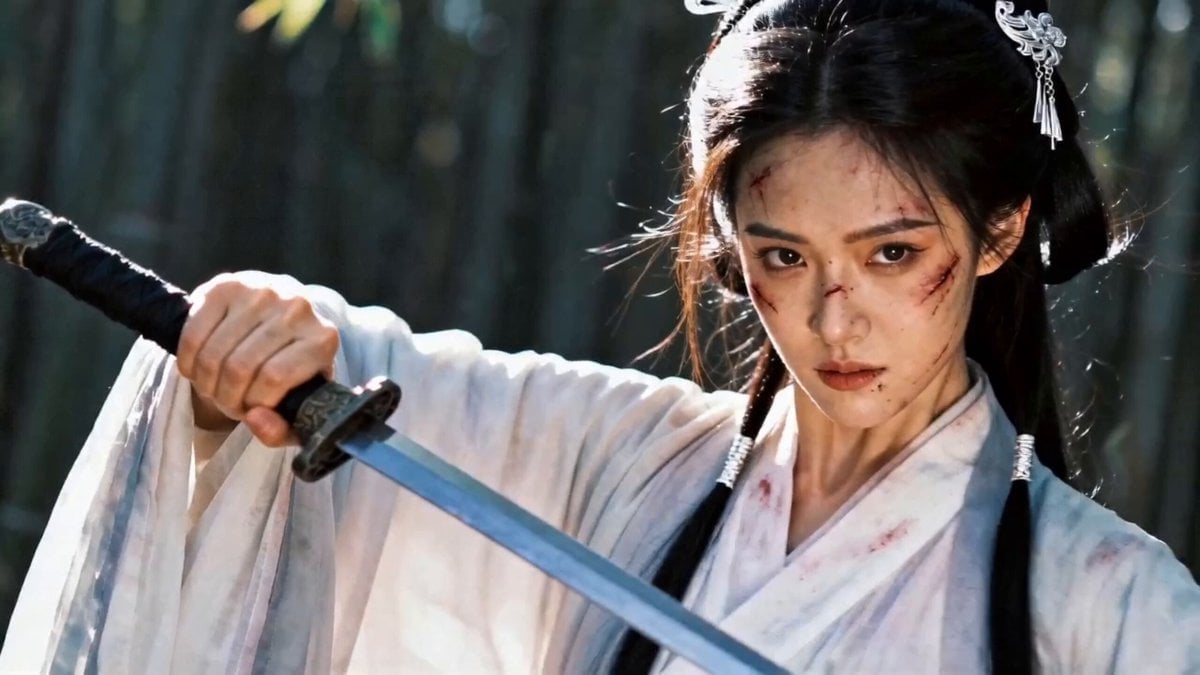
Wuxia Bamboo Forest Duel Video Prompt for Seedance 2.0
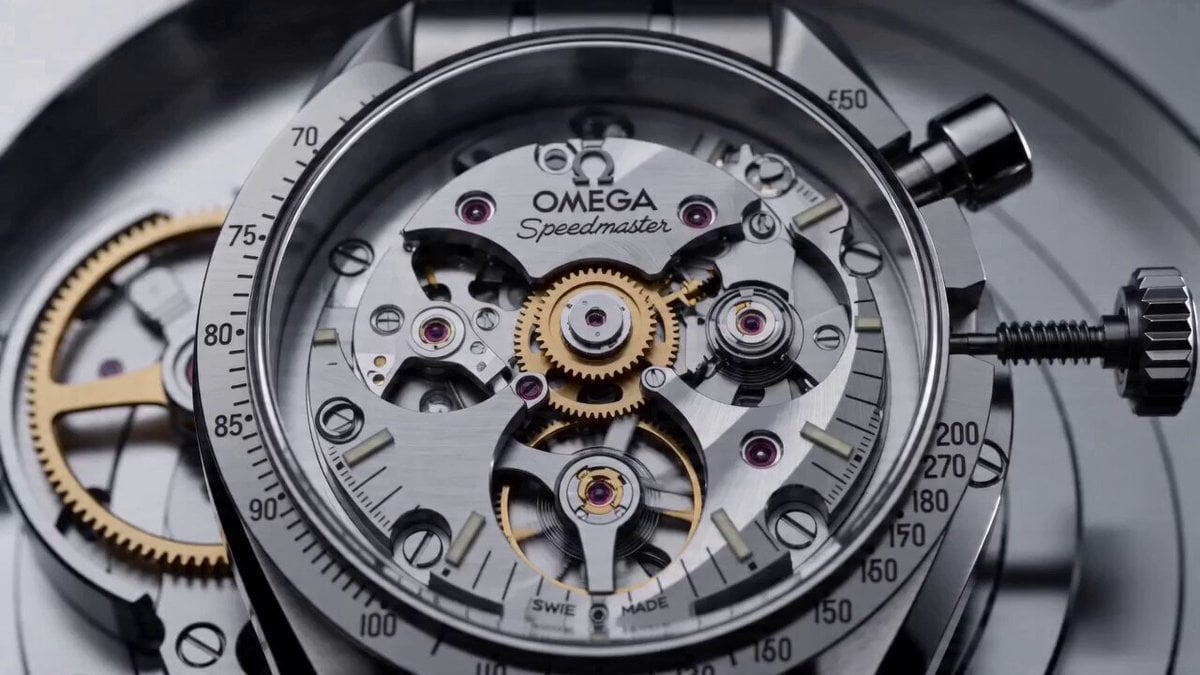
Cinematic Prompt for Omega Speedmaster
Cinematic Title Animation Prompt: 'Slaying Immortals' (Zhan Xian)
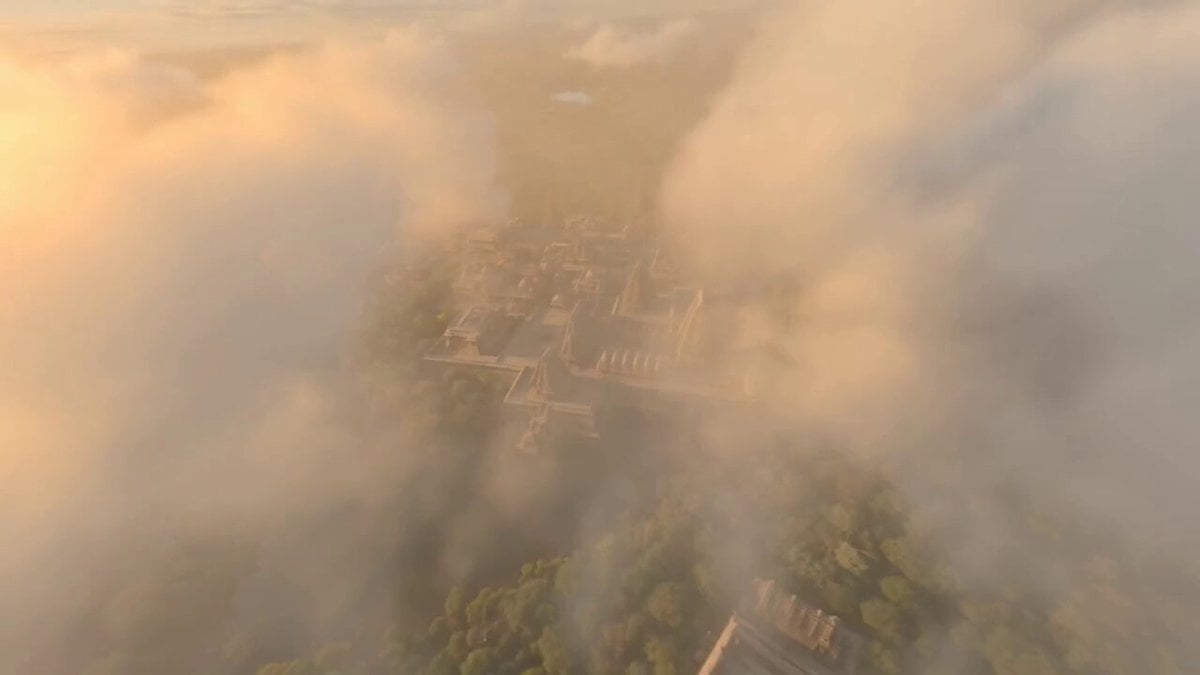
Ancient Indian Kingdom FPV

Cinematic Spacecraft Launch Video Prompt

Cinematic WWII Aerial Combat Scene

Mountain Dew Spark Doodle Commercial

Epic Wuxia/Modern Fantasy Video Prompt for Seedance 2.0

High-end car commercial concept: Transformation and Vertical Takeoff
Browse template categories
Nostalgic Japanese Summer Path questions
How do I use the Nostalgic Japanese Summer Path template?
Add your photo if the template asks for one, edit the prompt if you like — the template's model and format are already selected — and press Generate. Your version opens in PicX Studio.
Can I customize the Nostalgic Japanese Summer Path template?
Yes. You can change the subject, setting, lighting, mood, format, and available model controls before creating your video.
Is the Nostalgic Japanese Summer Path template free?
Opening and editing this template is free. Generating uses credits, shown on the Generate button when you are signed in.
Which AI model should I use?
Start with Seedance 2.0, which is the model associated with this template. You can compare another compatible model for a different finish.
Looking for something else? Browse all templates.

Your photo, any look
Thousands of ready templates for every top image and video model, from one credit balance.