How do I use the Nostalgic 90s Summer Cinematic Video template?
Edit the prompt in the box under the preview — the template's model and format are already selected — and press Generate. Your version appears right on this page.
A comprehensive prompt for a single-take, ultra-slow motion video with a nostalgic 90s aesthetic and smooth transitions.
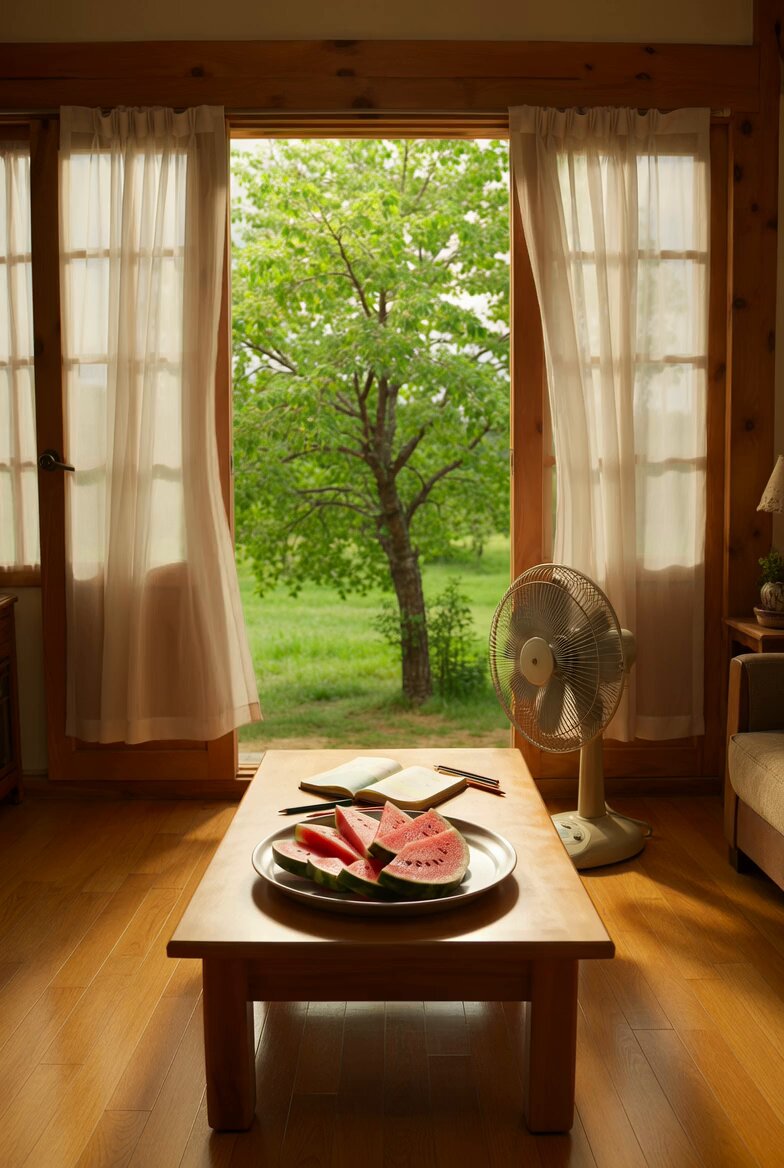
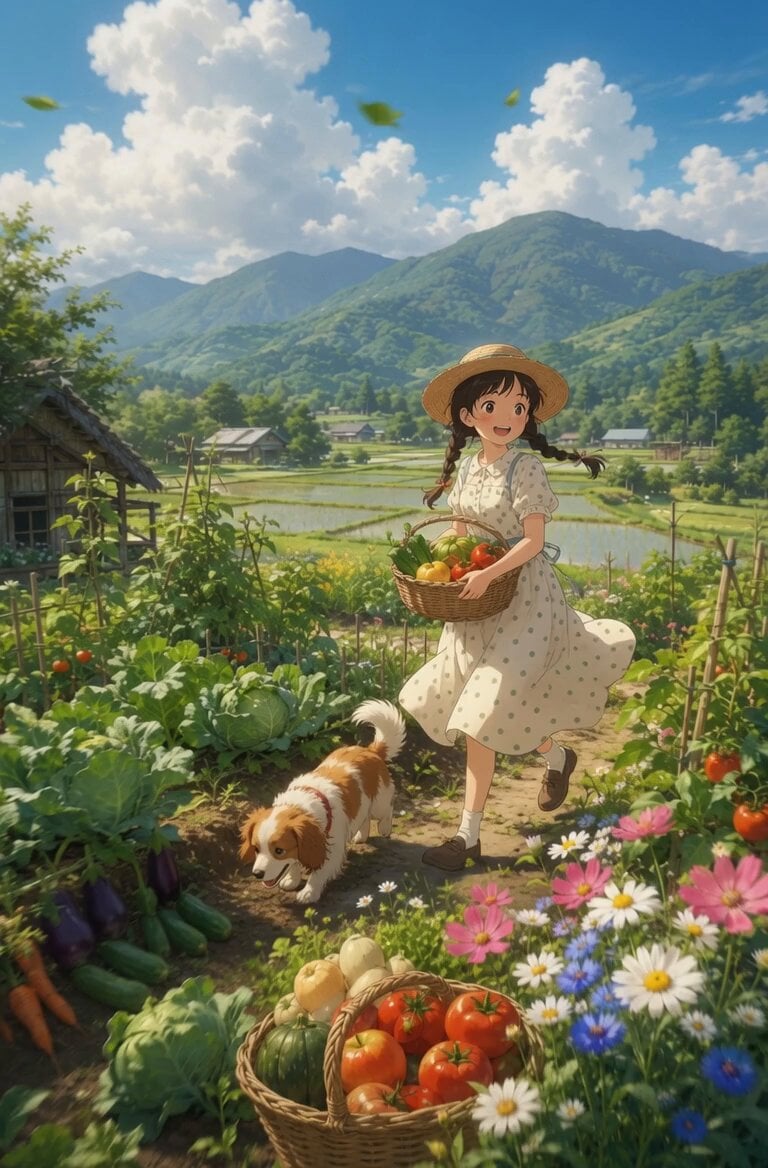
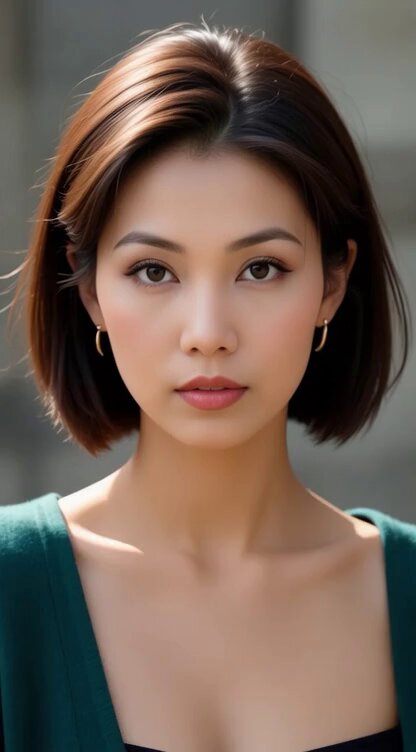
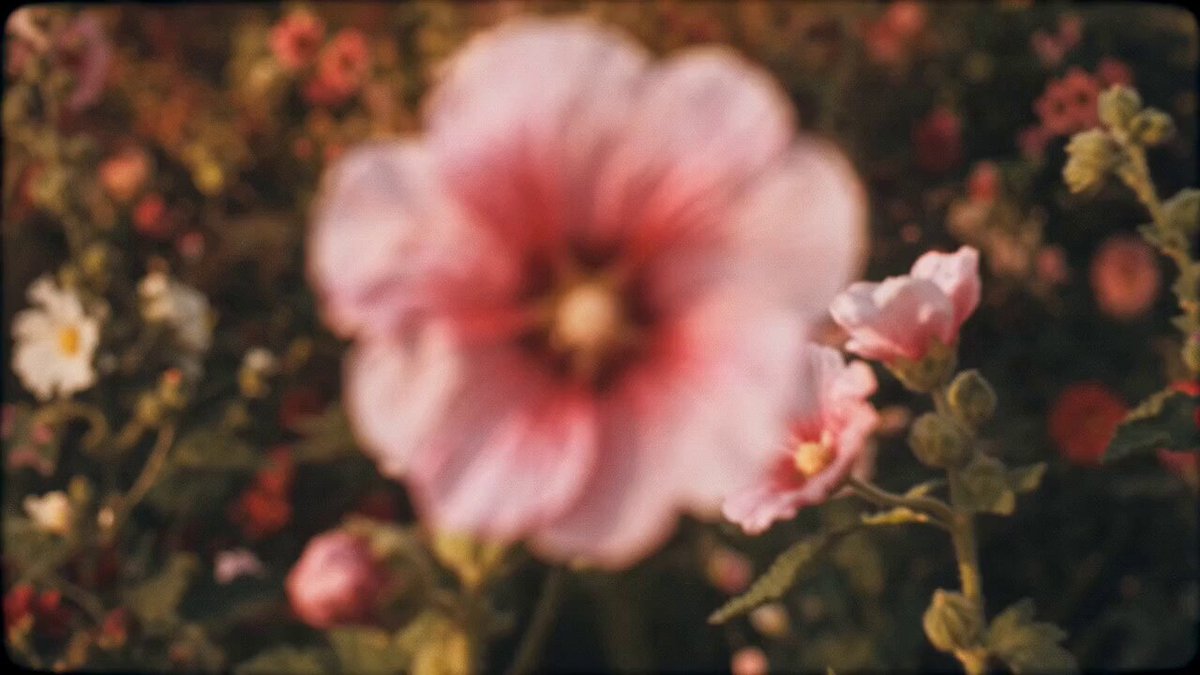
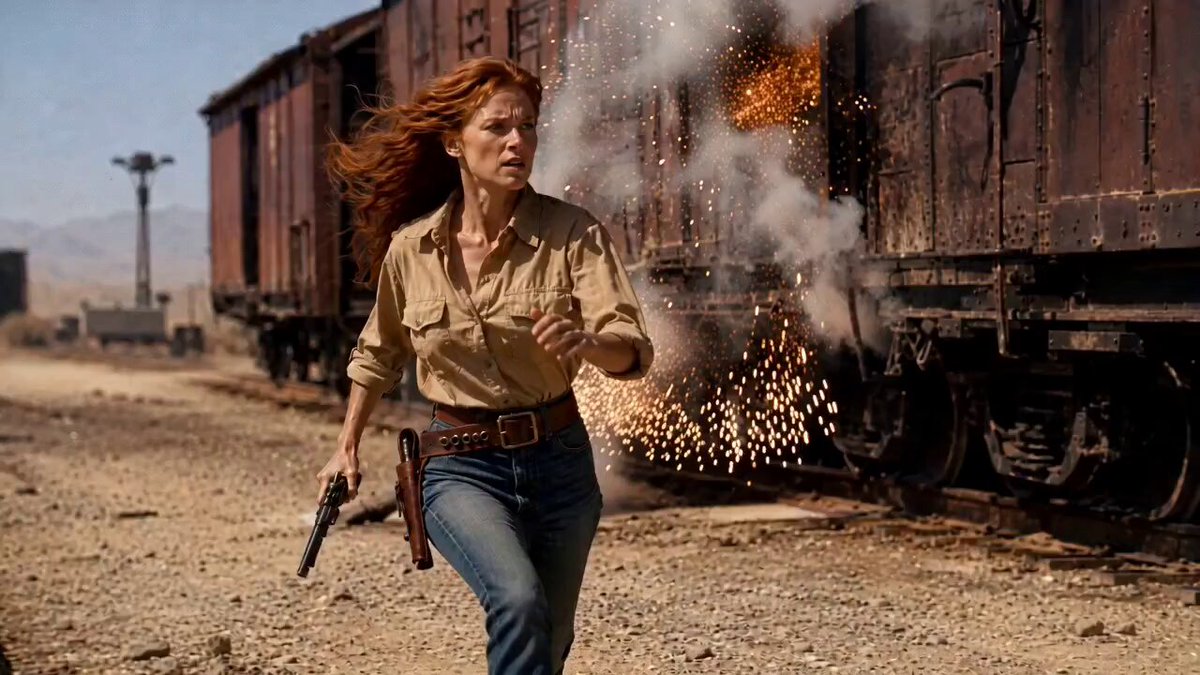
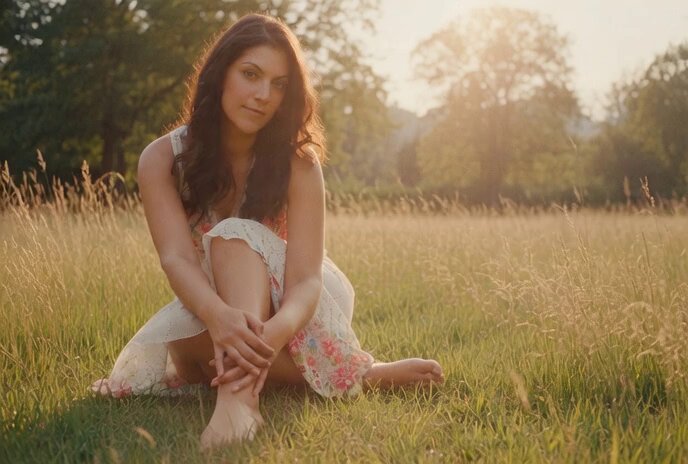
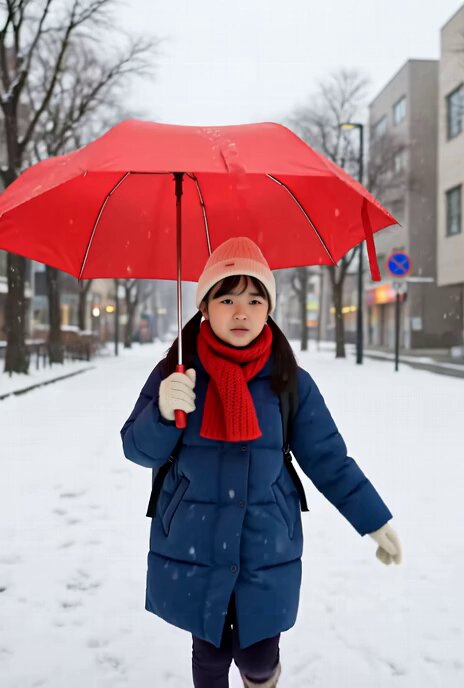
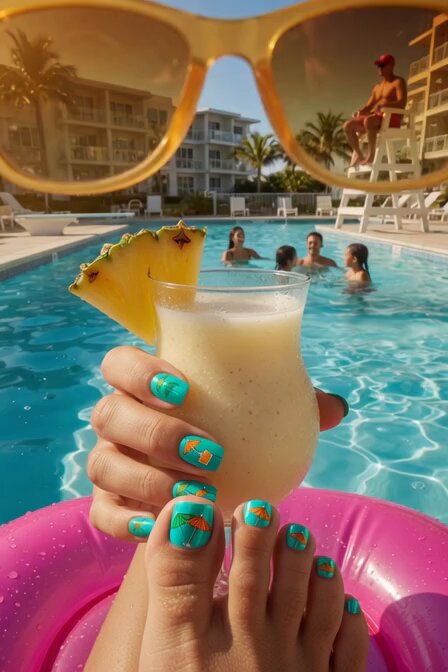
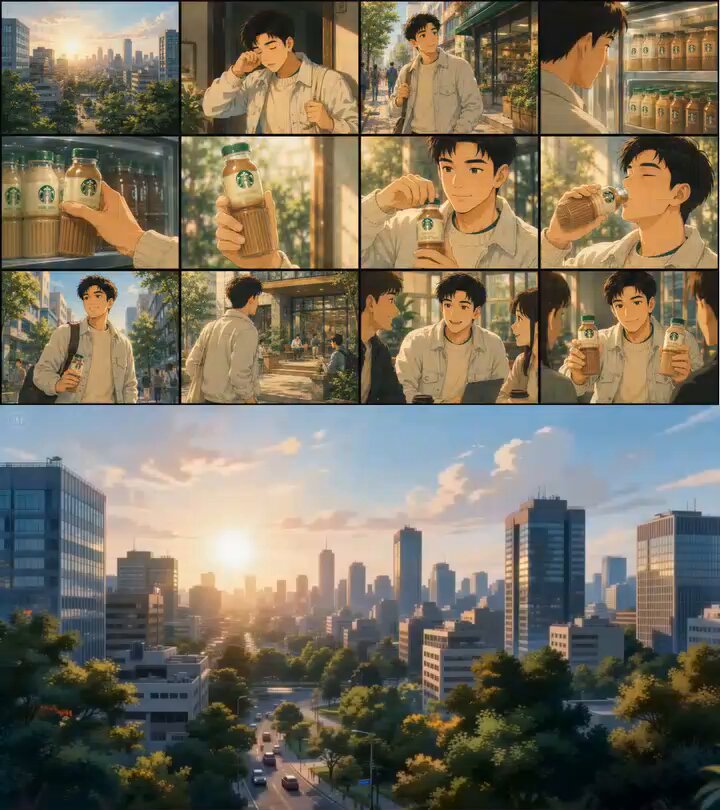
Use the reference images to create a seamless, continuous single-take video. There must be no dialogue, hard cuts, fade-in/fade-out transitions, or changes in opacity throughout the entire sequence. Present the footage in ultra-slow motion to evoke a relaxed summer atmosphere and a nostalgic ’90s visual aesthetic. Connect each scene naturally using only smooth camera movements. Add matching transition sound effects and maintain a continuous, uninterrupted flow of cinematic ambient sound. No music. Maintain visual consistency, fluid motion, and realistic cinematic lighting effects. Duration: 10 seconds; aspect ratio: 16:9; resolution: 720p. Camera movement is the most important element. I did not ask for models to switch between scenes; instead, I described each transition as a physical camera movement, such as pushing past an object, panning past foreground elements, or following the subject into the next environment.
Use the reference images to create a seamless, continuous single-take video. There must be no dialogue, hard cuts, fade-in/fade-out transitions, or changes in opacity throughout the entire sequence. Present the footage in ultra-slow motion to evoke a relaxed summer atmosphere and a nostalgic ’90s visual aesthetic. Connect each scene naturally using only smooth camera movements. Add matching transition sound effects and maintain a continuous, uninterrupted flow of cinematic ambient sound. No music. Maintain visual consistency, fluid motion, and realistic cinematic lighting effects. Duration: 10 seconds; aspect ratio: 16:9; resolution: 720p. Camera movement is the most important element. I did not ask for models to switch between scenes; instead, I described each transition as a physical camera movement, such as pushing past an object, panning past foreground elements, or following the subject into the next environment.
Edit the prompt in the box under the preview — the template's model and format are already selected — and press Generate. Your version appears right on this page.
Yes. You can change the subject, setting, lighting, mood, format, and available model controls before creating your video.
Opening and editing this template is free. Generating uses credits, shown on the Generate button when you are signed in.
Start with Grok Imagine, which is the model associated with this template. You can compare another compatible model for a different finish.
Follow a topic to a crawlable collection of related PicX Studio templates.