How do I use the Cinematic Businesswoman Lifestyle Story template?
Edit the prompt in the box under the preview — the template's model and format are already selected — and press Generate. Your version appears right on this page.
A detailed 14-second video prompt for a cinematic sequence featuring a young businesswoman in a luxury kitchen with natural golden-hour lighting.
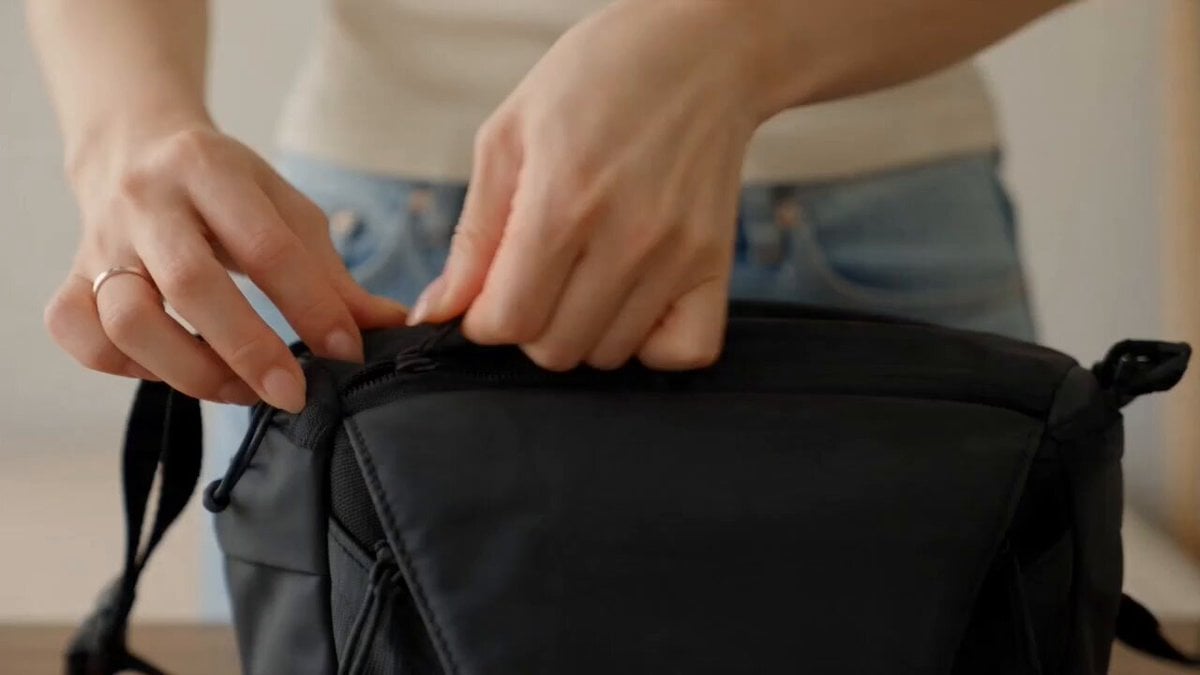
A stunning young businesswoman stands in a luxurious, sunlit modern kitchen with white marble countertops, sleek cabinetry, and minimalist interior design. She wears a perfectly tailored navy blazer and matching pencil skirt over a crisp white blouse, carrying a small black leather handbag with gold hardware. Her dark brown hair is styled in a soft low bun with loose face-framing curls. She looks down with a gentle, confident smile, then slowly raises her gaze toward the camera while elegantly adjusting her handbag. She takes a few graceful steps forward with natural body movement, relaxed shoulders, and poised posture. Warm golden-hour sunlight streams through the large windows, creating soft highlights and cinematic shadows. The camera begins with a medium shot and performs a slow cinematic dolly-in, maintaining shallow depth of field with creamy background bokeh. Ultra-realistic skin texture, subtle facial expressions, realistic fabric physics, natural hand movements, smooth walking animation, premium luxury lifestyle aesthetic, photorealistic, HDR, 4K, 24fps, soft color grading, high-end commercial fashion advertisement, stable camera, no flickering, no distortion, no extra fingers, no artifacts.
A stunning young businesswoman stands in a luxurious, sunlit modern kitchen with white marble countertops, sleek cabinetry, and minimalist interior design. She wears a perfectly tailored navy blazer and matching pencil skirt over a crisp white blouse, carrying a small black leather handbag with gold hardware. Her dark brown hair is styled in a soft low bun with loose face-framing curls. She looks down with a gentle, confident smile, then slowly raises her gaze toward the camera while elegantly adjusting her handbag. She takes a few graceful steps forward with natural body movement, relaxed shoulders, and poised posture. Warm golden-hour sunlight streams through the large windows, creating soft highlights and cinematic shadows. The camera begins with a medium shot and performs a slow cinematic dolly-in, maintaining shallow depth of field with creamy background bokeh. Ultra-realistic skin texture, subtle facial expressions, realistic fabric physics, natural hand movements, smooth walking animation, premium luxury lifestyle aesthetic, photorealistic, HDR, 4K, 24fps, soft color grading, high-end commercial fashion advertisement, stable camera, no flickering, no distortion, no extra fingers, no artifacts.
Edit the prompt in the box under the preview — the template's model and format are already selected — and press Generate. Your version appears right on this page.
Yes. You can change the subject, setting, lighting, mood, format, and available model controls before creating your video.
Opening and editing this template is free. Generating uses credits, shown on the Generate button when you are signed in.
Start with Seedance 2.0, which is the model associated with this template. You can compare another compatible model for a different finish.
Follow a topic to a crawlable collection of related PicX Studio templates.