
Wizard Spell Chicken Accident
A humorous fantasy video prompt where a wizard's spell backfires, turning a regular chicken into a powerful, muscular creature.
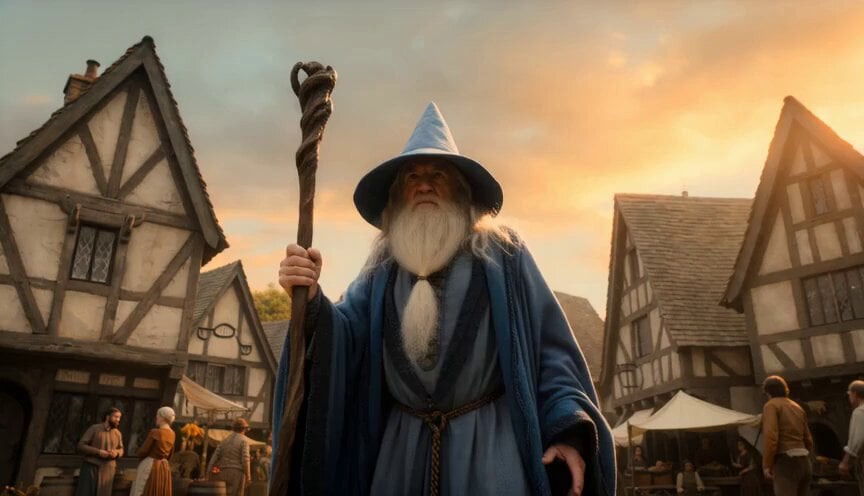
- Prompt included
- Model and format preset
- Free template
The prompt behind this video
Copy the exact prompt behind Wizard Spell Chicken Accident, or open it in the studio and make it yours.
Wizard Accidentally Makes a Chicken Too Powerful Hyper-realistic cinematic comedy fantasy sequence, 10 seconds, 16:9. In a medieval village square, one wizard raises his staff for a dramatic spell. He shouts with total confidence: “Behold my power!” A chicken casually walks in front of him at the exact wrong moment. The spell hits the chicken. The chicken becomes huge, glowing, muscular, and emotionally unstoppable. It slowly turns toward the wizard with terrifying confidence. The wizard backs away. The giant chicken flaps once and blasts him backward into a hay cart. Feathers explode everywhere. The chicken steps onto a barrel like a warrior king. End with the wizard lying in hay, whispering: “I have made a mistake.” Style: hyper-realistic, cinematic, ridiculous fantasy comedy, one wizard, one chicken, magical misfire, giant overconfident chicken, no gore, no text, no logos, no cartoon style.
How to use Wizard Spell Chicken Accident in 3 steps
- 1
Open
The prompt is already in the box next to the preview, with the template's model and format selected.
- 2…a portrait of your subject in softgolden-hour light, 85mm…
Personalize
Edit the subject and creative details for your destination.
- 3Generate
Generate
Press Generate — your video is created in PicX Studio, so you can compare it with the original and refine one variable at a time.
More like this
Templates with the same subject, style or setup. Open one to see its prompt.
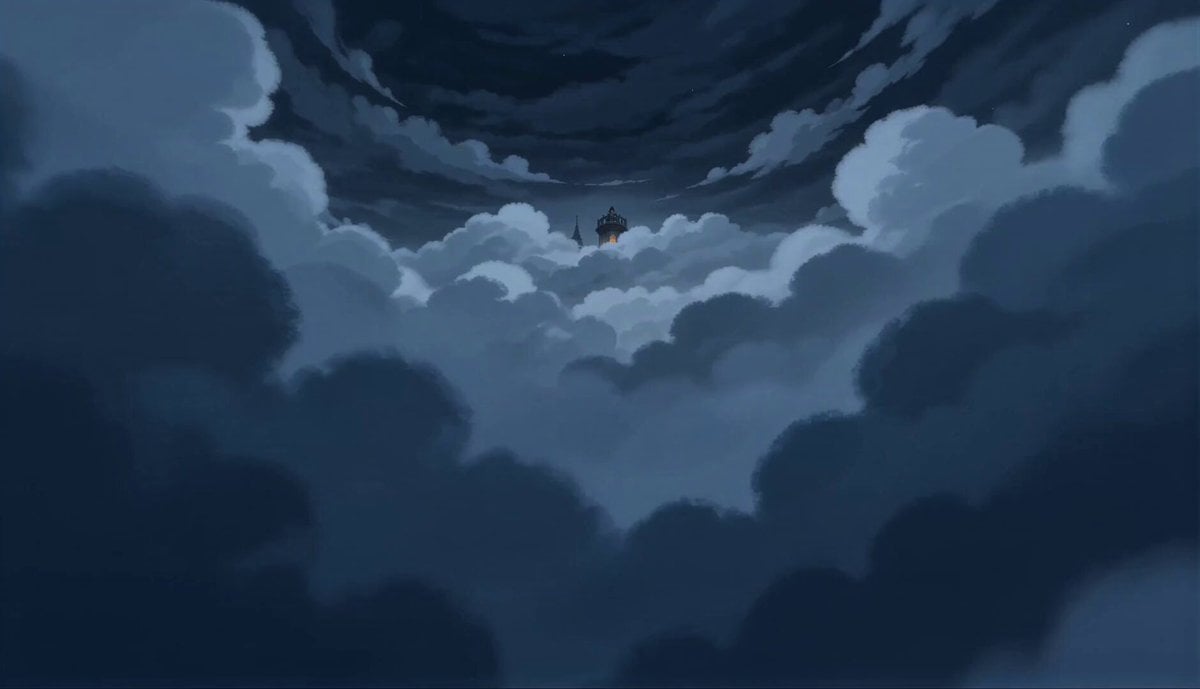
2D Fantasy Anime Wizard Dragon Summoning
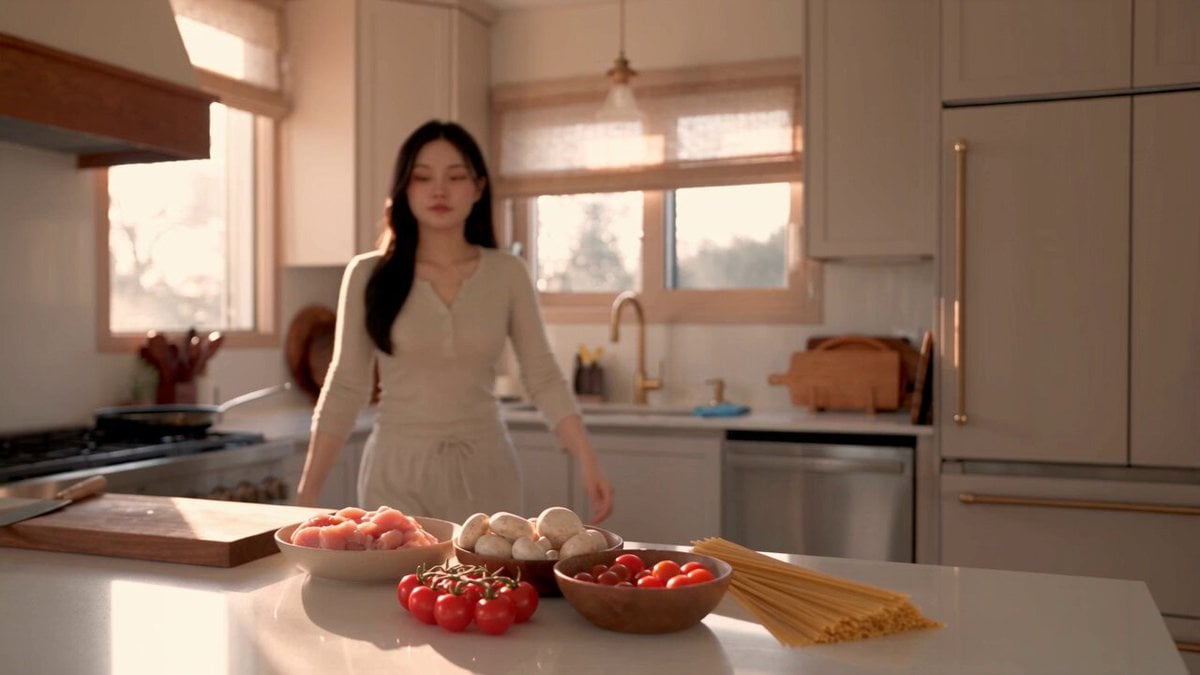
Creamy Chicken Pasta Cooking Vlog
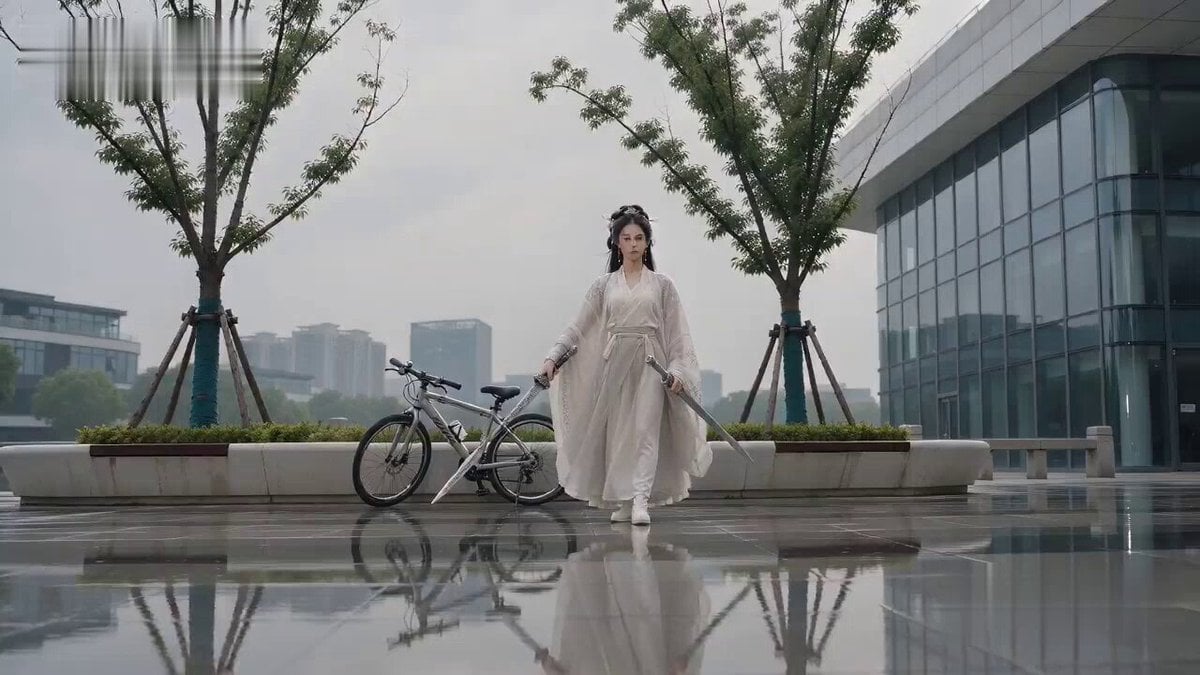
Water Dragon Spell Comedy Sequence
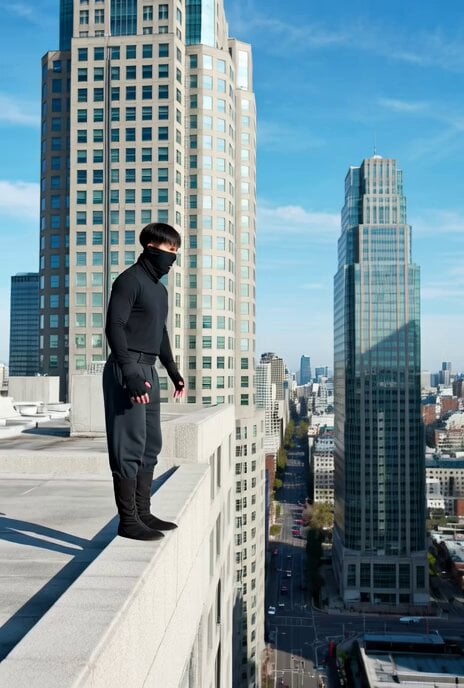
Ninja Wizard Levitation Jump
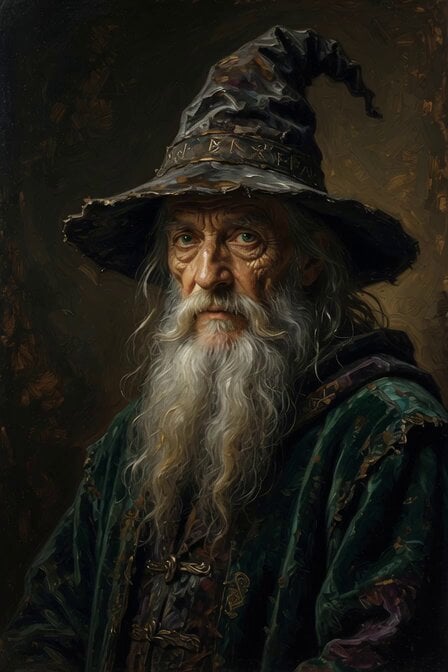
Elderly Wizard Oil Painting
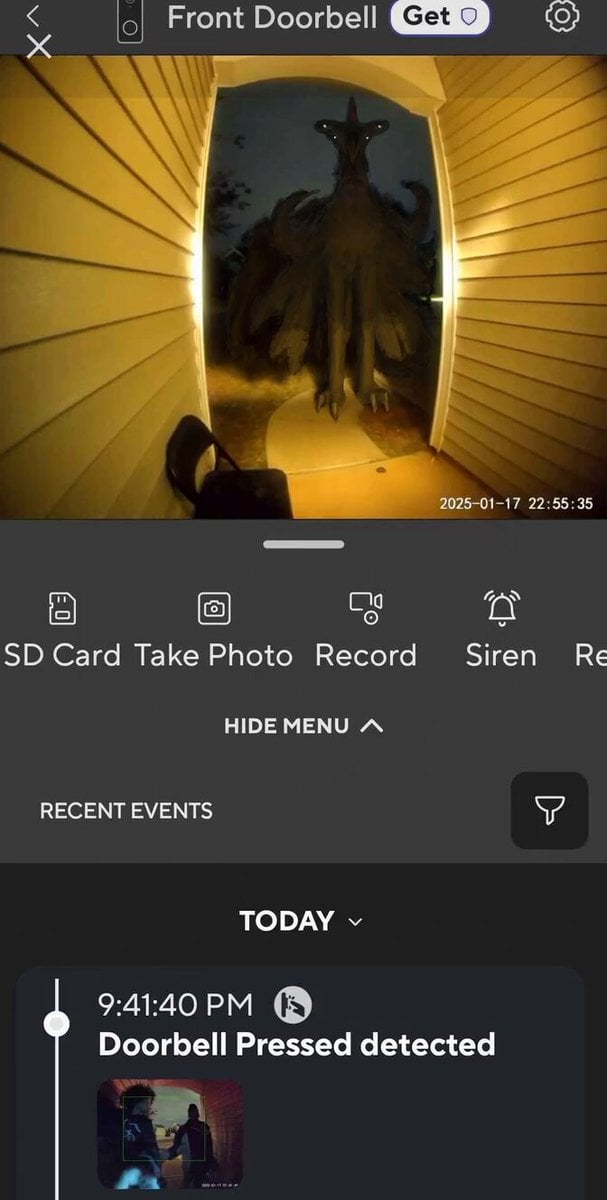
Chicken Alien Doorbell Ring
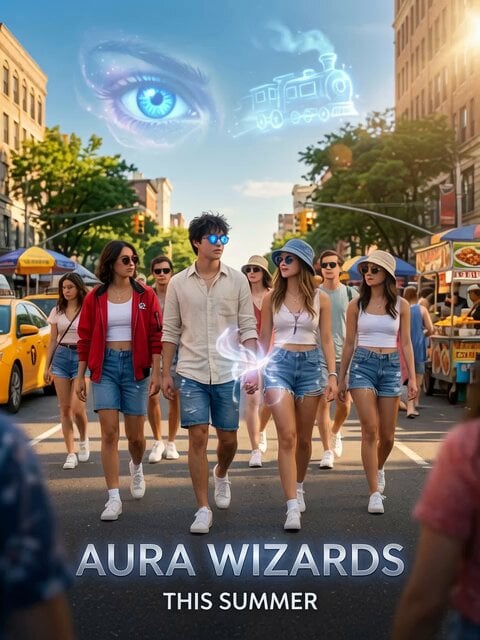
Aura Wizards Urban Trailer
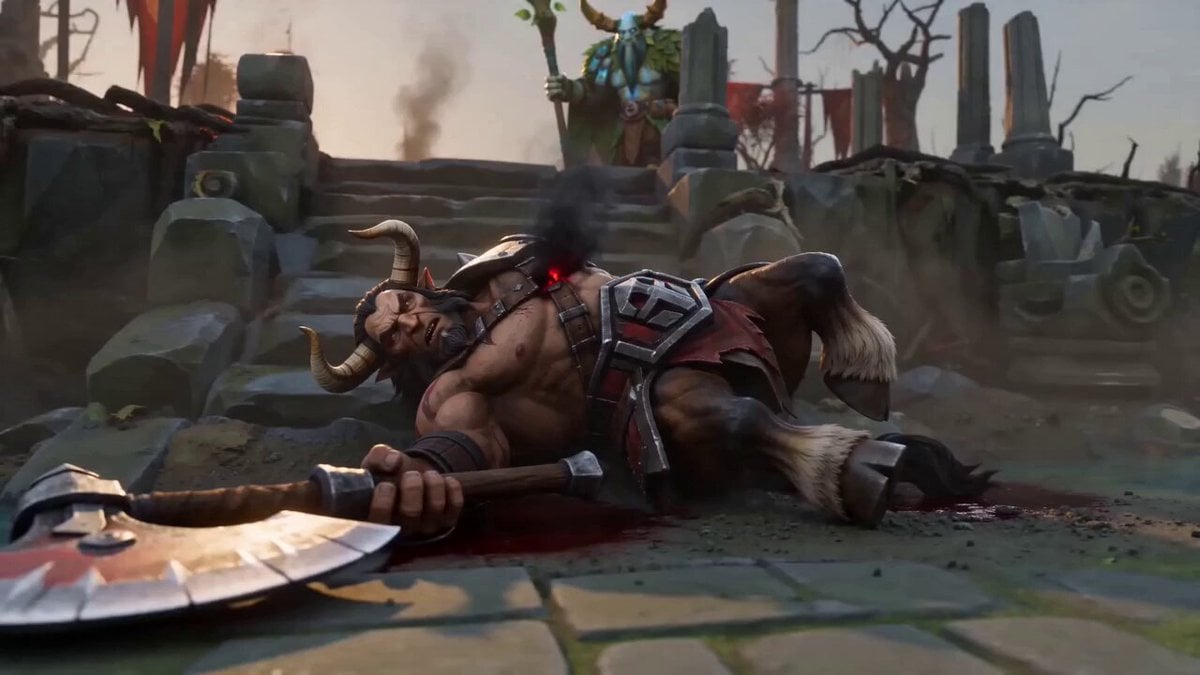
Centaur Cinematic Spell Finish
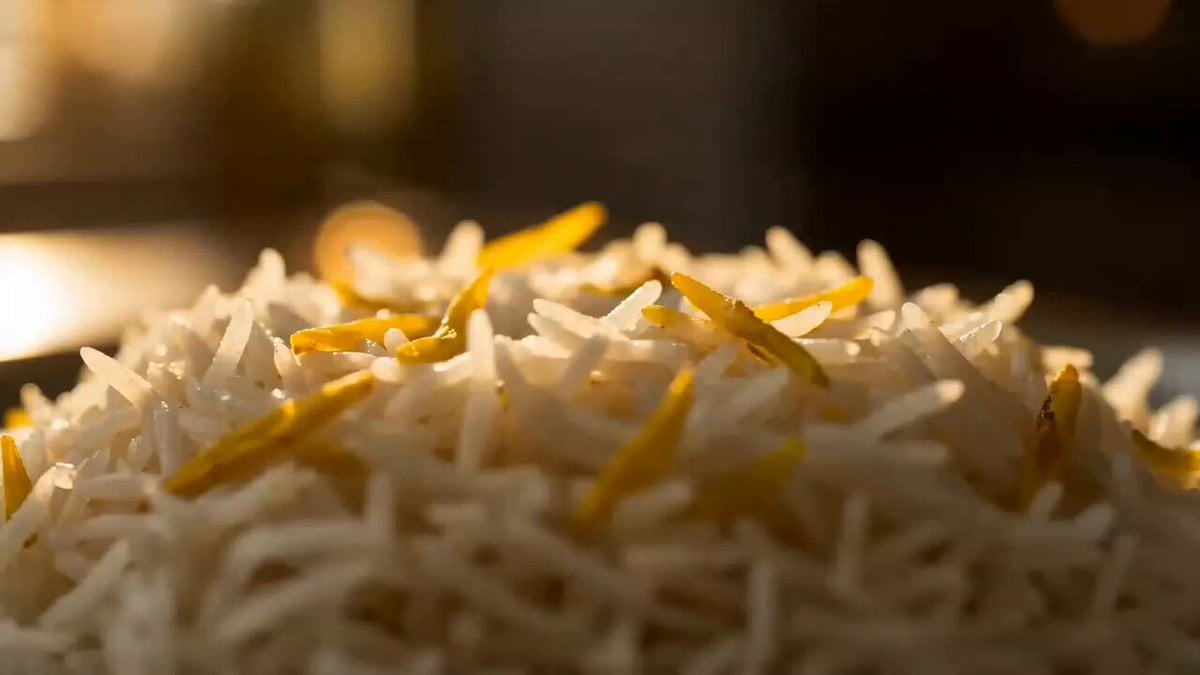
Premium Chicken Biryani Cinematic Commercial
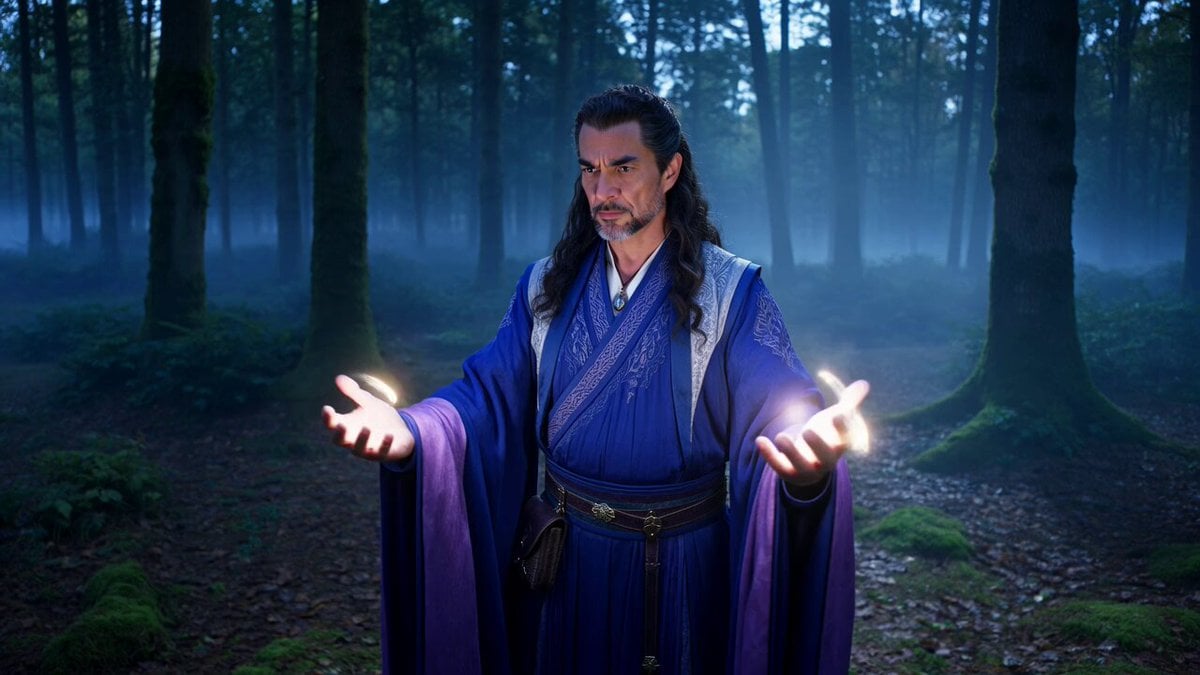
Sorcerer Casting Spells with Glowing Energy
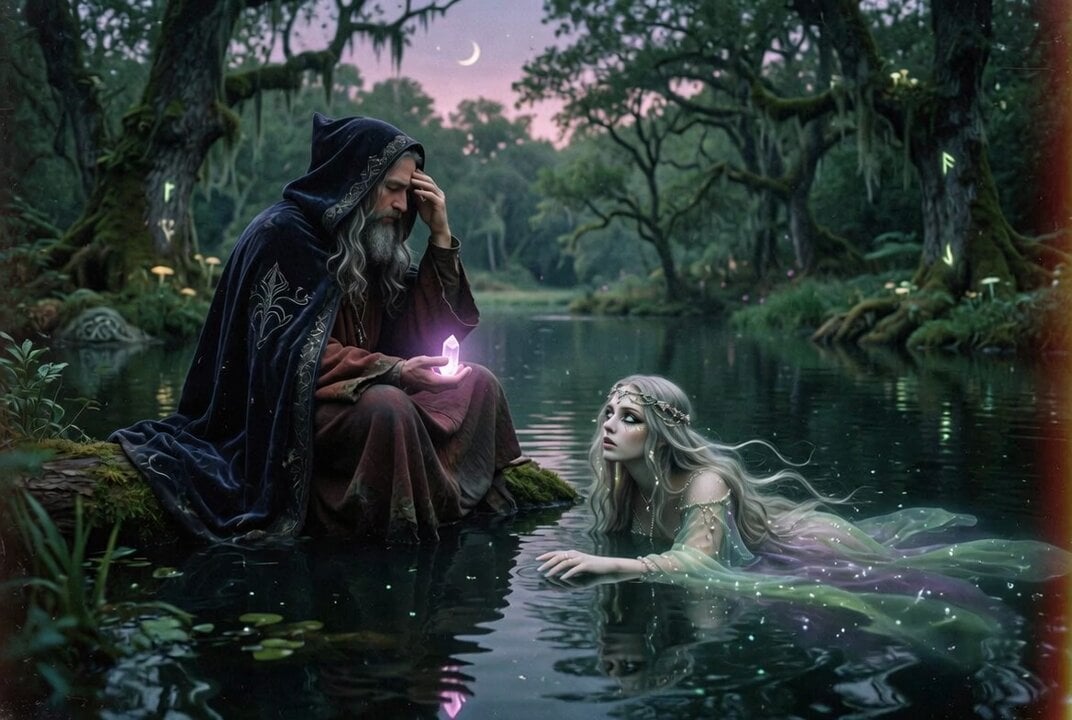
80s Fantasy Wizard and Lady
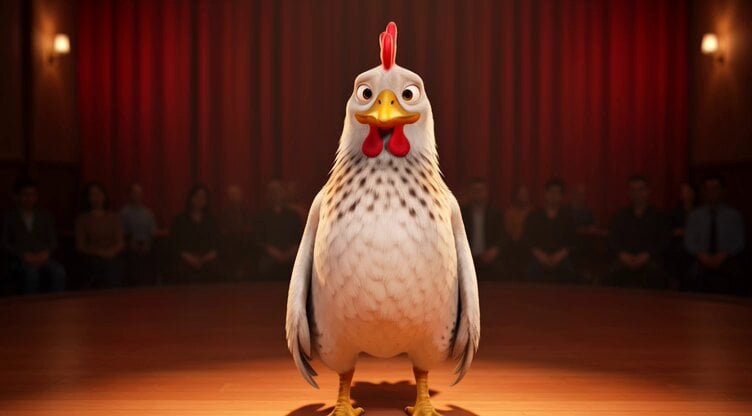
Chicken Stand-Up Comedy
Make it yours
Wizard Spell Chicken Accident works as-is. These are the safest ways to change it without losing the look.
Change one field
Copy a single group, rewrite it, and generate again so you can see what that field is doing.
Keep the frame, change the subject
Hold the composition and light of Wizard Spell Chicken Accident, then swap wardrobe, props or the person for a new take.
| If the result… | Why | Fix |
|---|---|---|
| The result drifts from the preview | Too many fields changed at once. | Reuse Wizard Spell Chicken Accident as-is first, then change one group — subject, light, or setting. |
| The model over-stylizes the scene | The prose prompt leaves finish and camera underspecified. | Add one camera or lighting sentence and stay on Seedance 2.0. |
More Seedance 2.0 templates
Other prompts made for Seedance 2.0.

Comical Martial Arts Punch Scene

Maglev Train Action Sequence

Martial Arts Fight Sequence

Wuxia Protection and Trust Script

Vintage Korean Arcade MiniDV Vlog

Mercedes 190 SL Luxury Ad

Rainy Night Supernatural Reverse Comedy Video Script

Amazon Civilization Discovery

Futuristic South Asian City Transformation

Cozy Luxury Cafe Commercial
More video prompts
Fresh picks from across the catalog.


Browse template categories
Wizard Spell Chicken Accident questions
How do I use the Wizard Spell Chicken Accident template?
Add your photo if the template asks for one, edit the prompt if you like — the template's model and format are already selected — and press Generate. Your version opens in PicX Studio.
Can I customize the Wizard Spell Chicken Accident template?
Yes. You can change the subject, setting, lighting, mood, format, and available model controls before creating your video.
Is the Wizard Spell Chicken Accident template free?
Opening and editing this template is free. Generating uses credits, shown on the Generate button when you are signed in.
Which AI model should I use?
Start with Seedance 2.0, which is the model associated with this template. You can compare another compatible model for a different finish.
Looking for something else? Browse all templates.

Your photo, any look
Thousands of ready templates for every top image and video model, from one credit balance.