
VR Survival Battle Match Cut
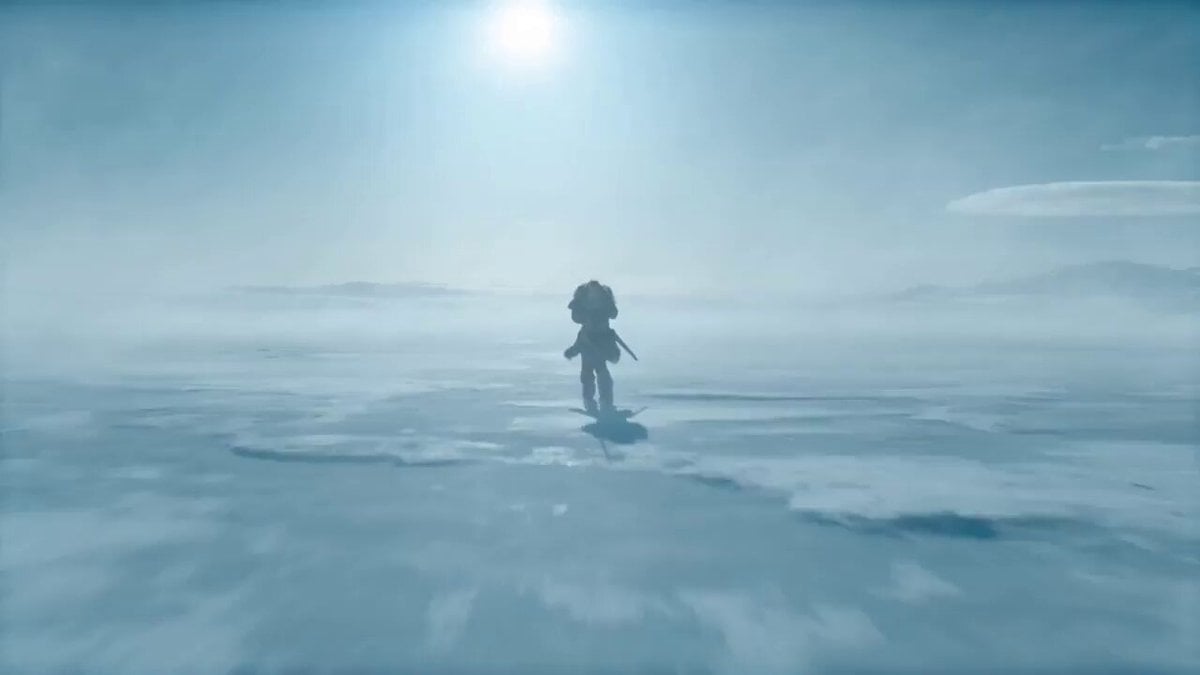
A high-concept cinematic video featuring a seamless match cut between a frozen wilderness battle and a woman removing a VR headset in her living room.
- Prompt included
- Model and format preset
- Free template
The prompt behind this video
Copy the exact prompt behind VR Survival Battle Match Cut, or open it in the studio and make it yours.
SUBJECTS: A lone sword-bearing woman in weathered fur and leather fights a massive polar bear with desperate, two-handed survival movement. The same woman is later revealed at home in loose indoor clothes, where a VR headset appears only after the match cut and is pulled off in one clear motion. ENVIRONMENT: Frozen wilderness under hard daylight, wind dragging snow across blue-white ice, then a modest lived-in home reached through a precise visual match. Winter glare and visible breath give way to soft clutter, indoor daylight, and a faint game-lit glow. MOOD: Visceral survival tension snaps into grounded reality without breaking physical continuity. COLOR LOGIC: Naturalistic Film Print Emulation TIMELINE: 0:00-0:07: One unbroken handheld move, WS collapsing into MCU as the woman backpedals across the ice and the bear launches through blowing snow. The camera runs beside the leap at eye level, 28mm shifting to 35mm, slightly unstable and close enough to keep both bodies heavy and readable. The bear closes fast while she plants, recoils, and keeps the blade between them. SFX: (howling wind, boots grinding ice, low animal roar, cloth strain, blade cutting air, snow scrape). Hard winter sun side-lights the ice and throws sharp blue shadows. 0:07-0:11: Same unbroken move, no cut, tightening into a dead-on CU as the bear surges into the last inches, claws near her shoulders, jaws filling the frame edge. Right in the middle of the attack, a man's voice calls, Karla... then sharper, KARLA. She answers with a tired off, and on that reaction the world drops into slow motion. Snow drifts almost still, the bear hangs in its strike, and only she keeps moving at normal speed as the camera orbits into her face. Bored, not afraid, she drops the sword and brings both empty hands toward her temples in one smooth interrupt gesture. No headset, visor, or device is visible in the frozen world. Stay continuous until the match cut, keeping the same face size, hand height, head angle, lens distance, and clockwise drift. SFX: (cloth strain building to near impact, a man's voice calling Karla... KARLA, her tired off, then stretched wind fading toward silence). Hard winter sun catches the slowed snow around her face. 0:11-0:15: MATCH CUT. CU to MS. Seamless mid-motion transition as her rising hands cross the same screen position and the frozen close-up becomes the home interior with the same framing and clockwise drift. The motion continues uninterrupted, and now a VR headset is visibly strapped over her eyes for the first time. She grips both sides, pulls it fully off her face, and the camera opens into a medium shot as she drops it above her forehead and steps into a small living room in loose home clothes. The handheld orbit continues, revealing couch edges, scattered blankets, and cold window light as her posture falls into mild annoyance. She turns toward the voice, rolls her eyes upward, and says, What is it.
How to use VR Survival Battle Match Cut in 3 steps
- 1
Open
The prompt is already in the box next to the preview, with the template's model and format selected.
- 2…a portrait of your subject in softgolden-hour light, 85mm…
Personalize
Edit the subject and creative details for your destination.
- 3Generate
Generate
Press Generate — your video is created in PicX Studio, so you can compare it with the original and refine one variable at a time.
More like this
Templates with the same subject, style or setup. Open one to see its prompt.
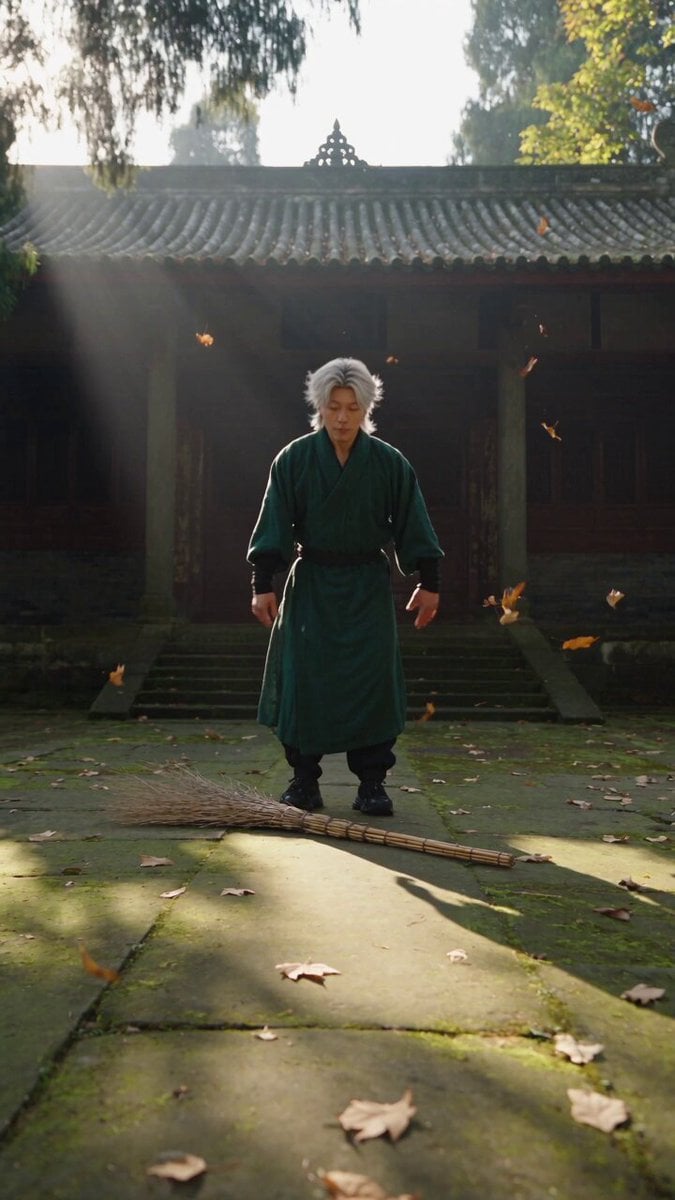
Neo-Wuxia Cinematic Action Match Cut
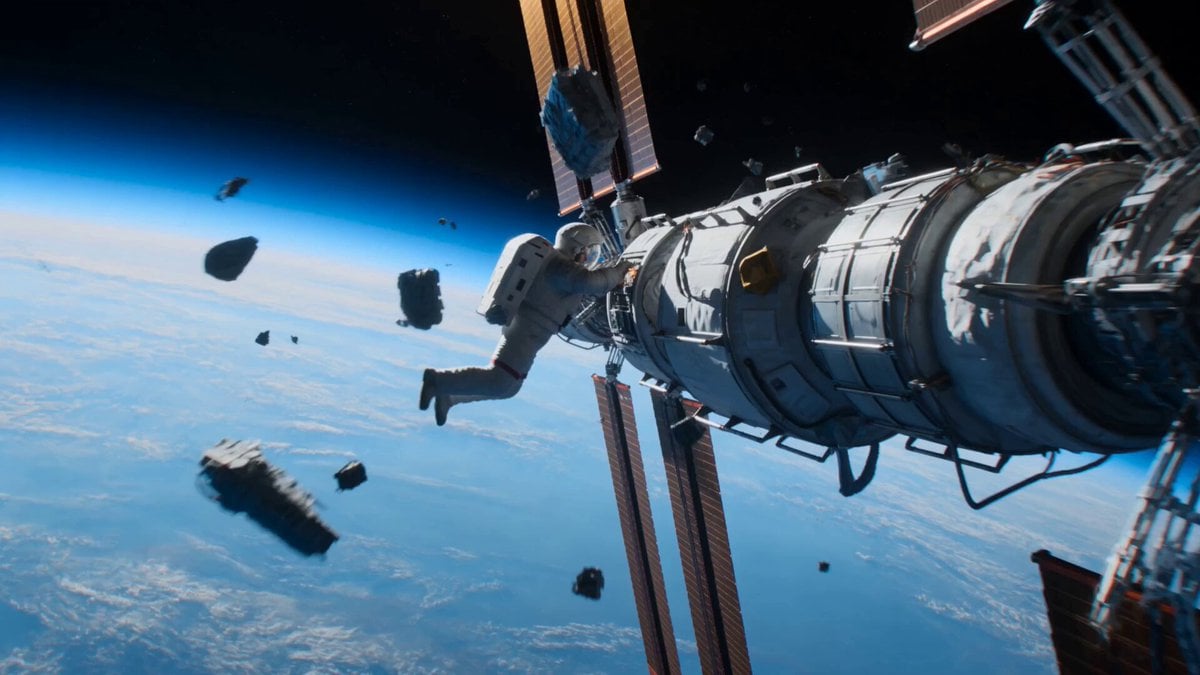
Astronaut to Apartment Match Cut Transition
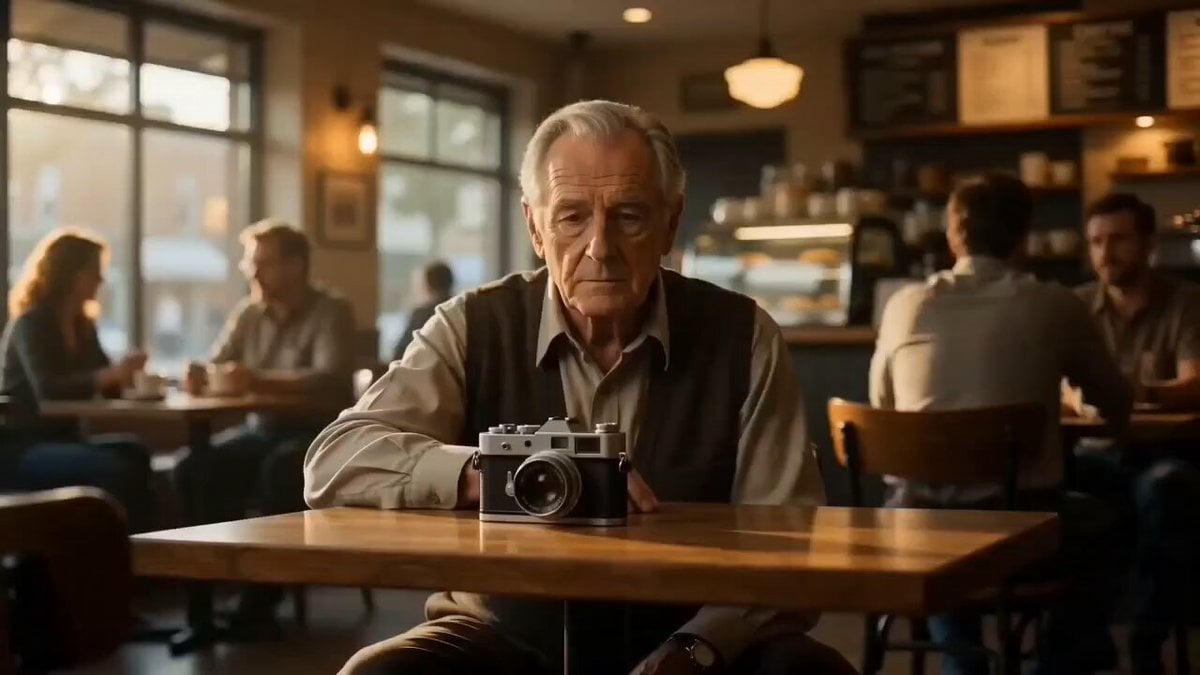
Cinematic Match Cut Flashback Sequence

Battlefield Survival Scene Prompt
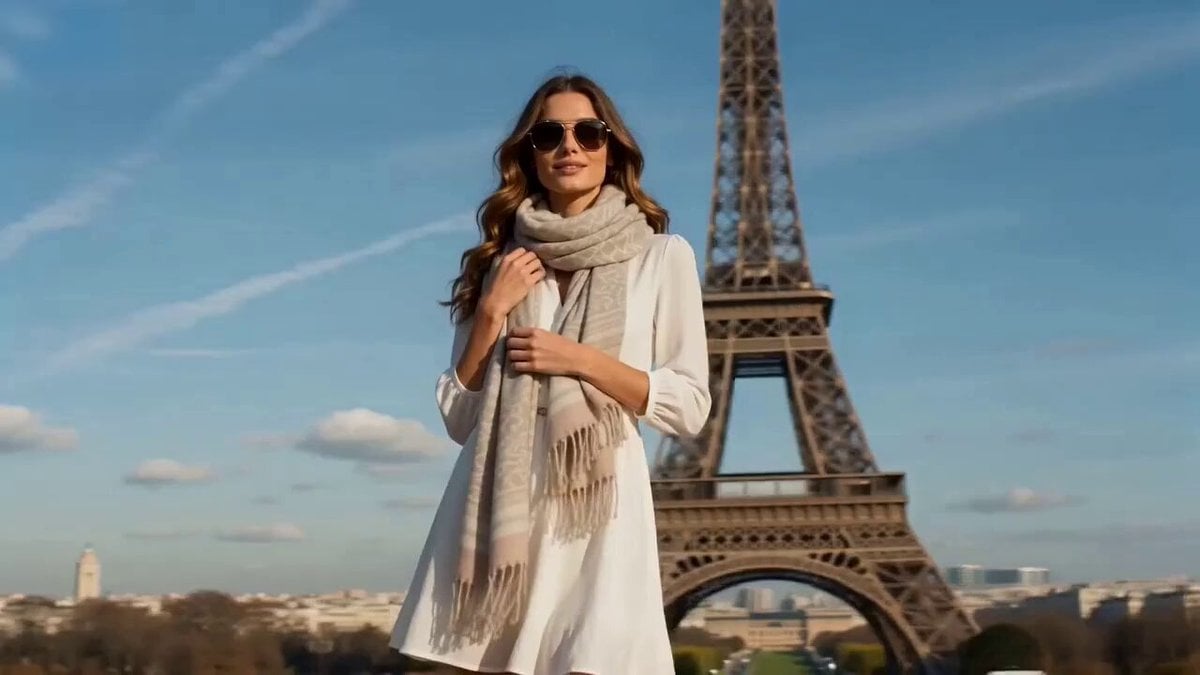
Cinematic video with continuous rotation match cut

Seamless 360° Cinematic Rotation Match-Cut Video Prompt
Swordsman vs Shadow Monster — Bamboo Forest Battle
Tiger vs Gorilla — Jungle Canyon Clash
Mecha Transformation vs Kaiju — 4-Scene Epic
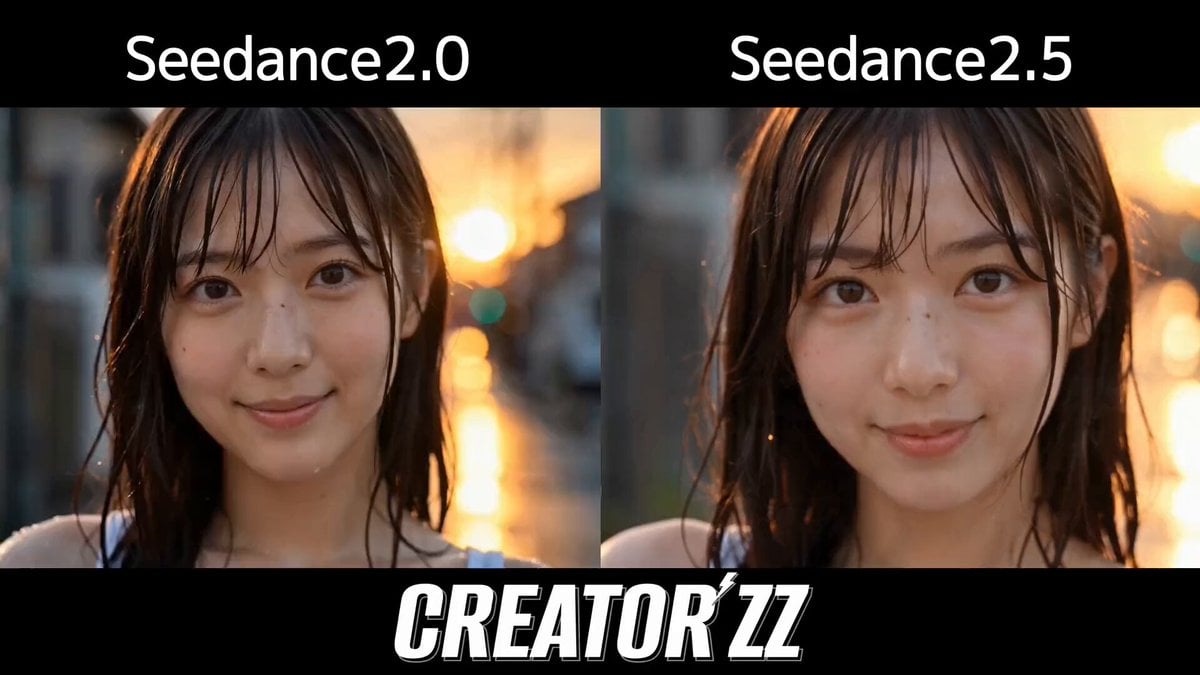
Multi-Cut Cinematic Summer Vlog Composition
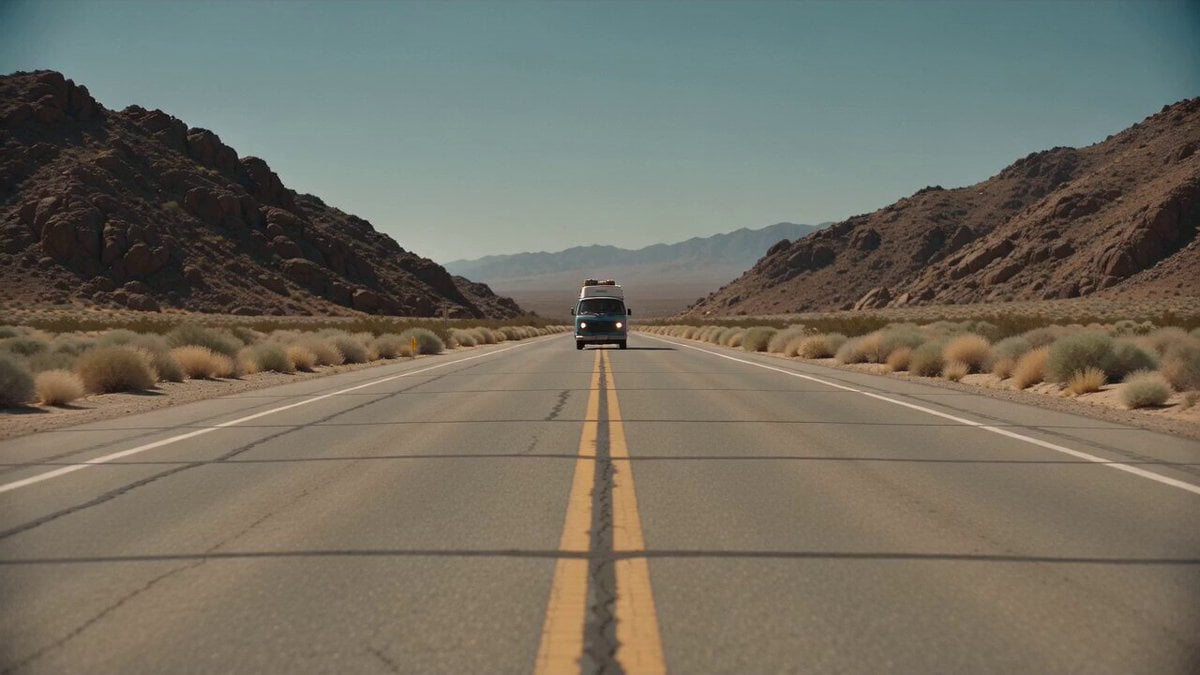
Desert Survival Alien Encounter
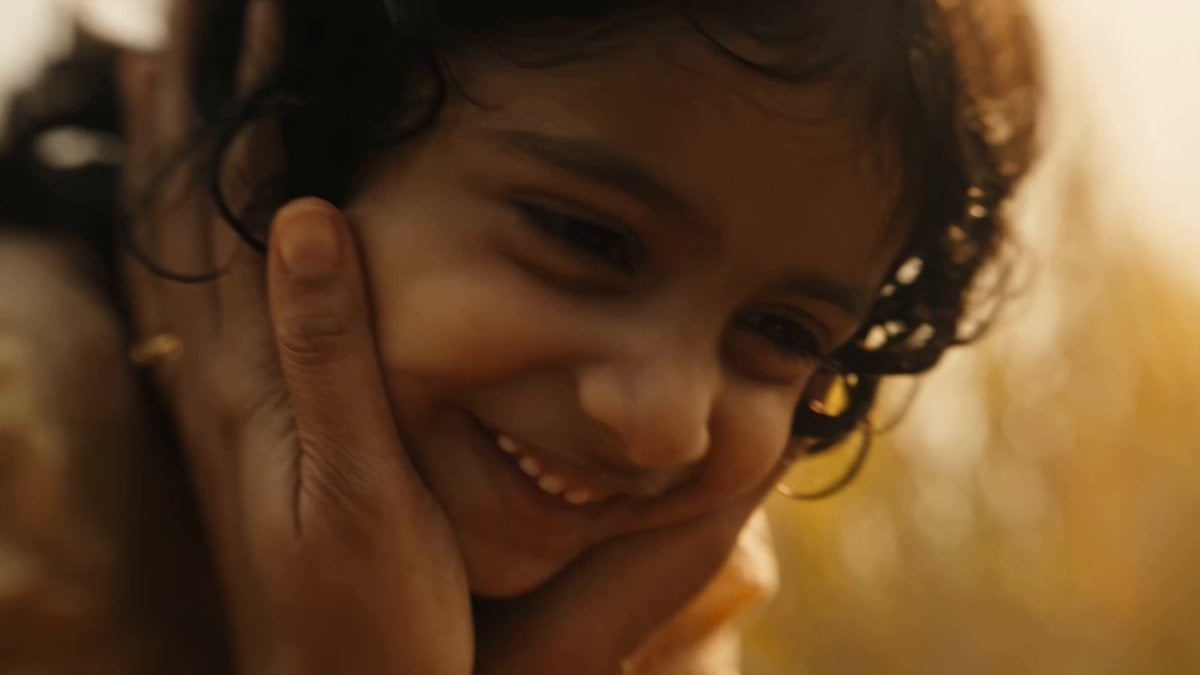
Indian Village Zombie Chase Intercut
Make it yours
VR Survival Battle Match Cut works as-is. These are the safest ways to change it without losing the look.
Change one field
Copy a single group, rewrite it, and generate again so you can see what that field is doing.
Keep the frame, change the subject
Hold the composition and light of VR Survival Battle Match Cut, then swap wardrobe, props or the person for a new take.
| If the result… | Why | Fix |
|---|---|---|
| The result drifts from the preview | Too many fields changed at once. | Reuse VR Survival Battle Match Cut as-is first, then change one group — subject, light, or setting. |
| The model over-stylizes the scene | The prose prompt leaves finish and camera underspecified. | Add one camera or lighting sentence and stay on Seedance 2.0. |
More Seedance 2.0 templates
Other prompts made for Seedance 2.0.

Comical Martial Arts Punch Scene

Maglev Train Action Sequence

Martial Arts Fight Sequence

Wuxia Protection and Trust Script

Vintage Korean Arcade MiniDV Vlog

Mercedes 190 SL Luxury Ad

Rainy Night Supernatural Reverse Comedy Video Script

Amazon Civilization Discovery

Futuristic South Asian City Transformation

Cozy Luxury Cafe Commercial
More video prompts
Fresh picks from across the catalog.
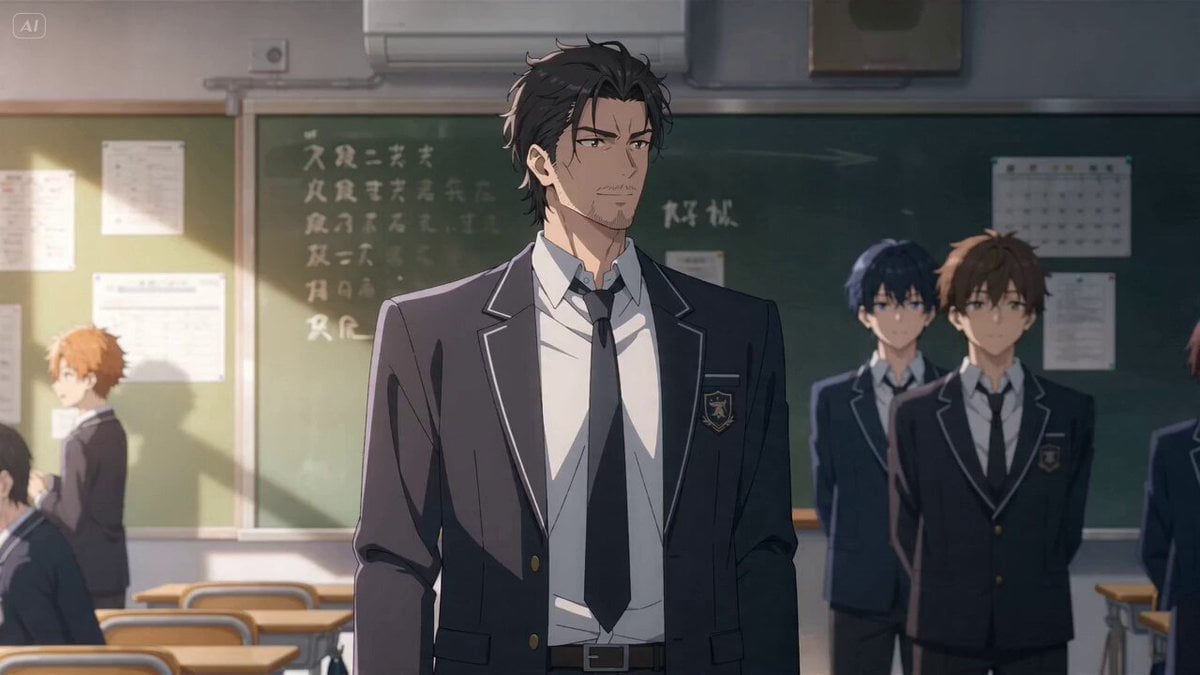
Classroom Gathering and Group Photo
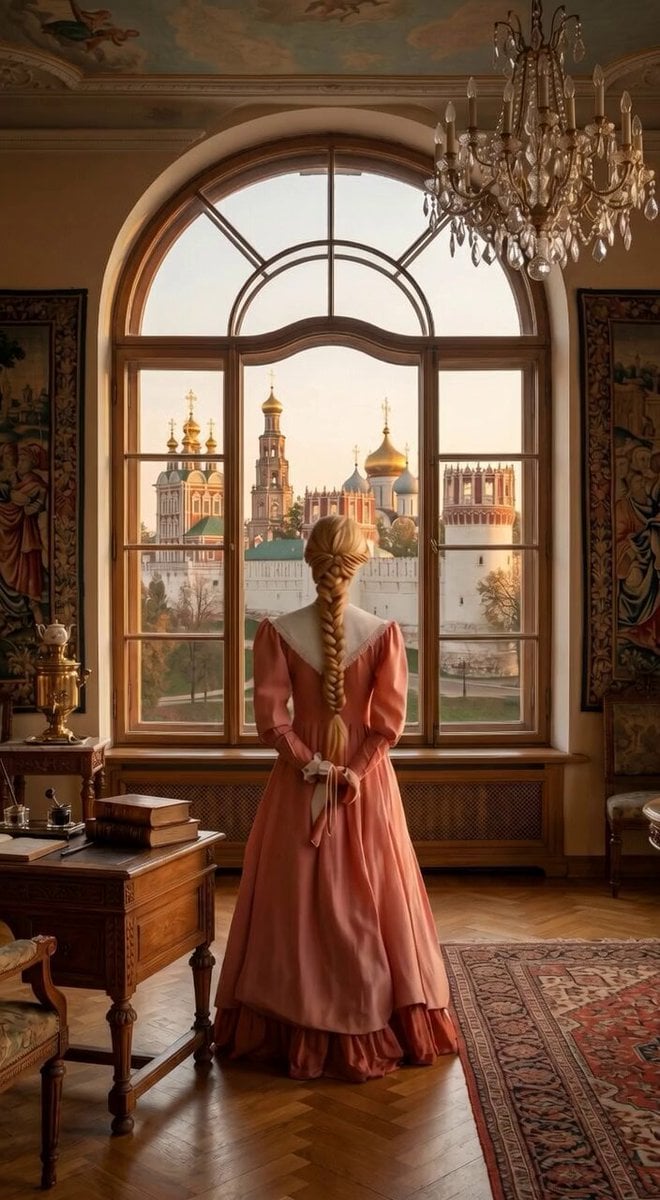
Interior to Exterior Panning Shot
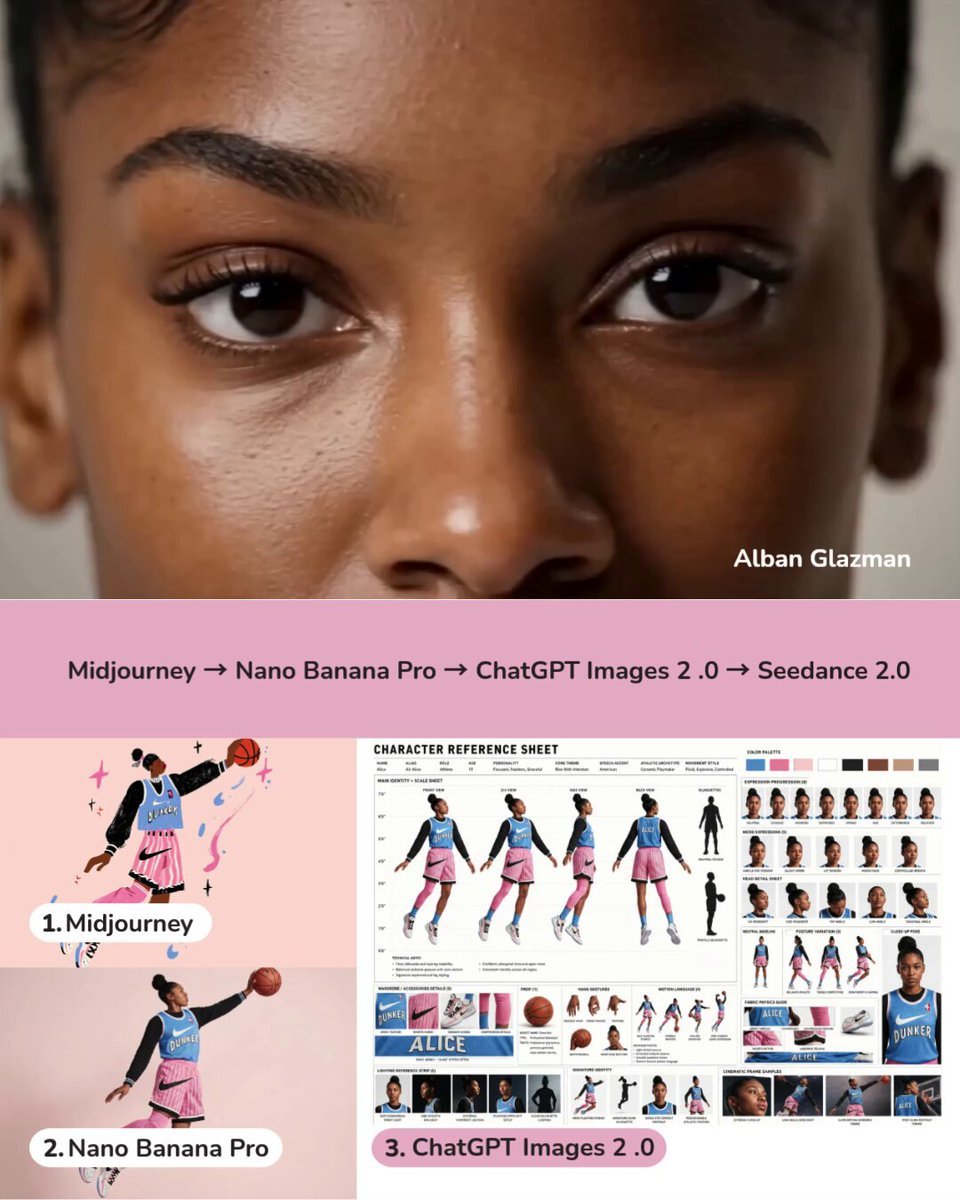
Dynamic Character Sheet Reference
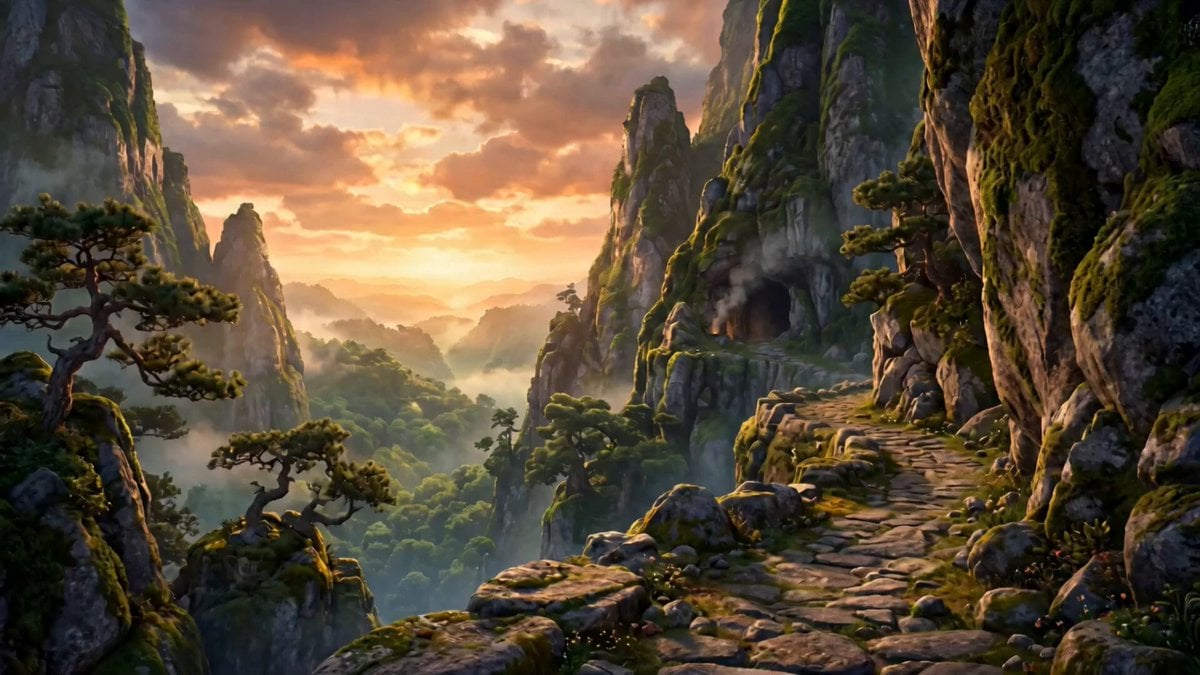
Animated Fantasy Film Scene
Alien Tractor Ambush at Tea Estate
Sci-Fi Character and Storyboard Adherence Prompt
IPL Stadium Catch Broadcast
Medieval Woman with Silver Veil and Sword
Detailed Seedance 2.0 prompt for a dancing fox girl
Seedance 2.0 Video Prompt: High-Speed Skateboard Chase
Browse template categories
VR Survival Battle Match Cut questions
How do I use the VR Survival Battle Match Cut template?
Add your photo if the template asks for one, edit the prompt if you like — the template's model and format are already selected — and press Generate. Your version opens in PicX Studio.
Can I customize the VR Survival Battle Match Cut template?
Yes. You can change the subject, setting, lighting, mood, format, and available model controls before creating your video.
Is the VR Survival Battle Match Cut template free?
Opening and editing this template is free. Generating uses credits, shown on the Generate button when you are signed in.
Which AI model should I use?
Start with Seedance 2.0, which is the model associated with this template. You can compare another compatible model for a different finish.
Looking for something else? Browse all templates.

Your photo, any look
Thousands of ready templates for every top image and video model, from one credit balance.